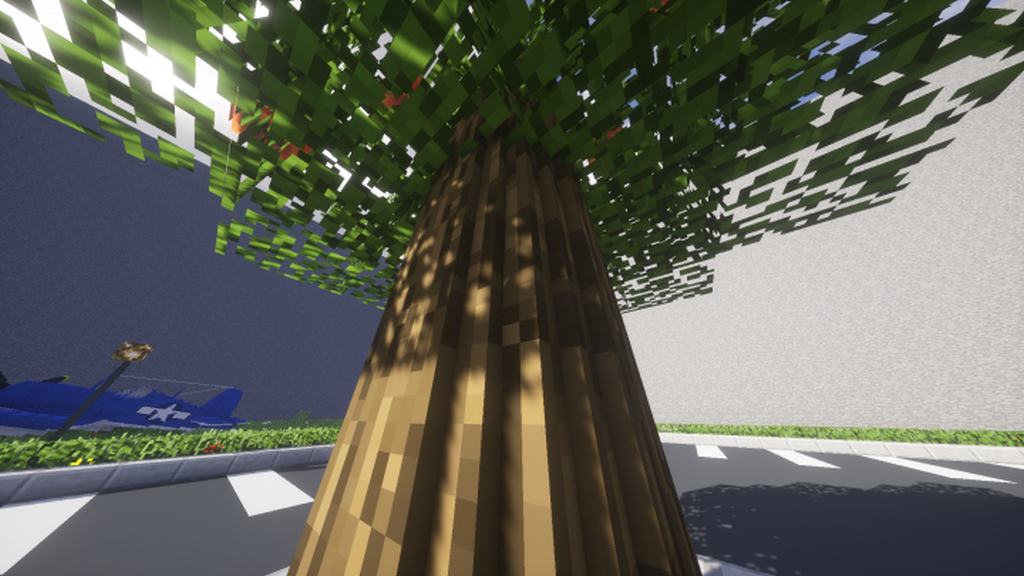
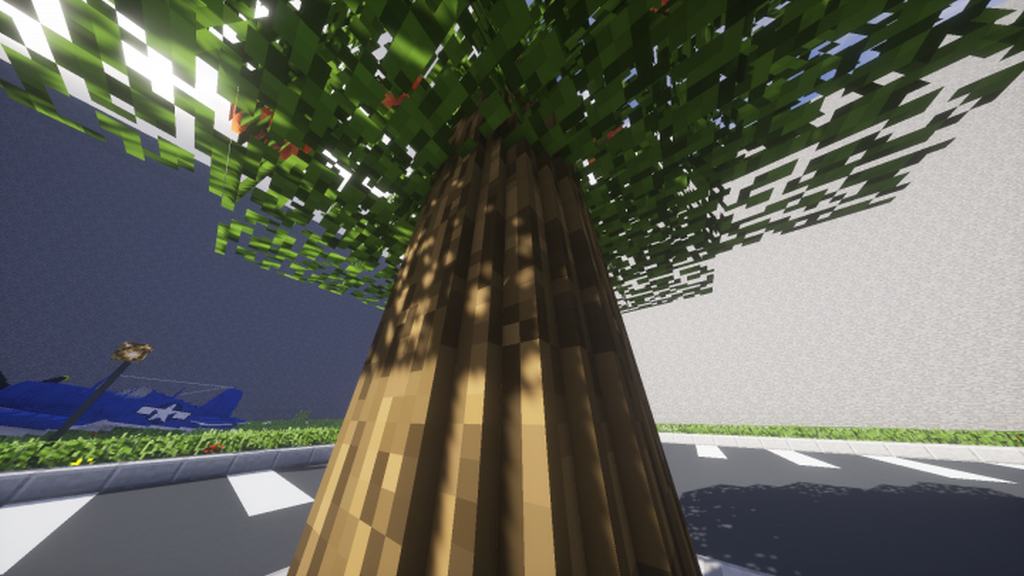
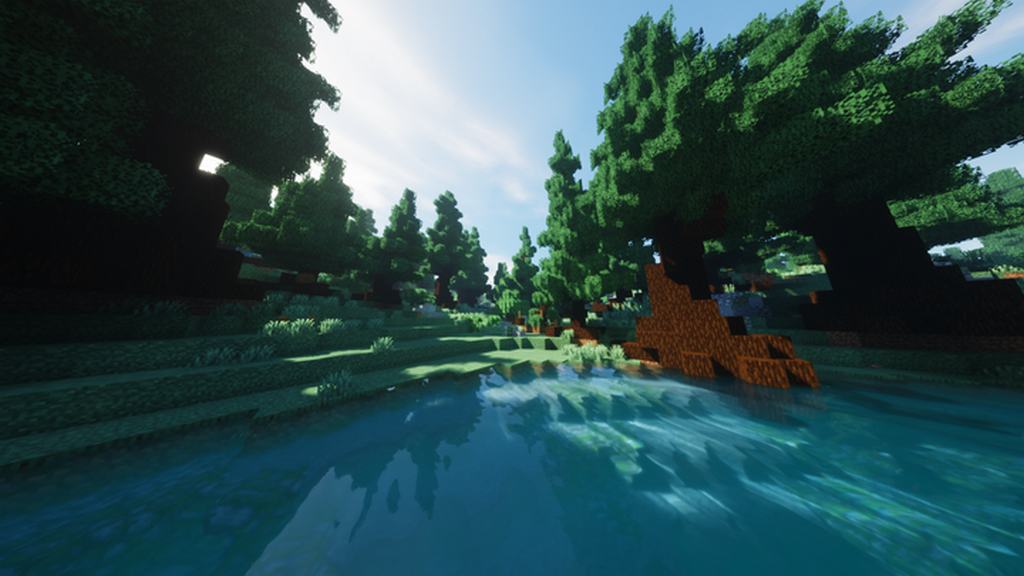
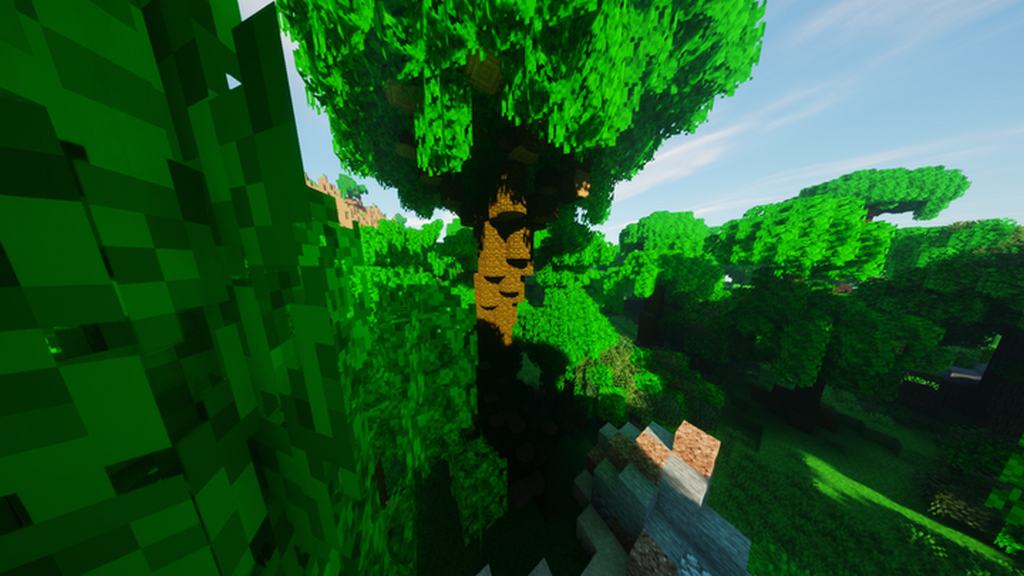
The idea of a resource pack called the Round Trees Resource Pack might sound a bit unusual at first. After all, Minecraft is completely defined by its blocky textures, where even the friendly mobs and adorable animals are shaped entirely as cubes! But trust me, once you load up this resource pack, you will be able to bring genuinely rounder-looking trees right into your standard Minecraft adventure. The most creative designers in the entire Minecraft community are always the ones willing to push the absolute boundaries of what we can achieve inside the game, and this pack stands as a brilliant example of that dedication. Inside the Round Trees pack, every single tree texture is cleverly tweaked to display a much more organic and natural design, which feels like a massive visual upgrade over the standard, rigid blocky textures that Minecraft trees usually feature. Installing the Round Trees texture pack transforms your in-game forests to adopt an aesthetic similar to the charming Voxel-Based graphics often found in modern indie games. For a community-driven project, Round Trees is astonishingly clean and makes a remarkably huge impact on the overall atmosphere of your world. The absolute best part is how this substantial visual enhancement manages to feel subtle without constantly slapping you in the face as an over-the-top modification.
You can easily play for hours without even fully realizing that you have actively modified your trees! Beyond just rounding out the canopies, the Round Trees resource pack also seriously boosts the visual appeal of any structures you build using raw wood logs. If you are an avid builder who loves working with log blocks, this extra layer of visual depth dramatically improves how your entire base looks. What is even better is that the pack boasts fantastic compatibility with countless other resource packs. Because it strictly focuses on altering the tree textures, you can seamlessly layer it into almost any existing resource pack collection you currently use. This ultimate flexibility gives you total freedom to completely personalize your Minecraft world, tailoring your gameplay into a truly unique experience. If you are stressing about performance or whether your rig can handle it, you can totally relax. Since Round Trees sticks to the classic 16×16 resolution, you will have zero trouble running it smoothly on literally any device that can handle vanilla Minecraft. If you want to experience everything the Round Trees resource pack brings to the table, diving in is super straightforward. You do not need any complicated mods, and it will not cause even a single hiccup in your frame rate. Simply follow our installation guide below, and before you even realize it, you will be exploring these gorgeous rounded trees for yourself.
Round Trees should be compatible with all of these Minecraft versions: 26.2 – 26.1.2 – 26.1.1 – 26.1 – 1.21.11 – 1.21.10 – 1.21.9 – 1.21.8 – 1.21.7 – 1.21.6 – 1.21.5 – 1.21.4 – 1.21.3 – 1.21.2 – 1.21.1 – 1.21 – 1.20.6 – 1.20.5 – 1.20.4 – 1.20.3 – 1.20.2 – 1.20.1 – 1.20 – 1.19.4 – 1.19.3 – 1.19.2 – 1.19.1 – 1.19 – 1.18.2 – 1.18.1 – 1.18 – 1.17.1 – 1.17 – 1.16.5 – 1.16.4 – 1.16.3 – 1.16.2 – 1.16.1 – 1.16 – 1.15.2 – 1.15.1 – 1.15 – 1.14.4 – 1.14.3 – 1.14.2 – 1.14 – 1.13.2 – 1.13.1 – 1.13 – 1.12.2 – 1.12 – 1.11.2 – 1.11 – 1.10.2 – 1.10 – 1.9.4 – 1.9 – 1.8.9 – 1.8.8 – 1.8.1 – 1.8.6 – 1.8
Screenshots


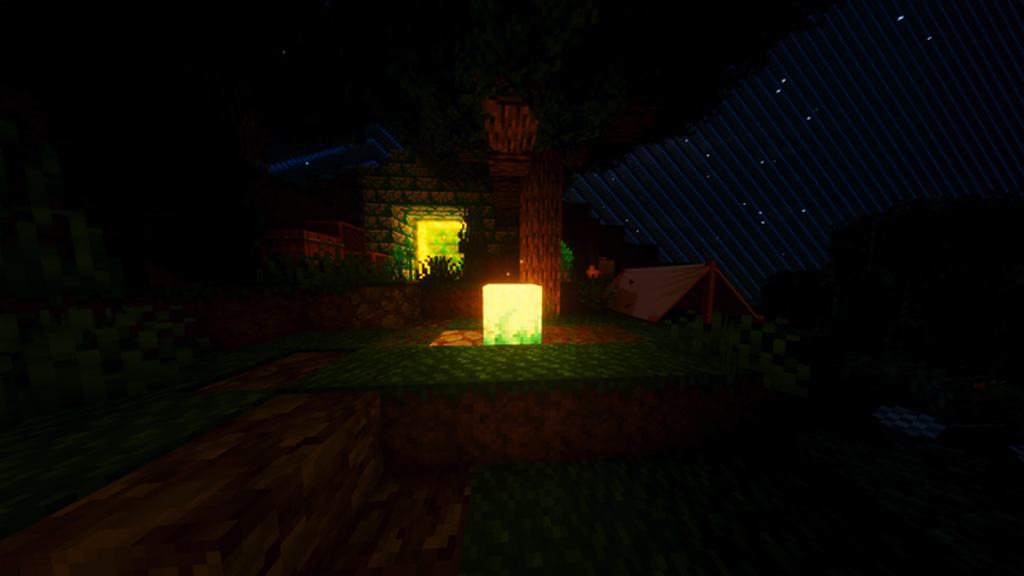
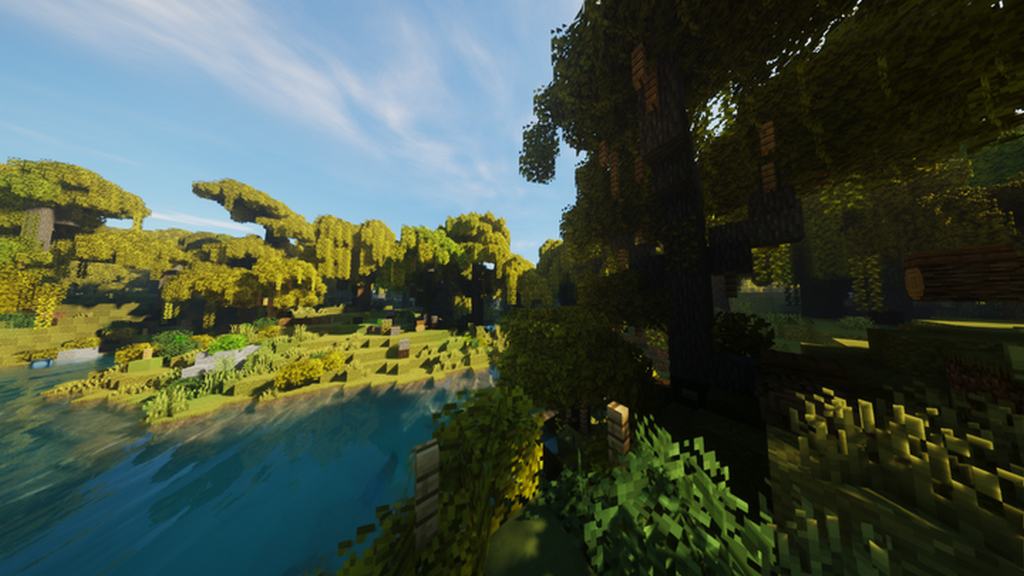
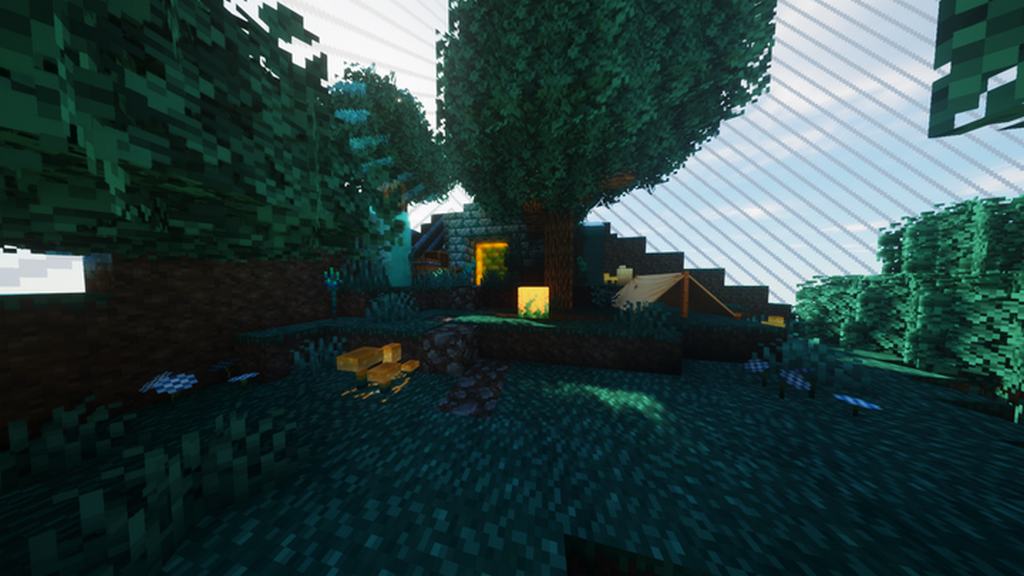
How to Install Texture Pack (Simple 10 Steps)
- Download OptiFine: Most of the texture packs and shaders need OptiFine. That’s why, first download and install OptiFine for the version of Minecraft you want to play.
- Download the Texture Pack: Get the texture pack you want from the download section. Choose the version that works with your Minecraft and your PC’s performance.
- Open Minecraft Launcher: Start Minecraft using the official game launcher — or even TLauncher, if you use that.
- Go to Options: From the main menu, click on the “Options” button.
- Open Resource Packs: Inside Options, click on “Resource Packs…”.
- Open the Resource Pack Folder: Click on “Open Resource Pack Folder” — this will open a folder named “resourcepacks”.
- Move the Pack File: Copy or move the .zip file you downloaded into that “resourcepacks” folder. (Don’t unzip the file — Minecraft uses it as-is!)
- Go Back and Refresh: Close the folder and click “Done”, then go back into “Resource Packs…” again.
- Activate the Pack: You’ll see the pack on the left side. Hover over it and click the arrow to move it to the right (active side).
Tip: If you get a message that the pack is for a different version, just click “Yes” — it usually works fine. - Click Done and Enjoy: Click “Done” again. Now your pack is ready to use in-game. It’s that easy!
Credits
This resource pack was created by Motschen. We do not claim ownership of this content, nor do we host or modify any files on our servers. All rights and original ownership belong entirely to Motschen. We strongly encourage you to support the creator by downloading the pack directly from their official channels.
Download Links
Java Edition
Download Instructions
Curseforge: download starts automatically after a few seconds;
Mediafire: click the big blue button with the text “DOWNLOAD”;
Google Drive: in the top right corner you will see a small download icon (down arrow), click it and the download should start;


