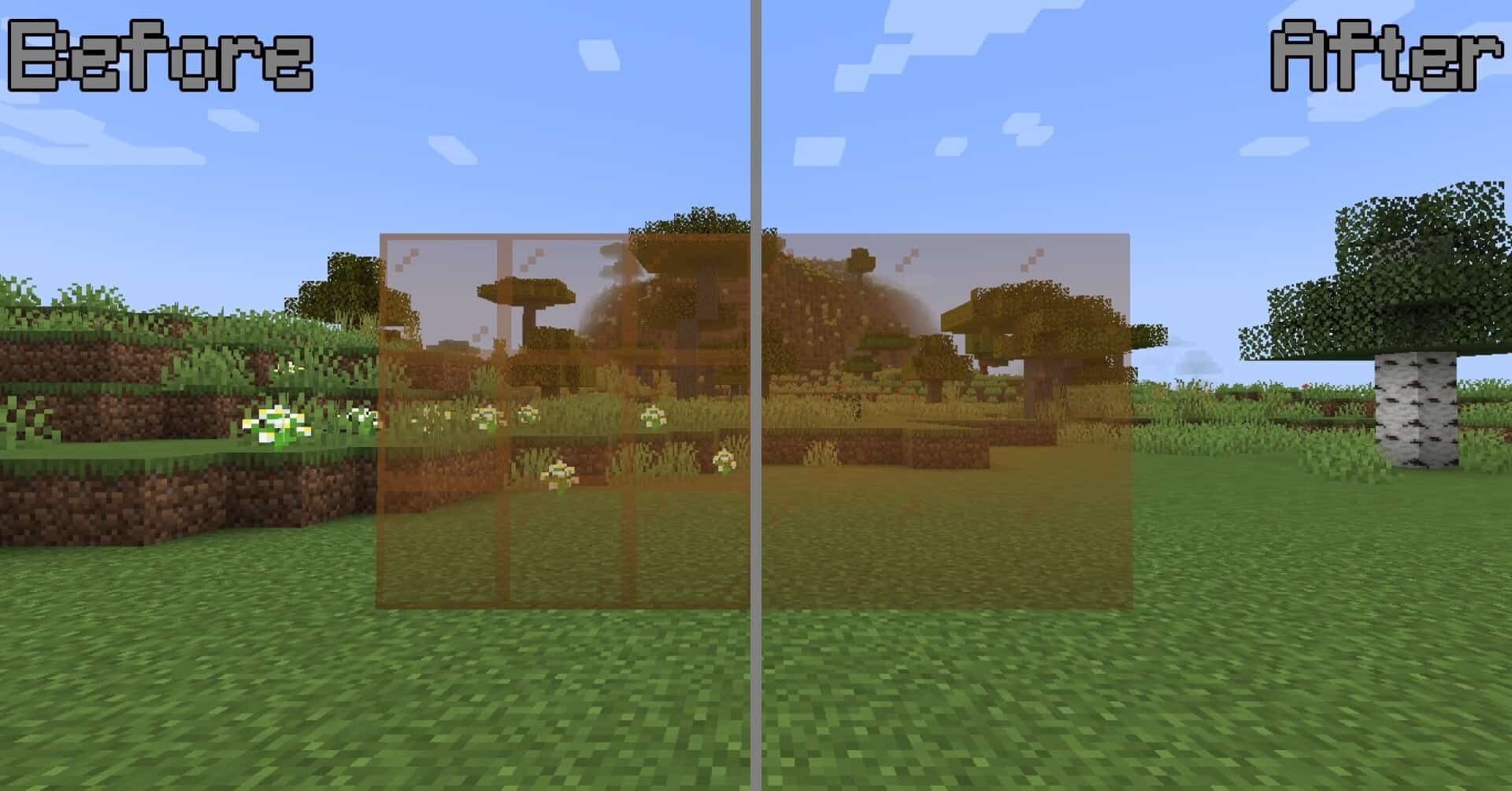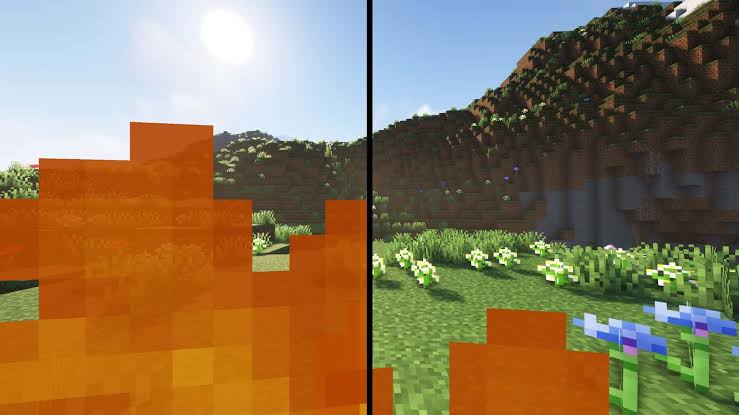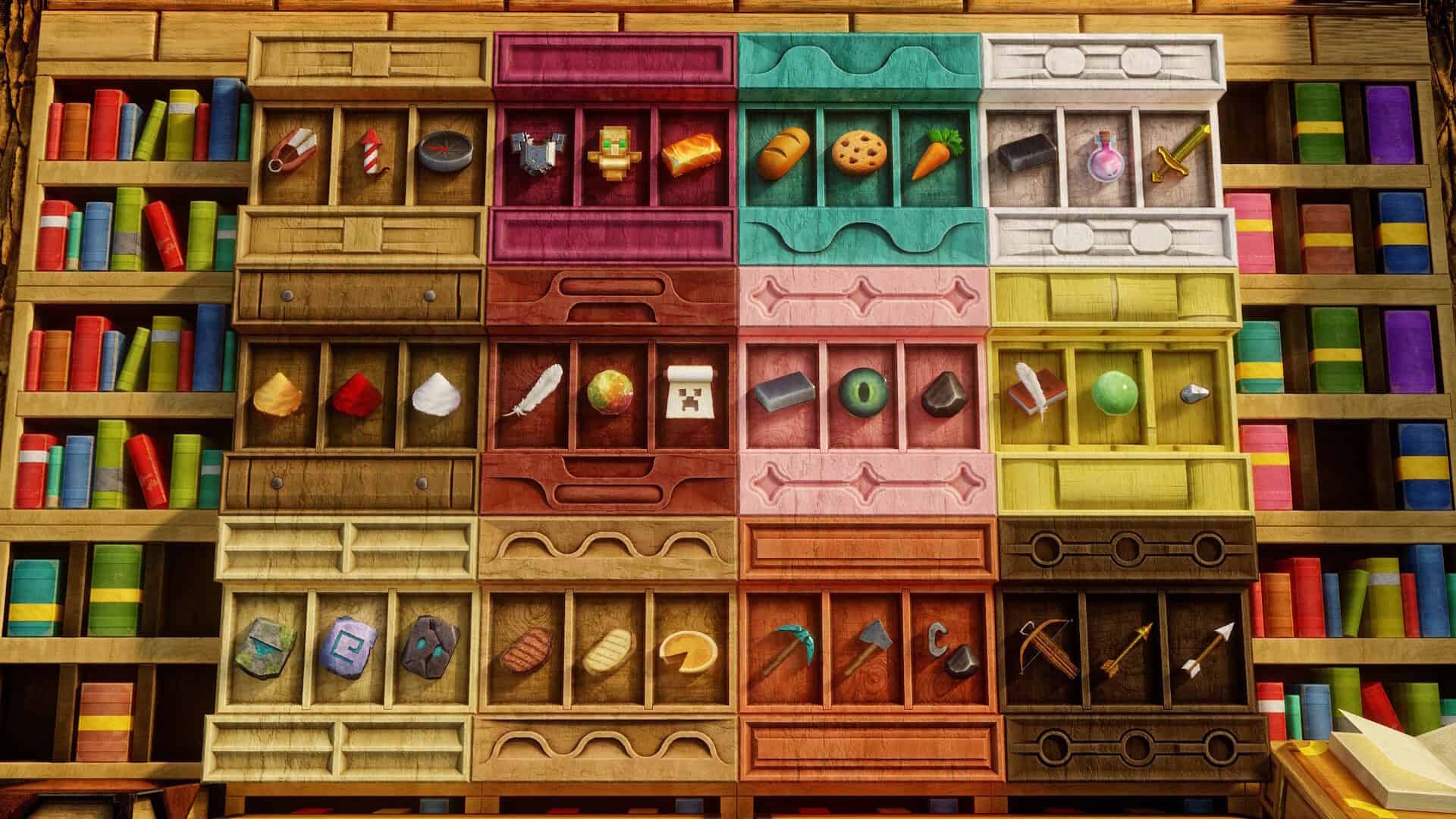
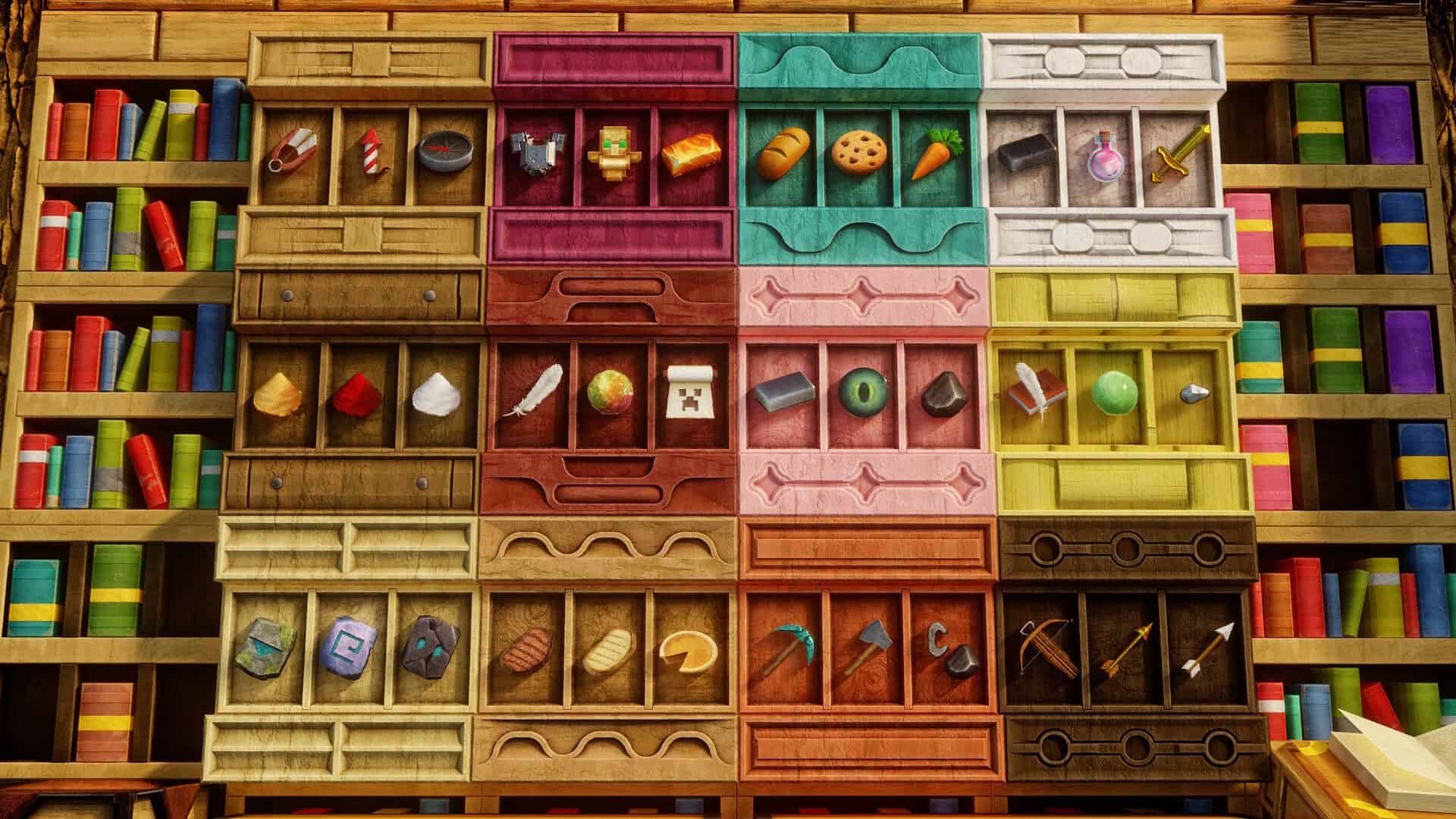
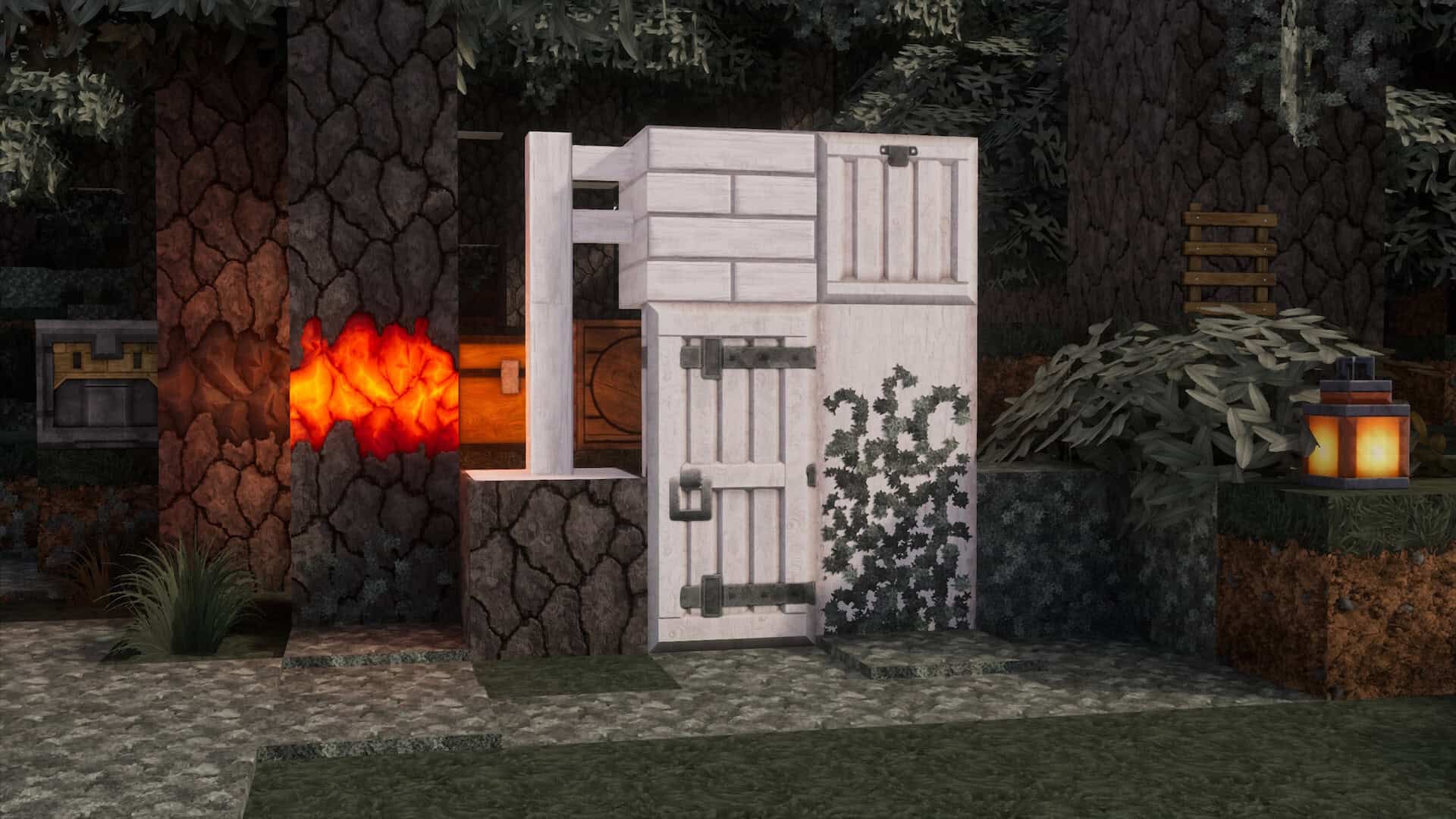
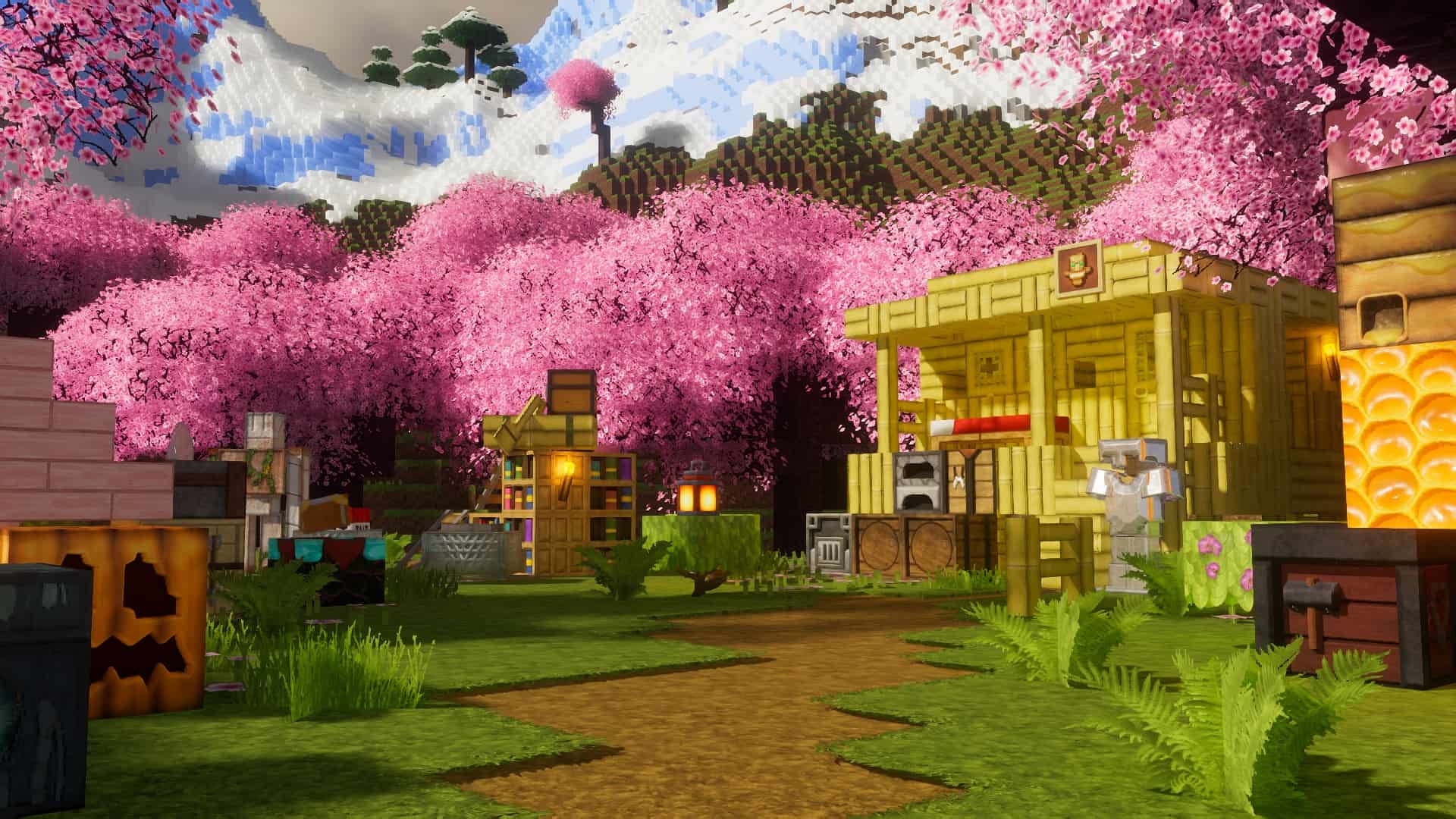
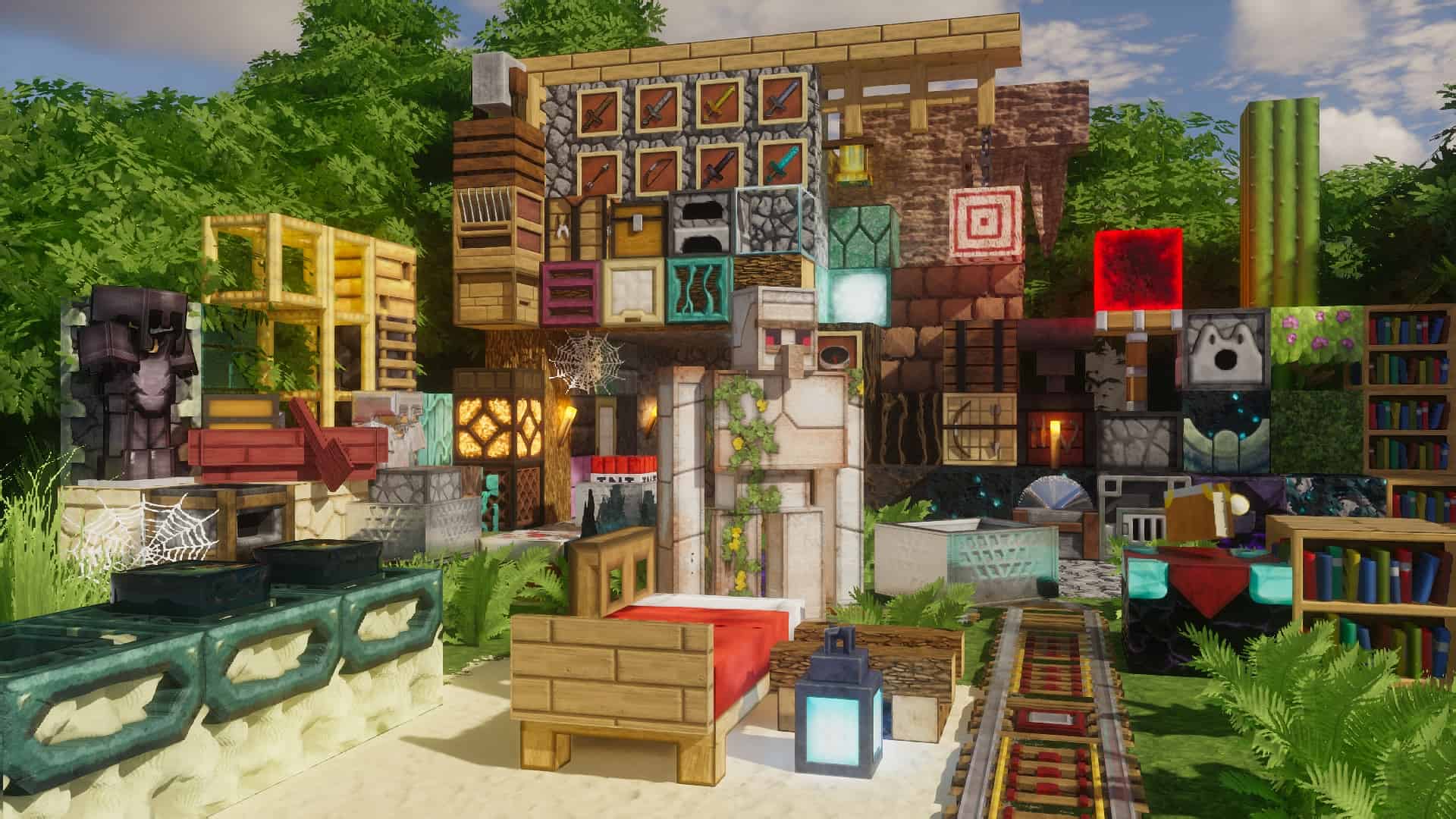
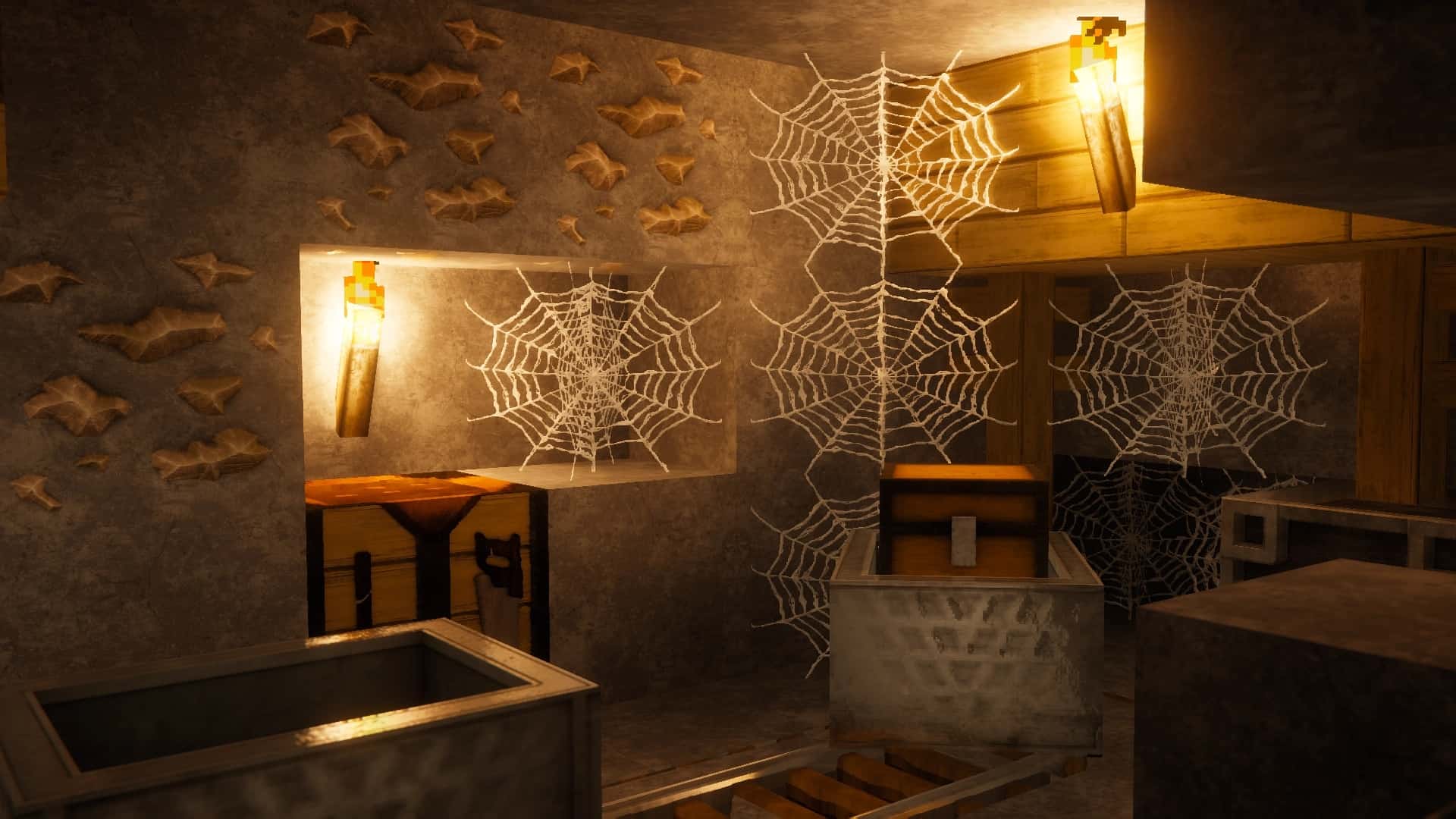
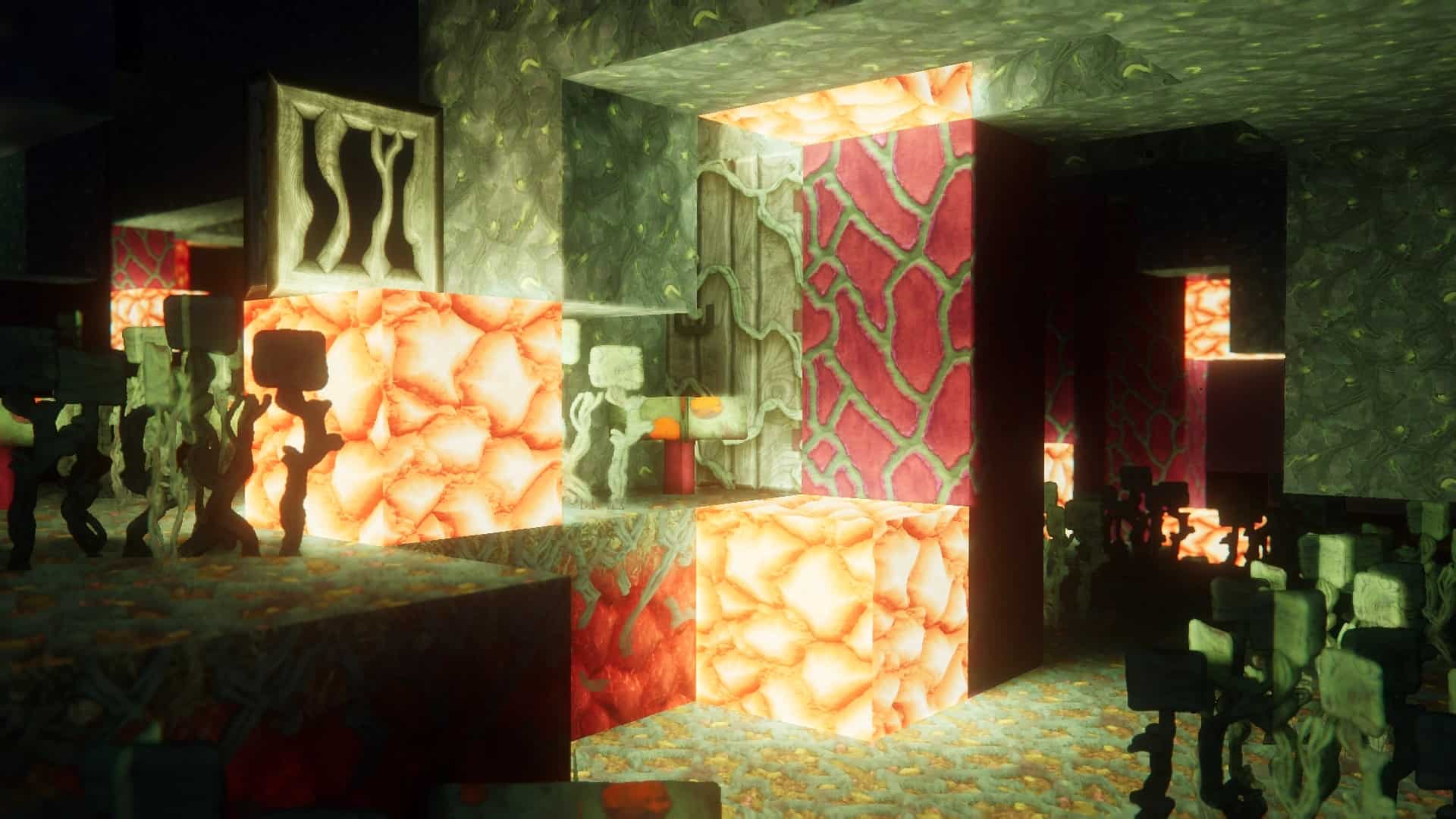
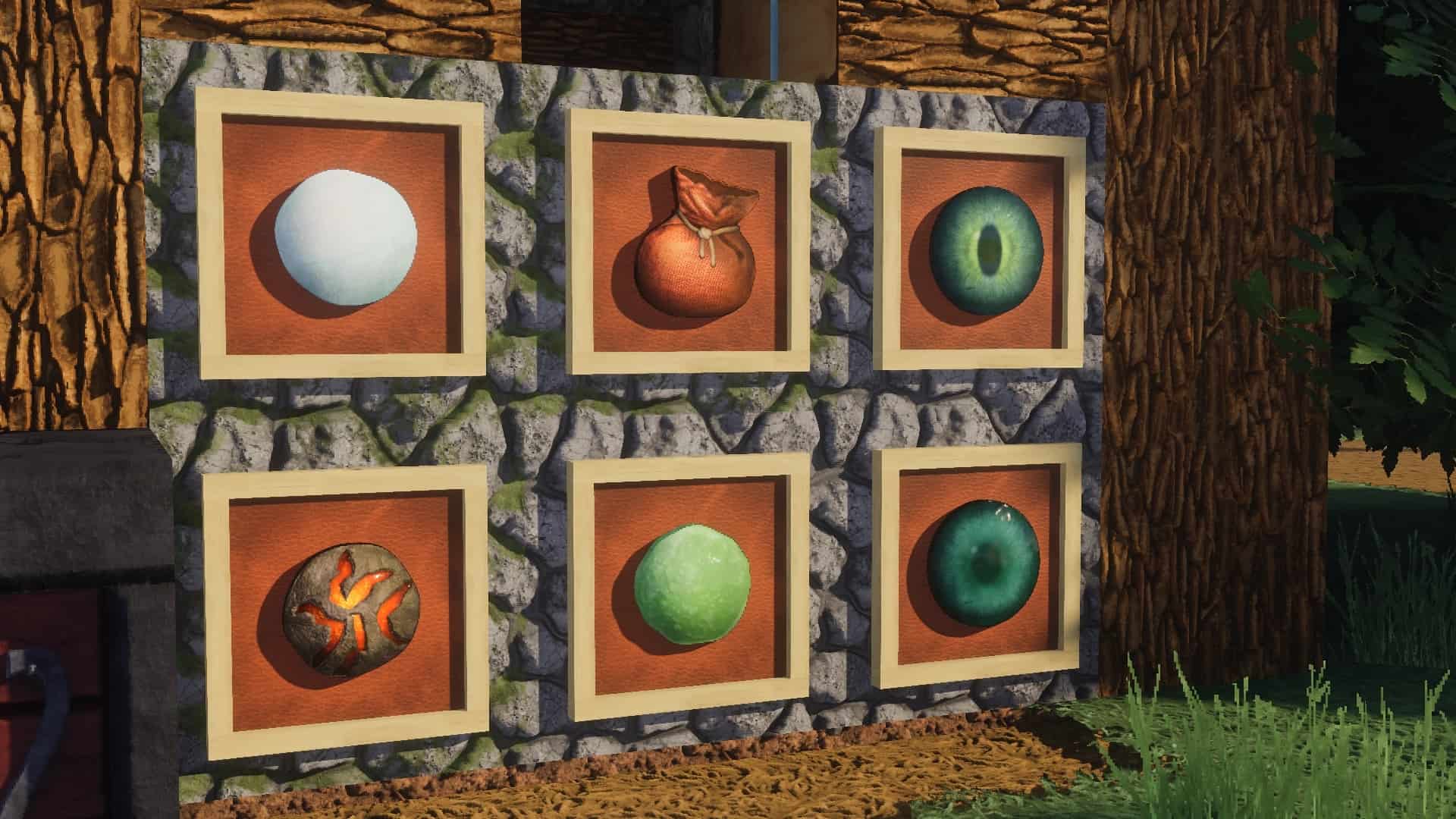
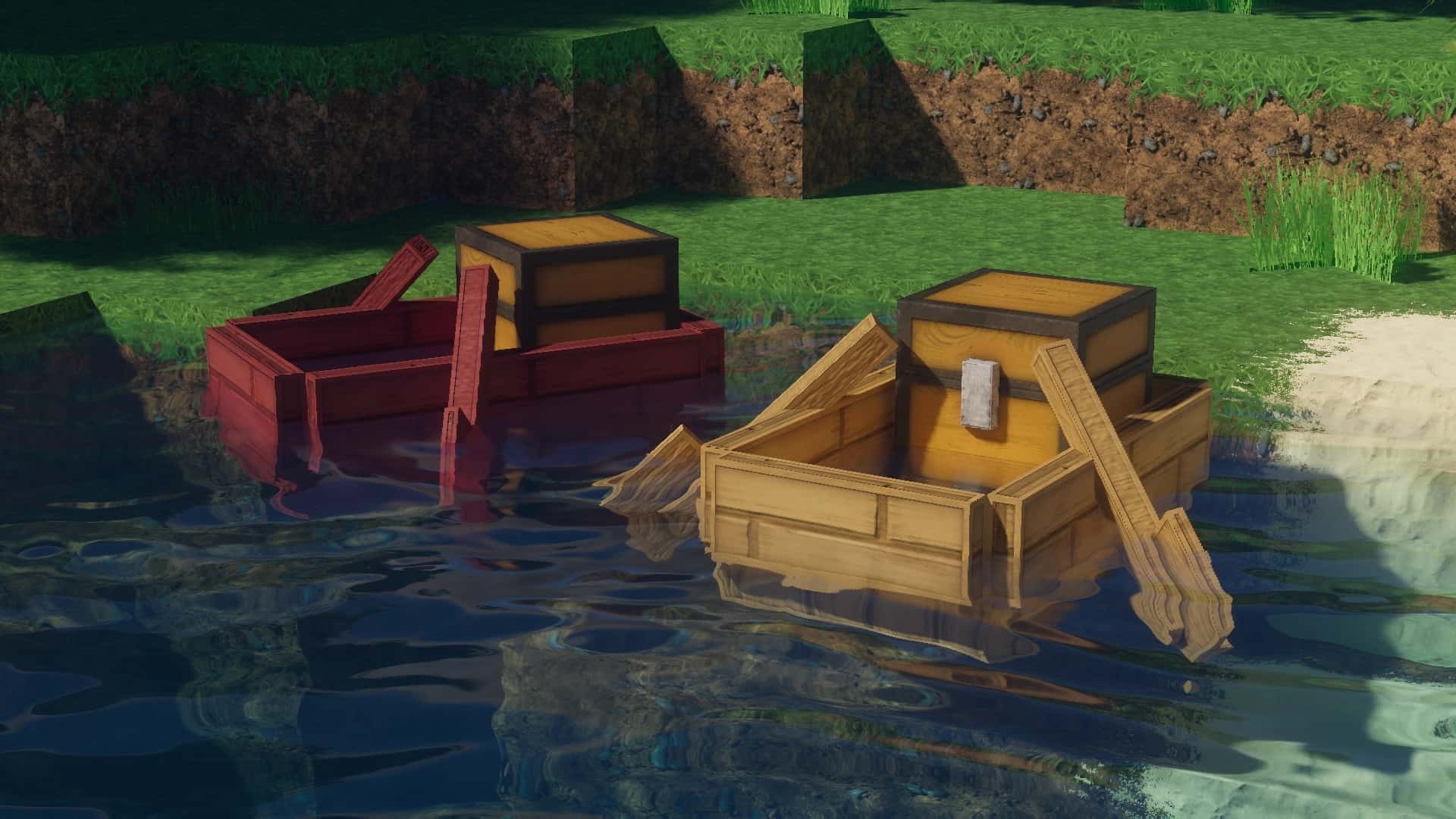
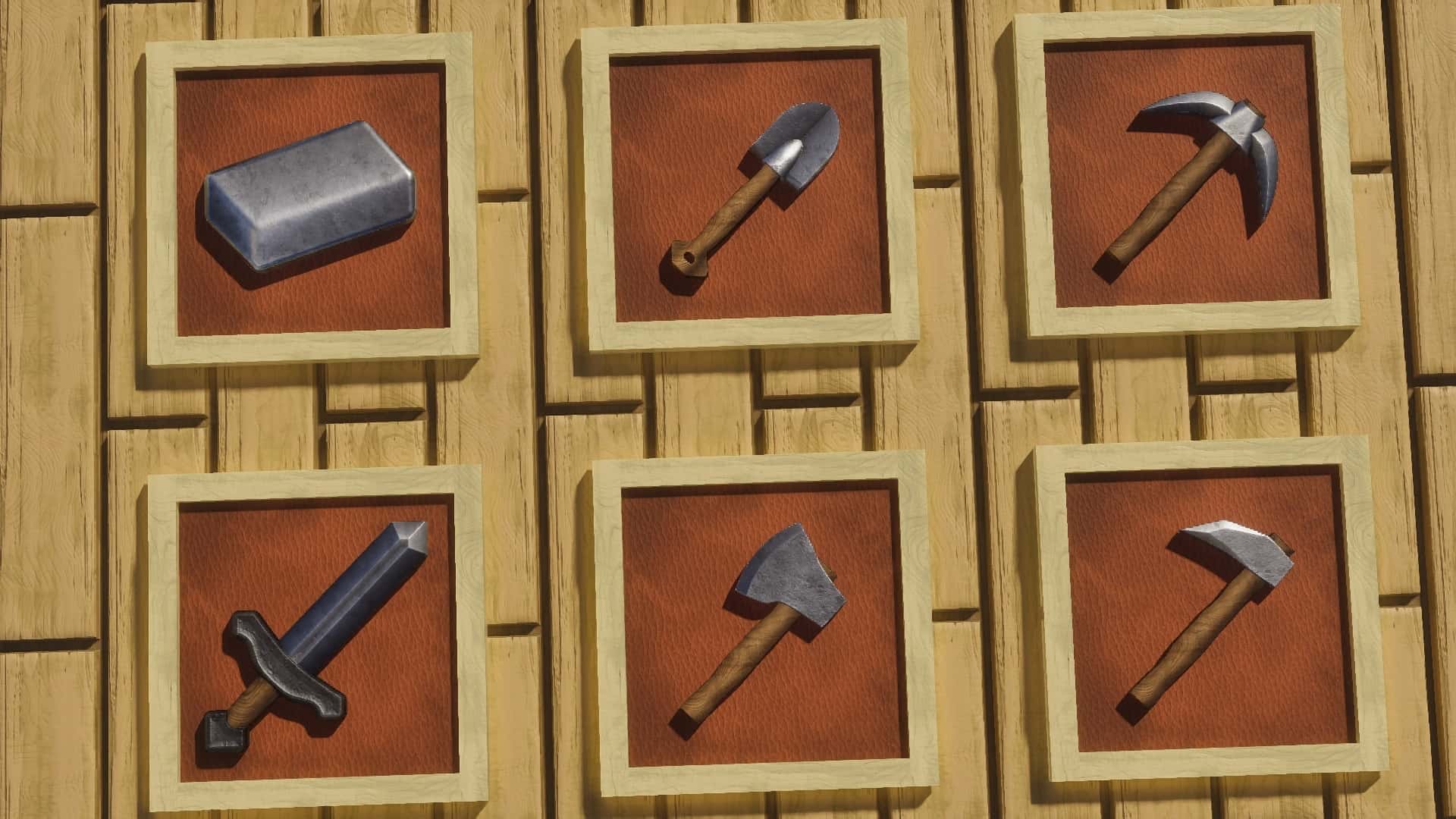
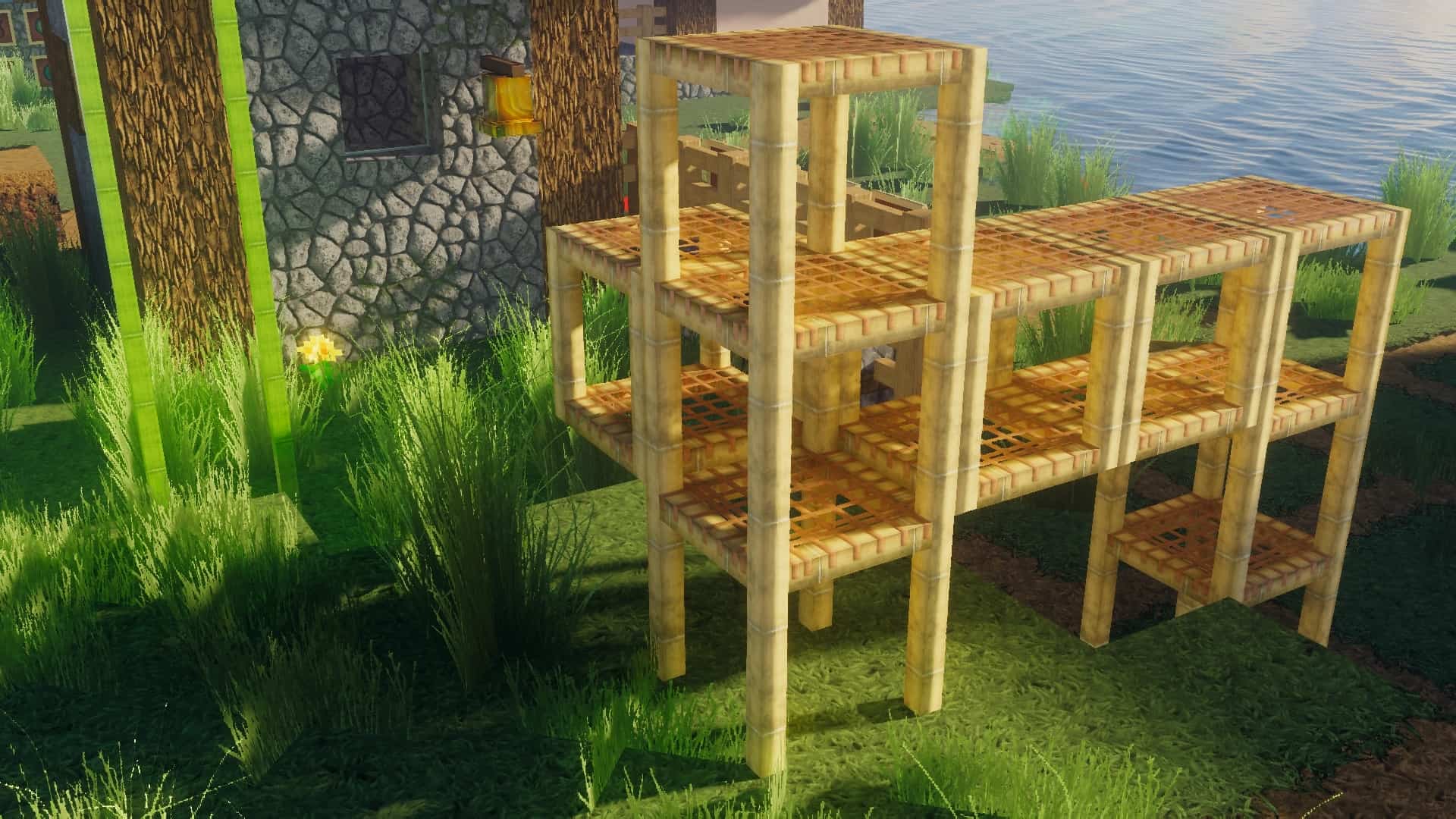
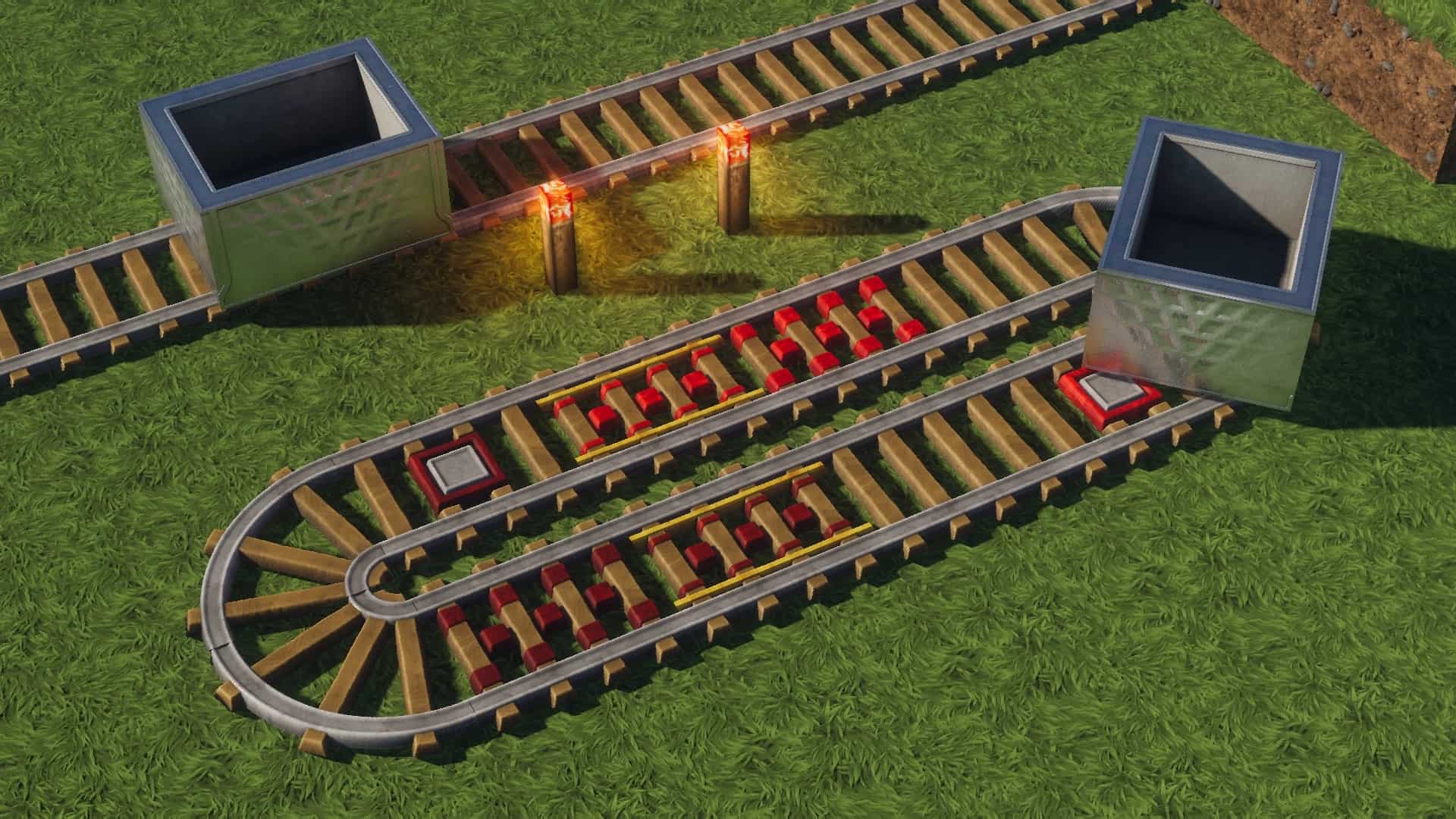
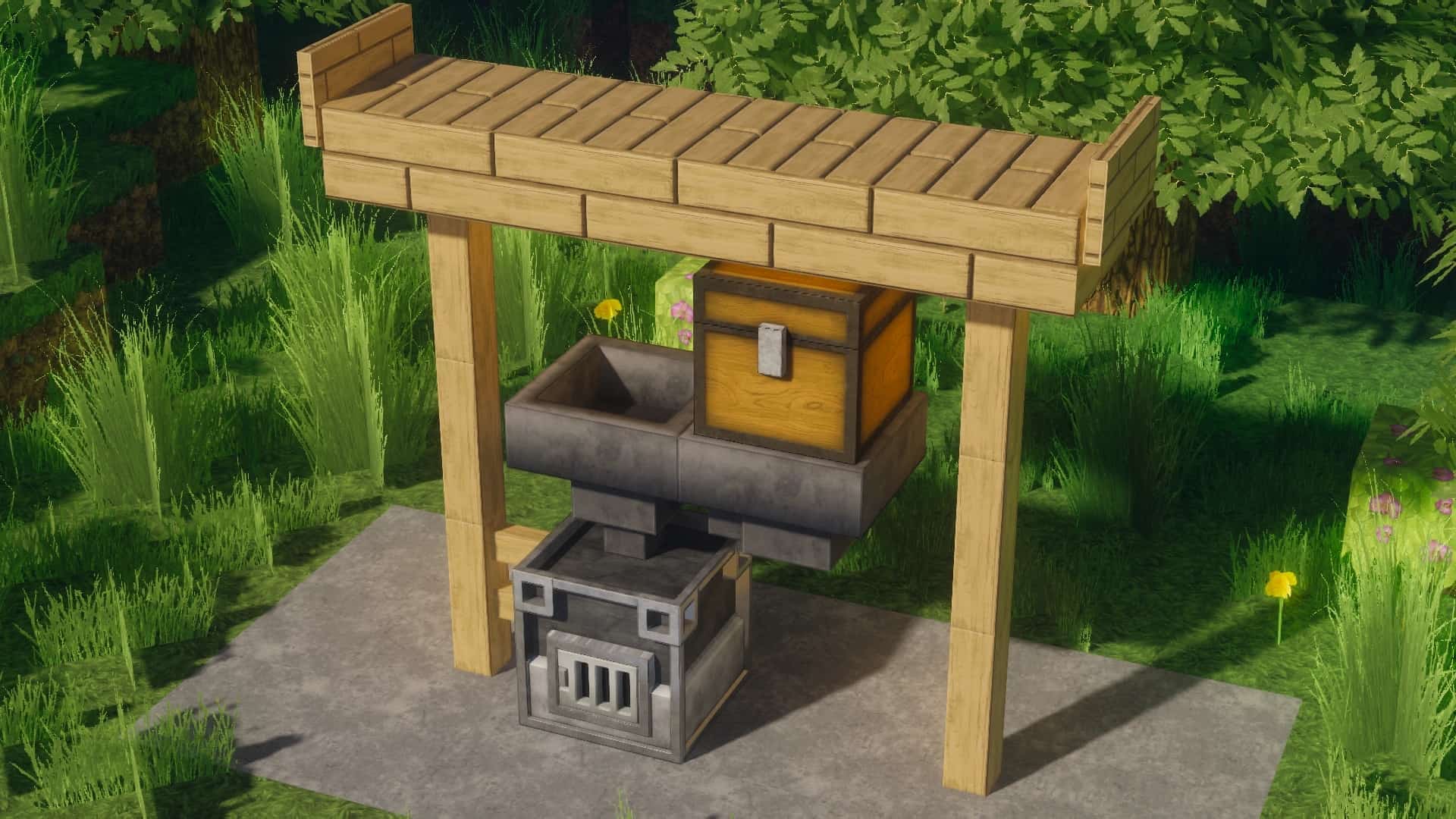
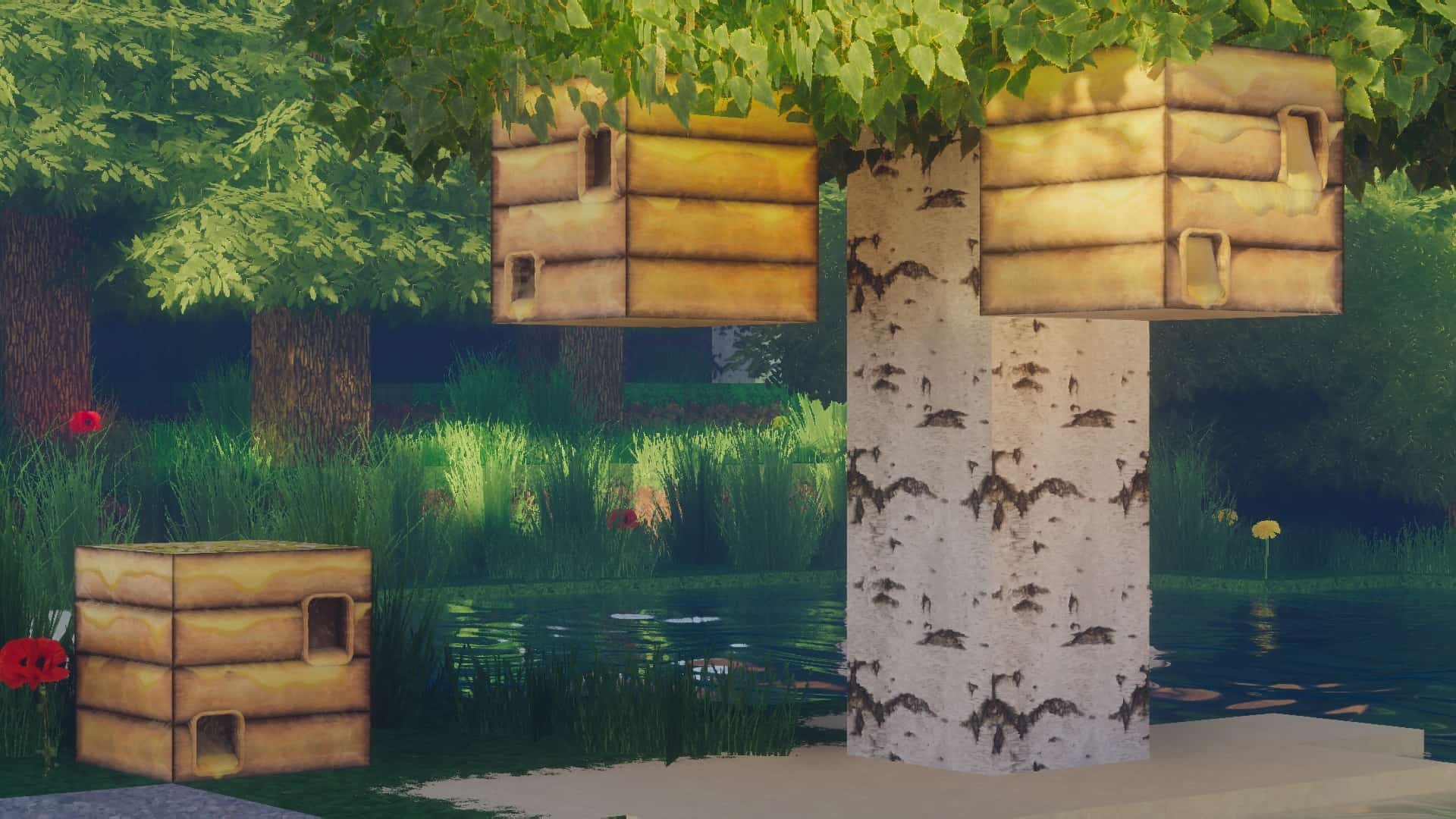
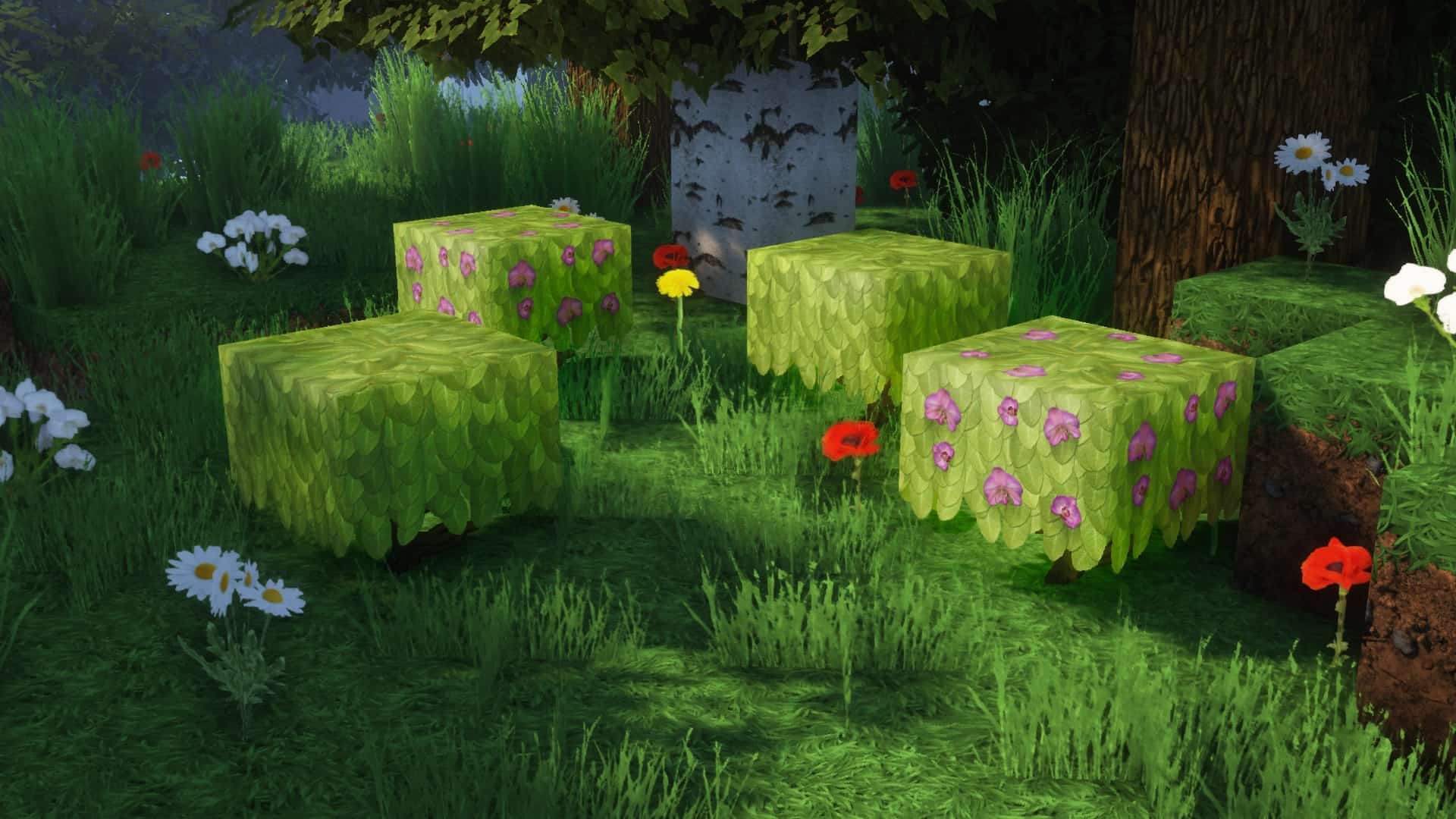
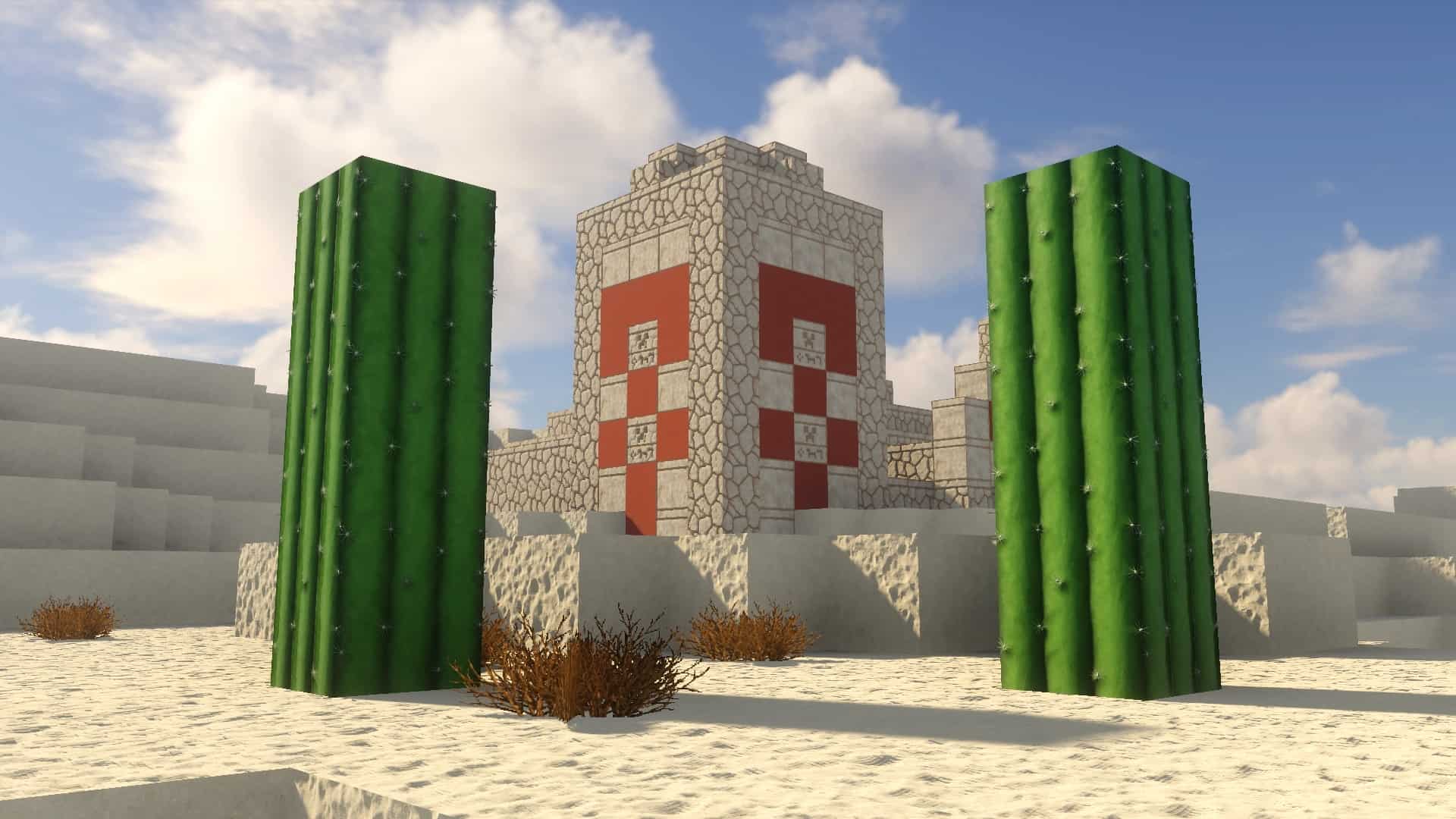
The rotrBLOCKS resource pack is truly one of the most exciting projects out there, brilliantly attempting to overhaul the plain vanilla Minecraft aesthetic for the better through stunning upscaled textures. I was genuinely impressed by how much better this resource pack achieves its goals compared to most other packs focusing on realism, keeping a vanilla theme, and pushing increased levels of detail. It is an exceptionally promising resource pack that continues to evolve under active development. Even though it is relatively new, it brings an absolute plethora of breathtaking visual upgrades. Released in early 2021, rotrBLOCKS has earned tremendous praise from the community for the incredible detail it introduces and how wonderfully the textures and 3D models look. Created by the talented user jekruy, rotrBLOCKS stands for Replace of the Reality BLOCKS, which is a wonderfully fitting name since this resource pack successfully brings photorealism to many of the visuals in the game. I love how it draws inspiration from the classic Faithful resource pack, meaning it does not make drastic, jarring changes to the core textures themselves. Even though vastly more pixels are added, the authentic color palettes and original design principles of the textures remain completely intact. Instead, it enriches the world with intricate details, ensuring that rather than everything looking simply blocky, there is always something fascinating to discover the closer you get to objects in the game world. A wonderful degree of visual familiarity is lovingly preserved by rotrBLOCKS while still making everything look vastly better than ever before; it truly feels like playing Minecraft, just significantly elevated. Among its many brilliant improvements, rotrBLOCKS makes trees, flowers, grass, and various other types of plants look remarkably natural. You will find richer textures and intricate details that bring them significantly closer to how flora appears in real life. While the blocks naturally retain their blocky shapes and limited polygons, the heavily upscaled textures cleverly make it appear as though the underlying 3D models were thoroughly reworked. Stone now displays realistic cracks, wood textures are wonderfully distinguishable, individual sand grains become visible upon close inspection, and shadows have been noticeably smoothed out. Naturally, to fully experience all of these phenomenal features, you will definitely want to use a PBR and POM-enabled shader pack, with the author actively recommending BSL Shaders for the absolute best results.
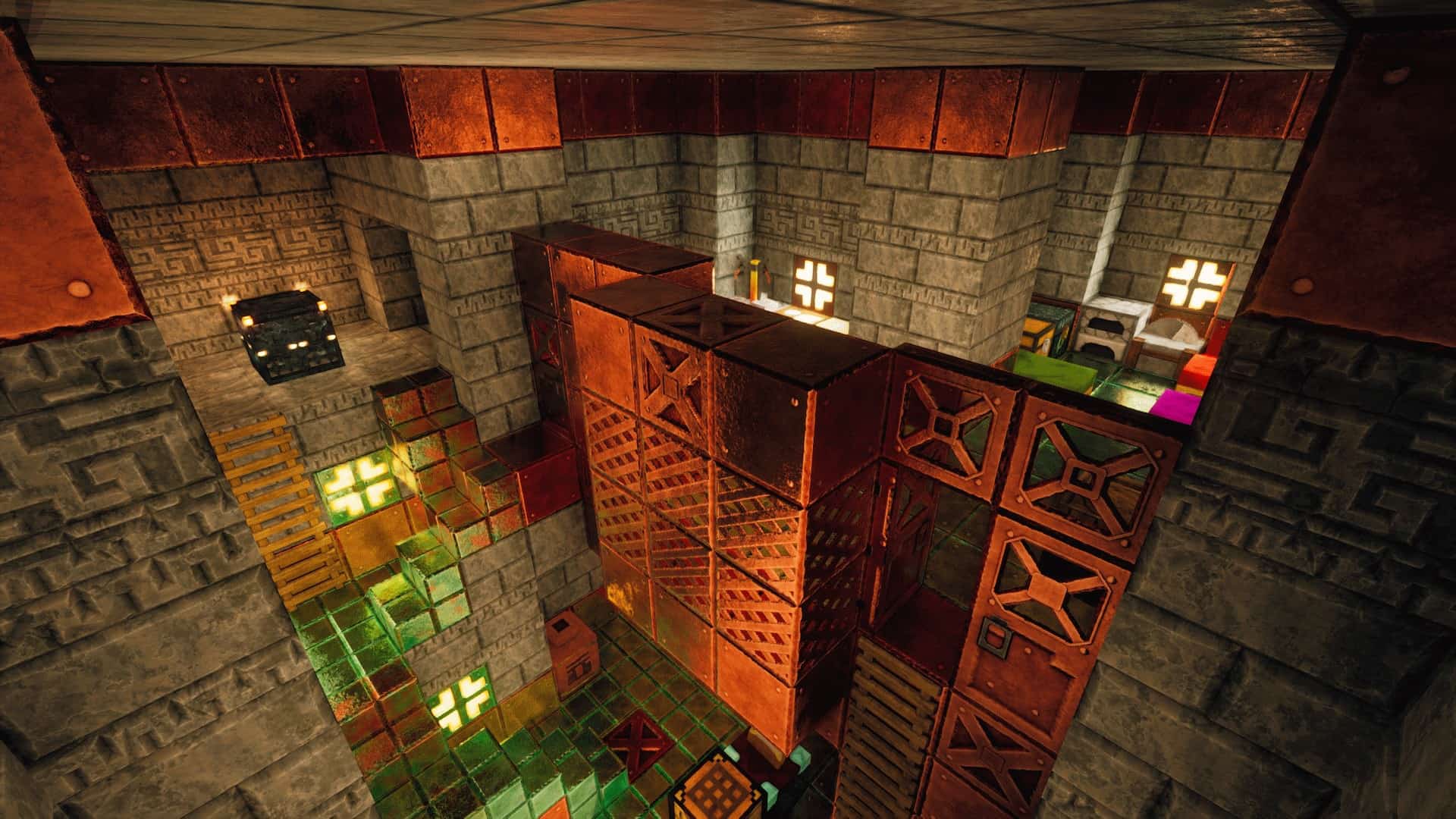
All of these wonderful added details simply would not have made such a striking impact if the lighting had not been tuned just right. I really appreciate how there is reduced field-of-view fog, less visual noise, and much-improved light glare during daytime gameplay. The clouds have also been completely revamped and are no longer constrained by blocky shapes. Because the resource pack is quite fresh having launched in early 2021, the development pace is impressively accelerated to consistently introduce new blocks and textures. The latest update introduces fantastic additions like new red sandstone, standard sandstone, Redstone lamps, a gorgeously redesigned crafting table, fresh leaf textures for birch, oak, jungle, and spruce trees, alongside a brand new furnace and various types of wood planks. It is worth noting that rotrBLOCKS operates as a subproject of the PRB and POM resource pack family. The creator, jekruy, generously offers the 256x resolution version of the pack completely for free. For those looking to push their systems, 512x and 1024x versions of the texture pack are also available, pushing the visual fidelity and details even further. Compared directly to the standard vanilla Minecraft resolution of 16x, this is an astonishing leap in quality. The only real trade-off is that these enhanced texture resolutions demand significantly more hardware resources. Even the 256x version may cause a minor framerate drop on older computers, though modern systems should handle both the 512x and 256x iterations smoothly. The ultra-detailed 1024x version is exceptionally demanding, meaning even the most powerful gaming rigs can sometimes struggle to run rotrBLOCKS at such extreme resolutions. The 512x and 1024x variants are made accessible exclusively through Patreon, rewarding supporters based on their specific membership level. These contributions directly help support the creator while granting members voting power over upcoming features and changes, plus early access to regular updates. Furthermore, the rotrBLOCKS resource pack takes fantastic advantage of Optifine features such as Connected Textures (CTM) for various block types. Pairing it with Optifine HD alongside a recommended BSL shader pack will dramatically enhance the overall lighting throughout your Minecraft world while keeping noise levels exceptionally low. Aligned with the latest updates, this resource pack is fully compatible with Minecraft version 1.12.x and all newer releases.
rotrBLOCKS should be compatible with all of these Minecraft versions: 26.2 – 26.1.2 – 26.1.1 – 26.1 – 1.21.11 – 1.21.10 – 1.21.9 – 1.21.8 – 1.21.7 – 1.21.6 – 1.21.5 – 1.21.4 – 1.21.3 – 1.21.2 – 1.21.1 – 1.21 – 1.20.6 – 1.20.5 – 1.20.4 – 1.20.3 – 1.20.2 – 1.20.1 – 1.20 – 1.19.4 – 1.19.3 – 1.19.2 – 1.19.1 – 1.19 – 1.18.2 – 1.18.1 – 1.18 – 1.17.1 – 1.17 – 1.16.5 – 1.16.4 – 1.16.3 – 1.16.2 – 1.16.1 – 1.16 – 1.15.2 – 1.15.1 – 1.15 – 1.14.4 – 1.14.3 – 1.14.2 – 1.14 – 1.13.2 – 1.13.1 – 1.13
Screenshots



How to Install Texture Pack (Simple 10 Steps)
- Download OptiFine: Most of the texture packs and shaders need OptiFine. That’s why, first download and install OptiFine for the version of Minecraft you want to play.
- Download the Texture Pack: Get the texture pack you want from the download section. Choose the version that works with your Minecraft and your PC’s performance.
- Open Minecraft Launcher: Start Minecraft using the official game launcher — or even TLauncher, if you use that.
- Go to Options: From the main menu, click on the “Options” button.
- Open Resource Packs: Inside Options, click on “Resource Packs…”.
- Open the Resource Pack Folder: Click on “Open Resource Pack Folder” — this will open a folder named “resourcepacks”.
- Move the Pack File: Copy or move the .zip file you downloaded into that “resourcepacks” folder. (Don’t unzip the file — Minecraft uses it as-is!)
- Go Back and Refresh: Close the folder and click “Done”, then go back into “Resource Packs…” again.
- Activate the Pack: You’ll see the pack on the left side. Hover over it and click the arrow to move it to the right (active side).
Tip: If you get a message that the pack is for a different version, just click “Yes” — it usually works fine. - Click Done and Enjoy: Click “Done” again. Now your pack is ready to use in-game. It’s that easy!
Credits
Credits: Created by illystray. We do not own or claim ownership of this content, and we do not host modified versions of these files. We strongly encourage you to support the creator by visiting their official download pages and contributing to their Patreon if you enjoy their work.
Download Links
Java Edition
Download Instructions
Curseforge: download starts automatically after a few seconds;
Mediafire: click the big blue button with the text “DOWNLOAD”;
Google Drive: in the top right corner you will see a small download icon (down arrow), click it and the download should start;