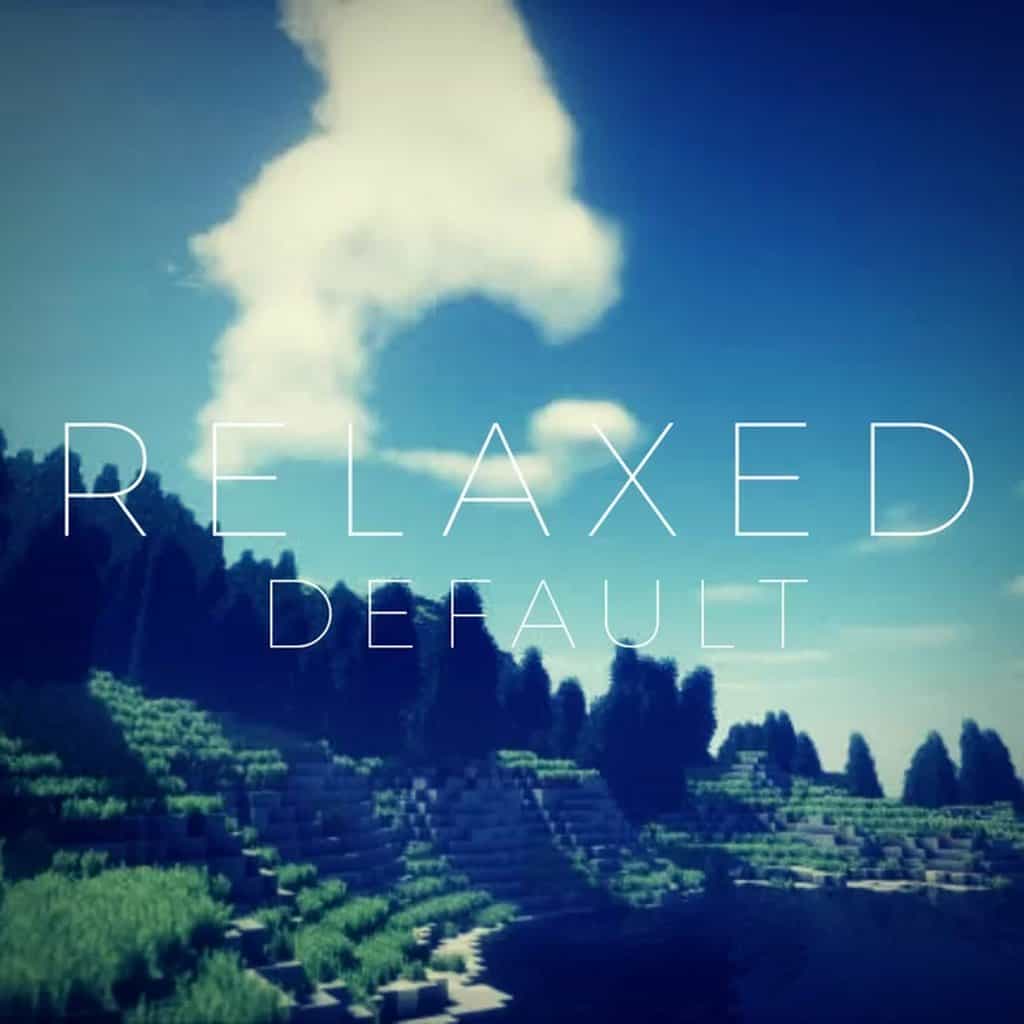
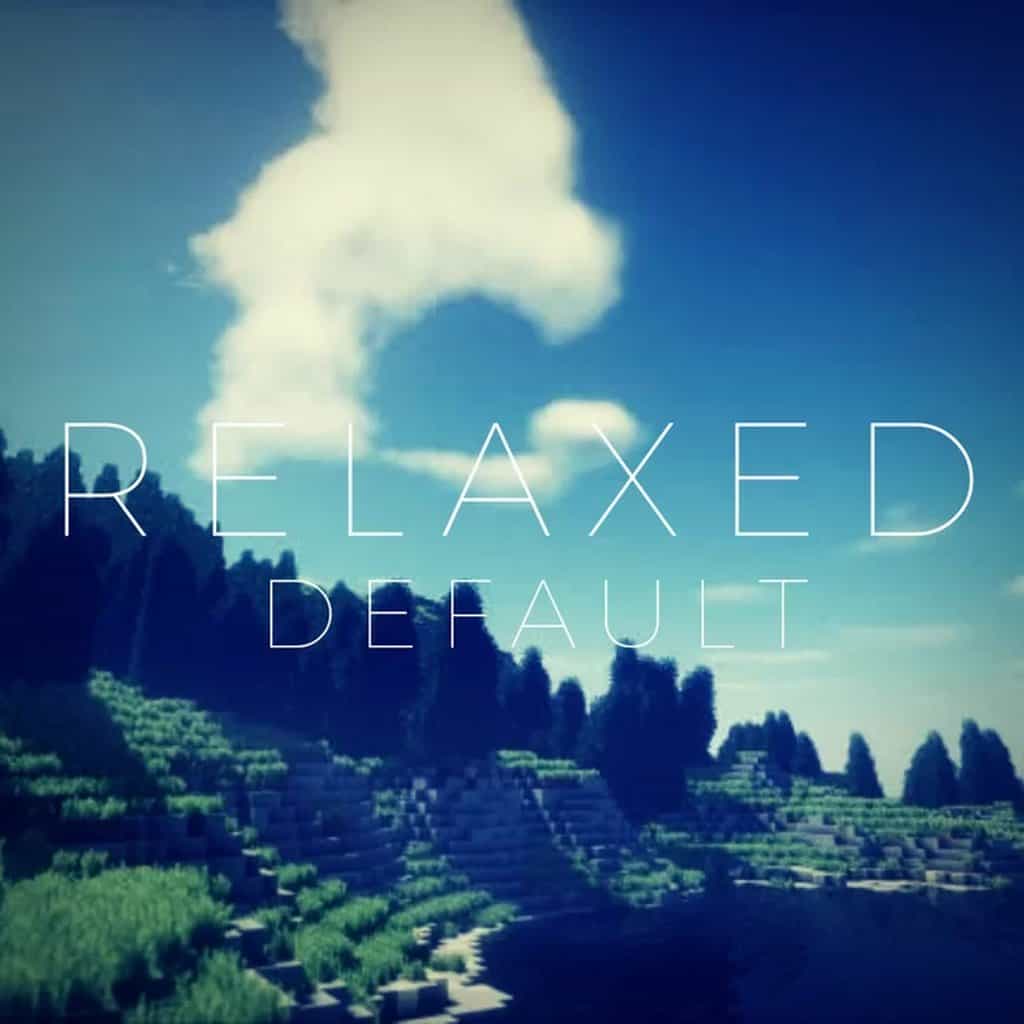
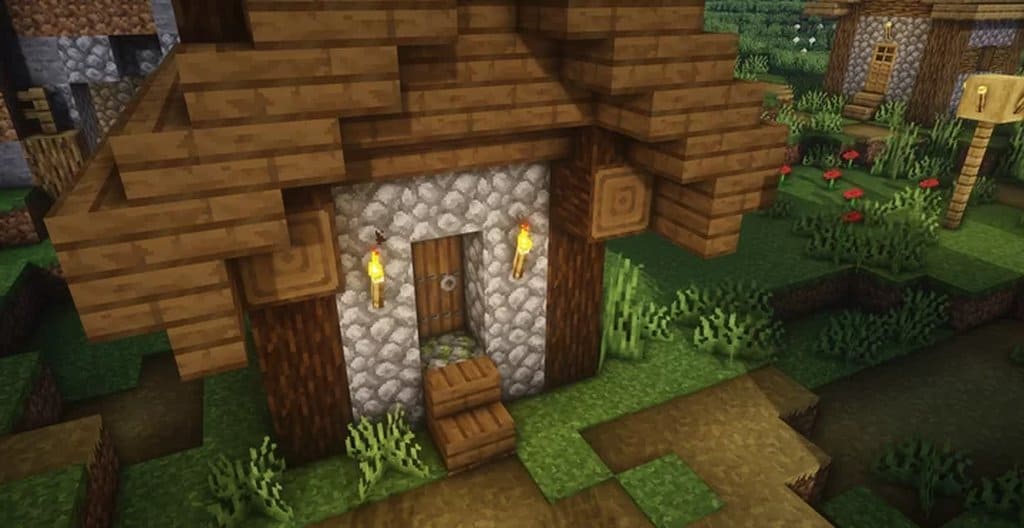
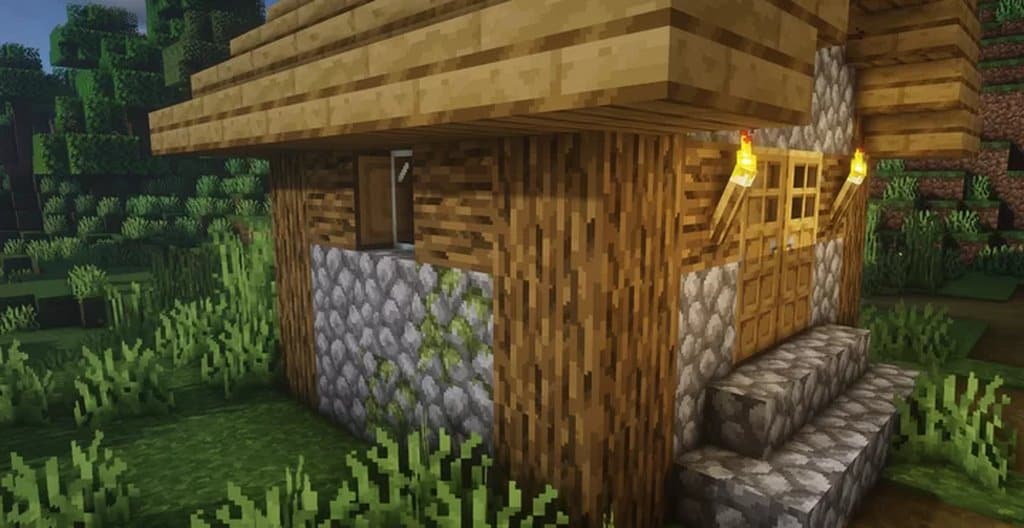
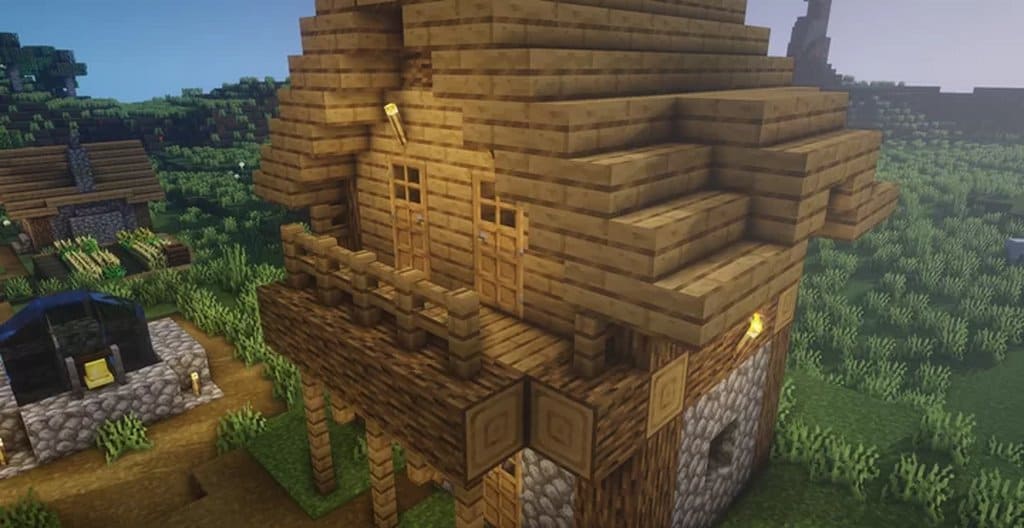
The Relaxed Default resource pack really tries to convey a realistic feel and is mostly different from other available resource packs, which focus more on traditional realism. The pack achieves this by implementing a reasonable number of textured details. It also makes sure the game’s artistic style, which is the default, isn’t altered in any noticeable manner. This type of pack is honestly excellent for those players who would prefer the vanilla Minecraft style. But, many players express the feeling that the game visuals should get some improvements that should include the addition of a touch to make it feel realistic. This addition would help give everything some life. The pack released not so long ago, and in its current state, it contains plenty of textures that are expertly designed, and you will definitely enjoy the texture pack as you enter the world.
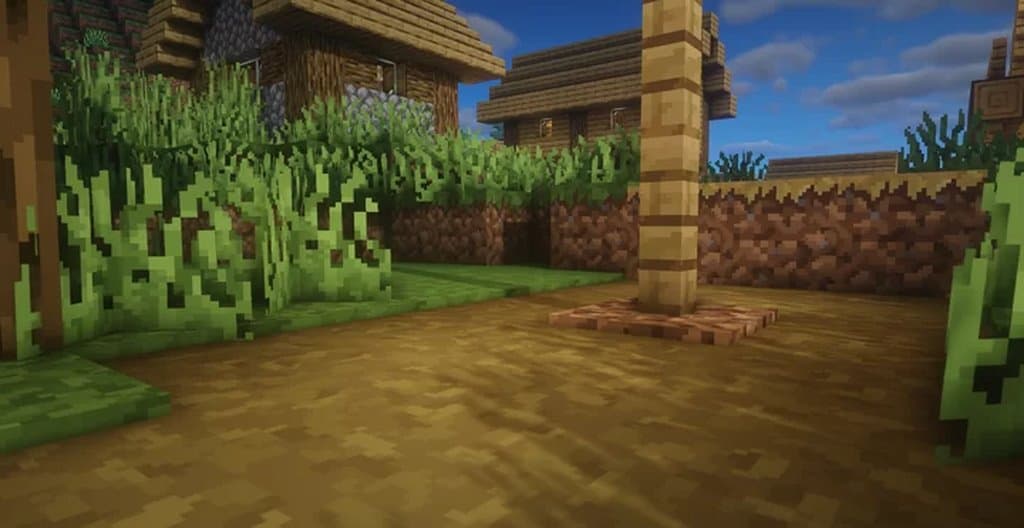
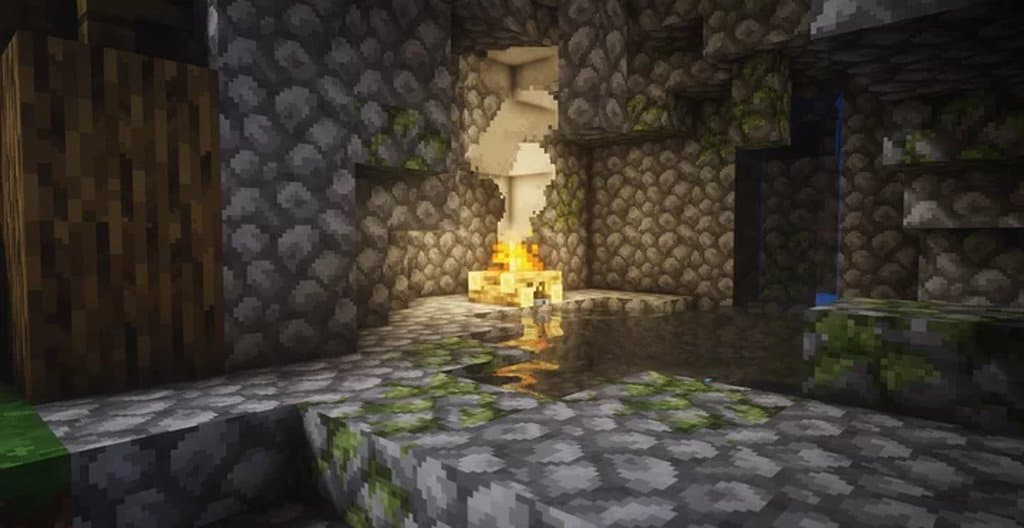
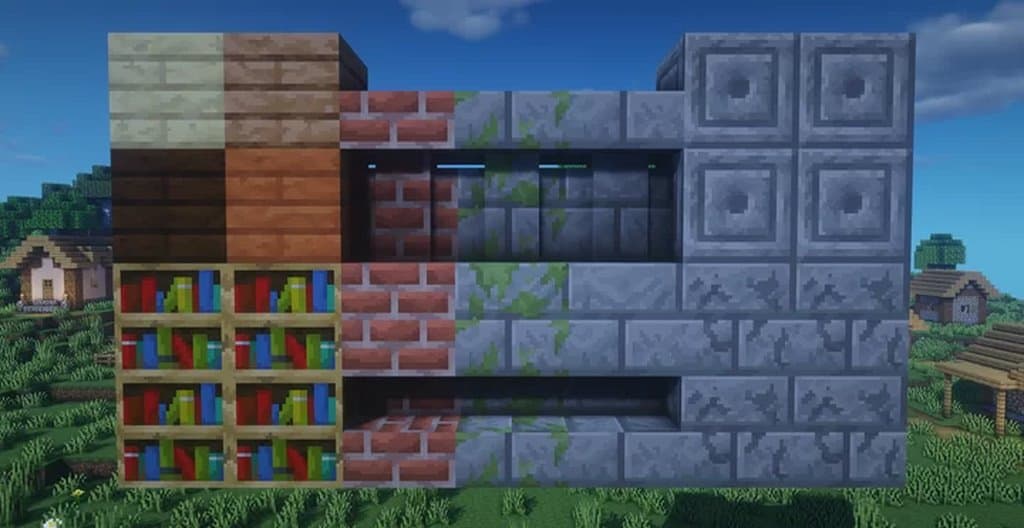
The world features gorgeous greenery vegetation that gives you that breathtaking look. The newly released pack entails plenty of details. Additionally, the noise, too, has completely been removed from all textures that are touched by the resource pack. An additional thing to expect from this recent pack is a tad bit darker color palette than how it usually looked. Nevertheless, this new color provides a notable change, which in turn makes the gaming experience turn out to be wholly immersive. The pack has a 32×32 type of texture resolution that is slightly up from the standard one of 16×16. This change is fantastic because it gives this pack a look that is full of plenty of details. When it comes to performance, this recent pack is so smooth, and this makes it possible for you to have fun with the pack without any problem as long as your system accepts vanilla Minecraft.
Relaxed Default should be compatible with all of these Minecraft versions: 1.14.4 – 1.14.3 – 1.14.2 – 1.14 – 1.13.2 – 1.13.1 – 1.13
Screenshots
How to Install Texture Pack (Simple 10 Steps)
- Download OptiFine: Most of the texture packs and shaders need OptiFine. That’s why, first download and install OptiFine for the version of Minecraft you want to play.
- Download the Texture Pack: Get the texture pack you want from the download section. Choose the version that works with your Minecraft and your PC’s performance.
- Open Minecraft Launcher: Start Minecraft using the official game launcher — or even TLauncher, if you use that.
- Go to Options: From the main menu, click on the “Options” button.
- Open Resource Packs: Inside Options, click on “Resource Packs…”.
- Open the Resource Pack Folder: Click on “Open Resource Pack Folder” — this will open a folder named “resourcepacks”.
- Move the Pack File: Copy or move the .zip file you downloaded into that “resourcepacks” folder. (Don’t unzip the file — Minecraft uses it as-is!)
- Go Back and Refresh: Close the folder and click “Done”, then go back into “Resource Packs…” again.
- Activate the Pack: You’ll see the pack on the left side. Hover over it and click the arrow to move it to the right (active side).
Tip: If you get a message that the pack is for a different version, just click “Yes” — it usually works fine. - Click Done and Enjoy: Click “Done” again. Now your pack is ready to use in-game. It’s that easy!
Credits
This resource pack was originally created and developed by Arkadya. We do not claim ownership of this content, nor have we modified the original files. All rights and intellectual property remain with the original creator. We strongly encourage you to support Arkadya by visiting their official source and download links.
Download Instructions
Curseforge: download starts automatically after a few seconds;
Mediafire: click the big blue button with the text “DOWNLOAD”;
Google Drive: in the top right corner you will see a small download icon (down arrow), click it and the download should start;


