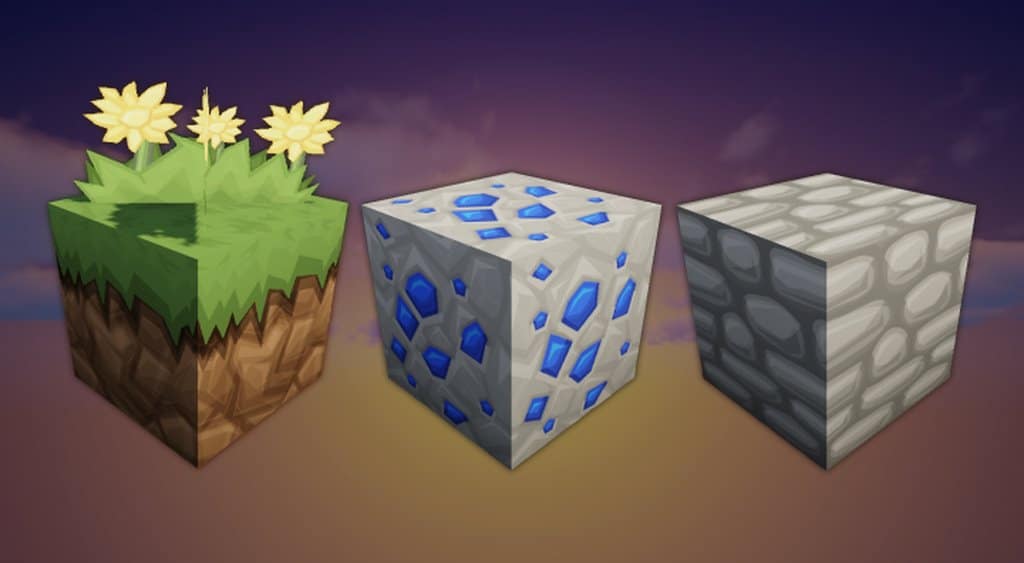
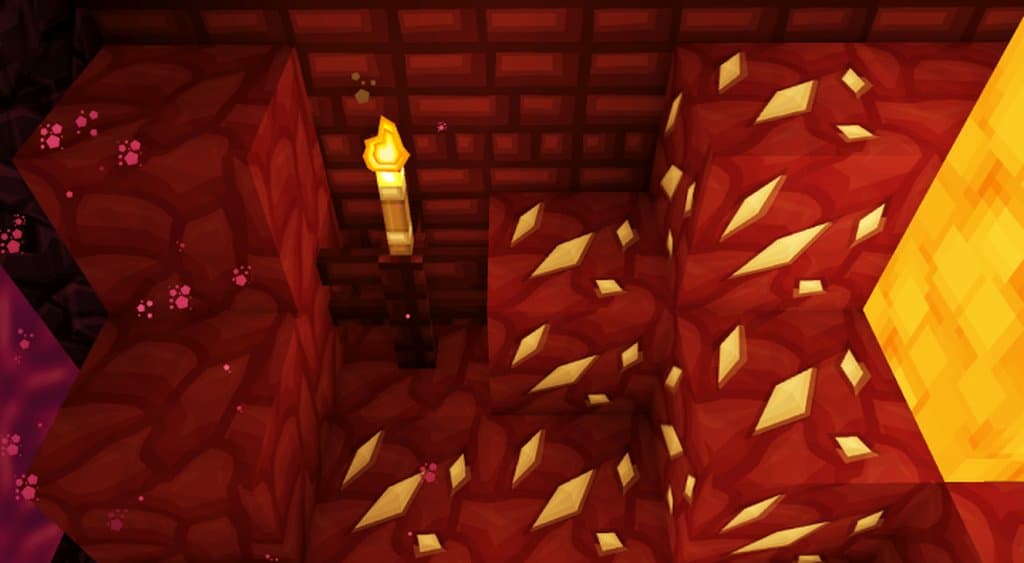
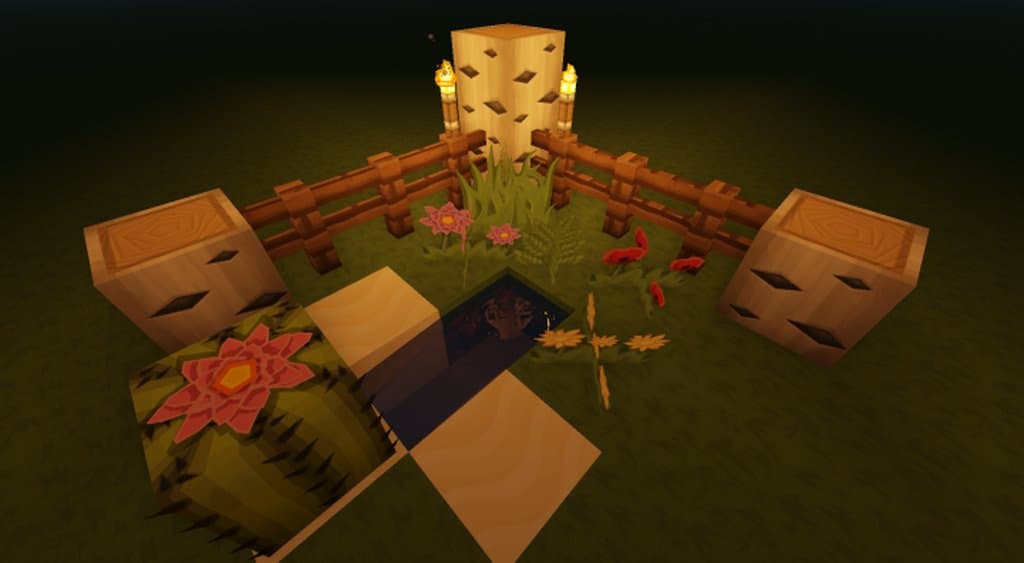
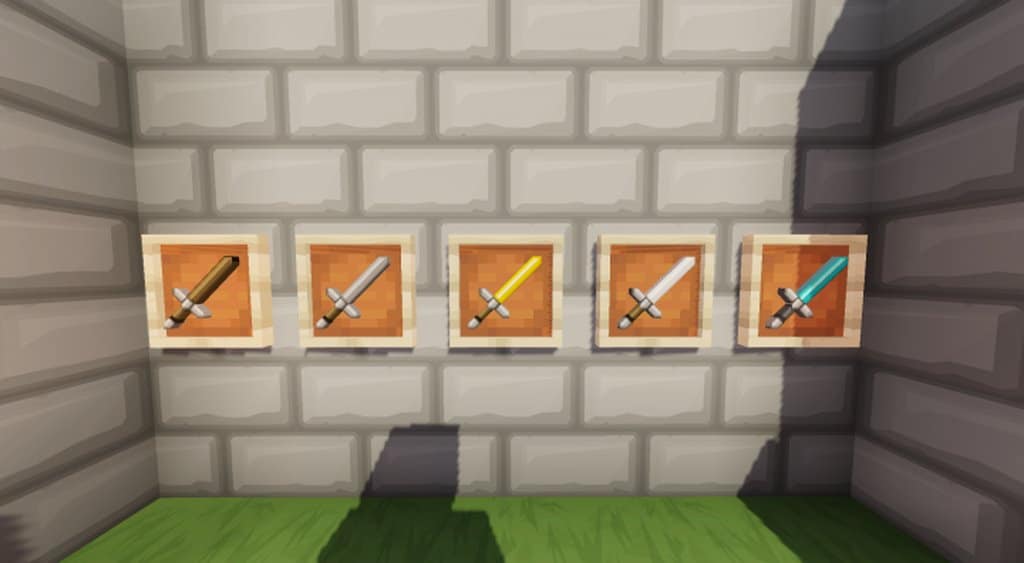
Are you a dedicated Minecraft player? If yes, then get ready to enjoy a spectacular visual experience in your favorite game. Are you now wondering how this possible? Well, the Reign resource pack boasts of offering you one of the best-ever visual experiences in your Minecraft game. Of course, visual entertainment plays a critical role while playing video games like Minecraft, and taking this into consideration, the developers of the Reign texture pack have introduced a spectacular cartoon-based theme in your game. This cartoonish theme will surely make your game more appealing and immersive. Rest assured that this resource pack is extremely well-designed and well-executed, ensuring a smooth and visually appealing experience for your eyes. So, if you are planning to download a good-quality resource pack that can enhance your visual experience in your favorite Minecraft game, then this Reign resource pack can be one of the best recommendations for you. Now, keep reading and know more about this pack in the following sections.
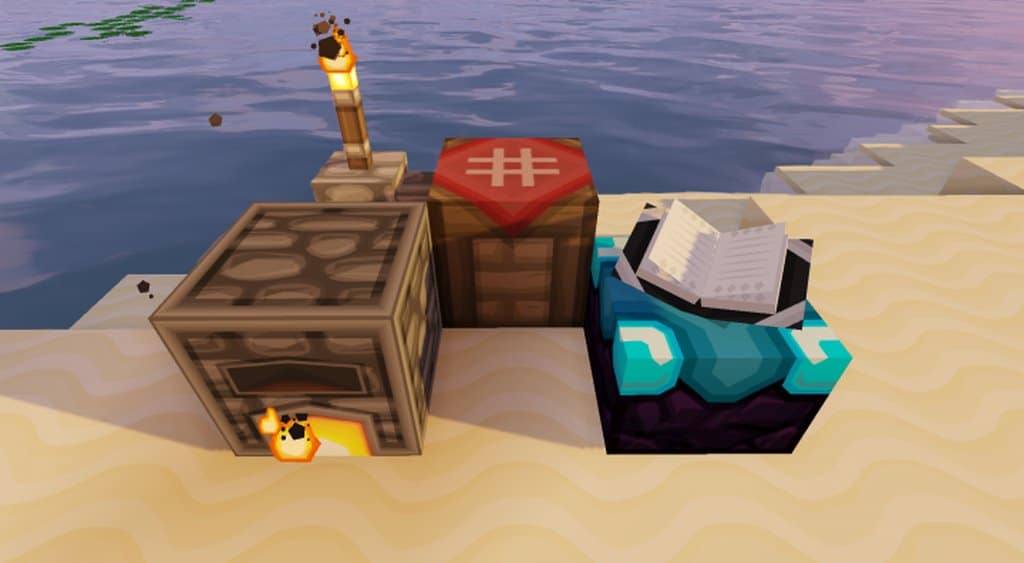
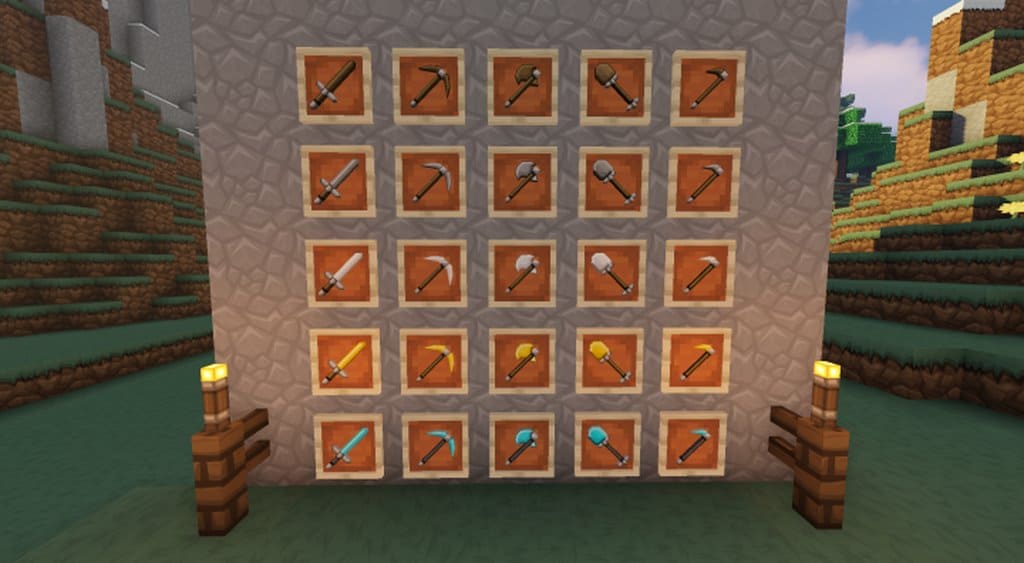
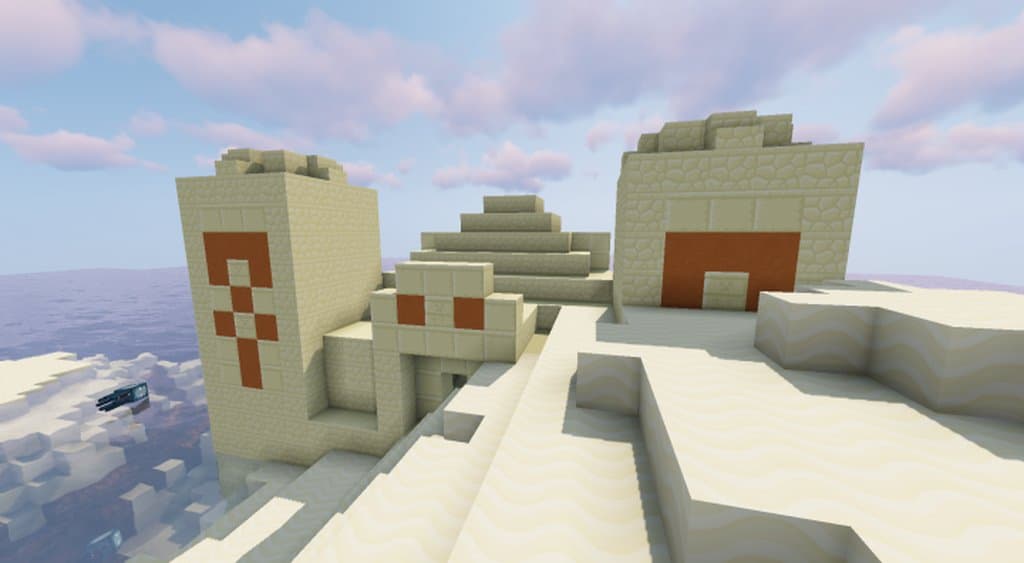
Coming to the key features that have made this resource pack unique and one-of-a-kind from the rest; well, as mentioned earlier, it is primarily based on the cartoon theme. Additionally, this resource pack is dedicated to balancing the effects of both simplistic and cartoon-ish art styles altogether. Plus, the amount and level of detailing that are included in the textures are simply outstanding as it is a high-resolution (512×512) pack. The textures look so vivid, stunning, and compelling. The best part is that there isn’t any noticeable noise. Apart from that, this high-end and high-resolution resource pack even includes an excellent quality color palette as well. The only flaw that is found in this pack is that it is recommended to be used for PCs with high-end hardware. That is because Reign and its textures are based on 512×512 resolutions. That is why you are recommended to use a beefy PC (with high-quality hardware configuration) so that you won’t ever encounter the annoying frame-rate problems. Apart from this problem, the Reign Minecraft set of textures does not have any other cons to be mentioned.
Reign should be compatible with all of these Minecraft versions: 1.14.4 – 1.14.3 – 1.14.2 – 1.14 – 1.13.2 – 1.13.1 – 1.13
Screenshots
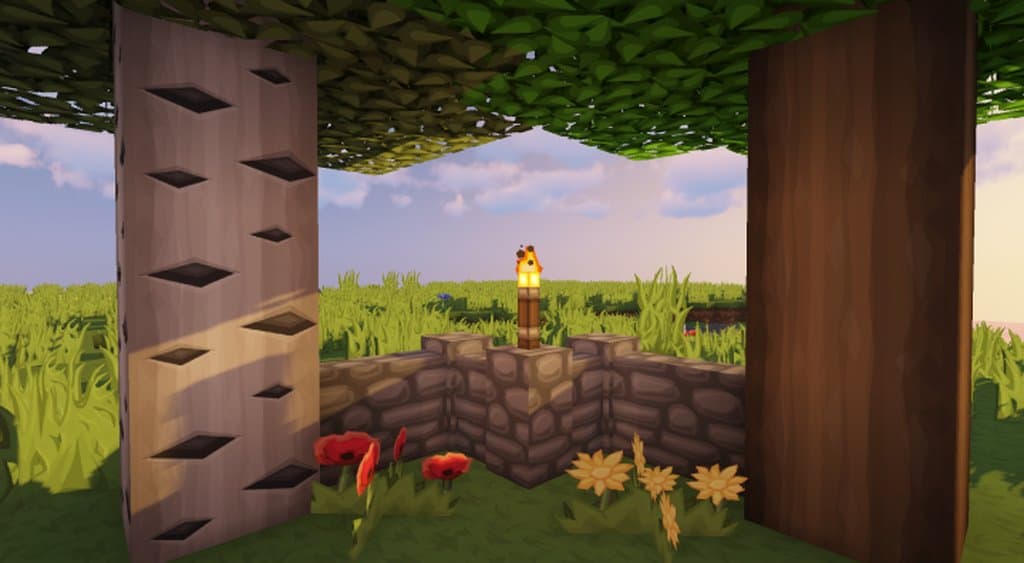
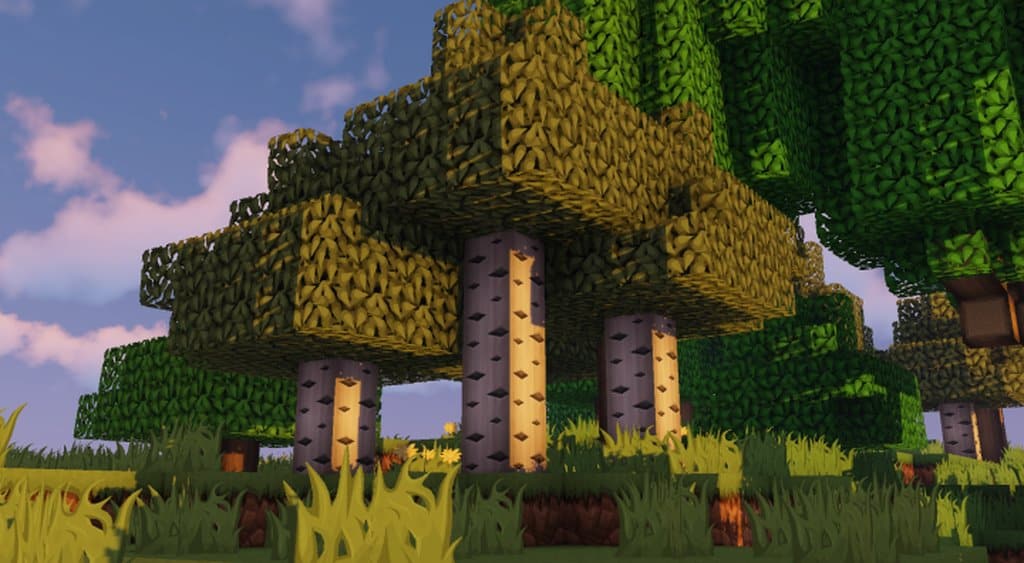
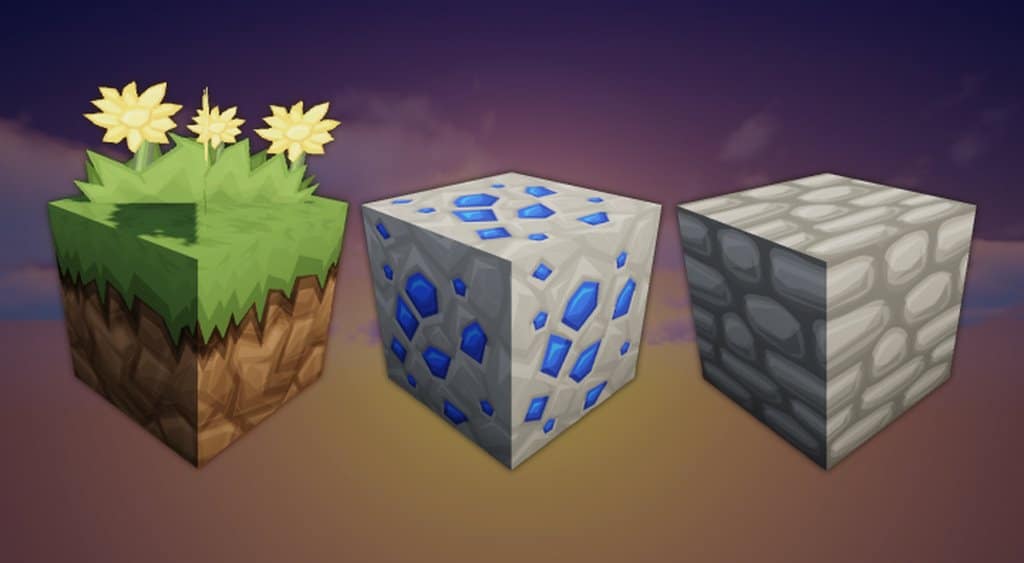
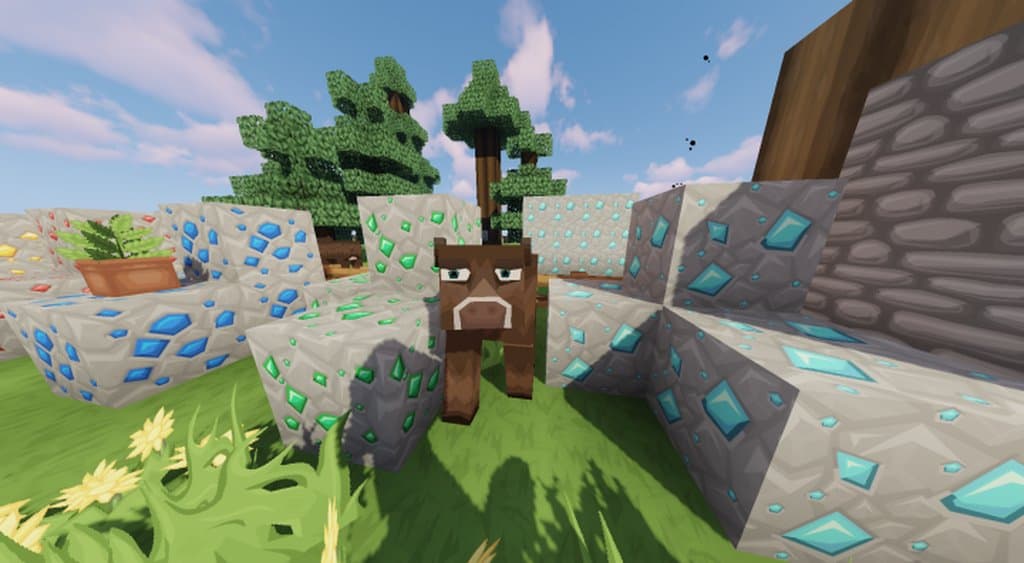
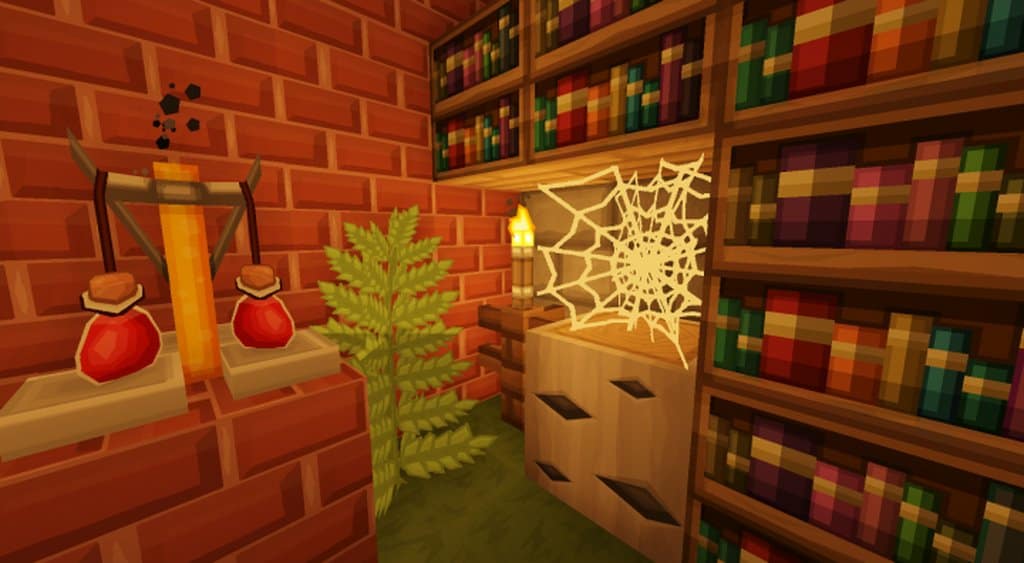
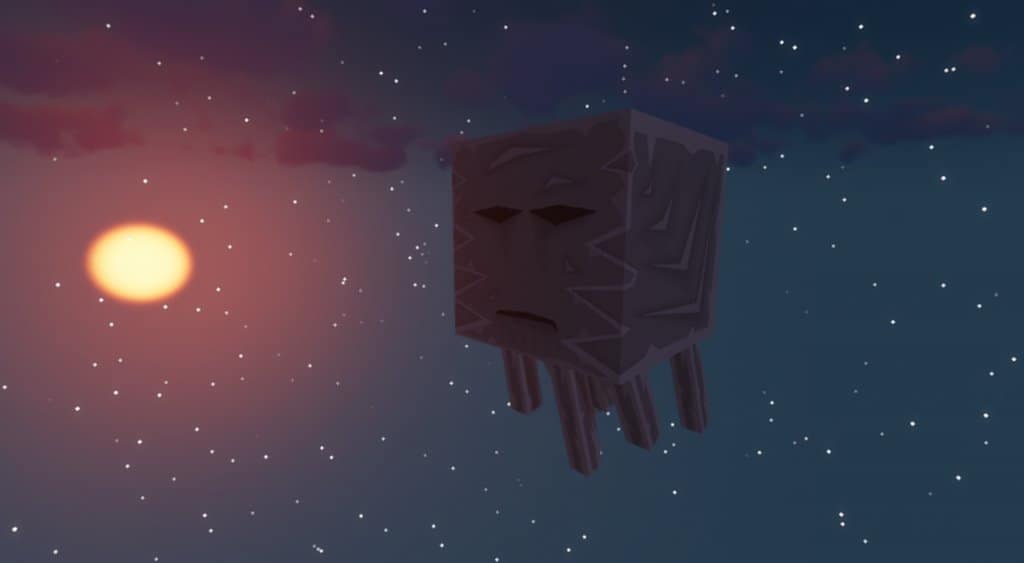
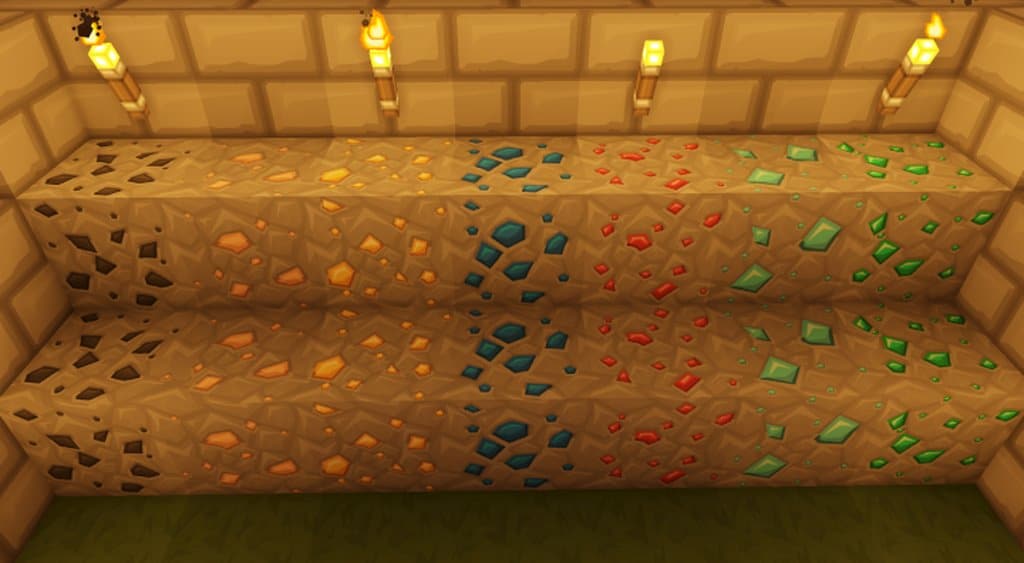
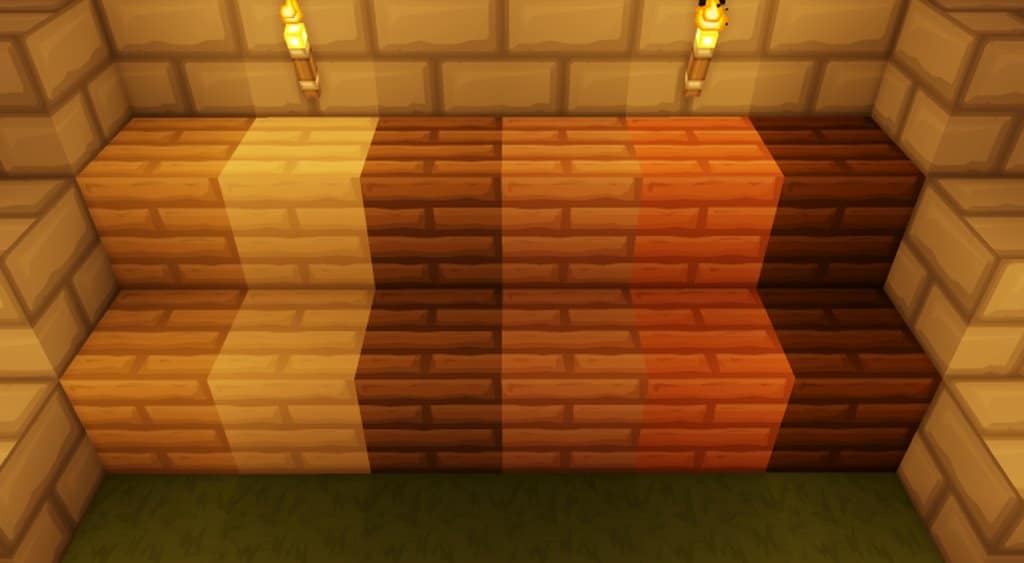
How to Install Texture Pack (Simple 10 Steps)
- Download OptiFine: Most of the texture packs and shaders need OptiFine. That’s why, first download and install OptiFine for the version of Minecraft you want to play.
- Download the Texture Pack: Get the texture pack you want from the download section. Choose the version that works with your Minecraft and your PC’s performance.
- Open Minecraft Launcher: Start Minecraft using the official game launcher — or even TLauncher, if you use that.
- Go to Options: From the main menu, click on the “Options” button.
- Open Resource Packs: Inside Options, click on “Resource Packs…”.
- Open the Resource Pack Folder: Click on “Open Resource Pack Folder” — this will open a folder named “resourcepacks”.
- Move the Pack File: Copy or move the .zip file you downloaded into that “resourcepacks” folder. (Don’t unzip the file — Minecraft uses it as-is!)
- Go Back and Refresh: Close the folder and click “Done”, then go back into “Resource Packs…” again.
- Activate the Pack: You’ll see the pack on the left side. Hover over it and click the arrow to move it to the right (active side).
Tip: If you get a message that the pack is for a different version, just click “Yes” — it usually works fine. - Click Done and Enjoy: Click “Done” again. Now your pack is ready to use in-game. It’s that easy!
Credits
This resource pack was originally created by Tanner77. We do not claim ownership of this content and do not host modified versions of these files. We strongly encourage you to support the original creator by downloading the pack from their official links and checking out their other work.
Download Instructions
Curseforge: download starts automatically after a few seconds;
Mediafire: click the big blue button with the text “DOWNLOAD”;
Google Drive: in the top right corner you will see a small download icon (down arrow), click it and the download should start;


