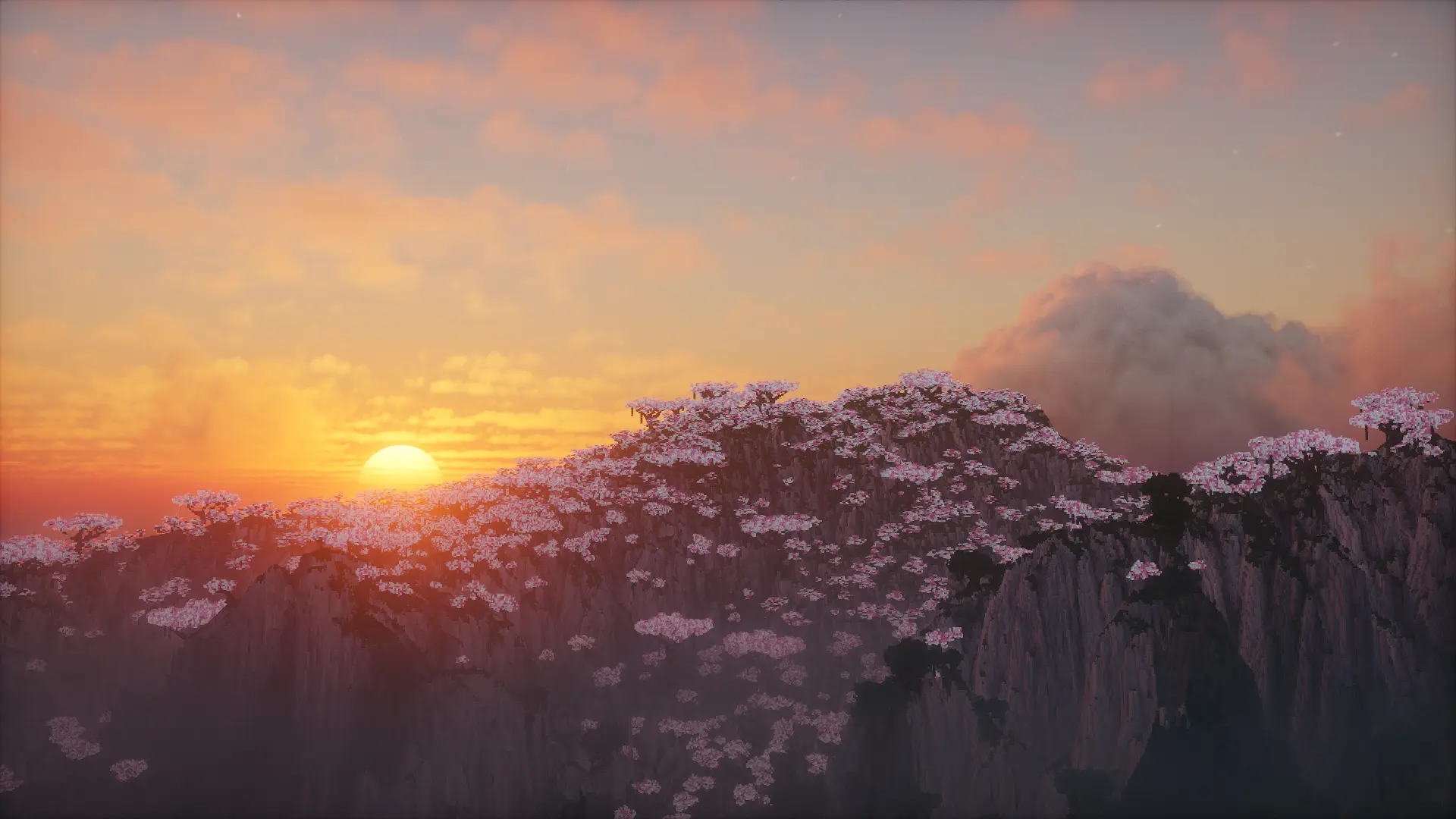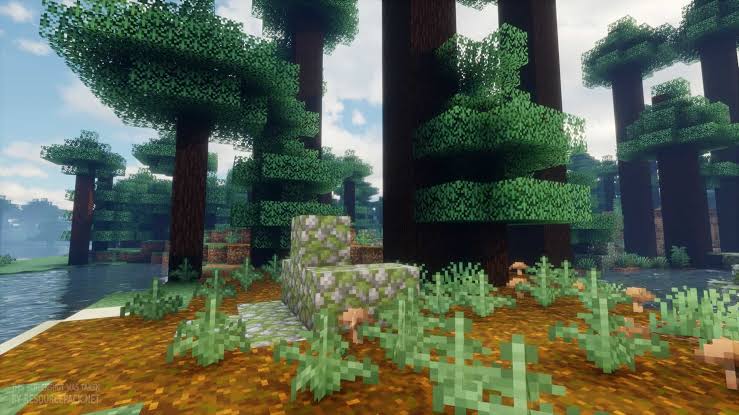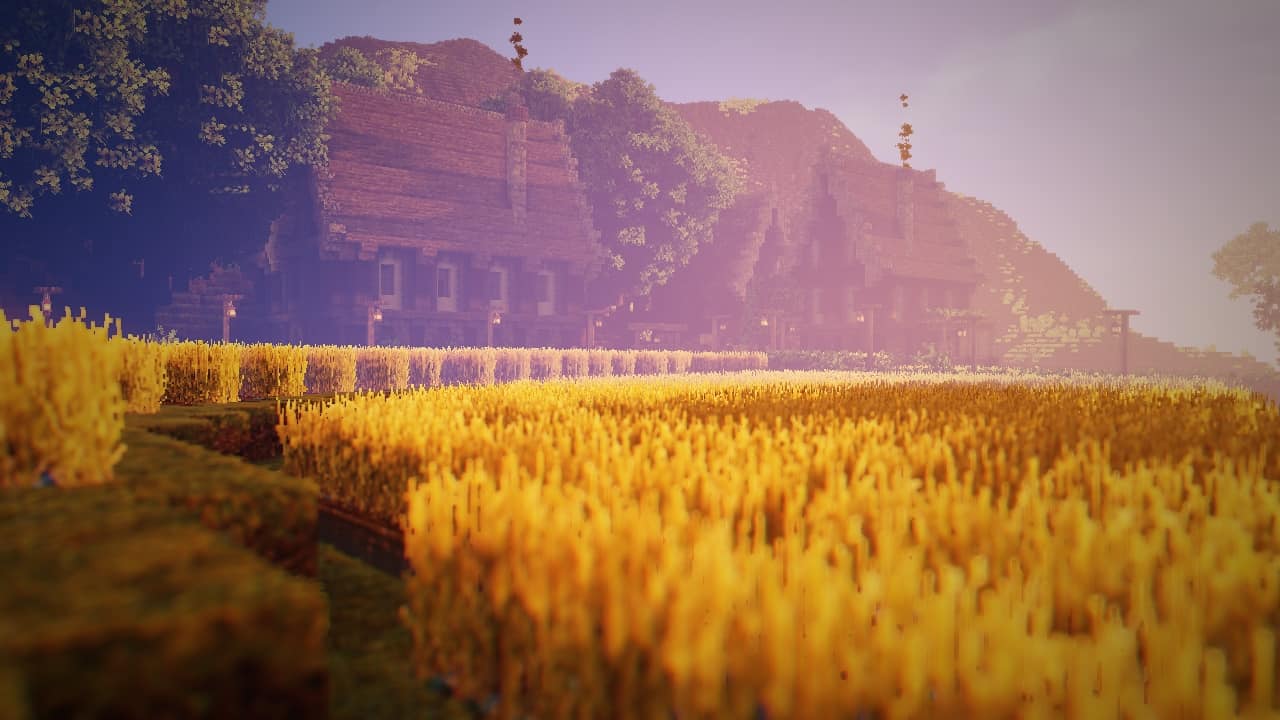
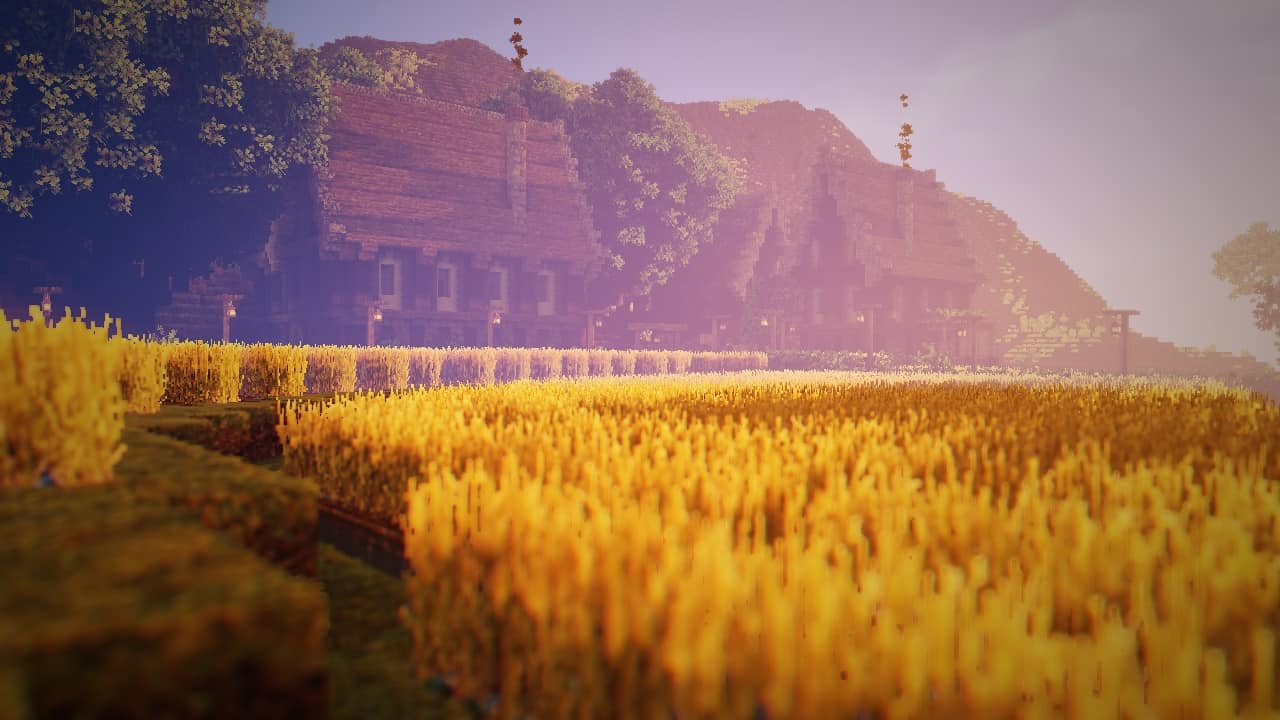
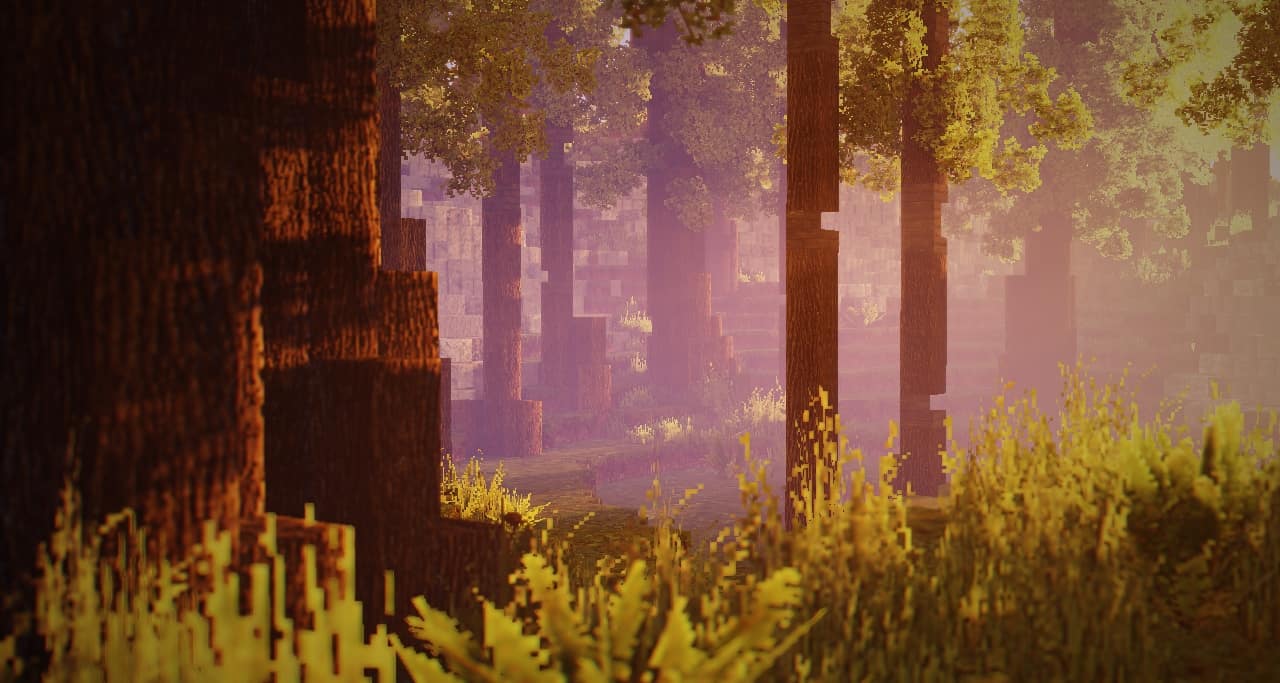
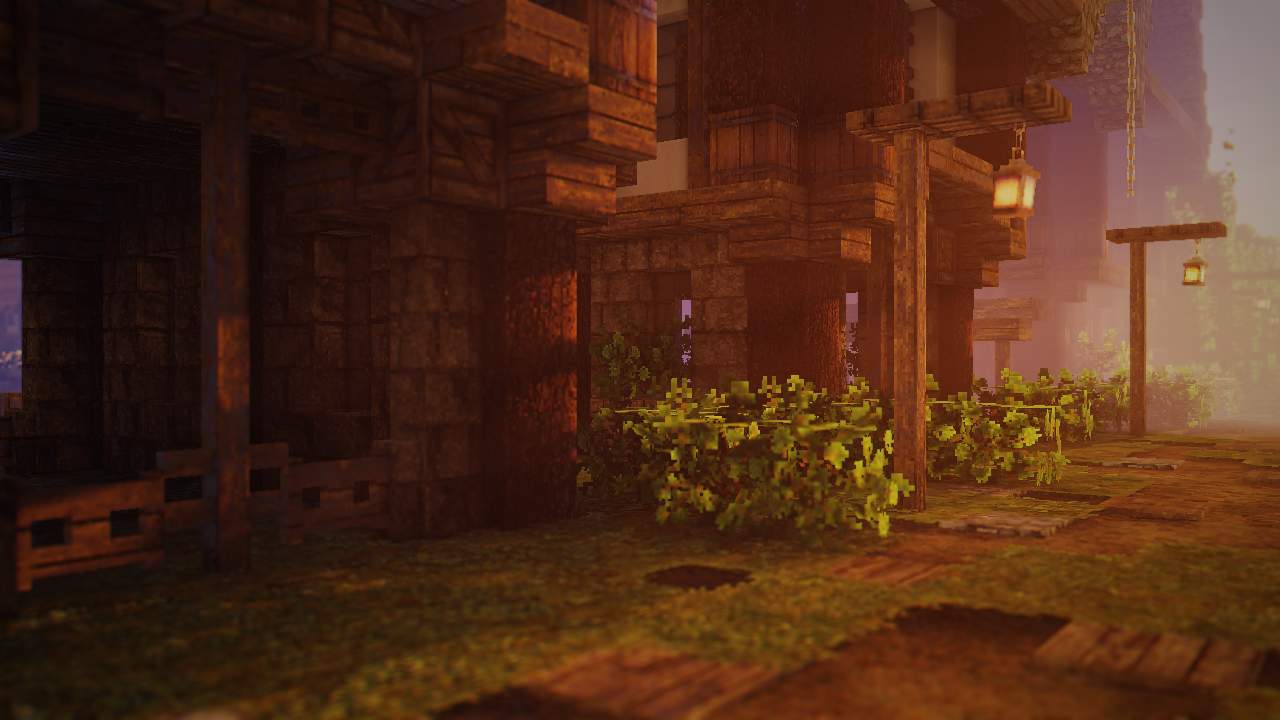
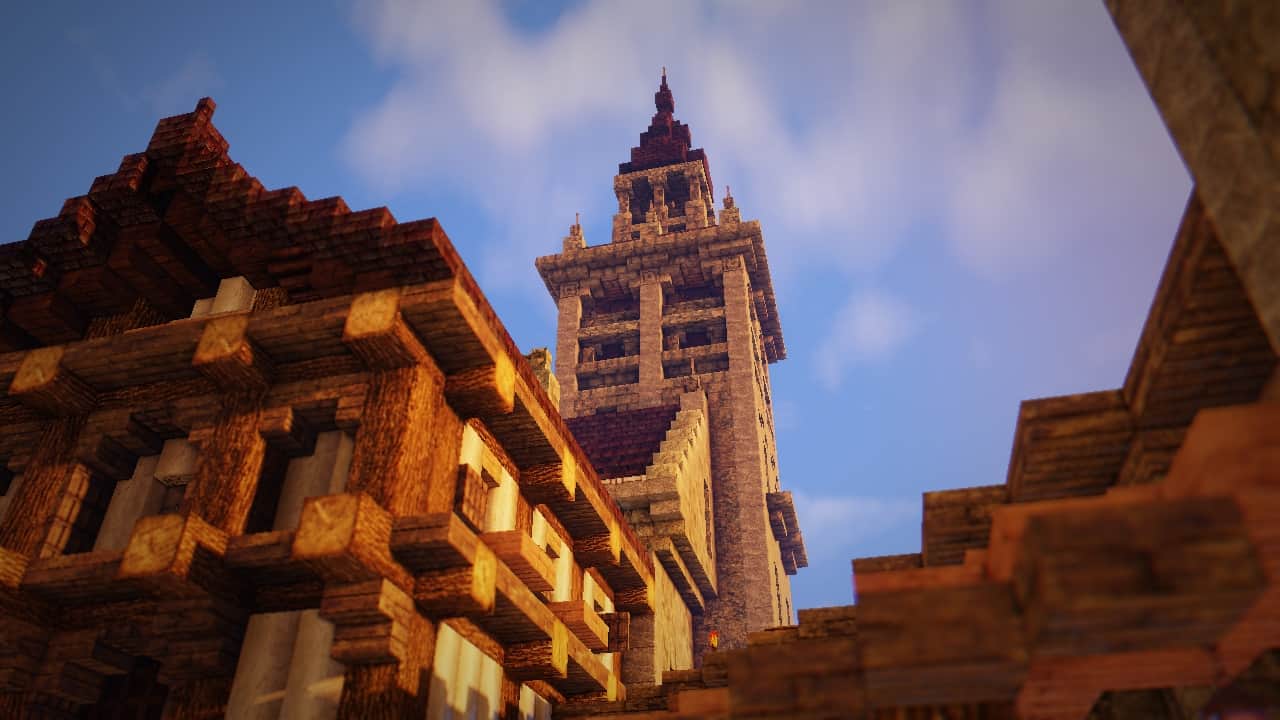
When Minecraft was originally released, it was a truly revolutionary game, and it continues to be one today. However, the visuals in the vanilla game have certainly not held up well over time. Fortunately, thanks to such a dedicated community, Minecraft is the great beneficiary of many incredible resource packs and shader packs. RedHat Shaders is simply fantastic, functioning as one of the many packs that aim to brilliantly improve lighting effects, reflections, clouds, sky textures, and much more. While it does not attempt to do anything overly revolutionary, RedHat Shaders manages to get plenty of things right where many other shader packs sadly fail. RedHat Shaders was wonderfully developed by community user mlgimposter. He has a few other great projects under his belt and despite having released RedHat Shaders in early 2021, he had plenty of experience to develop it properly. What really stands out about this shader pack is that it managed to get a massive following in less than a year. With over 500,000 downloads across several sites where it has been published, the pack completely outshined many other packs that were widely considered popular. The wonderful benefit of having a shader pack released just a couple of years ago is that RedHat Shaders benefits from regular updates and an active developer who is still deeply engaged with the community. He is still very active on his Discord channel, staying in close touch with the members that use his shader pack. Right off the bat, I think it is important to mention that the RedHat shader pack is based on the classic Chocapic13 shader pack. It successfully took the greatest parts of Chocapic13, improved them significantly, and then added some fresh new features and improvements. As I mentioned in the beginning, RedHat Shaders strictly focuses on lighting effects and a few other key visuals in Minecraft. The exact moment you load up the shader pack, you will happily notice that light glares are far less grainy and feel so much more natural. Objects looked at from afar have significantly less scatter and are much easier to distinguish. This is also due in part to the field and depth of view tweaks that come packaged with the shader pack. Having these brilliantly improved lighting effects also makes default textures look immensely better. This effect would amazingly complement a well-crafted resource pack to make those new textures stand out even more!
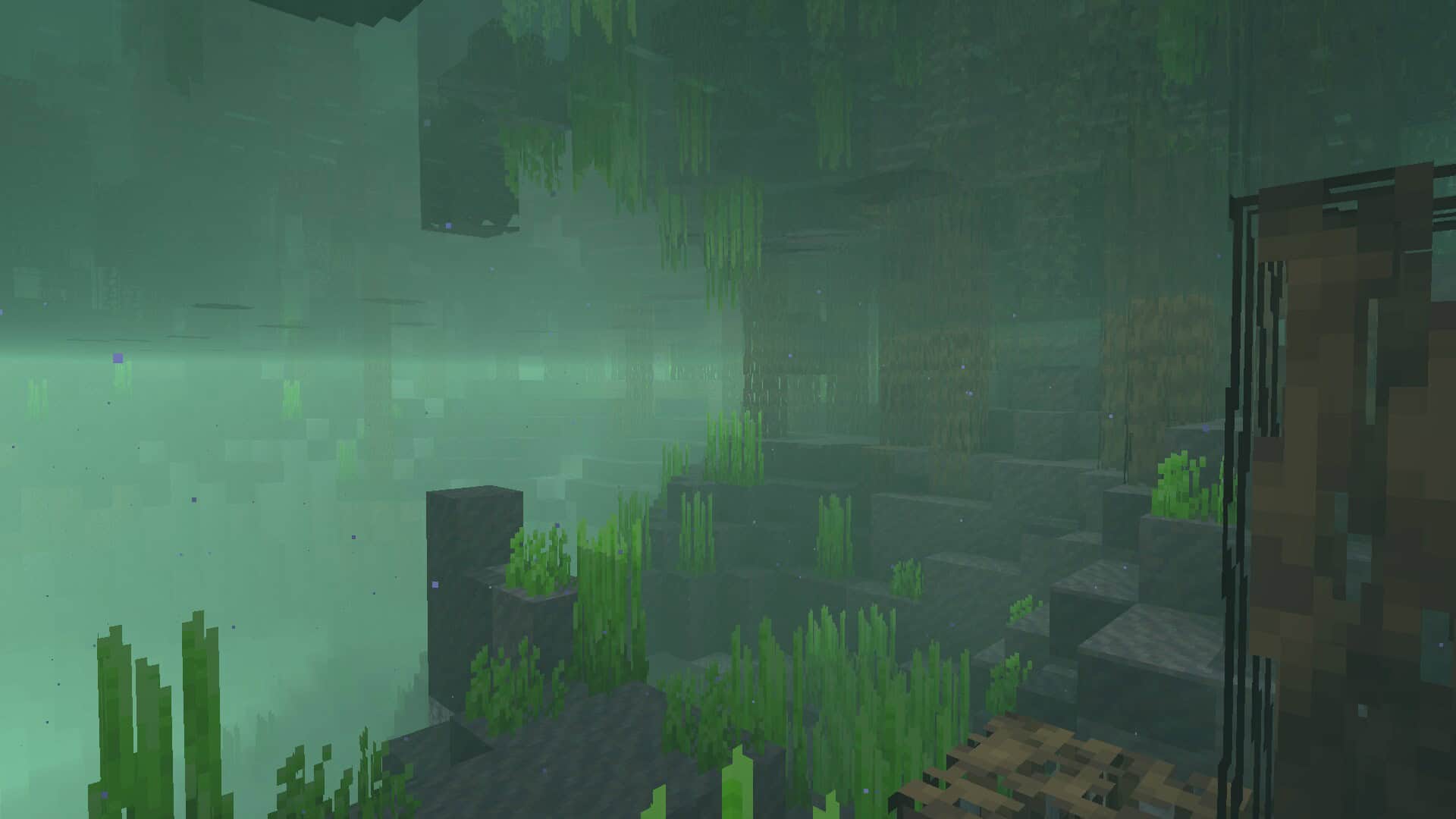
The developer also thoughtfully added several lighting effects that add a wonderful cinematic vibe to the game. Lens flares, film grain, tilt shift, and more have been successfully added to elevate Minecraft to a remarkably noticeable level. Additionally, there are fun effects introduced that are related to movement. There is a touch of motion blur, and the waving hand and waving camera effects become delightfully noticeable when you move around with your character or shift the camera around. Another aspect of the game that was brilliantly changed and improved in RedHat Shaders is the sky textures. There are stunning new textures for clouds, making them look impressively realistic, alongside gorgeous new textures for the sun and moon. Other atmospheric effects such as fog and rain have also been heavily improved to appear much more realistic. Lastly, the reflections have been massively improved. This can be observed on all surfaces, but it is wonderfully much more noticeable when looking closely at the water. The improvement also affects shadows and the light absorption of certain objects. When looking at water, a noticeable difference can be observed in how objects are projected, as their reflections are considerably better. Game performance is always a big issue when it comes to shader packs, but fortunately, RedHat Shaders offers plenty of great customization regarding which features you choose to have enabled. Some of them can be very taxing in terms of FPS, especially if installed on older computers. A modern PC should easily be able to handle the shader pack without breaking a sweat. Performance can drop further if you have RedHat Shaders installed alongside a heavy resource pack that bumps up the texture resolution by a considerable margin. Textures with a resolution of 256x and up will severely cripple your FPS. However, entirely on its own, RedHat Shaders is nowhere near as taxing as other shaders because it cleverly avoids heavy modern features such as Ray Tracing. According to the developer, RedHat Shaders can be properly tweaked to work smoothly on a medium-range computer running on an Intel Iris GPU. Installing the shader pack can be effortlessly done with fantastic tools such as Iris or OptiFine. It works seamlessly with newer versions of these optimization tools and supports Minecraft versions ranging from 1.7.2 all the way up to 1.19, as well as 1.18.2.
RedHat Shaders should be compatible with all of these Minecraft versions: 26.2 – 26.1.2 – 26.1.1 – 26.1 – 1.21.11 – 1.21.10 – 1.21.9 – 1.21.8 – 1.21.7 – 1.21.6 – 1.21.5 – 1.21.4 – 1.21.3 – 1.21.2 – 1.21.1 – 1.21 – 1.20.6 – 1.20.5 – 1.20.4 – 1.20.3 – 1.20.2 – 1.20.1 – 1.20 – 1.19.4 – 1.19.3 – 1.19.2 – 1.19.1 – 1.19 – 1.18.2 – 1.18.1 – 1.18 – 1.17.1 – 1.17 – 1.16.5 – 1.16.4 – 1.16.3 – 1.16.2 – 1.16.1 – 1.16 – 1.15.2 – 1.15.1 – 1.15 – 1.14.4 – 1.14.3 – 1.14.2 – 1.14 – 1.13.2 – 1.13.1 – 1.13 – 1.12.2 – 1.12 – 1.11.2 – 1.11 – 1.10.2 – 1.10 – 1.9.4 – 1.9 – 1.8.9 – 1.8.8 – 1.8.6 – 1.8.1 – 1.8 – 1.7.10 – 1.7.9 – 1.7.4 – 1.7
Screenshots

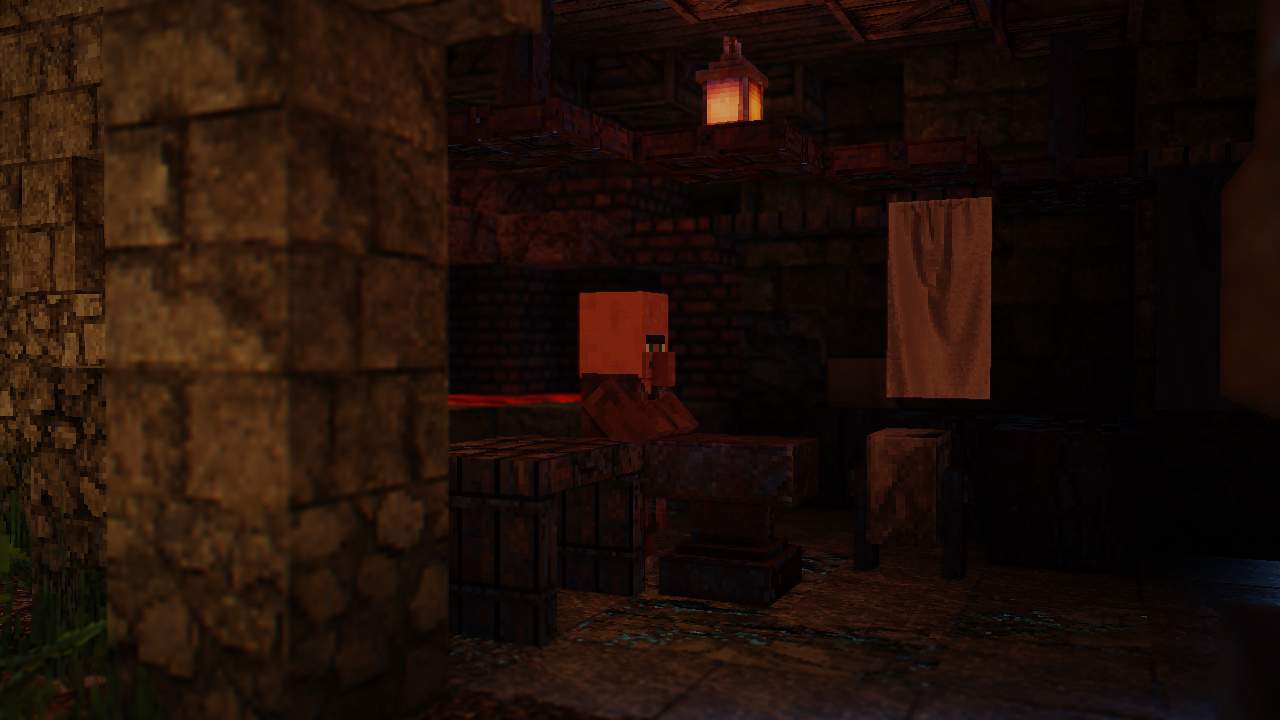
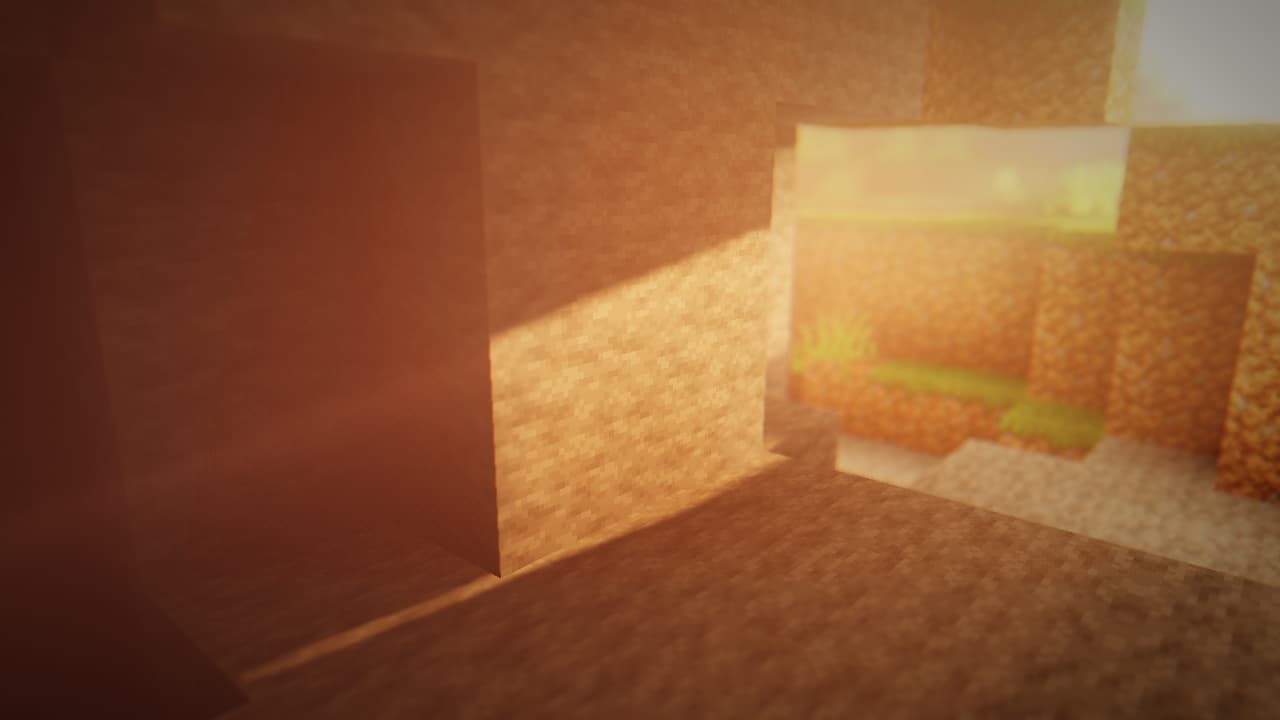
How to Install Shader Pack (Simple and Easy 7 Steps)
- Install Minecraft: Make sure to have Minecraft on your PC.
- Set the Game Version: Open the Minecraft Launcher, go to the “Installations” tab, click “New Installation”, choose the version you want to play, and click “Create”.
- Install OptiFine or Iris: Download and install OptiFine or Iris (we recommend Iris for better performance).
- To download Iris, click here.
- To download OptiFine, click here.
- Launch with the Shader Mod: Open the Minecraft Launcher again and select the OptiFine or Iris profile you installed.
- Download the Shader Pack: Download the shader pack (.zip file) from the download section below. (Don’t unzip it!)
- Open the Shaderpacks Folder:
- For OptiFine: Go to Options > Video Settings > Shaders > Shaders Folder
- For Iris: Go to Options > Video Settings > Shader Packs > Open Shader Pack Folder
- Add and Activate the Shader Pack: Move the downloaded .zip file into the shaderpacks folder. Then go back to the game, select the shader pack from the list, and click “Done” to activate it.
Credits
This shader pack was created by mlgimposter. We are not the original owners or creators of this content, and we do not modify the files. All rights belong to the original author. We strongly recommend supporting the creator by downloading the pack from their official links.
Download Instructions
Curseforge: download starts automatically after a few seconds;
Mediafire: click the big blue button with the text “DOWNLOAD”;
Google Drive: in the top right corner you will see a small download icon (down arrow), click it and the download should start;