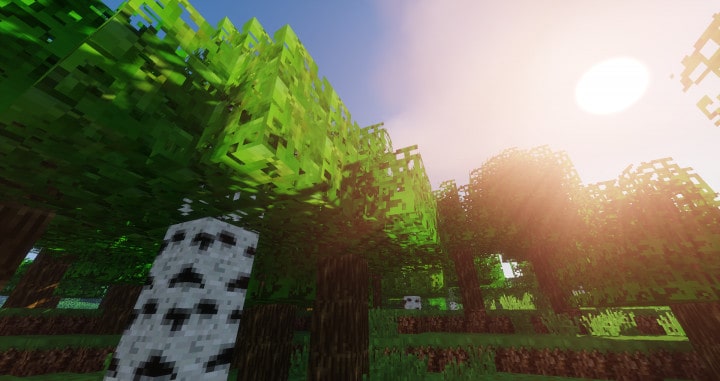
Realistic Realm stands out by overhauling the entire in-game landscape without requiring heavy hardware. Unlike previous realistic packs that suffered from poor details or excessive system demands, this pack delivers incredible texture quality at a lightweight 16x resolution.
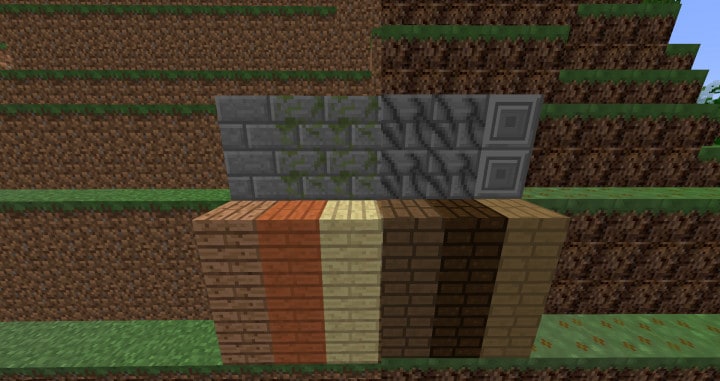
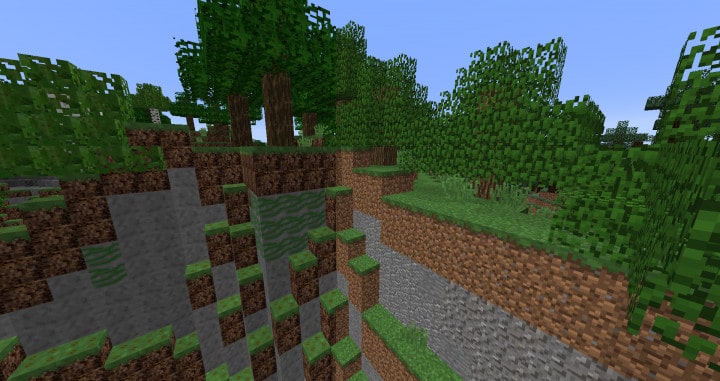
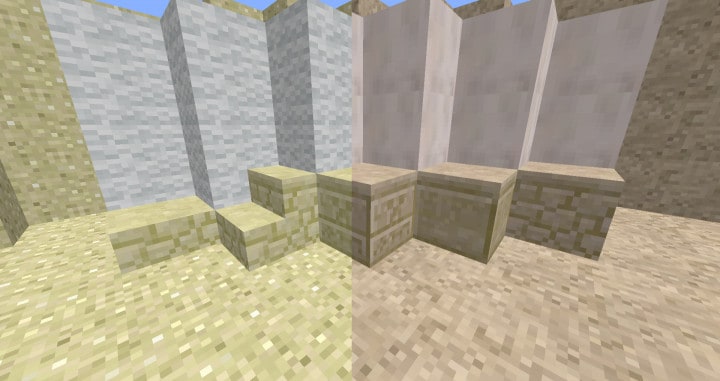
The main focus is transforming the environment rather than completely rewriting every single asset, though you will immediately notice refined textures for blocks like grass and sand. It successfully eliminates visual noise and introduces a vibrant new color palette that breathes fresh life into the world. If you use a lower-end PC, you can enjoy these upgraded visuals smoothly without dealing with frame rate drops.
Realistic Realm should be compatible with all of these Minecraft versions: 1.12.2 – 1.12 – 1.11.2 – 1.11
Screenshots
How to Install Texture Pack (Simple 10 Steps)
- Download OptiFine: Most of the texture packs and shaders need OptiFine. That’s why, first download and install OptiFine for the version of Minecraft you want to play.
- Download the Texture Pack: Get the texture pack you want from the download section. Choose the version that works with your Minecraft and your PC’s performance.
- Open Minecraft Launcher: Start Minecraft using the official game launcher — or even TLauncher, if you use that.
- Go to Options: From the main menu, click on the “Options” button.
- Open Resource Packs: Inside Options, click on “Resource Packs…”.
- Open the Resource Pack Folder: Click on “Open Resource Pack Folder” — this will open a folder named “resourcepacks”.
- Move the Pack File: Copy or move the .zip file you downloaded into that “resourcepacks” folder. (Don’t unzip the file — Minecraft uses it as-is!)
- Go Back and Refresh: Close the folder and click “Done”, then go back into “Resource Packs…” again.
- Activate the Pack: You’ll see the pack on the left side. Hover over it and click the arrow to move it to the right (active side).
Tip: If you get a message that the pack is for a different version, just click “Yes” — it usually works fine. - Click Done and Enjoy: Click “Done” again. Now your pack is ready to use in-game. It’s that easy!
Credits
Created by EBJack Creations. We do not own or claim ownership of this resource pack, nor have we modified the files. All rights belong to the original author, and we highly recommend supporting EBJack Creations by downloading through their official channels.
Download Instructions
Curseforge: download starts automatically after a few seconds;
Mediafire: click the big blue button with the text “DOWNLOAD”;
Google Drive: in the top right corner you will see a small download icon (down arrow), click it and the download should start;


