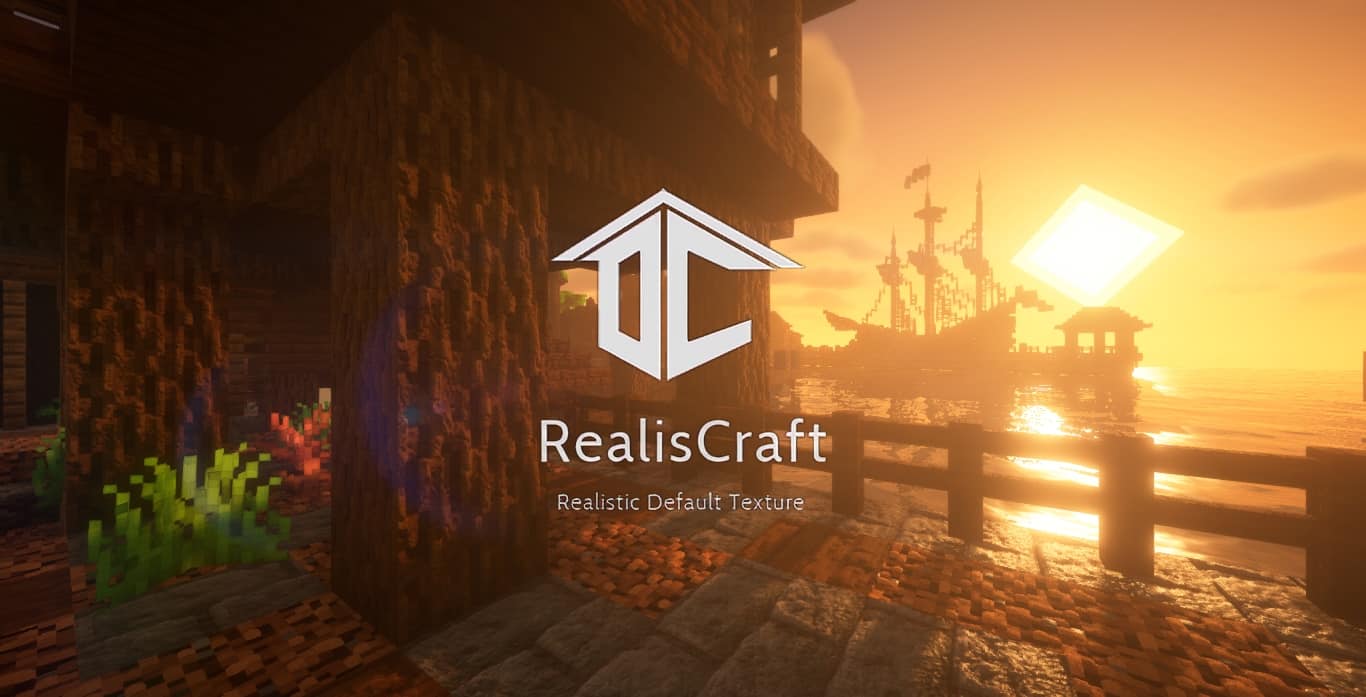
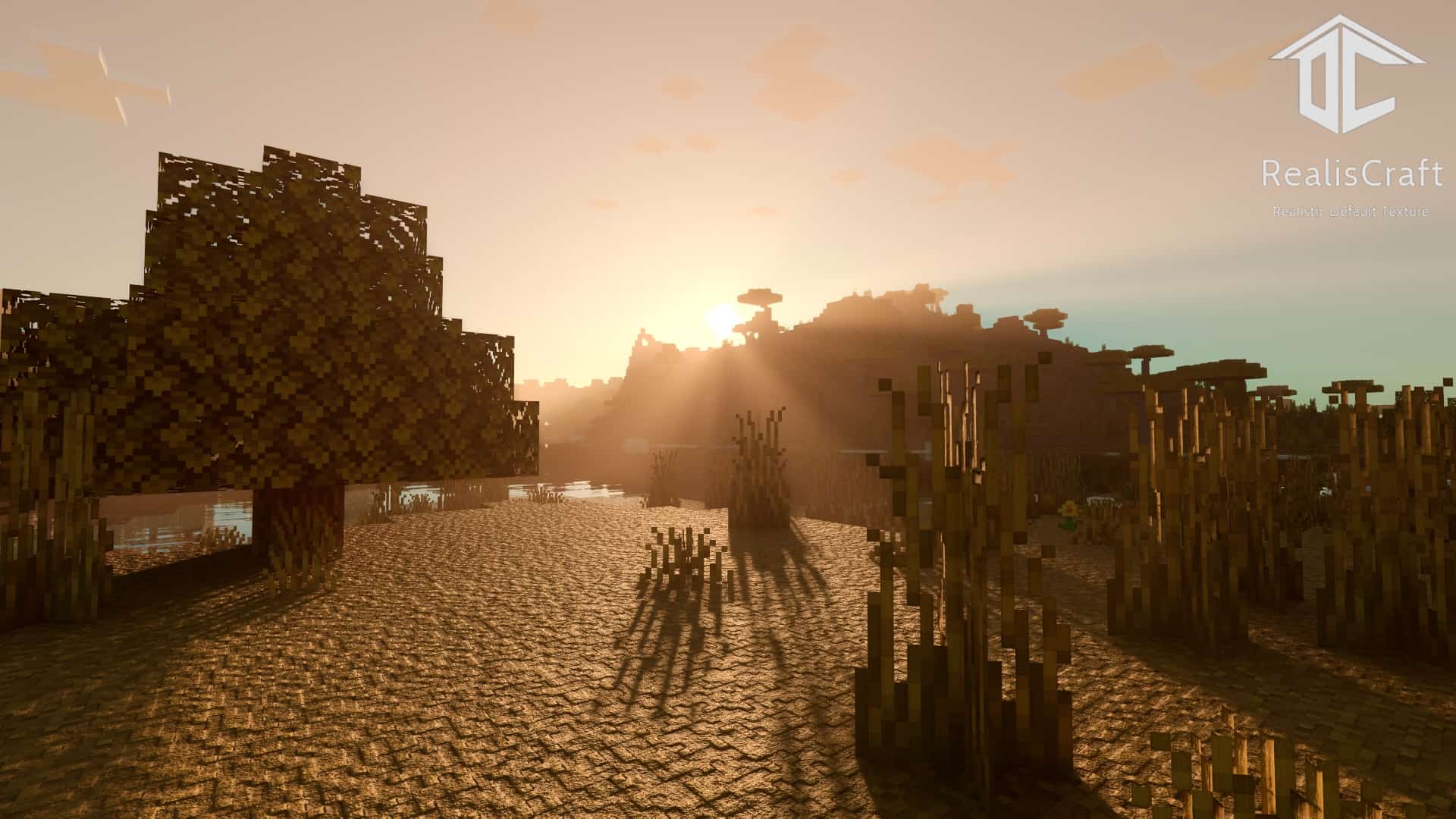
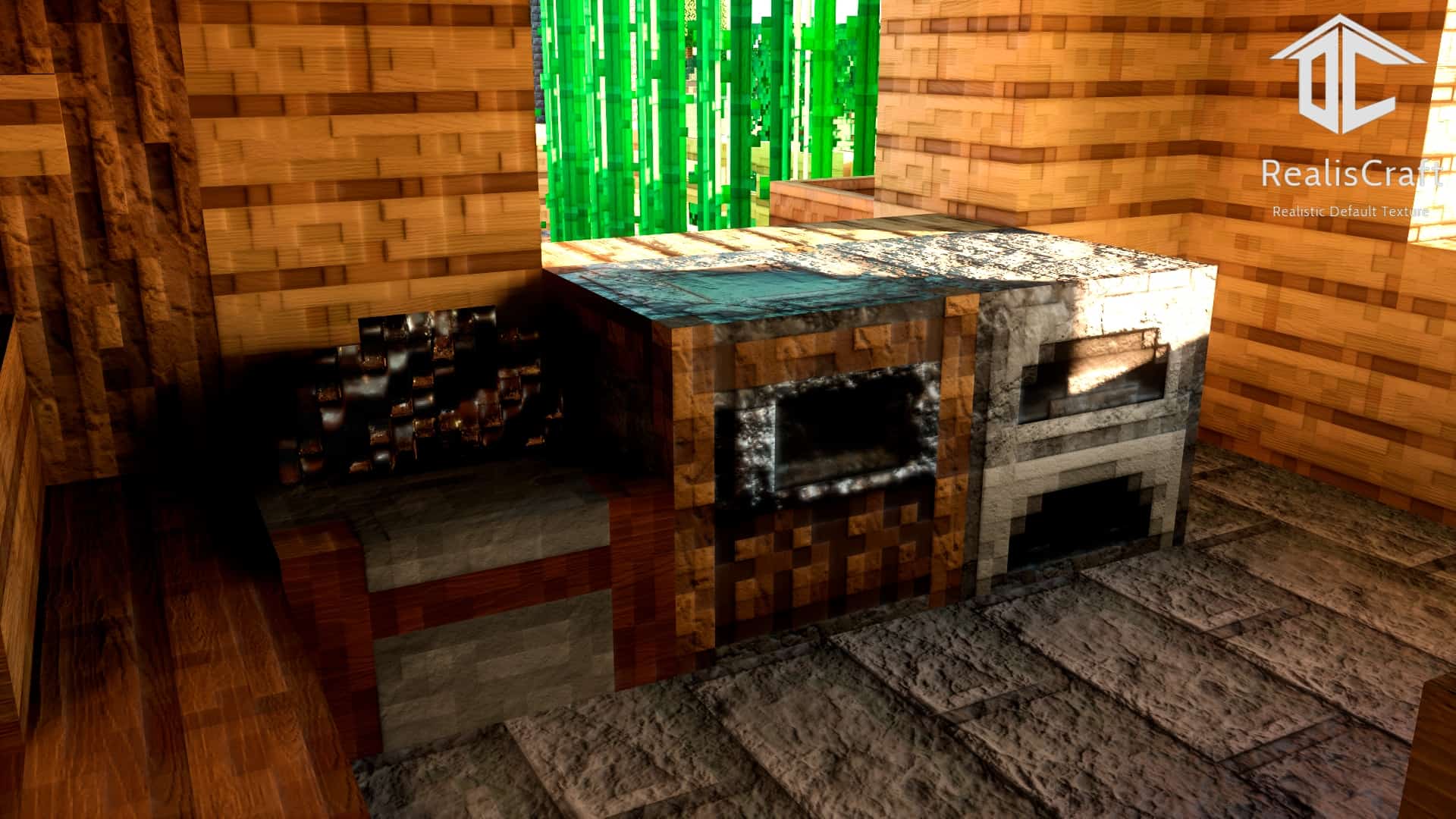
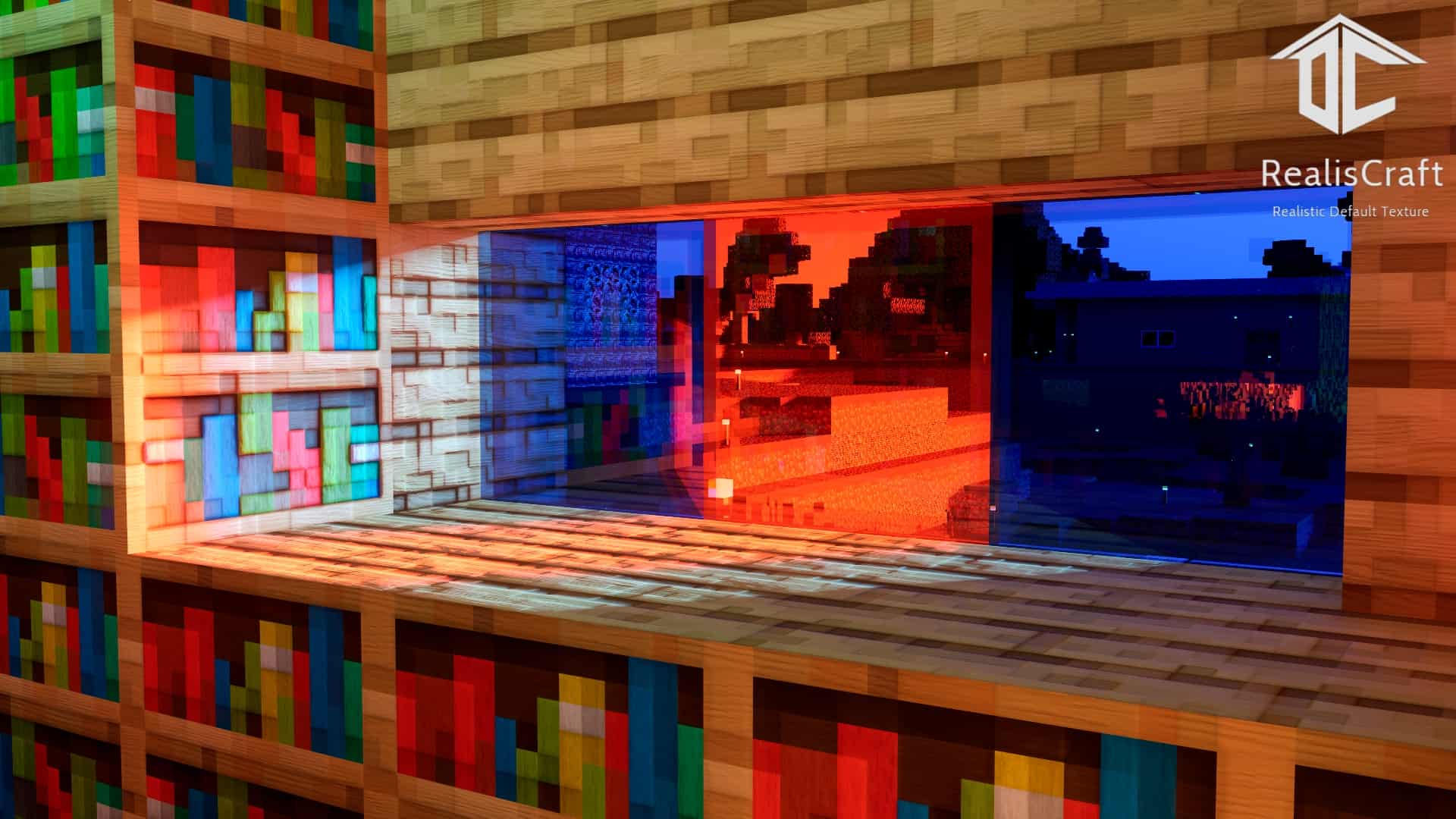
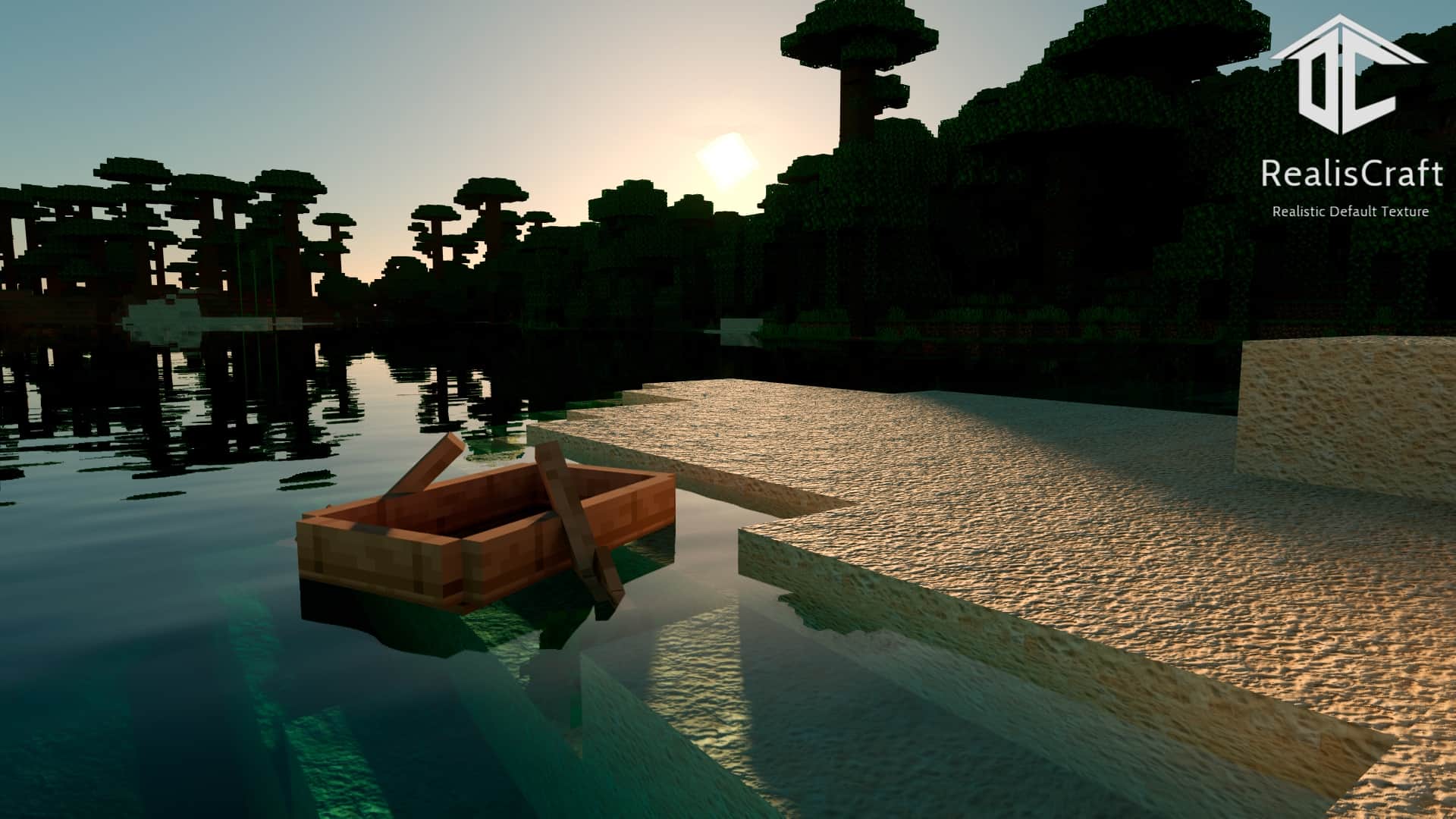
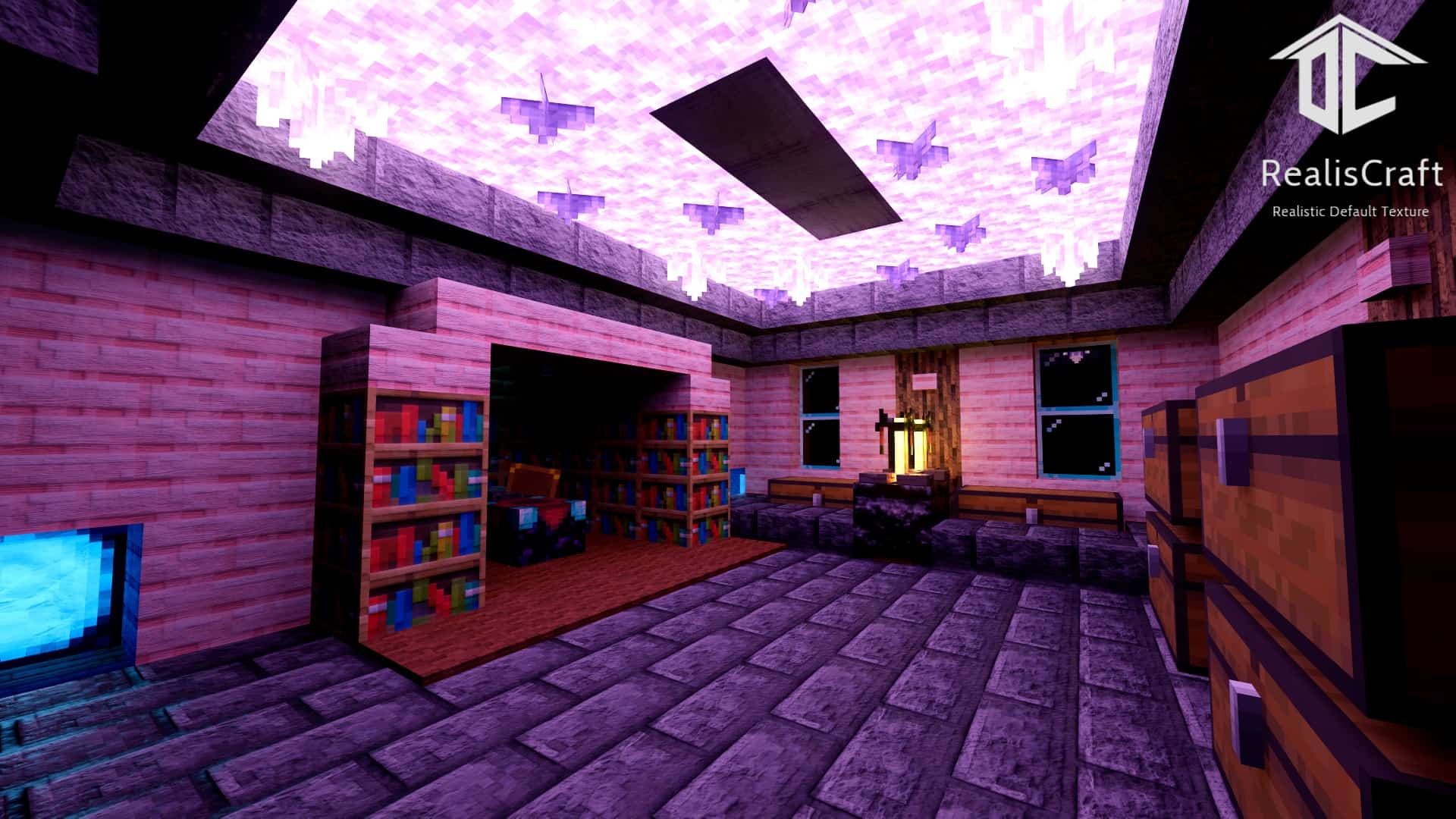
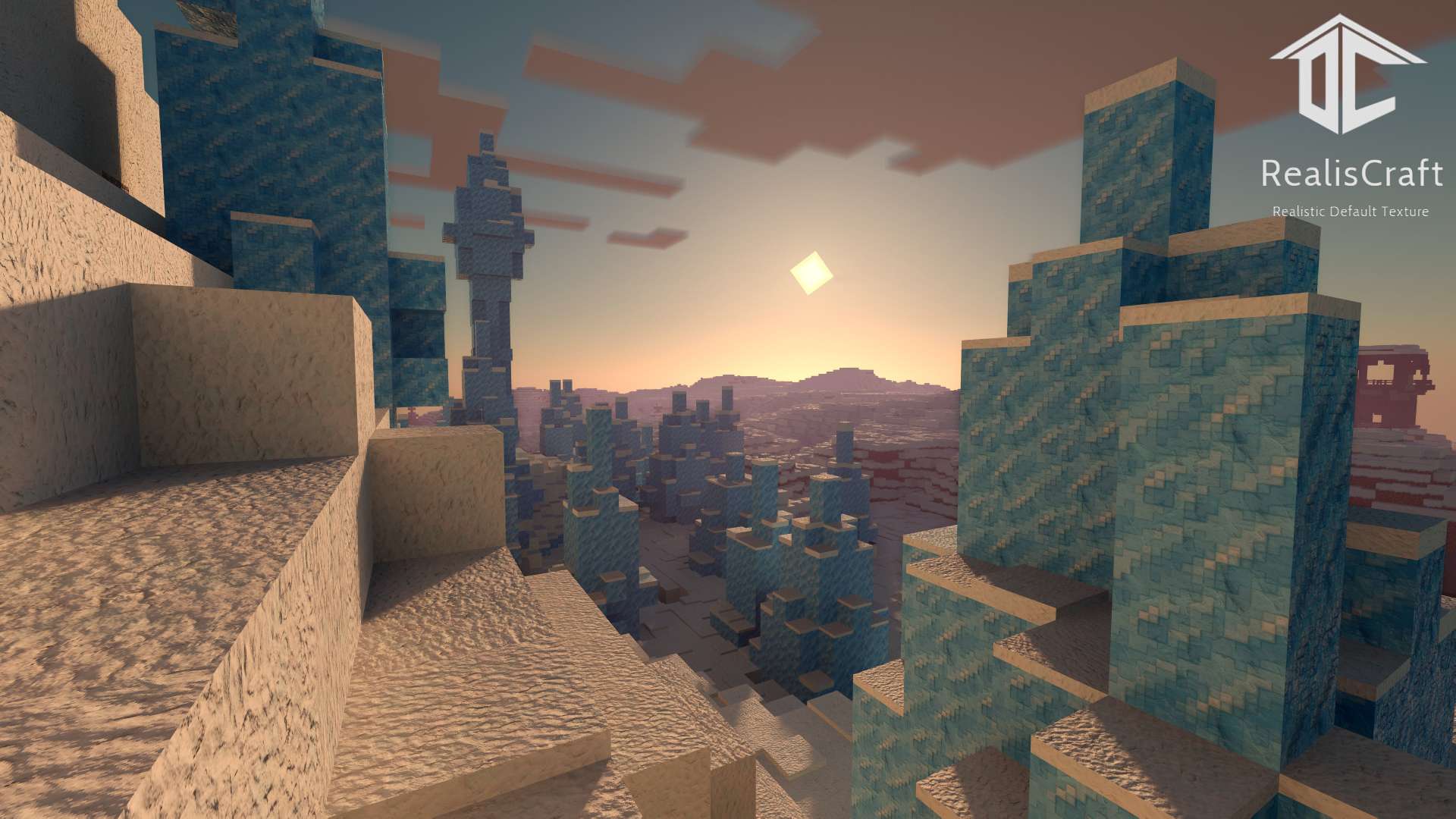
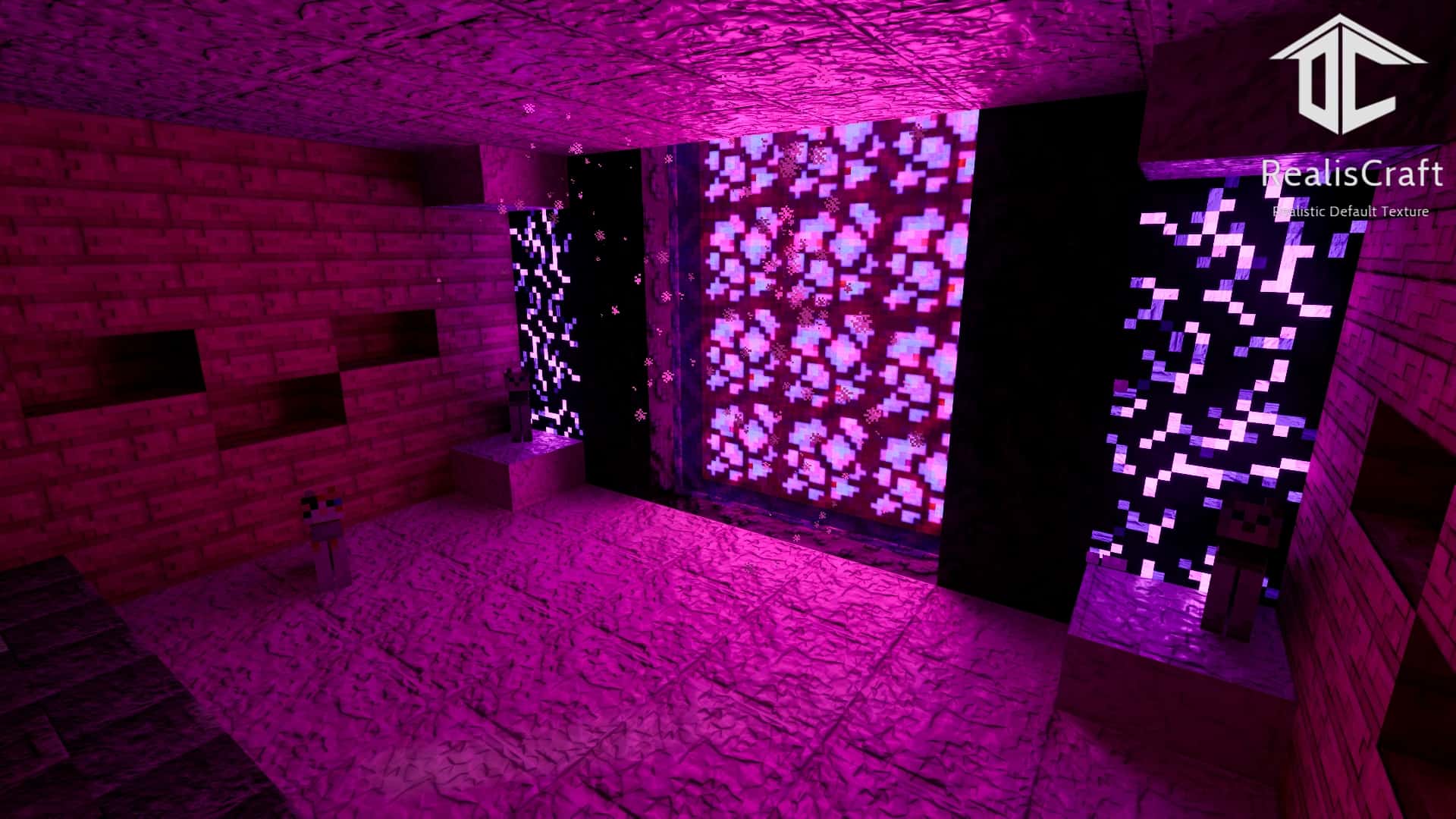
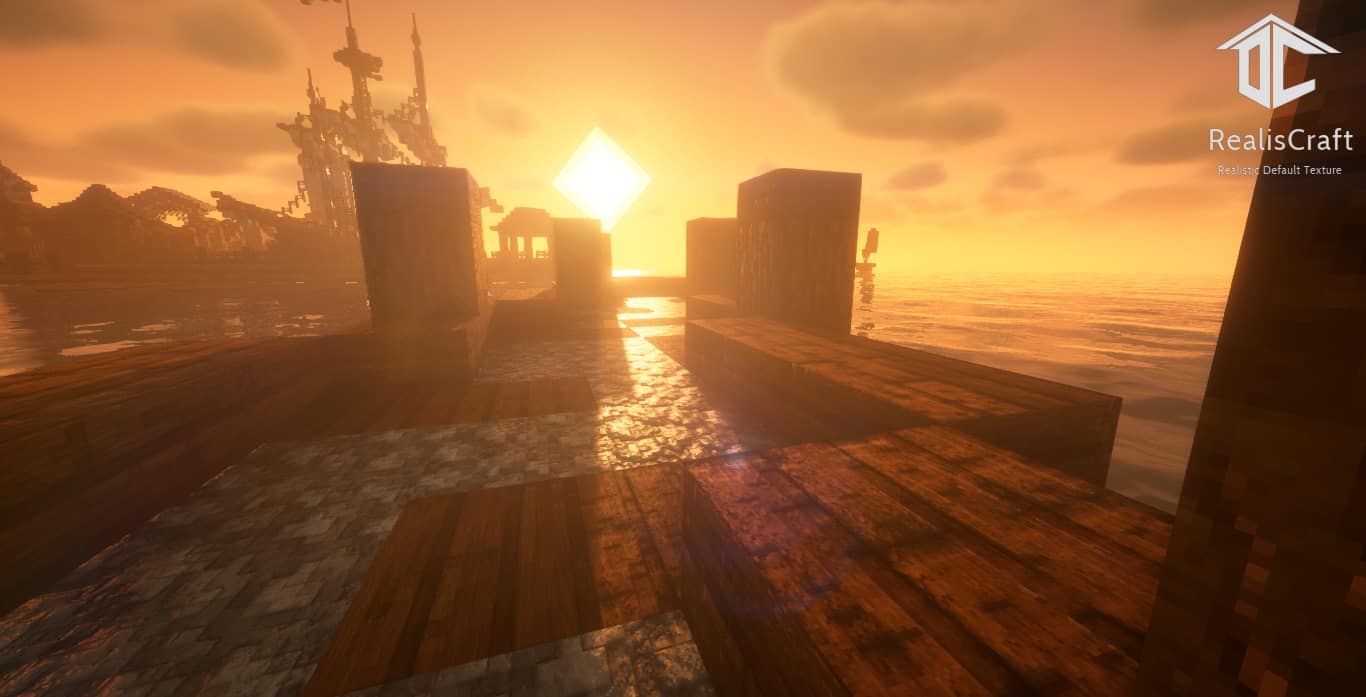
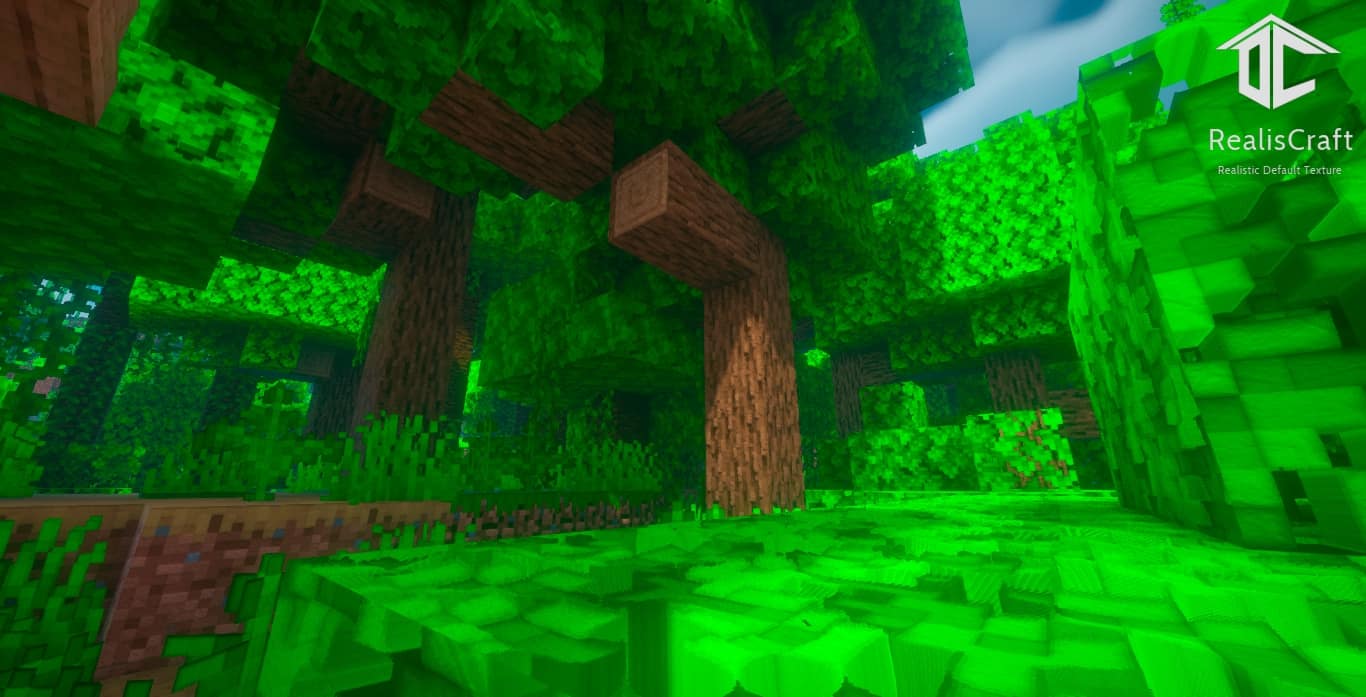
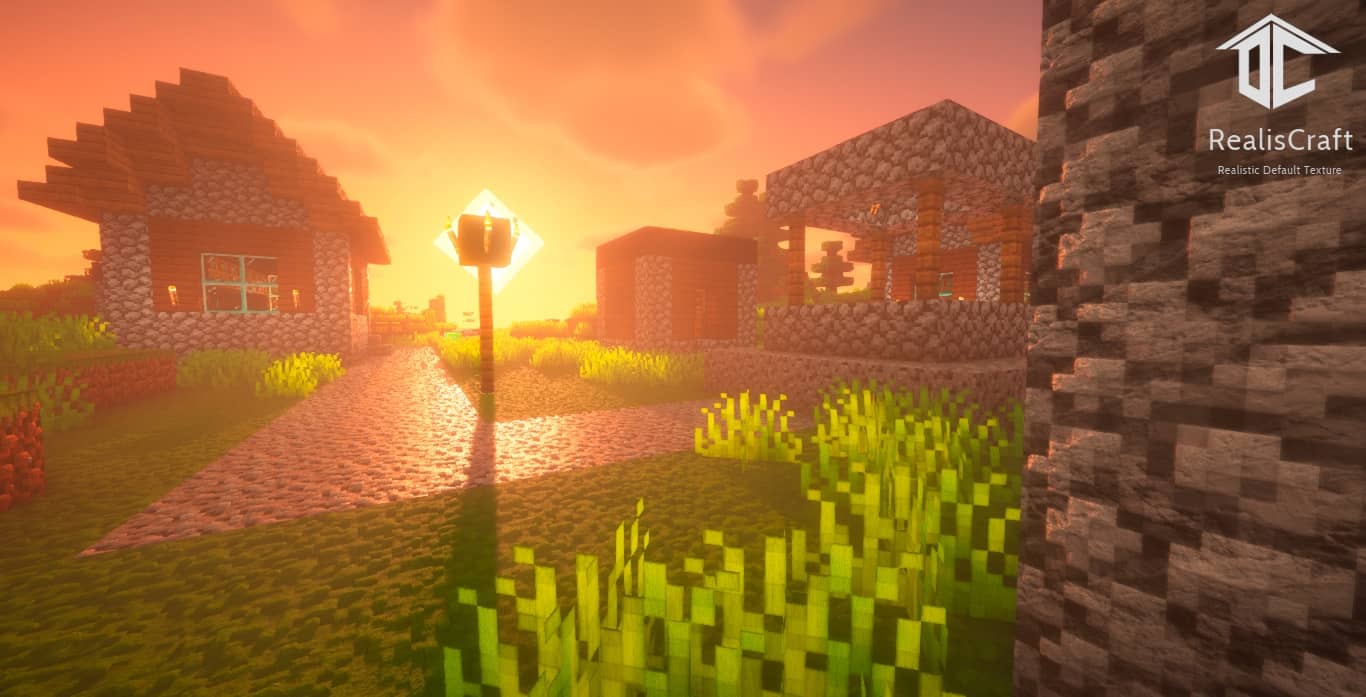
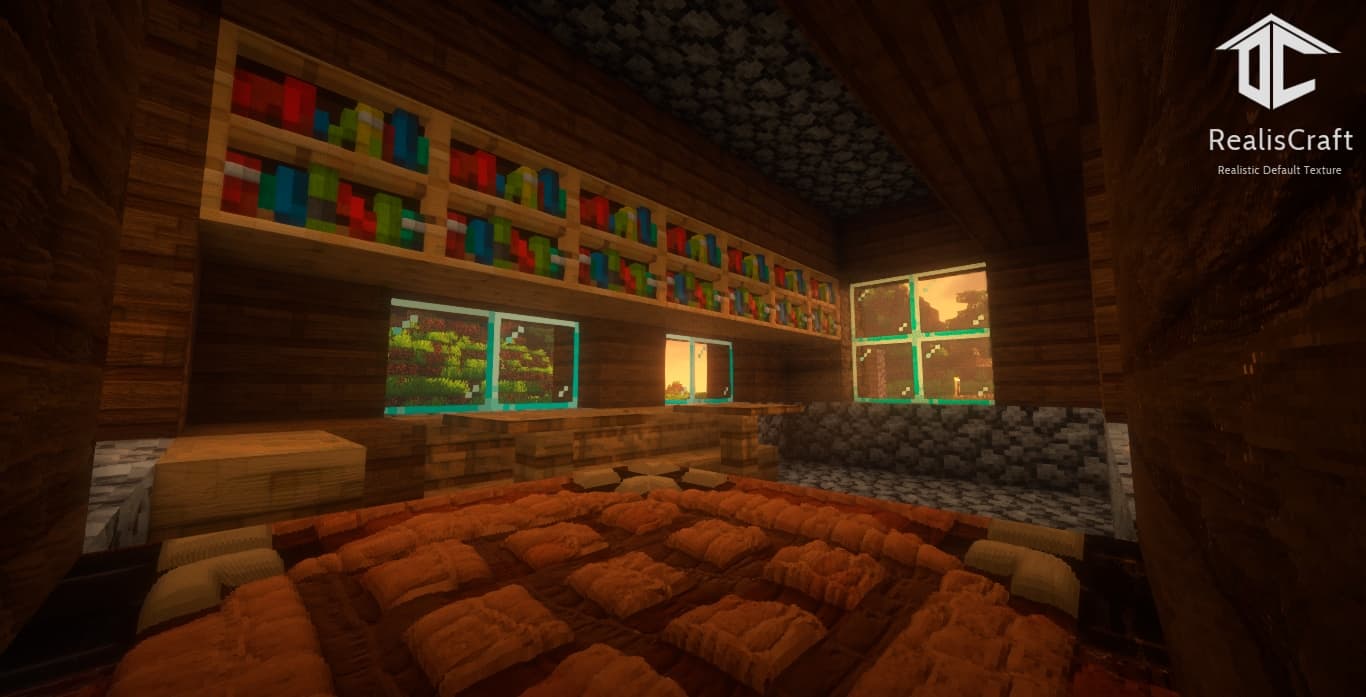
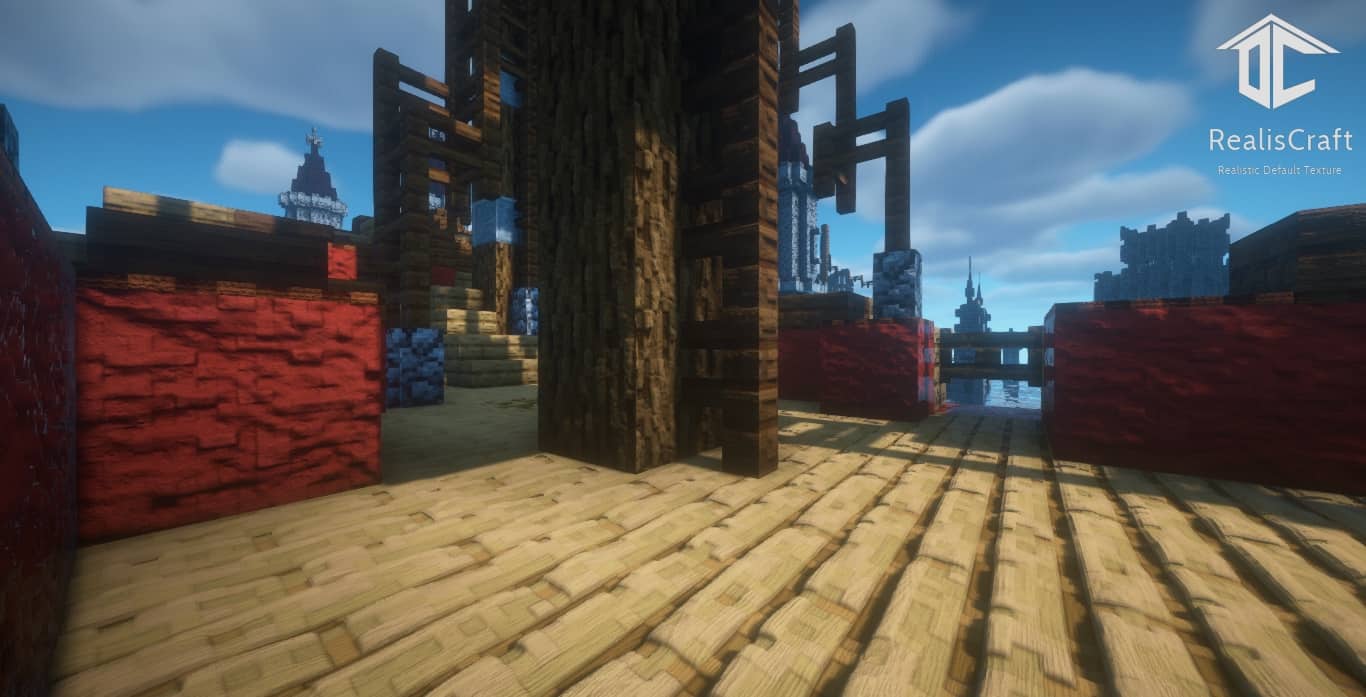
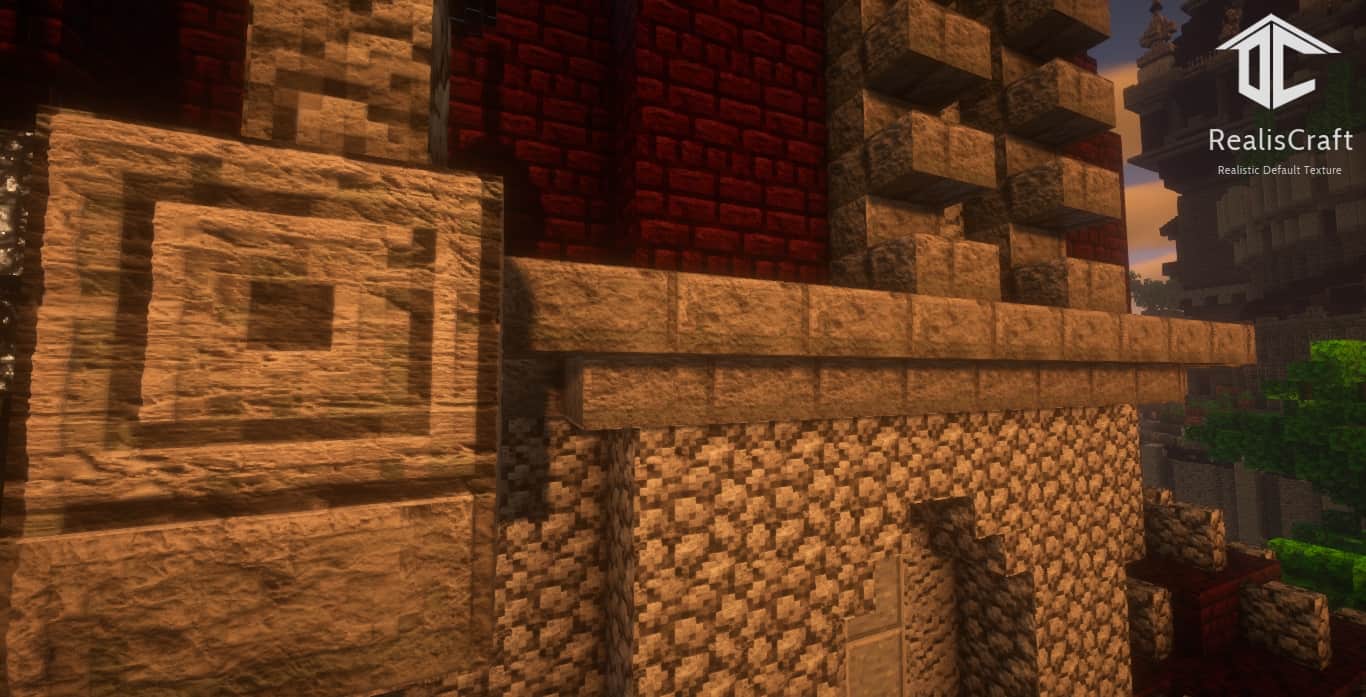
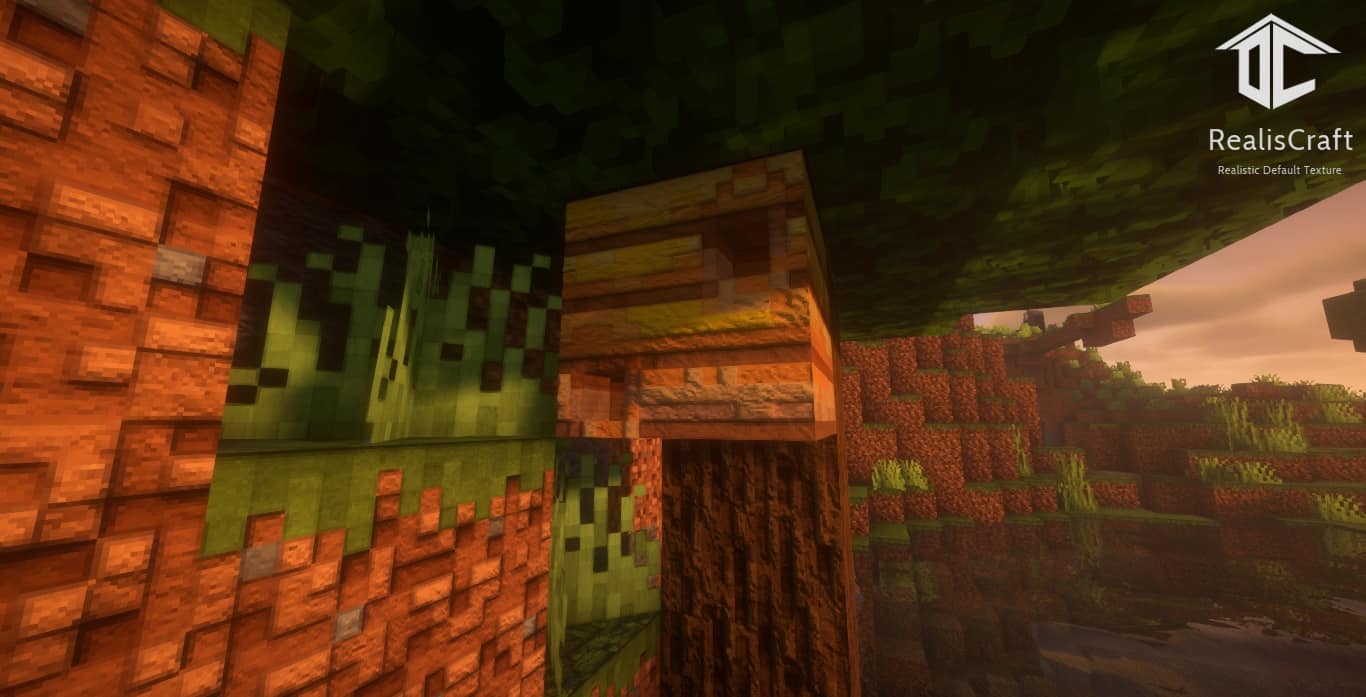
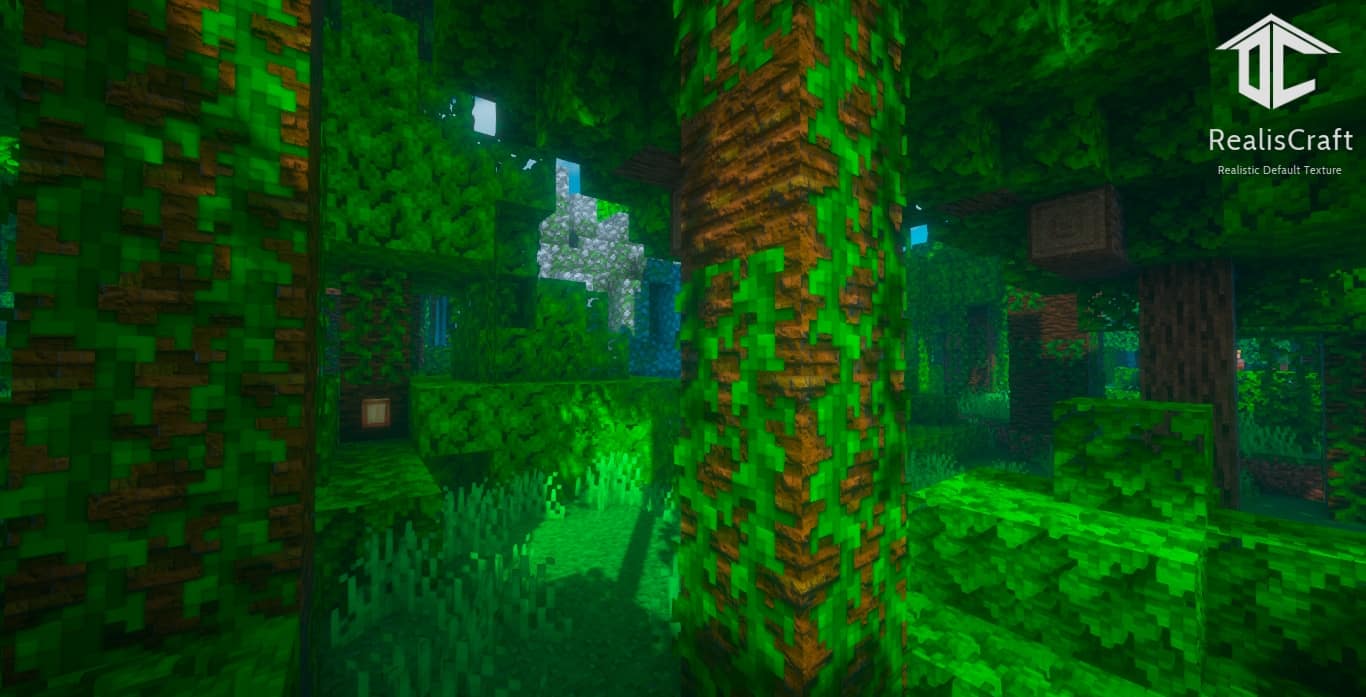
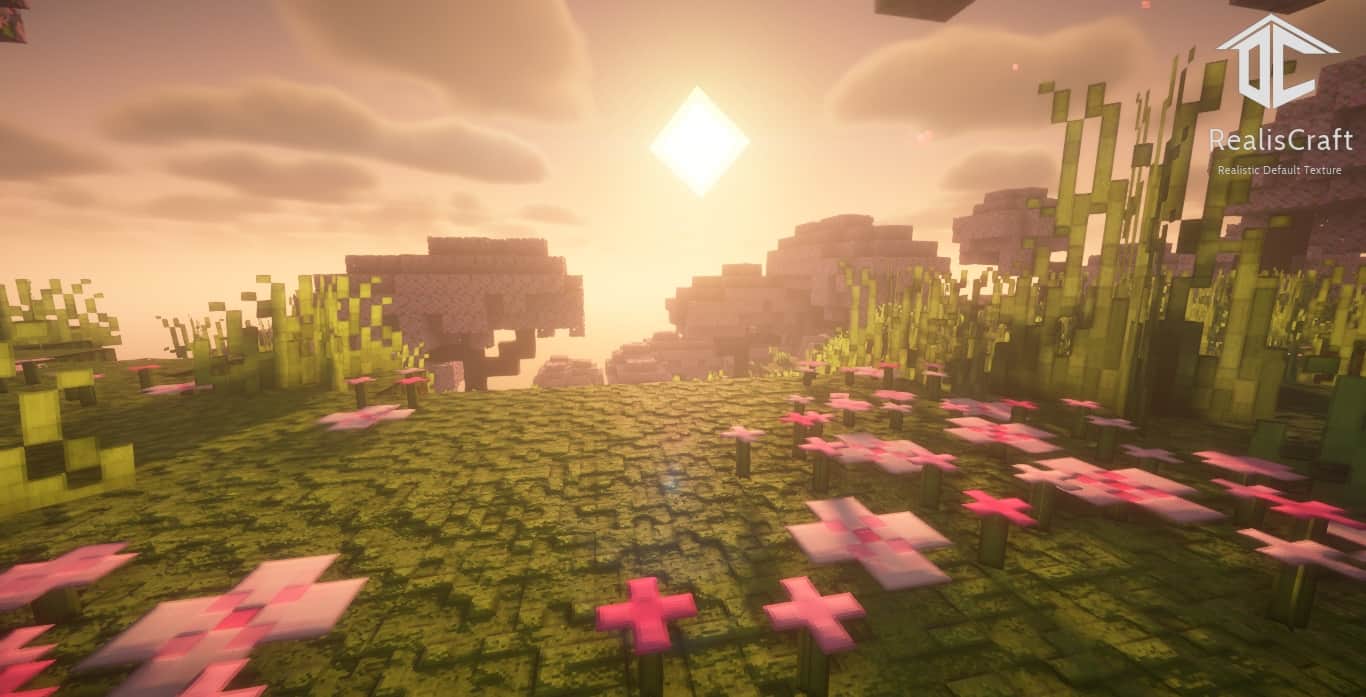
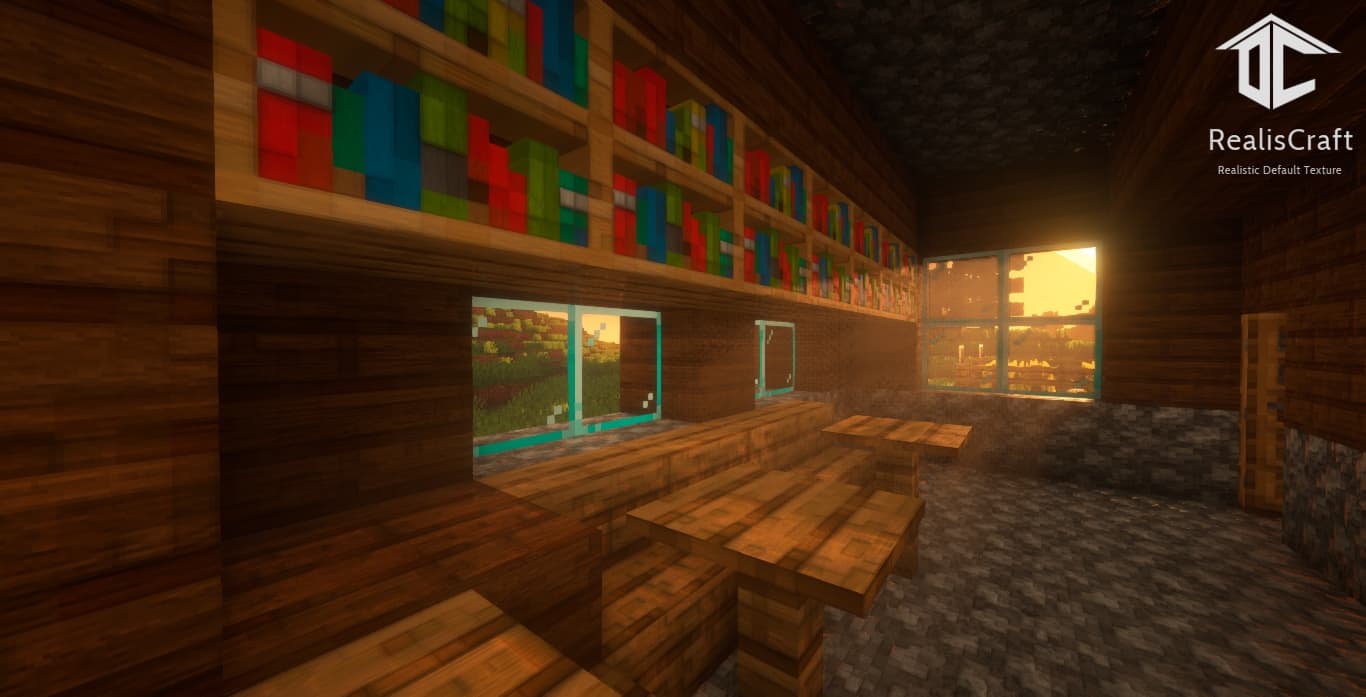
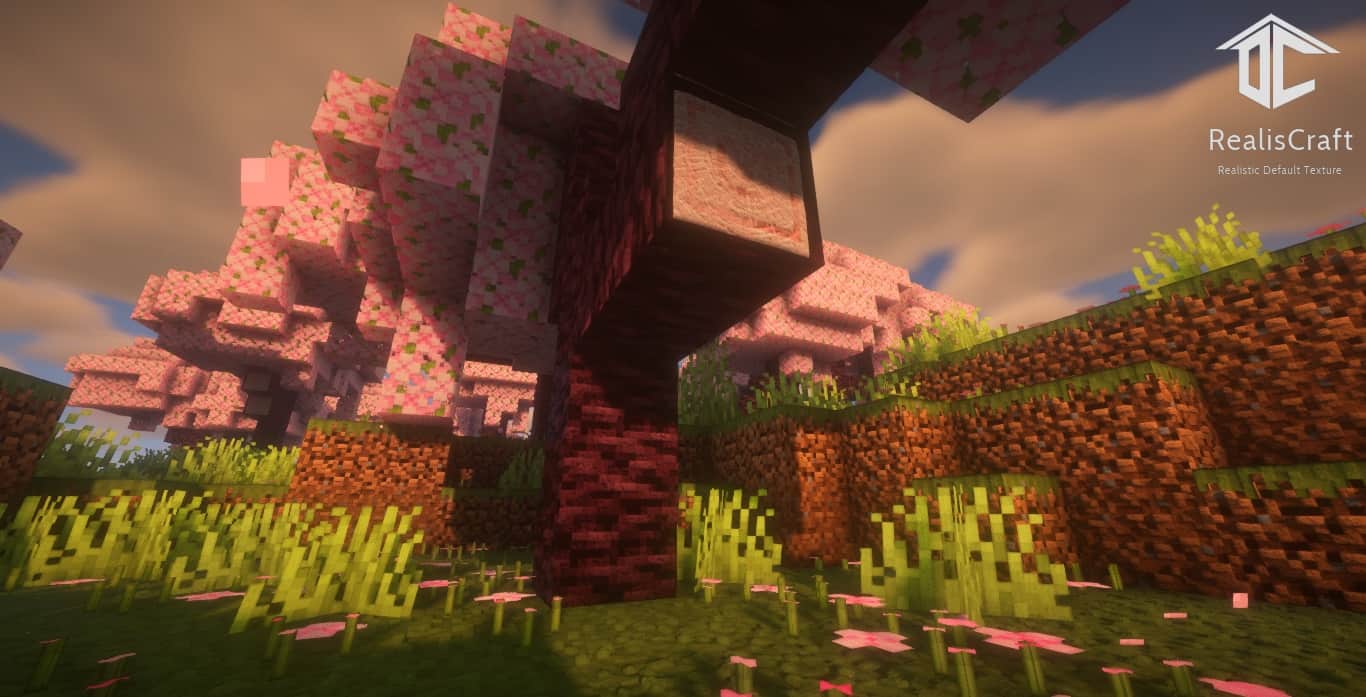
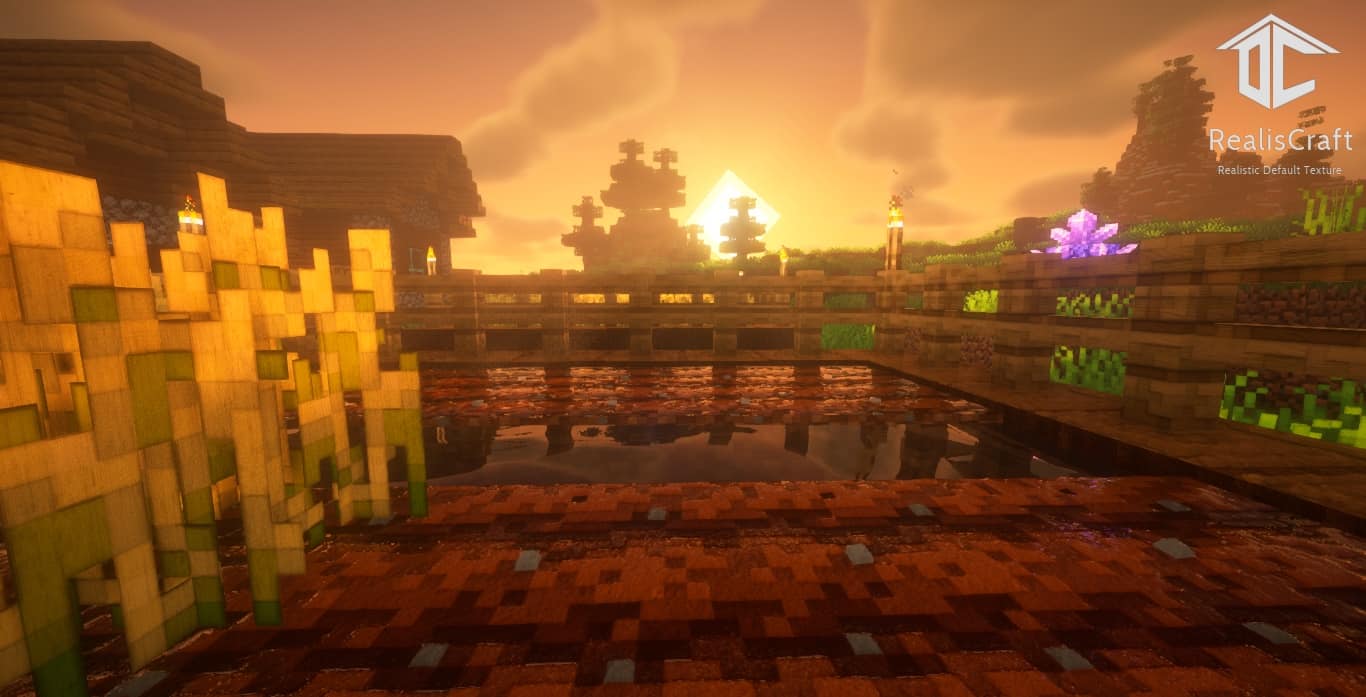
Forget about having to choose between realistic and vanilla faithful textures with the amazing RealisCraft JE resource pack. You probably never heard of this particular pack because it is quite new, with its official release dating back to July 2020. However, it quickly gained recognition among the Minecraft community for its heightened level of realism and some high-end advanced mapping techniques. The attention to detail is unprecedented in RealisCraft JE, as you will immediately notice upon installing it. The groundbreaking accomplishment of this pack is its immaculate merge of default textures with just enough real-world components and implementations. Simply looking at the grass block is going to break your mind. The surface now has small bumps that represent various levels of growth of the grass. Every layout is different from any other block since they are generated randomly. This kind of structure is also noticeable in the dirt below the grass, with notches coming out of each block. All the tree logs have randomly generated bumps and irregularities, providing an impressive and unique appearance. One of the advanced mapping techniques is Parallax Occlusion Mapping. This is a technique that gives a 3D illusion on surfaces that are actually flat inside the game. This introduces a whole new level of realism and is achieved by simulating interactions between light and various surfaces. You can notice the effect most prominently on the blocks that have some kind of depth to them, such as doors or jack-o-lanterns. It looks like the pumpkin was really carved out and you can almost see inside the holes themselves. This feature is very innovative and can be found in almost no other pack. As is the case with almost every Minecraft player, you probably hate rain as well. However, with RealisCraft JE this unwanted weather phenomenon gets a complete overhaul. The water droplets and animations have been changed to be more pleasant to the eye, as well as to accurately imitate real rain. The space right in front of the player is somewhat clear while all the other area almost looks like it is covered by a rain curtain.
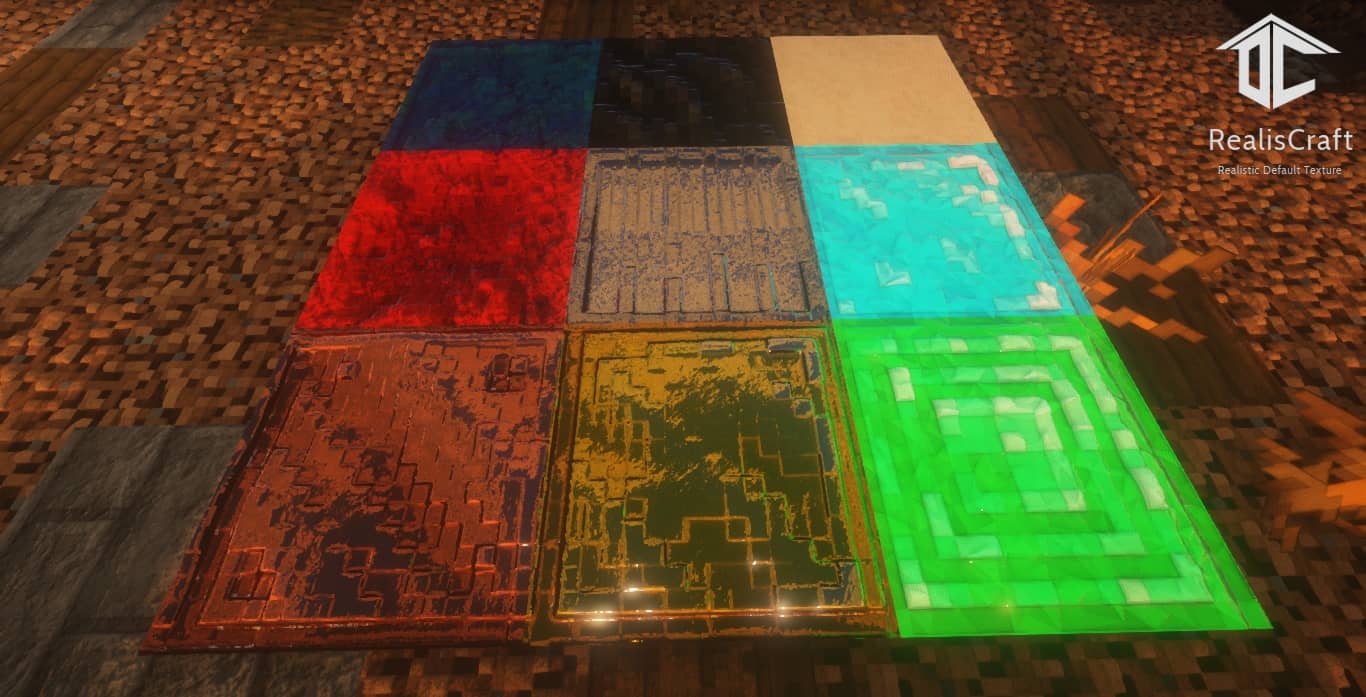
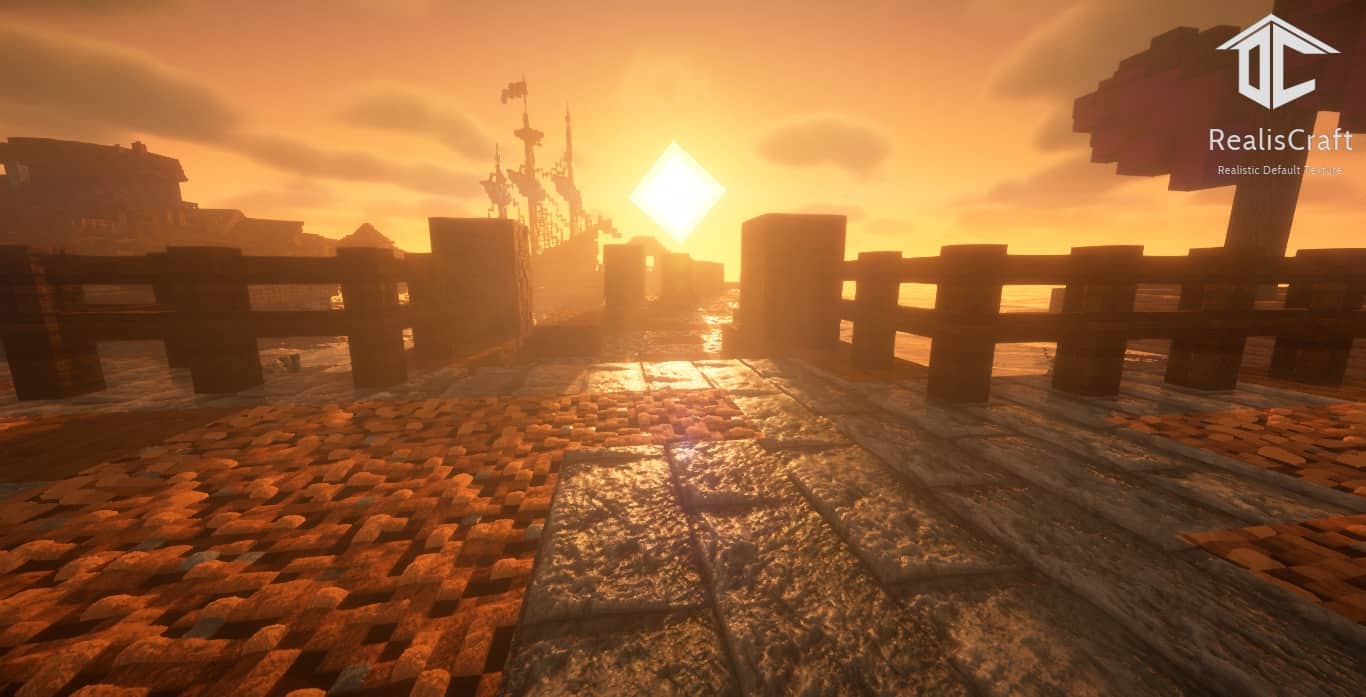
It can be hard to distinguish what exactly is around you, which adds to the realistic atmosphere that this pack offers. These realistic conditions are mainly provided by yet another advanced mapping technique – Physically Based Rendering. This is a computer graphics approach that is used to create more realistic and accurate representations of materials and the environment by modeling the flow of light in the real world. This way, materials in Minecraft are rendered with much more detail while light reflections from different surfaces have their appropriate properties. The game itself does not provide built-in support for this feature, meaning that the pack introduces this by itself. The RealisCraft JE pack uses a very interesting payment model. There is a demo version that is free for everyone to download and use, albeit with some limitations. The resolution is fixed at 128×128, only the textures that change the blocks are included, and it does not support some additional mapping techniques that bring even more realism, such as Subsurface Scattering. The paid version ranges between $1.7 and $4.7, and depending on the amount of money you will either receive the 256x, 512x, 1024x, or 2048x versions of the resource pack. If you want to get all the latest updates, you will have to pay this amount on a monthly basis. The developer charges for the full version in order to cover expenses, as well as for the effort that went into it. When you look at the incredible features, it does make sense. As far as the performance of the pack goes, it is important to note that you will need a pretty strong PC if you want to run RealisCraft JE smoothly. Most of the available screenshots and reviews are covered with shaders, which further improves the appearance of the game. If you are already struggling with FPS, chances are that the demo 128×128 version is going to be enough for your PC capabilities. Currently, there is only a Minecraft Java Edition release which you can guess by the name of the pack itself. However, RealisCraft JE is regularly updated, and the developer announced a new 4096×4096 version as well as support for Minecraft Bedrock. Its innovative nature and incredibly-looking textures make it very worth a try.
RealisCraft should be compatible with all of these Minecraft versions: 26.2 – 26.1.2 – 26.1.1 – 26.1 – 1.21.11 – 1.21.10 – 1.21.9 – 1.21.8 – 1.21.7 – 1.21.6 – 1.21.5 – 1.21.4 – 1.21.3 – 1.21.2 – 1.21.1 – 1.21 – 1.20.6 – 1.20.5 – 1.20.4 – 1.20.3 – 1.20.2 – 1.20.1 – 1.20 – 1.19.4 – 1.19.3 – 1.19.2 – 1.19.1 – 1.19 – Bedrock Edition – PE
Screenshots
How to Install Texture Pack (Simple 10 Steps)
- Download OptiFine: Most of the texture packs and shaders need OptiFine. That’s why, first download and install OptiFine for the version of Minecraft you want to play.
- Download the Texture Pack: Get the texture pack you want from the download section. Choose the version that works with your Minecraft and your PC’s performance.
- Open Minecraft Launcher: Start Minecraft using the official game launcher — or even TLauncher, if you use that.
- Go to Options: From the main menu, click on the “Options” button.
- Open Resource Packs: Inside Options, click on “Resource Packs…”.
- Open the Resource Pack Folder: Click on “Open Resource Pack Folder” — this will open a folder named “resourcepacks”.
- Move the Pack File: Copy or move the .zip file you downloaded into that “resourcepacks” folder. (Don’t unzip the file — Minecraft uses it as-is!)
- Go Back and Refresh: Close the folder and click “Done”, then go back into “Resource Packs…” again.
- Activate the Pack: You’ll see the pack on the left side. Hover over it and click the arrow to move it to the right (active side).
Tip: If you get a message that the pack is for a different version, just click “Yes” — it usually works fine. - Click Done and Enjoy: Click “Done” again. Now your pack is ready to use in-game. It’s that easy!
Credits
The RealisCraft resource pack was created by GalacticCraft. We do not claim ownership of this content, and we do not host or modify the original files. All rights and intellectual property remain strictly with the original creator. We strongly encourage you to support GalacticCraft by visiting their official platforms and channels.
Download Links
Java Edition
- [128x] Minecraft 1.12.x Demo
- [256x] Minecraft 1.12.x
- [512x] Minecraft 1.12.x
- [1024x] Minecraft 1.12.x
- [2048x] Minecraft 1.12.x
Bedrock Edition
Download Instructions
Curseforge: download starts automatically after a few seconds;
Mediafire: click the big blue button with the text “DOWNLOAD”;
Google Drive: in the top right corner you will see a small download icon (down arrow), click it and the download should start;


