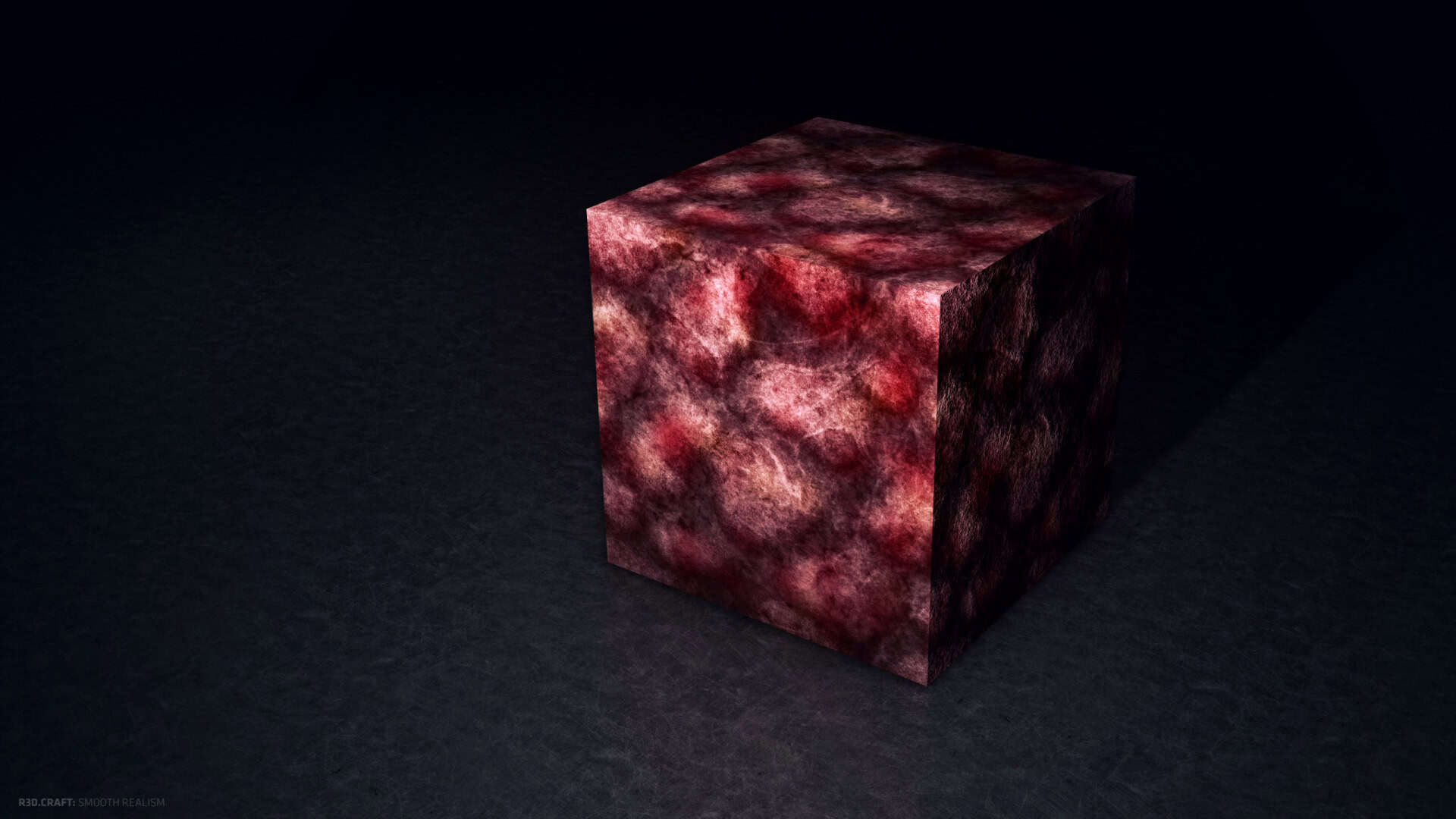
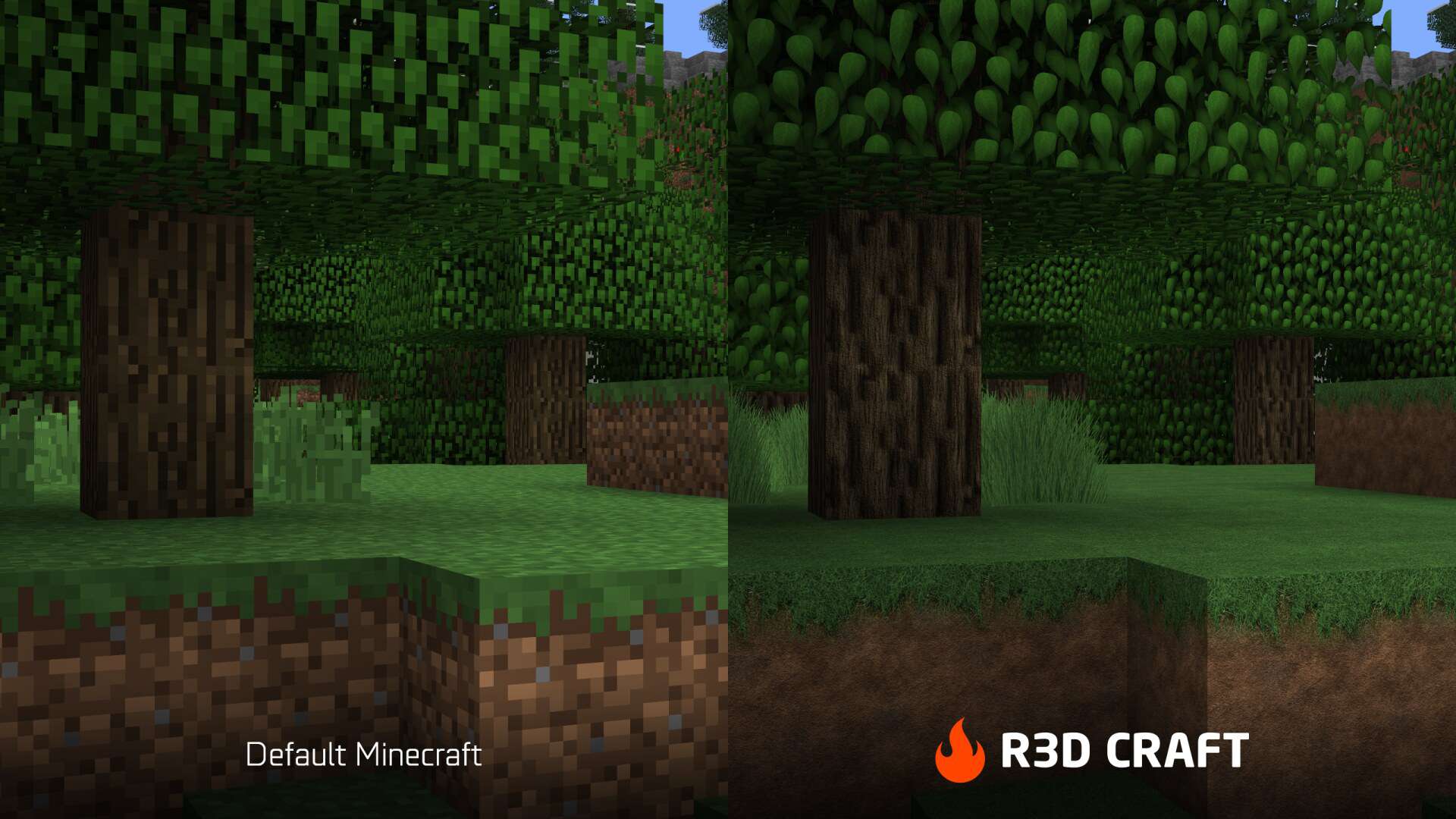
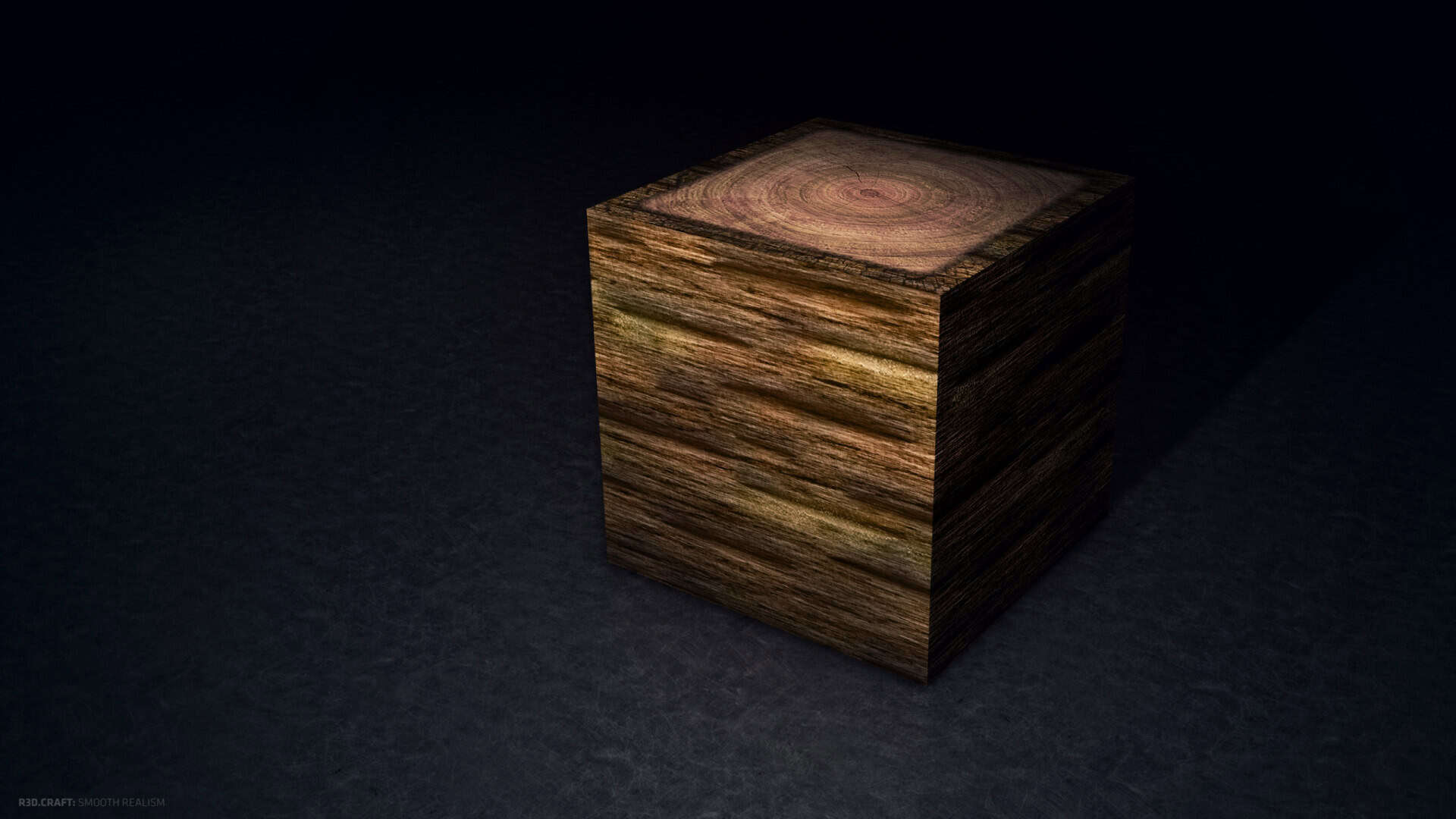
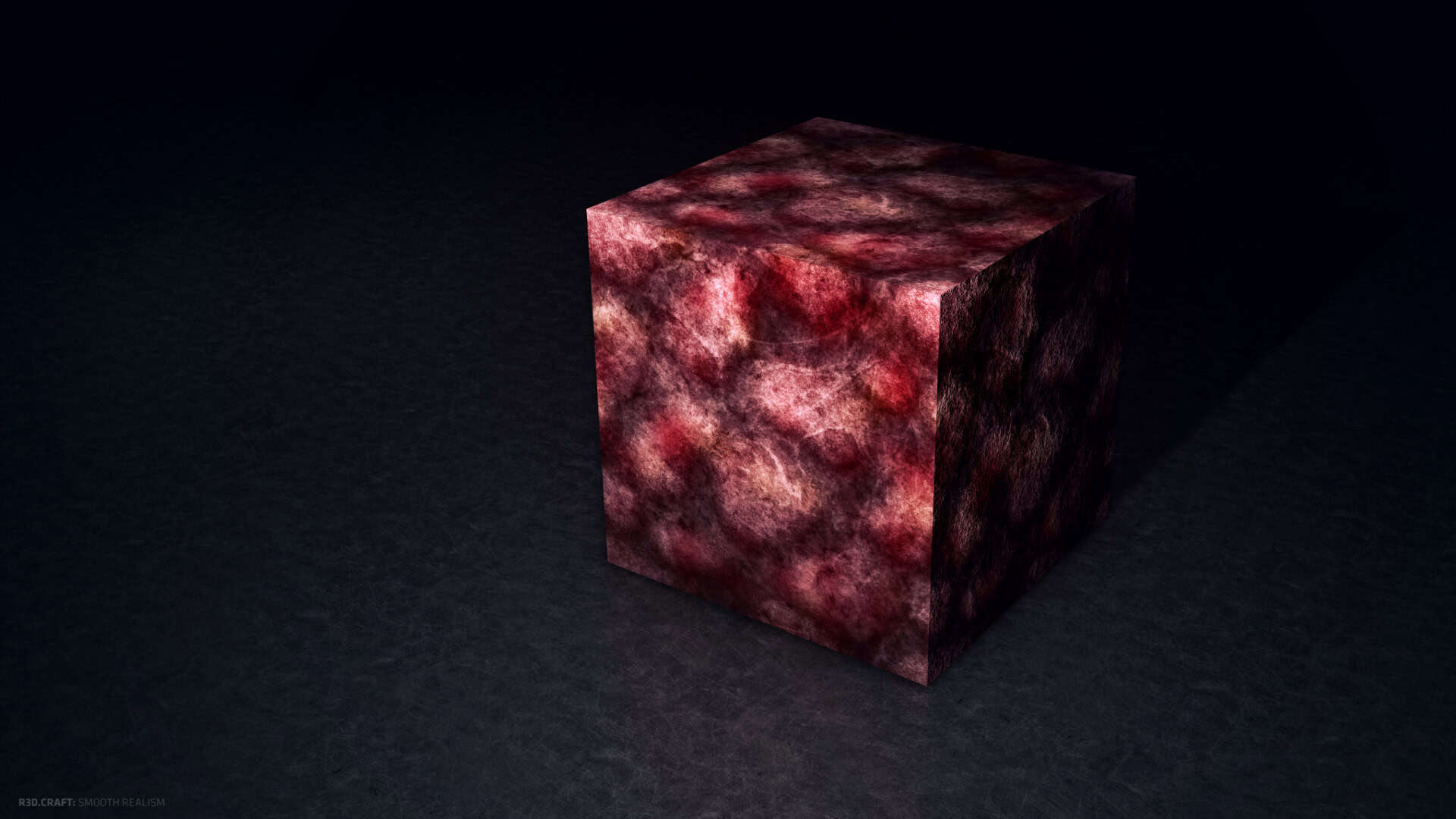
Players from all around the world will be absolutely thrilled to discover the R3D Craft resource pack, because the main purpose of this incredible pack is to bring us much more lifelike textures and genuinely authentic Minecraft worlds. The primary focus of this high-resolution pack is to completely overhaul the appearance of existing objects and blocks, rather than simply adding to what is already there or developing brand new textures from scratch. We noticed a massive, striking difference in the fine details; for instance, the dirt block that normally looks like a simple brown box actually looks and feels like real dirt, while the cobblestone no longer looks like an unattractive chunk of who-knows-what, but instead accurately shows the detailed texture of how it should look in reality. It is truly evident that all those things which used to have rough, pixelated edges have experienced a much-needed and beautifully executed smoothing out process.
However, you definitely do not need to worry if you think the R3D Craft resource pack might not fit your specific style, as it is available in a wide variety of packages giving you plenty of options to choose from. If you fancy trying the pack out just so you can get a good idea of what it is all about, you can easily download the lightweight 32x option, which is a quick download and completely free of any noticeable lag when you load it up and switch it on for your gameplay session. If you are looking for something much more demanding and breathtaking, it scales all the way up to the maximum resolution that Minecraft resource packs can possibly reach, stopping at a stunning 512x. When you utilize these higher tiers, you will personally get to witness how the overall visual appearance gets intricately better the higher you go, and with there being two distinct systems for default or smooth realism modes, you will truly feel like the R3D Craft resource pack is so much more than just a single pack. The incredibly high level of visual detail, even in the marvelous 3D effects of each individual block, is an absolute work of art and leaves us with zero questions as to why the R3D Craft pack experiences the massive extent of popularity that it continues to enjoy today.
R3D CRAFT should be compatible with all of these Minecraft versions: 1.12.2 – 1.12 – 1.11.2 – 1.11 – 1.10.2 – 1.10 – 1.9.4 – 1.9
Screenshots
How to Install Texture Pack (Simple 10 Steps)
- Download OptiFine: Most of the texture packs and shaders need OptiFine. That’s why, first download and install OptiFine for the version of Minecraft you want to play.
- Download the Texture Pack: Get the texture pack you want from the download section. Choose the version that works with your Minecraft and your PC’s performance.
- Open Minecraft Launcher: Start Minecraft using the official game launcher — or even TLauncher, if you use that.
- Go to Options: From the main menu, click on the “Options” button.
- Open Resource Packs: Inside Options, click on “Resource Packs…”.
- Open the Resource Pack Folder: Click on “Open Resource Pack Folder” — this will open a folder named “resourcepacks”.
- Move the Pack File: Copy or move the .zip file you downloaded into that “resourcepacks” folder. (Don’t unzip the file — Minecraft uses it as-is!)
- Go Back and Refresh: Close the folder and click “Done”, then go back into “Resource Packs…” again.
- Activate the Pack: You’ll see the pack on the left side. Hover over it and click the arrow to move it to the right (active side).
Tip: If you get a message that the pack is for a different version, just click “Yes” — it usually works fine. - Click Done and Enjoy: Click “Done” again. Now your pack is ready to use in-game. It’s that easy!
Credits
This resource pack was created by UniblueMedia. We do not claim ownership of this content, nor do we host modified versions of these files. All rights and intellectual property belong strictly to the original author. We strongly encourage all players to support UniblueMedia by downloading the pack through their official distribution channels.
Download Links
Java Edition
- [32x] Minecraft 1.12.x – 1.9.x (Smooth Realism)
- [64x] Minecraft 1.12.x – 1.9.x (Smooth Realism)
- [128x] Minecraft 1.12.x – 1.9.x (Smooth Realism)
- [256x] Minecraft 1.12.x – 1.9.x (Smooth Realism)
- [512x] Minecraft 1.12.x – 1.9.x (Smooth Realism)
- [32x] Minecraft 1.10.x – 1.9.x (Default Realism)
- [64x] Minecraft 1.10.x – 1.9.x (Default Realism)
- [128x] Minecraft 1.10.x – 1.9.x (Default Realism)
- [256x] Minecraft 1.10.x – 1.9.x (Default Realism)
- [512x] Minecraft 1.10.x – 1.9.x (Default Realism)
Download Instructions
Curseforge: download starts automatically after a few seconds;
Mediafire: click the big blue button with the text “DOWNLOAD”;
Google Drive: in the top right corner you will see a small download icon (down arrow), click it and the download should start;


