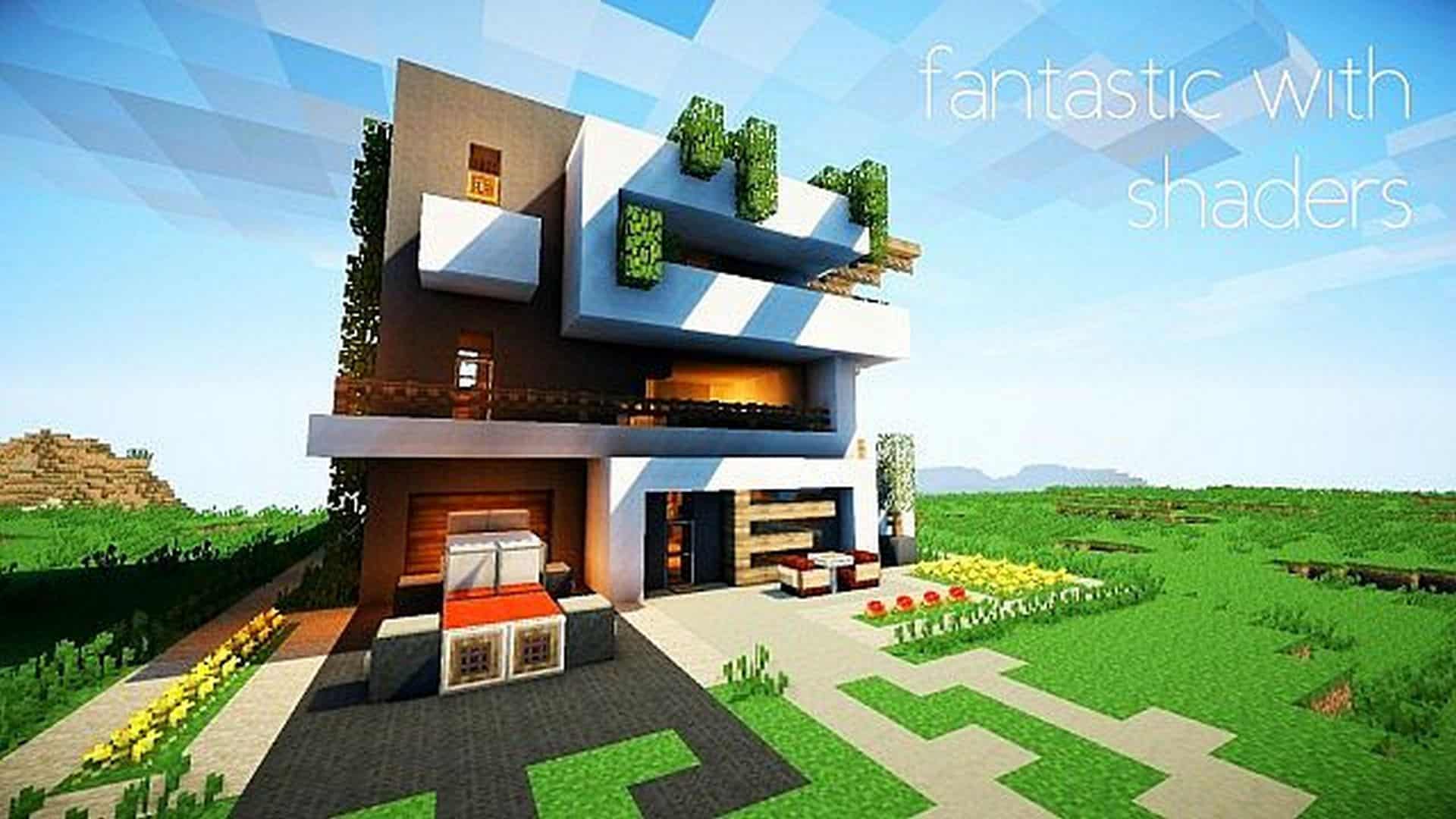
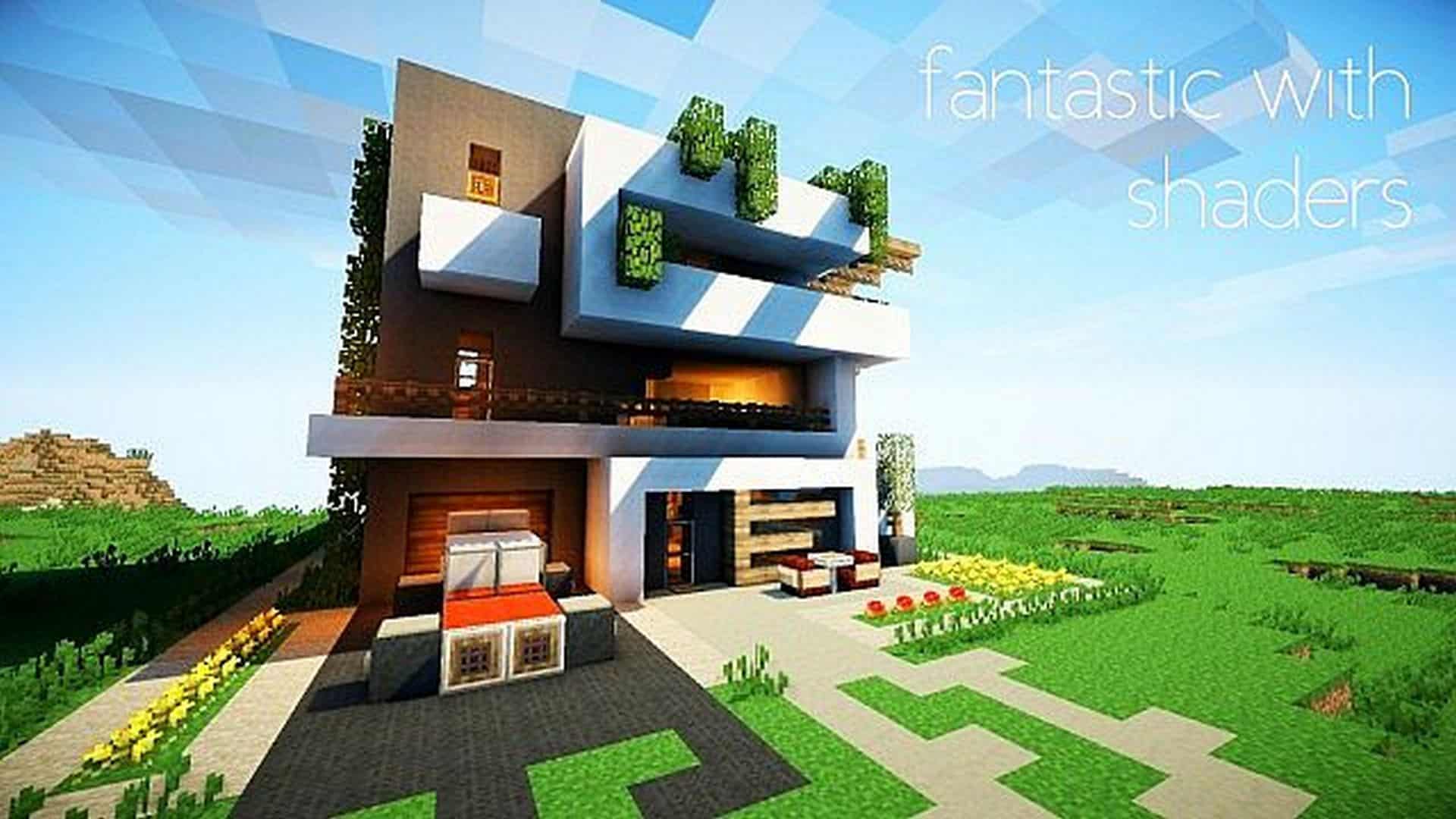
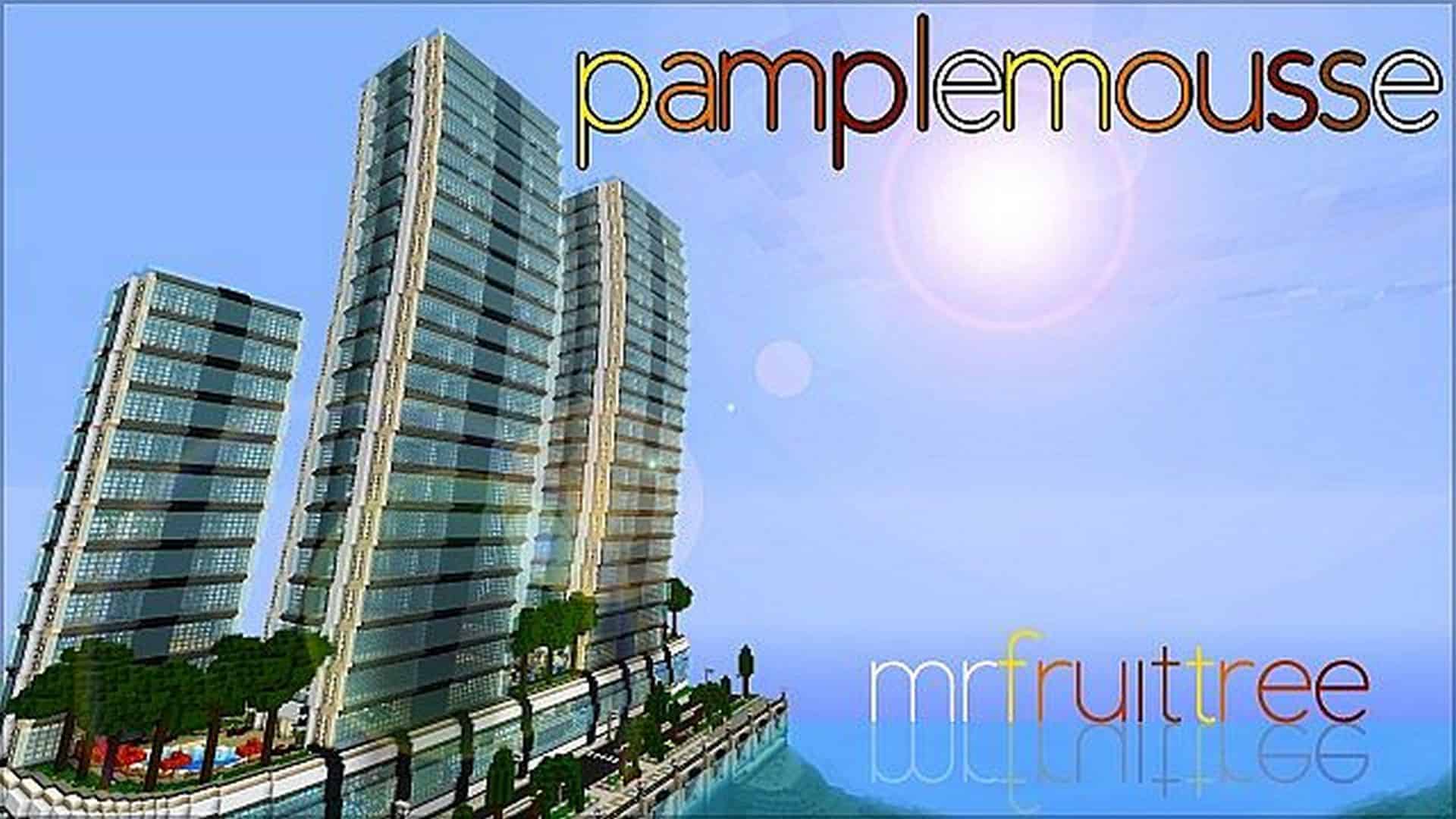
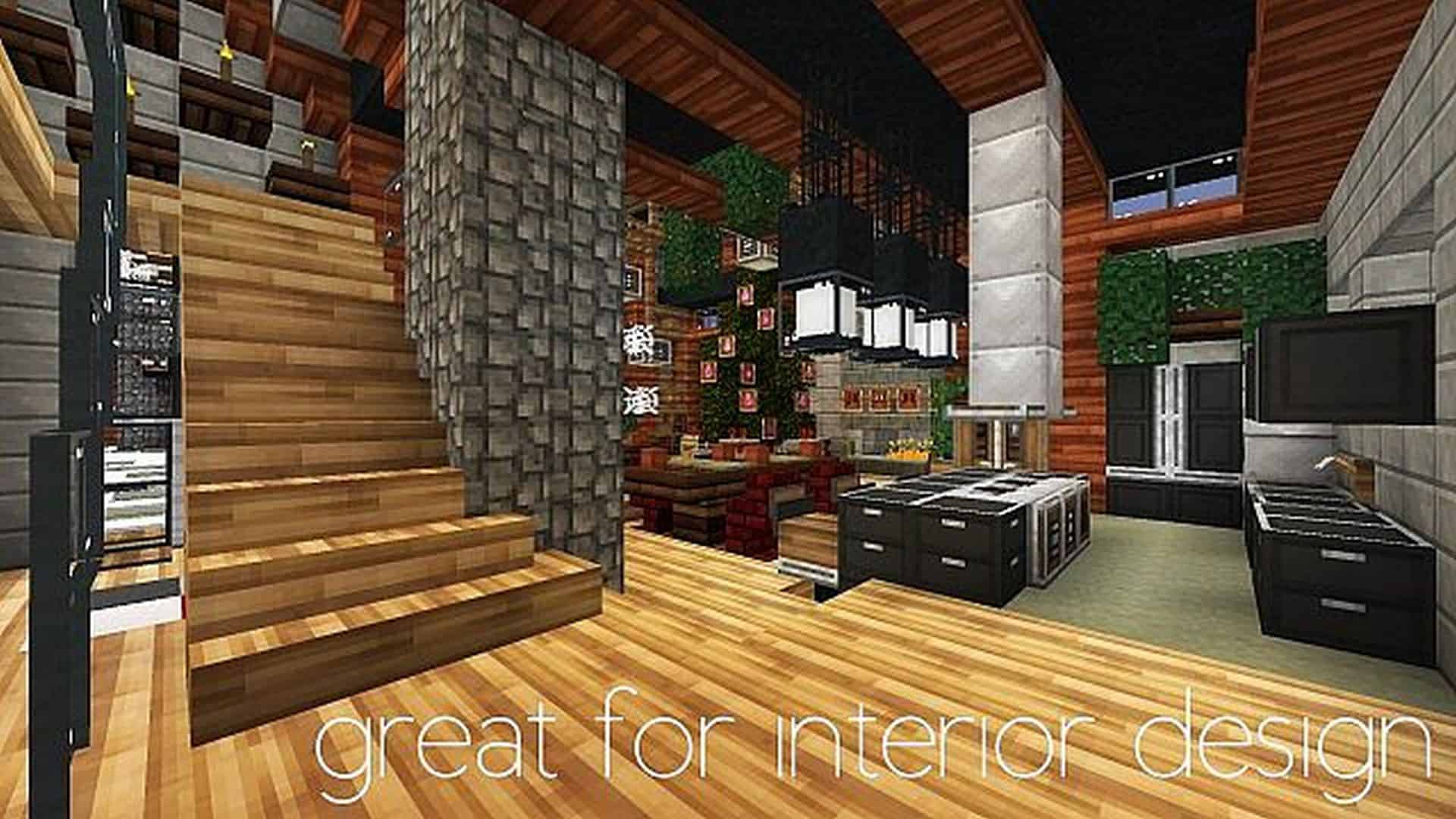
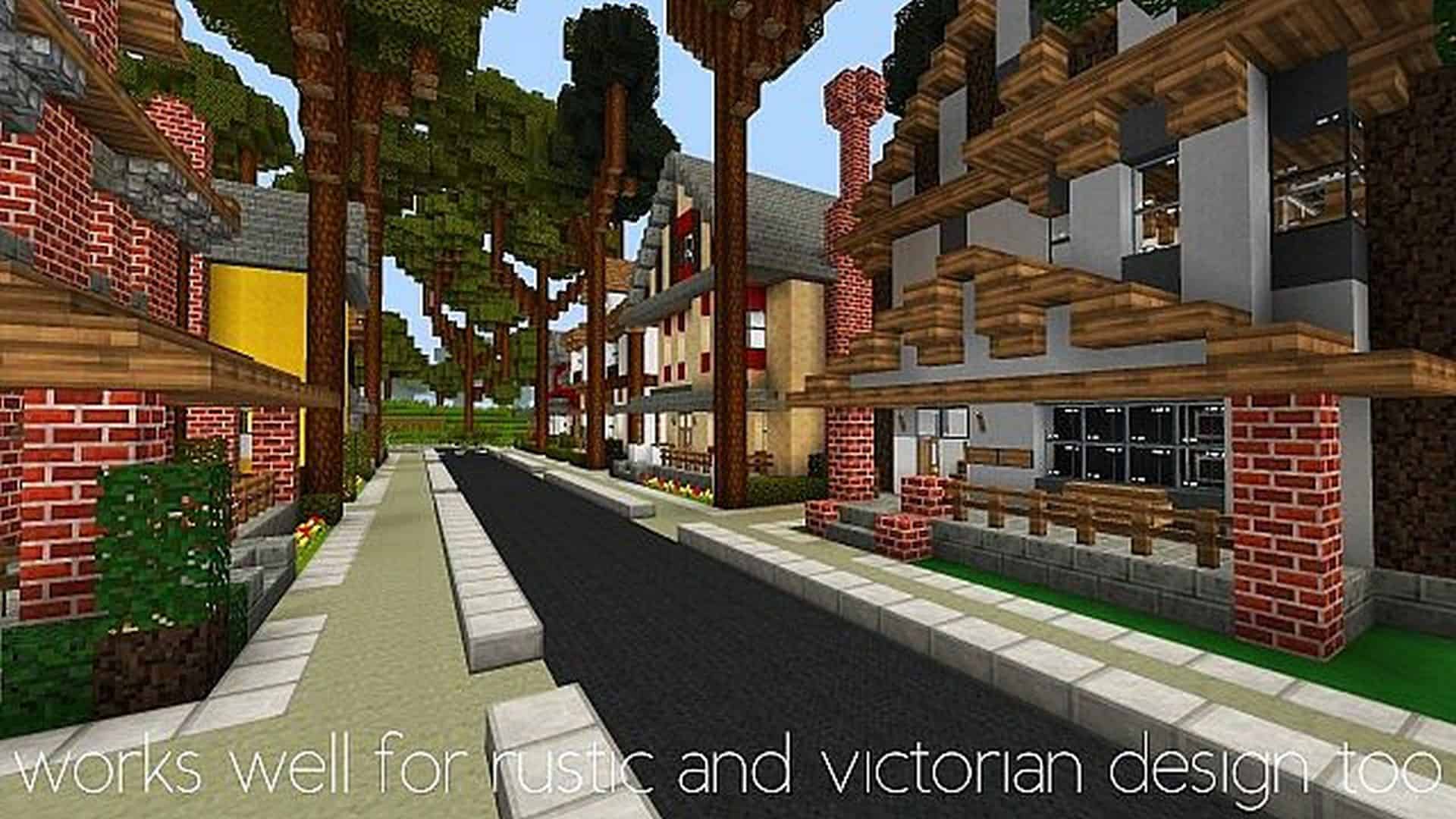
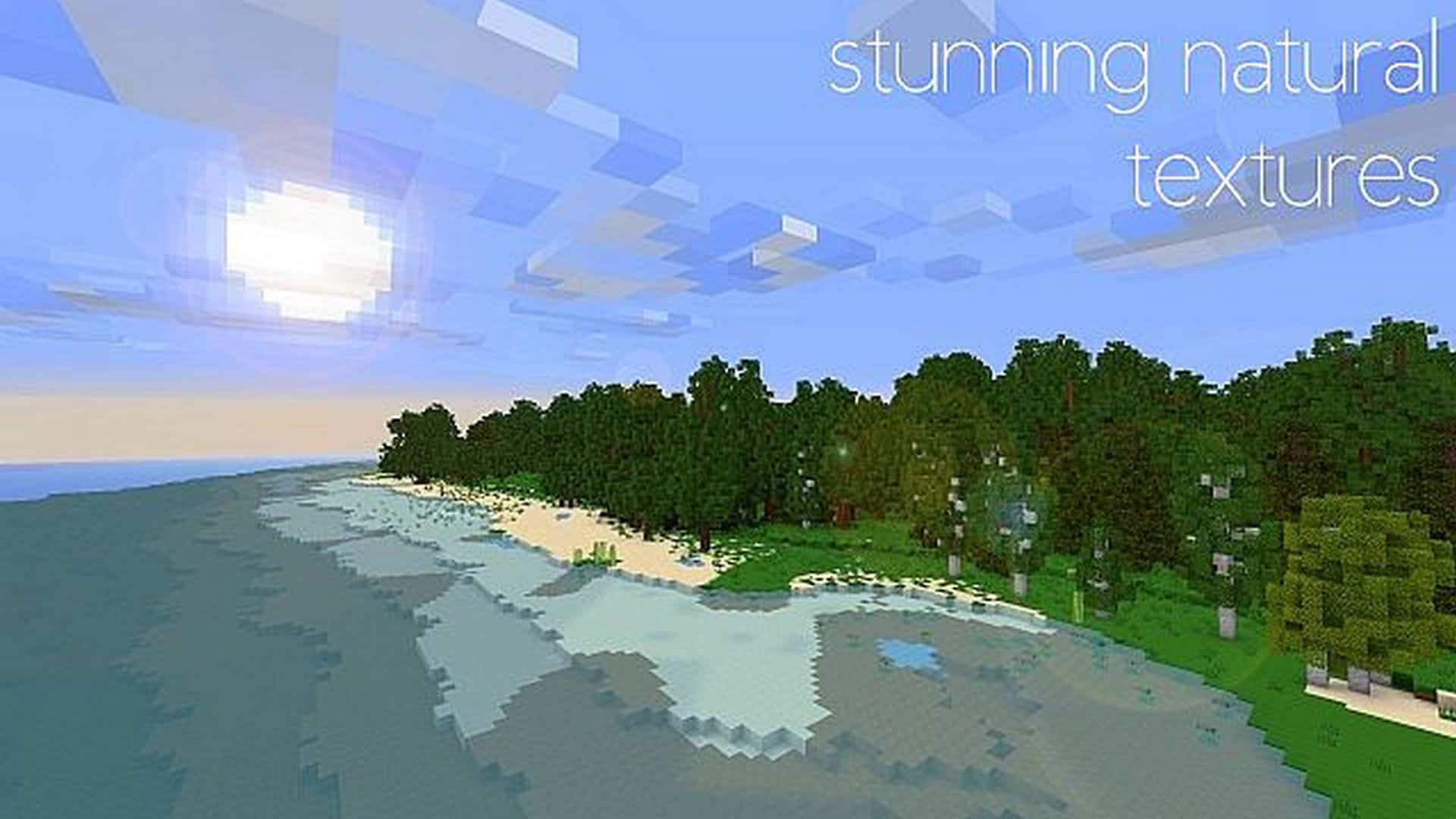
Minecraft became an absolute phenomenon largely due to its iconic graphics and engaging gameplay, lacking a traditional story to keep players hooked. However, as the years have rolled on, vanilla Minecraft has definitely not aged all that gracefully, and standard graphics can often feel quite dated. While the vast majority of available resource packs try to combat this by dramatically increasing texture resolution, only a handful actually manage to make the game look and feel better without taking that heavy route. The Pamplemousse resource pack is an absolute stellar example of this approach. It expertly manages to overhaul the game’s visuals in so many clever ways, making your entire world feel fresh, vibrant, and infinitely more enjoyable without ever needing to push past a standard 16x resolution. Sticking to 16x textures is a huge game-changer for Pamplemousse. Why this matters so much is that it ensures your overall game performance remains completely unaffected. This means that if you can comfortably run vanilla Minecraft at solid framerates, you truly do not need to worry about experiencing any major performance drops or lag spikes while using Pamplemousse. Diving right back into the incredible visuals, the Pamplemousse resource pack plays around brilliantly with the color palettes on nearly all textures across the game. The underlying details on the textures remain familiar yet feature fantastic, crisp improvements to things such as grass, leaves, paintings, trees, certain ores, and plenty of other everyday objects in your world. The colors themselves are considerably brighter and more lively. Compared to vanilla textures, which can often feel heavily toned down and feature much more pale, desaturated colors, the textures crafted in Pamplemousse are infinitely more pleasant to look at. It cleverly avoids introducing entirely new items, relying instead on seamless texture swaps. This means that whether you are searching for a reliable resource pack to build gorgeous medieval castles, sleek modern city settings, or simply a relaxing beach resort, Pamplemousse is hands-down the resource pack to go with. The original developer fittingly describes it as an HD simulation resource pack, and to a very high degree, that ambitious goal is fully achieved. Its incredible simplicity and visually appealing style have rightfully made it a wildly popular community favorite, boasting over 200,000 downloads on Planet Minecraft alone. As a final friendly tip, while the Pamplemousse resource pack completely revitalizes your Minecraft aesthetics on its own, if you ever want to push things to an entirely new visual level, you should definitely consider pairing it with a great shader pack to elevate the lighting even further. Just keep in mind that doing so might impact your game performance slightly.
Pamplemousse should be compatible with all of these Minecraft versions: 1.9.4 – 1.9 – 1.8.9 – 1.8.8 – 1.8.1 – 1.8.6 – 1.8
Screenshots


How to Install Texture Pack (Simple 10 Steps)
- Download OptiFine: Most of the texture packs and shaders need OptiFine. That’s why, first download and install OptiFine for the version of Minecraft you want to play.
- Download the Texture Pack: Get the texture pack you want from the download section. Choose the version that works with your Minecraft and your PC’s performance.
- Open Minecraft Launcher: Start Minecraft using the official game launcher — or even TLauncher, if you use that.
- Go to Options: From the main menu, click on the “Options” button.
- Open Resource Packs: Inside Options, click on “Resource Packs…”.
- Open the Resource Pack Folder: Click on “Open Resource Pack Folder” — this will open a folder named “resourcepacks”.
- Move the Pack File: Copy or move the .zip file you downloaded into that “resourcepacks” folder. (Don’t unzip the file — Minecraft uses it as-is!)
- Go Back and Refresh: Close the folder and click “Done”, then go back into “Resource Packs…” again.
- Activate the Pack: You’ll see the pack on the left side. Hover over it and click the arrow to move it to the right (active side).
Tip: If you get a message that the pack is for a different version, just click “Yes” — it usually works fine. - Click Done and Enjoy: Click “Done” again. Now your pack is ready to use in-game. It’s that easy!
Credits
Credits: The Pamplemousse Resource Pack was originally created and developed by MrFruitTree. We do not claim ownership of this content, nor have we modified the original download files. All rights belong to the original author, and we strongly encourage you to support MrFruitTree by visiting their official project pages.
Download Instructions
Curseforge: download starts automatically after a few seconds;
Mediafire: click the big blue button with the text “DOWNLOAD”;
Google Drive: in the top right corner you will see a small download icon (down arrow), click it and the download should start;


