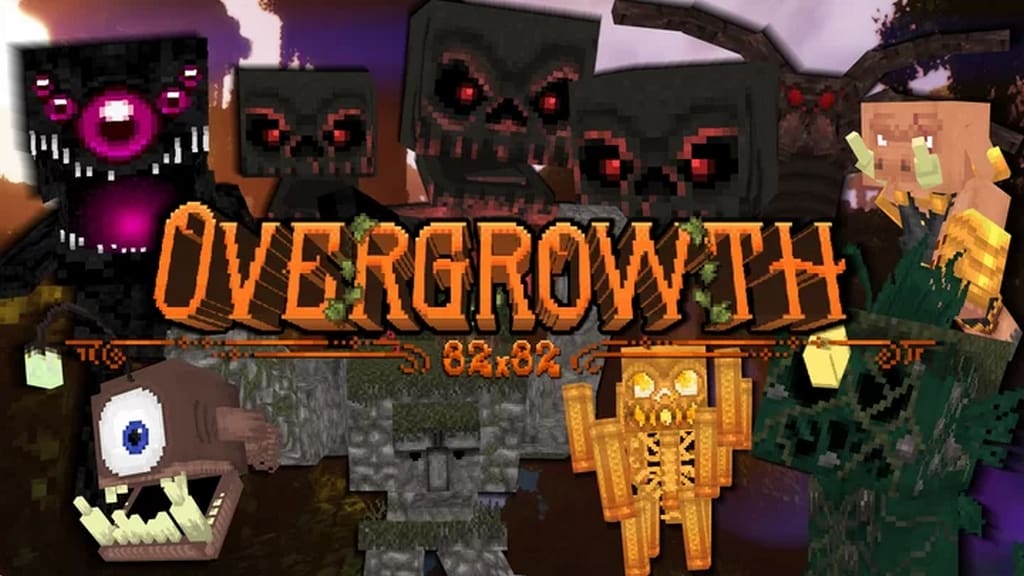
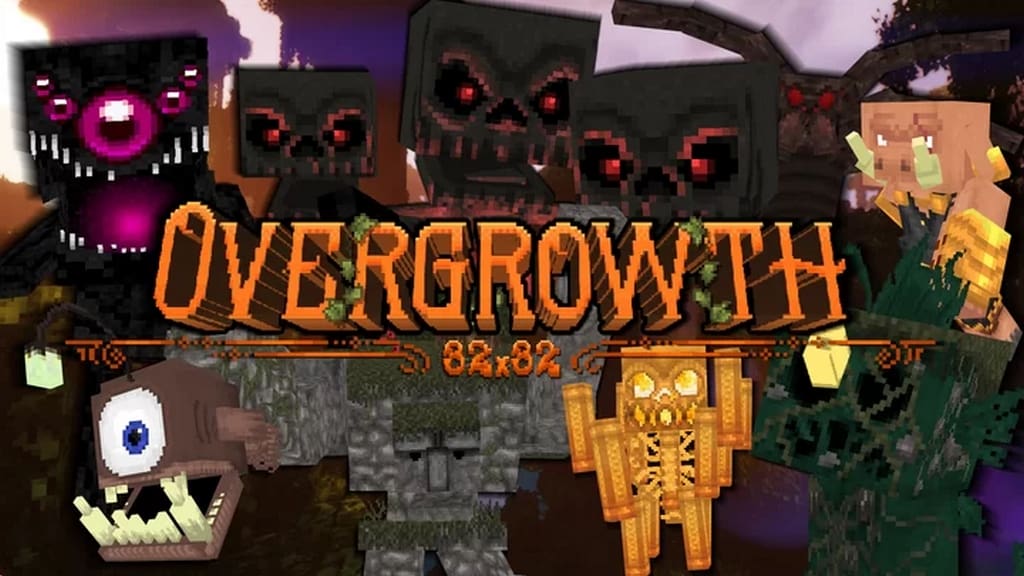
Are you looking for a reliable Minecraft texture pack that can retain the original game layout yet add some great improvements so that you can enjoy the best-ever gaming journey? If yes, then this fantastic Overgrowth resource pack demands your attention right away! This pack has been recently launched and I found that it has received genuinely good appreciation and popularity among the community within a very short period of time. There are two great aspects of this resource pack that I really love. First of all, it retains the traditional Minecraft look in every aspect. Secondly, it brings a bunch of major improvements in the game so that your experience is further enhanced. If you are searching for such a resource pack that can save the default Minecraft gameplay feeling without a complete makeover, then you can truly rely on it. Many resource packs are currently available in the community that will completely change the entire theme, look, and layout of the gameplay.
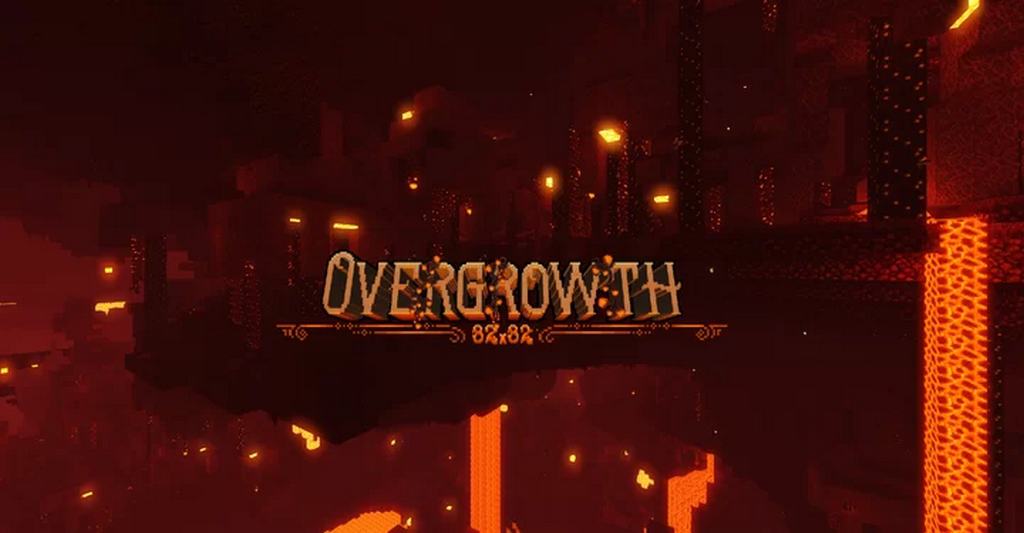
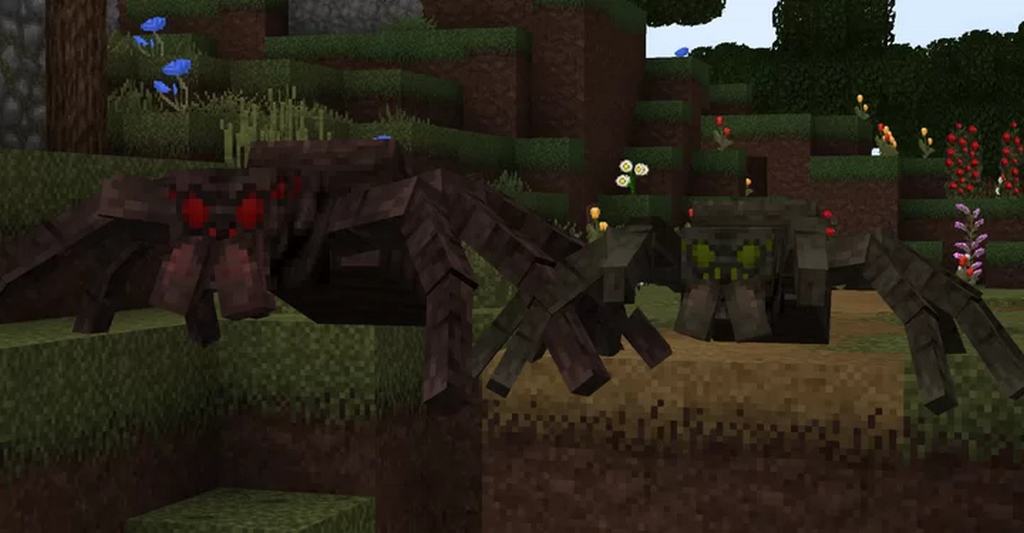
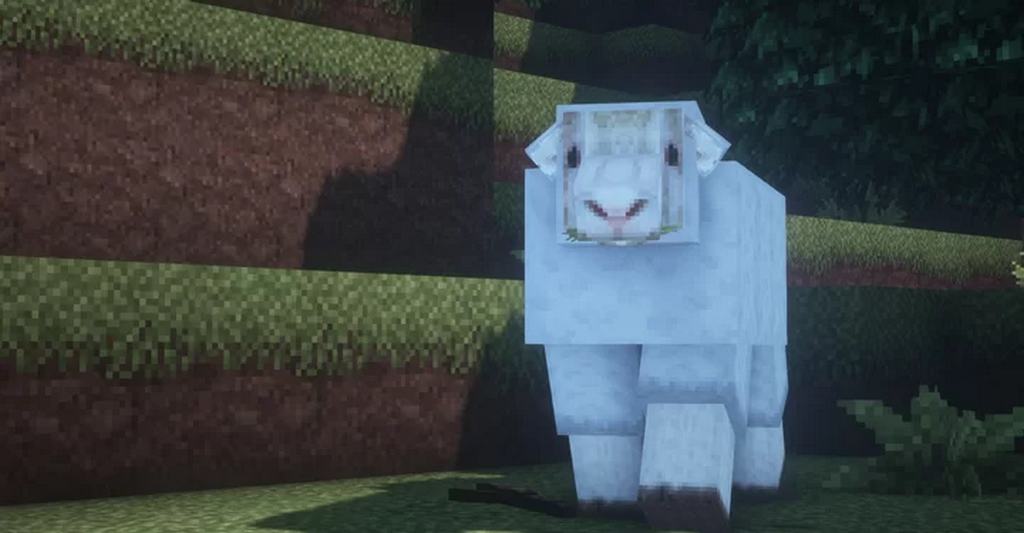
But, in my experience, this Overgrowth resource pack is a true exception. Of course, this resource pack comes with a bunch of wonderfully designed and fine textures. These textures feature a combination of default looks with some added fantasies. Rest assured that you will enjoy absolutely newer, better, and more enchanting gameplay once you install it. The available textures of this resource pack will definitely bring a sharp, clean, and polished look to your gameplay. Plus, since it even aims to retain the original and default look, you will not miss the original game theme as such. The Overgrowth Minecraft resource pack brings a bunch of unique and interesting textures, 3D models, mob and item textures, block textures, and much more too. All the textures of this resource pack support the 32x resolution, which looks stunning. Thus, please feel free to install this resource pack, run it on any of your PCs, and you won’t ever face any lag or performance issues.
Overgrowth should be compatible with all of these Minecraft versions: 1.18.1 – 1.18 – 1.17.1 – 1.17 – 1.16.5 – 1.16.4 – 1.16.3 – 1.16.2 – 1.16.1 – 1.16 – 1.15.2 – 1.15.1 – 1.15 – 1.14.4 – 1.14.3 – 1.14.2 – 1.14
Screenshots
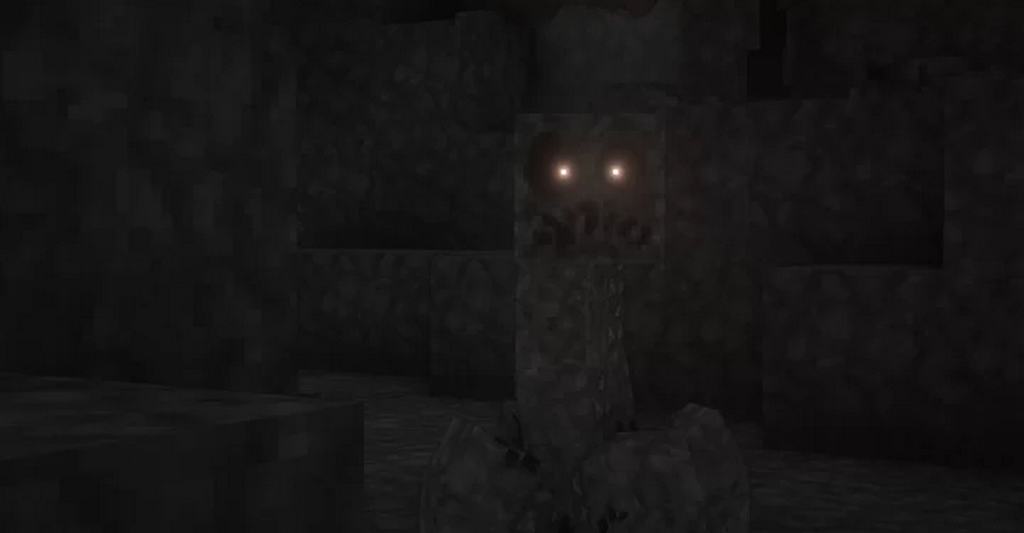
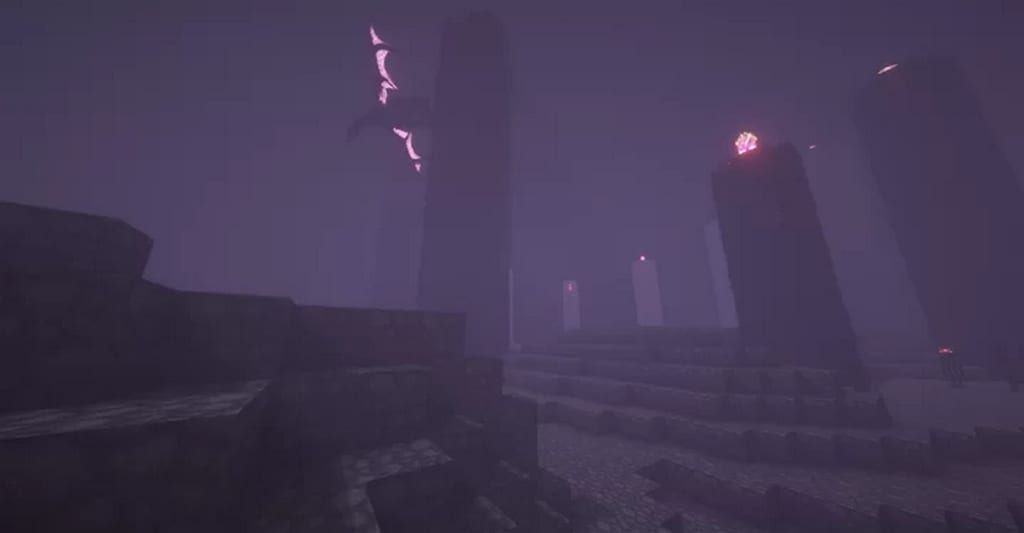
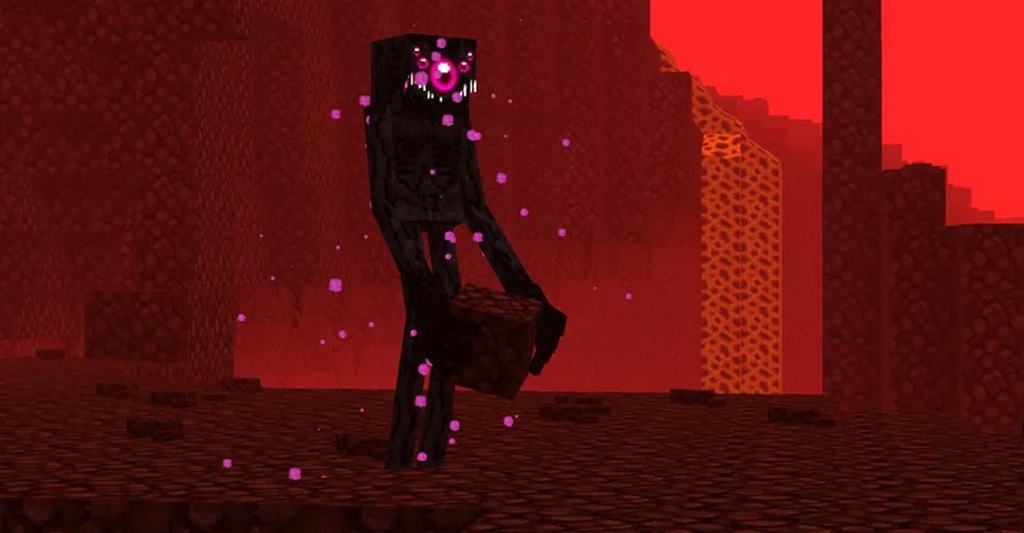
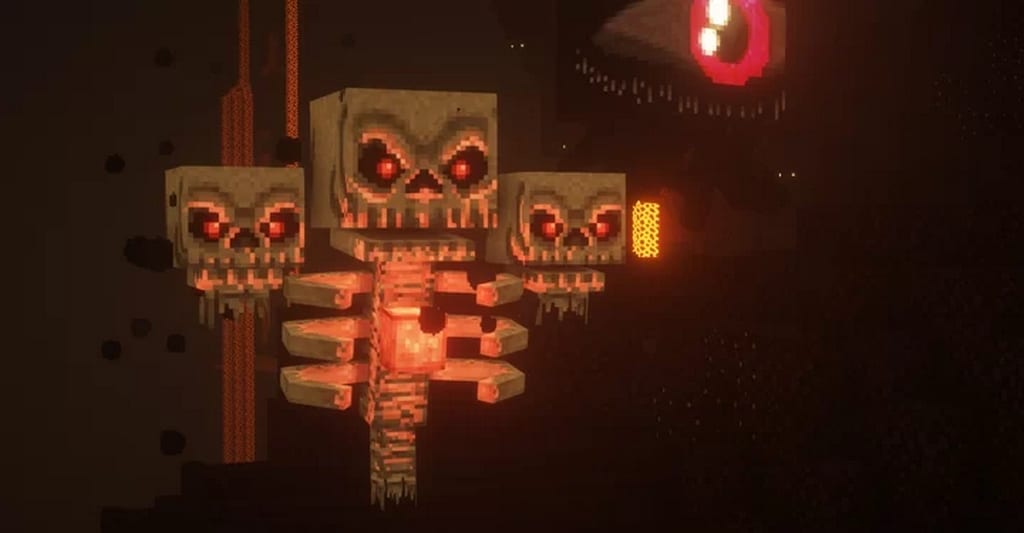
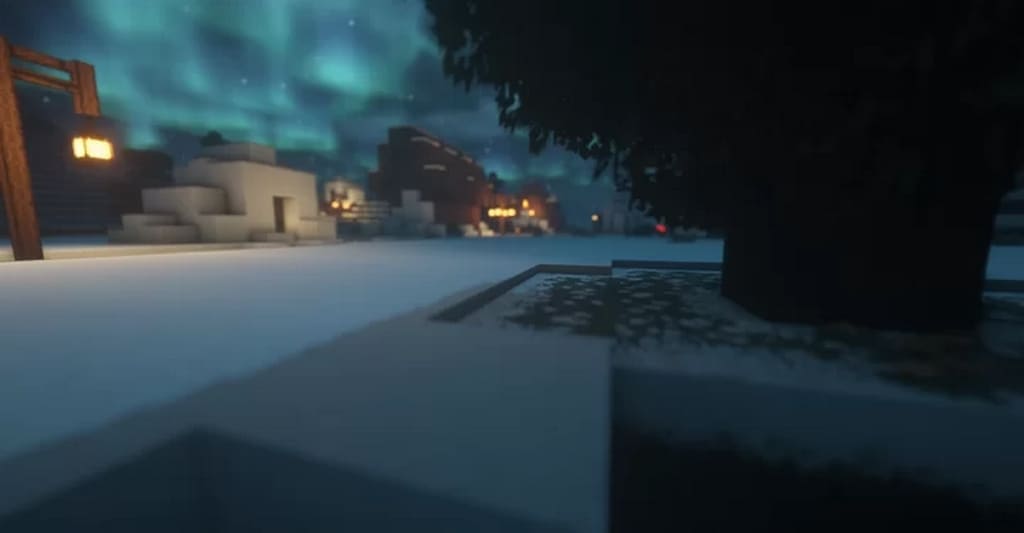
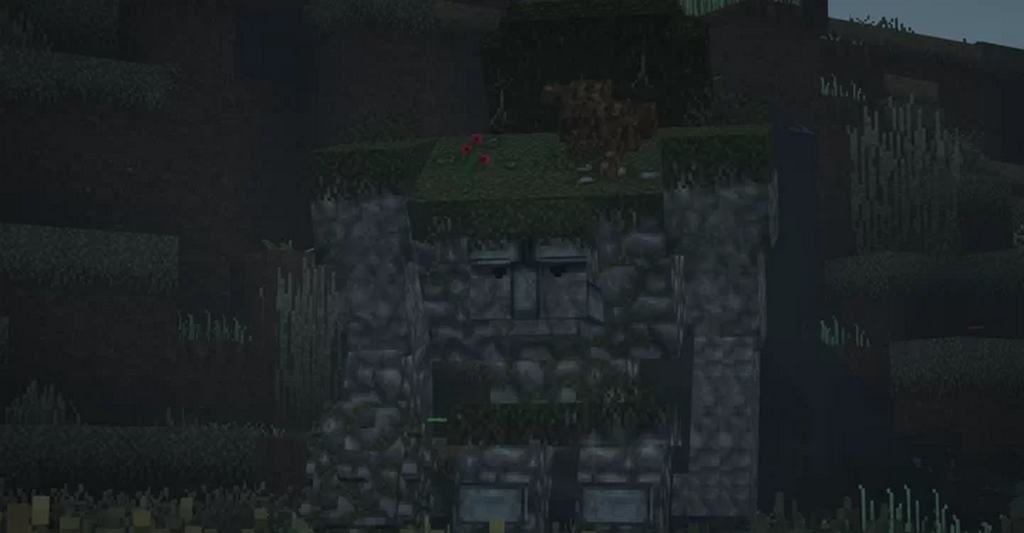
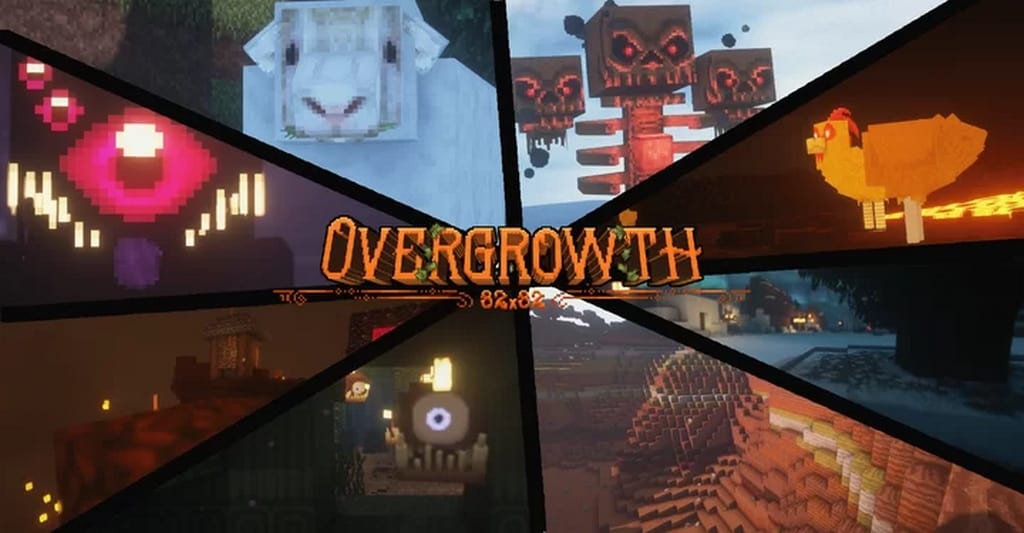
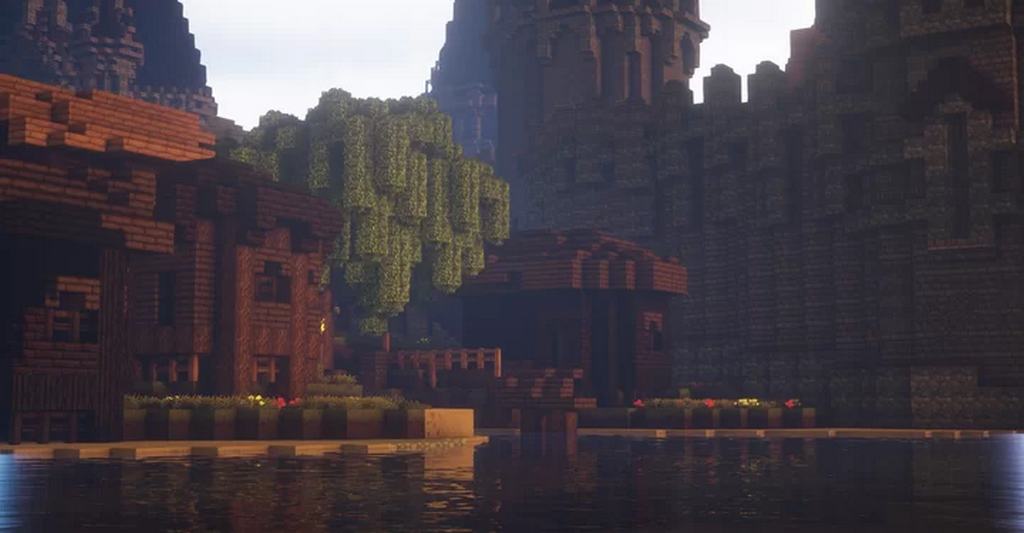
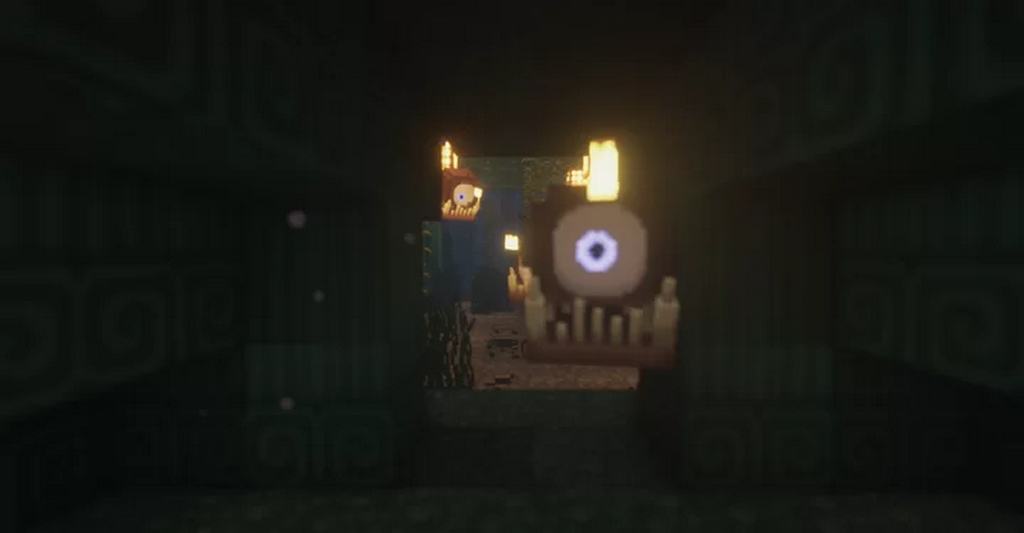
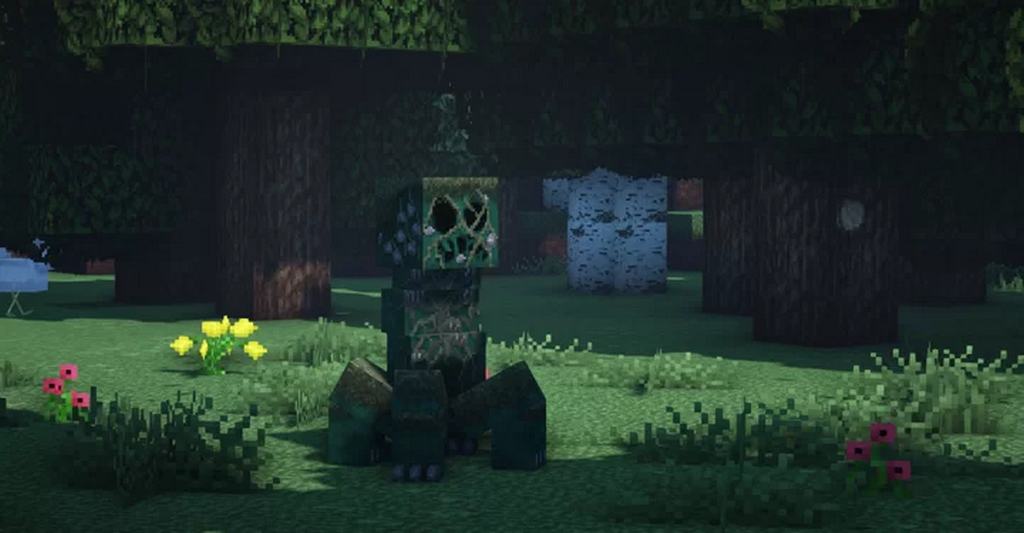
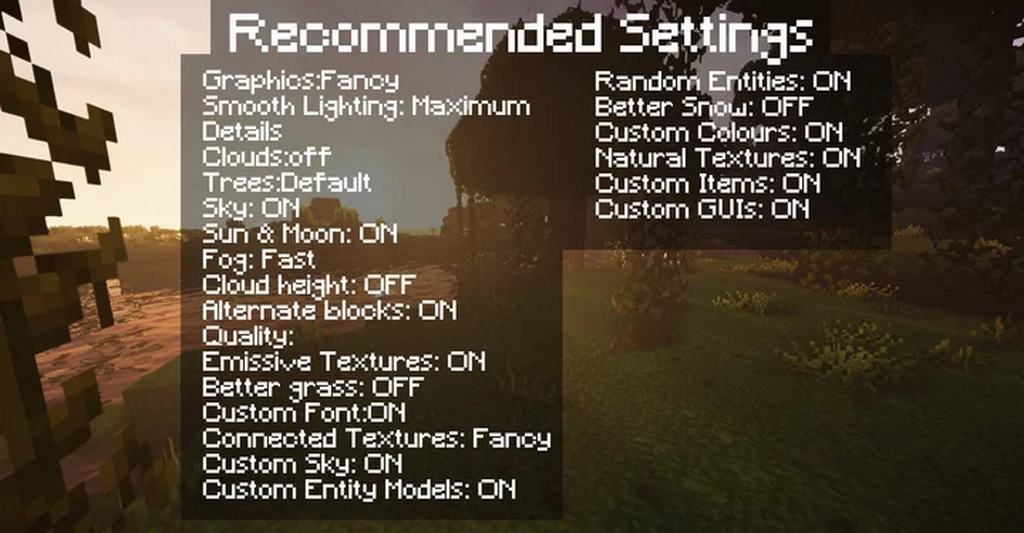
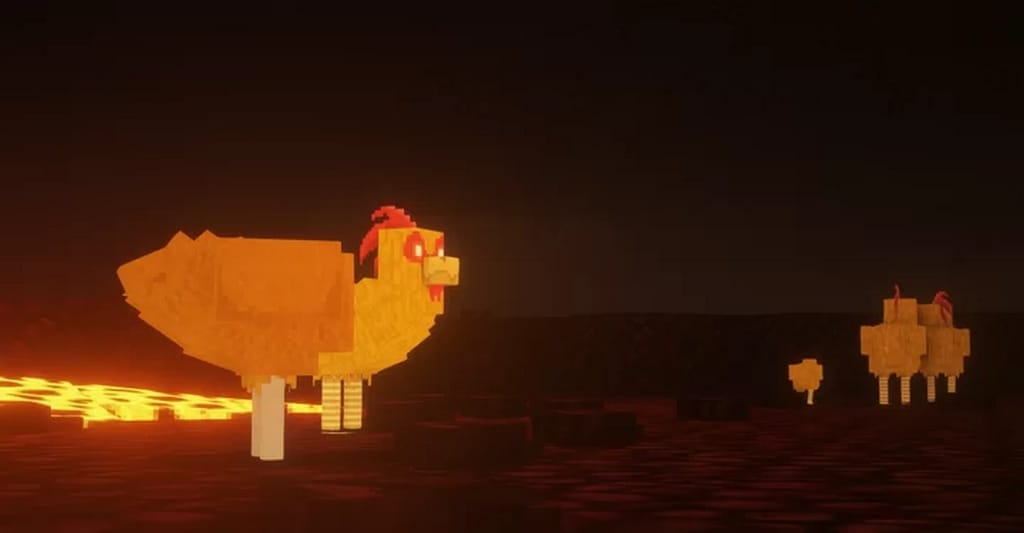
How to Install Texture Pack (Simple 10 Steps)
- Download OptiFine: Most of the texture packs and shaders need OptiFine. That’s why, first download and install OptiFine for the version of Minecraft you want to play.
- Download the Texture Pack: Get the texture pack you want from the download section. Choose the version that works with your Minecraft and your PC’s performance.
- Open Minecraft Launcher: Start Minecraft using the official game launcher — or even TLauncher, if you use that.
- Go to Options: From the main menu, click on the “Options” button.
- Open Resource Packs: Inside Options, click on “Resource Packs…”.
- Open the Resource Pack Folder: Click on “Open Resource Pack Folder” — this will open a folder named “resourcepacks”.
- Move the Pack File: Copy or move the .zip file you downloaded into that “resourcepacks” folder. (Don’t unzip the file — Minecraft uses it as-is!)
- Go Back and Refresh: Close the folder and click “Done”, then go back into “Resource Packs…” again.
- Activate the Pack: You’ll see the pack on the left side. Hover over it and click the arrow to move it to the right (active side).
Tip: If you get a message that the pack is for a different version, just click “Yes” — it usually works fine. - Click Done and Enjoy: Click “Done” again. Now your pack is ready to use in-game. It’s that easy!
Credits
This resource pack was originally created by ItsChawk_. We do not own or claim ownership of this content, and we do not host or modify any download files. All rights remain with the original author. We strongly recommend visiting the official sources to support ItsChawk_ and download the pack from there.
Download Links
Java Edition
- [32x] [1.18.x] Download Overgrowth Resource Pack
- [32x] [1.17.x] Download Overgrowth Resource Pack
- [32x] [1.16.x] Download Overgrowth Resource Pack
- [32x] [1.15.x] Download Overgrowth Resource Pack
- [32x] [1.14.x] Download Overgrowth Resource Pack
- [32x] [1.17.x – 1.16.x] Download Overgrowth LITE Resource Pack
- Check out the Overgrowth Resource Pack on the Official Source
- Check out the Overgrowth LITE Resource Pack on the Official Source
Download Instructions
Curseforge: download starts automatically after a few seconds;
Mediafire: click the big blue button with the text “DOWNLOAD”;
Google Drive: in the top right corner you will see a small download icon (down arrow), click it and the download should start;


