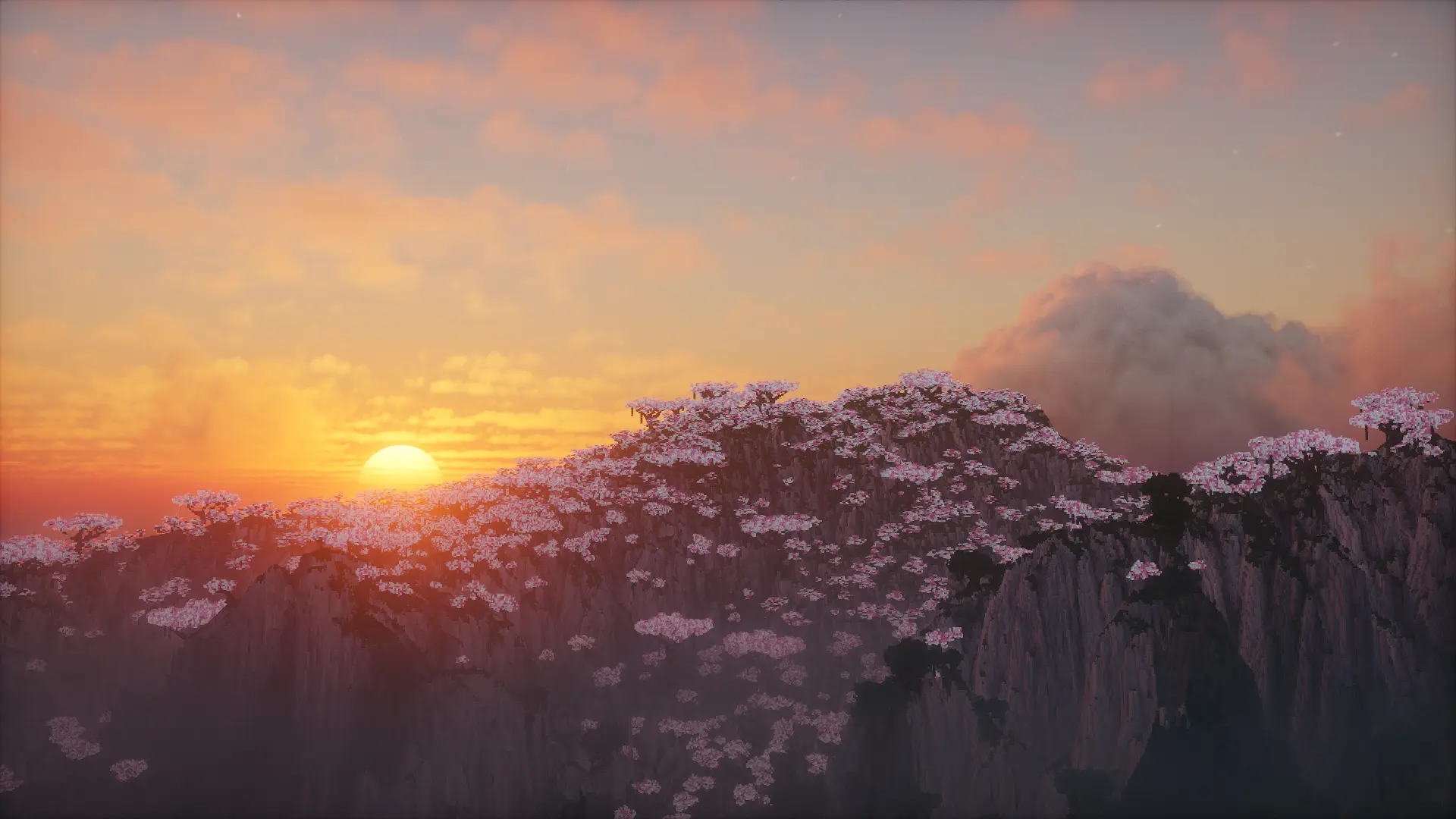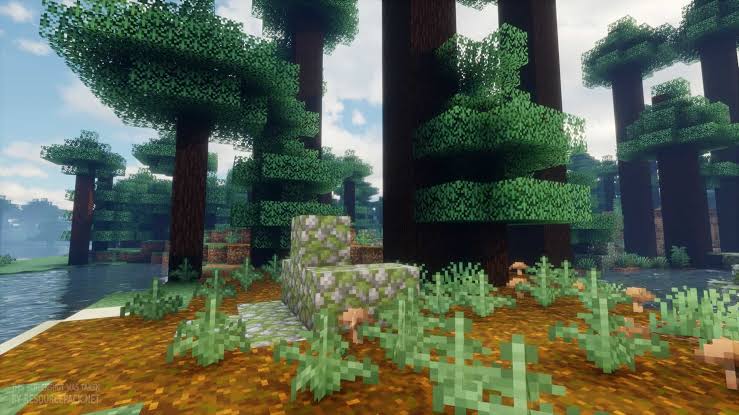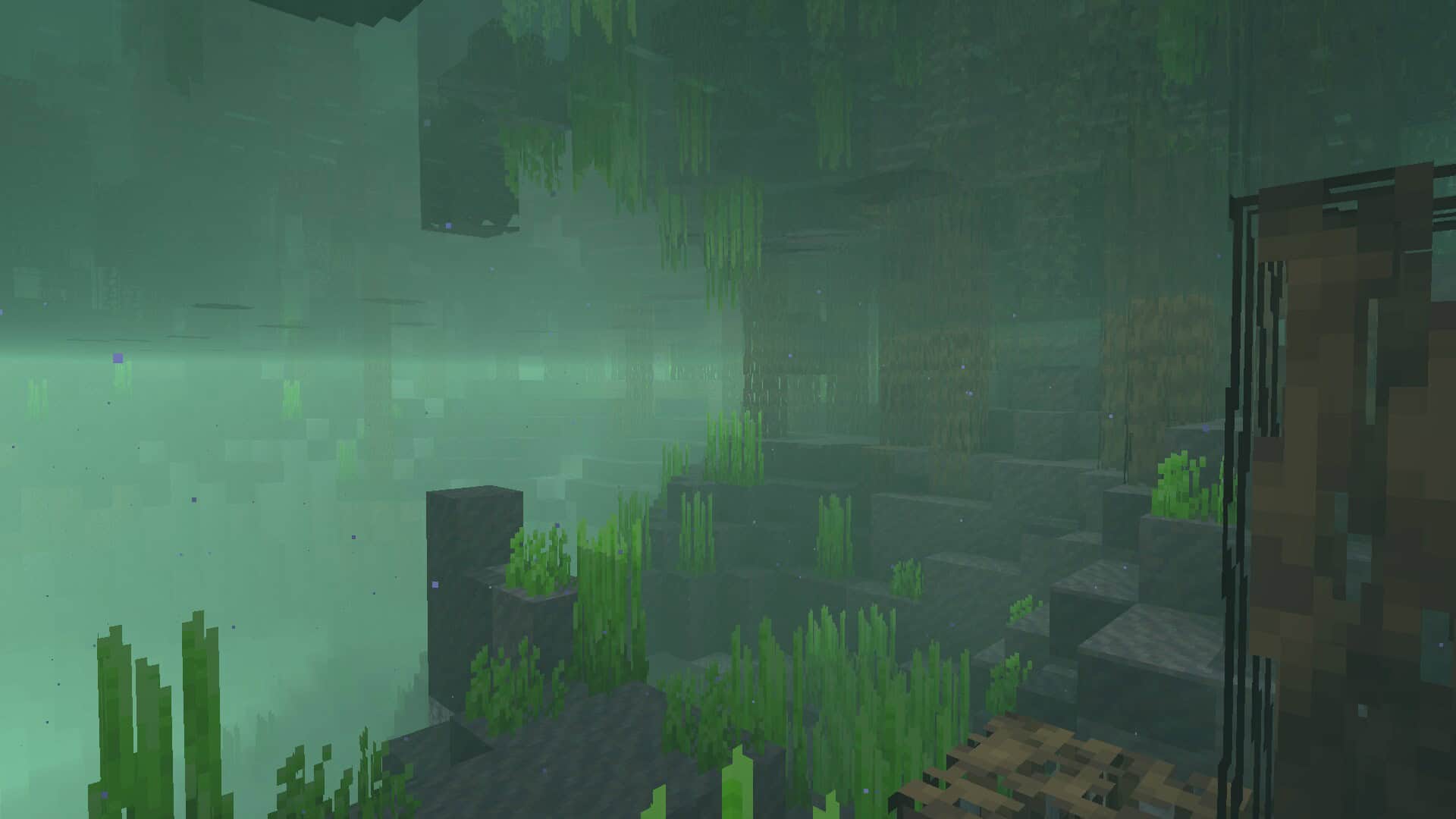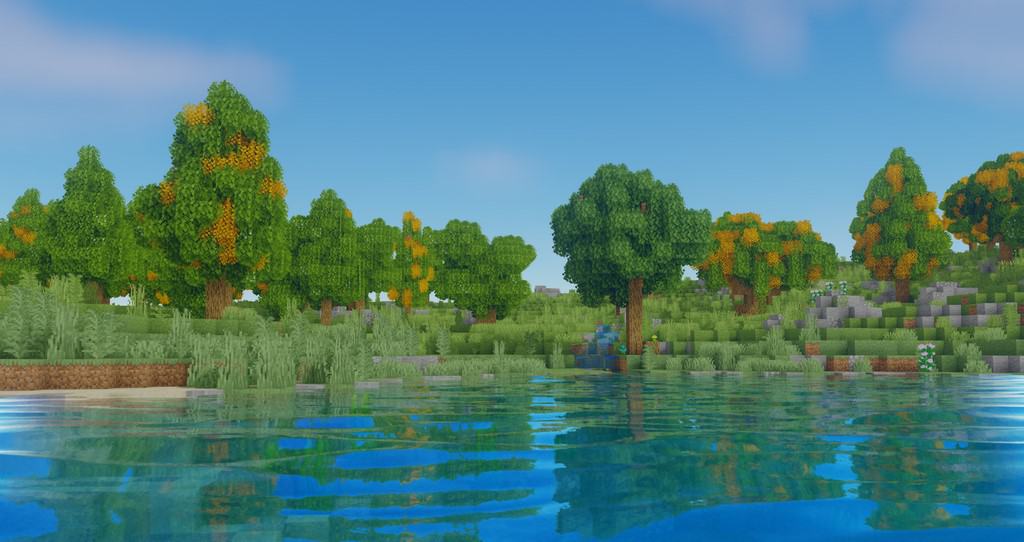
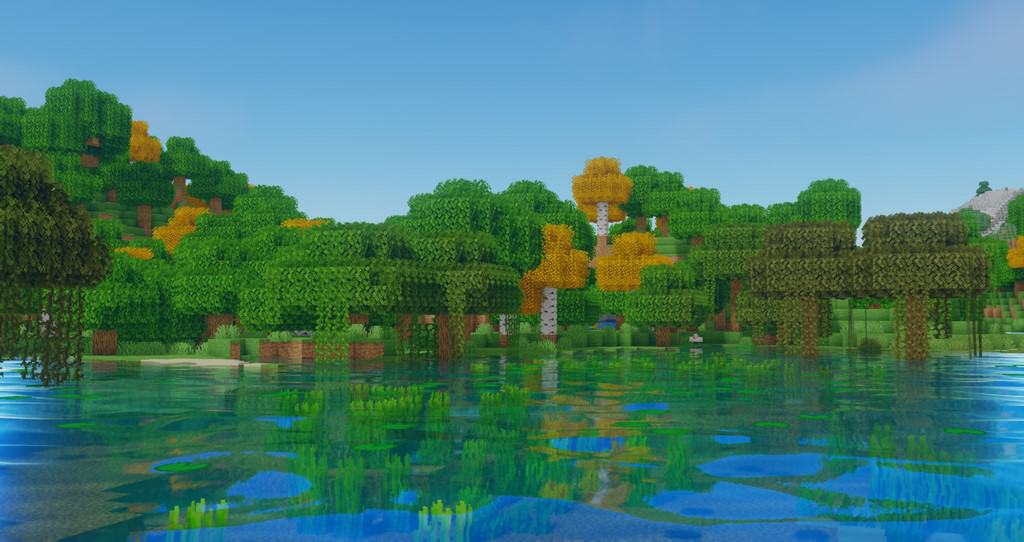
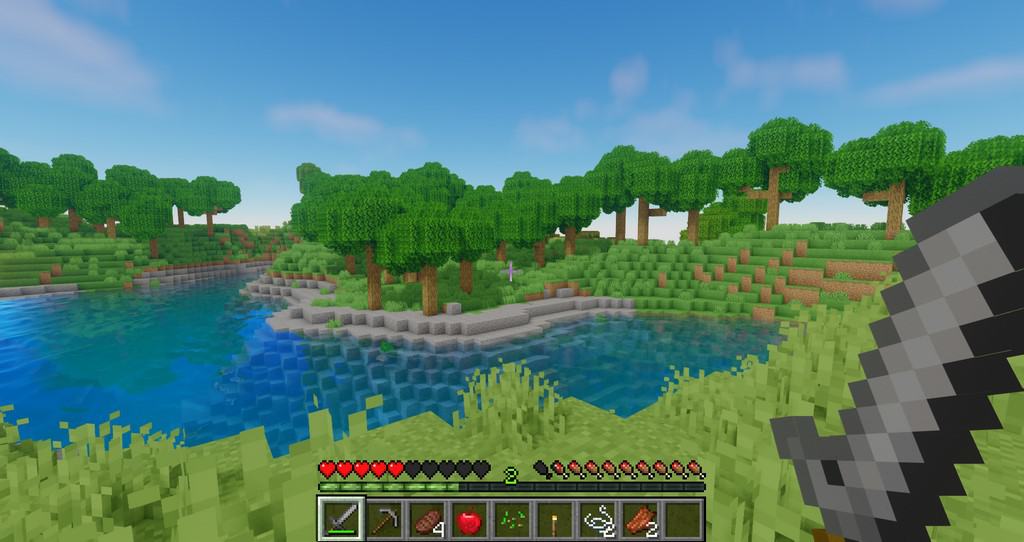
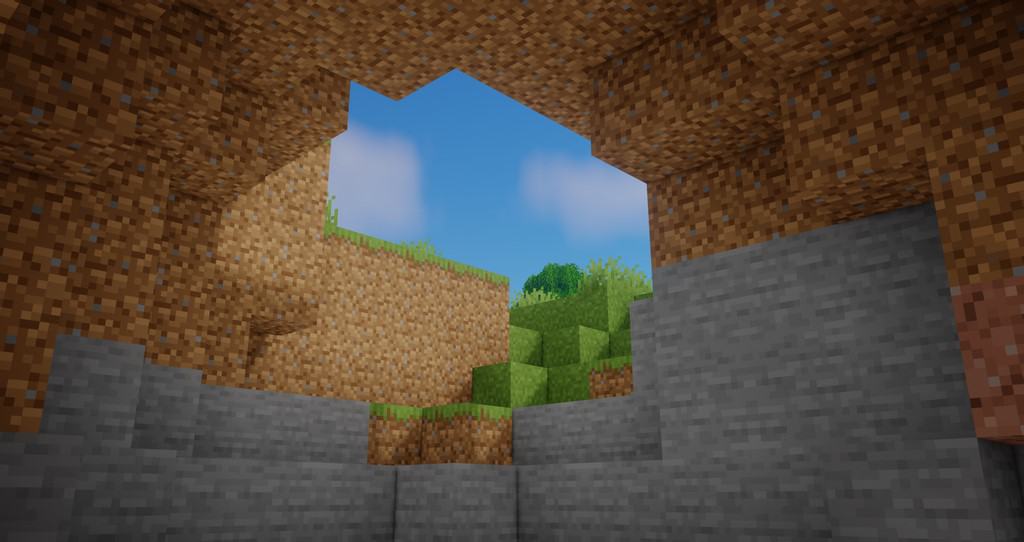
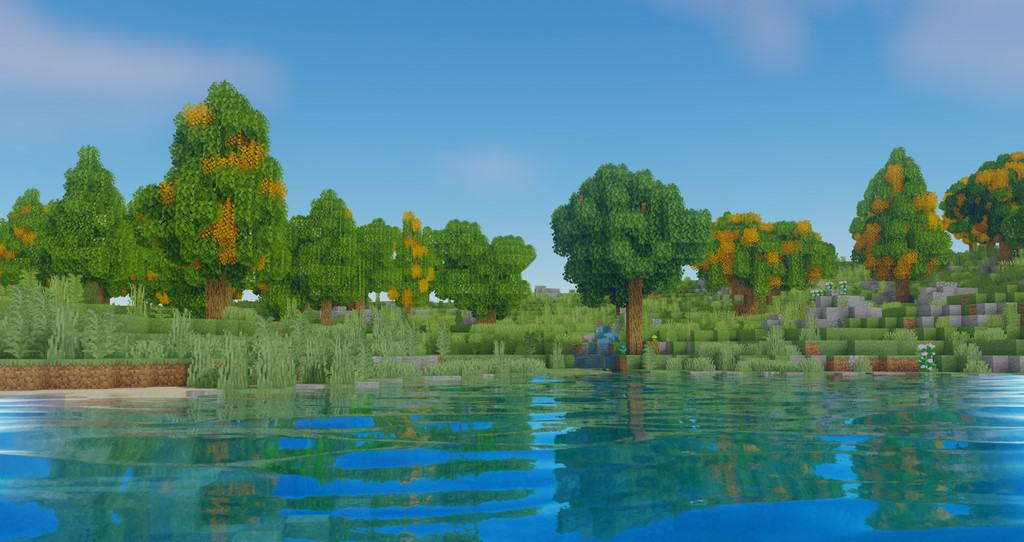
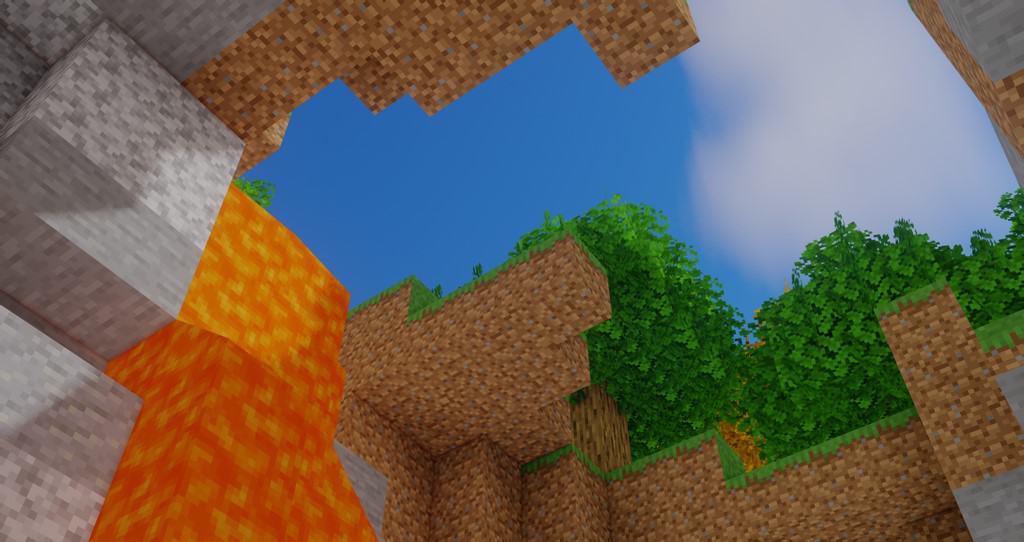
Minecraft originally debuted back in late 2011, and honestly, not a whole lot has changed visually since those early days. Playing it today still feels remarkably close to how it felt at launch, as the vast majority of updates over the years have focused heavily on gameplay mechanics and features rather than graphics. Visual upgrades have largely been left in the talented hands of the community through resource packs and, later on, incredible shader packs like Oceano Shaders. While it completely leaves your textures untouched, it introduces some much-needed enhancements to specific visual elements of the game. The name of the shader pack gives a great hint about its main focus: it heavily revamps lighting, surface reflections, and light refraction. The gorgeous effects over water are immediately noticeable the moment you step outside; water reflections are crystal clear, featuring a stunning mirror-like effect that brings bodies of water much closer to real-life physics. Another massive upgrade you will love in the Oceano Shader pack is the shadow overhaul. Object shadows are noticeably less blocky, boasting much smoother edges that make it effortlessly easy to identify what object is casting the shadow. This applies to everything in your world, from a basic solid building block to a tiny blade of grass, ensuring both look exceptionally polished. Furthermore, Oceano Shaders corrects how shadows are projected relative to light sources, casting them accurately on the exact opposite side of the light, which includes natural sunlight as well.
Clouds have also been given the same incredible treatment as shadows, looking significantly better than vanilla. Beyond just shadows and clouds, this shader pack thoroughly upgrades every single light source in the game, including torches, fires, glowstone, and more. The lighting for all these objects has been vastly improved, radiating a cozy, warmer spectrum with a gentle yellow tint compared to standard Minecraft lighting. You can easily spot this warm glow when sunlight filters through windows, or even when gazing at distant objects across the landscape. There is less atmospheric scatter, meaning faraway items appear sharper and less blurry, giving the entire world a wonderfully relaxing tone. What is really important to keep in mind is what Oceano Shaders does not do: it leaves your block and item textures completely alone. As a quick reminder, shader packs and resource packs serve two entirely different purposes; while resource packs alter textures, shader packs elevate realism by upgrading core visual engines. Your native textures remain completely unchanged, yet everything looks stunningly better thanks to the advanced lighting and environmental effects. It also does not alter any game resolutions. While it might not be the absolute most realistic shader pack out there, it does an astonishingly good job of boosting your overall visual experience. You will find that pairing Oceano Shaders with complementary resource packs is an amazing idea, and it works wonderfully alongside high-resolution texture packs. Just keep in mind that Oceano Shaders will demand a bit more from your system, so players rocking older hardware might experience a slight dip in frame rates.
Oceano Shaders should be compatible with all of these Minecraft versions: 26.2 – 26.1.2 – 26.1.1 – 26.1 – 1.21.11 – 1.21.10 – 1.21.9 – 1.21.8 – 1.21.7 – 1.21.6 – 1.21.5 – 1.21.4 – 1.21.3 – 1.21.2 – 1.21.1 – 1.21 – 1.20.6 – 1.20.5 – 1.20.4 – 1.20.3 – 1.20.2 – 1.20.1 – 1.20 – 1.19.4 – 1.19.3 – 1.19.2 – 1.19.1 – 1.19 – 1.18.2 – 1.18.1 – 1.18 – 1.17.1 – 1.17 – 1.16.5 – 1.16.4 – 1.16.3 – 1.16.2 – 1.16.1 – 1.16 – 1.15.2 – 1.15.1 – 1.15 – 1.14.4 – 1.14.3 – 1.14.2 – 1.14
Screenshots
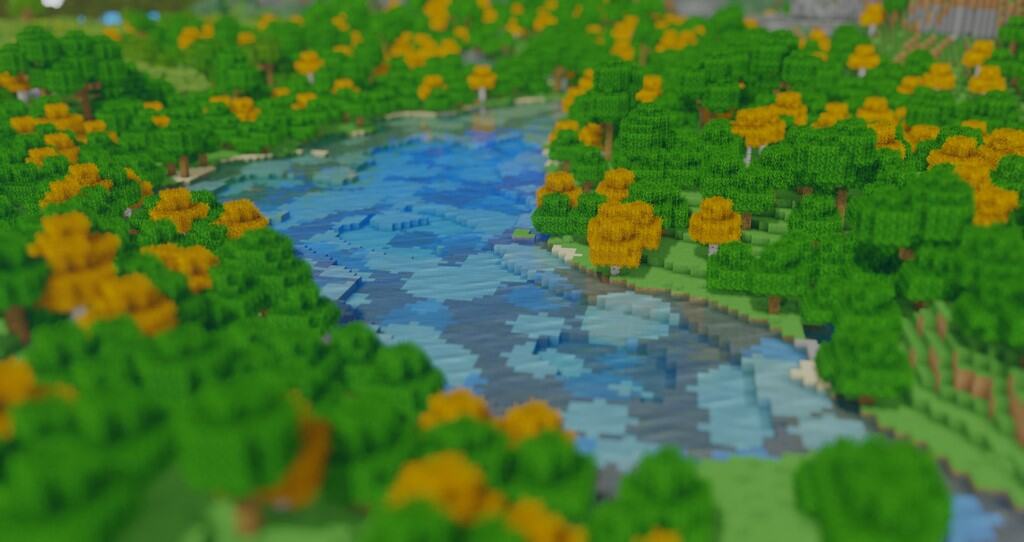
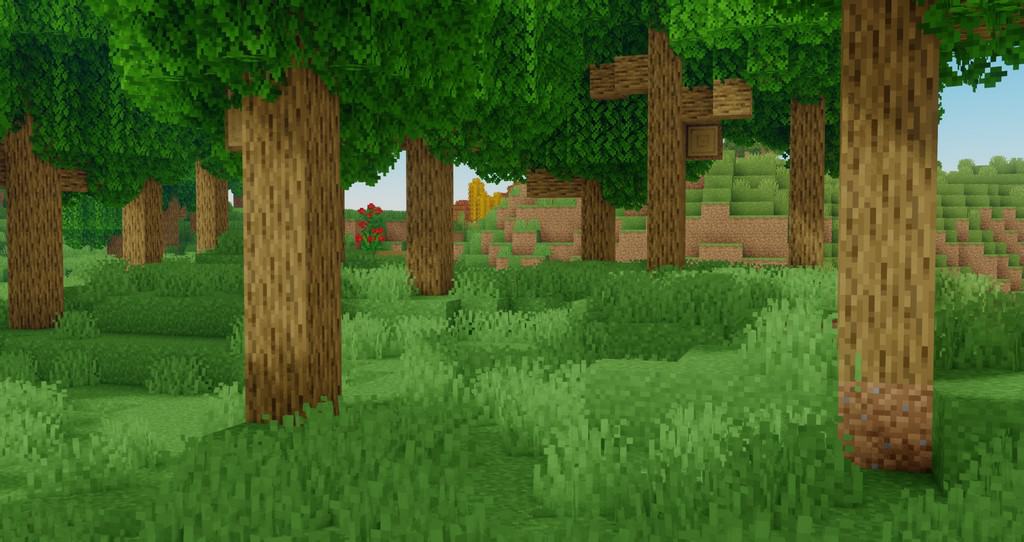
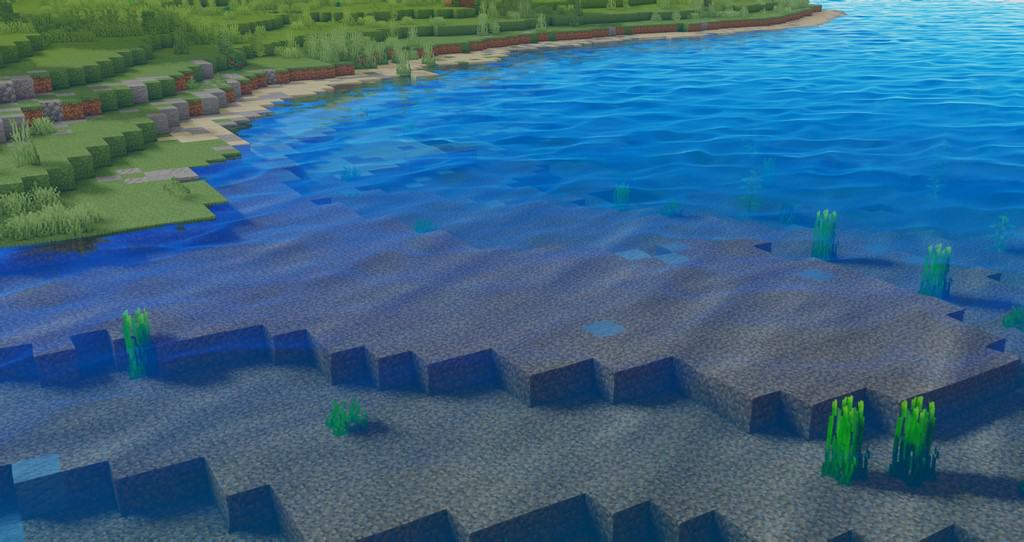
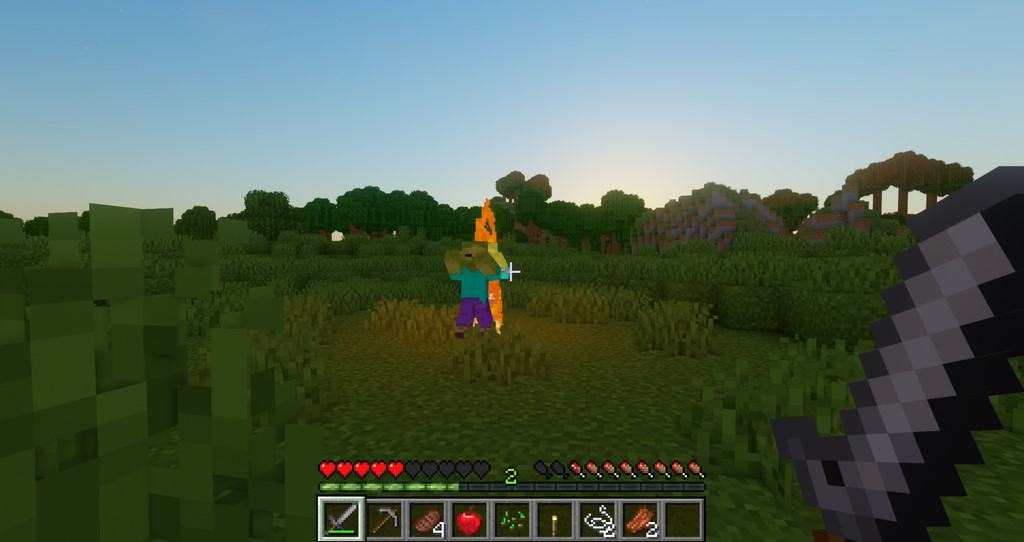
How to Install Shader Pack (Simple and Easy 7 Steps)
- Install Minecraft: Make sure to have Minecraft on your PC.
- Set the Game Version: Open the Minecraft Launcher, go to the “Installations” tab, click “New Installation”, choose the version you want to play, and click “Create”.
- Install OptiFine or Iris: Download and install OptiFine or Iris (we recommend Iris for better performance).
- To download Iris, click here.
- To download OptiFine, click here.
- Launch with the Shader Mod: Open the Minecraft Launcher again and select the OptiFine or Iris profile you installed.
- Download the Shader Pack: Download the shader pack (.zip file) from the download section below. (Don’t unzip it!)
- Open the Shaderpacks Folder:
- For OptiFine: Go to Options > Video Settings > Shaders > Shaders Folder
- For Iris: Go to Options > Video Settings > Shader Packs > Open Shader Pack Folder
- Add and Activate the Shader Pack: Move the downloaded .zip file into the shaderpacks folder. Then go back to the game, select the shader pack from the list, and click “Done” to activate it.
Credits
Oceano Shaders was created by LittleRoofie. We do not claim ownership of this modification, nor do we host modified files on our servers. All rights and intellectual property belong strictly to the original creator. We highly encourage supporting LittleRoofie by downloading directly from their official channels.
Download Links
Java Edition
Download Instructions
Curseforge: download starts automatically after a few seconds;
Mediafire: click the big blue button with the text “DOWNLOAD”;
Google Drive: in the top right corner you will see a small download icon (down arrow), click it and the download should start;