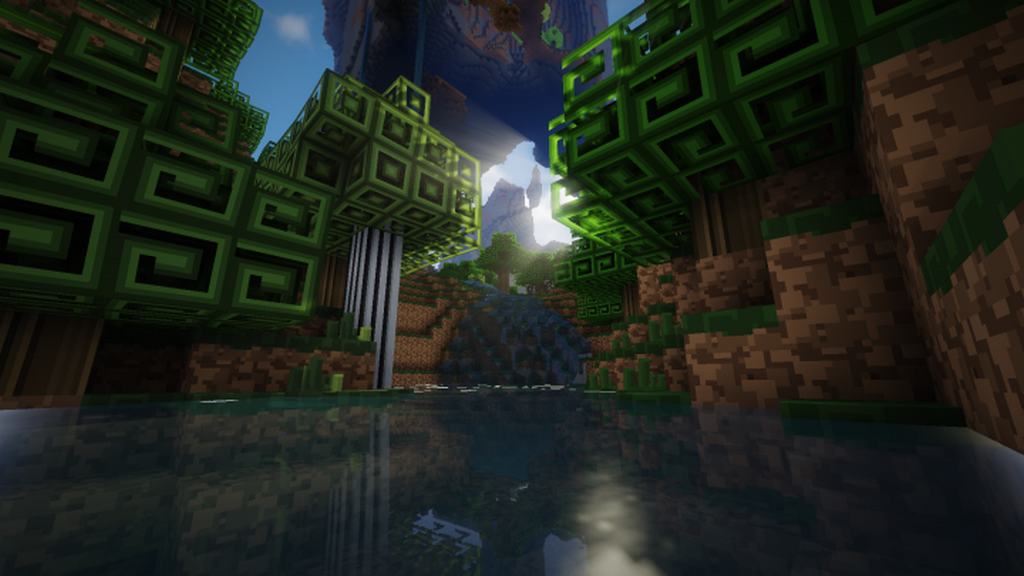
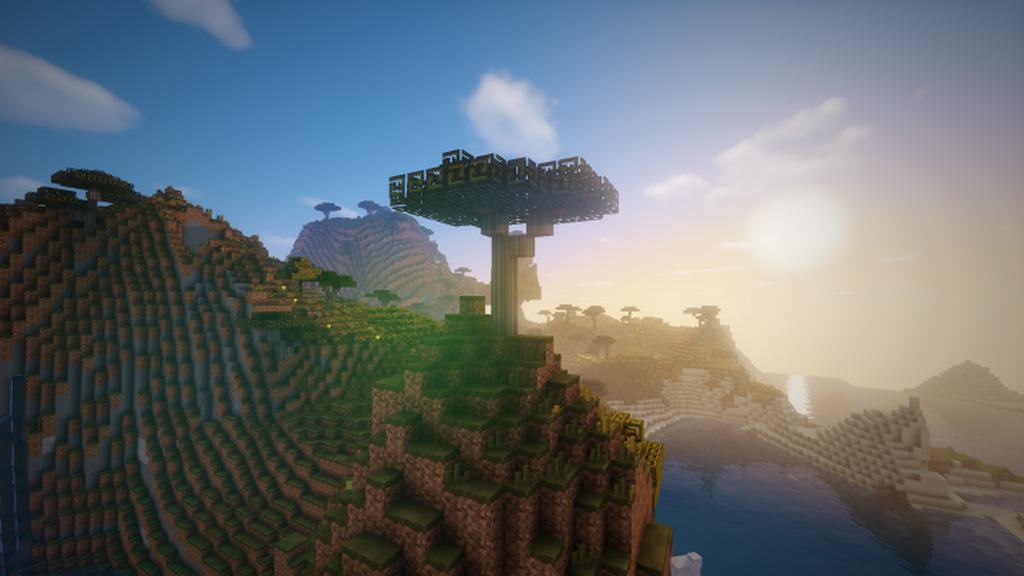
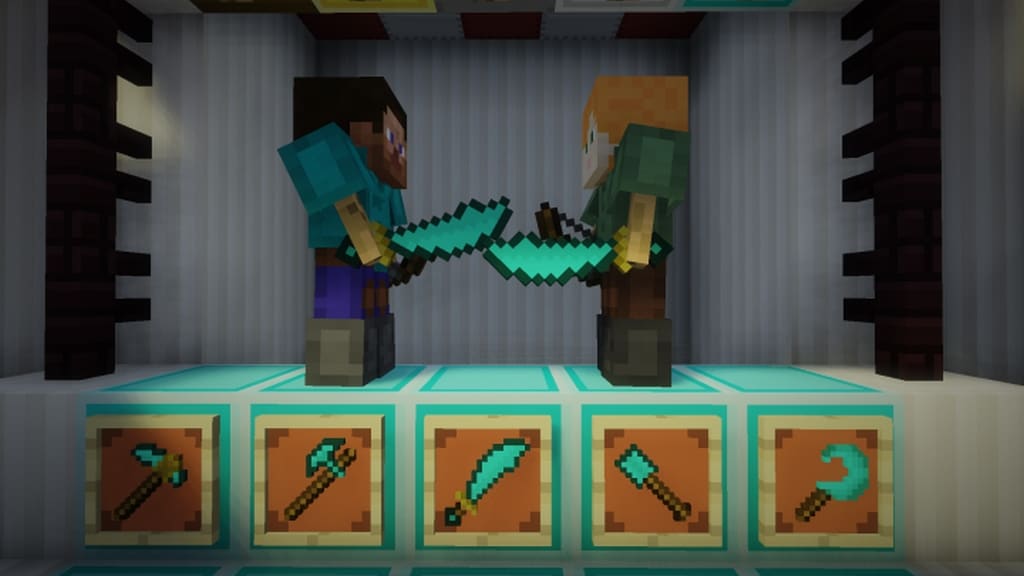
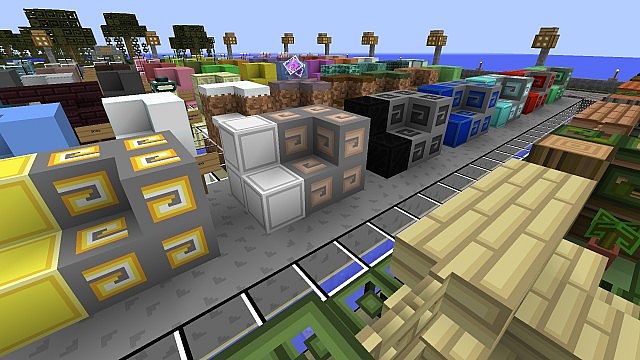
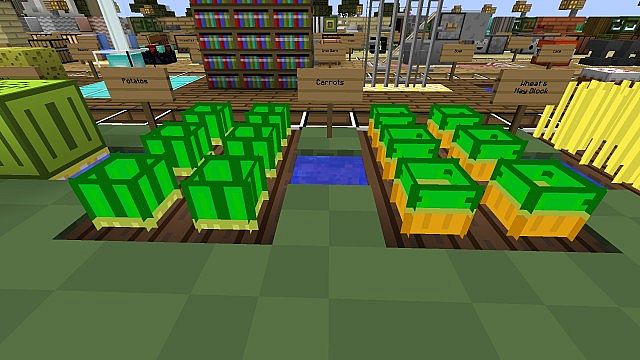
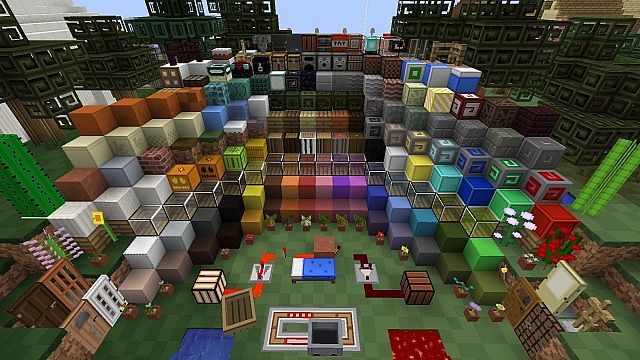
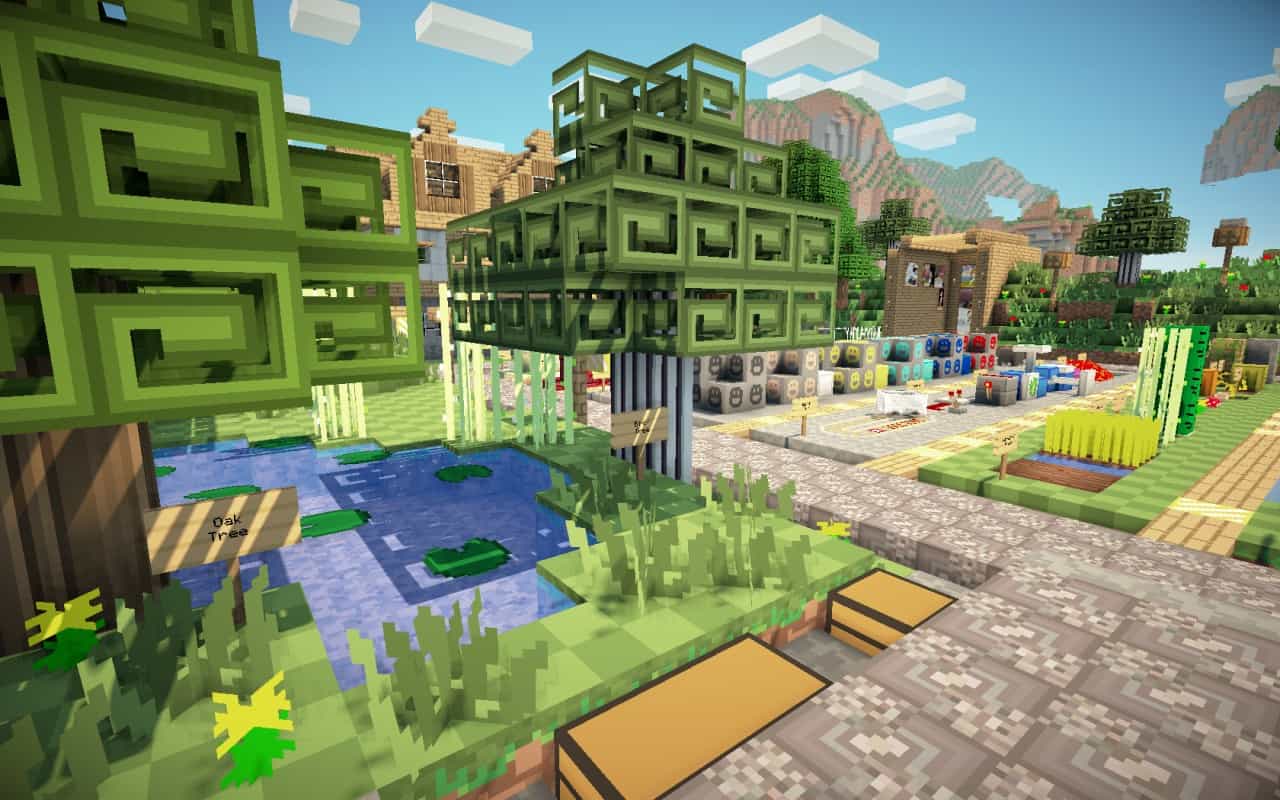
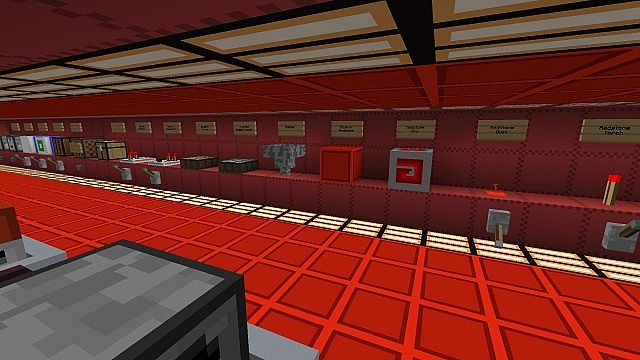
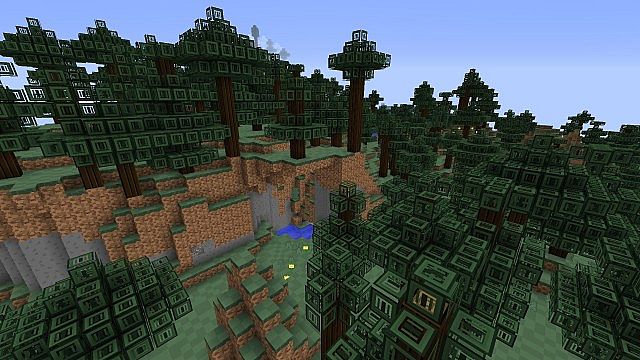
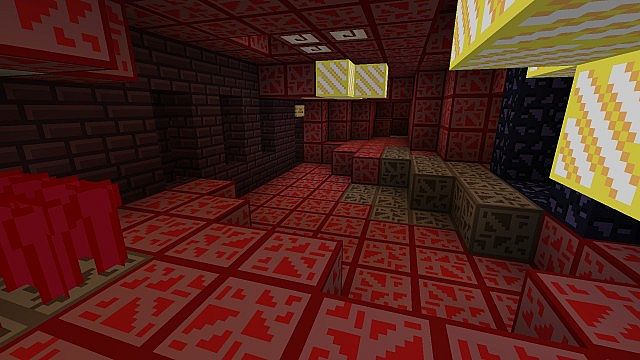
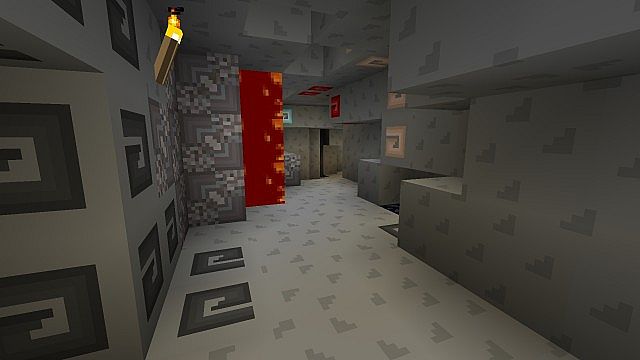
I had an absolute blast testing out Nuper Gummi, and it easily became one of my favorite packs because it offers so many great benefits for players! Just like most resource packs, it genuinely improves the overall appearance of Minecraft and makes the world look so much more attractive. On top of that, the pack does a fantastic job of optimizing the textures being used, which actually helps the game load and run much more smoothly compared to the default setup. The unique color combinations and artistic textures featured in the Nuper Gummi resource pack simply haven’t been used in most other texture packs out there, making it an absolute ideal choice for anyone who wants a completely fresh look. That awesome improvement in your Frames Per Second (FPS) is also another huge reason why so many players prefer to use this pack, especially if you play the game in PVP mode regularly. The art style used throughout the resource pack is wonderfully inspired by a cartoonish look, and I noticed right away that the colors are far more vibrant and look much brighter than what you get in most other resource packs.
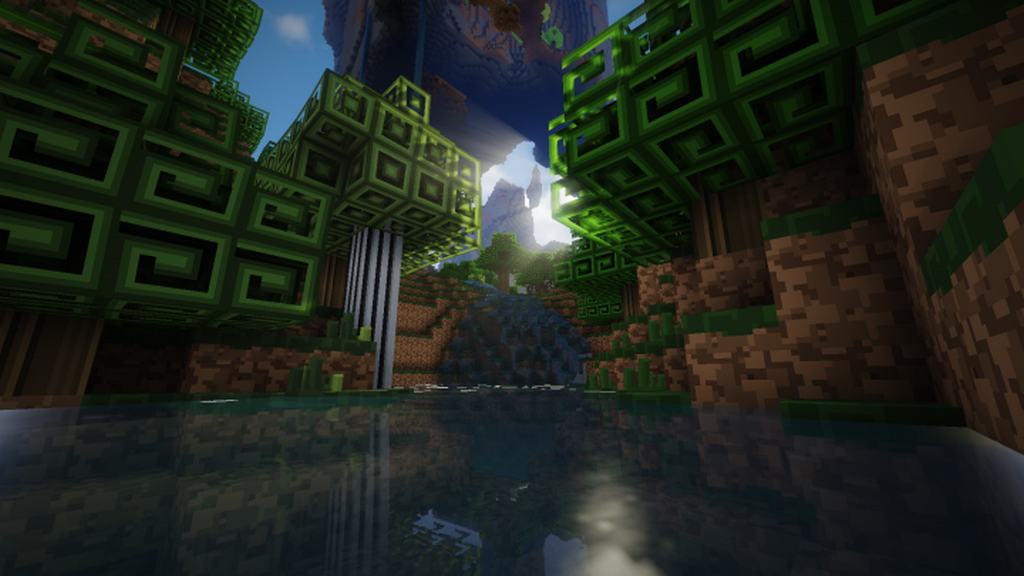
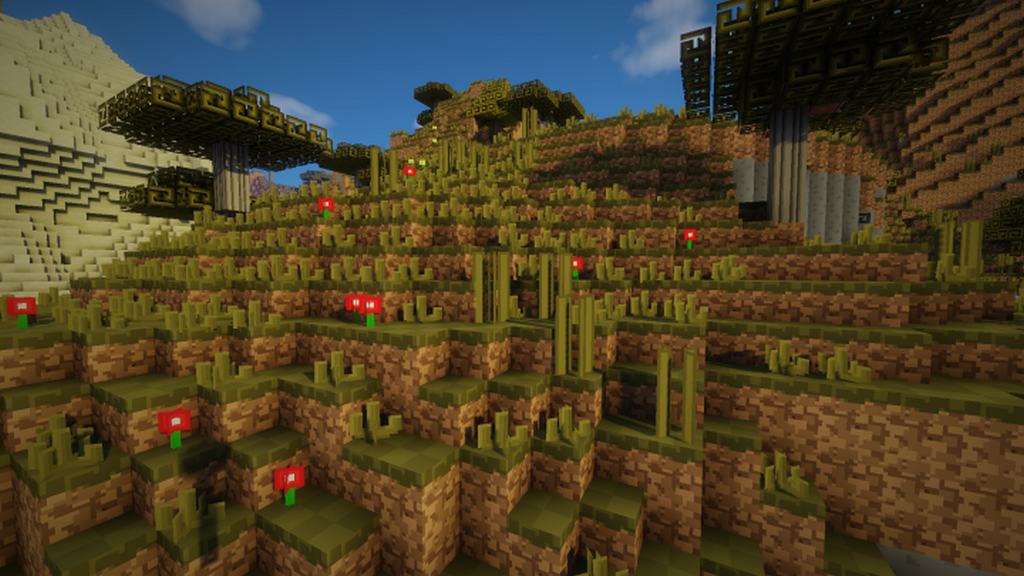
Some of the textures actually feature a distinctive spiraling look which might appear a little unusual at first glance, but honestly, these textures are a refreshing change from conventional designs and give the game a wonderfully unique personality. Nuper Gummi was originally released more than three years ago, and I love how it has been updated frequently ever since to add even more content to the textures. The developers have consistently ensured that it conforms to all the latest relevant standards applicable for textures whenever new game versions come out. When you consider the optimization of Minecraft, you will quickly notice that once Nuper Gummi is activated, the game runs incredibly smoothly, resulting in a nice, noticeable increase in your frame rate while using the resource pack. Thanks to this stellar optimization paired with the lightweight 16x resolution, you can rest assured that it will work properly and perform great even if you are playing on an inexpensive computer. Plus, even the user interface has been thoughtfully modified to match the fun, cartoon-like art style implemented across the entire resource pack!
Nuper Gummi should be compatible with all of these Minecraft versions: 1.12.2 – 1.12 – 1.11.2 – 1.11 – 1.10.2 – 1.10 – 1.9.4 – 1.9 – 1.8.9 – 1.8.8 – 1.8.1 – 1.8.6 – 1.8 – 1.7.10 – 1.7.9 – 1.7.4 – 1.7
Screenshots
How to Install Texture Pack (Simple 10 Steps)
- Download OptiFine: Most of the texture packs and shaders need OptiFine. That’s why, first download and install OptiFine for the version of Minecraft you want to play.
- Download the Texture Pack: Get the texture pack you want from the download section. Choose the version that works with your Minecraft and your PC’s performance.
- Open Minecraft Launcher: Start Minecraft using the official game launcher — or even TLauncher, if you use that.
- Go to Options: From the main menu, click on the “Options” button.
- Open Resource Packs: Inside Options, click on “Resource Packs…”.
- Open the Resource Pack Folder: Click on “Open Resource Pack Folder” — this will open a folder named “resourcepacks”.
- Move the Pack File: Copy or move the .zip file you downloaded into that “resourcepacks” folder. (Don’t unzip the file — Minecraft uses it as-is!)
- Go Back and Refresh: Close the folder and click “Done”, then go back into “Resource Packs…” again.
- Activate the Pack: You’ll see the pack on the left side. Hover over it and click the arrow to move it to the right (active side).
Tip: If you get a message that the pack is for a different version, just click “Yes” — it usually works fine. - Click Done and Enjoy: Click “Done” again. Now your pack is ready to use in-game. It’s that easy!
Credits
The Nuper Gummi Resource Pack was created by LateGum. We do not claim ownership of this content, nor do we host modified files on our servers. All rights and intellectual property remain with the original creator. We strongly encourage you to support LateGum by downloading the pack through their official links.
Download Links
Java Edition
Download Instructions
Curseforge: download starts automatically after a few seconds;
Mediafire: click the big blue button with the text “DOWNLOAD”;
Google Drive: in the top right corner you will see a small download icon (down arrow), click it and the download should start;


