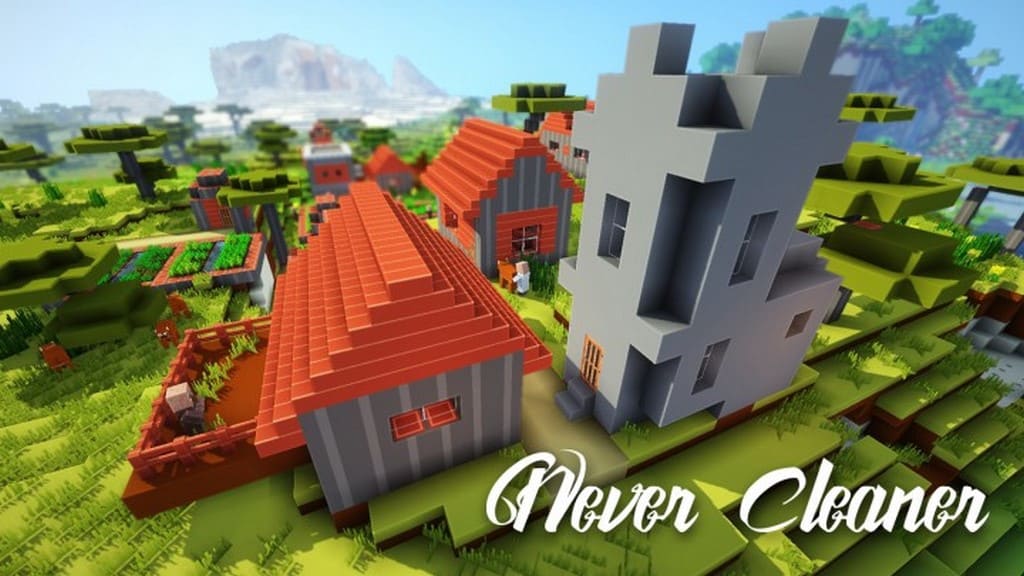
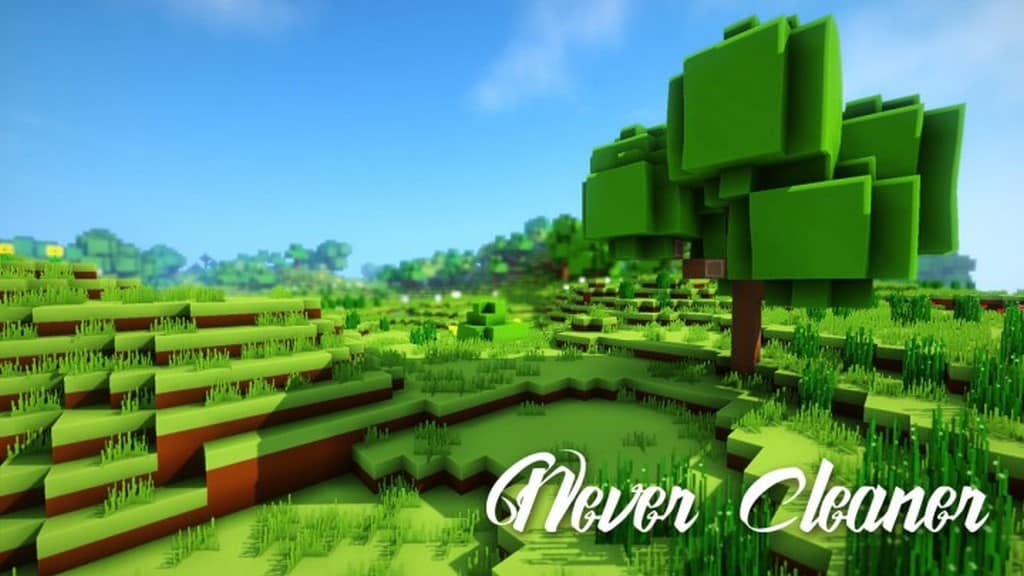
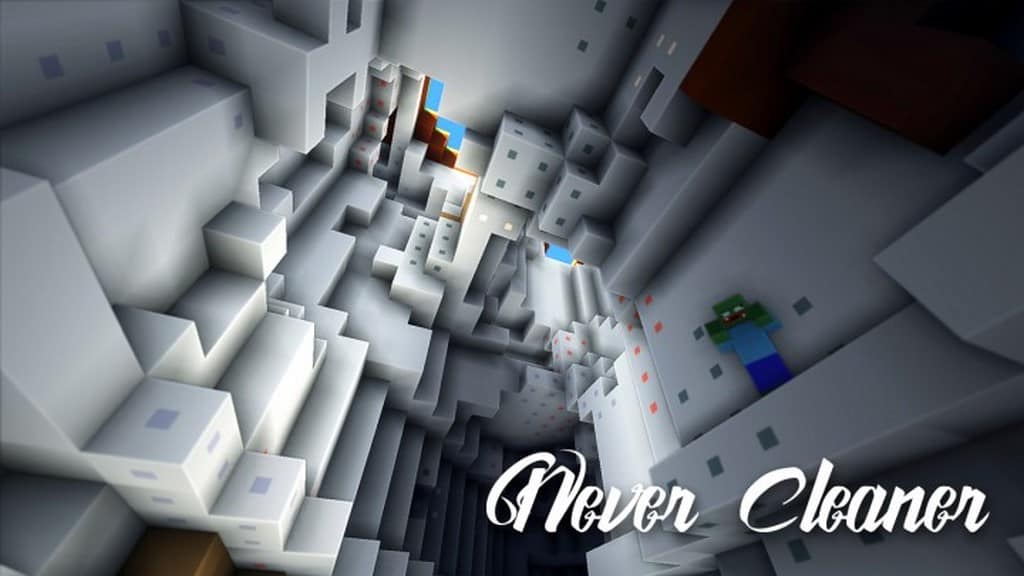
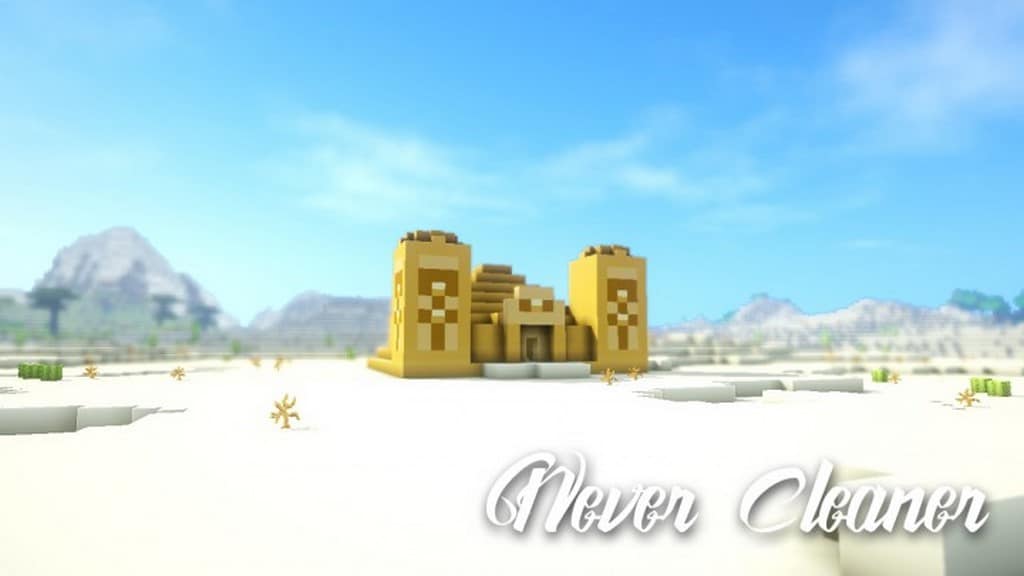
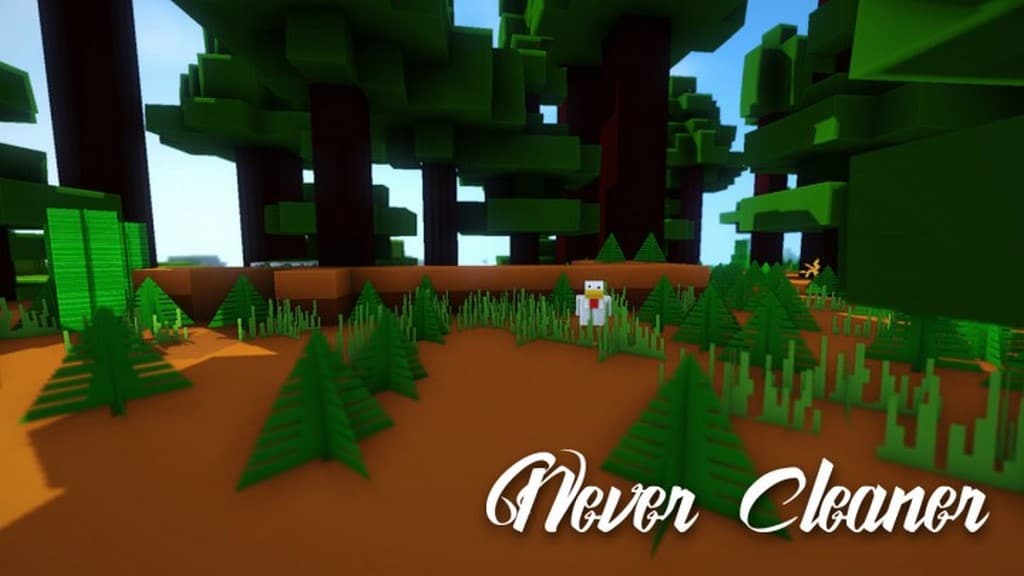
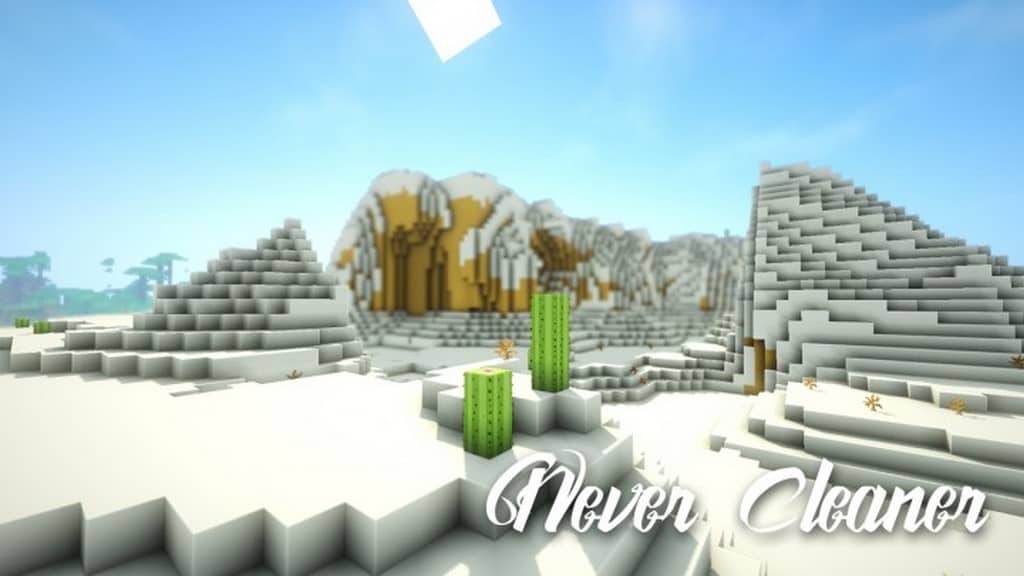
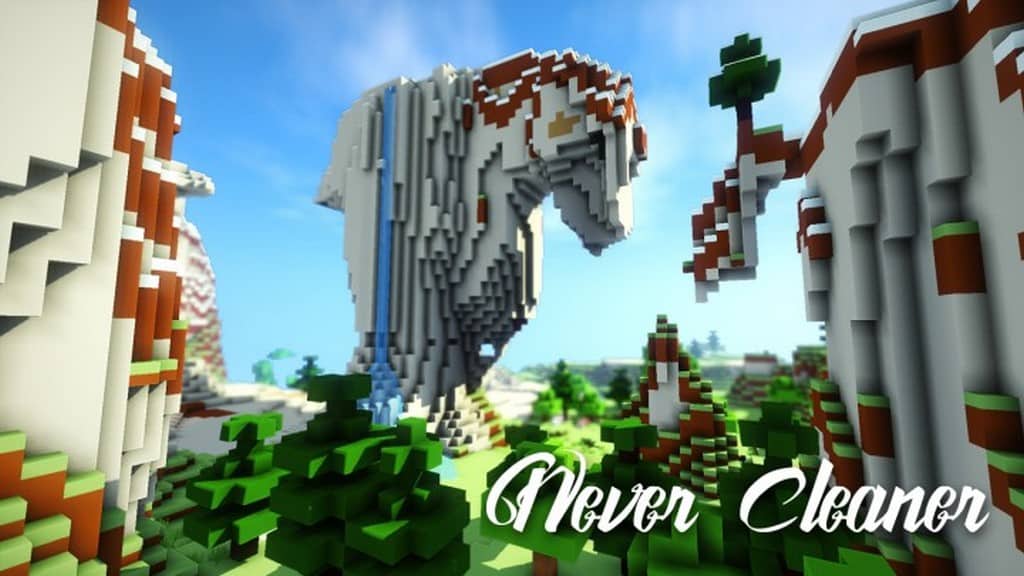
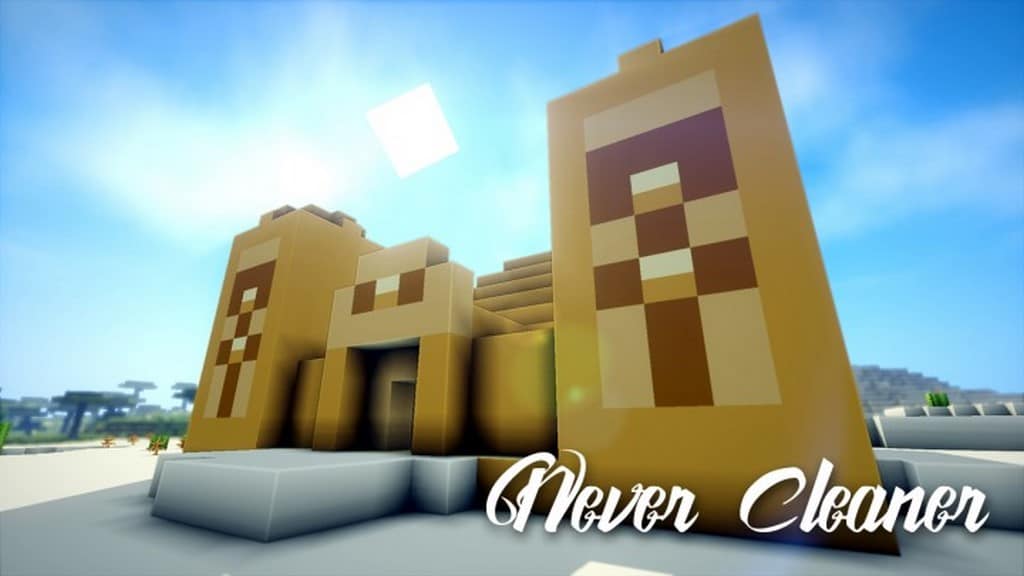
The Never Cleaner resource pack truly lives up to its name and stands out as one of the most remarkable texture packs I have ever tested. I have often noticed that various authors generate excessive hype regarding their resource packs to heighten expectations, yet many fall short of those claims. Fortunately, you can still find dedicated creators who deliver on their promises and occasionally even surpass expectations, with the Never Cleaner resource pack being a prime example. It is such an exceptional pack that genuinely makes Minecraft appear as clean as humanly possible. You can effortlessly deduce the primary objective of this resource pack directly from its title, as it strives to keep every single texture cleaner than ever before. The authors have carefully applied this strict rule to the visual noise factor as well. Ordinarily, enhancing the detail level of visual elements causes unwanted noise to become problematic.
However, noise is completely absent as an issue with this resource pack, despite boasting a remarkably high level of texture detailing. The smoothness is truly unmatched by anything else! This unique style of detailing delivers a pristine appearance that hardly any competing resource pack can rival. This thoughtful design approach elevates it to an entirely separate tier where clean textures seamlessly complement a brighter and more vibrant color palette. Furthermore, shiny and cartoon-inspired textures greatly amplify the overall visual appeal of the pack. Utilizing a 64x resolution, it offers more than enough fidelity to present you with a look that is both elegantly refined and delightfully simple. Although the Never Cleaner resource pack was launched relatively recently, it still has some ground to cover before reaching completion. We can certainly look forward to seeing the project finished sooner if the creators maintain their dedication with frequent updates to finalize it ahead of schedule.
Never Cleaner should be compatible with all of these Minecraft versions: 1.11.2 – 1.11 – 1.10.2 – 1.10 – 1.9.4 – 1.9
Screenshots
How to Install Texture Pack (Simple 10 Steps)
- Download OptiFine: Most of the texture packs and shaders need OptiFine. That’s why, first download and install OptiFine for the version of Minecraft you want to play.
- Download the Texture Pack: Get the texture pack you want from the download section. Choose the version that works with your Minecraft and your PC’s performance.
- Open Minecraft Launcher: Start Minecraft using the official game launcher — or even TLauncher, if you use that.
- Go to Options: From the main menu, click on the “Options” button.
- Open Resource Packs: Inside Options, click on “Resource Packs…”.
- Open the Resource Pack Folder: Click on “Open Resource Pack Folder” — this will open a folder named “resourcepacks”.
- Move the Pack File: Copy or move the .zip file you downloaded into that “resourcepacks” folder. (Don’t unzip the file — Minecraft uses it as-is!)
- Go Back and Refresh: Close the folder and click “Done”, then go back into “Resource Packs…” again.
- Activate the Pack: You’ll see the pack on the left side. Hover over it and click the arrow to move it to the right (active side).
Tip: If you get a message that the pack is for a different version, just click “Yes” — it usually works fine. - Click Done and Enjoy: Click “Done” again. Now your pack is ready to use in-game. It’s that easy!
Credits
This project was originally created and developed by PitchBlackPL. We do not claim ownership of this content, nor have we modified the original files. All rights, intellectual property, and appreciation belong entirely to the original creator. We strongly encourage you to support PitchBlackPL by visiting their official sources and downloading the pack directly from their designated platforms.
Download Instructions
Curseforge: download starts automatically after a few seconds;
Mediafire: click the big blue button with the text “DOWNLOAD”;
Google Drive: in the top right corner you will see a small download icon (down arrow), click it and the download should start;


