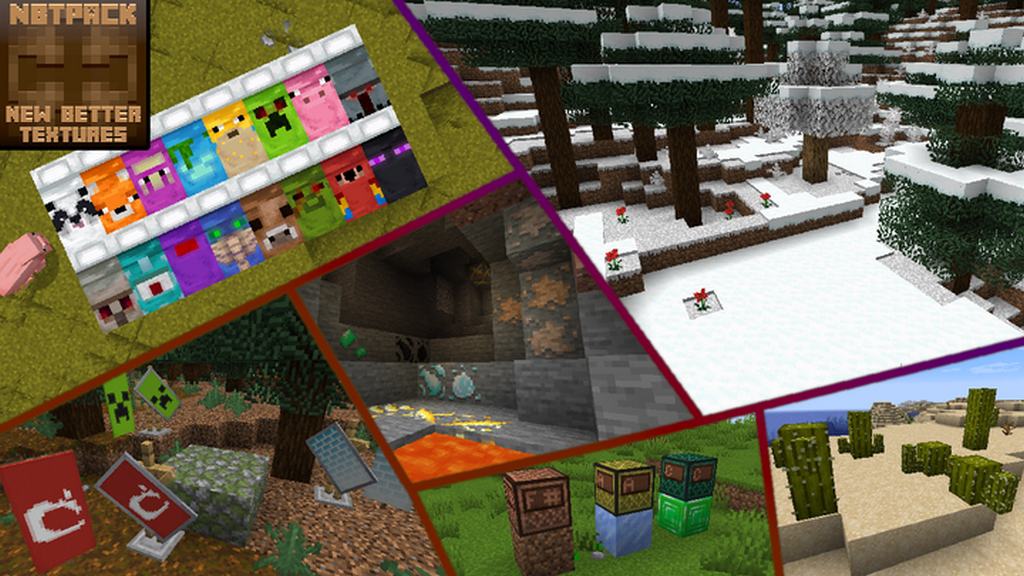
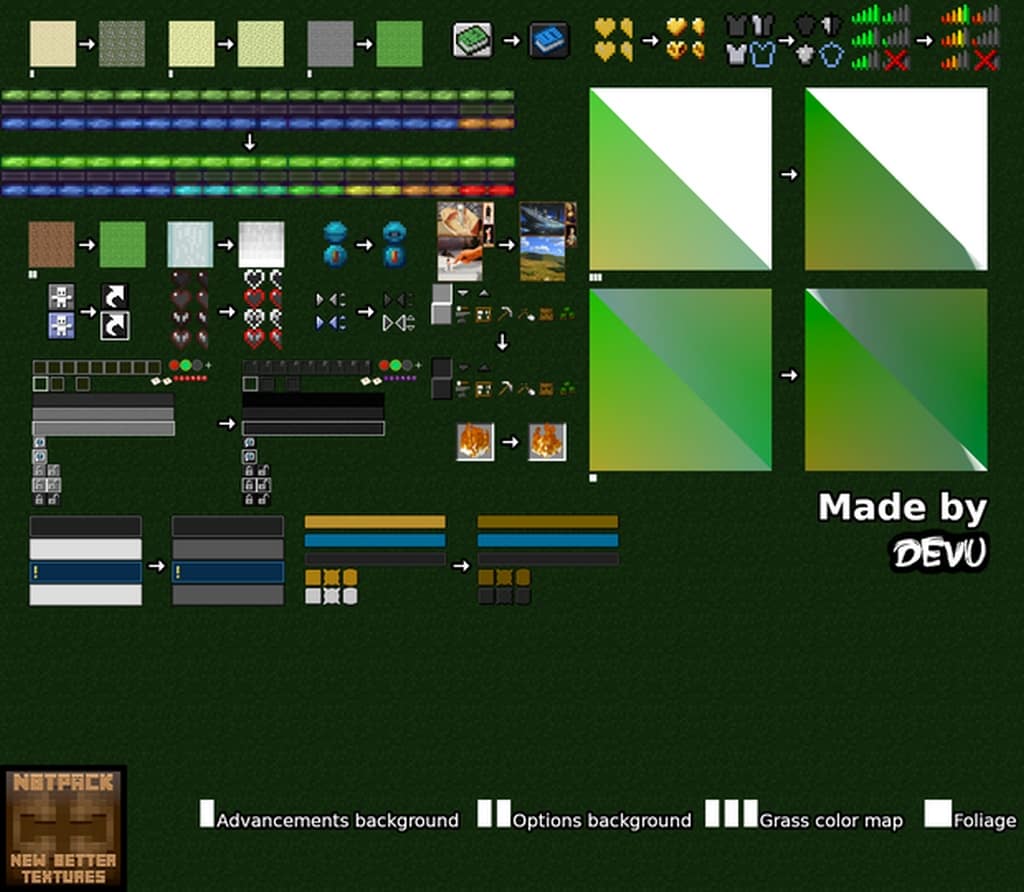
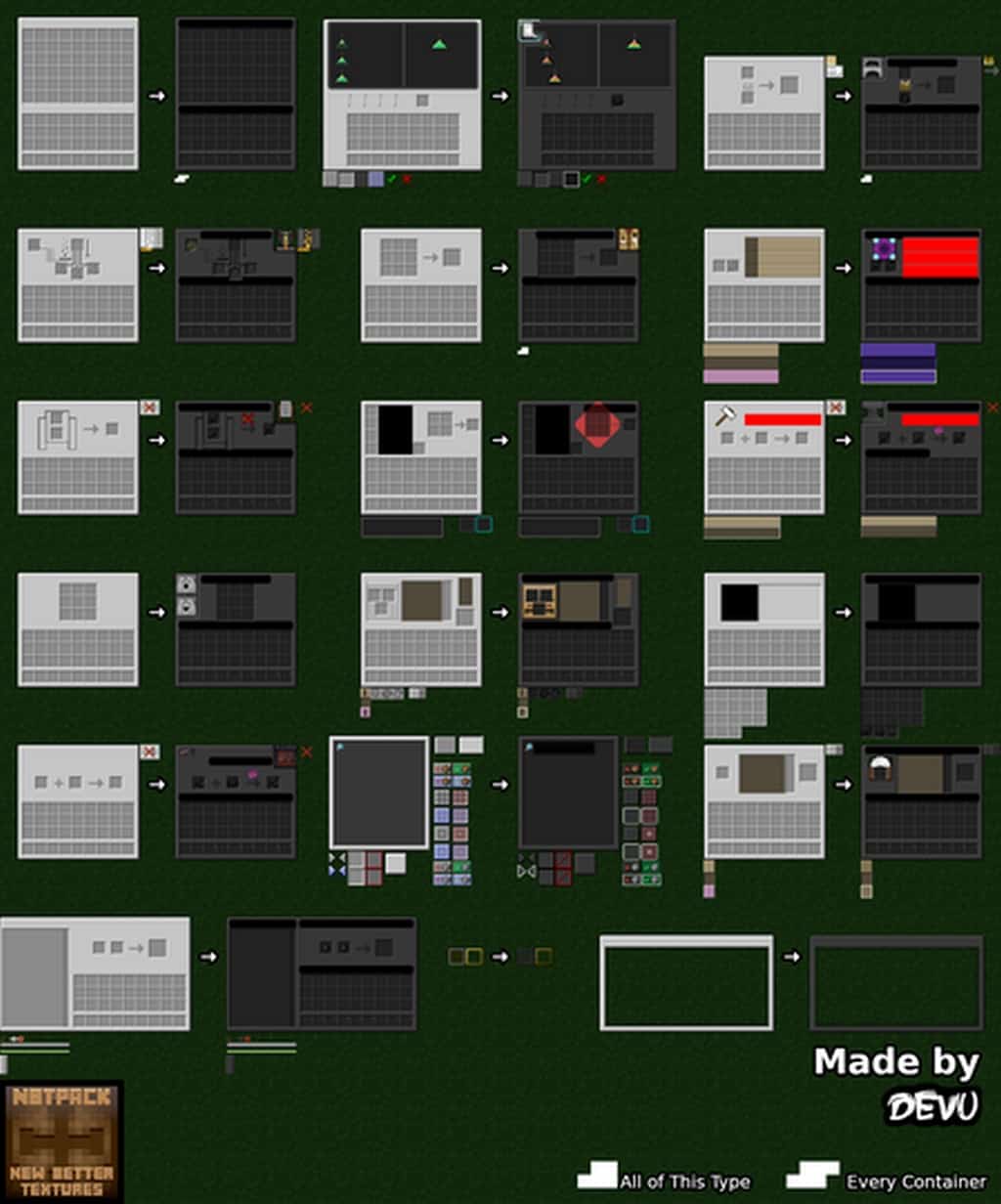
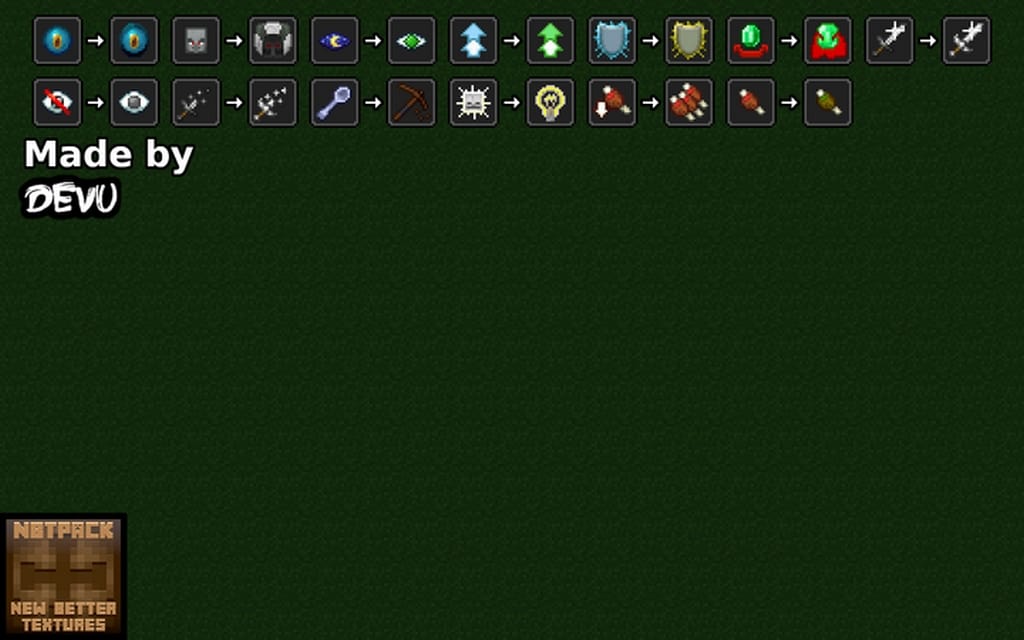
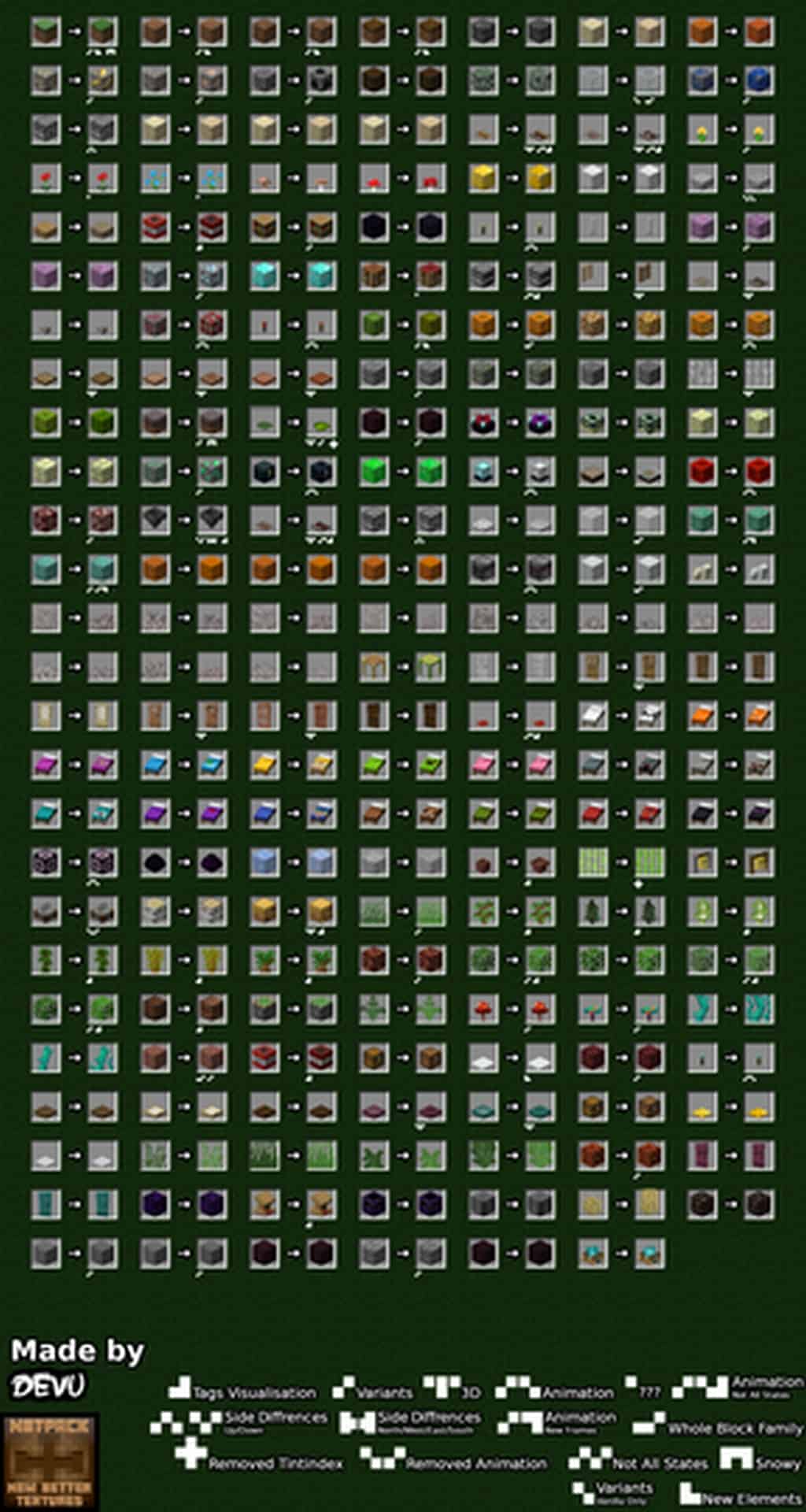
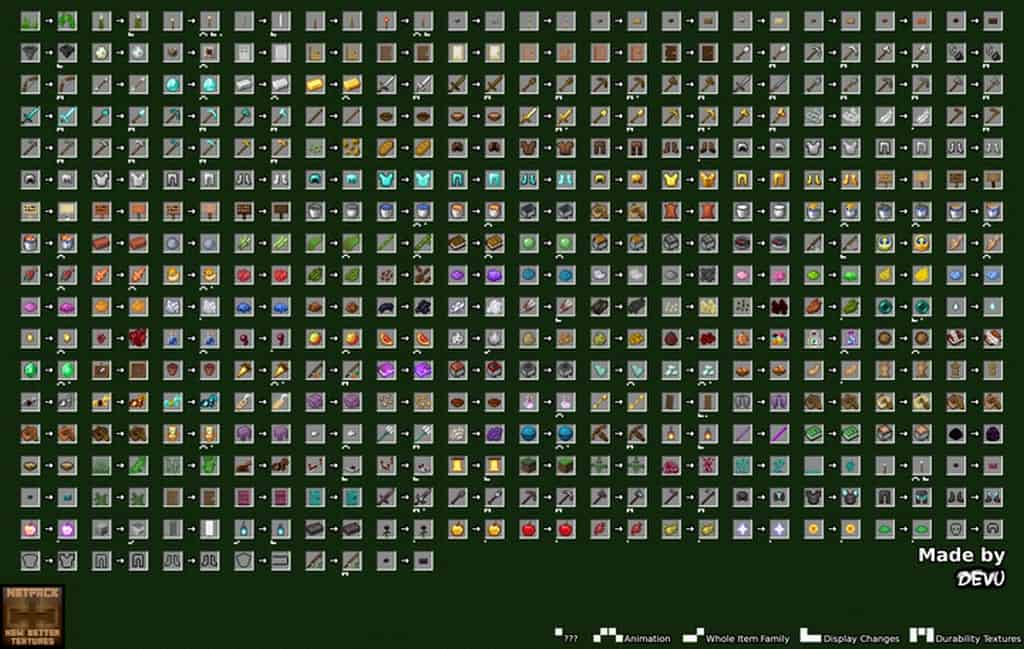
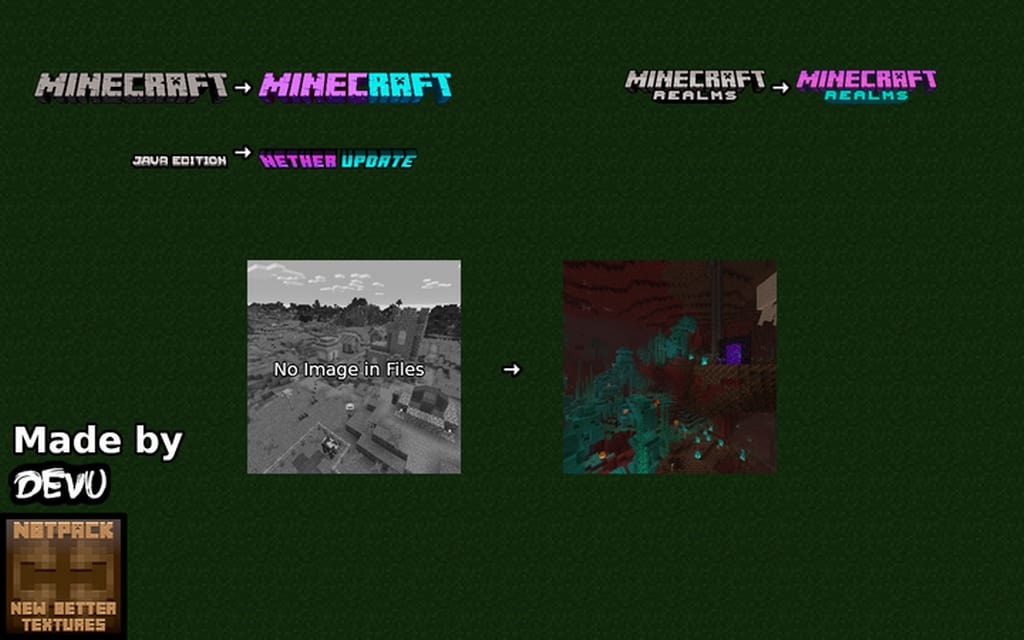
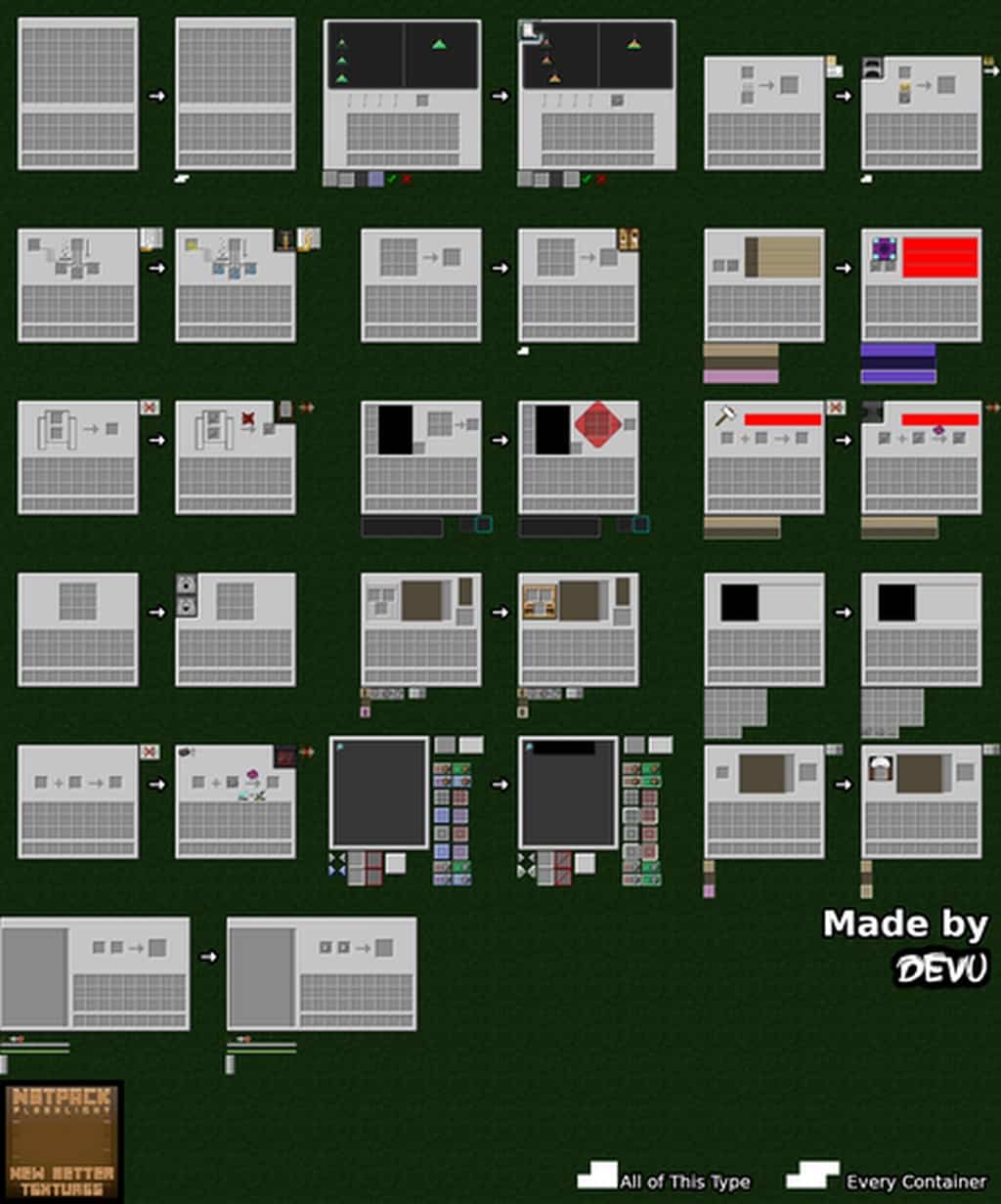
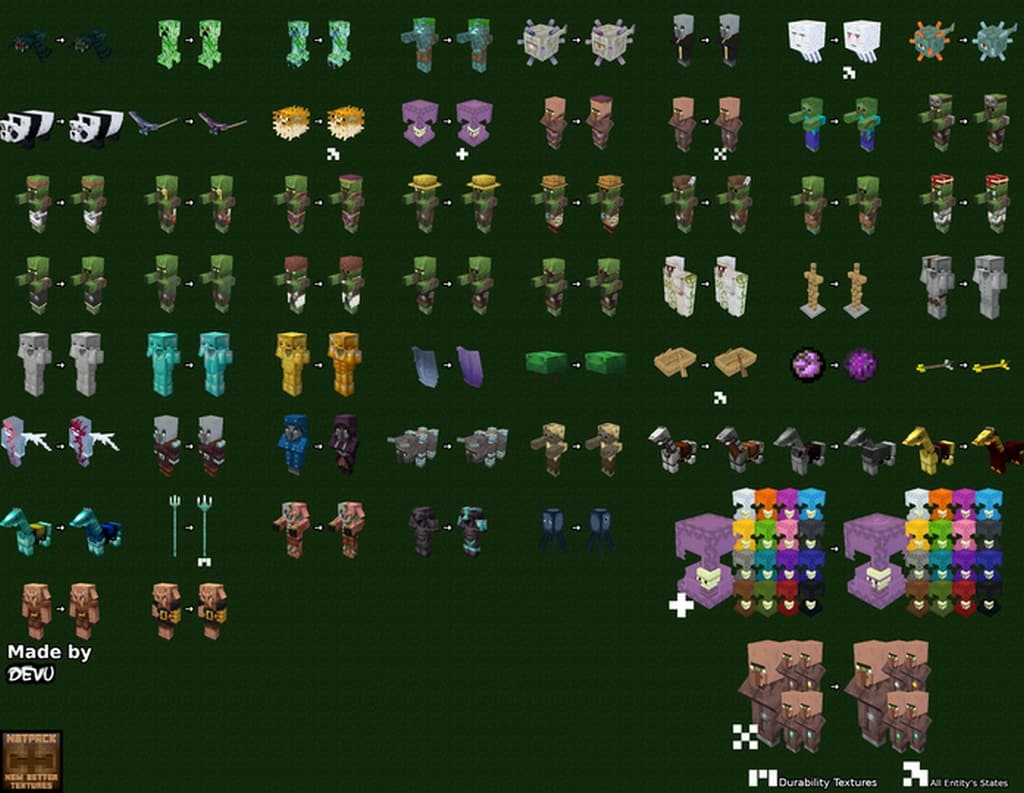
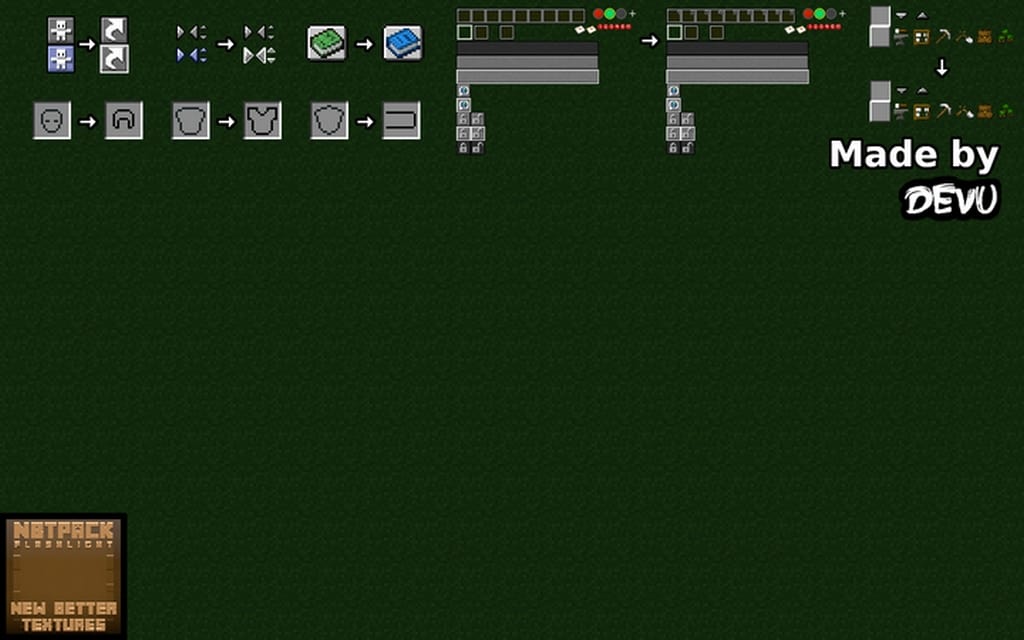
You can call the NBT resource pack by other names such as NBTpack or New Better Textures, but it truly provides everything new and better that it has got! I found that this resource pack has been wonderfully successful in keeping the original artistic touch of Minecraft’s appearance intact. At the same time, it has genuinely enhanced all the visual elements like texture detailing, noises, and similar stuff. People love the essential vanilla looks of Minecraft, but still, at the same time, they are also on the lookout for something which can make improvements without drastically altering the original artisan Minecraft looks. The New Better Texture Resource Pack does precisely that by enhancing the core visuals. It is something that every gamer must explore to enjoy the initial default looks with subtle improvements. This texture pack excellently converts Minecraft into something engaging and more attractive by showcasing an extensive range of texture improvements. Unlike several conventional resource packs, it approached these issues differently. Others have tried to change most of the texture elements, but NBTpack worked only upon those areas which required enhancements. I really appreciate how it identified that it needed to do work on the graphical user interface and the environmental aspects.
It improved every armor or torch that called for some enhancement or the other. Besides, the NBT pack introduced a range of three-dimensional models to enhance gamers’ holistic experience. The author has scheduled several texture improvements, and you can definitely expect to see many new types of textures in the coming days if you happen to try this resource pack. You might have guessed it right that this type of pack comes in a 16×16 display resolution. Many gamers are not privileged with excellent hardware, but you do not need to worry if you have low-end gaming hardware. You do not need to choose a resource pack with a higher resolution and complex textures that will put unnecessary strain on your gaming system. For owners of low-end hardware, it is best to select NBTpack because it is a nicely built modest resource pack. Don’t mind a lower display resolution of this pack as you will undoubtedly like the improvements in the resource packs’ visual and artistic aspects. Moreover, the resource pack will not lead to any additional load on the hardware resources, and you will eventually experience a superior gaming performance from your existing low-end system. Therefore, I suggest leaving all your worries behind and grabbing a copy of the NBT texture pack today itself!
NBTpack – New Better Textures should be compatible with all of these Minecraft versions: 1.19.1 – 1.19 – 1.18.2 – 1.18.1 – 1.18 – 1.17.1 – 1.17 – 1.16.5 – 1.16.4 – 1.16.3 – 1.16.2 – 1.16.1 – 1.16 – 1.15.2 – 1.15.1 – 1.15 – 1.14.4 – 1.14.3 – 1.14.2 – 1.14 – 1.12.2 – 1.12 – 1.8.9 – 1.8.8 – 1.8.1 – 1.8.6 – 1.8 – 1.7.10 – 1.7.9 – 1.7.4 – 1.7 – Bedrock Edition – PE
Screenshots
How to Install Texture Pack (Simple 10 Steps)
- Download OptiFine: Most of the texture packs and shaders need OptiFine. That’s why, first download and install OptiFine for the version of Minecraft you want to play.
- Download the Texture Pack: Get the texture pack you want from the download section. Choose the version that works with your Minecraft and your PC’s performance.
- Open Minecraft Launcher: Start Minecraft using the official game launcher — or even TLauncher, if you use that.
- Go to Options: From the main menu, click on the “Options” button.
- Open Resource Packs: Inside Options, click on “Resource Packs…”.
- Open the Resource Pack Folder: Click on “Open Resource Pack Folder” — this will open a folder named “resourcepacks”.
- Move the Pack File: Copy or move the .zip file you downloaded into that “resourcepacks” folder. (Don’t unzip the file — Minecraft uses it as-is!)
- Go Back and Refresh: Close the folder and click “Done”, then go back into “Resource Packs…” again.
- Activate the Pack: You’ll see the pack on the left side. Hover over it and click the arrow to move it to the right (active side).
Tip: If you get a message that the pack is for a different version, just click “Yes” — it usually works fine. - Click Done and Enjoy: Click “Done” again. Now your pack is ready to use in-game. It’s that easy!
Credits
This resource pack was created by Devu. We are not the original owners or creators of this modification, and we do not claim ownership of any files hosted here. All rights remain with the original creator. We strongly encourage you to support Devu by visiting the official sources and downloading the pack through authorized channels.
Download Links
Java Edition
- [16x] Minecraft 1.19.x
- [16x] Minecraft 1.18.x – 1.15.x
- [16x] Minecraft 1.14.x
- [16x] Minecraft 1.12.x
- [16x] Minecraft 1.8.x
- [16x] Minecraft 1.7.x
- Check out the NBTpack on the Official Source
- Check out the official Twitter page of the NBTpack
Bedrock Edition
Download Instructions
Curseforge: download starts automatically after a few seconds;
Mediafire: click the big blue button with the text “DOWNLOAD”;
Google Drive: in the top right corner you will see a small download icon (down arrow), click it and the download should start;


