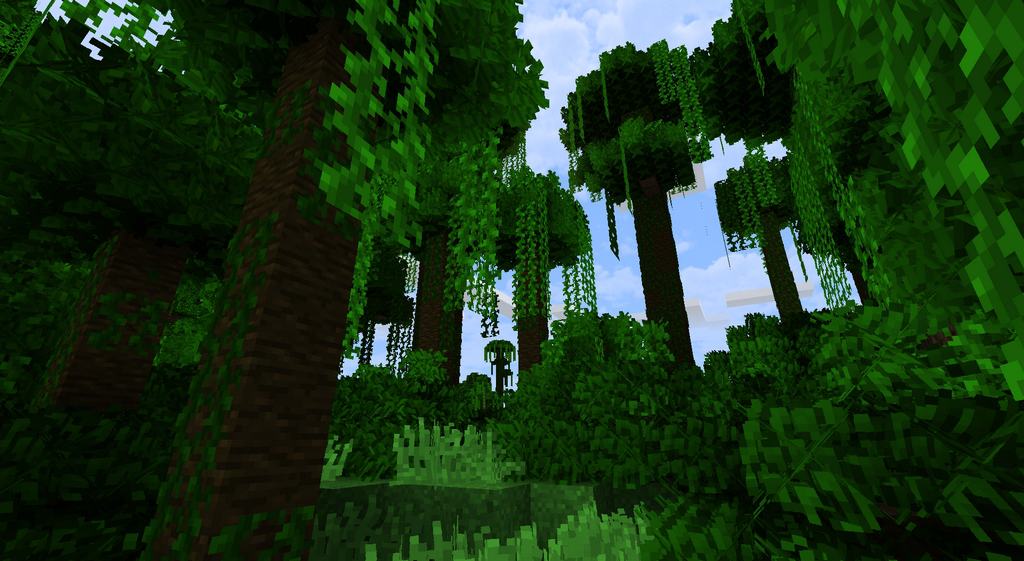
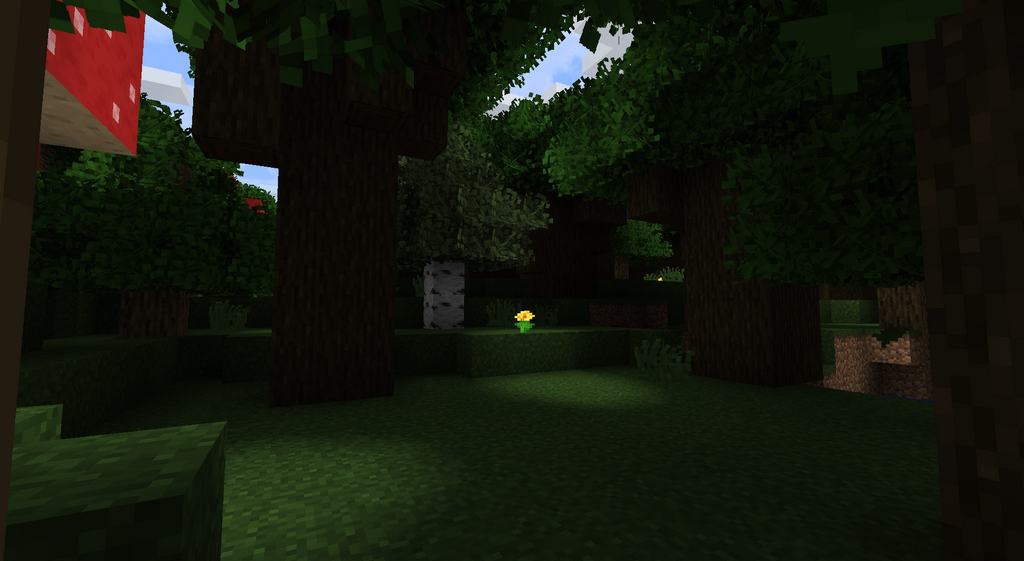
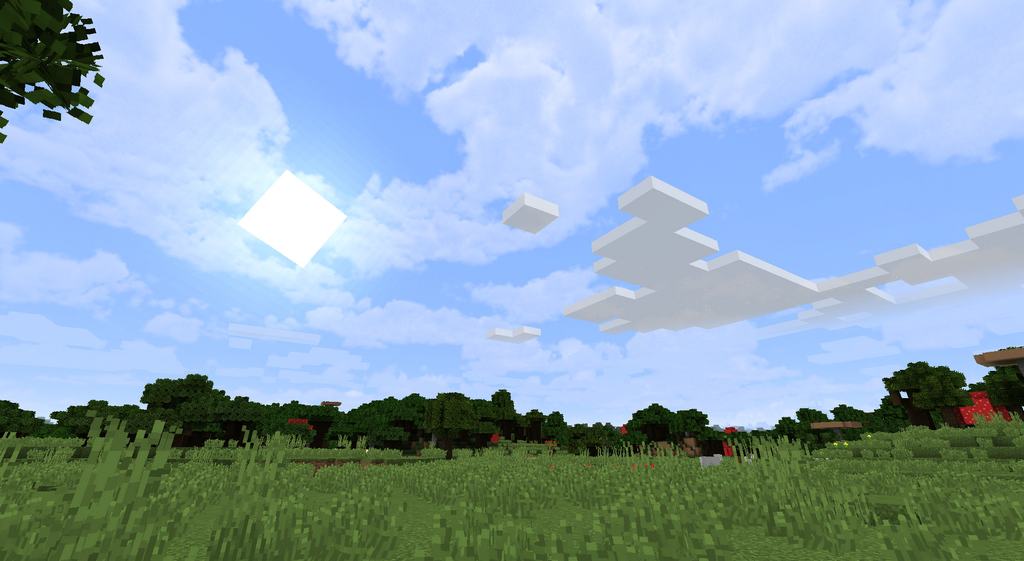
The Naturus resource pack for Vanilla Minecraft is quickly becoming a common feature among players looking for a nature-packed theme. This resource pack is centered on natural world features such as trees and grass. The focus on nature in Naturus pack has made it one of the best for enhancing natural elements of Vanilla Minecraft by giving it a crisp texture that is full of life. Custom sounds that include sounds of leaves rustling in the wind complete the resource pack, providing an engaging experience for the players. Although this resource pack can be used to customize your Vanilla Minecraft game to bring about a fulfilling effect while playing, there are still a lot to be done in order to make it a perfect fit for everyone. For instance, if the developers could incorporate the sounds of animals in its features, then the game would be more acceptable and engaging to a wide audience.
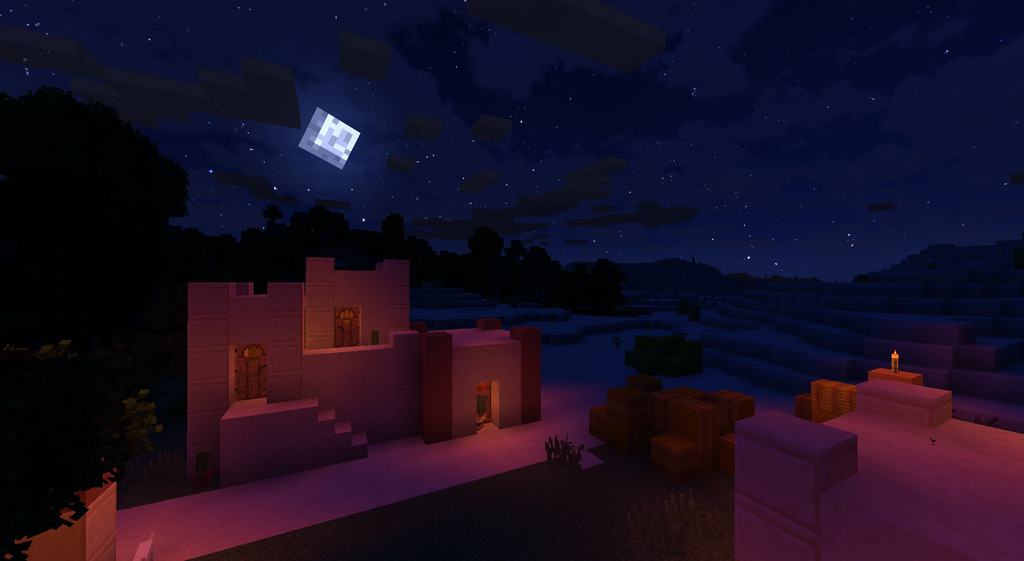
It is still not yet clear if the developers are planning to add such sounds to the captivating nature-packed theme of the Naturus resource pack. It is important to realize that you will need Optifine installed into your minecraft in order for Naturus resource pack to work properly. Also remember to update Optifine every now and then so as to get the most out of Naturus. Players can also use custom colors and the top-rated custom sky to adjust the graphical background for improved game experience. This will make the feeling more realistic as you play the Vanilla Minecraft game. The lighting can also be adjusted to moody or bright in accordance to the player’s preference. Setting a low light while playing will help hide some graphical blunders that are noticeable when brightness is high. The Naturus pack is worth having for anyone looking for a nature-themed resource pack for Minecraft. You can try Naturus today and see how well you will like the new features that it brings to your Vanilla Minecraft.
Naturus should be compatible with all of these Minecraft versions: 1.16.5 – 1.16.4 – 1.16.3 – 1.16.2 – 1.16.1 – 1.16 – 1.15.2 – 1.15.1 – 1.15 – 1.13.2 – 1.13.1 – 1.13 – 1.12.2 – 1.12 – 1.11.2 – 1.11 – 1.10.2 – 1.10 – 1.9.4 – 1.9 – 1.8.1 – 1.8.6 – 1.8
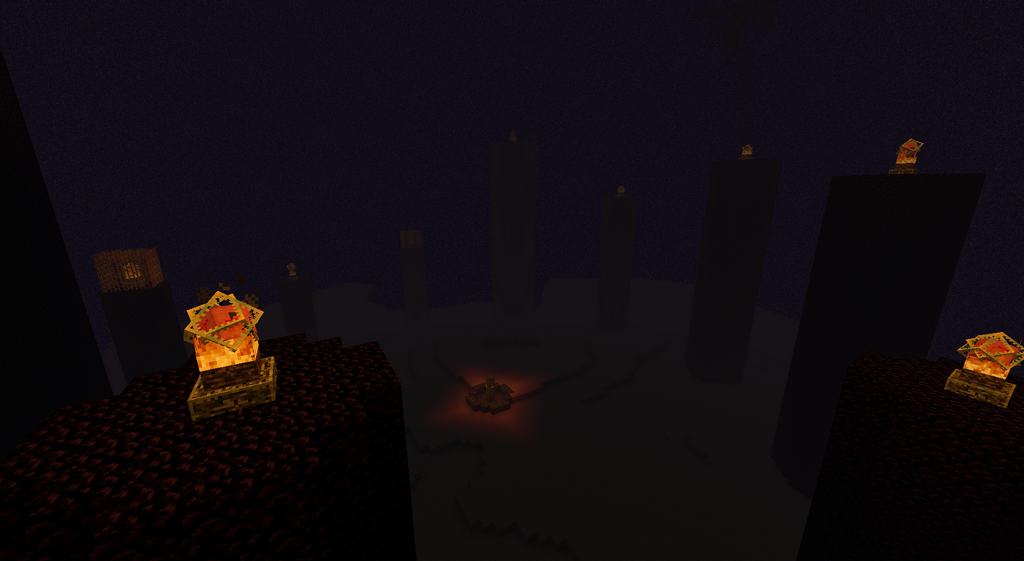
Screenshots
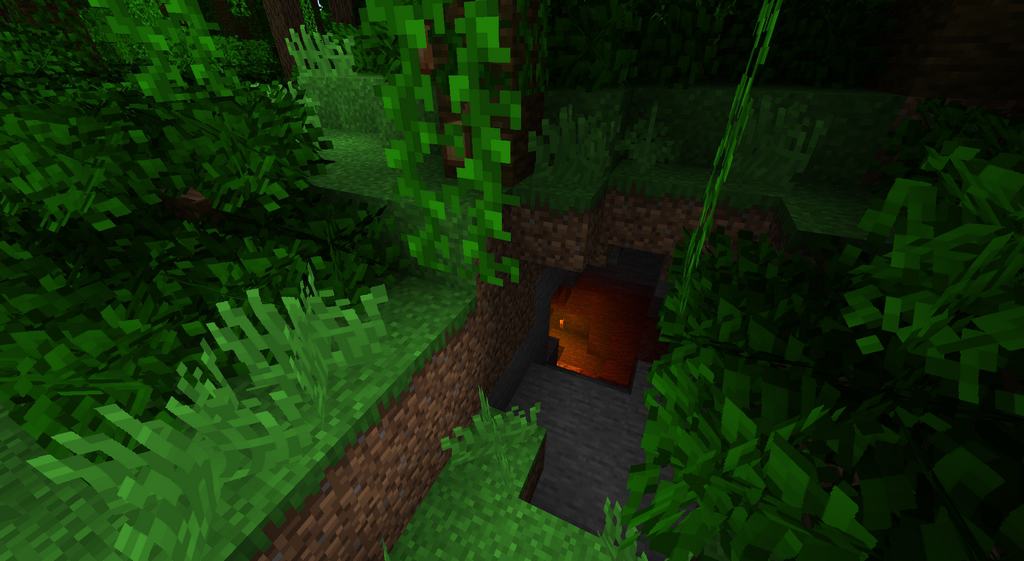
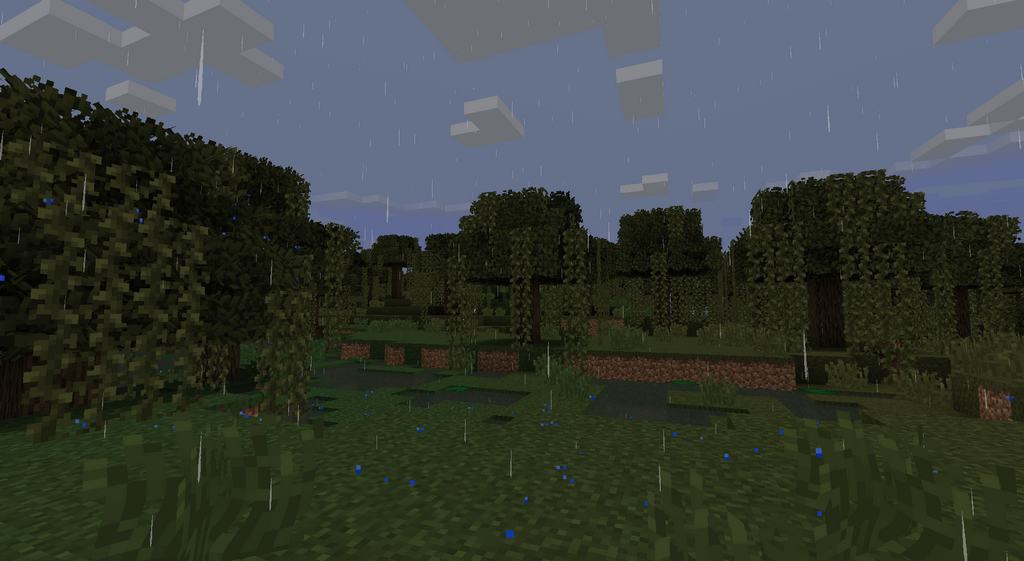
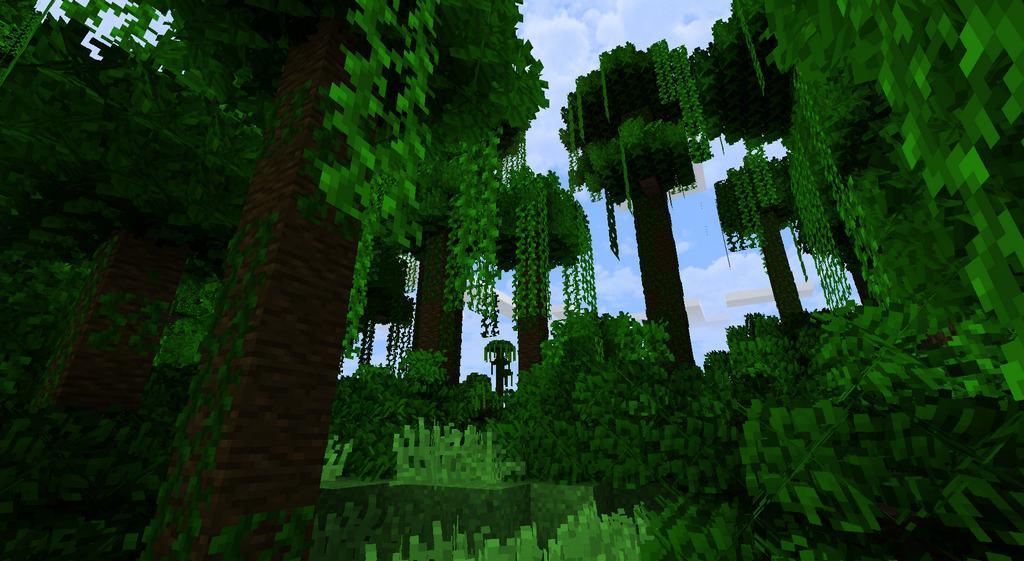
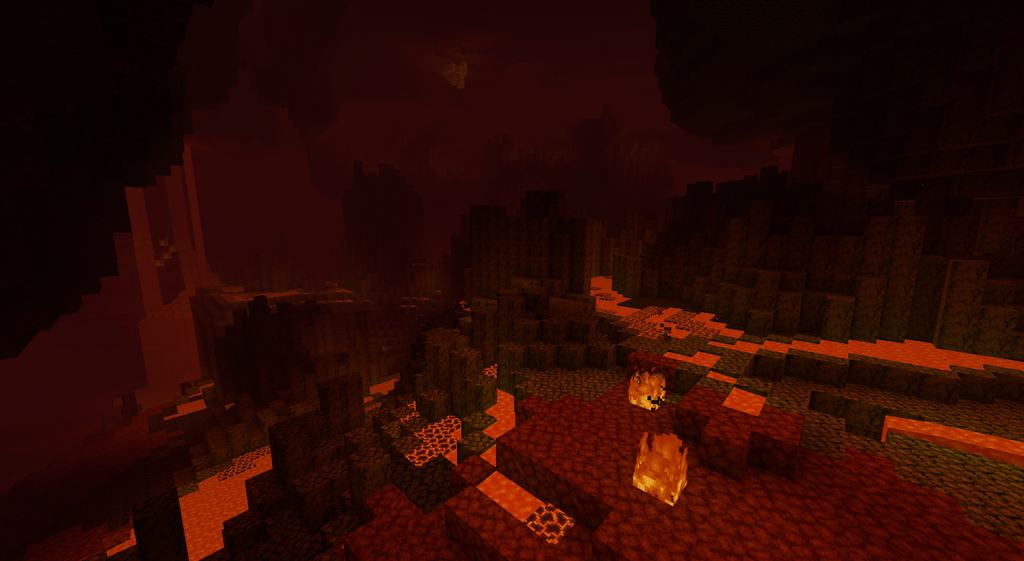
How to Install Texture Pack (Simple 10 Steps)
- Download OptiFine: Most of the texture packs and shaders need OptiFine. That’s why, first download and install OptiFine for the version of Minecraft you want to play.
- Download the Texture Pack: Get the texture pack you want from the download section. Choose the version that works with your Minecraft and your PC’s performance.
- Open Minecraft Launcher: Start Minecraft using the official game launcher — or even TLauncher, if you use that.
- Go to Options: From the main menu, click on the “Options” button.
- Open Resource Packs: Inside Options, click on “Resource Packs…”.
- Open the Resource Pack Folder: Click on “Open Resource Pack Folder” — this will open a folder named “resourcepacks”.
- Move the Pack File: Copy or move the .zip file you downloaded into that “resourcepacks” folder. (Don’t unzip the file — Minecraft uses it as-is!)
- Go Back and Refresh: Close the folder and click “Done”, then go back into “Resource Packs…” again.
- Activate the Pack: You’ll see the pack on the left side. Hover over it and click the arrow to move it to the right (active side).
Tip: If you get a message that the pack is for a different version, just click “Yes” — it usually works fine. - Click Done and Enjoy: Click “Done” again. Now your pack is ready to use in-game. It’s that easy!
Credits
The Naturus resource pack was created by Maximux12. We do not claim ownership of this content, and all rights remain with the original author. We encourage you to support Maximux12 and their official releases.
Download Links
Java Edition
Download Instructions
Curseforge: download starts automatically after a few seconds;
Mediafire: click the big blue button with the text “DOWNLOAD”;
Google Drive: in the top right corner you will see a small download icon (down arrow), click it and the download should start;


