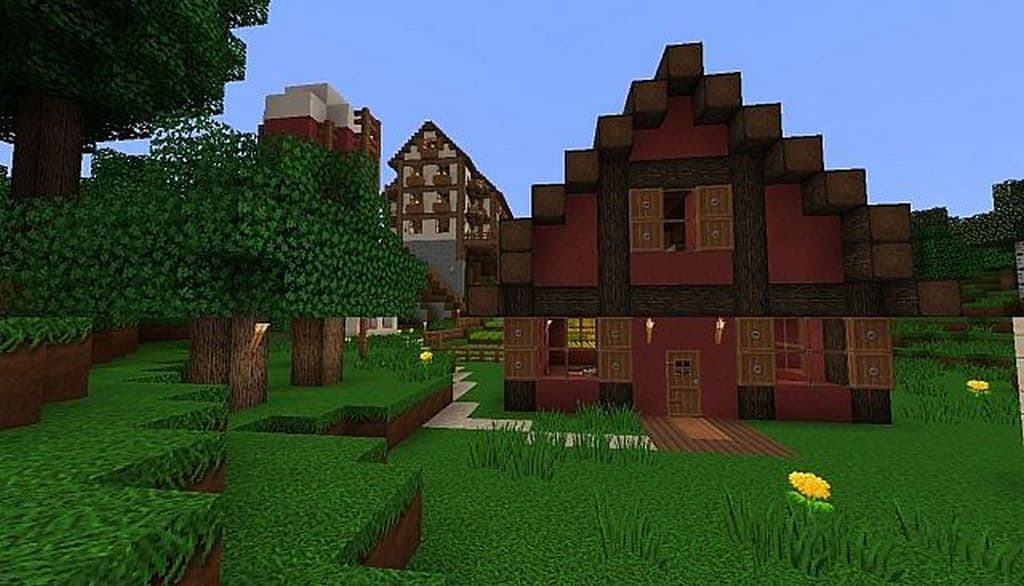
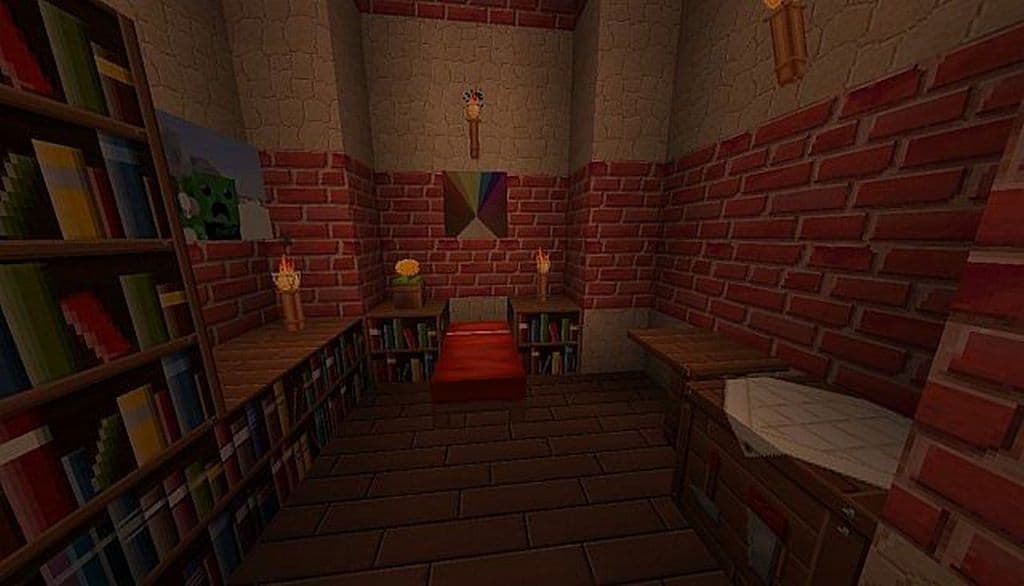
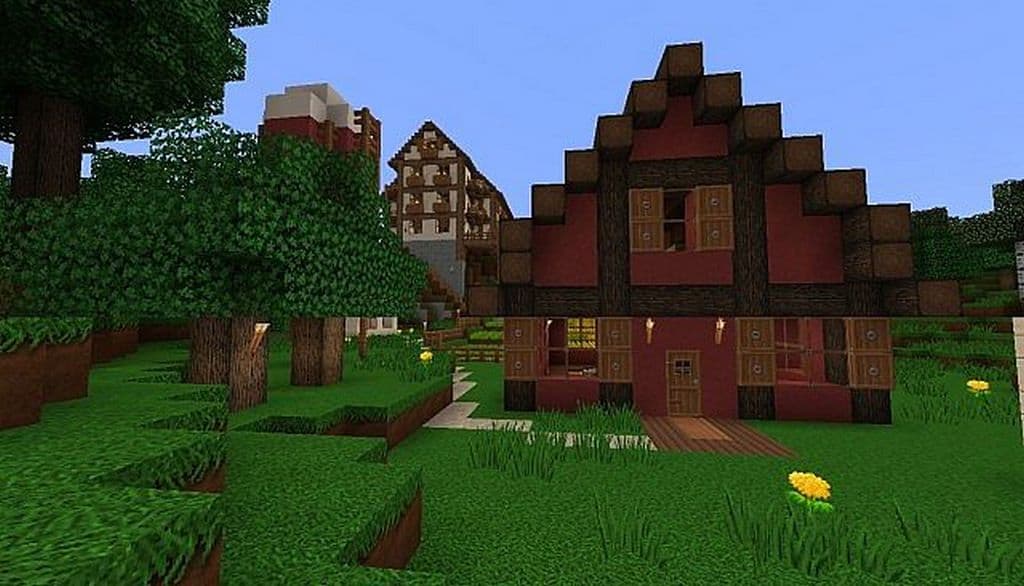
The Marvelouscraft resource pack has truly done a marvelous job of changing the appearance of the game. I really love how, on the one hand, it is keeping the original simple look of Minecraft, and on the other, it has successfully created excellent graphics with a liberal dose of best quality visuals. The quality of the texture pack ranks among the best, which differentiates it from similar resource packs in a splendid manner. Nevertheless, if you ever wanted a resource pack with elegant and lovely textures with varied features, then Marvelouscraft resource pack will not at all disappoint you. It offers most of the features that any gamer ever expects to have in an outstanding resource pack like that of Marvelouscraft. The most outstanding feature of this pack is the one that provides an immersive experience by upgrading its associated textures.
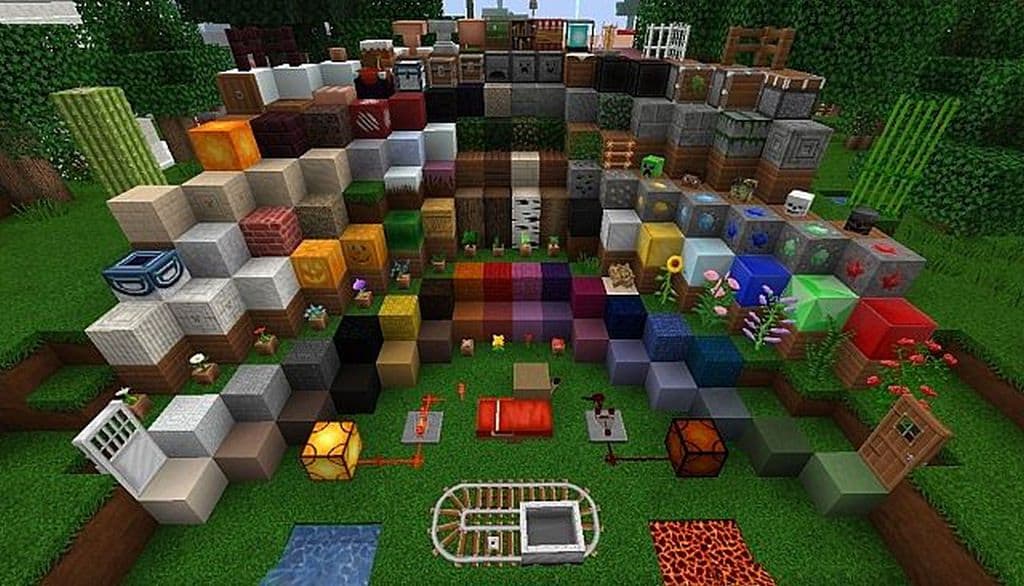
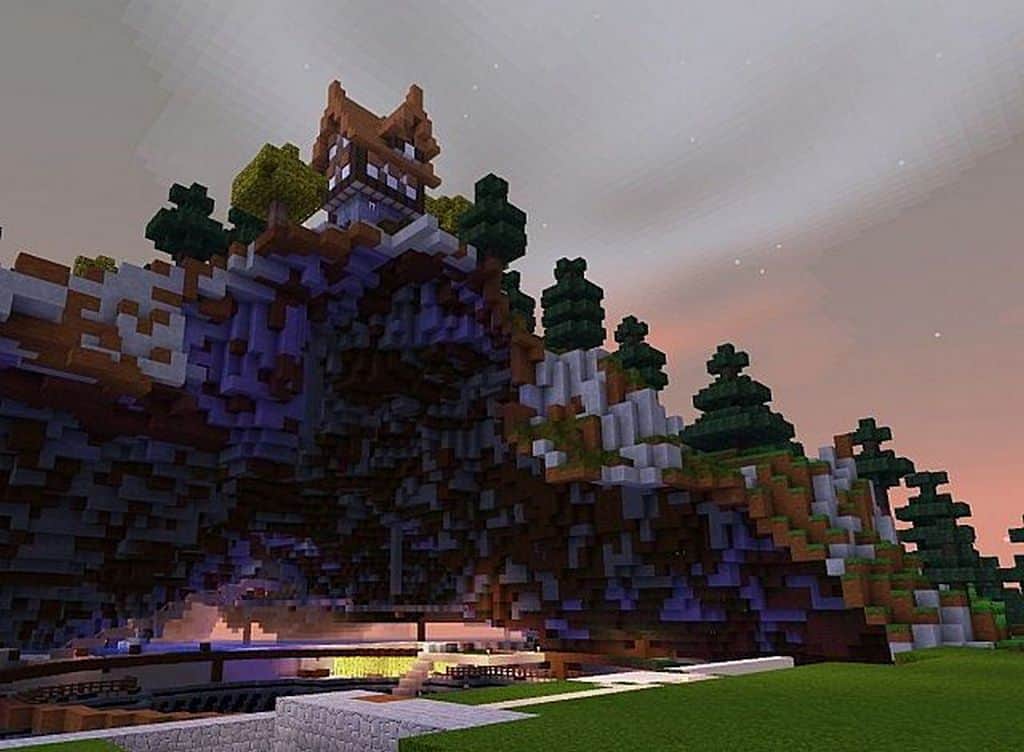
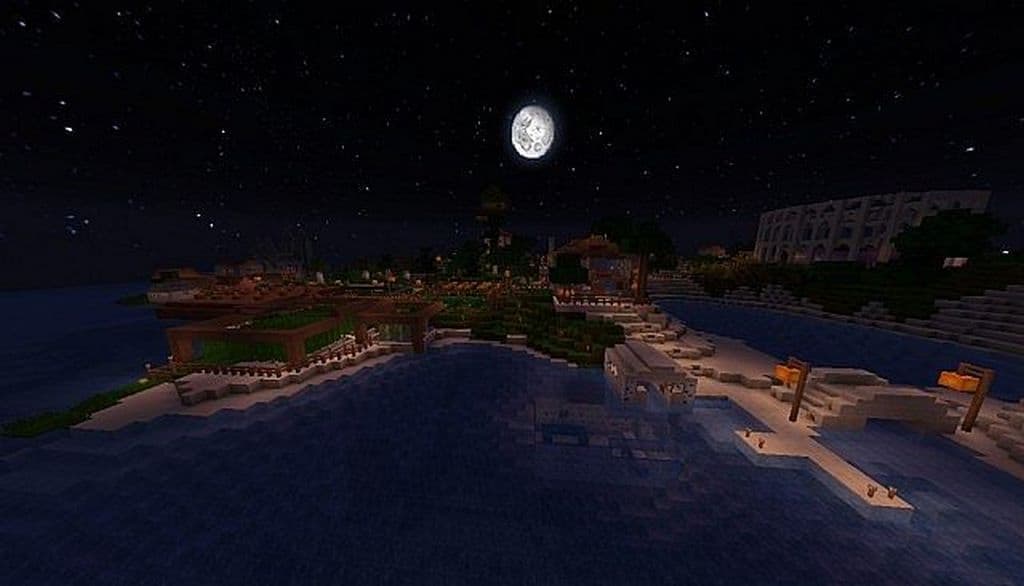
Once you install this pack, you will experience CTM almost everywhere in the game, which I found to be an amazing touch. The available range of textures integrates quite smoothly with the standard art style. You can term the texture pack as a complete piece because the author has made changes in every texture. It essentially implies that the resource pack has refreshed the overall experience by refurbishing it fully. In addition to excellent rework of textures, you can also find a full range of personalized animations available in every nook and corner of the game. To put it in other words, you cannot miss to see them even if you wanted to. A random dose of many types of animals and mobs textures is, by far, an excellent feature that does not let you feel that these textures appear repetitively. Moreover, randomization ensures that they do not seem repetitive to gamers. Probably, you can term it as one of the best features of the Marvelouscraft resource pack.
Marvelouscraft should be compatible with all of these Minecraft versions: 1.11.2 – 1.11 – 1.10.2 – 1.10 – 1.9.4 – 1.9 – 1.8.9 – 1.8.8 – 1.8.1 – 1.8.6 – 1.8 – 1.7.10 – 1.7.9 – 1.7.4 – 1.7
Screenshots
How to Install Texture Pack (Simple 10 Steps)
- Download OptiFine: Most of the texture packs and shaders need OptiFine. That’s why, first download and install OptiFine for the version of Minecraft you want to play.
- Download the Texture Pack: Get the texture pack you want from the download section. Choose the version that works with your Minecraft and your PC’s performance.
- Open Minecraft Launcher: Start Minecraft using the official game launcher — or even TLauncher, if you use that.
- Go to Options: From the main menu, click on the “Options” button.
- Open Resource Packs: Inside Options, click on “Resource Packs…”.
- Open the Resource Pack Folder: Click on “Open Resource Pack Folder” — this will open a folder named “resourcepacks”.
- Move the Pack File: Copy or move the .zip file you downloaded into that “resourcepacks” folder. (Don’t unzip the file — Minecraft uses it as-is!)
- Go Back and Refresh: Close the folder and click “Done”, then go back into “Resource Packs…” again.
- Activate the Pack: You’ll see the pack on the left side. Hover over it and click the arrow to move it to the right (active side).
Tip: If you get a message that the pack is for a different version, just click “Yes” — it usually works fine. - Click Done and Enjoy: Click “Done” again. Now your pack is ready to use in-game. It’s that easy!
Credits
This resource pack was created by darealmeesta. All rights and original ownership belong to the author. We do not own, modify, or host this file on our servers. Please support the creator by downloading from the official sources.
Download Links
Java Edition
Download Instructions
Curseforge: download starts automatically after a few seconds;
Mediafire: click the big blue button with the text “DOWNLOAD”;
Google Drive: in the top right corner you will see a small download icon (down arrow), click it and the download should start;


