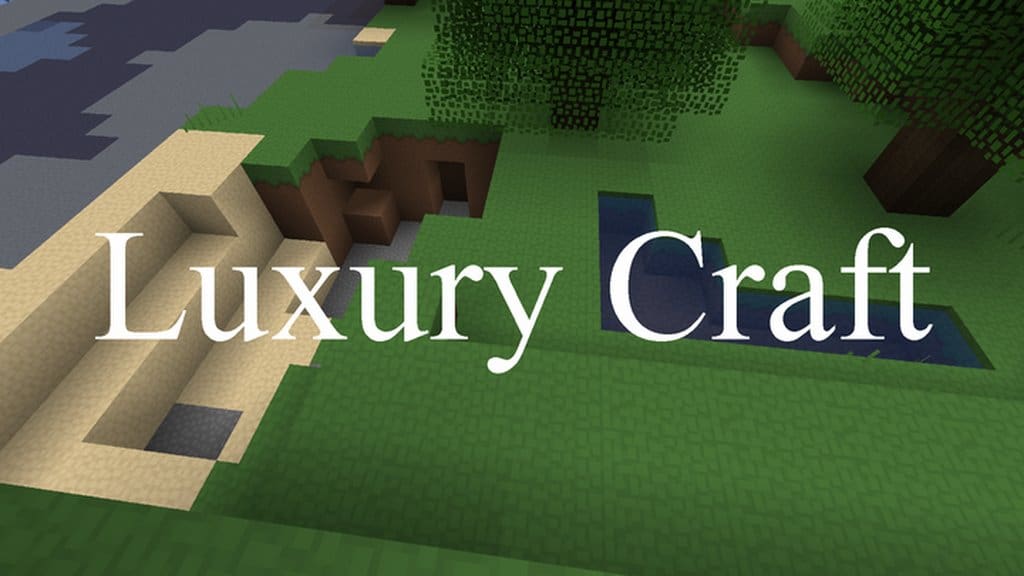
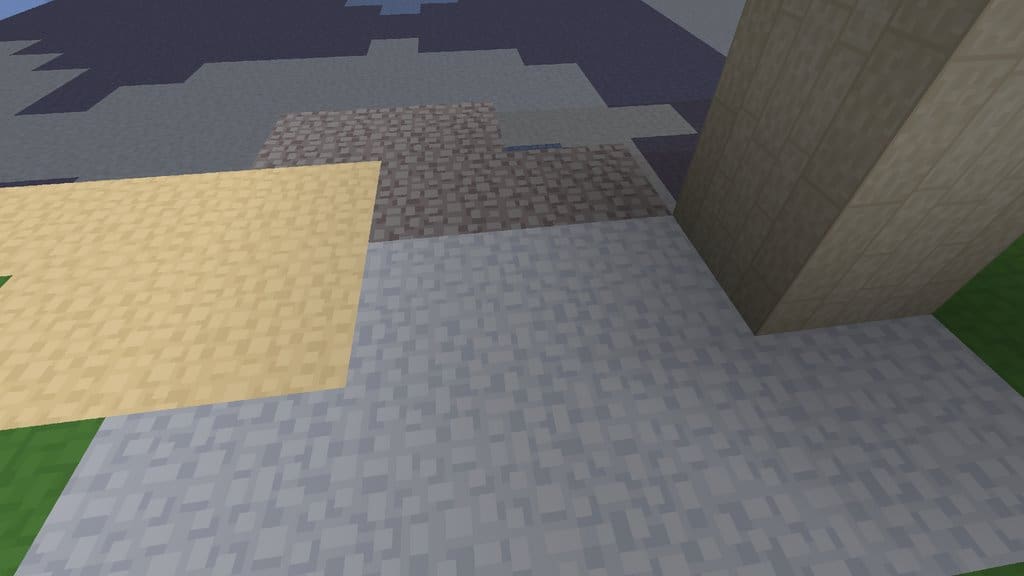
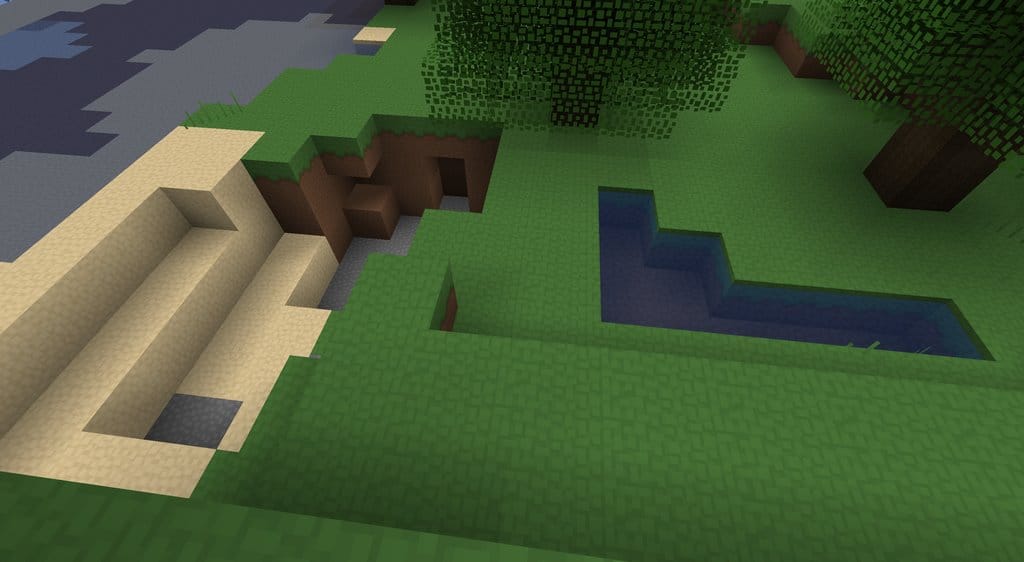
The Luxury Craft resource pack is a fantastic set of textures that really aims to make the game simple, appealing, and enjoyable. You might find that a bit ironic at first, and one may wonder why the name is so grand when the pack itself is actually refreshingly straightforward. Part of the name, ‘luxury,’ gives off the impression that it might be an ultra-high-end pack requiring massive resources, featuring heavy high-definition textures just to boost enjoyment. However, as we can easily see, that is not the case at all, as it actually keeps things wonderfully simple to make gameplay smooth and easy. Because of this clean and minimalist nature, I truly recommend this resource pack for anyone who loves playing Minecraft in a polished, uncluttered style. It unquestionably complements your overall Minecraft visuals brilliantly. Most people tend to assume that for textures to look genuinely good, they must be crammed with an overwhelming amount of detail. Yet, the Luxury Craft resource pack completely changes that notion for the better. This is because, even though it features less cluttered textures, the surfaces are remarkably smooth, making the entire world deeply appealing. This fantastic result can be attributed to several great design choices.
Since the Luxury Craft resource pack utilizes a comfortable 32x resolution, you are very unlikely to encounter any serious frame-rate drops or performance issues on your PC, even if you are running low-end hardware. Players who rely on lower-spec computers should be able to run this resource pack smoothly and without any problems whatsoever. Best of all, the Luxury Craft texture pack is not even in its final stages yet, meaning it is still actively being developed. More textures are currently in production and are receiving their final touches toward completion. These exciting additions will be rolled out to the pack as soon as they are fully ready for us to enjoy!
Luxury Craft should be compatible with all of these Minecraft versions: 1.16.5 – 1.16.4 – 1.16.3 – 1.16.2 – 1.16.1 – 1.16 – 1.15.2 – 1.15.1 – 1.15
Screenshots
How to Install Texture Pack (Simple 10 Steps)
- Download OptiFine: Most of the texture packs and shaders need OptiFine. That’s why, first download and install OptiFine for the version of Minecraft you want to play.
- Download the Texture Pack: Get the texture pack you want from the download section. Choose the version that works with your Minecraft and your PC’s performance.
- Open Minecraft Launcher: Start Minecraft using the official game launcher — or even TLauncher, if you use that.
- Go to Options: From the main menu, click on the “Options” button.
- Open Resource Packs: Inside Options, click on “Resource Packs…”.
- Open the Resource Pack Folder: Click on “Open Resource Pack Folder” — this will open a folder named “resourcepacks”.
- Move the Pack File: Copy or move the .zip file you downloaded into that “resourcepacks” folder. (Don’t unzip the file — Minecraft uses it as-is!)
- Go Back and Refresh: Close the folder and click “Done”, then go back into “Resource Packs…” again.
- Activate the Pack: You’ll see the pack on the left side. Hover over it and click the arrow to move it to the right (active side).
Tip: If you get a message that the pack is for a different version, just click “Yes” — it usually works fine. - Click Done and Enjoy: Click “Done” again. Now your pack is ready to use in-game. It’s that easy!
Credits
This resource pack was originally created by casual_efren. We do not claim ownership of this content, nor have we modified the original files. All rights remain with the original creator, and we encourage you to support them through their official links.
Download Instructions
Curseforge: download starts automatically after a few seconds;
Mediafire: click the big blue button with the text “DOWNLOAD”;
Google Drive: in the top right corner you will see a small download icon (down arrow), click it and the download should start;


