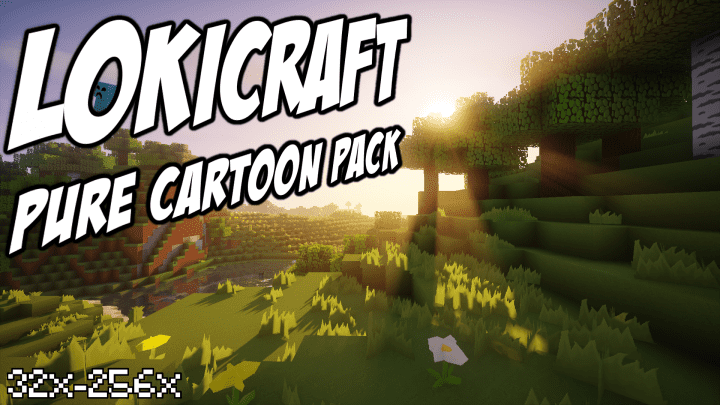
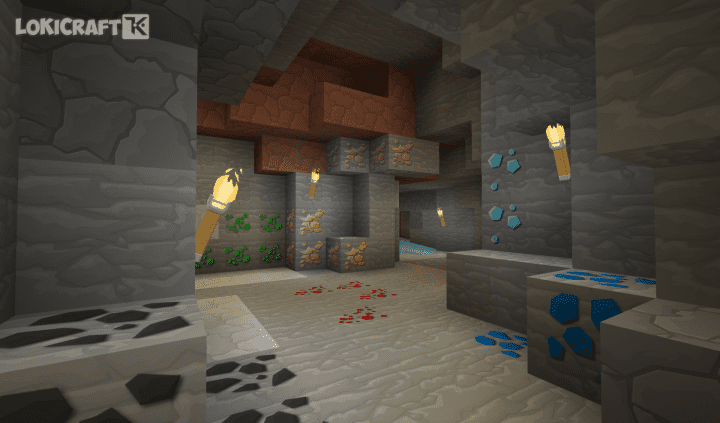
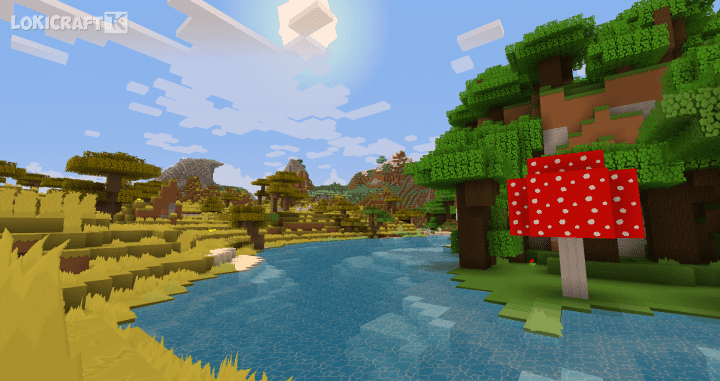
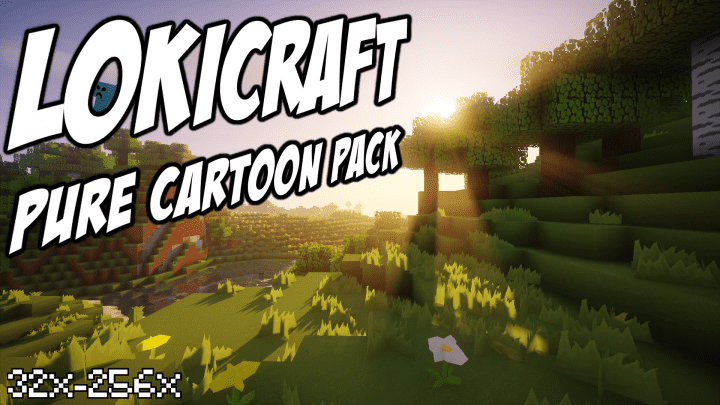
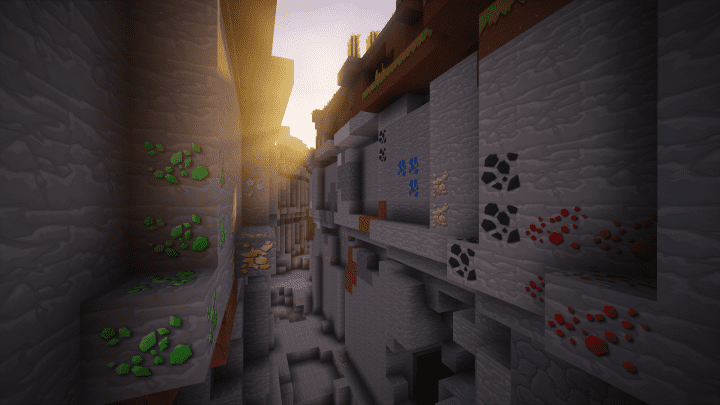
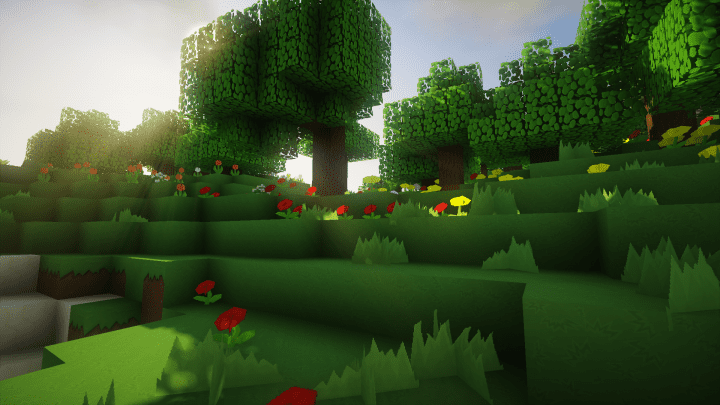
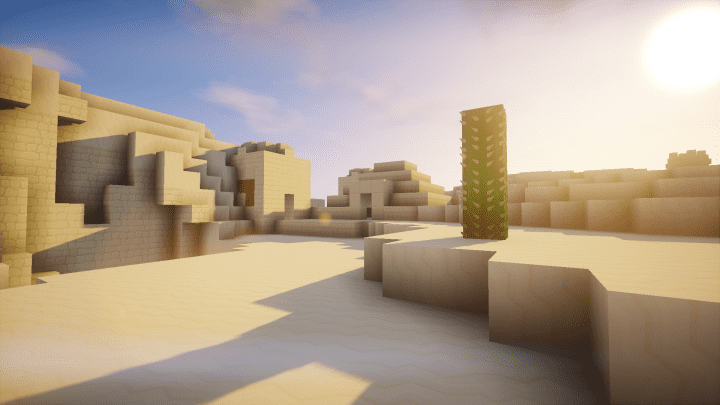
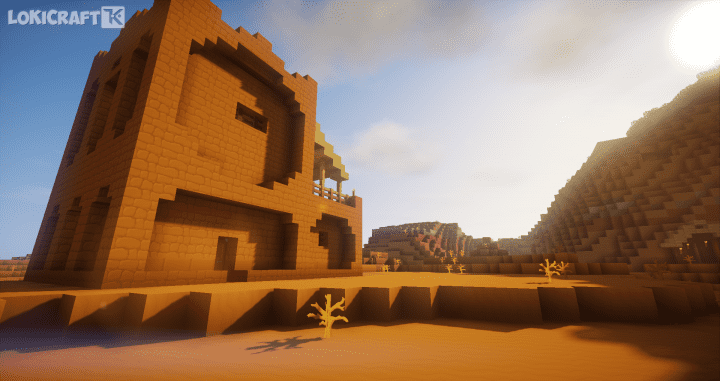
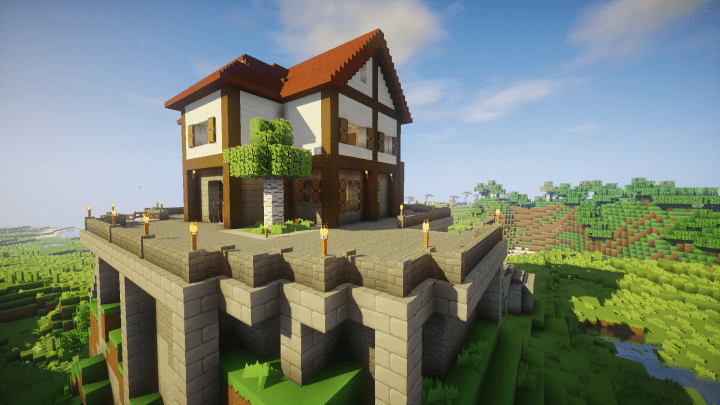
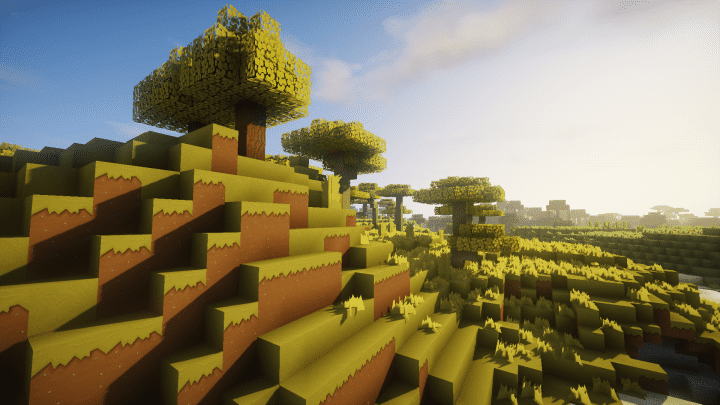
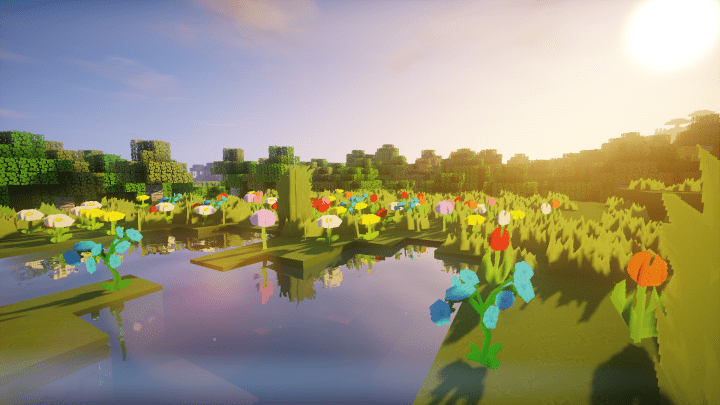
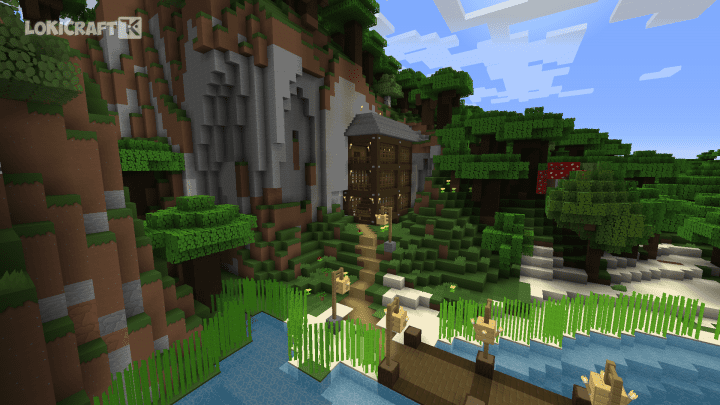
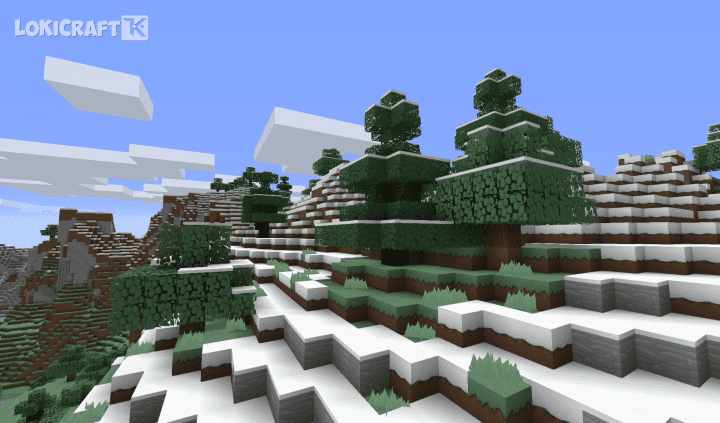
When a game is designed to run on low spec systems, you know that graphics are not going to be as exciting as, say, Skyrim or similar, graphics heavy games that require a heavy duty gaming computer. With Minecraft, it is a little bit different because everything depends on how many mods and what quality textures you have installed. If you have a slow PC you wont be able to handle many mods or, say, 512x textures but if you have a strong PC it will be easier for you to pick something suitable for you. LokiCraft – welcome to a whole new visual experience in Minecraft. LokiCraft Resource Pack doesn’t change gameplay much but it upgrades graphics, providing a whole new side to the Minecraft experience. If you play on a low-spec computer, you may not be able to handle the required 256x resolution for this pack, but if you can handle it you should get this pack for sure.The world changes to a crisp, high-definition cartoon textures, providing a real feast for the eyes. Not all textures have been released at this time, but most of the main and most important textures have already been covered. New updates are coming out on a regular basis, so keep checking for updates after you fall in love with the look of this pack. As mentioned earlier, this pack is based on making the world look like it has jumped out of a comic book. Don’t anticipate realistic looking textures, but do expect it to look like you could put your favorite comic book hero (or heroine) into the world. From fluffy wool to bubbly stone work, many of the textures catch light in a great way that makes everything seem a little glossy on the ridges. The contrast with the lower levels creates a great 3D feel to all of the textures. Overall, this is a great pack to have a fun, new experience with Minecraft. It will inspire new projects and get your creativity flowing.
LoKiCraft PureCartoonPack should be compatible with all of these Minecraft versions: 1.13.2 – 1.13.1 – 1.13 – 1.12.2 – 1.12 – 1.11.2 – 1.11 – 1.10.2 – 1.10 – 1.9.4 – 1.9
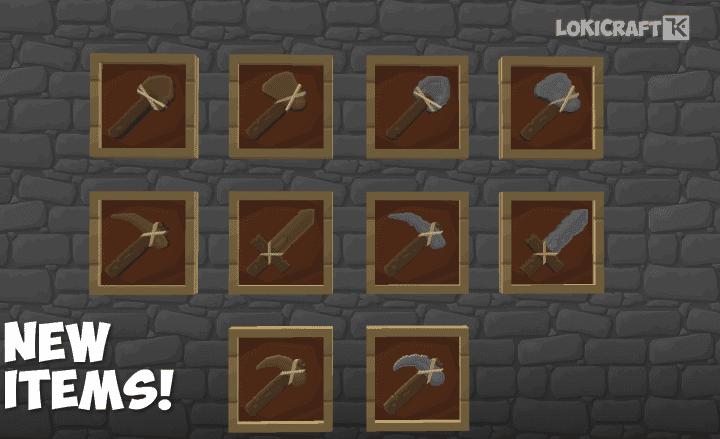
Screenshots

How to Install Texture Pack (Simple 10 Steps)
- Download OptiFine: Most of the texture packs and shaders need OptiFine. That’s why, first download and install OptiFine for the version of Minecraft you want to play.
- Download the Texture Pack: Get the texture pack you want from the download section. Choose the version that works with your Minecraft and your PC’s performance.
- Open Minecraft Launcher: Start Minecraft using the official game launcher — or even TLauncher, if you use that.
- Go to Options: From the main menu, click on the “Options” button.
- Open Resource Packs: Inside Options, click on “Resource Packs…”.
- Open the Resource Pack Folder: Click on “Open Resource Pack Folder” — this will open a folder named “resourcepacks”.
- Move the Pack File: Copy or move the .zip file you downloaded into that “resourcepacks” folder. (Don’t unzip the file — Minecraft uses it as-is!)
- Go Back and Refresh: Close the folder and click “Done”, then go back into “Resource Packs…” again.
- Activate the Pack: You’ll see the pack on the left side. Hover over it and click the arrow to move it to the right (active side).
Tip: If you get a message that the pack is for a different version, just click “Yes” — it usually works fine. - Click Done and Enjoy: Click “Done” again. Now your pack is ready to use in-game. It’s that easy!
Credits
This resource pack was created by _LoKi_. We do not claim ownership of this content, nor do we host modified files on our servers. All rights remain with the original creator. We strongly encourage you to support _LoKi_ by downloading directly from the official links and following their ongoing updates.
Download Links
Java Edition
Download Instructions
Curseforge: download starts automatically after a few seconds;
Mediafire: click the big blue button with the text “DOWNLOAD”;
Google Drive: in the top right corner you will see a small download icon (down arrow), click it and the download should start;


