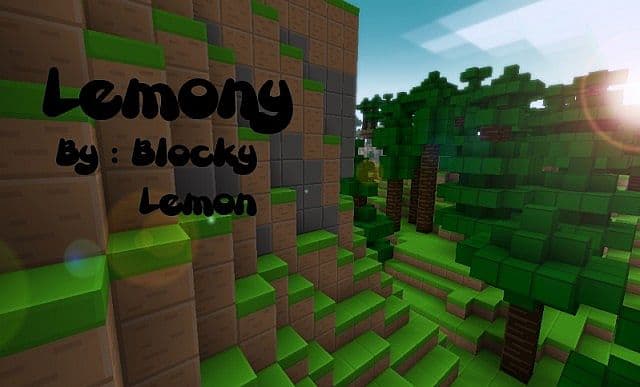
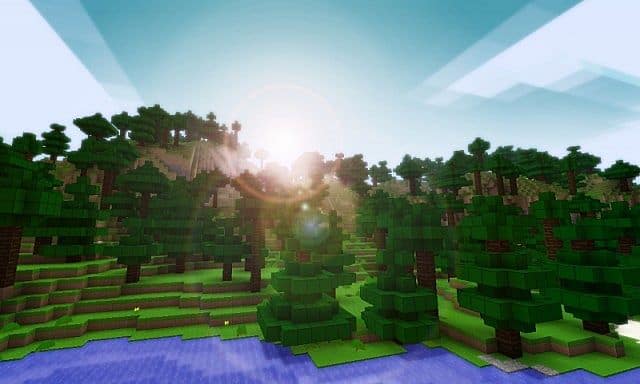
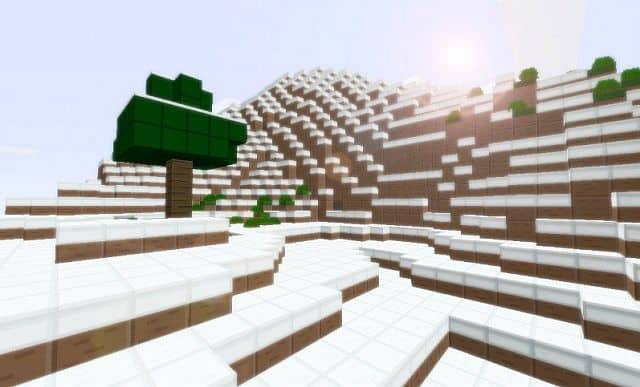
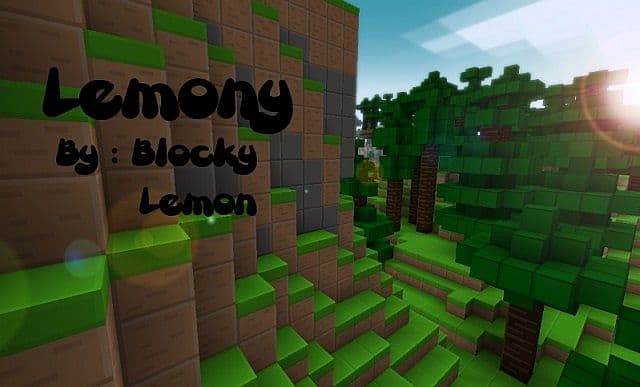
The Lemony Blocks Resource Pack truly brings a breath of fresh air to Minecraft with its wonderfully simple yet surprisingly charming textures. While some might feel that the streamlined design leans a bit toward simplicity, I found that it gives the entire world a delightful cartoonish style that is genuinely cute and very beautiful to explore. If you want to know my honest opinion after testing it out in-game, I can enthusiastically say that I really loved how clean everything looks! Just like with any other texture pack, you really have to experience it firsthand before passing judgment. Sometimes just looking at screenshots simply is not enough, and you truly owe it to yourself to download, install, and try out this fantastic resource pack on your own worlds.
Lemony Blocks should be compatible with all of these Minecraft versions: 1.7.10 – 1.7.9 – 1.7.4 – 1.7 – 1.6.4 – 1.6.2
Screenshots
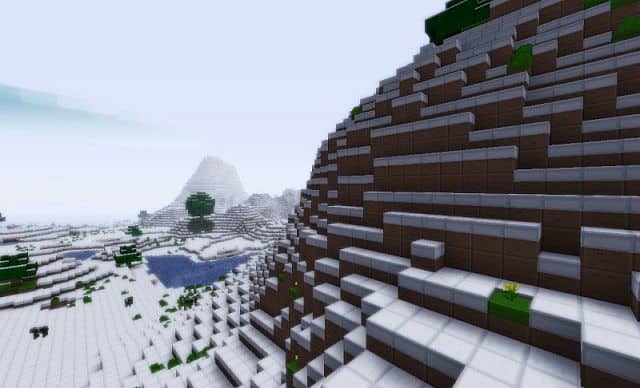
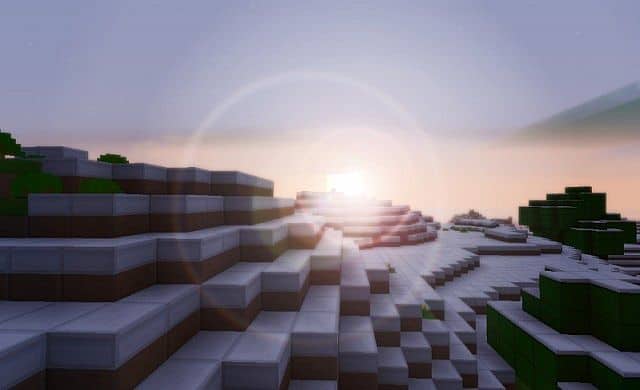
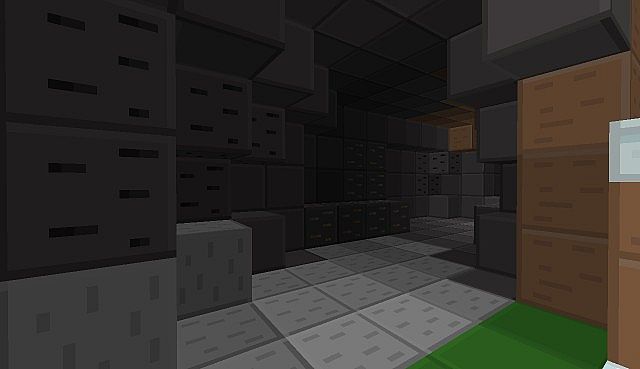

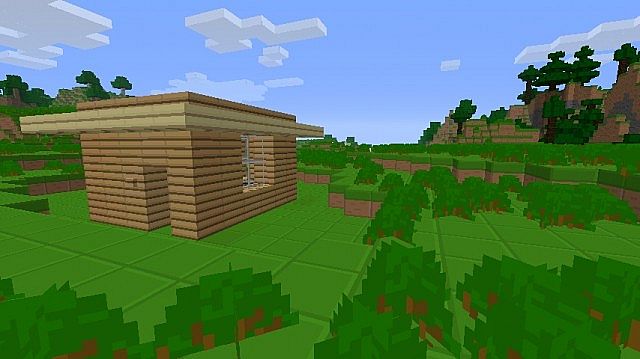
How to Install Texture Pack (Simple 10 Steps)
- Download OptiFine: Most of the texture packs and shaders need OptiFine. That’s why, first download and install OptiFine for the version of Minecraft you want to play.
- Download the Texture Pack: Get the texture pack you want from the download section. Choose the version that works with your Minecraft and your PC’s performance.
- Open Minecraft Launcher: Start Minecraft using the official game launcher — or even TLauncher, if you use that.
- Go to Options: From the main menu, click on the “Options” button.
- Open Resource Packs: Inside Options, click on “Resource Packs…”.
- Open the Resource Pack Folder: Click on “Open Resource Pack Folder” — this will open a folder named “resourcepacks”.
- Move the Pack File: Copy or move the .zip file you downloaded into that “resourcepacks” folder. (Don’t unzip the file — Minecraft uses it as-is!)
- Go Back and Refresh: Close the folder and click “Done”, then go back into “Resource Packs…” again.
- Activate the Pack: You’ll see the pack on the left side. Hover over it and click the arrow to move it to the right (active side).
Tip: If you get a message that the pack is for a different version, just click “Yes” — it usually works fine. - Click Done and Enjoy: Click “Done” again. Now your pack is ready to use in-game. It’s that easy!
Credits
This resource pack was created by Blocky Lemon. We do not claim ownership of this content, nor do we host modified versions of these files. We strongly encourage you to support the original creator by visiting their official download pages and following their work.
Download Instructions
Curseforge: download starts automatically after a few seconds;
Mediafire: click the big blue button with the text “DOWNLOAD”;
Google Drive: in the top right corner you will see a small download icon (down arrow), click it and the download should start;


