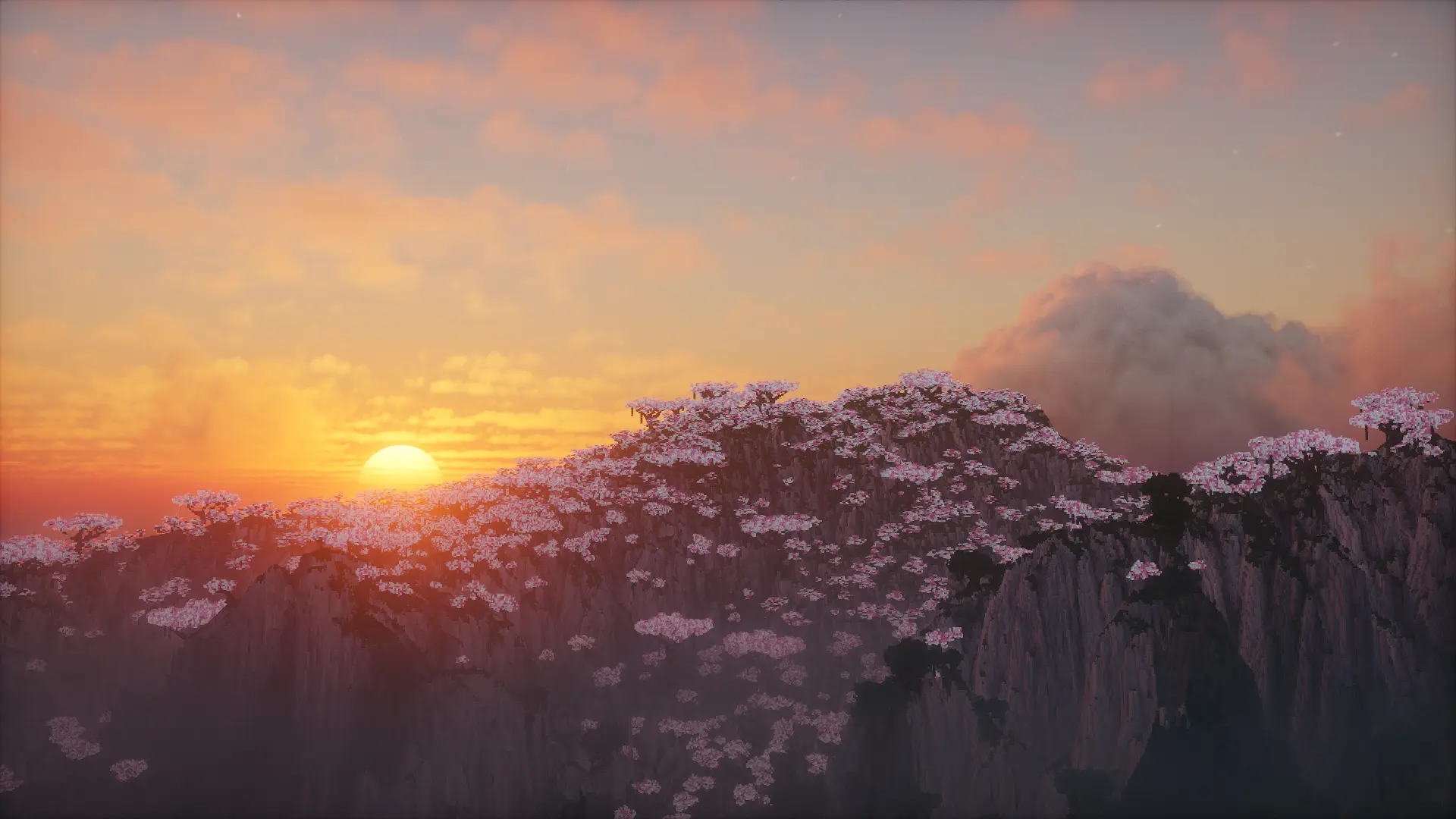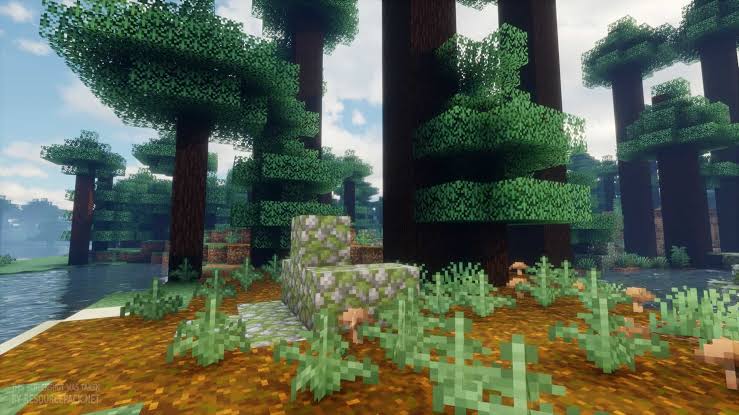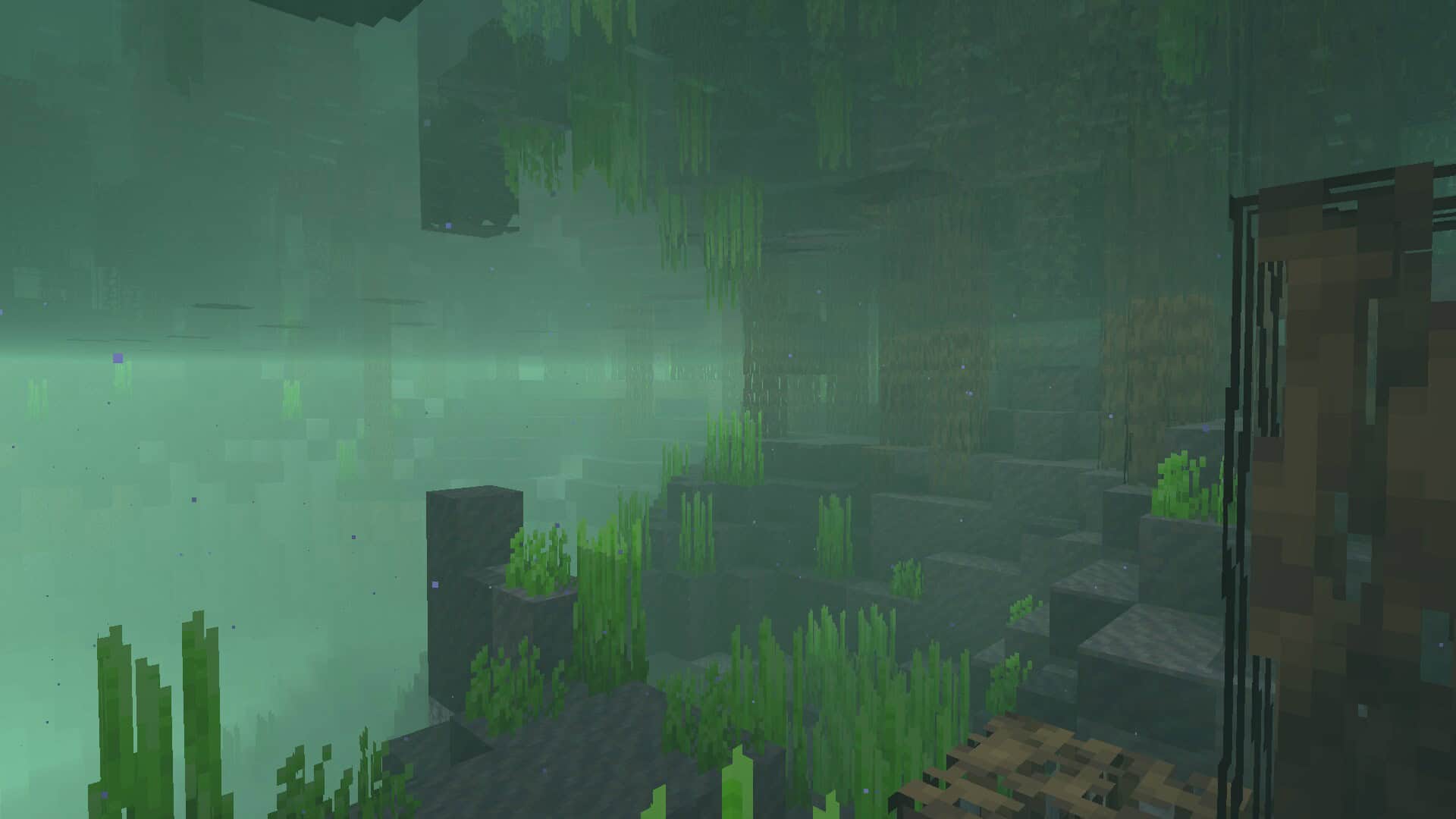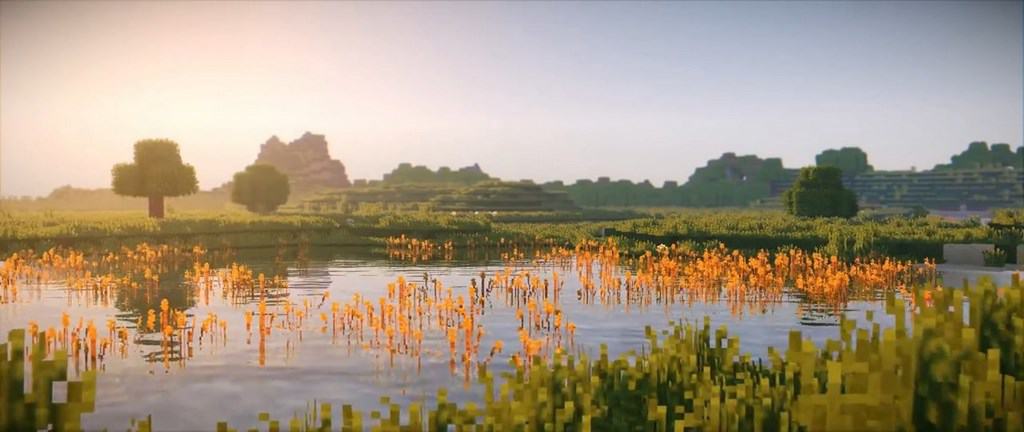
If you haven’t heard of the KUDA Shaders yet, you are truly missing out on one of the absolute best Minecraft shader packs available today. In my personal testing, I found that the reason it ranks among the most popular choices is simply because it is exceptionally well made with extreme attention to detail. Bugs are wonderfully uncommon, and I was thrilled to see how compatible it is with a variety of different Minecraft mods, Optifine, and other performance tools. KUDA Shaders was officially released to the public on September 11, 2017, and its development took a very long time because the creators wanted to ensure it remained bug-free and highly compatible with mods. The best part is that you really shouldn’t experience annoying bugs or glitches, leaving you completely worry-free while exploring. Now that it’s fully stable, so many players are giving KUDA a try and testing it out for themselves. It is packed with amazing features like volumetric fog, making the world feel like it moves and breathes as if it’s a living creature, while the default textures look stunning. This shader pack seamlessly gets rid of motion blur and other unwanted effects as if they never existed. Overall, the KUDA Shader offers everything you could possibly want in a shader pack while actively cleaning up those pesky visual flaws.
Of course, it does have a few minor flaws, but I noticed they are brought down to a bare minimum. For instance, the bloom effect doesn’t always behave in the exact way you might want it to. Occasionally, light flares happen where you wouldn’t be expecting them, and they can sometimes have a more striking look than intended. Honestly, this is such a minor detail that it is barely visible during normal gameplay. Compared to the incredible things that KUDA Shaders does to transform the overall experience of the game, it is more than negligible. Keep in mind that it does require a bit more system resources than lighter shaders due to everything it accomplishes and how it processes visuals. A good graphics card will definitely do the job if you want to run KUDA Shaders smoothly. Because of its massive success in making the game feel so much better, KUDA Shaders comes highly recommended not just by the author, but by the overwhelming majority of players who have used it. The progress it has made from its beta days to the present is truly enormous, countless issues have been fixed, and we are left with a highly functional shader pack that works absolute wonders in Minecraft.
KUDA Shaders should be compatible with all of these Minecraft versions: 26.2 – 26.1.2 – 26.1.1 – 26.1 – 1.21.11 – 1.21.10 – 1.21.9 – 1.21.8 – 1.21.7 – 1.21.6 – 1.21.5 – 1.21.4 – 1.21.3 – 1.21.2 – 1.21.1 – 1.21 – 1.20.6 – 1.20.5 – 1.20.4 – 1.20.3 – 1.20.2 – 1.20.1 – 1.20 – 1.19.4 – 1.19.3 – 1.19.2 – 1.19.1 – 1.19 – 1.18.2 – 1.18.1 – 1.18 – 1.17.1 – 1.17 – 1.16.5 – 1.16.4 – 1.16.3 – 1.16.2 – 1.16.1 – 1.16 – 1.15.2 – 1.15.1 – 1.15 – 1.14.4 – 1.14.3 – 1.14.2 – 1.14 – 1.13.2 – 1.13.1 – 1.13 – 1.12.2 – 1.12 – 1.11.2 – 1.11 – 1.10.2 – 1.10 – 1.9.4 – 1.9 – 1.8.9 – 1.8.8 – 1.8.6 – 1.8.1 – 1.8 – 1.7.10 – 1.7.9 – 1.7.4 – 1.7
Screenshots
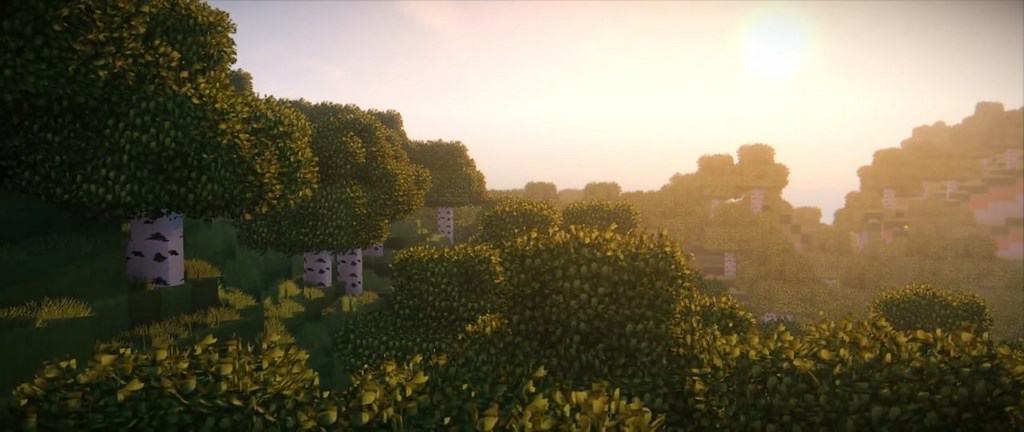
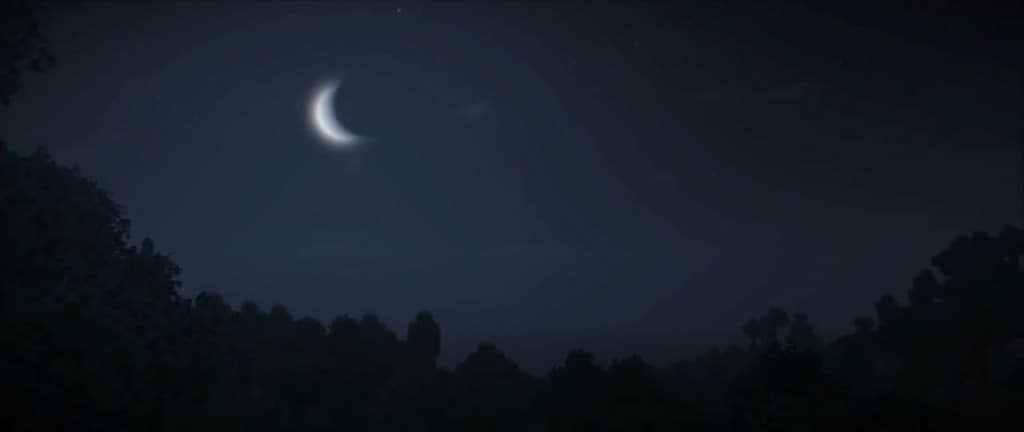
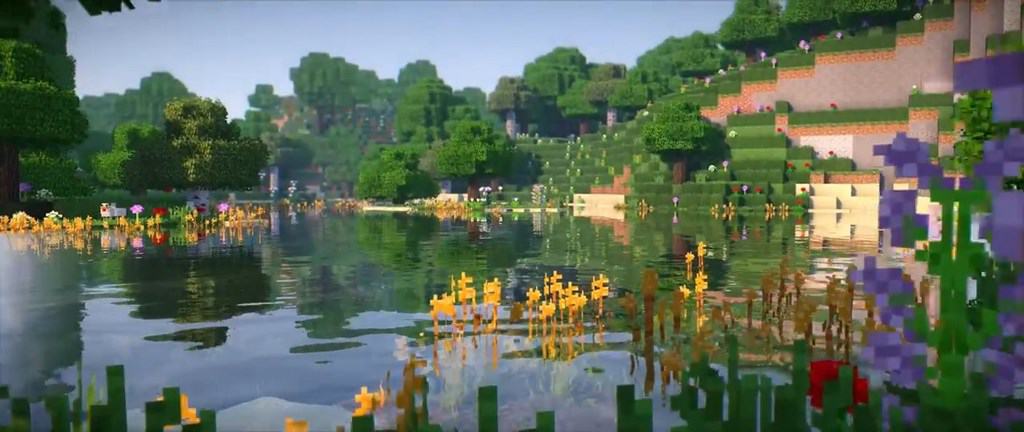
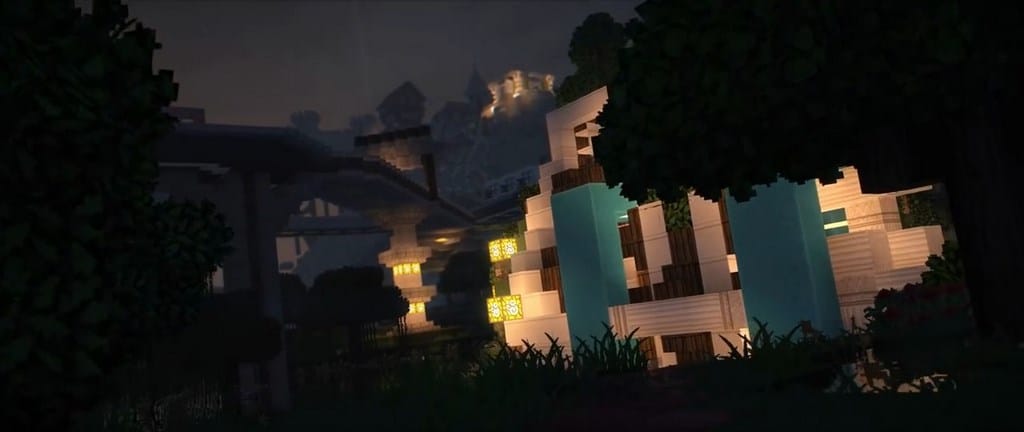
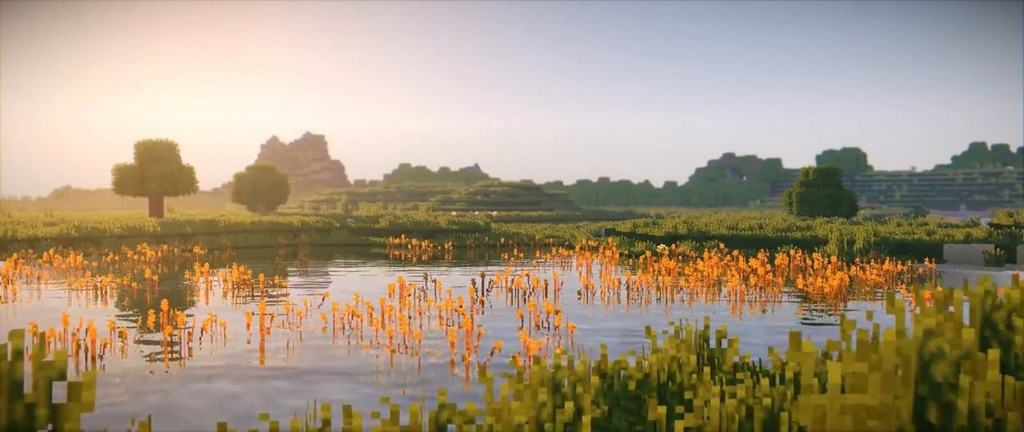
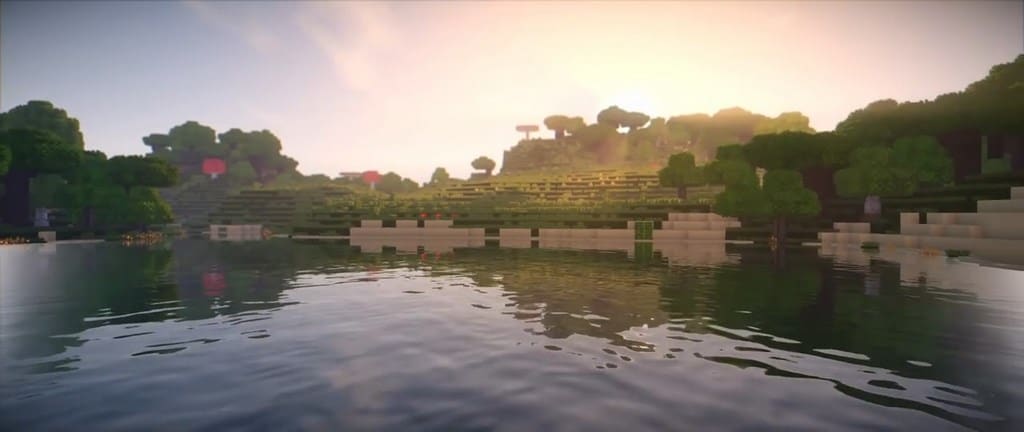
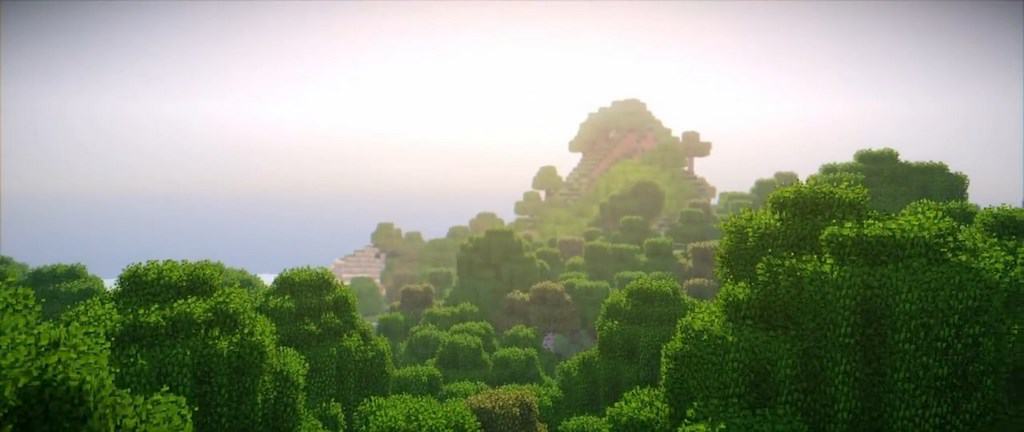
How to Install Shader Pack (Simple and Easy 7 Steps)
- Install Minecraft: Make sure to have Minecraft on your PC.
- Set the Game Version: Open the Minecraft Launcher, go to the “Installations” tab, click “New Installation”, choose the version you want to play, and click “Create”.
- Install OptiFine or Iris: Download and install OptiFine or Iris (we recommend Iris for better performance).
- To download Iris, click here.
- To download OptiFine, click here.
- Launch with the Shader Mod: Open the Minecraft Launcher again and select the OptiFine or Iris profile you installed.
- Download the Shader Pack: Download the shader pack (.zip file) from the download section below. (Don’t unzip it!)
- Open the Shaderpacks Folder:
- For OptiFine: Go to Options > Video Settings > Shaders > Shaders Folder
- For Iris: Go to Options > Video Settings > Shader Packs > Open Shader Pack Folder
- Add and Activate the Shader Pack: Move the downloaded .zip file into the shaderpacks folder. Then go back to the game, select the shader pack from the list, and click “Done” to activate it.
Credits
This shader pack was created by DeDelner. We do not own or modify this content. All rights belong to the original creator. We encourage you to support DeDelner and their official release channels.
Download Links
Java Edition
Download Instructions
Curseforge: download starts automatically after a few seconds;
Mediafire: click the big blue button with the text “DOWNLOAD”;
Google Drive: in the top right corner you will see a small download icon (down arrow), click it and the download should start;