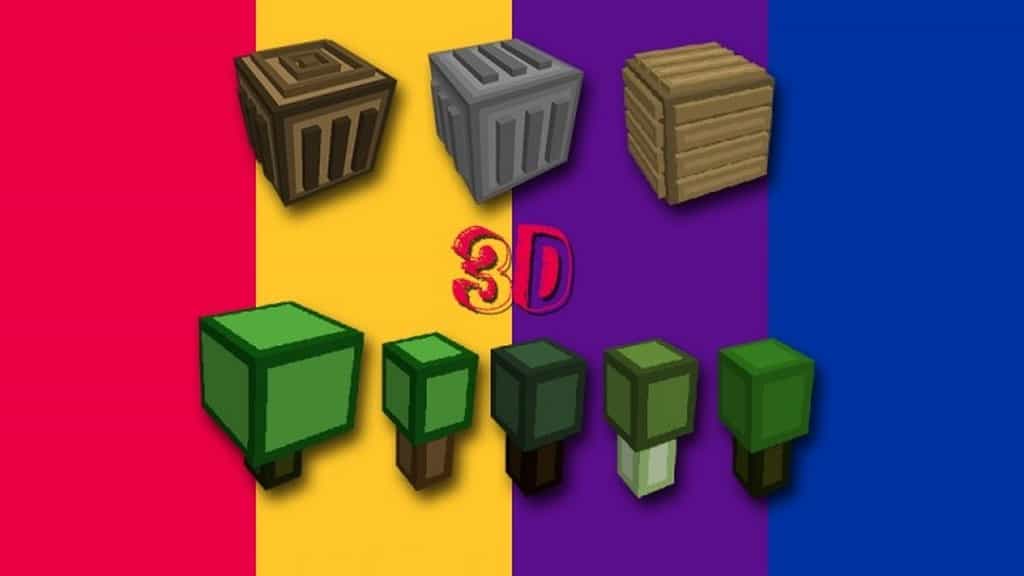
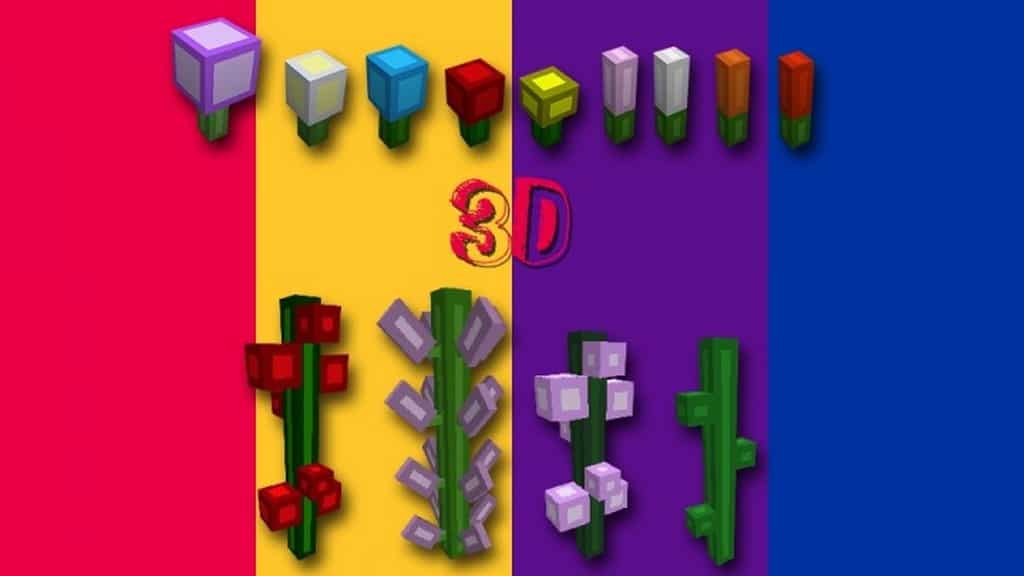
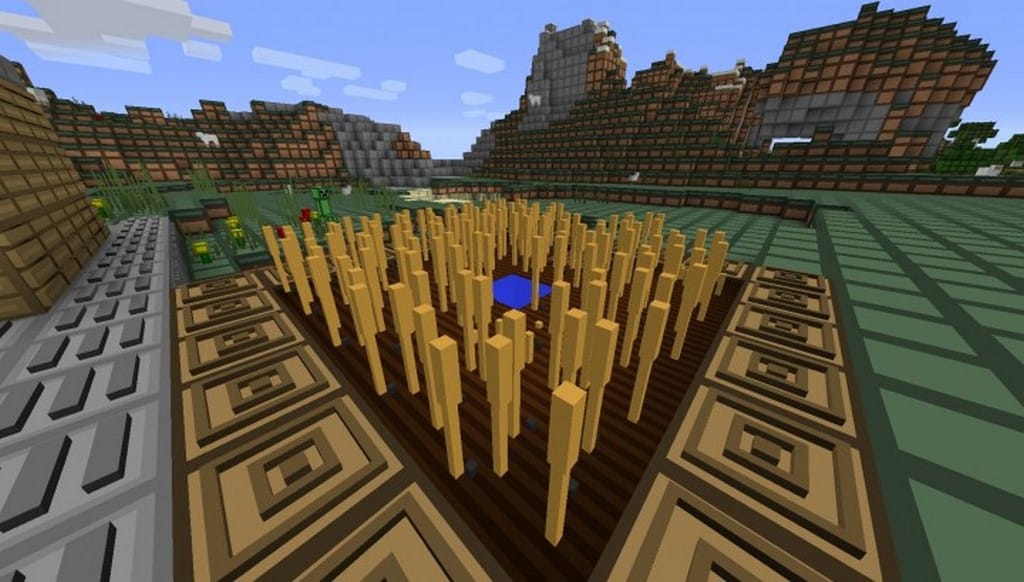
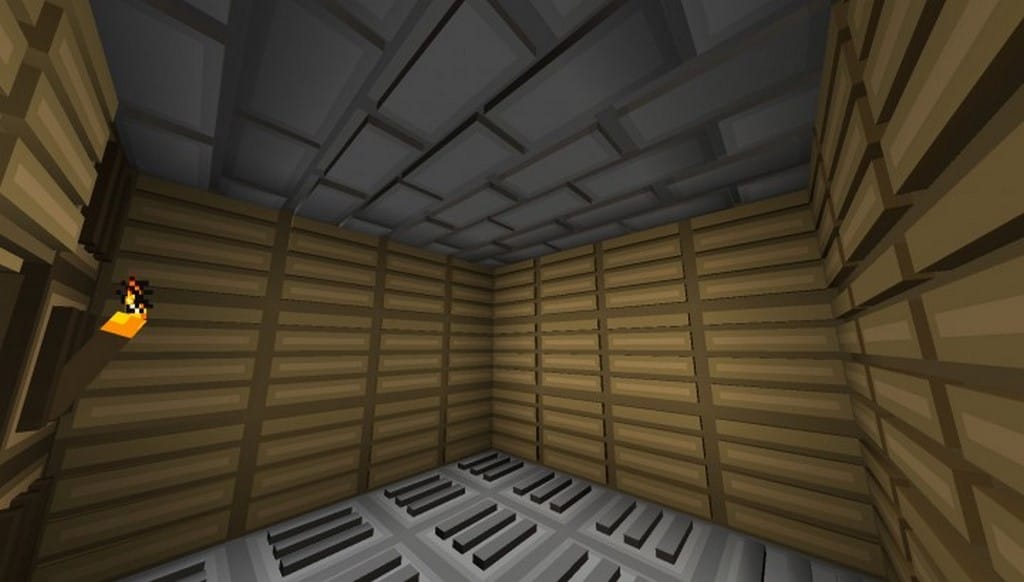
The Kleenex 3D resource pack accomplishes something not too many packs have in the past: mixing 3D and a simplistic aesthetic. Whenever you hear about a resource pack tries to be simplistic and 3D, you know it’s not going to be good – until now. Simplistic 3D packs have usually looked bad or didn’t change as much as they promised. Most Minecraft players are all too familiar with these scenarios. At the end of the day, you downloaded something for nothing. And that situation is what the Kleenex 3D resource pack comes to change. This resource pack is ahead of the competition by leaps and bounds. It takes textures to a whole new level by adding grades and heights – and by doing a 3D remodel the right way. And this isn’t your average-3D-pack-promise, this is for real.
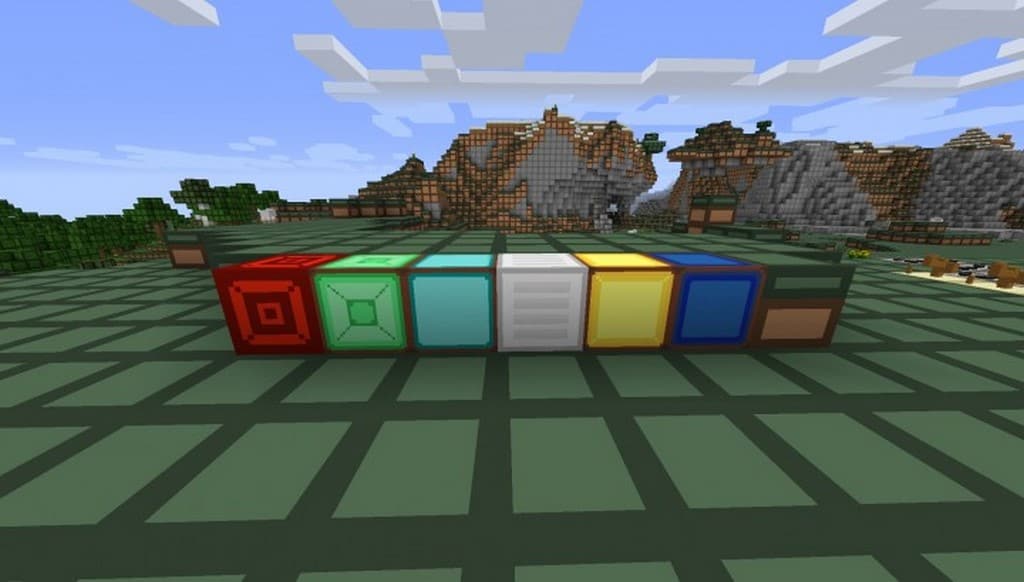
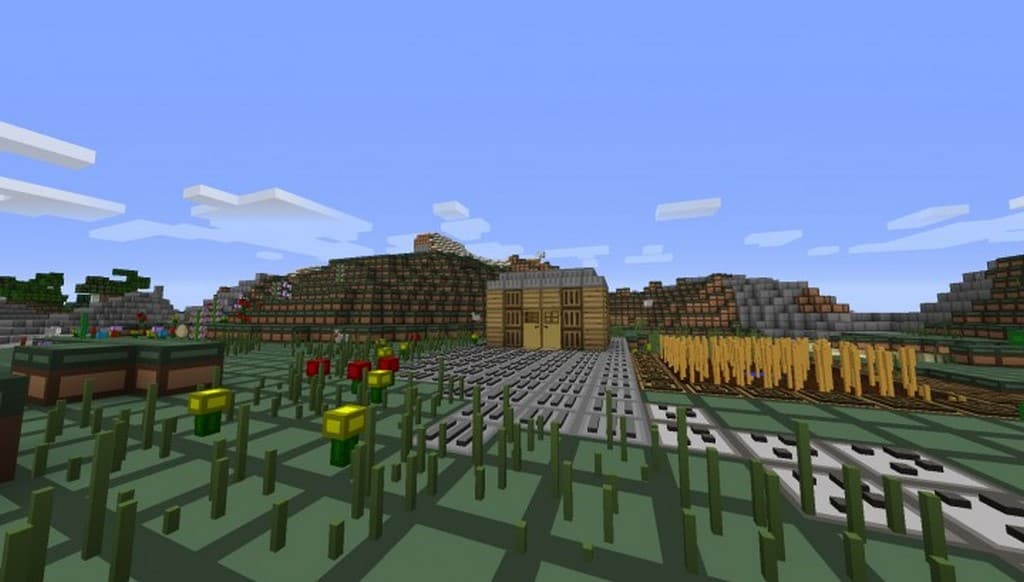
This resource pack will get Minecraft as closest as it can get to 3D textures. Of course, they do look blocky but they look 10 times better than normal. You will get to see it for yourself when you download it – and it will be worth it. By using the Kleenex 3D texture pack, you’ll be changing Minecraft’s textures into something never seen before. The very first thing you’ll notice is how the floor seems to interlock like pieces of a puzzle. It’s a big change, one that you might need to get used to. This pack makes some big changes; from flowers to towers and everything in between. Not everything is perfect, as one would expect from such a big change. There are as many hits as there are misses – but the hits sure are good! Kleenex 3D tries to go big into 3D textures and accomplishes a great deal of what it wants. Some changes are bad, no doubt about that – but when it’s good, it’s great!
Kleneex 3D should be compatible with all of these Minecraft versions: 1.8.9 – 1.8.8 – 1.8.1 – 1.8.6 – 1.8
Screenshots

How to Install Texture Pack (Simple 10 Steps)
- Download OptiFine: Most of the texture packs and shaders need OptiFine. That’s why, first download and install OptiFine for the version of Minecraft you want to play.
- Download the Texture Pack: Get the texture pack you want from the download section. Choose the version that works with your Minecraft and your PC’s performance.
- Open Minecraft Launcher: Start Minecraft using the official game launcher — or even TLauncher, if you use that.
- Go to Options: From the main menu, click on the “Options” button.
- Open Resource Packs: Inside Options, click on “Resource Packs…”.
- Open the Resource Pack Folder: Click on “Open Resource Pack Folder” — this will open a folder named “resourcepacks”.
- Move the Pack File: Copy or move the .zip file you downloaded into that “resourcepacks” folder. (Don’t unzip the file — Minecraft uses it as-is!)
- Go Back and Refresh: Close the folder and click “Done”, then go back into “Resource Packs…” again.
- Activate the Pack: You’ll see the pack on the left side. Hover over it and click the arrow to move it to the right (active side).
Tip: If you get a message that the pack is for a different version, just click “Yes” — it usually works fine. - Click Done and Enjoy: Click “Done” again. Now your pack is ready to use in-game. It’s that easy!
Credits
The Kleneex 3D Resource Pack was originally created by ChunkyWaffleMan. We do not claim ownership of this content, nor have we modified the original files. All rights belong to the creator, and we strongly encourage supporting their work directly through official channels.
Download Instructions
Curseforge: download starts automatically after a few seconds;
Mediafire: click the big blue button with the text “DOWNLOAD”;
Google Drive: in the top right corner you will see a small download icon (down arrow), click it and the download should start;


