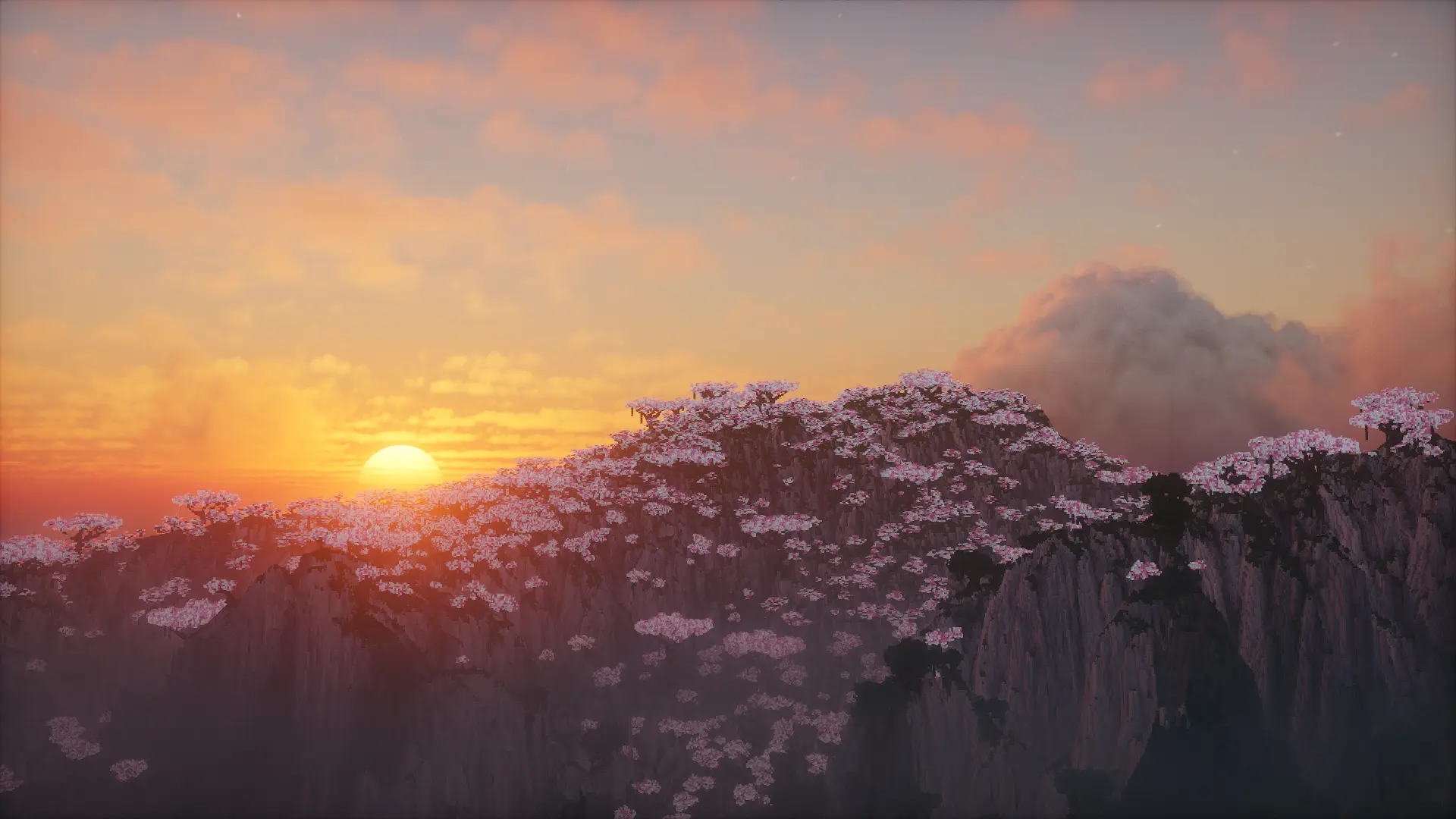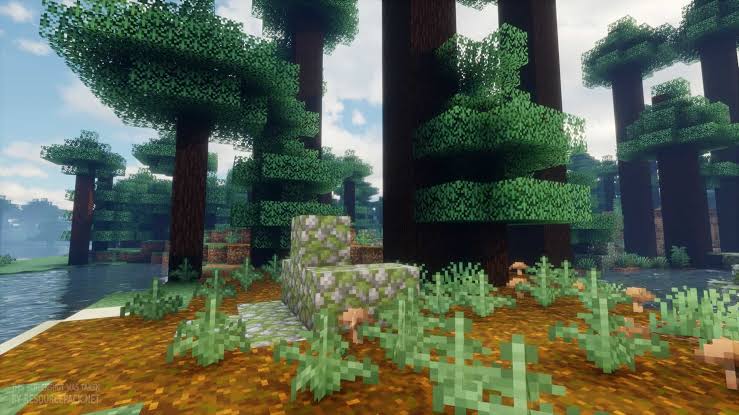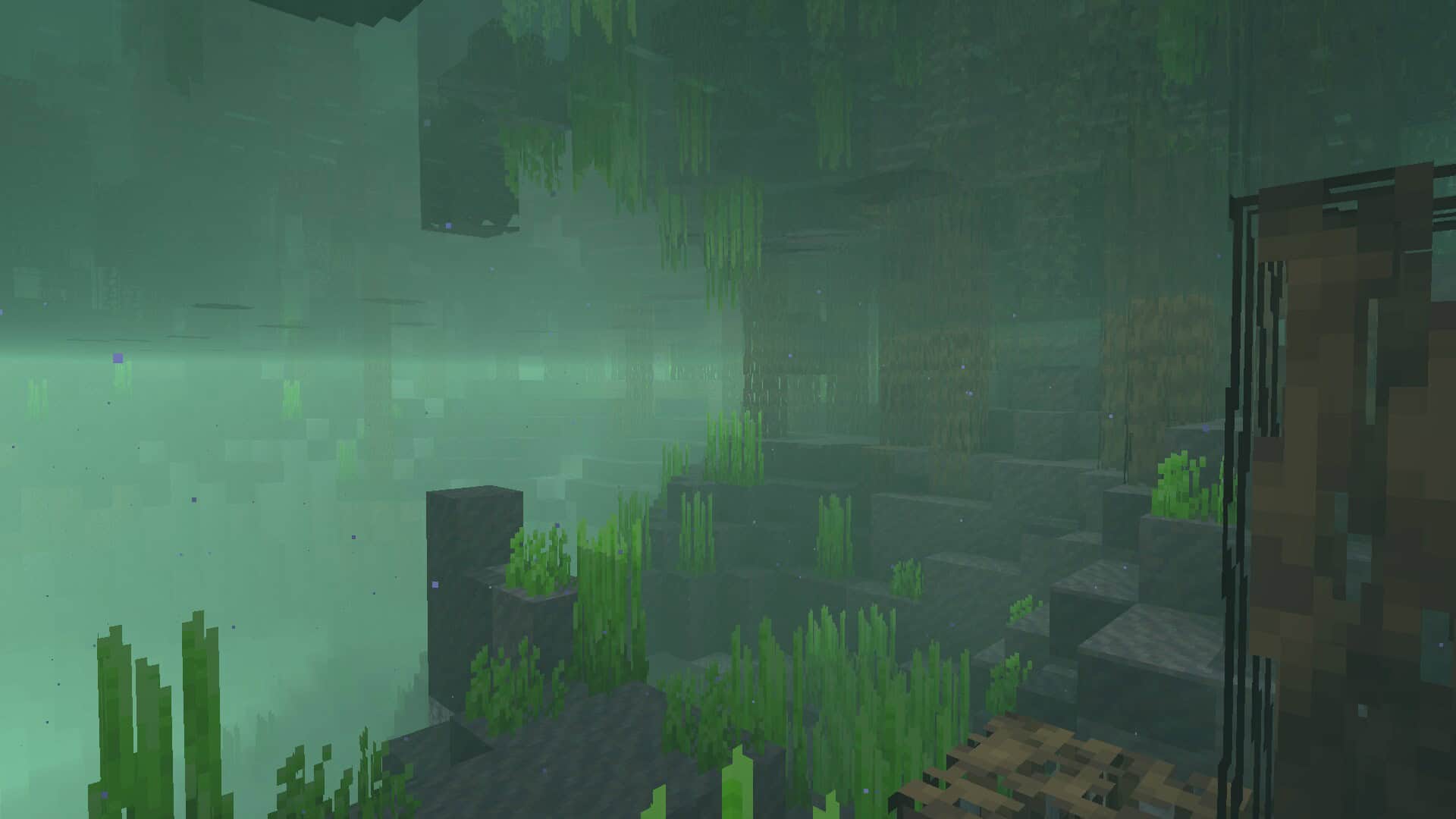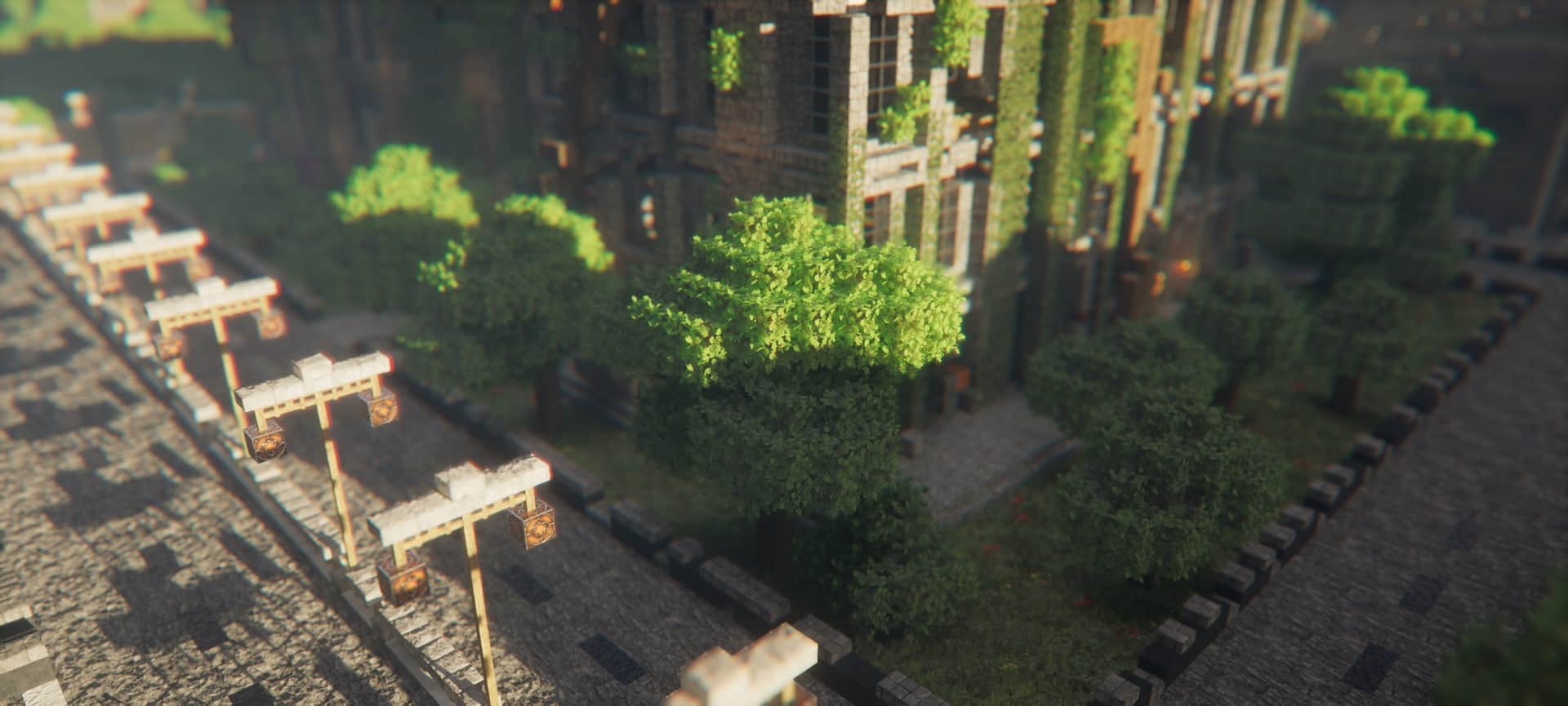
Minecraft itself already boasts amazing game features, offering a unique experience where players can always find solace and enjoyment in this wonderful sandbox world. Even with these fantastic features, you might occasionally find yourself craving a much more realistic, real-life look for your gameplay. That is precisely where shader packs come into play, though choosing the right one can sometimes feel quite difficult. Like most high-end shaders, this pack is expertly designed to make your game look stunning and immersive by using clever coding to calculate and recreate in-game features while still faithfully sticking to the original Minecraft roots. The open nature of Minecraft welcomes new content like mods and shaders, which simply accentuates the entire experience. In fact, incredible shader options like the Kappa Shaders are absolute standouts that make exploring Minecraft so thoroughly enjoyable. It brilliantly enhances your already beautiful and captivating world by taking everyday elements like water, leaves, and the sky, and giving them a deeply relaxing, real-life feel. If you are already familiar with visual packs, you will definitely spot a similar greatness between the Kappa shader pack and legendary options like the BSL shaders or the SEUS Renewed shaders, both of which bring incredible realistic features that so many players love. With this specific pack, you will genuinely find yourself completely enamored with its breathtakingly realistic take on lakes, rivers, and the gorgeous light reflections dancing off the water’s surface. While many Minecrafters watch the rise and fall of their favorite popular visual enhancements, knowing that some packs inevitably fade away, this particular shader pack stands tall as a well-known and beloved community staple. Unlike many others, it continuously receives fresh changes, updates, and brand-new features, consistently giving players something genuinely exciting to look forward to. As a dedicated Minecrafter, you can finally put your graphical concerns to rest because all your shader dreams are about to come true with this pack. This article focuses entirely on the Kappa shaders pack, which easily ranks as one of the most popular and breathtaking visual overhauls in the entire community right now.
Here is why this pack has earned its massive popularity and captured the hearts of so many fellow Minecraft players. Talented creator RRe36 originally released the Kappa shader back in 2019, having also crafted other stunning visual modifications like the Simplicissimus Shader, Vanilla Plus shader, RRe36’s shader, Nostalgia shader, Ushader, and the potato shader. The absolute best part about the Kappa shaders pack is that it firmly delivers on its promise to take the player’s visual experience seriously, ensuring everything looks and feels remarkably enjoyable. This is a rare achievement, as many shader creators tend to over-promise and underwhelmingly underdeliver. That exact dedication is precisely why Kappa has amassed hundreds of thousands of downloads since its 2019 release, serving as a powerful testament to its incredible success. However, that is certainly not all this exceptional pack provides; unlike competing options, its integrated block physics are handled exceptionally well. By block physics, we mean the shader’s uncanny ability to make the world feel totally alive around you while simultaneously preserving the authentic, classic physics and nostalgic feel of the base game. This brilliant balance grants you a completely fresh perspective while playing Minecraft, delivering the hyper-realistic, aesthetically pleasing world you have been searching for while expanding your creative exploration and building horizons. On top of all that, the Kappa shader pack features completely overhauled lighting, jaw-dropping visual effects, and stunning volumetric clouds brimming with character. Truly, Kappa shaders remains steps ahead of its formidable competitors, serving as a magnificent end-all-be-all graphical upgrade that will make your world pop like an entirely new game. It gives regular adventurers every reason to pack their gear and head out into the wilderness to explore anew, never failing to impress with its immersive graphics upgrade. A genuinely good world can easily become an unforgettable masterpiece with the right shaders pack installed, and if you are looking for a complete overhaul of your visual experience, Kappa will deliver that and so much more. You can finally leave the old vanilla graphics behind and fully immerse yourself in a visually revitalized Minecraft adventure.
Kappa Shader should be compatible with all of these Minecraft versions: 26.2 – 26.1.2 – 26.1.1 – 26.1 – 1.21.11 – 1.21.10 – 1.21.9 – 1.21.8 – 1.21.7 – 1.21.6 – 1.21.5 – 1.21.4 – 1.21.3 – 1.21.2 – 1.21.1 – 1.21 – 1.20.6 – 1.20.5 – 1.20.4 – 1.20.3 – 1.20.2 – 1.20.1 – 1.20 – 1.19.4 – 1.19.3 – 1.19.2 – 1.19.1 – 1.19 – 1.18.2 – 1.18.1 – 1.18 – 1.17.1 – 1.17 – 1.16.5 – 1.16.4 – 1.16.3 – 1.16.2 – 1.16.1 – 1.16 – 1.15.2 – 1.15.1 – 1.15 – 1.14.4 – 1.14.3 – 1.14.2 – 1.14 – 1.13.2 – 1.13.1 – 1.13
Screenshots
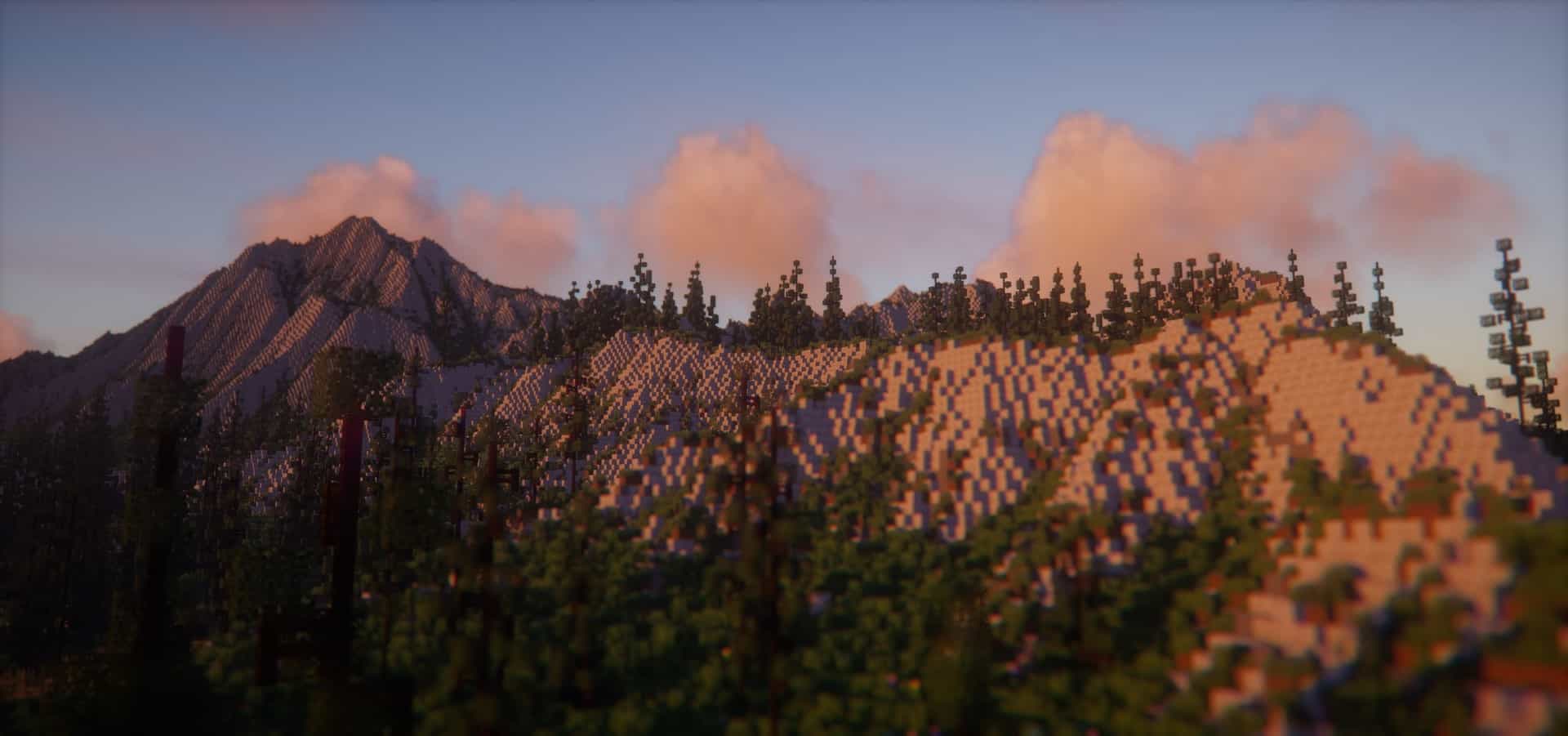
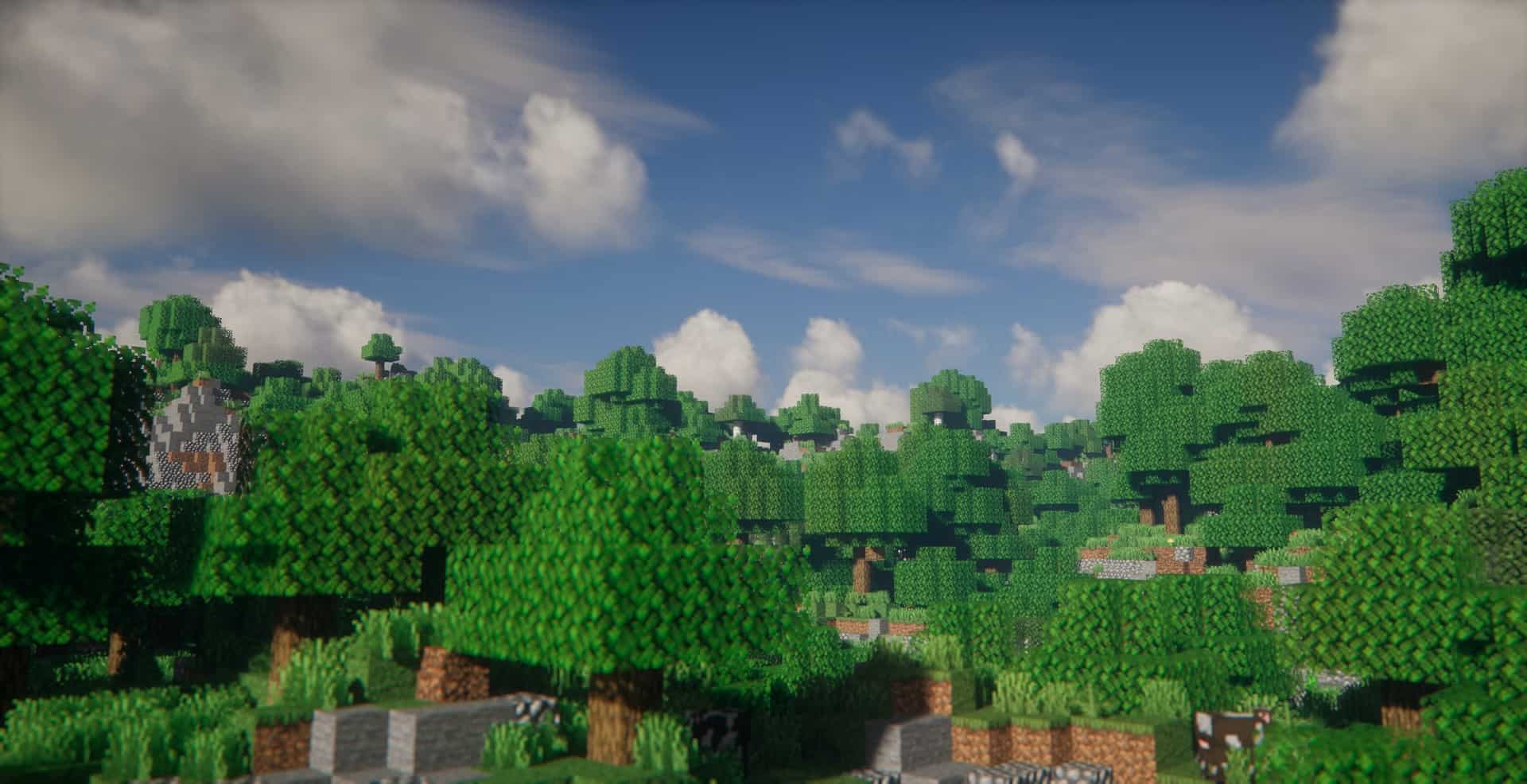
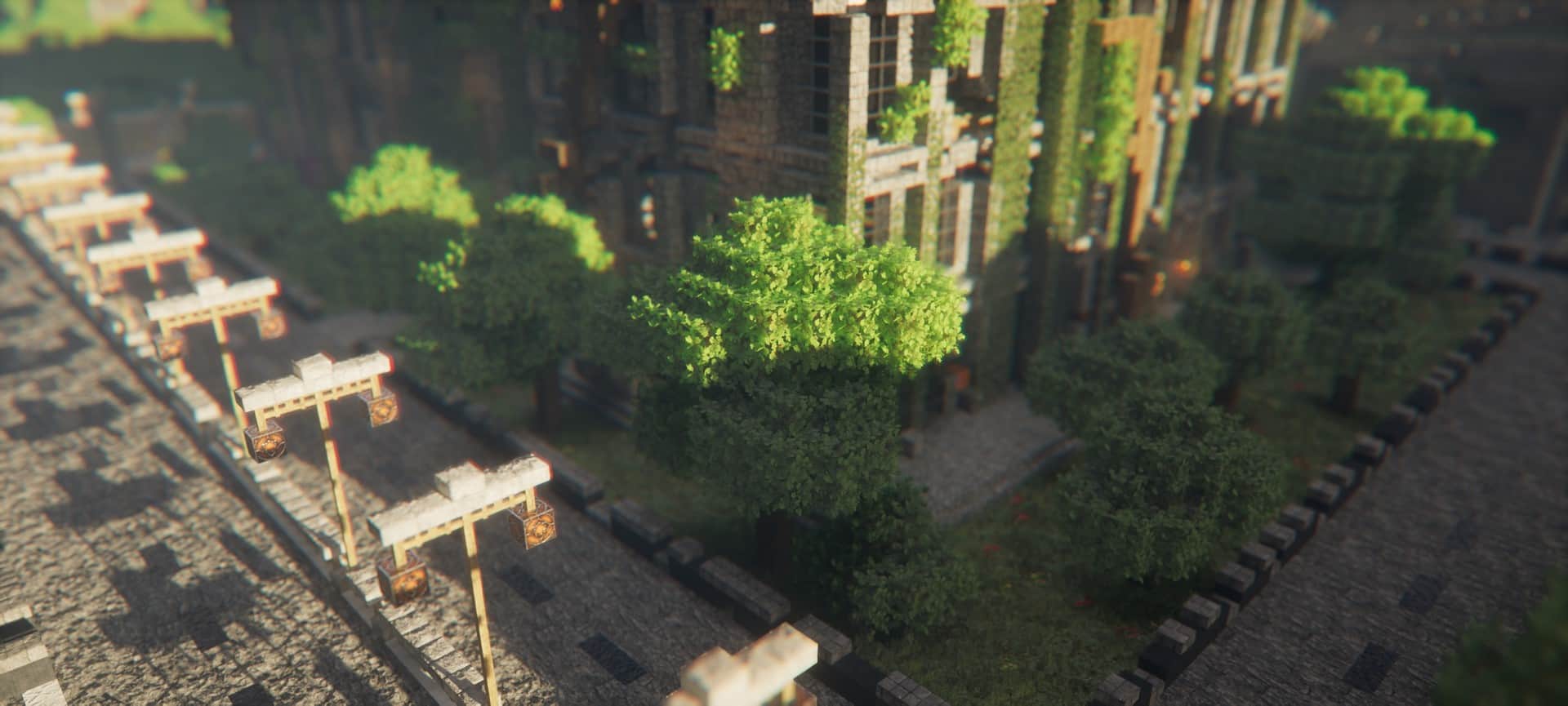
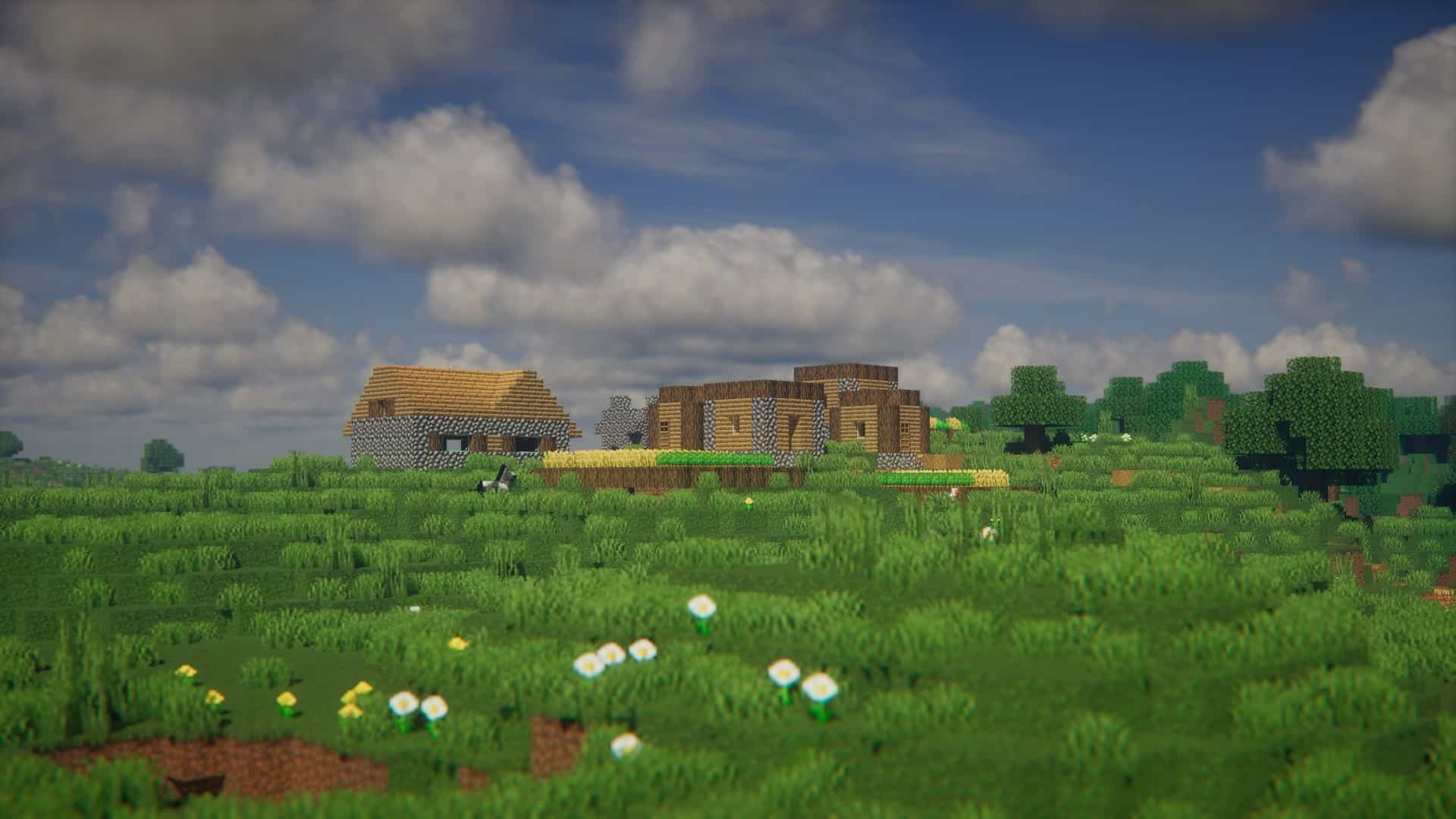
How to Install Shader Pack (Simple and Easy 7 Steps)
- Install Minecraft: Make sure to have Minecraft on your PC.
- Set the Game Version: Open the Minecraft Launcher, go to the “Installations” tab, click “New Installation”, choose the version you want to play, and click “Create”.
- Install OptiFine or Iris: Download and install OptiFine or Iris (we recommend Iris for better performance).
- To download Iris, click here.
- To download OptiFine, click here.
- Launch with the Shader Mod: Open the Minecraft Launcher again and select the OptiFine or Iris profile you installed.
- Download the Shader Pack: Download the shader pack (.zip file) from the download section below. (Don’t unzip it!)
- Open the Shaderpacks Folder:
- For OptiFine: Go to Options > Video Settings > Shaders > Shaders Folder
- For Iris: Go to Options > Video Settings > Shader Packs > Open Shader Pack Folder
- Add and Activate the Shader Pack: Move the downloaded .zip file into the shaderpacks folder. Then go back to the game, select the shader pack from the list, and click “Done” to activate it.
Credits
Kappa Shaders is originally developed and owned by RRe36. We do not claim ownership of this modification, nor do we host modified files. All rights, intellectual property, and future updates belong exclusively to the original creator. We strongly encourage you to visit the official creator pages to download the files directly and support RRe36.
Download Links
Java Edition
Download Instructions
Curseforge: download starts automatically after a few seconds;
Mediafire: click the big blue button with the text “DOWNLOAD”;
Google Drive: in the top right corner you will see a small download icon (down arrow), click it and the download should start;