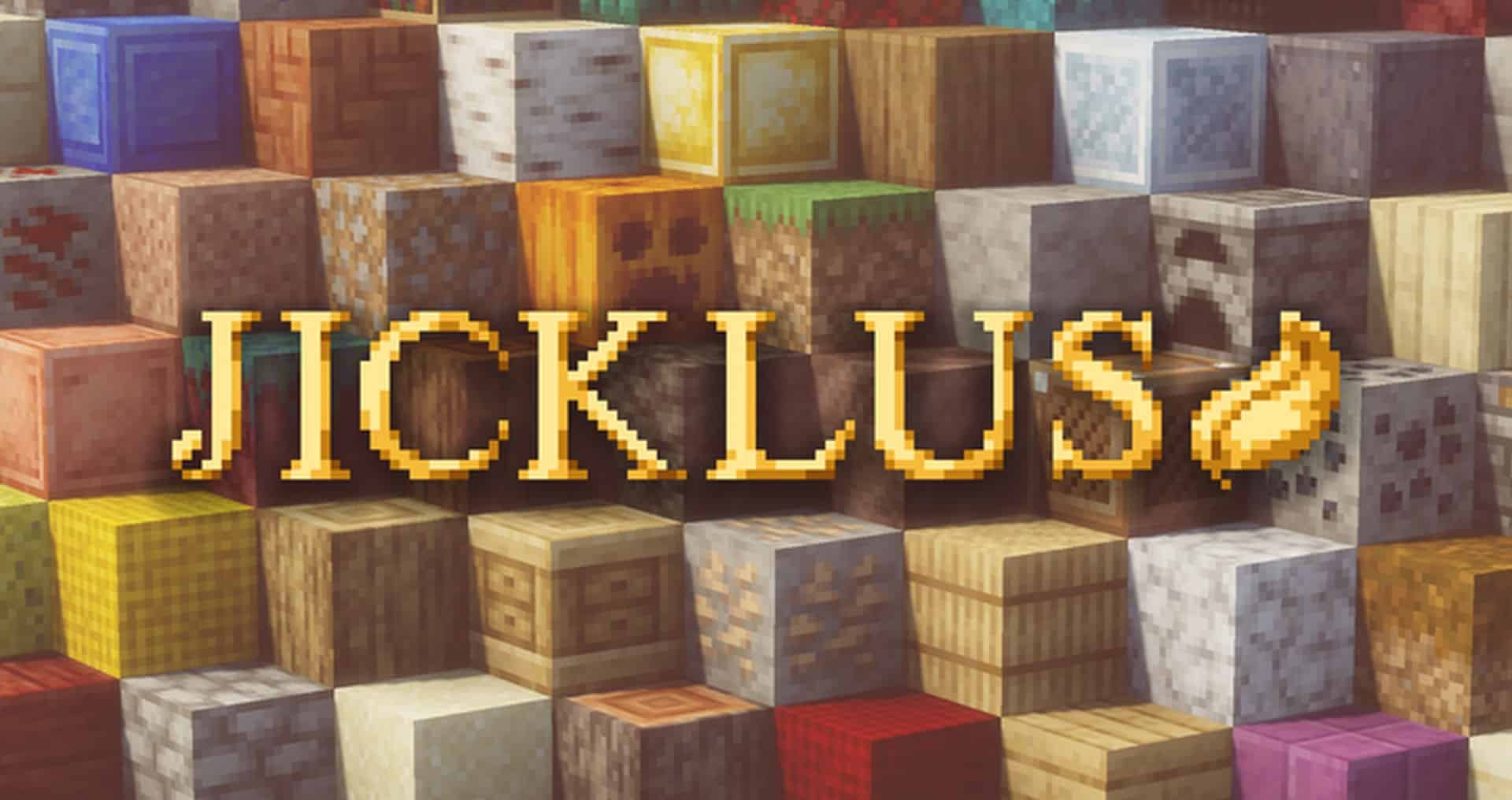
Jicklus Green and Jicklus Orange will definitely ring a bell for anyone who has ever explored the Jicklus resource pack collection. Orange and Green are the two classic forms of the Jicklus resource pack, which we took a look at just recently. Previously, these two individual packs featured a myriad of highlight elements along with uncommon designs that truly made them stand out from the crowd. The Jicklus Pack is now aimed at combining these two in the best way possible, resulting in a single unified pack that lets Minecraft gamers enjoy a rare, exceptional visual impression and an overall enhanced gameplay experience. It is worth noting, however, that since this project came to be, there have not been any changes made to those two standalone packs, and no further changes should be expected for them either. Not only does this new pack come with the ultimate best combination of Jicklus Green and Orange, but it also successfully solves most, if not all, of the snags and quirks found in the original packs.
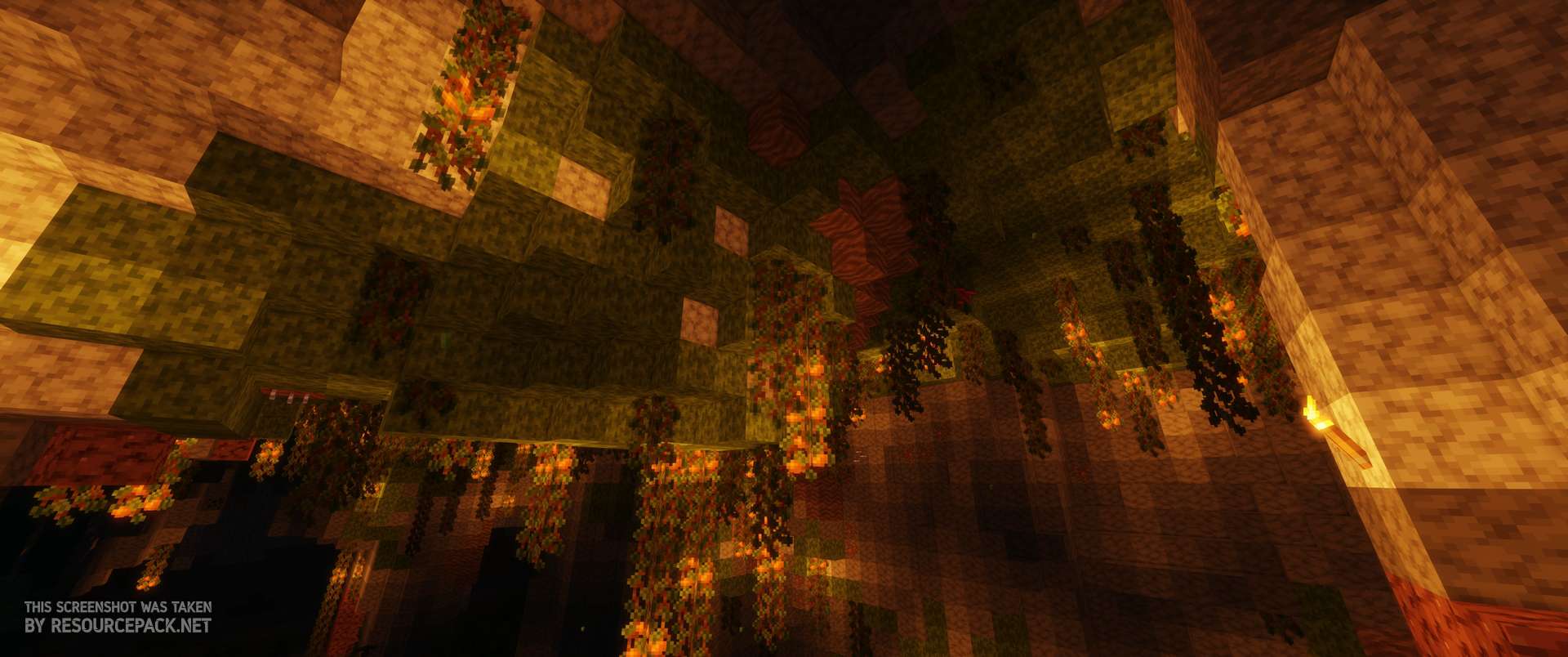
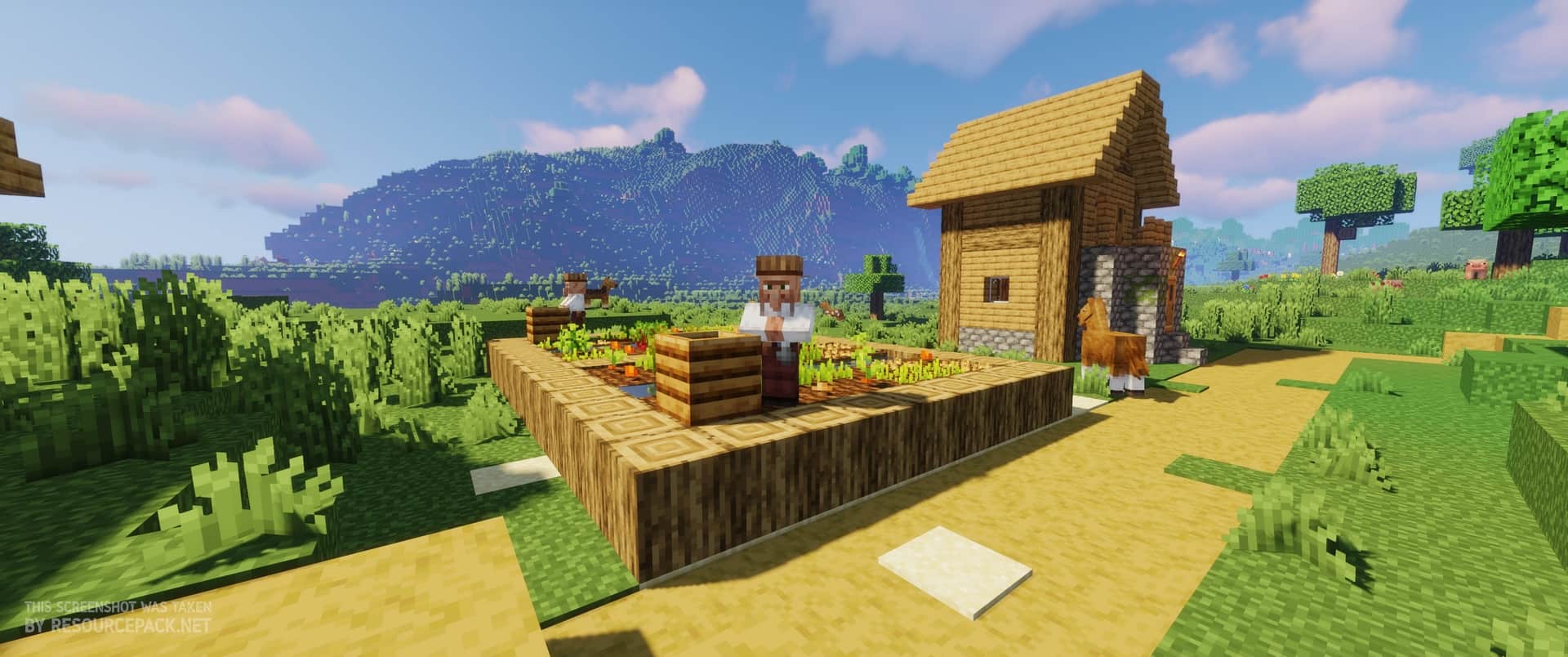
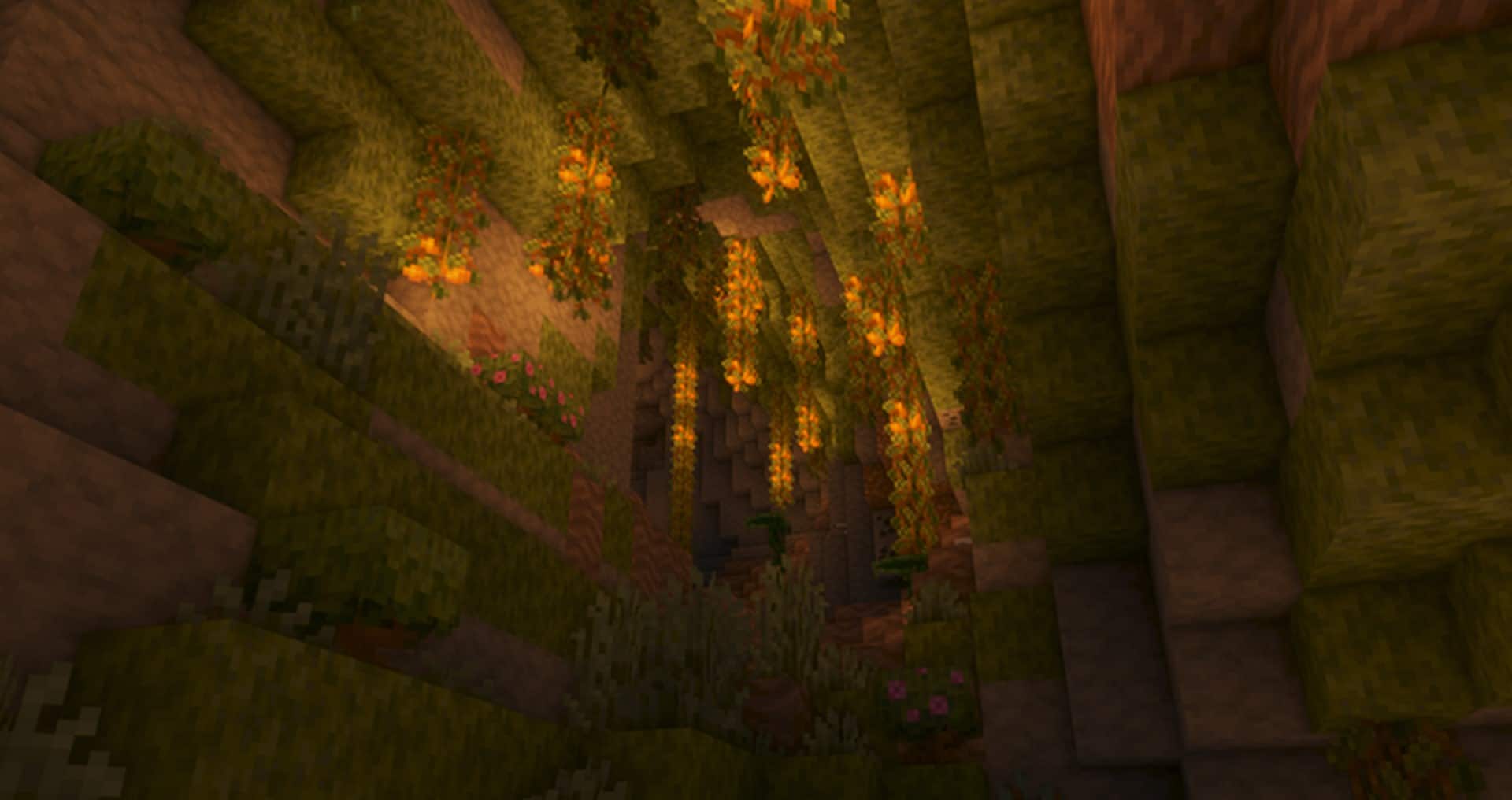
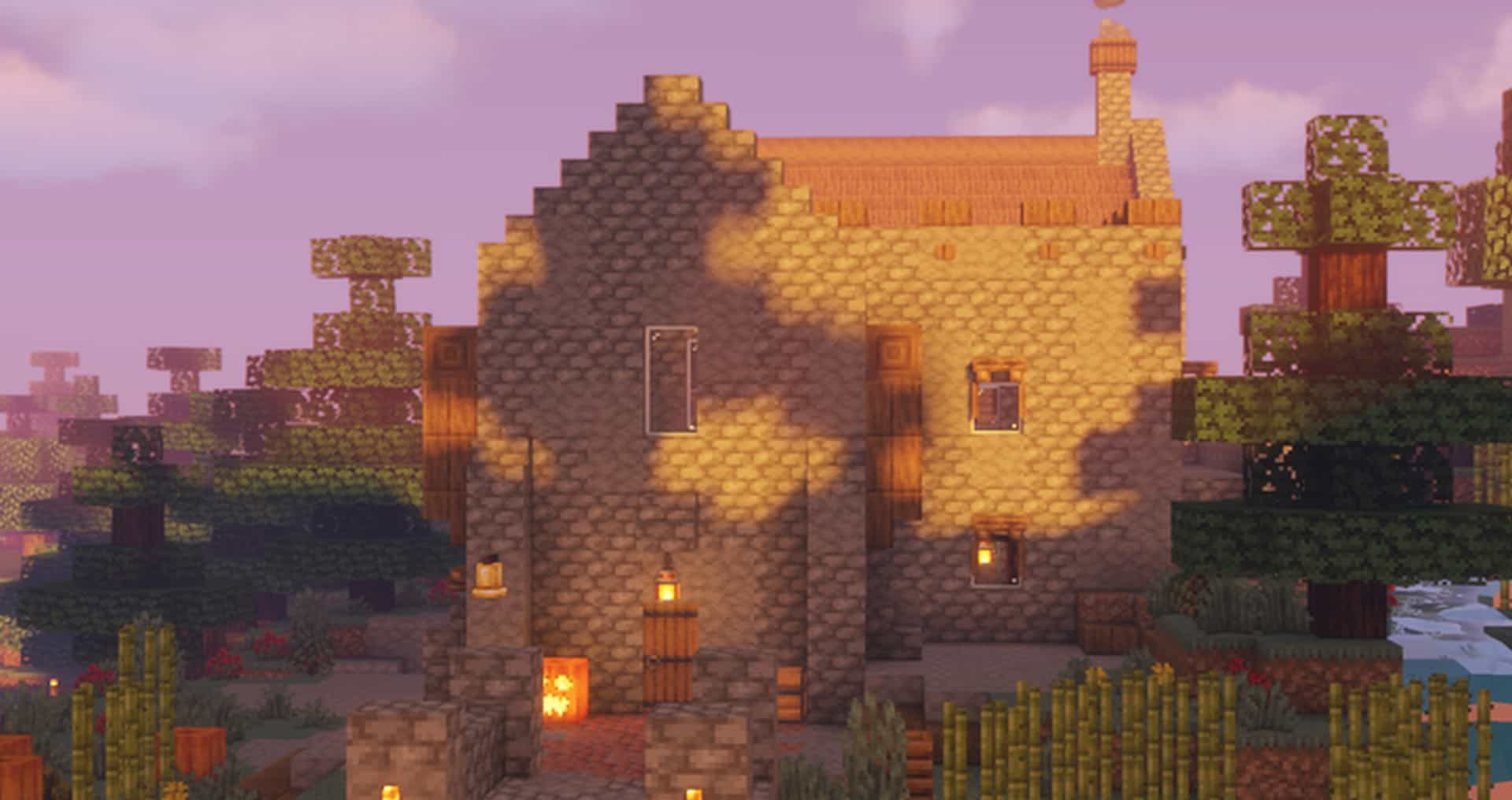
The gorgeous environmental feel of Jicklus Green and the sleek user interface of Jicklus Orange are carefully combined, and the final result is an amazing view that will certainly elevate every player’s immersion. The textures are simply lovely, perfectly complementing the sleek user interface and warm color palette. This fantastic color combination provides a real-time view that, when blended with the natural elements of the game, delivers one of the absolute best visual experiences ever. Jicklus maintains a friendly texture resolution of 16 by 16 pixels. So what does that mean for you? The pack will not prove hard to run on any device, as long as your system can handle vanilla Minecraft without running into frustrating frame-rate drops. As of right now, the pack is not yet completely finished, and quite a number of exciting updates are still to be expected in the future since the experts are actively working on it. Once it is fully complete, Jicklus will be completely ready to go, and you will definitely grow to love it. Good luck out there, pals!
Jicklus should be compatible with all of these Minecraft versions: 26.2 – 26.1.2 – 26.1.1 – 26.1 – 1.21.11 – 1.21.10 – 1.21.9 – 1.21.8 – 1.21.7 – 1.21.6 – 1.21.5 – 1.21.4 – 1.21.3 – 1.21.2 – 1.21.1 – 1.21 – 1.20.6 – 1.20.5 – 1.20.4 – 1.20.3 – 1.20.2 – 1.20.1 – 1.20 – 1.19.4 – 1.19.3 – 1.19.2 – 1.19.1 – 1.19 – 1.18.2 – 1.18.1 – 1.18 – 1.17.1 – 1.17 – 1.16.5 – 1.16.4 – 1.16.3 – 1.16.2 – 1.16.1 – 1.16 – 1.15.2 – 1.15.1 – 1.15 – 1.14.4 – 1.14.3 – 1.14.2 – 1.14 – 1.13.2 – 1.13.1 – 1.13 – 1.12.2 – 1.12
Screenshots

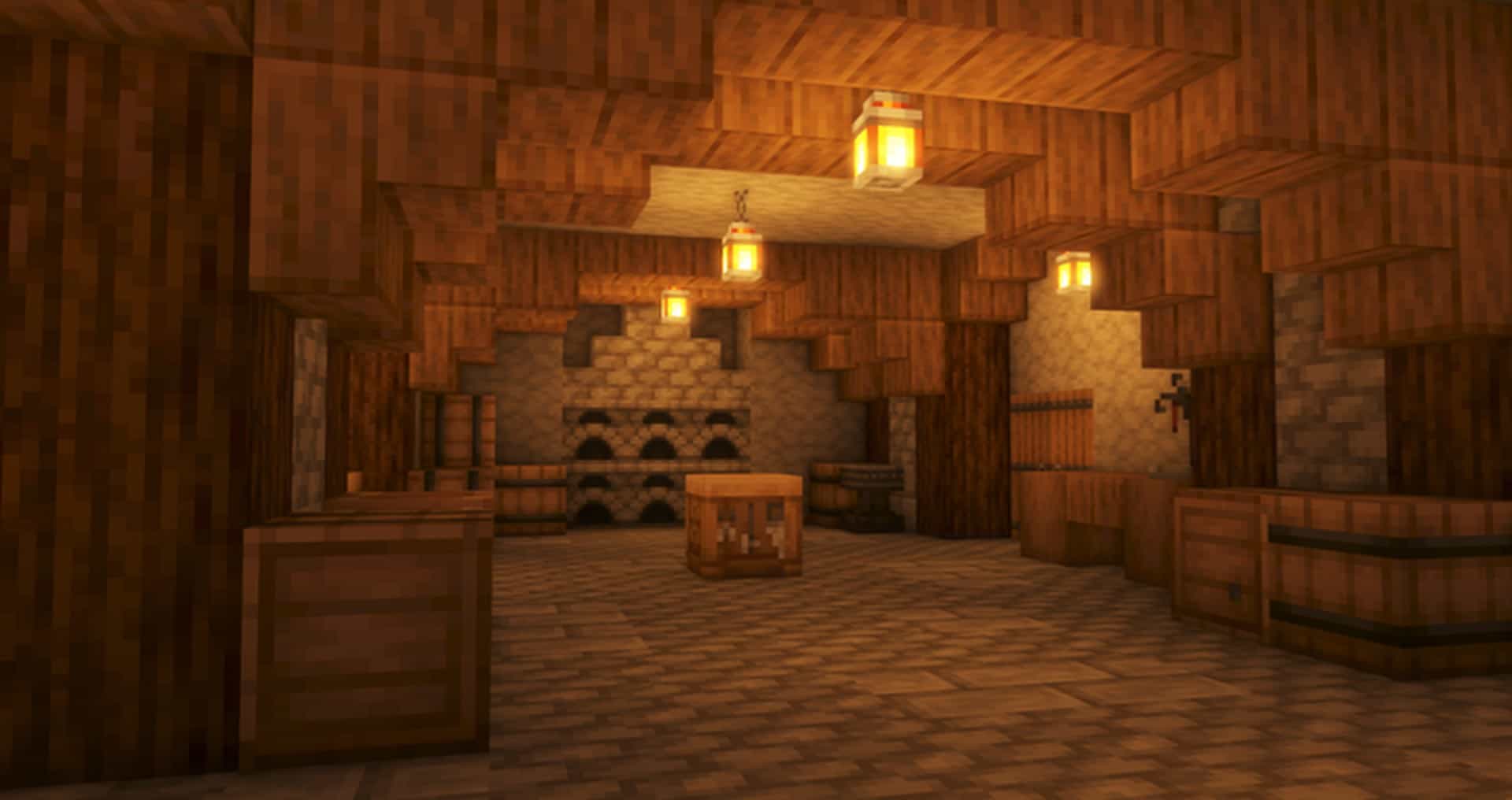
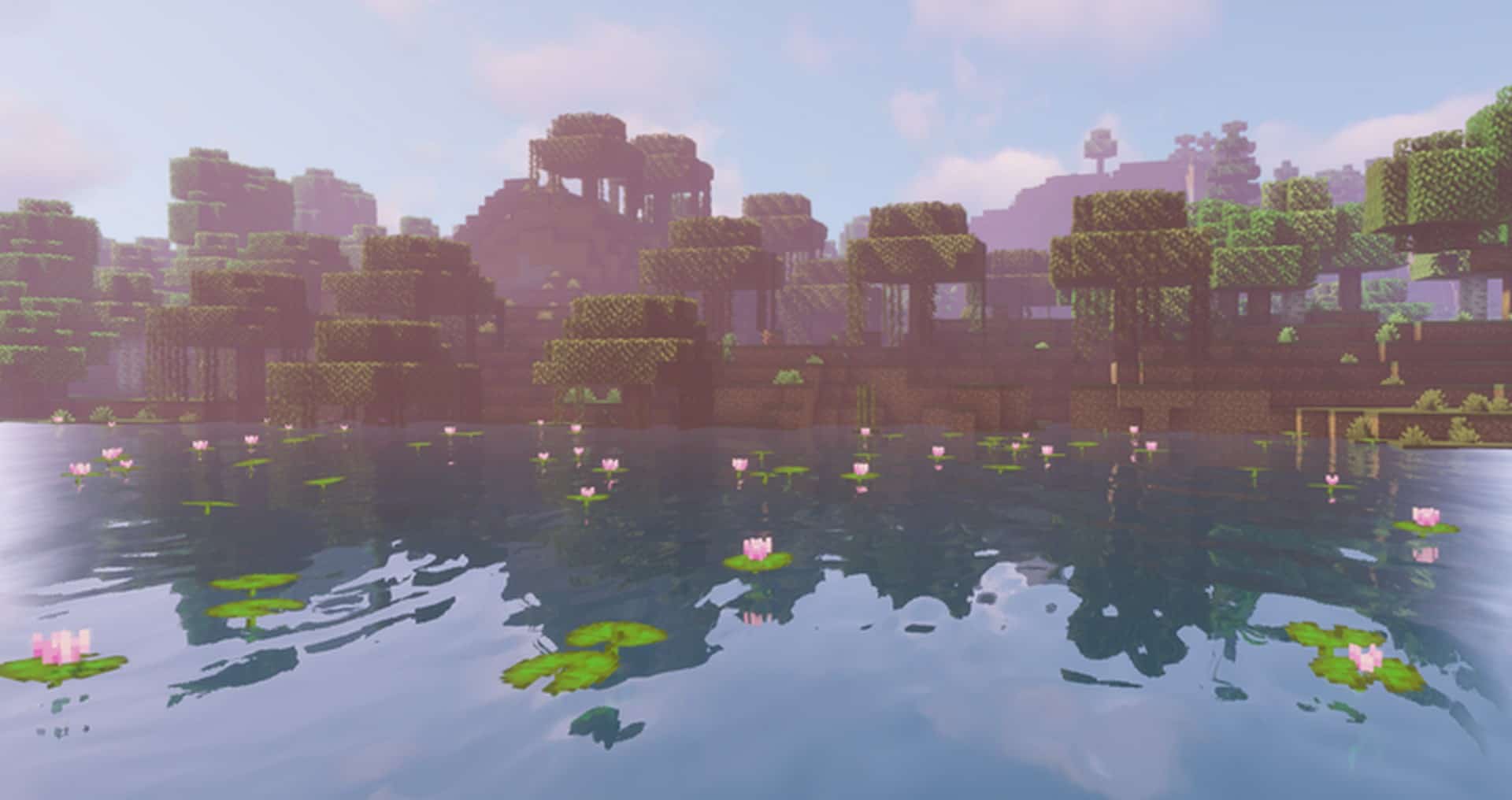
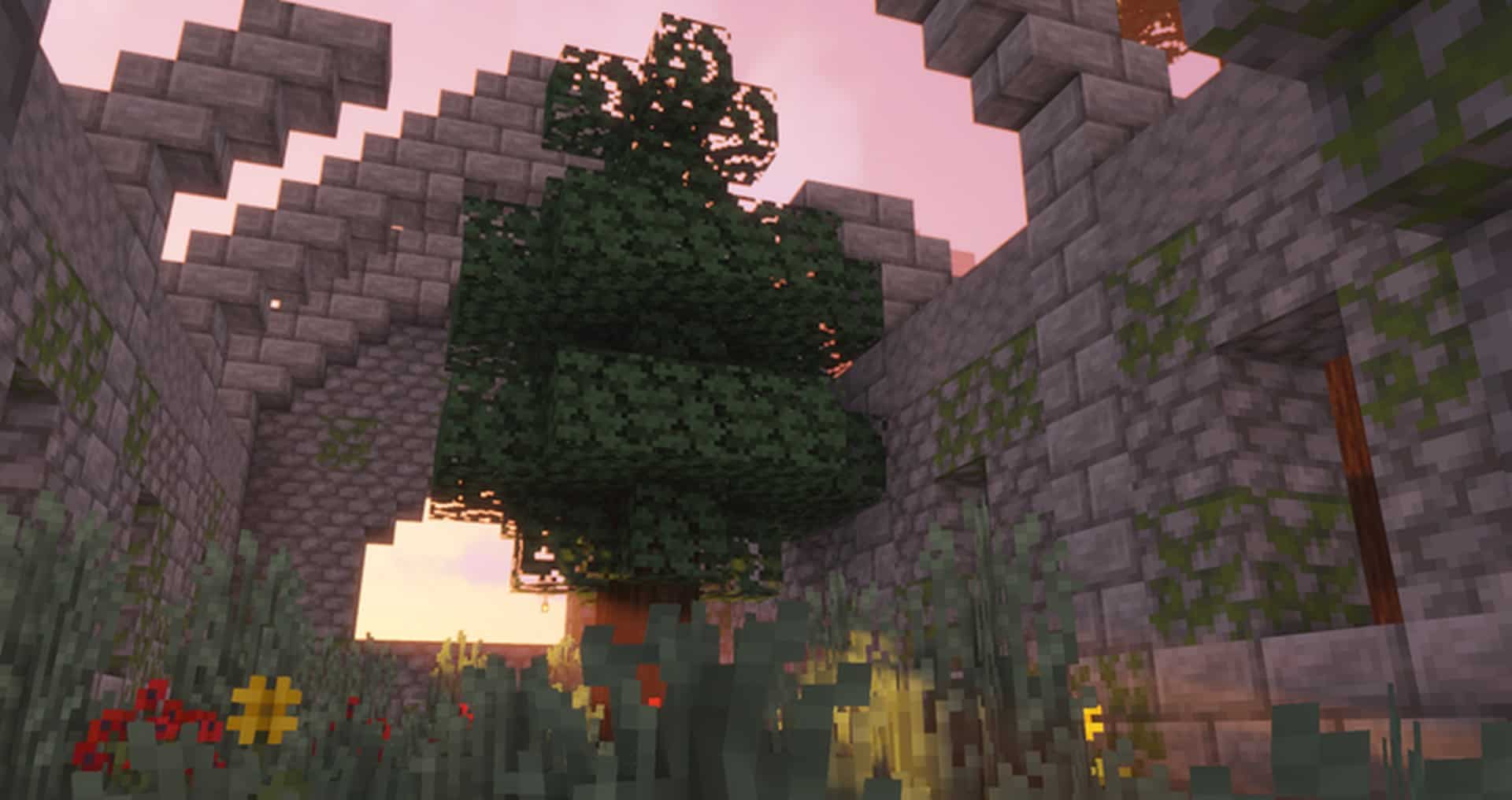
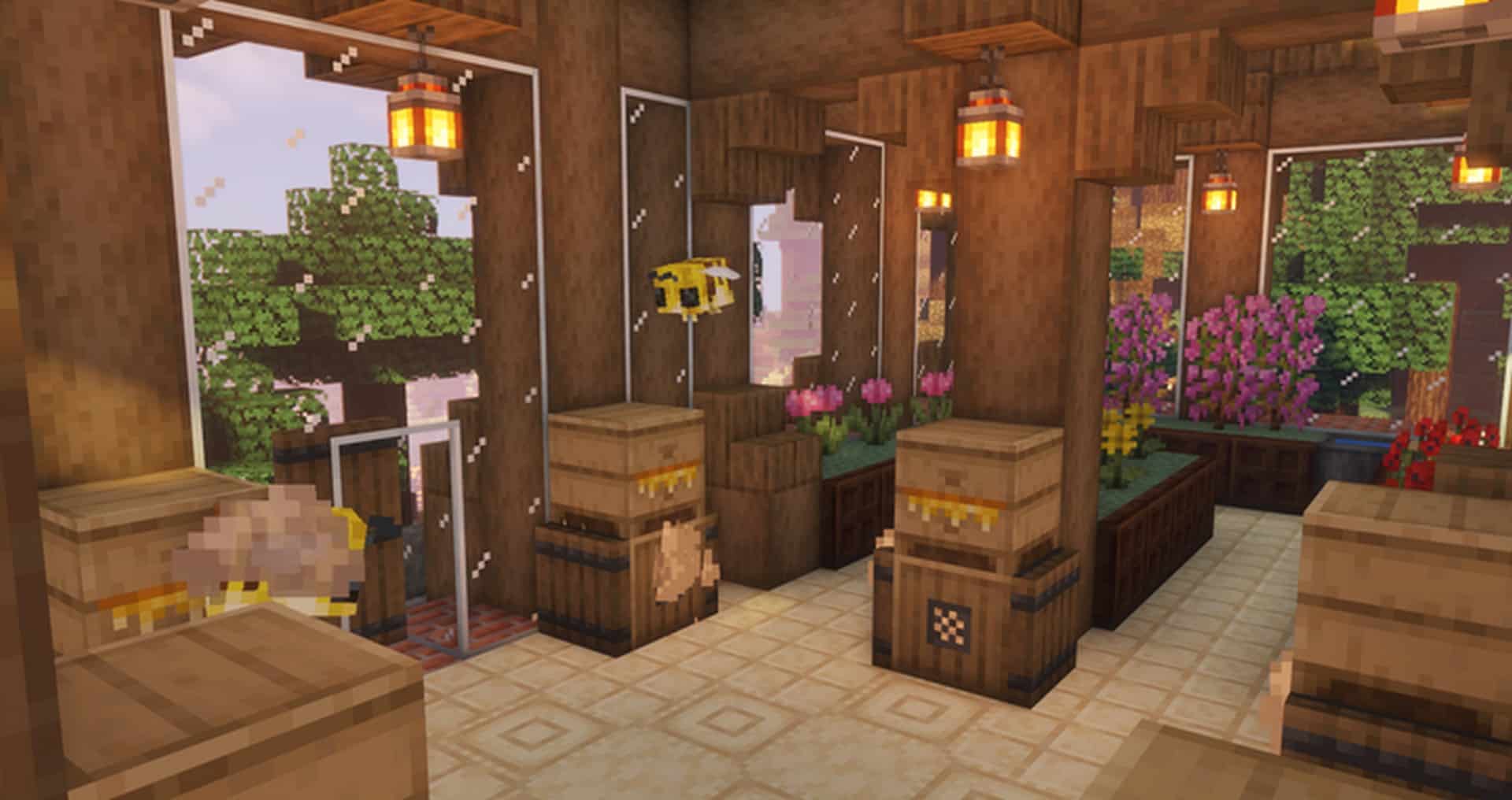
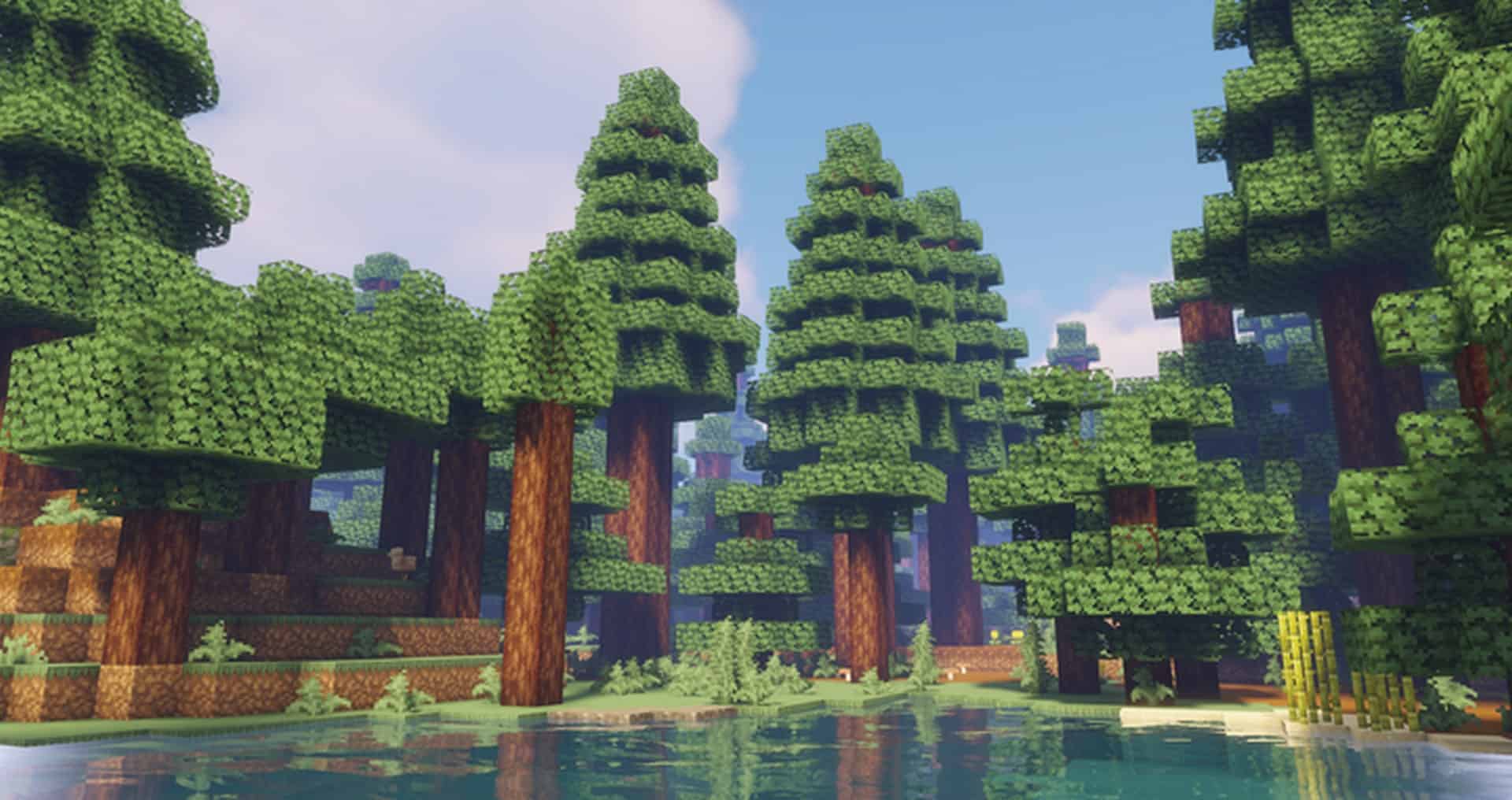

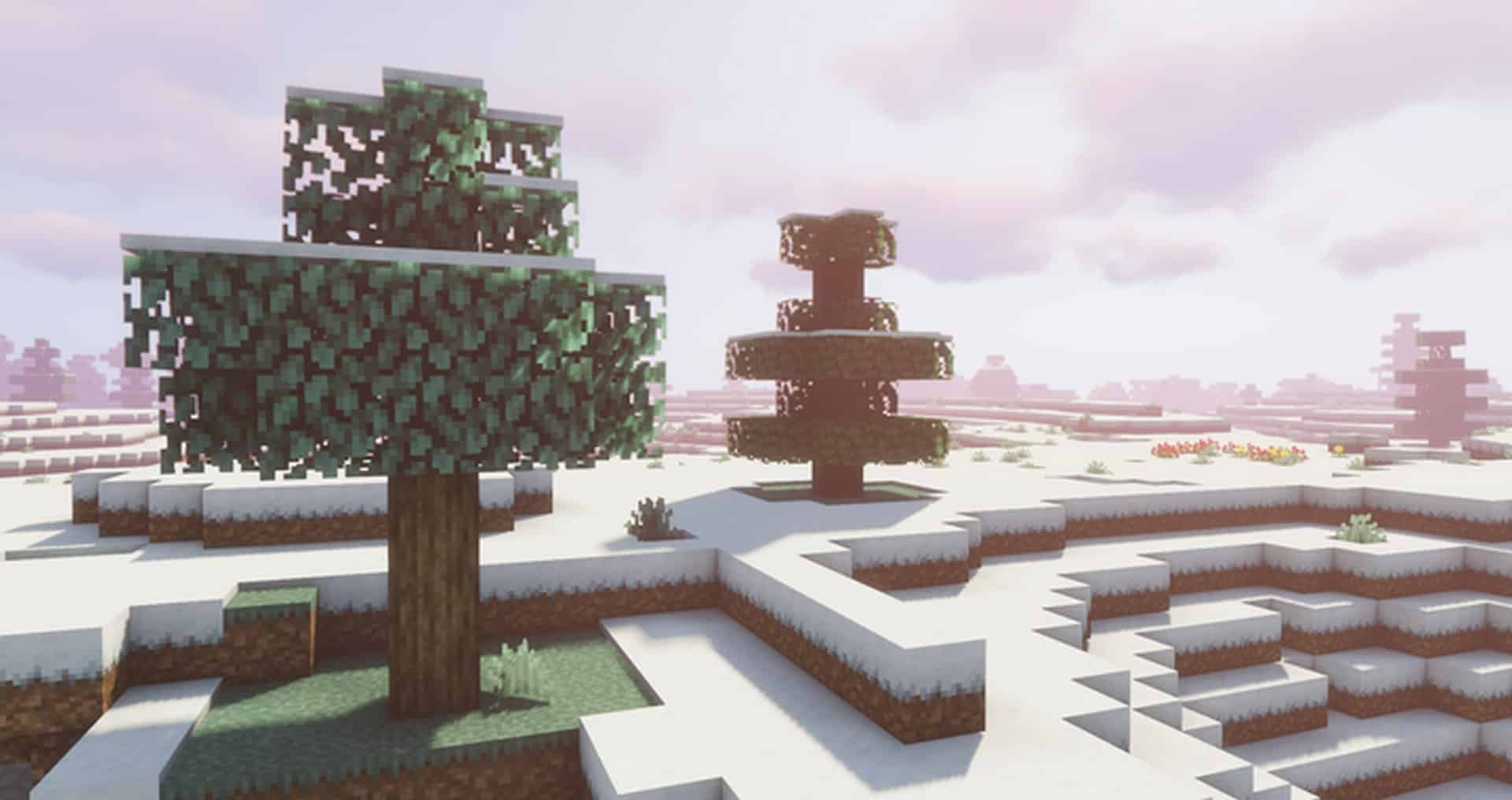
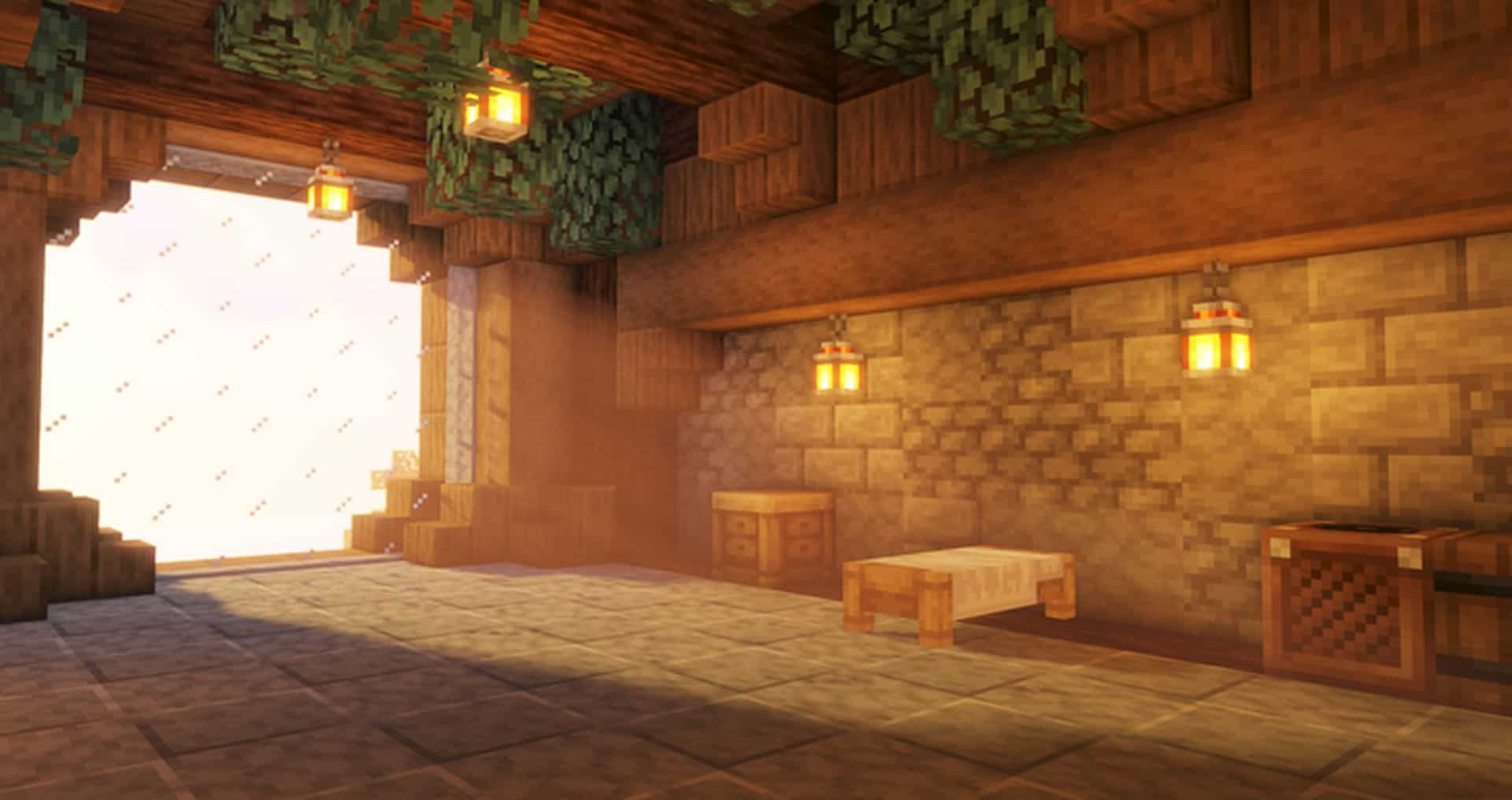
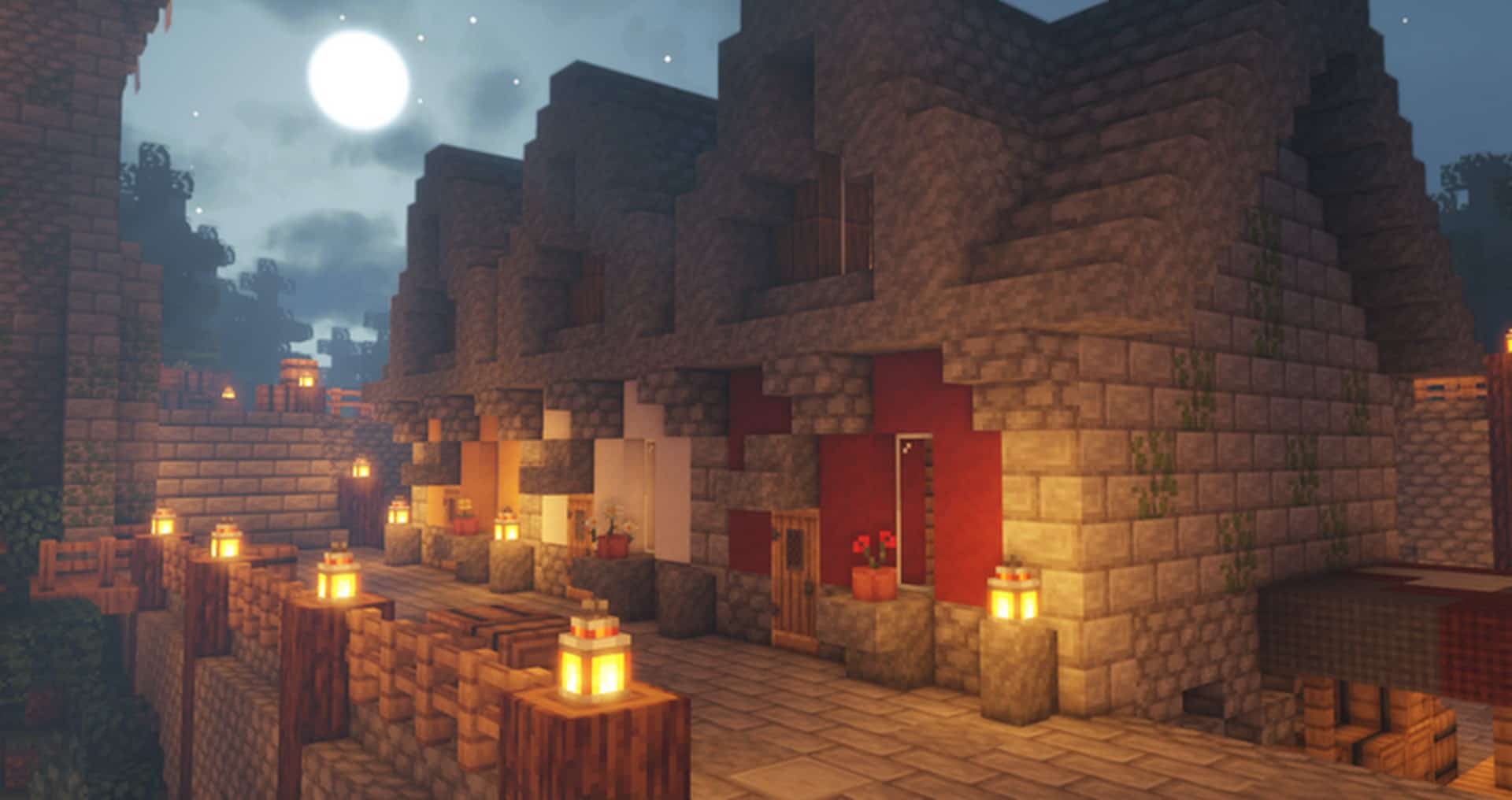
How to Install Texture Pack (Simple 10 Steps)
- Download OptiFine: Most of the texture packs and shaders need OptiFine. That’s why, first download and install OptiFine for the version of Minecraft you want to play.
- Download the Texture Pack: Get the texture pack you want from the download section. Choose the version that works with your Minecraft and your PC’s performance.
- Open Minecraft Launcher: Start Minecraft using the official game launcher — or even TLauncher, if you use that.
- Go to Options: From the main menu, click on the “Options” button.
- Open Resource Packs: Inside Options, click on “Resource Packs…”.
- Open the Resource Pack Folder: Click on “Open Resource Pack Folder” — this will open a folder named “resourcepacks”.
- Move the Pack File: Copy or move the .zip file you downloaded into that “resourcepacks” folder. (Don’t unzip the file — Minecraft uses it as-is!)
- Go Back and Refresh: Close the folder and click “Done”, then go back into “Resource Packs…” again.
- Activate the Pack: You’ll see the pack on the left side. Hover over it and click the arrow to move it to the right (active side).
Tip: If you get a message that the pack is for a different version, just click “Yes” — it usually works fine. - Click Done and Enjoy: Click “Done” again. Now your pack is ready to use in-game. It’s that easy!
Credits
The Jicklus Resource Pack was created and developed by Jicklus. We do not claim ownership of this content, nor have we modified the original files. All rights remain with the original creator, and we highly encourage supporting Jicklus through official download channels.
Download Links
Java Edition
Download Instructions
Curseforge: download starts automatically after a few seconds;
Mediafire: click the big blue button with the text “DOWNLOAD”;
Google Drive: in the top right corner you will see a small download icon (down arrow), click it and the download should start;


