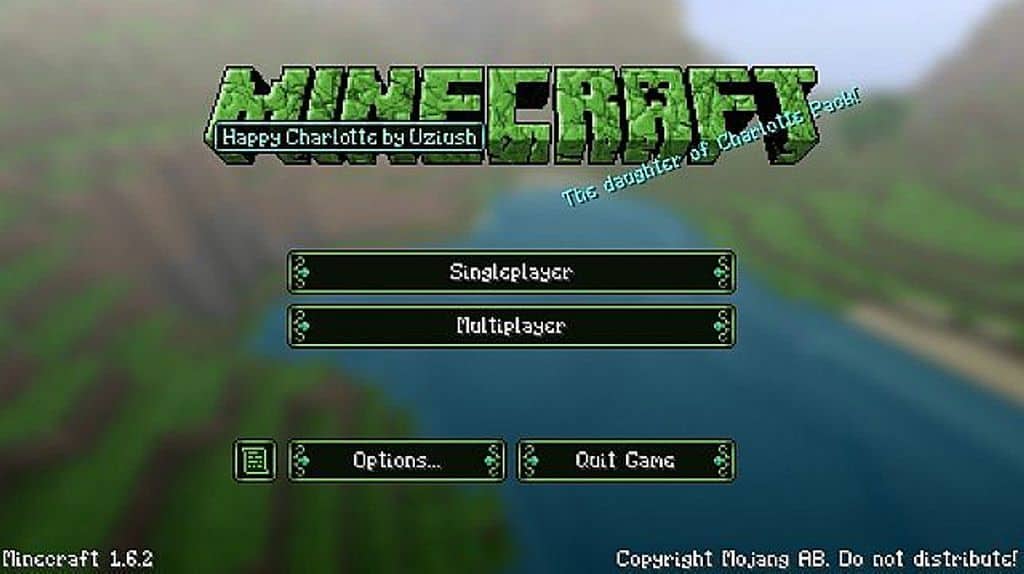
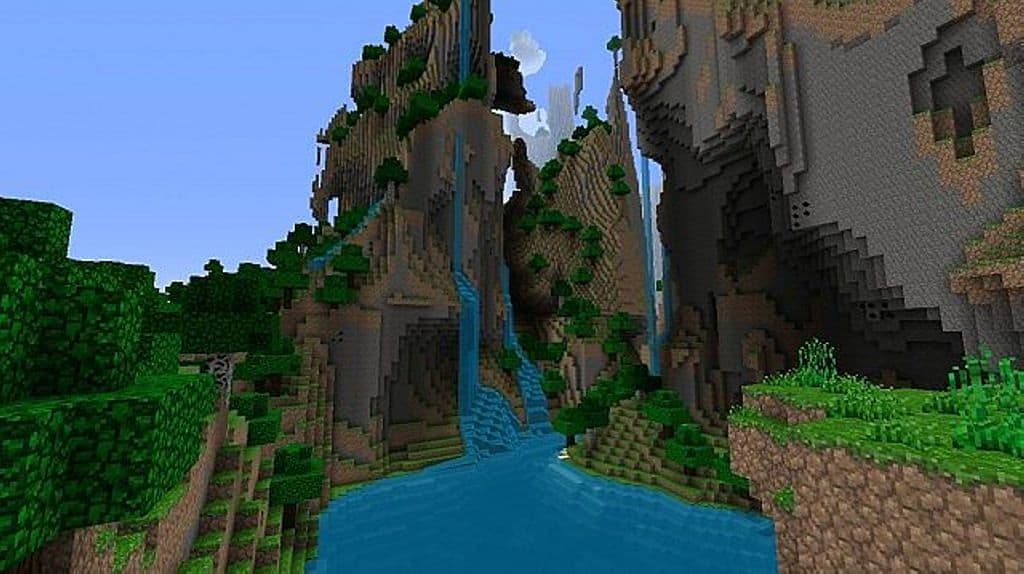
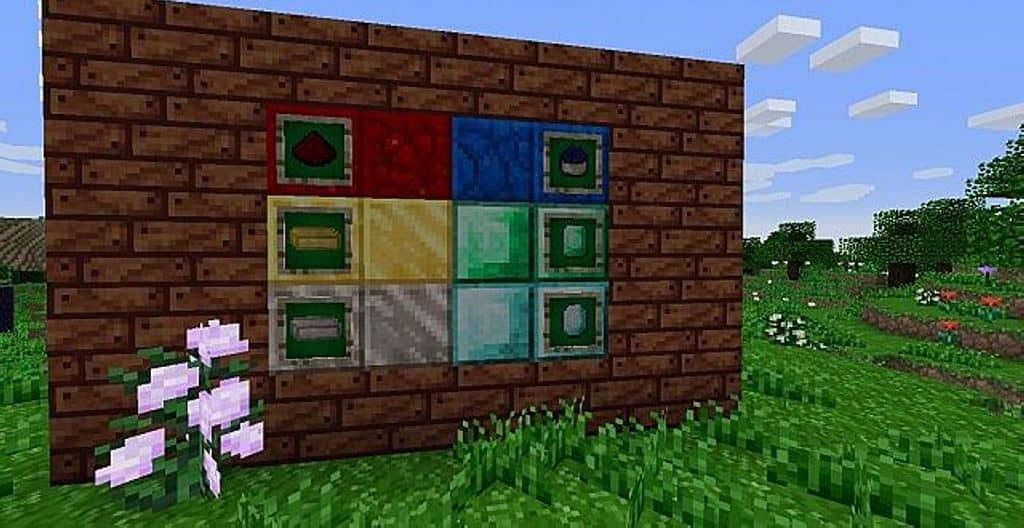
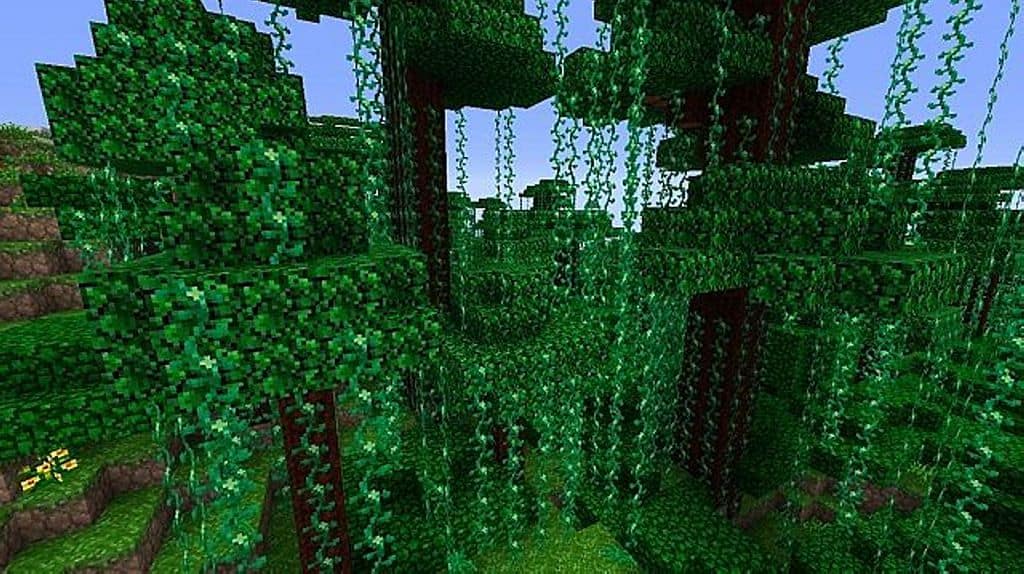
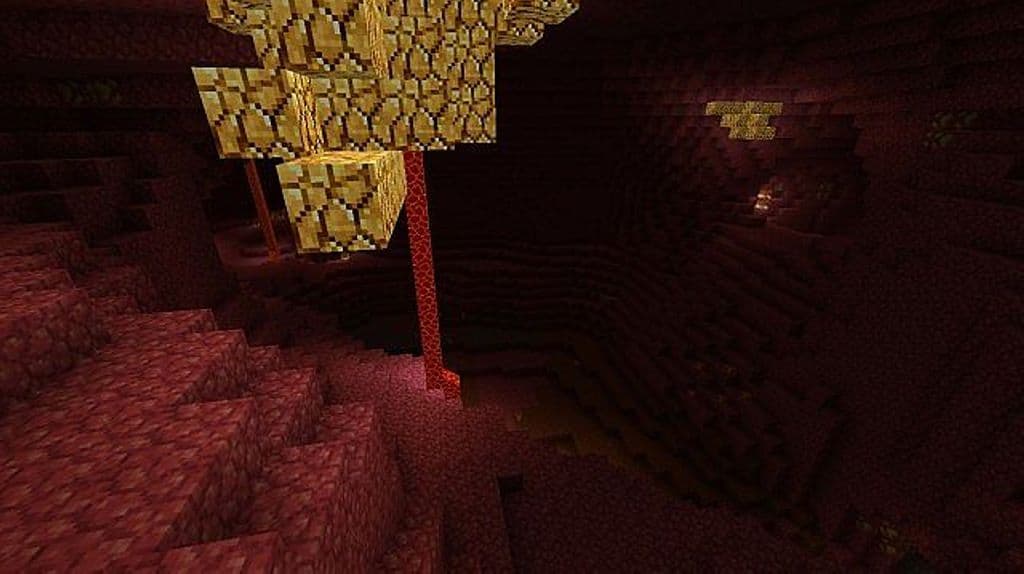
If you are a gamer who absolutely loves resource packs that stick close to the default Minecraft theme, you are definitely going to enjoy the Happy Charlotte resource pack! As you might have already guessed from its cheerful name, the author has carefully designed this pack to bring a genuinely happy and visibly vibrant look to your entire Minecraft world. It has completely overhauled the game to make it feel so much more attractive to explore. At the same time, the creator has brilliantly ensured that the pack does not compromise the classic, original game art style that has defined Minecraft for so many years. The concept itself isn’t drastically different, but honestly, you should definitely make it a point to try it out just because of its almost flawless implementation. If you want to take the game’s essential looks to a higher level of beauty, this resource pack truly needs to be on your consideration list. Trust me, it is so worth giving a try! \n\nOne very important thing to note here is that this pack serves as the spiritual successor and baby project to the original Charlotte resource pack, which was the previous texture creation by author Uziush. Both packs share quite a few similarities, but this happier version comes packed with some fantastic new features. For instance, it proudly offers a much higher vibrancy and brightness in its color combinations, superior texture optimization, and a noticeably improved frame rate thanks to its wonderfully optimized lower resolution. No matter how many refreshing changes it brings to your screen, it successfully preserves that beloved vanilla Minecraft aesthetic by keeping all the critical elements intact. Yet, while doing so, it creatively enhances your overall gameplay experience to make it feel truly extraordinary. Featuring more detailed textures, lively color palettes, and zero noisy elements, it simply appears to be incredibly alluring from the moment you step into the world.
Happy Charlotte should be compatible with all of these Minecraft versions: 1.8.9 – 1.8.8 – 1.8.1 – 1.8.6 – 1.8 – 1.7.10 – 1.7.9 – 1.7.4 – 1.7
Screenshots


How to Install Texture Pack (Simple 10 Steps)
- Download OptiFine: Most of the texture packs and shaders need OptiFine. That’s why, first download and install OptiFine for the version of Minecraft you want to play.
- Download the Texture Pack: Get the texture pack you want from the download section. Choose the version that works with your Minecraft and your PC’s performance.
- Open Minecraft Launcher: Start Minecraft using the official game launcher — or even TLauncher, if you use that.
- Go to Options: From the main menu, click on the “Options” button.
- Open Resource Packs: Inside Options, click on “Resource Packs…”.
- Open the Resource Pack Folder: Click on “Open Resource Pack Folder” — this will open a folder named “resourcepacks”.
- Move the Pack File: Copy or move the .zip file you downloaded into that “resourcepacks” folder. (Don’t unzip the file — Minecraft uses it as-is!)
- Go Back and Refresh: Close the folder and click “Done”, then go back into “Resource Packs…” again.
- Activate the Pack: You’ll see the pack on the left side. Hover over it and click the arrow to move it to the right (active side).
Tip: If you get a message that the pack is for a different version, just click “Yes” — it usually works fine. - Click Done and Enjoy: Click “Done” again. Now your pack is ready to use in-game. It’s that easy!
Credits
This resource pack was originally created and developed by Uziush. We do not claim ownership of this content, nor do we host or modify any files on our servers. All rights and intellectual property belong strictly to the original creator. We highly encourage you to support the author by downloading the files from their official sources and checking out their other projects.
Download Instructions
Curseforge: download starts automatically after a few seconds;
Mediafire: click the big blue button with the text “DOWNLOAD”;
Google Drive: in the top right corner you will see a small download icon (down arrow), click it and the download should start;


