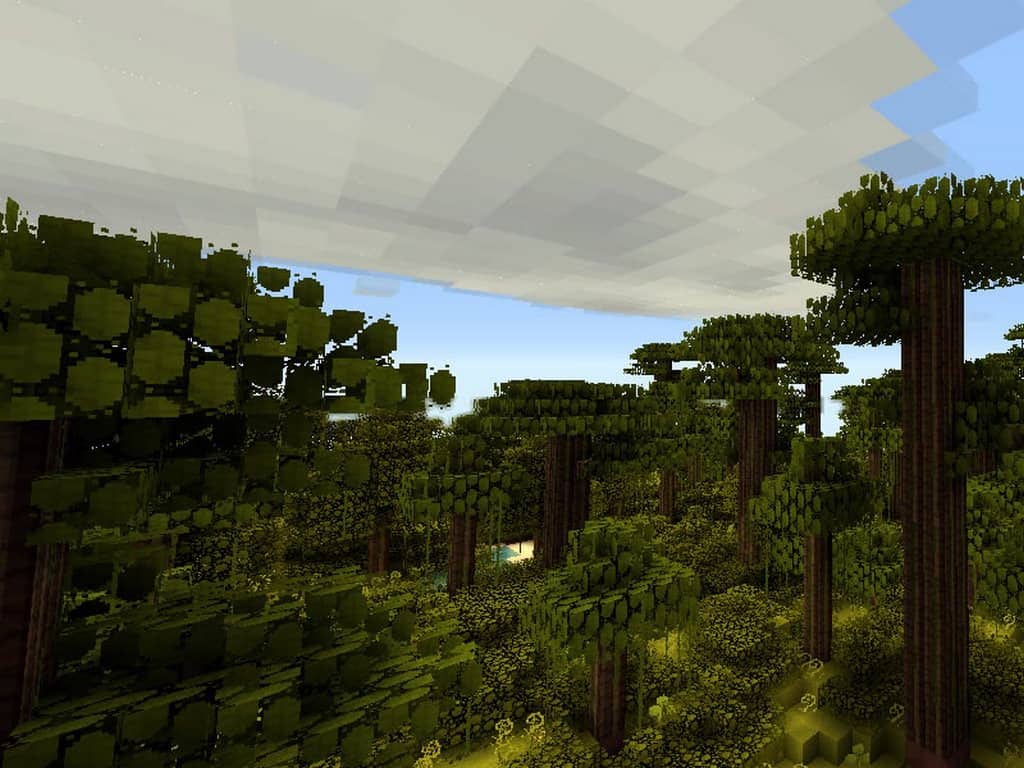
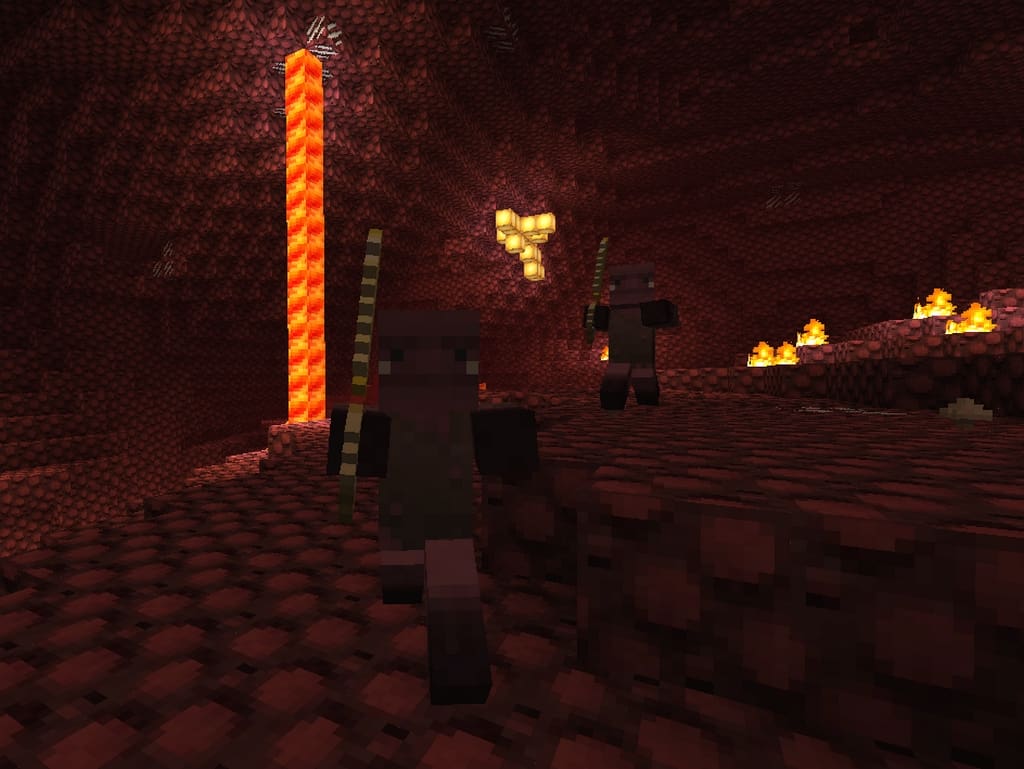
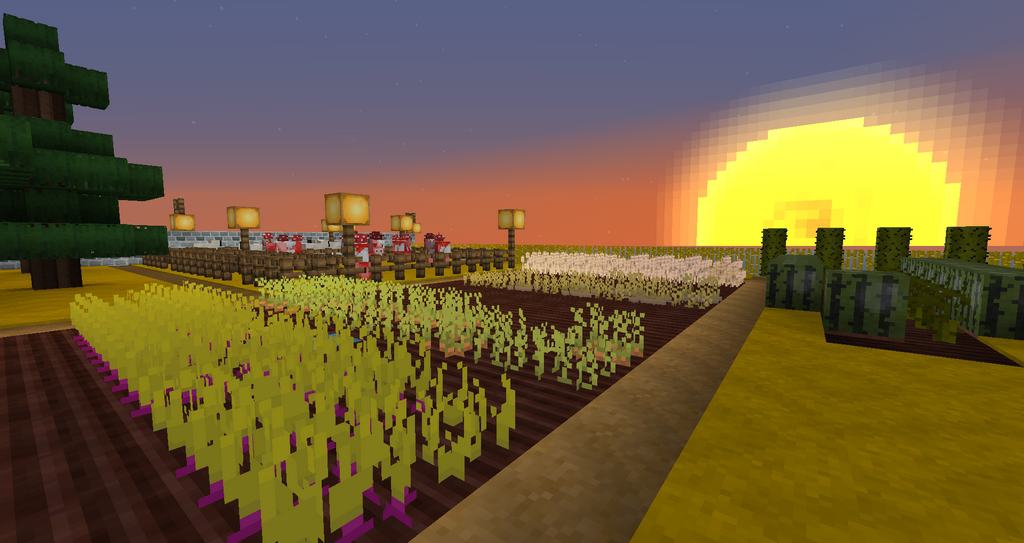
The Good Morning Craft resource pack is an absolute delight, presenting a fully revised take on the classic textures of Minecraft. It appears as a wonderfully quirky yet delightfully straightforward 16×16 texture pack that really brightens up your worlds. Unlike so many other resource packs out there that tend to focus on depicting Minecraft as a dark, bleak, and treacherous game, this one brings an entirely different sort of stimulating and cheerful feel to your adventures. This resource pack has completely refurbished the look and feel of Minecraft in a way that is remarkably simple yet wonderfully effective. Generally speaking, large resource packs like these can sometimes suffer from annoying stutters and FPS losses, but I found that this resource pack manages to run smoothly and effectively without any such performance issues whatsoever. The Good Morning resource pack comes with a lower resolution of only 16x, which matches Minecraft’s default standard. Therefore, anyone who has played Minecraft before can easily jump right in and play by enabling this lovely resource pack. Even though it is wonderfully lively and jolly, the Good Morning Craft Resource Pack does not yet work with the absolute latest versions of the Minecraft client.
Since the resource pack hasn’t received any significant updates for many years now, this incompatibility will likely remain forever, but it is still a fantastic blast from the past. Despite that, it still works seamlessly with Minecraft versions up to 1.9.x, which is great for older builds. However, do keep in mind that this resource pack might not be for everybody. A few of the textures are quite simple and perhaps even simpler than their generic vanilla counterparts. This means that the graphical simplicity found in this resource pack feels a lot like vanilla Minecraft, which can sometimes be a bit hard to manage for players looking for hyper-realism. From a holistic perspective, this texture pack is an exceptionally well-made low-resolution resource pack in 16×16. There is a huge silver lining in this low resolution, especially for Minecraft players who do not happen to own a high-end computer to run heavy games. Because of its lower resolution and optimized textures, the resource pack does not negatively affect your performance at all. The creator has truly tried their best to design almost every single aspect of Minecraft, successfully redesigning everything from basic blocks to the GUI (Graphical User Interface) aspects. Overall, I think the quality of the textures is genuinely outstanding and well worth trying out if you love retro styles.
Good Morning Craft should be compatible with all of these Minecraft versions: 1.9.4 – 1.9 – 1.8.9 – 1.8.8 – 1.8.1 – 1.8.6 – 1.8 – 1.7.10 – 1.7.9 – 1.7.4 – 1.7 – 1.6.4 – 1.6.2 – 1.5.2
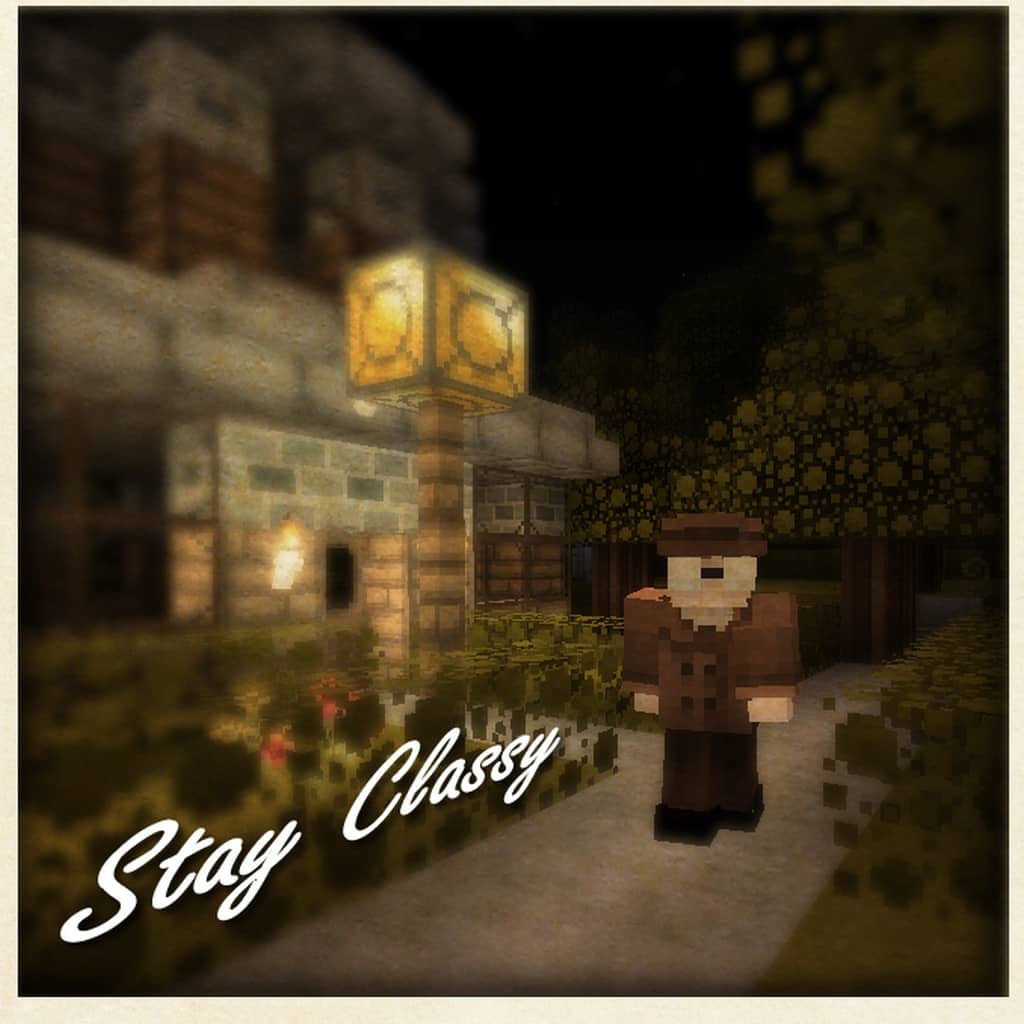
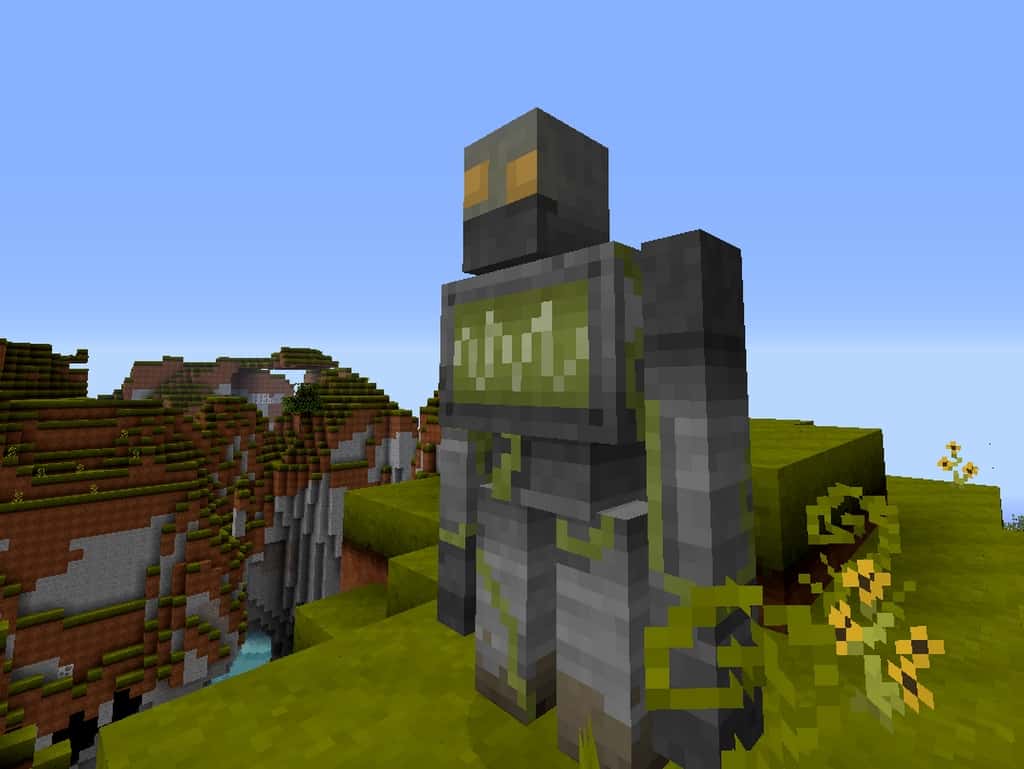
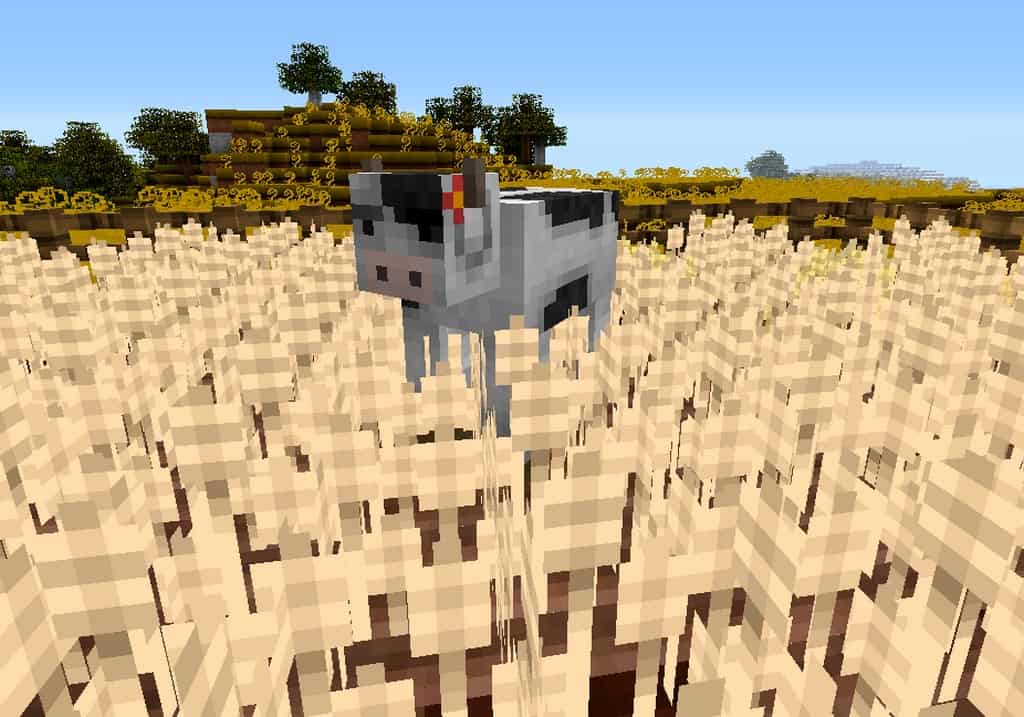
Screenshots

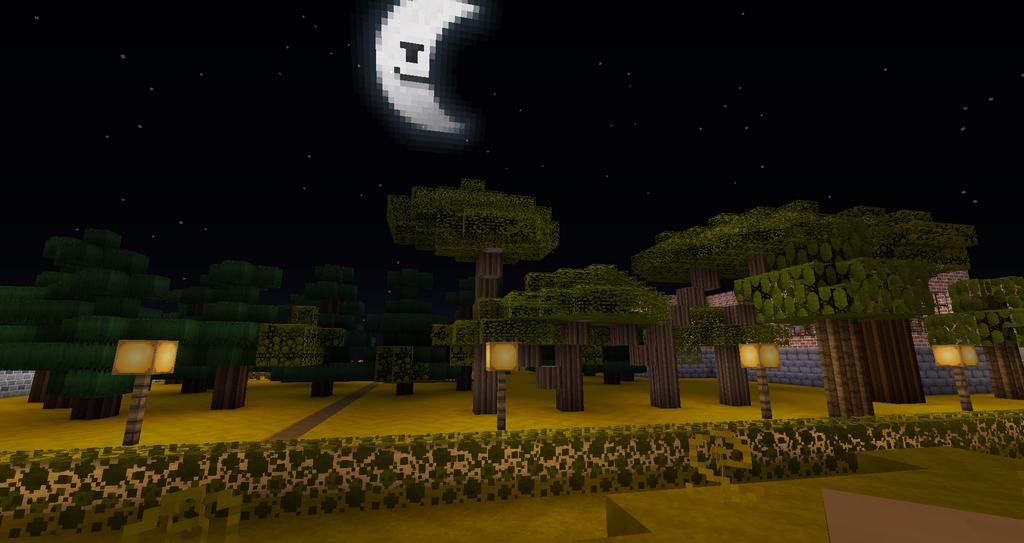
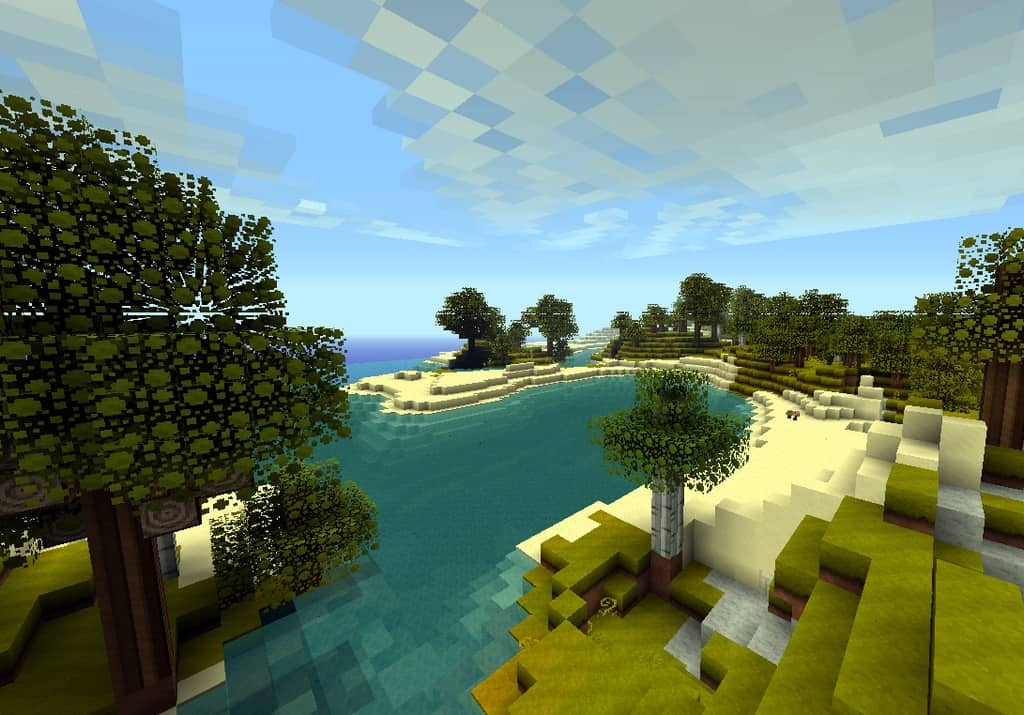
How to Install Texture Pack (Simple 10 Steps)
- Download OptiFine: Most of the texture packs and shaders need OptiFine. That’s why, first download and install OptiFine for the version of Minecraft you want to play.
- Download the Texture Pack: Get the texture pack you want from the download section. Choose the version that works with your Minecraft and your PC’s performance.
- Open Minecraft Launcher: Start Minecraft using the official game launcher — or even TLauncher, if you use that.
- Go to Options: From the main menu, click on the “Options” button.
- Open Resource Packs: Inside Options, click on “Resource Packs…”.
- Open the Resource Pack Folder: Click on “Open Resource Pack Folder” — this will open a folder named “resourcepacks”.
- Move the Pack File: Copy or move the .zip file you downloaded into that “resourcepacks” folder. (Don’t unzip the file — Minecraft uses it as-is!)
- Go Back and Refresh: Close the folder and click “Done”, then go back into “Resource Packs…” again.
- Activate the Pack: You’ll see the pack on the left side. Hover over it and click the arrow to move it to the right (active side).
Tip: If you get a message that the pack is for a different version, just click “Yes” — it usually works fine. - Click Done and Enjoy: Click “Done” again. Now your pack is ready to use in-game. It’s that easy!
Credits
This resource pack was originally created by Whiskers and LokiOfSassgaard. We do not claim ownership of this content, nor have we modified the original files in any way. All rights remain with the original creators, and we strongly encourage you to visit their official download pages to support their work.
Download Links
Java Edition
Download Instructions
Curseforge: download starts automatically after a few seconds;
Mediafire: click the big blue button with the text “DOWNLOAD”;
Google Drive: in the top right corner you will see a small download icon (down arrow), click it and the download should start;


