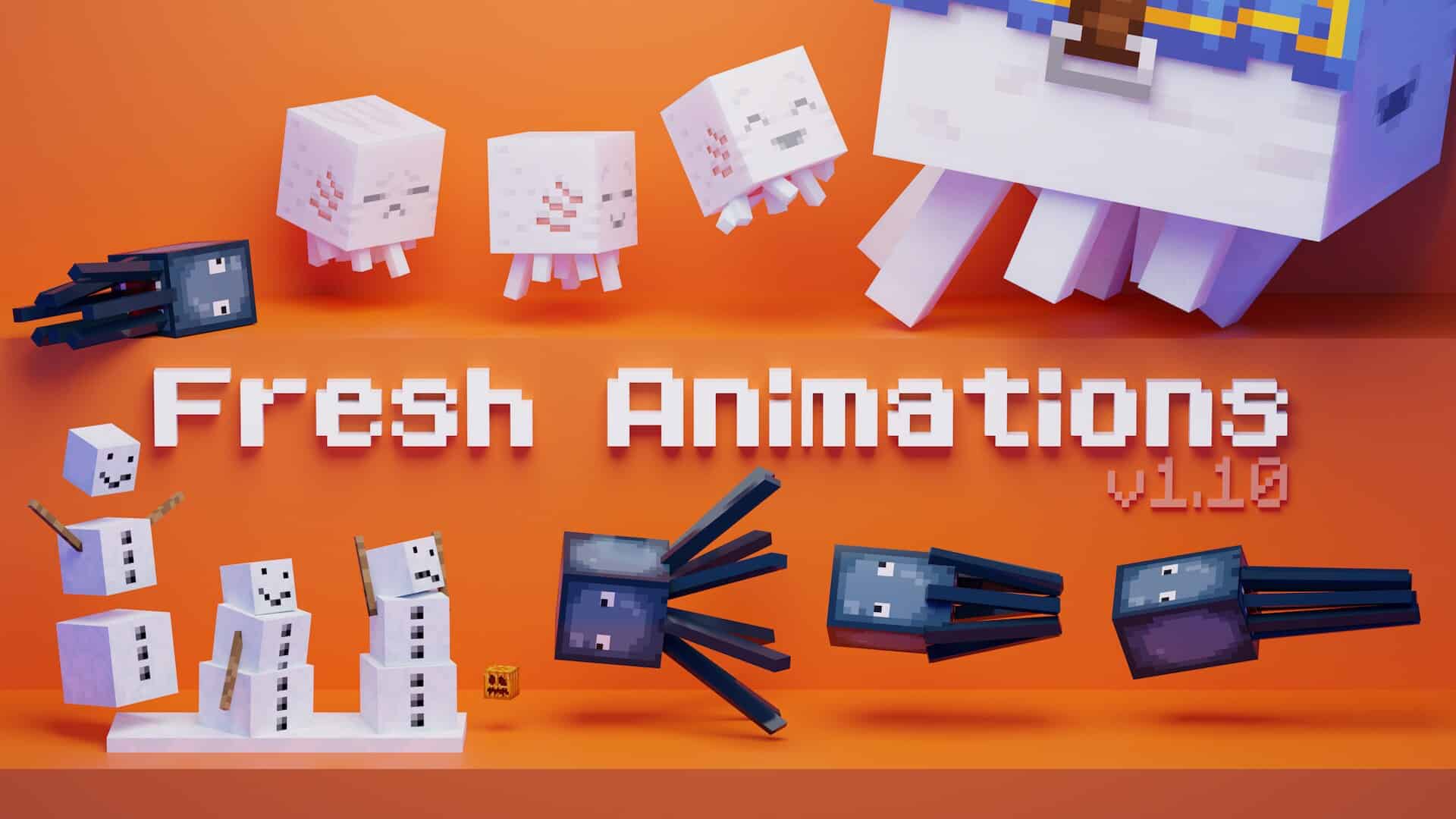
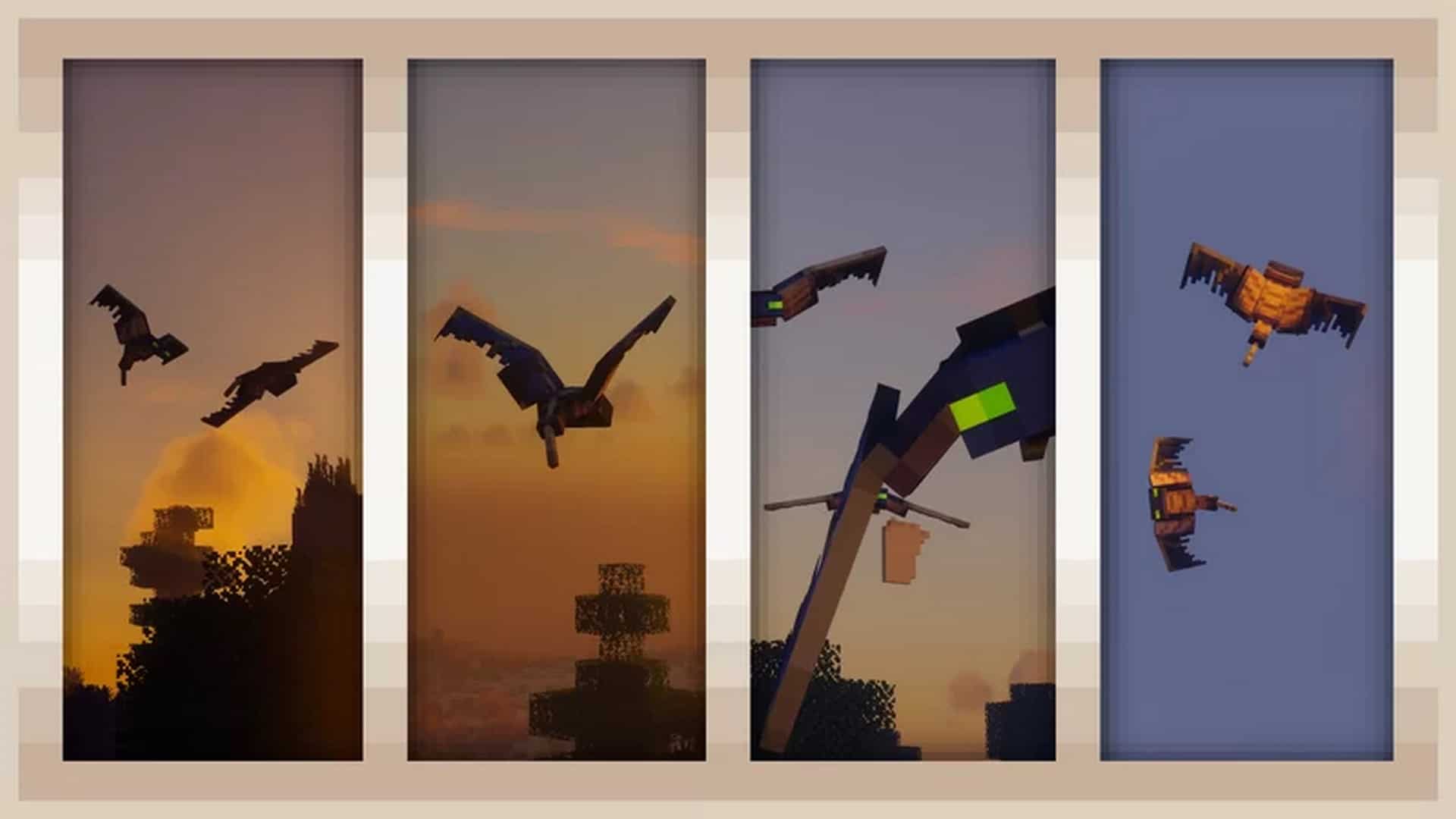
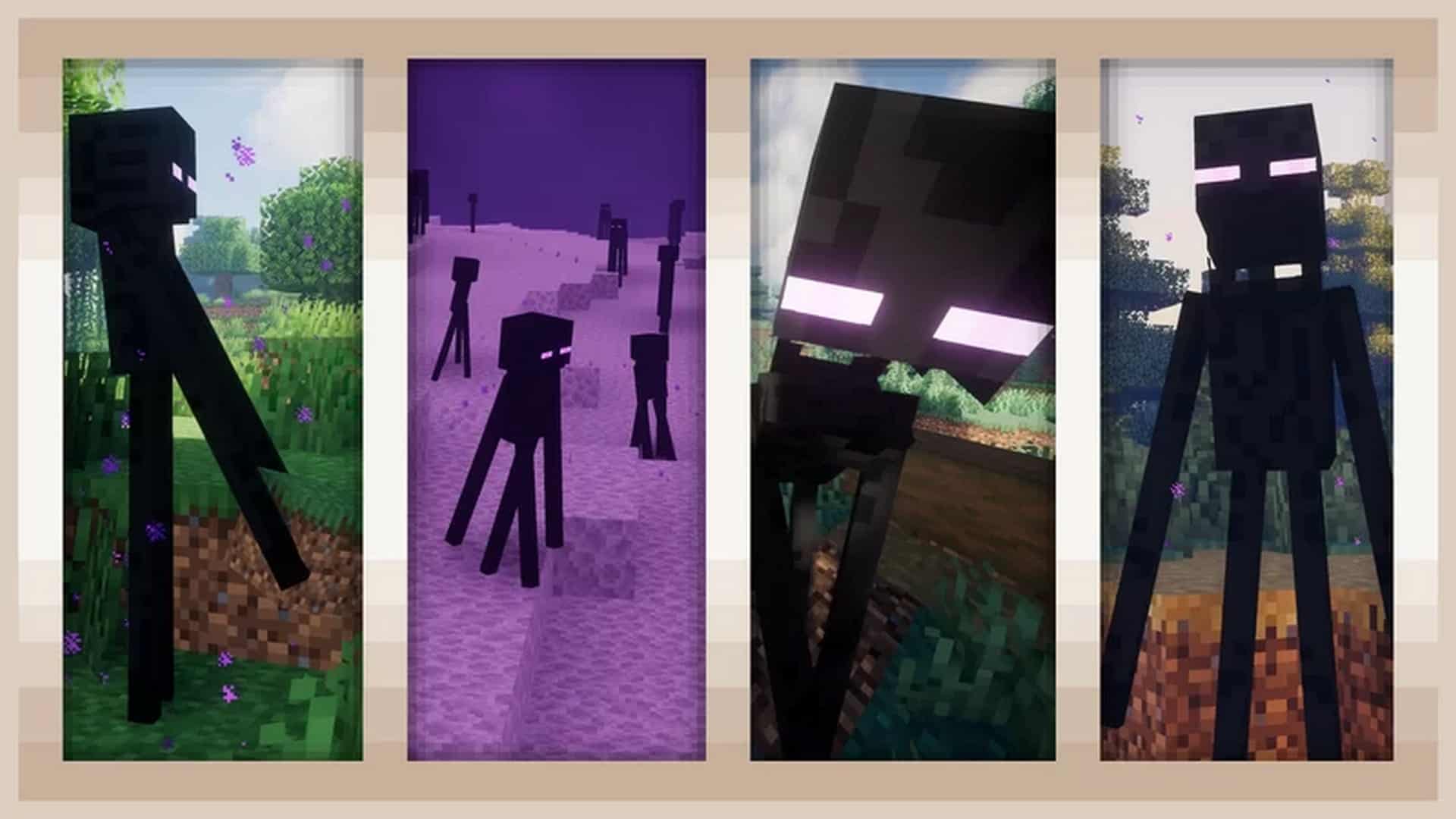
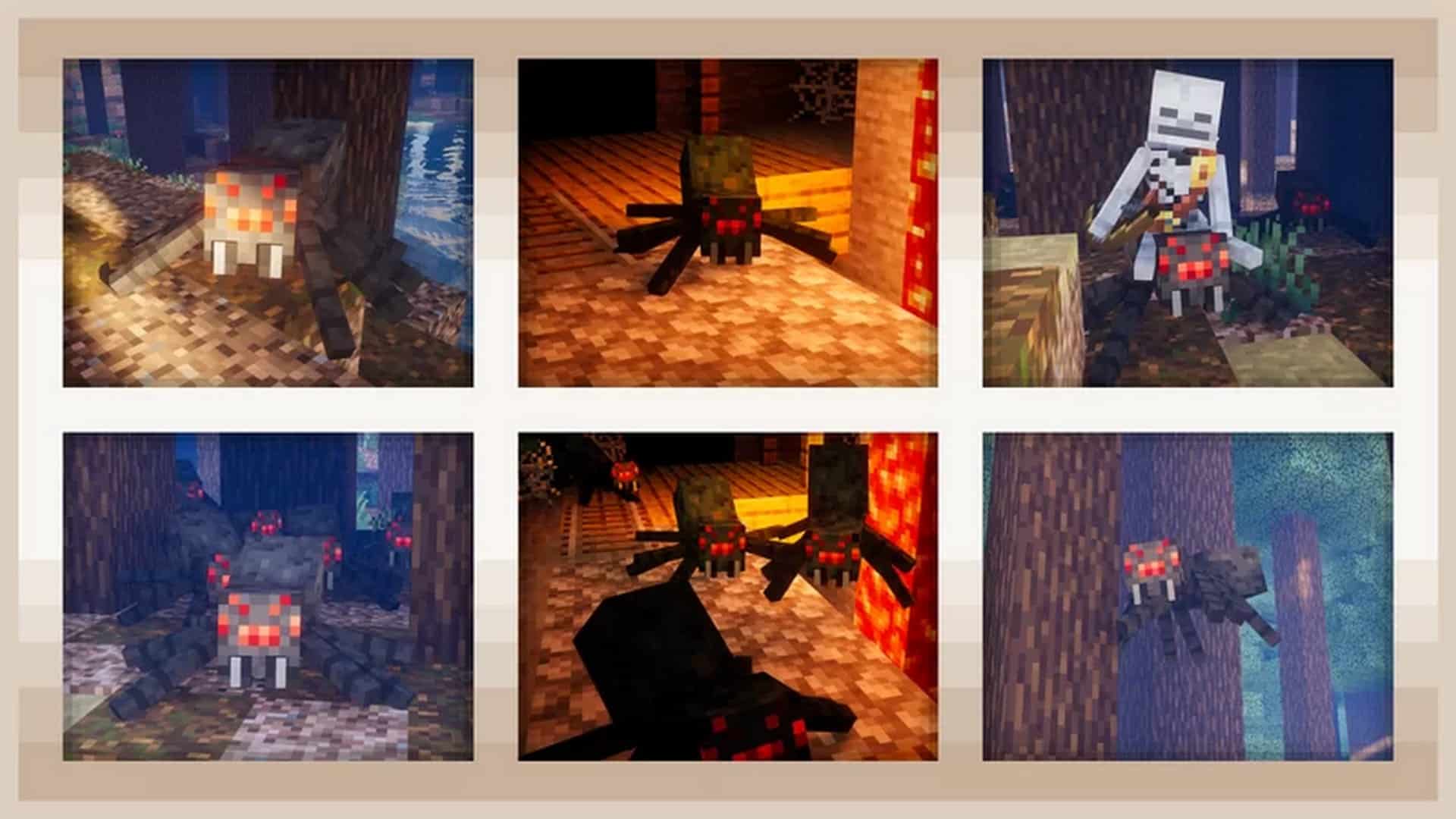
Are you starting to feel like Minecraft is becoming a bit too plain and repetitive? It is completely understandable, even though the game has a massive amount of content. Simple, repetitive animations can easily make you feel bored over time, and that is definitely something vanilla Minecraft suffers from. Well, I am thrilled to say that is no longer an issue because the incredible Fresh Animations resource pack is here to completely rekindle your love for the game! Fresh Animations is genuinely phenomenal and makes Minecraft feel like an entirely brand-new experience. But how does it achieve this? Read on as I share everything you need to know about it. Created by FreshLX, this resource pack has a wonderfully simple purpose: completely overhauling and drastically improving the animations for the mobs. Before using this resource pack, mob movements always felt extremely jerky and were strictly limited to predictable forward, sideward, and backward motions. Once you download and install the Fresh Animations pack, Minecraft transforms entirely. Mobs exhibit much smarter behaviors as they can now fluidly turn around, run or walk smoothly without any stuttering, jump dynamically, and execute a variety of other complex movements. Fresh Animations is continuously evolving, so you can definitely look forward to even more amazing additions in the future. At present, it features incredible support across multiple versions. Version 1.0 introduces fantastic new animations to villagers, iron golems, witches, vindicators, evokers, pillagers, and ravagers. Creepers, zombies, husks, zombie villagers, skeletons, wither skeletons, and illusionists receive wonderful new animations in Version 1.1. Be sure to grab version 1.2 as well to enjoy stunning new animations for pigs, wandering traders, phantoms, and blazes.
According to the creator, Minecraft Dungeons and official Minecraft trailers served as the main inspiration for both current and upcoming animations. Because of this, you might want to rewatch those trailers to get a sneak peek at the exciting features currently in development. So, which option is truly better? Vanilla Minecraft simply cannot compete with Fresh Animations when it comes to fluid, lively movement. As mentioned before, Fresh Animations gives mobs much smarter, lifelike behaviors that the predictable and jerky vanilla animations just cannot match. However, in terms of textures and overall graphics, everything remains faithful to the classic look. Because of this, do not expect this resource pack to turn Minecraft into a hyper-realistic AAA computer game. Fresh Animations does not alter the core gameplay loop either, meaning you should not expect any brand-new mechanics to be added. Fortunately, this means it preserves all the beloved features that make Minecraft unique while making the entire world feel completely fresh and alive. Best of all, the Fresh Animations resource pack is remarkably lightweight and not demanding on your computer system at all, meaning you certainly do not need to upgrade your gaming PC to enjoy it. However, please note that you will need to install the OptiFine game utility, as Fresh Animations relies heavily on OptiFine’s Custom Entities and Random Entities features. To save yourself any potential headaches, I highly recommend downloading a compatible OptiFine version, as older builds may not function correctly with the latest updates of Fresh Animations.
Fresh Animations should be compatible with all of these Minecraft versions: 26.2 – 26.1.2 – 26.1.1 – 26.1 – 1.21.11 – 1.21.10 – 1.21.9 – 1.21.8 – 1.21.7 – 1.21.6 – 1.21.5 – 1.21.4 – 1.21.3 – 1.21.2 – 1.21.1 – 1.21 – 1.20.6 – 1.20.5 – 1.20.4 – 1.20.3 – 1.20.2 – 1.20.1 – 1.20 – 1.19.4 – 1.19.3 – 1.19.2 – 1.19.1 – 1.19 – 1.18.2 – 1.18.1 – 1.18 – 1.17.1 – 1.17 – 1.16.5 – 1.16.4 – 1.16.3 – 1.16.2 – 1.16.1 – 1.16 – 1.15.2 – 1.15.1 – 1.15
Screenshots
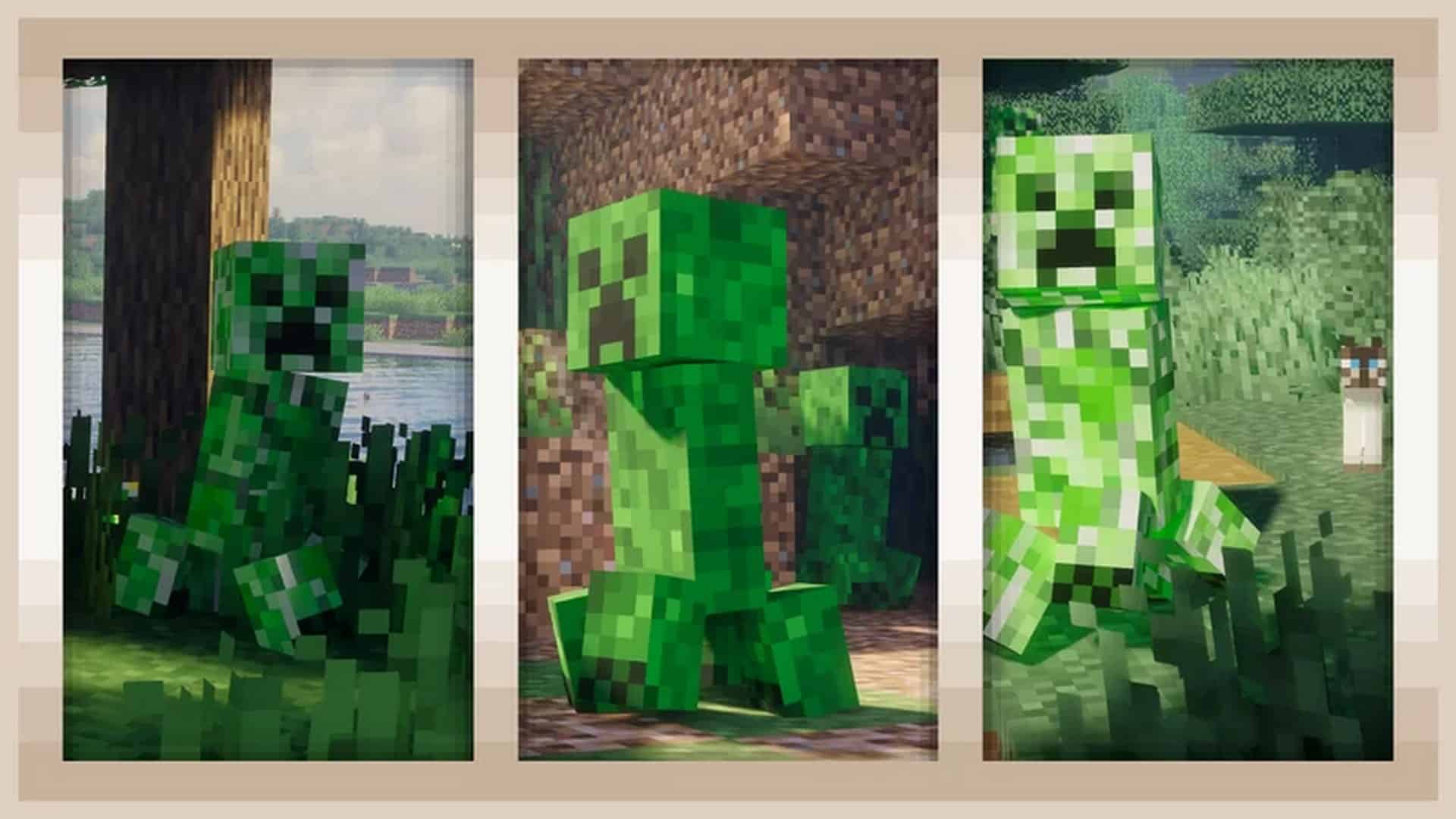
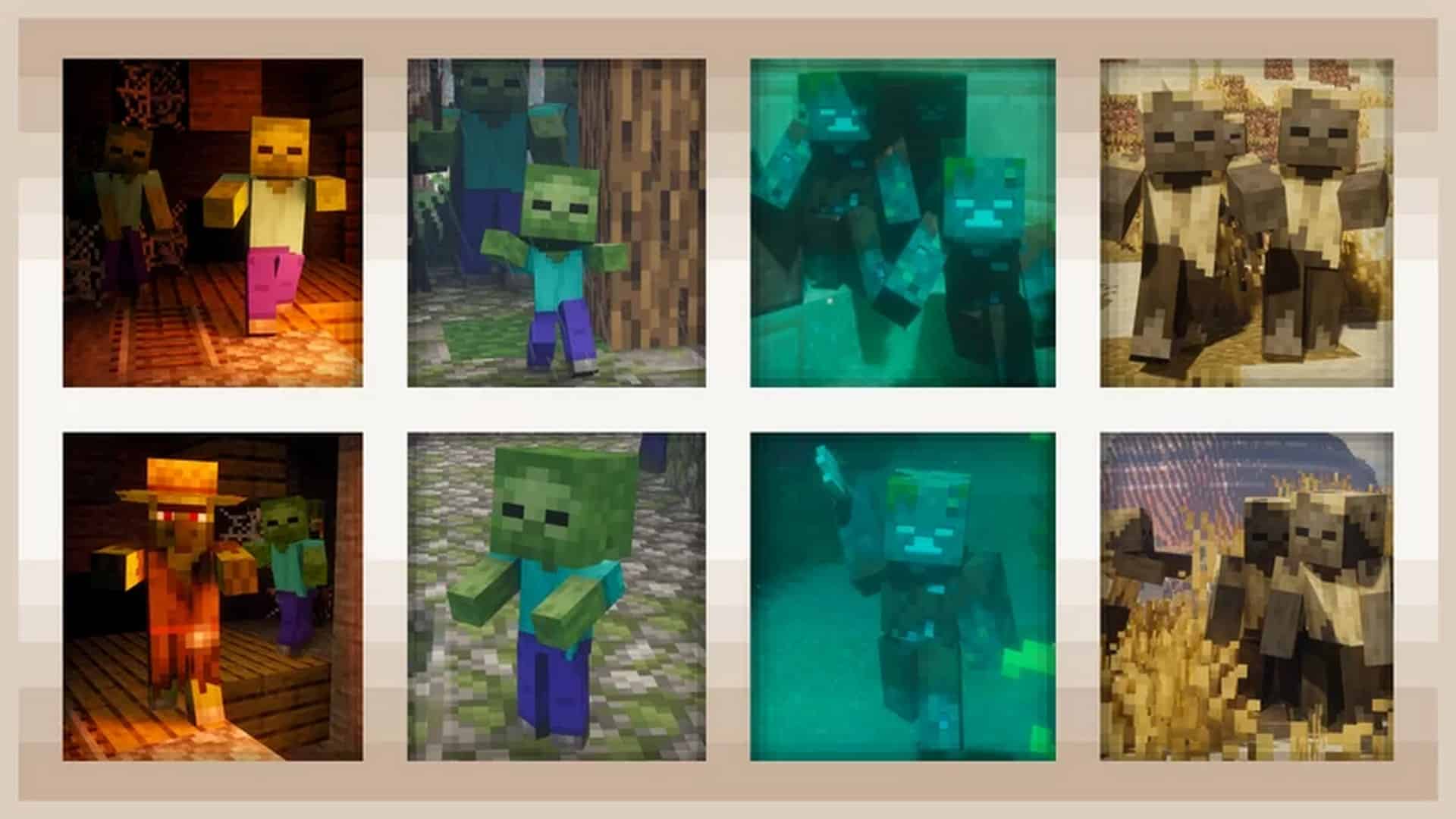
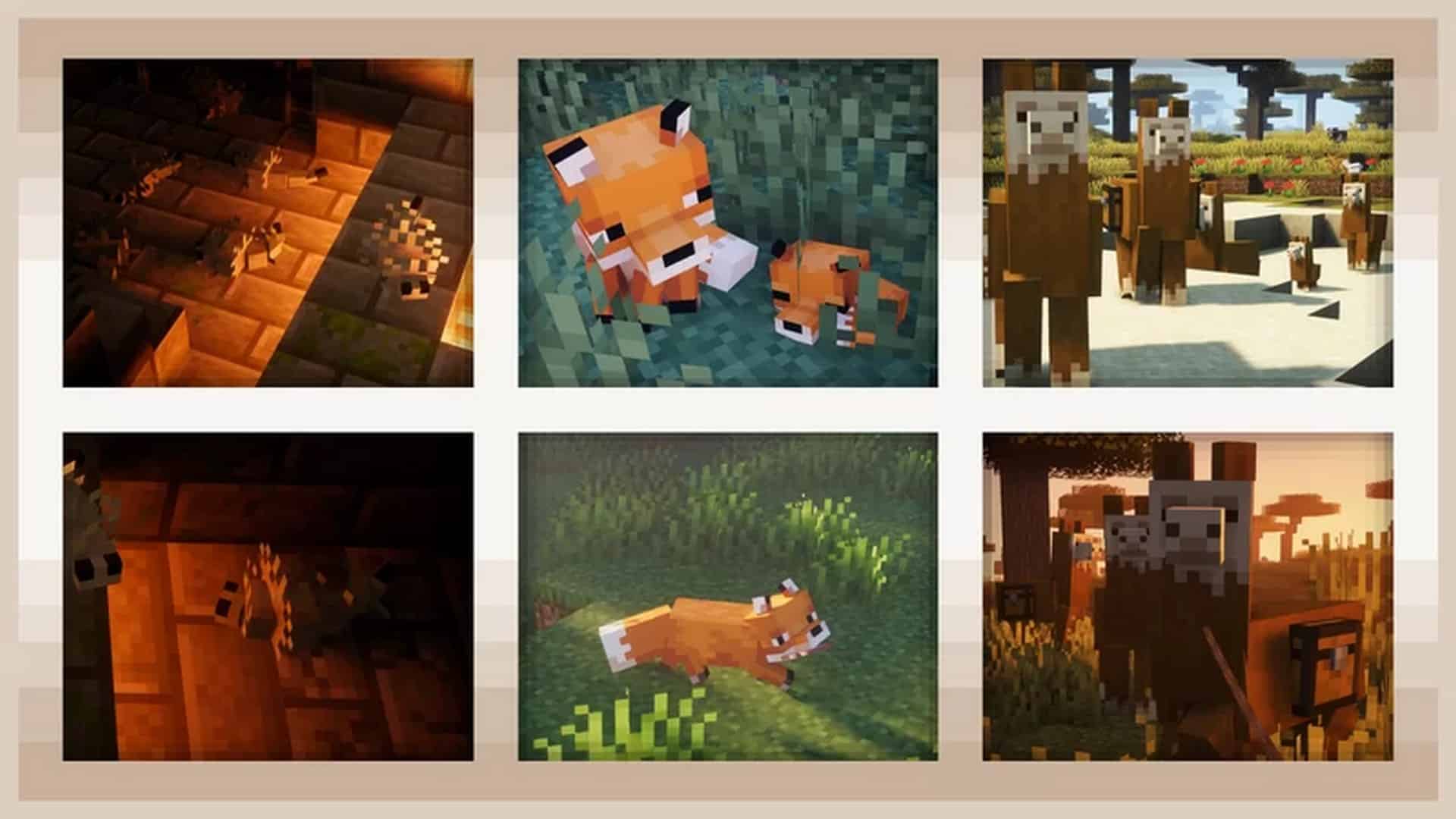
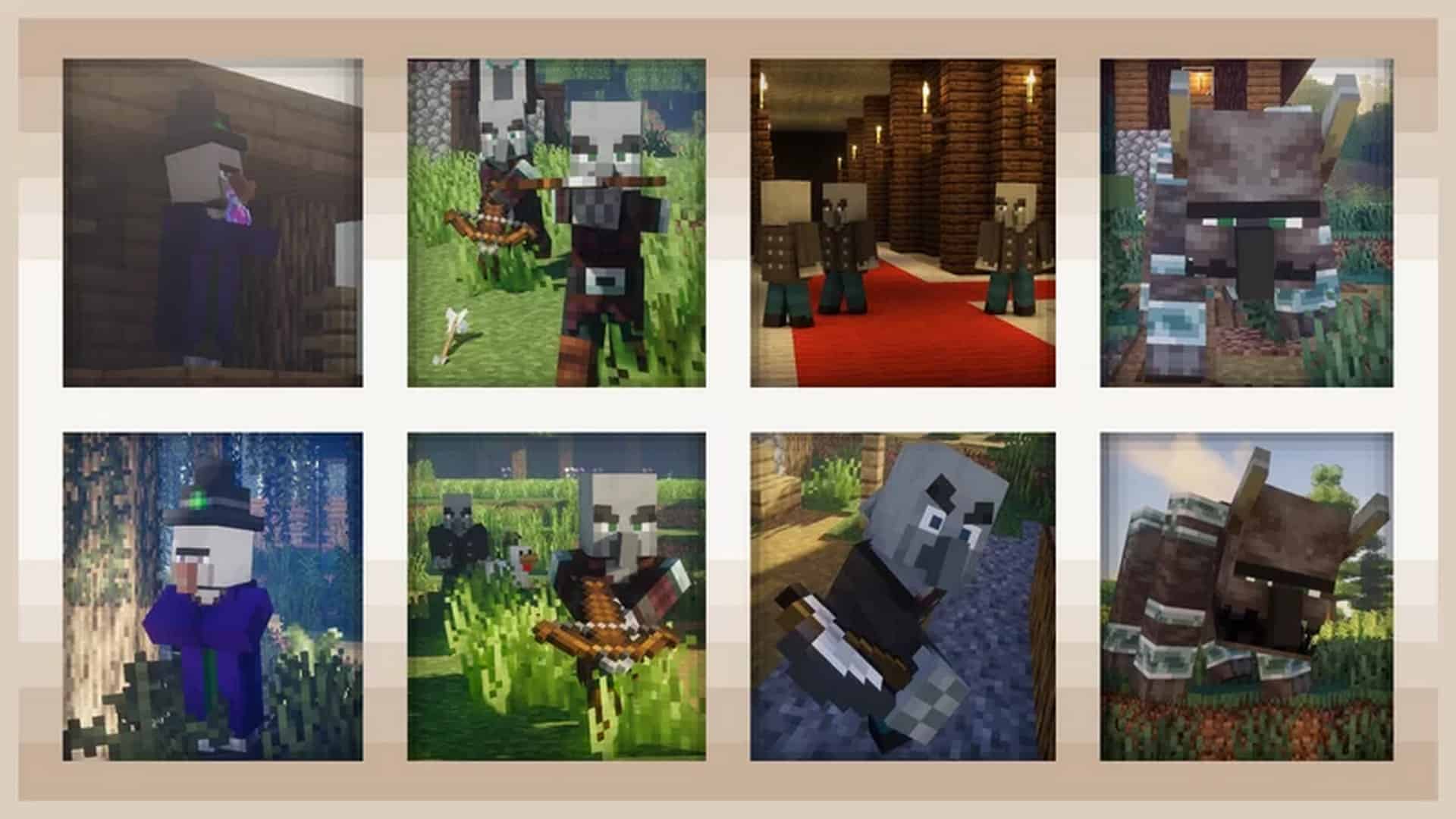
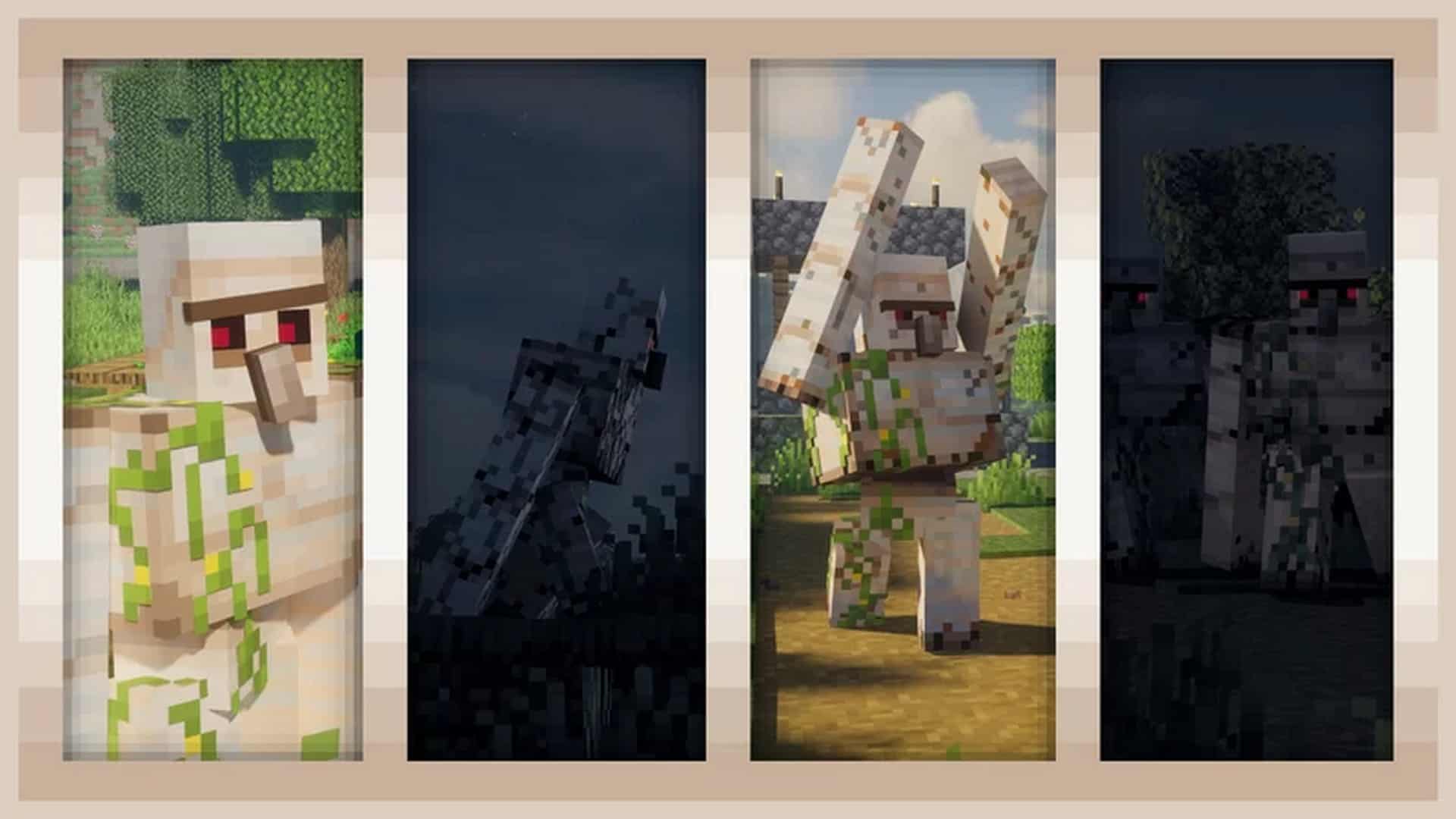
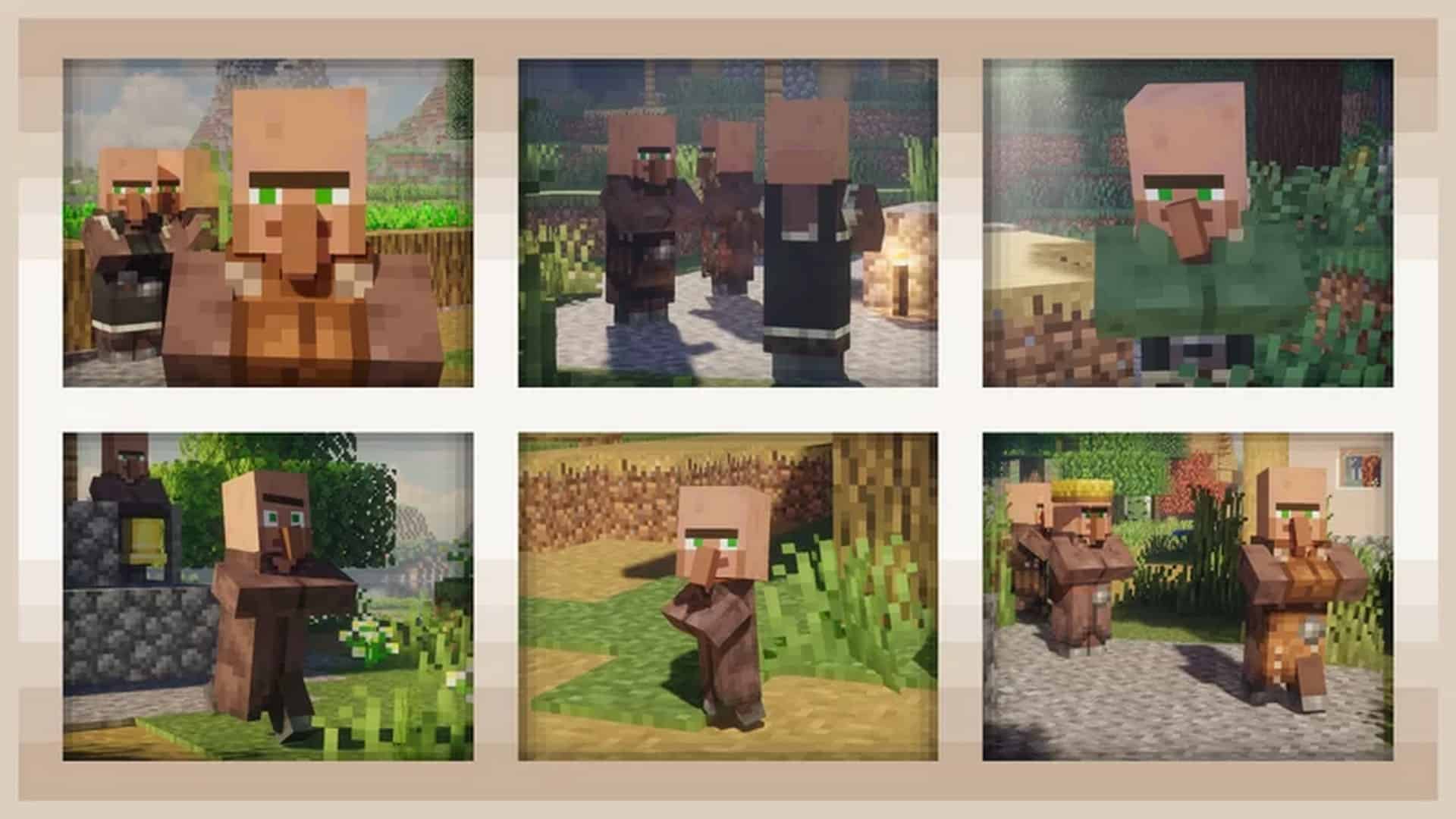
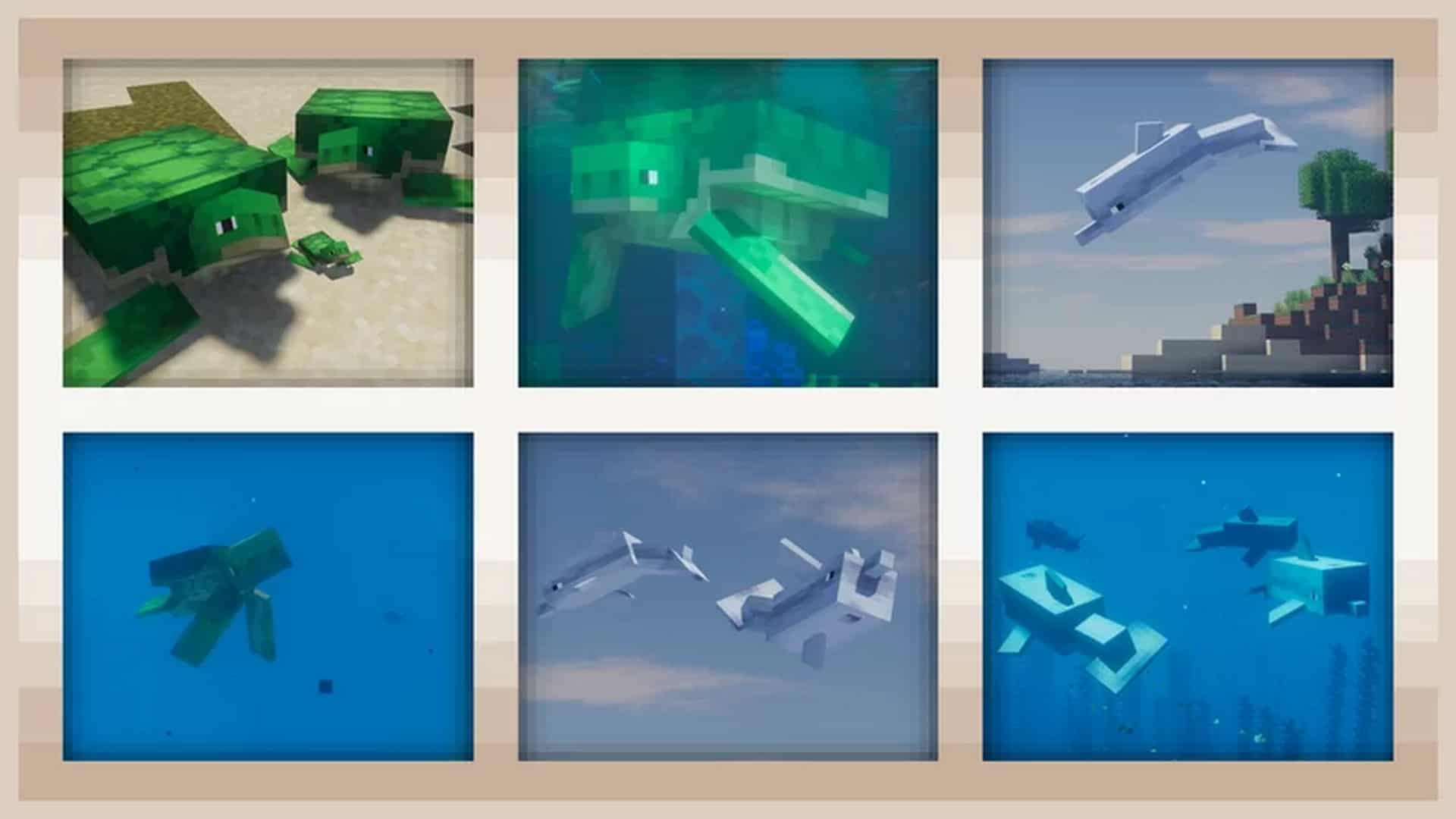
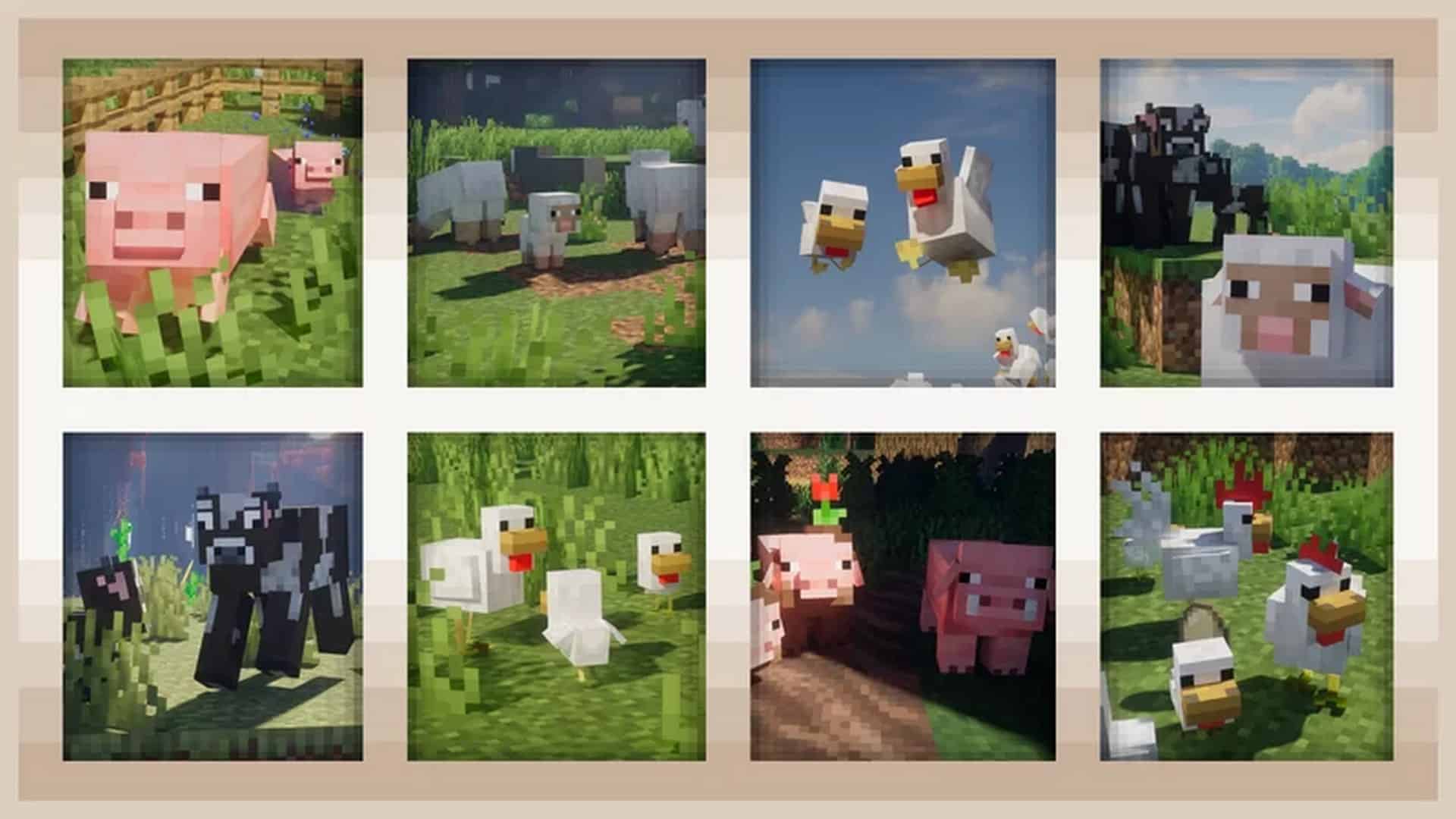
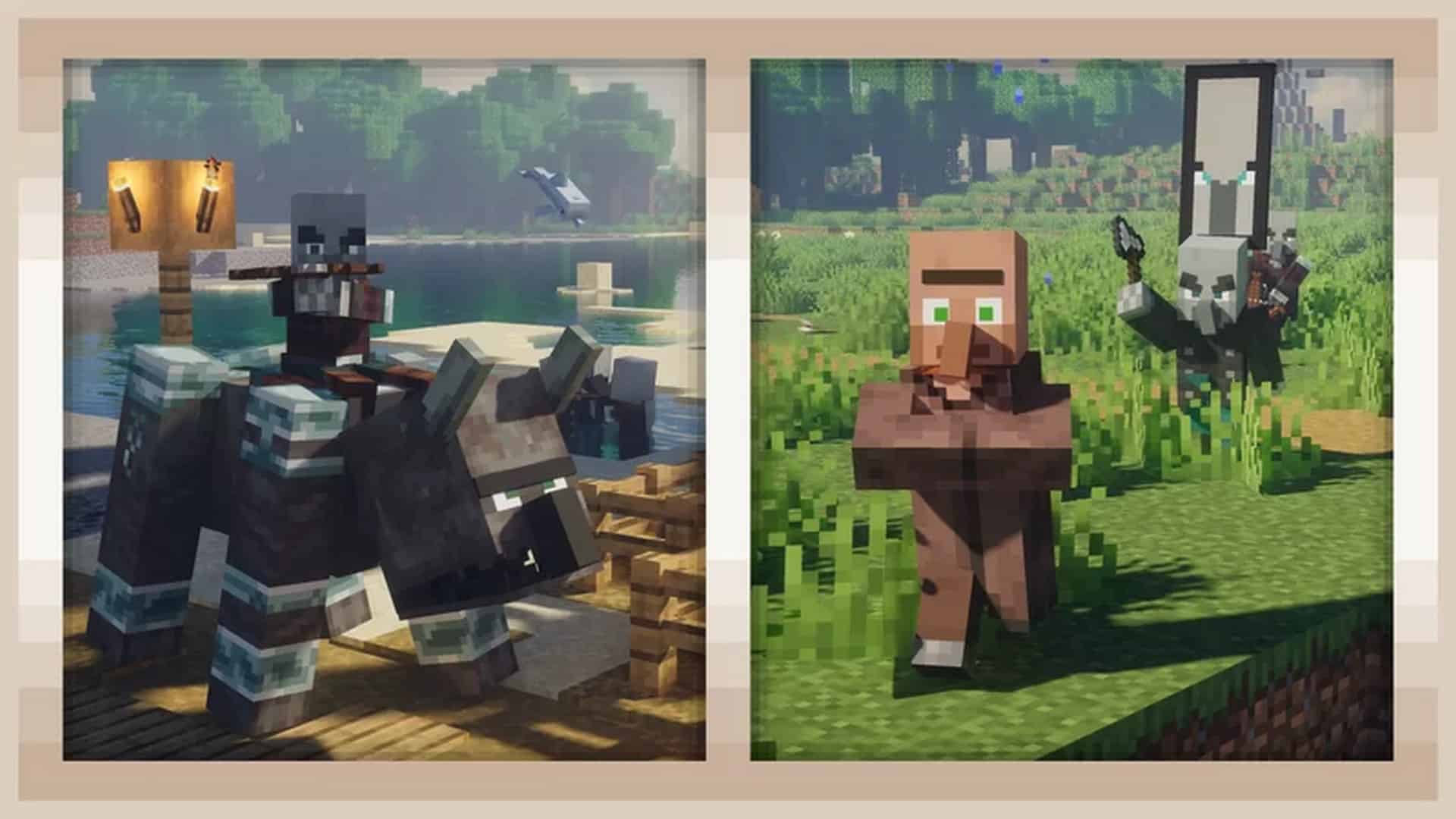
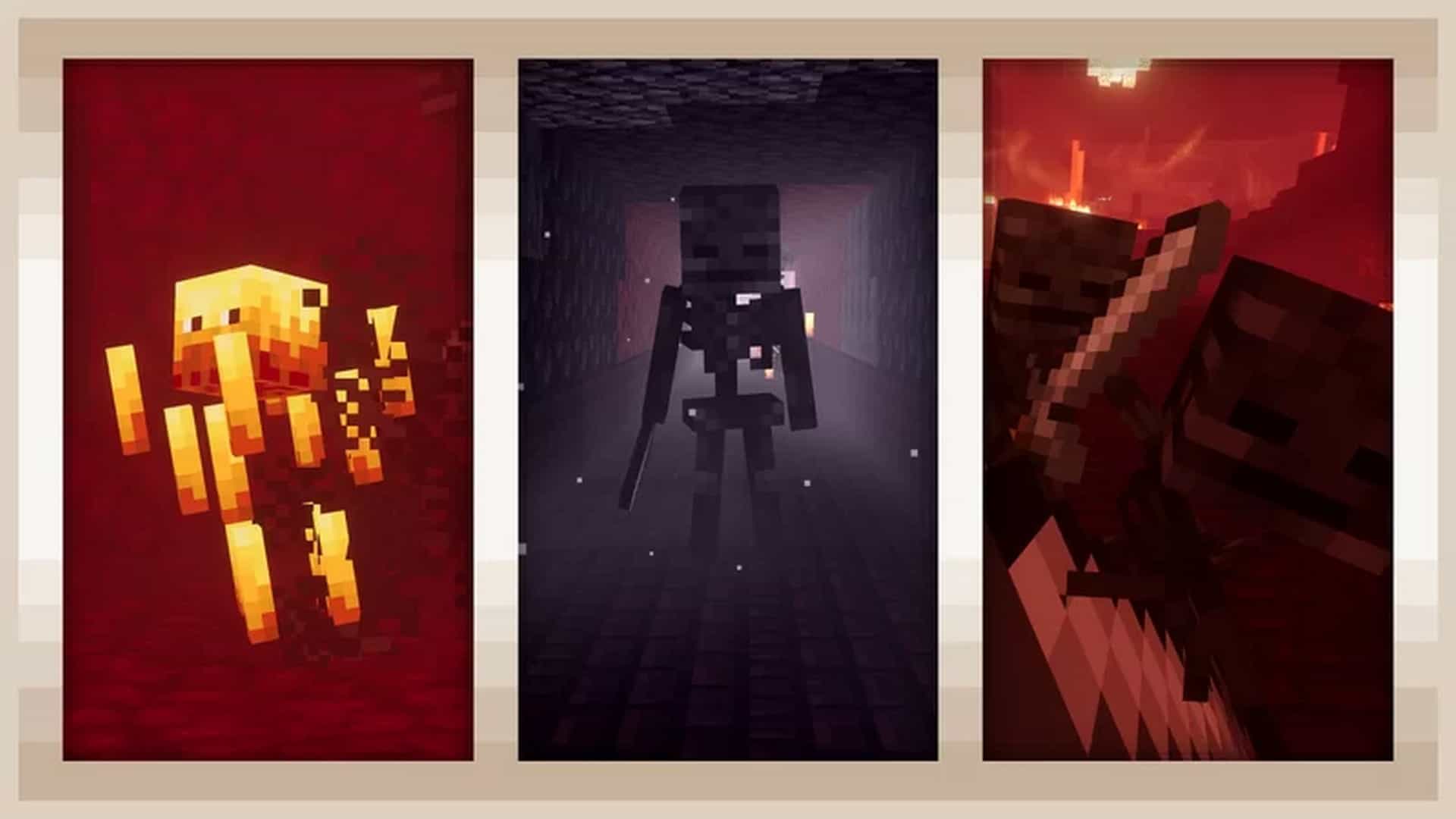
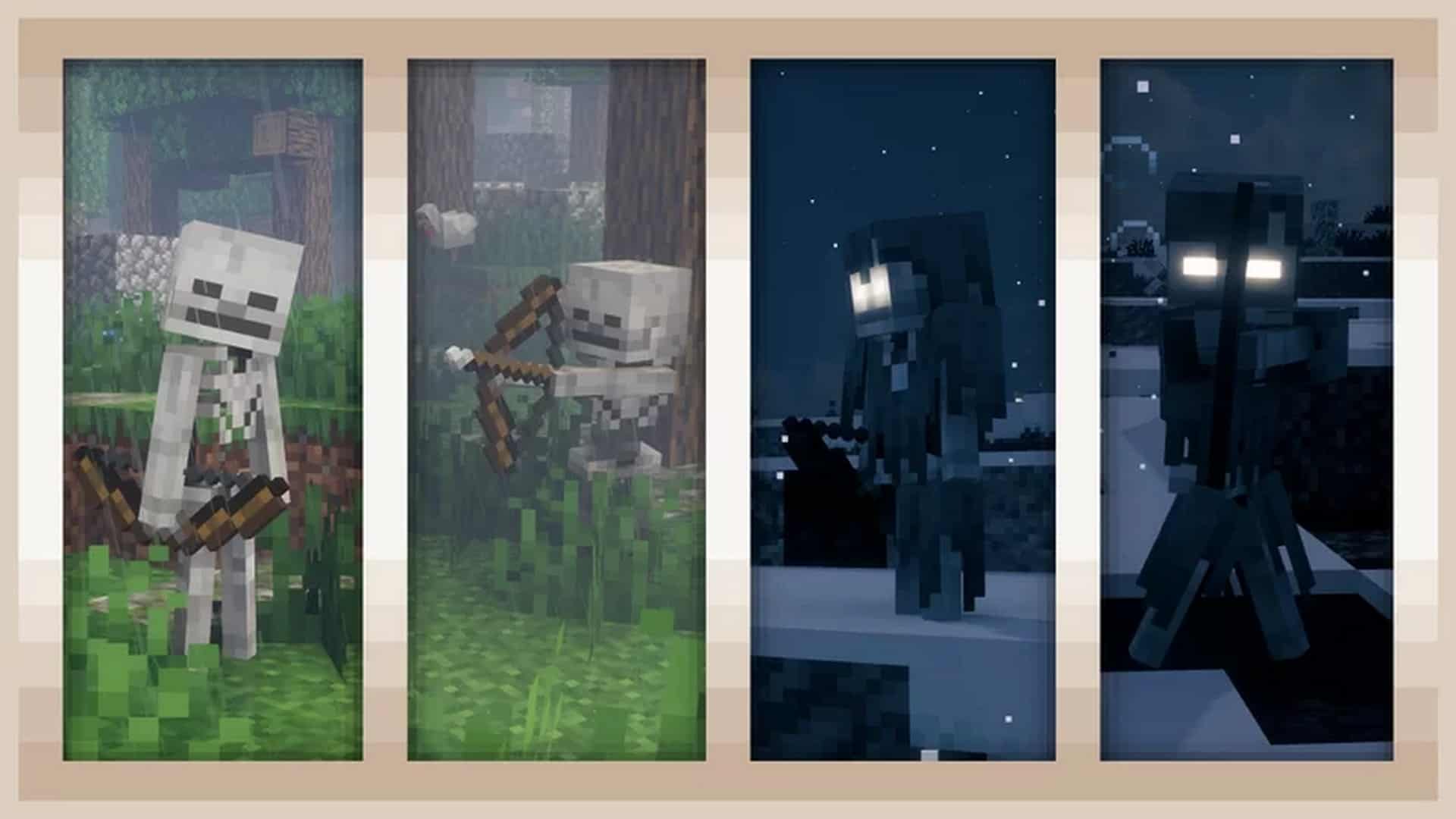
How to Install Texture Pack (Simple 10 Steps)
- Download OptiFine: Most of the texture packs and shaders need OptiFine. That’s why, first download and install OptiFine for the version of Minecraft you want to play.
- Download the Texture Pack: Get the texture pack you want from the download section. Choose the version that works with your Minecraft and your PC’s performance.
- Open Minecraft Launcher: Start Minecraft using the official game launcher — or even TLauncher, if you use that.
- Go to Options: From the main menu, click on the “Options” button.
- Open Resource Packs: Inside Options, click on “Resource Packs…”.
- Open the Resource Pack Folder: Click on “Open Resource Pack Folder” — this will open a folder named “resourcepacks”.
- Move the Pack File: Copy or move the .zip file you downloaded into that “resourcepacks” folder. (Don’t unzip the file — Minecraft uses it as-is!)
- Go Back and Refresh: Close the folder and click “Done”, then go back into “Resource Packs…” again.
- Activate the Pack: You’ll see the pack on the left side. Hover over it and click the arrow to move it to the right (active side).
Tip: If you get a message that the pack is for a different version, just click “Yes” — it usually works fine. - Click Done and Enjoy: Click “Done” again. Now your pack is ready to use in-game. It’s that easy!
Credits
Fresh Animations was created by FreshLX. We do not claim ownership of this resource pack and all rights belong to the original creator. We strongly encourage visiting the official creator pages to support their ongoing work.
Download Links
Java Edition
- [16x] Fresh Animations Resource Pack (26.2.x – 26.1.x)
- [16x] Fresh Animations Resource Pack (1.21.x – 1.20.x)
- [16x] Fresh Animations Resource Pack (1.19.x)
- [16x] Fresh Animations Resource Pack (1.18.x)
- [16x] Fresh Animations Resource Pack (1.17.x)
- [16x] Fresh Animations Resource Pack (1.16.x)
- [16x] All Extensions Add-on Pack (26.2.x – 26.1.x)
- [16x] All Extensions Add-on Pack (1.21.x)
- [16x] All Extensions Add-on Pack (1.20.x)
- [16x] All Extensions Add-on Pack (1.19.x – 1.18.x)
- [16x] All Extensions Add-on Pack (1.17.x)
- [16x] All Extensions Add-on Pack (1.16.x)
- Browse Compatible Resource Packs
Download Instructions
Curseforge: download starts automatically after a few seconds;
Mediafire: click the big blue button with the text “DOWNLOAD”;
Google Drive: in the top right corner you will see a small download icon (down arrow), click it and the download should start;


