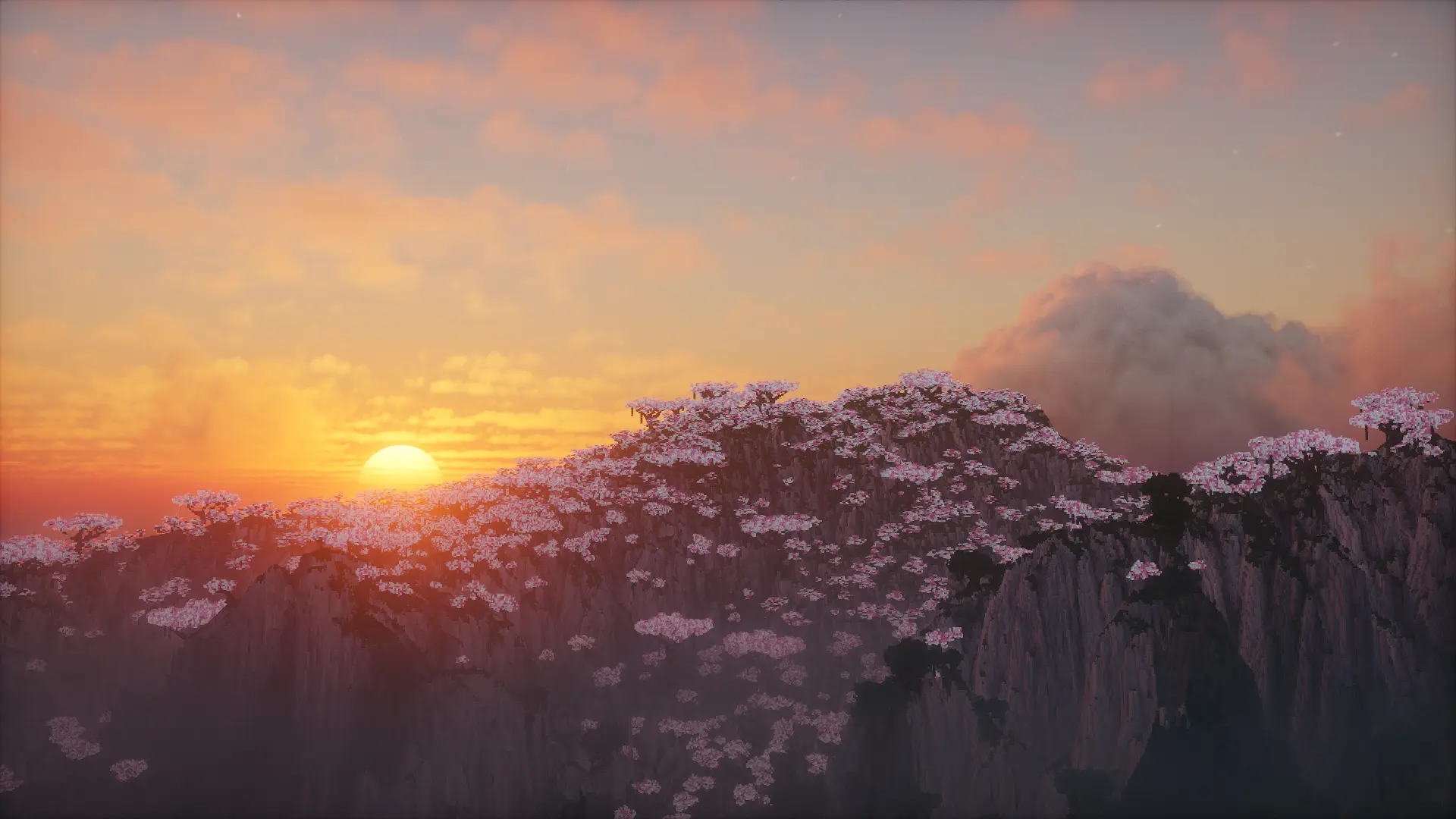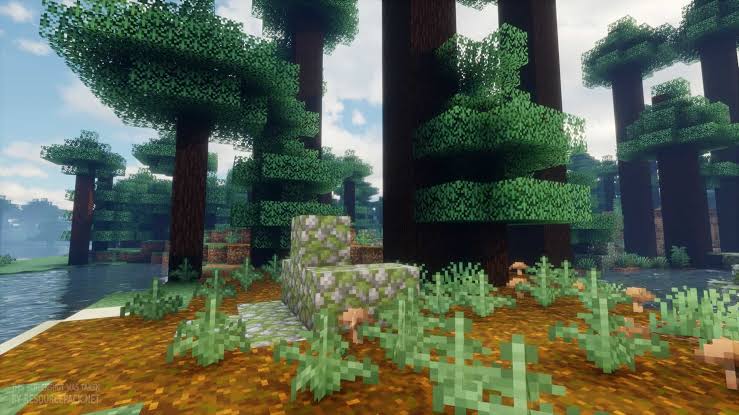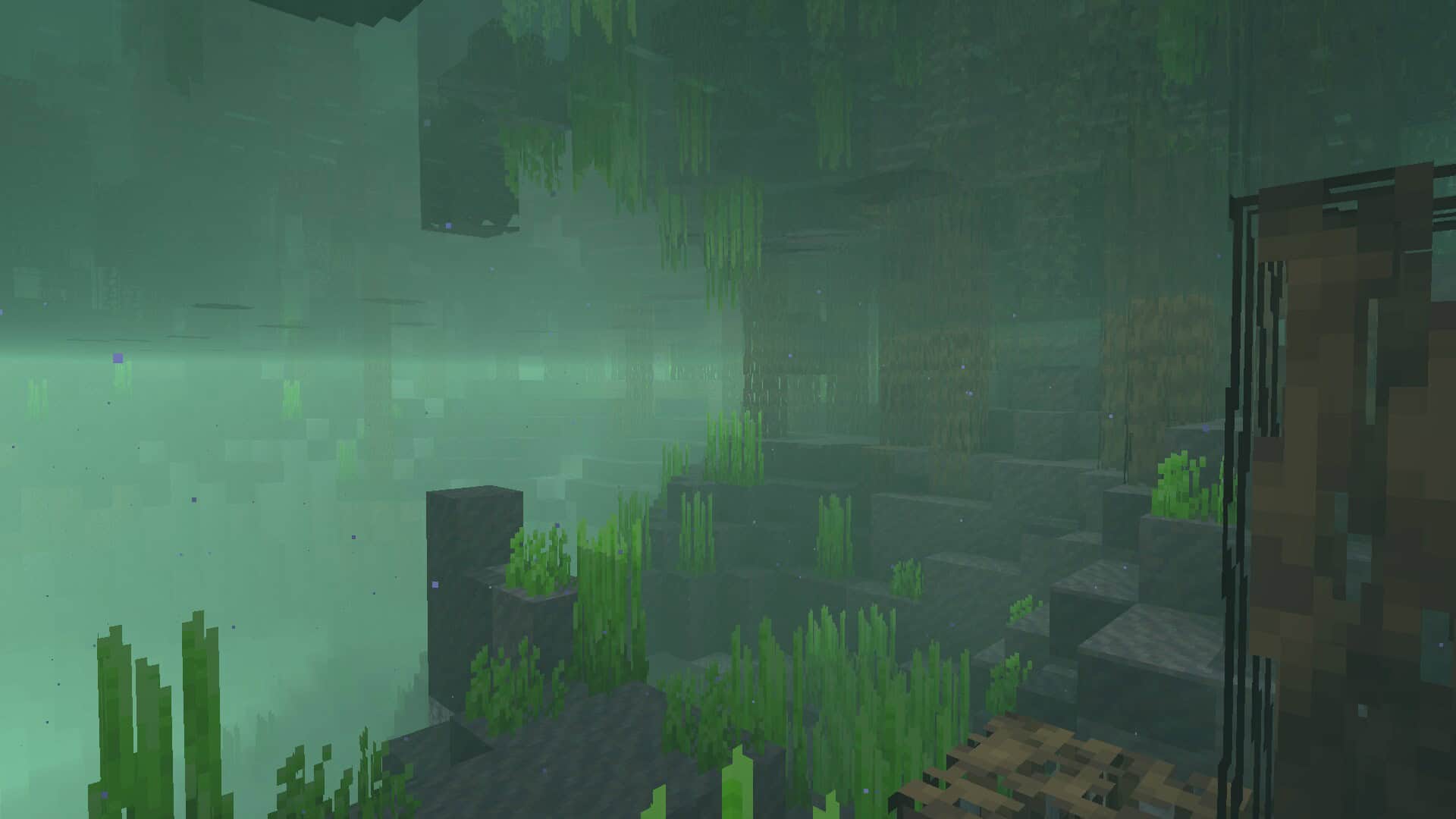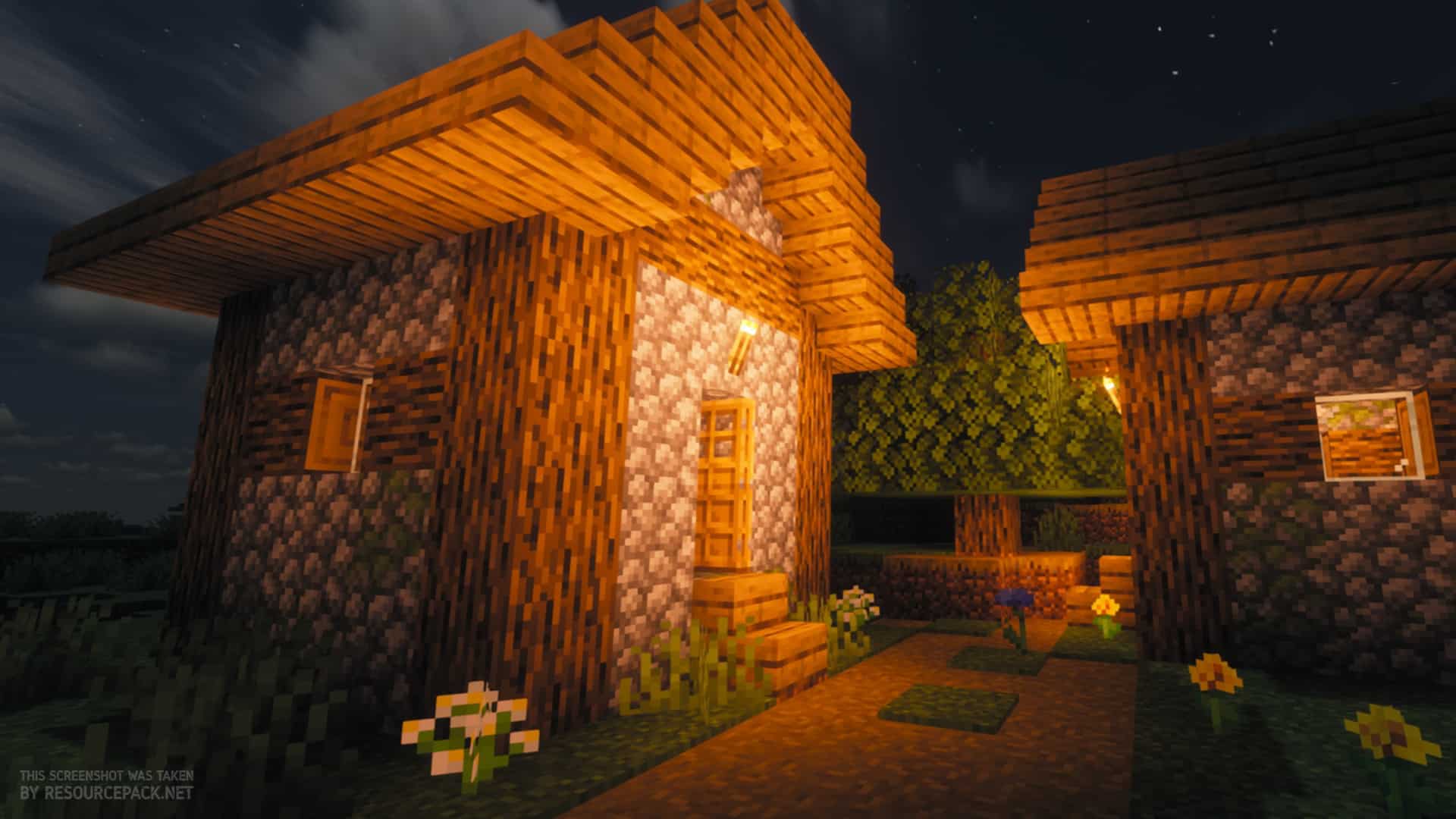
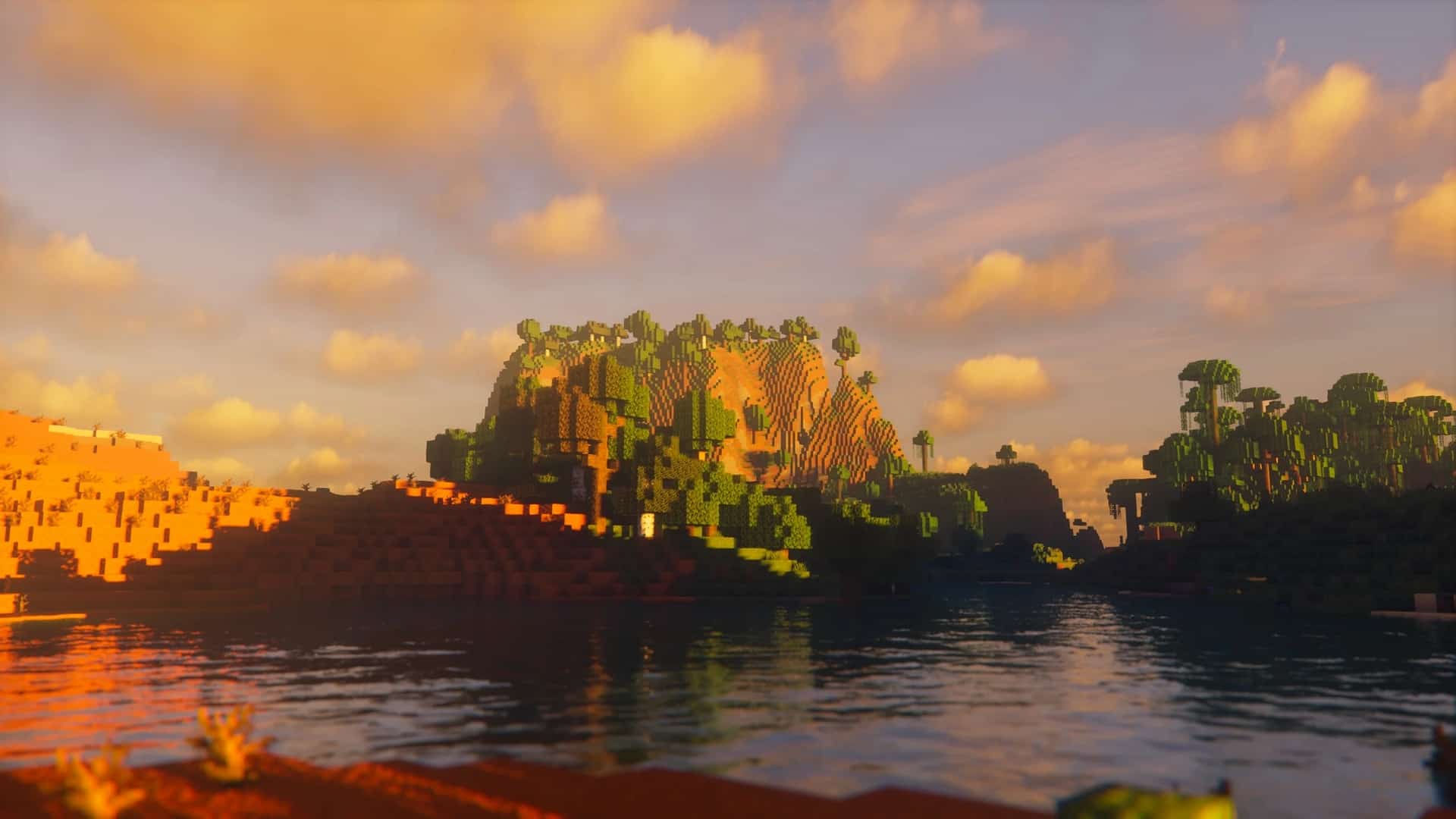
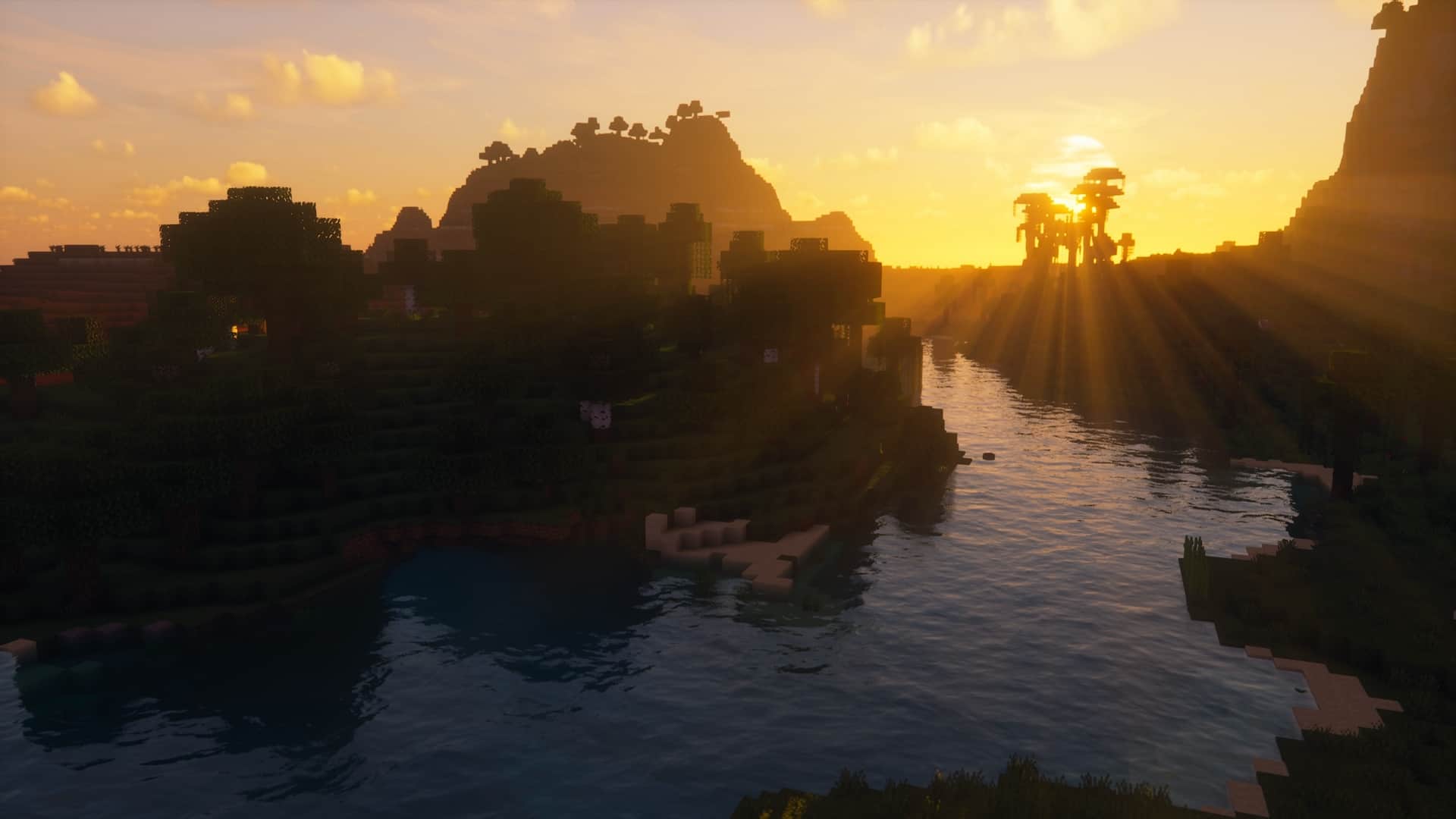
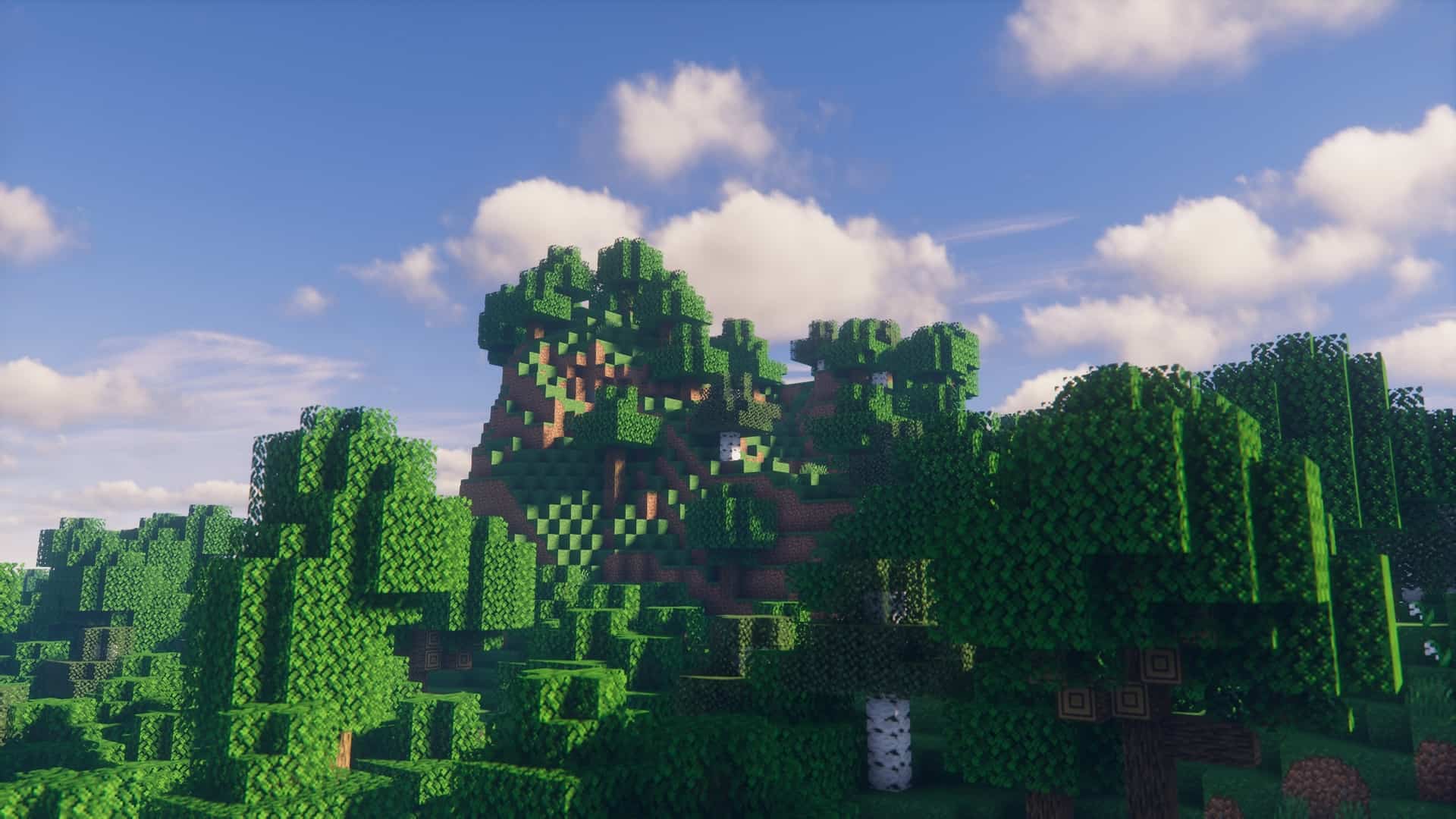
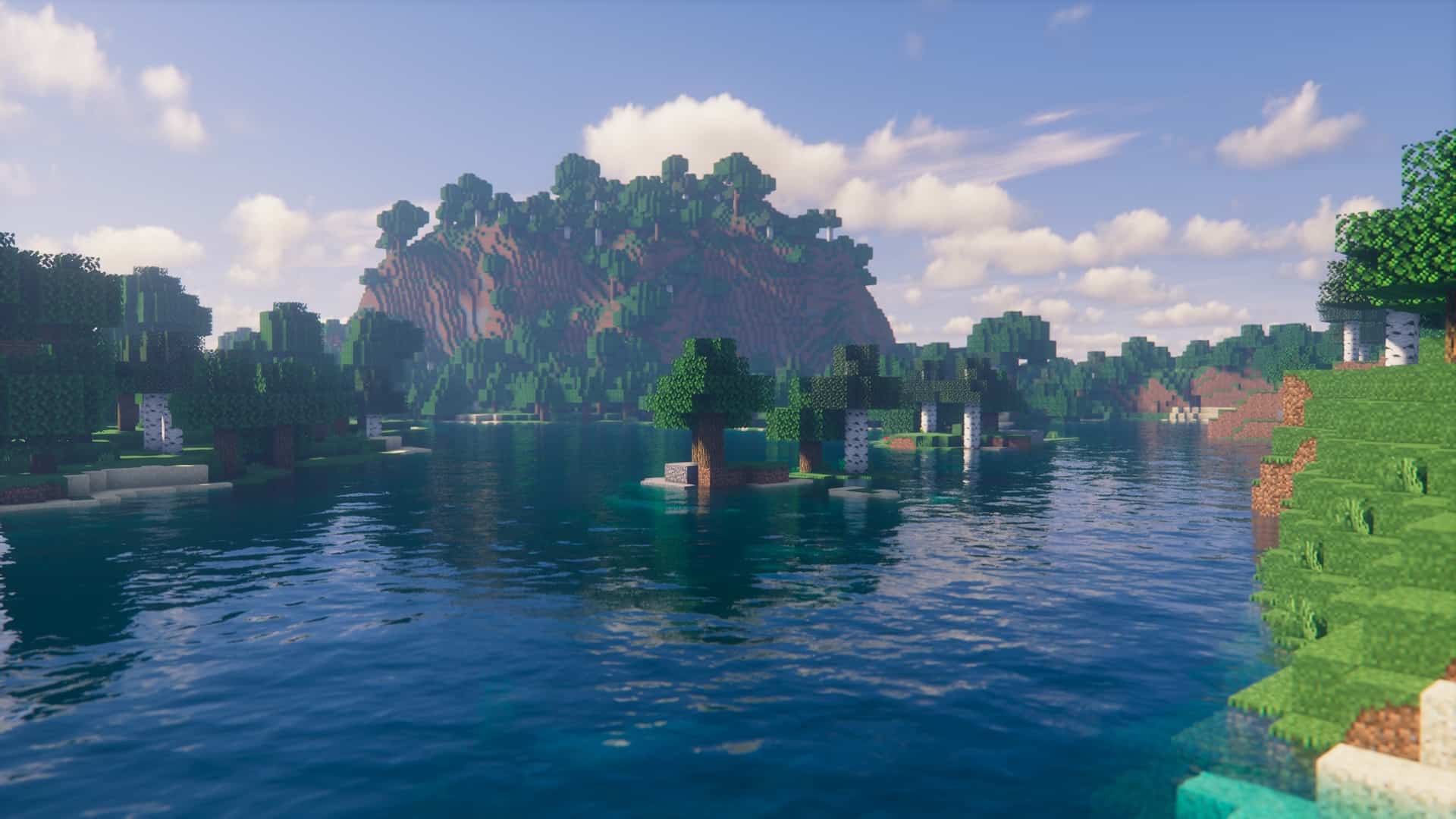
The FastPBR shader pack gets its name from an incredible graphics technique aimed squarely at achieving true photorealism, bringing it straight into Minecraft to massively amplify both the game’s overall appearance and your personal player experience. One of the universal downsides of adding shaders, regardless of the type, is normally a heavy, frustrating drop in frame rates. Thankfully, the developer of FastPBR, RRe36, placed a huge focus on carefully optimizing every feature and technique used in order to retain as much FPS as possible and completely avoid annoying stuttering. This smart focus caused its popularity to skyrocket almost immediately after release, alongside some genuinely impressive visual effects that left us all amazed. FastPBR draws its incredible realism from physically based rendering, a fantastic collection of techniques that genuinely attempt to mimic light realistically, making the world look far more true-to-life than standard rendering algorithms. The true, breathtaking beauty of this approach is most noticeable during Minecraft sunsets through gorgeous shadow displays, as well as in the stunning water reflections. You will definitely notice a major difference in the amount of light filtering through depending on whether you are casually walking through a dense forest biome or an open plains biome. You will honestly be completely stunned by the breathtaking scenes as soon as you load up these shaders for the very first time. Even though it rightfully puts the main spotlight on performance, FastPBR certainly doesn’t lack in features either. One of our absolute favorites is the dynamic soft shadows. They are fully responsible for the silky-smooth transitions between shadowed areas and brightly lit regions, featuring seamless edges that massively add to the game’s overall immersion. With this brilliant technique, shadows load in real time seamlessly as you explore and move into brand-new areas. This simply means that loading new chunks won’t cause any additional FPS drops, since previously loaded areas are smartly managed and removed from memory. Paired with the combination of ray tracing, these shaders have as absolute little of an impact on your game performance as possible. Adding heavily to the previous feature is an advanced rendering process known as TAAU. Whereas you would commonly encounter annoying jagged edges in Minecraft textures that feature irregular shapes, such as complex trees, with this pack you truly won’t have to ever worry about that visual nuisance again. The clever process combines multiple consecutive frames and filters them dynamically to greatly improve the overall image quality.
With the smart upscaling mechanism, FastPBR renders shadows in a slightly lower resolution but cleverly scales them up for both heavily upgraded performance and a pristine appearance. This provides huge atmospheric improvements, much prettier sunlight rays, better lighting effects, and so much more. Lighting and shadows aren’t the only incredible things that FastPBR promotes, because the volumetric clouds also radically enhance the appearance of an otherwise boring cloudy sky. Instead of just looking like a flat white patch of paint pasted onto a blue dome, this technique genuinely gives them a fully realized 3D representation with incredible depth and volume. They are effortlessly able to move dynamically right through the sky, cast actual shadows, and even disperse sun rays precisely as they would in the real physical world. With the addition of a remarkably realistic skybox, you can easily forget about the regular, pixelated vanilla Minecraft rain. Instead, these dramatic weather changes are completely going to transform the sky and the overall mood of the atmosphere. All of the aforementioned heavy techniques would normally cause a significant drop-off in game performance if not for the inclusion of HBIL. This clever approach precomputes some of the necessary complex calculations for lighting and shadows and stores them safely in a buffer. When they are finally needed, they can be utilized instantly without wasting precious processing power. Various smart screen-space methods are also utilized for post-processing optimizations on the final rendered image. With this wonderfully smart combination of performance-enhancing techniques, Minecraft wonderfully retains its relatively low hardware requirements while looking next-gen. As far as prerequisites go, FastPBR shaders requires Iris 6.0 or newer in order to run properly. While this has some clear upsides, mainly due to the innovative and modern features that Iris proudly offers, it can also deter a lot of players since the developer explicitly noted that this shader pack unfortunately does not support Optifine due to its lack of an extensive feature set. Also, there has been a common misconception due to its name which caused many players to mistakenly believe that the shaders support full specular data-based reflections, which they actually do not. However, FastPBR works exceptionally well with normal maps, which are expertly used to define how each particular pixel and material will realistically reflect or absorb light. While FastPBR does provide much better performance compared to most of the other heavy shaders currently on the market, it still requires a dedicated graphics card that fully supports at least OpenGL 4.3. However, when looking at all of the incredible features it provides in combination with stunning performance, it truly is one of the very best shader packs on the market right now.
FastPBR Shaders should be compatible with all of these Minecraft versions: 26.2 – 26.1.2 – 26.1.1 – 26.1 – 1.21.11 – 1.21.10 – 1.21.9 – 1.21.8 – 1.21.7 – 1.21.6 – 1.21.5 – 1.21.4 – 1.21.3 – 1.21.2 – 1.21.1 – 1.21 – 1.20.6 – 1.20.5 – 1.20.4 – 1.20.3 – 1.20.2 – 1.20.1 – 1.20 – 1.19.4 – 1.19.3 – 1.19.2 – 1.19.1 – 1.19 – 1.18.2 – 1.18.1 – 1.18
Screenshots
How to Install Shader Pack (Simple and Easy 7 Steps)
- Install Minecraft: Make sure to have Minecraft on your PC.
- Set the Game Version: Open the Minecraft Launcher, go to the “Installations” tab, click “New Installation”, choose the version you want to play, and click “Create”.
- Install OptiFine or Iris: Download and install OptiFine or Iris (we recommend Iris for better performance).
- To download Iris, click here.
- To download OptiFine, click here.
- Launch with the Shader Mod: Open the Minecraft Launcher again and select the OptiFine or Iris profile you installed.
- Download the Shader Pack: Download the shader pack (.zip file) from the download section below. (Don’t unzip it!)
- Open the Shaderpacks Folder:
- For OptiFine: Go to Options > Video Settings > Shaders > Shaders Folder
- For Iris: Go to Options > Video Settings > Shader Packs > Open Shader Pack Folder
- Add and Activate the Shader Pack: Move the downloaded .zip file into the shaderpacks folder. Then go back to the game, select the shader pack from the list, and click “Done” to activate it.
Credits
The FastPBR shader pack was originally created and developed by RRe36. We do not claim ownership of this content, and we do not modify or host the download files directly on our servers. All rights remain with the original creator. We strongly encourage you to visit the official download page to support the author.
Download Instructions
Curseforge: download starts automatically after a few seconds;
Mediafire: click the big blue button with the text “DOWNLOAD”;
Google Drive: in the top right corner you will see a small download icon (down arrow), click it and the download should start;