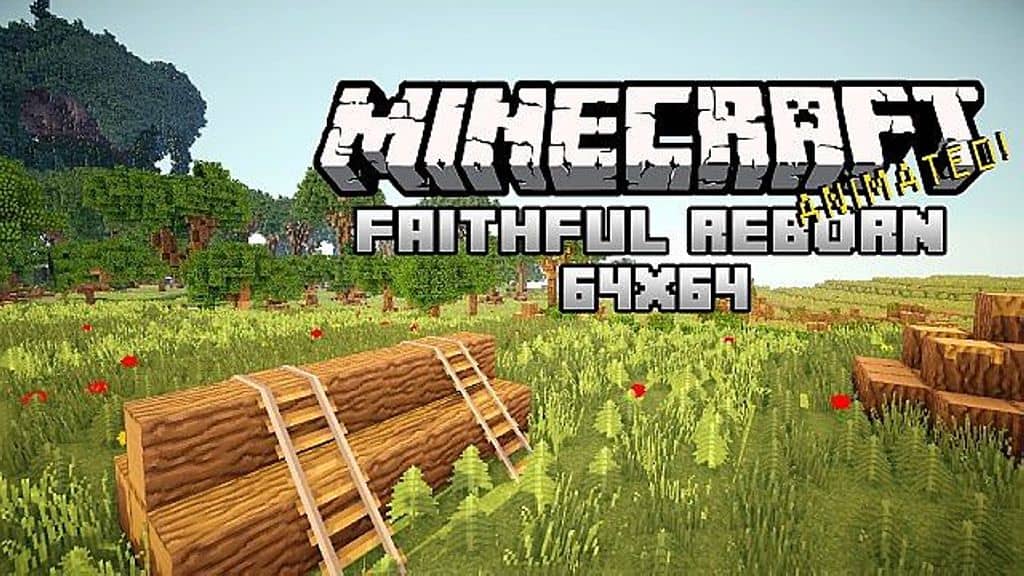
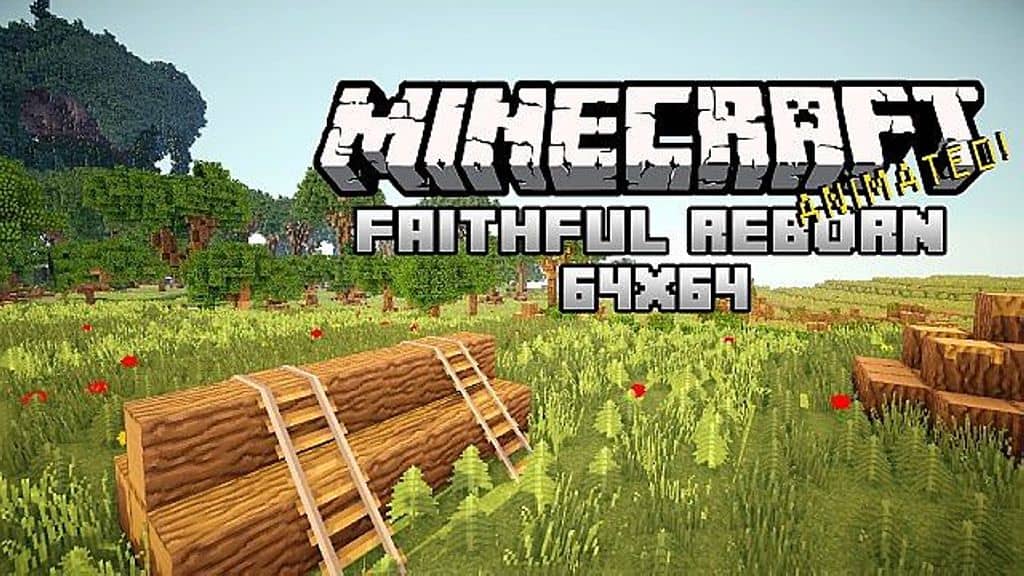
The Faithful Reborn resource pack is genuinely one of the absolute best texture packs for anyone who wants to hold onto that classic, authentic Minecraft feel we all fell in love with. When you load it up, it faithfully keeps the core look of Minecraft right where it belongs. But that is not even the half of it! It introduces a handful of smart little changes and minor tweaks that completely elevate your experience. Because of this, the overall visuals of the game are wonderfully improved the moment you install it. There are countless resource packs floating around the internet promising to do the exact same thing, but honestly, that is rarely the case! A lot of packs end up completely altering the core theme and visual identity of the game. Faithful Reborn guarantees that the default theme and original aesthetic of Minecraft stay 100% intact, while still continuously working to polish and enhance the colors, textures, and every other visual element throughout the entire world.
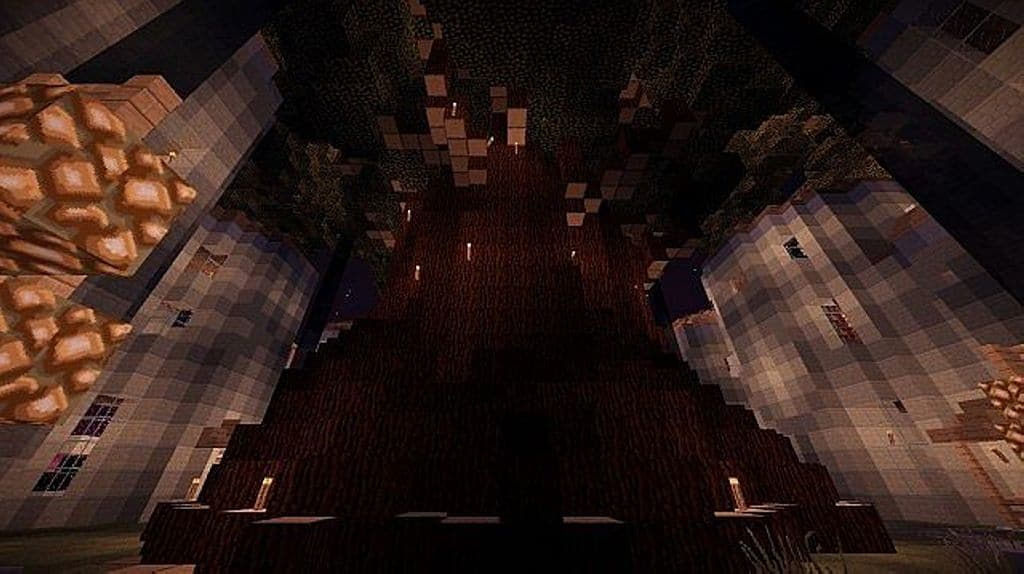
Whether they are subtle adjustments or more noticeable updates, this resource pack pulls them off with absolute perfection. So, you are probably wondering what kind of improvements you can actually expect to see once you get this installed in your game. Well, for starters, grass catches and reflects the lighting so much better. All the wood blocks and trees take on a wonderfully vibrant and glossy look that breathes new life into your builds. Naturally, every single texture in the game receives a gorgeous, fully renovated makeover while strictly preserving that beloved vanilla style. If you are someone who truly appreciates and prefers the original, authentic charm of Minecraft, you simply have to use this resource pack. Go ahead and give it a shot—download it and try it out for yourself! You will quickly see that it completely lives up to its name, as Faithful Reborn definitely preserves the true, faithful look of Minecraft.
Faithful: Reborn should be compatible with all of these Minecraft versions: 1.7.10 – 1.7.9 – 1.7.4 – 1.7 – 1.6.4 – 1.6.2
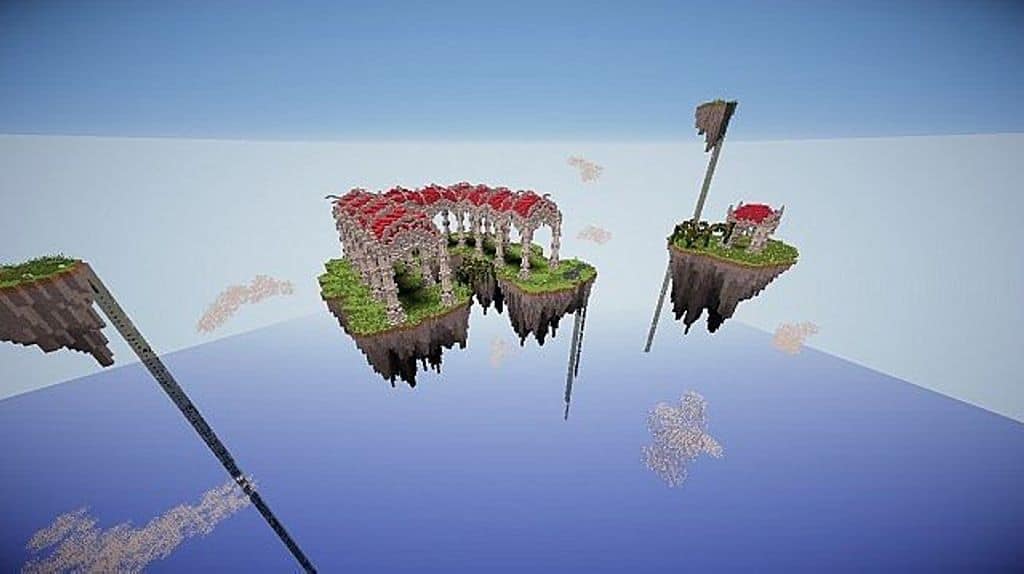
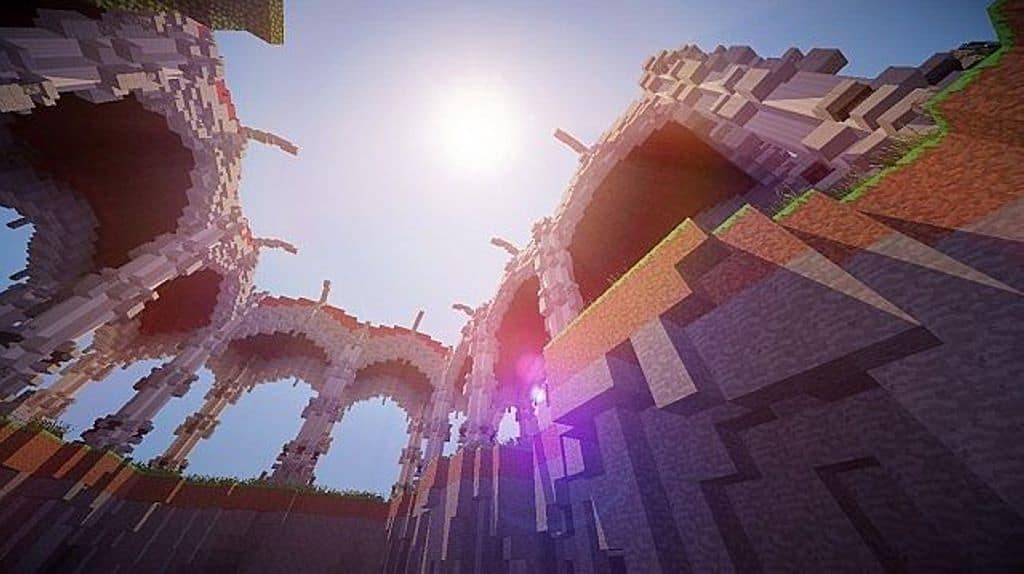
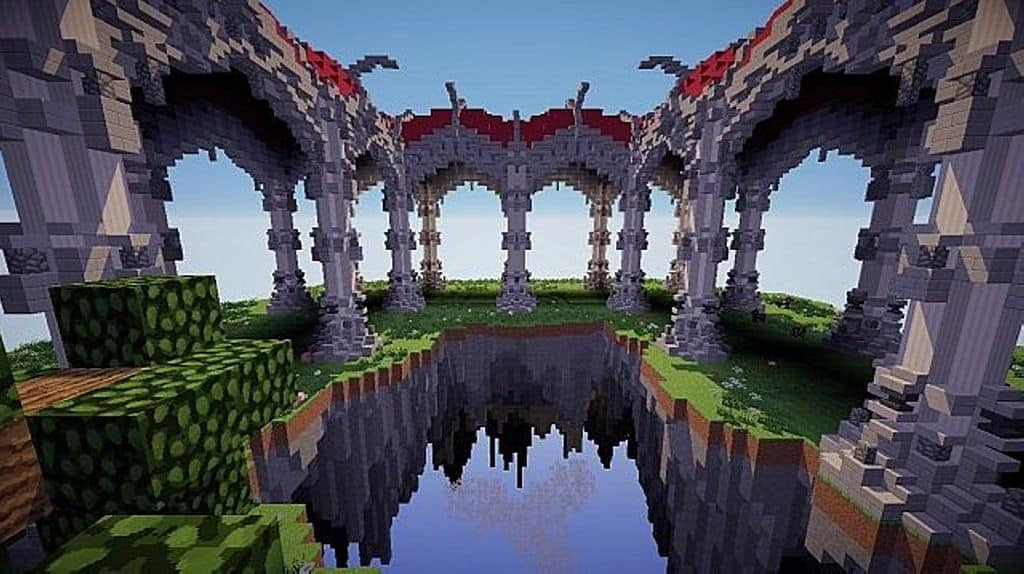
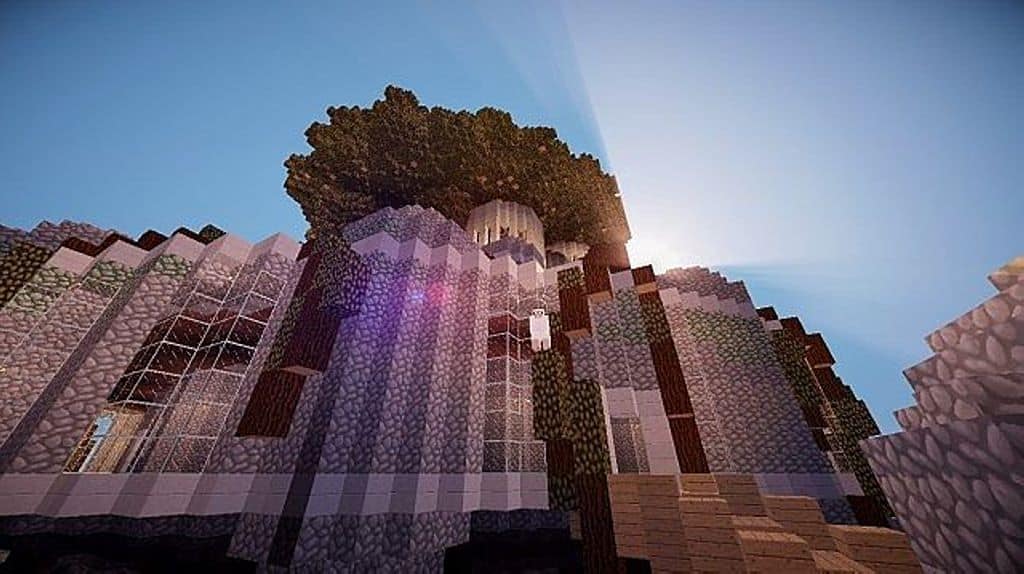
Screenshots
How to Install Texture Pack (Simple 10 Steps)
- Download OptiFine: Most of the texture packs and shaders need OptiFine. That’s why, first download and install OptiFine for the version of Minecraft you want to play.
- Download the Texture Pack: Get the texture pack you want from the download section. Choose the version that works with your Minecraft and your PC’s performance.
- Open Minecraft Launcher: Start Minecraft using the official game launcher — or even TLauncher, if you use that.
- Go to Options: From the main menu, click on the “Options” button.
- Open Resource Packs: Inside Options, click on “Resource Packs…”.
- Open the Resource Pack Folder: Click on “Open Resource Pack Folder” — this will open a folder named “resourcepacks”.
- Move the Pack File: Copy or move the .zip file you downloaded into that “resourcepacks” folder. (Don’t unzip the file — Minecraft uses it as-is!)
- Go Back and Refresh: Close the folder and click “Done”, then go back into “Resource Packs…” again.
- Activate the Pack: You’ll see the pack on the left side. Hover over it and click the arrow to move it to the right (active side).
Tip: If you get a message that the pack is for a different version, just click “Yes” — it usually works fine. - Click Done and Enjoy: Click “Done” again. Now your pack is ready to use in-game. It’s that easy!
Credits
This resource pack was originally created and developed by sewa101. We do not own, host, or modify this pack in any way. All rights and ownership belong strictly to the original creator. We strongly encourage you to support sewa101 by downloading the pack from the official sources and checking out their future work.
Download Instructions
Curseforge: download starts automatically after a few seconds;
Mediafire: click the big blue button with the text “DOWNLOAD”;
Google Drive: in the top right corner you will see a small download icon (down arrow), click it and the download should start;


