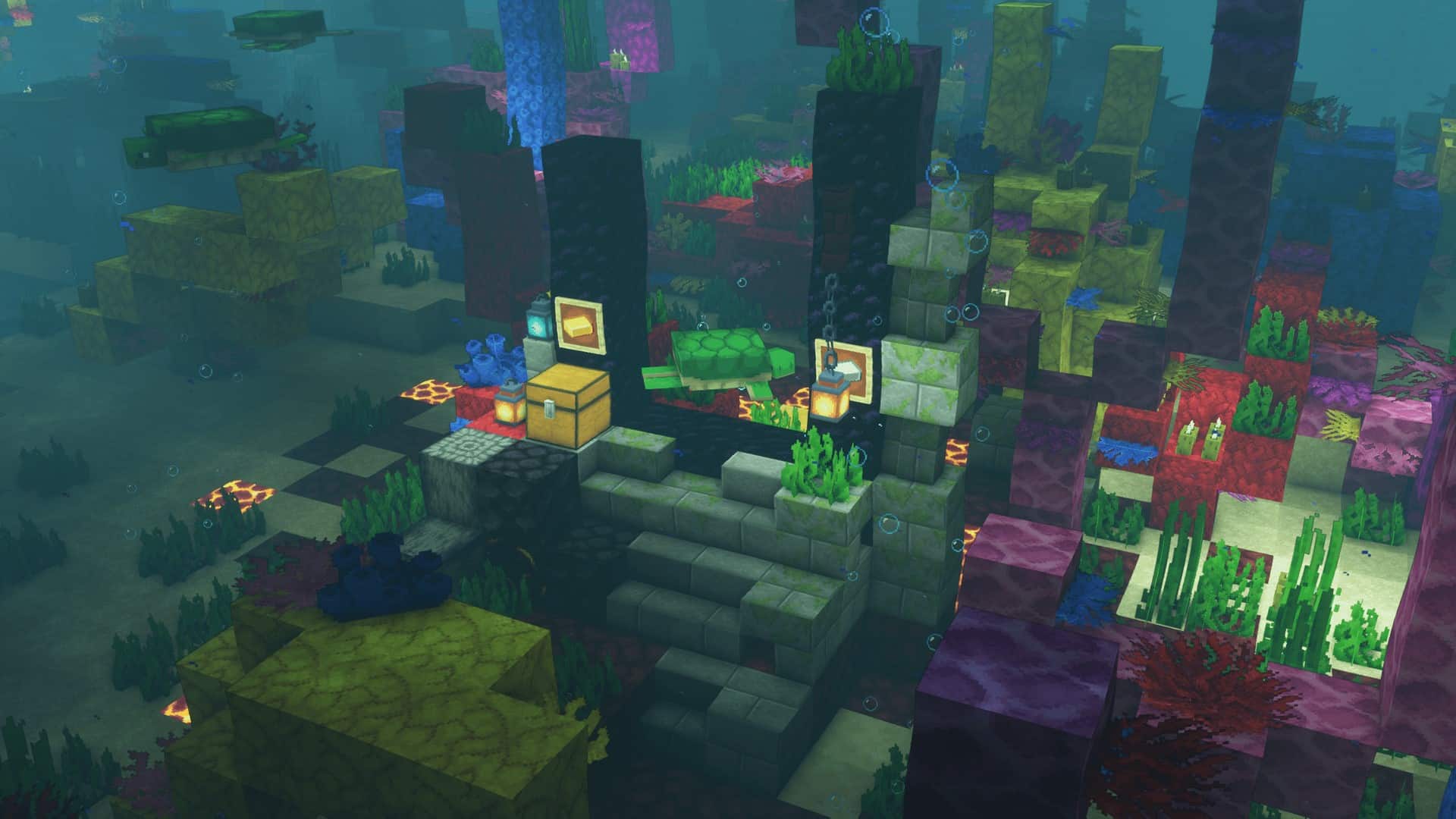
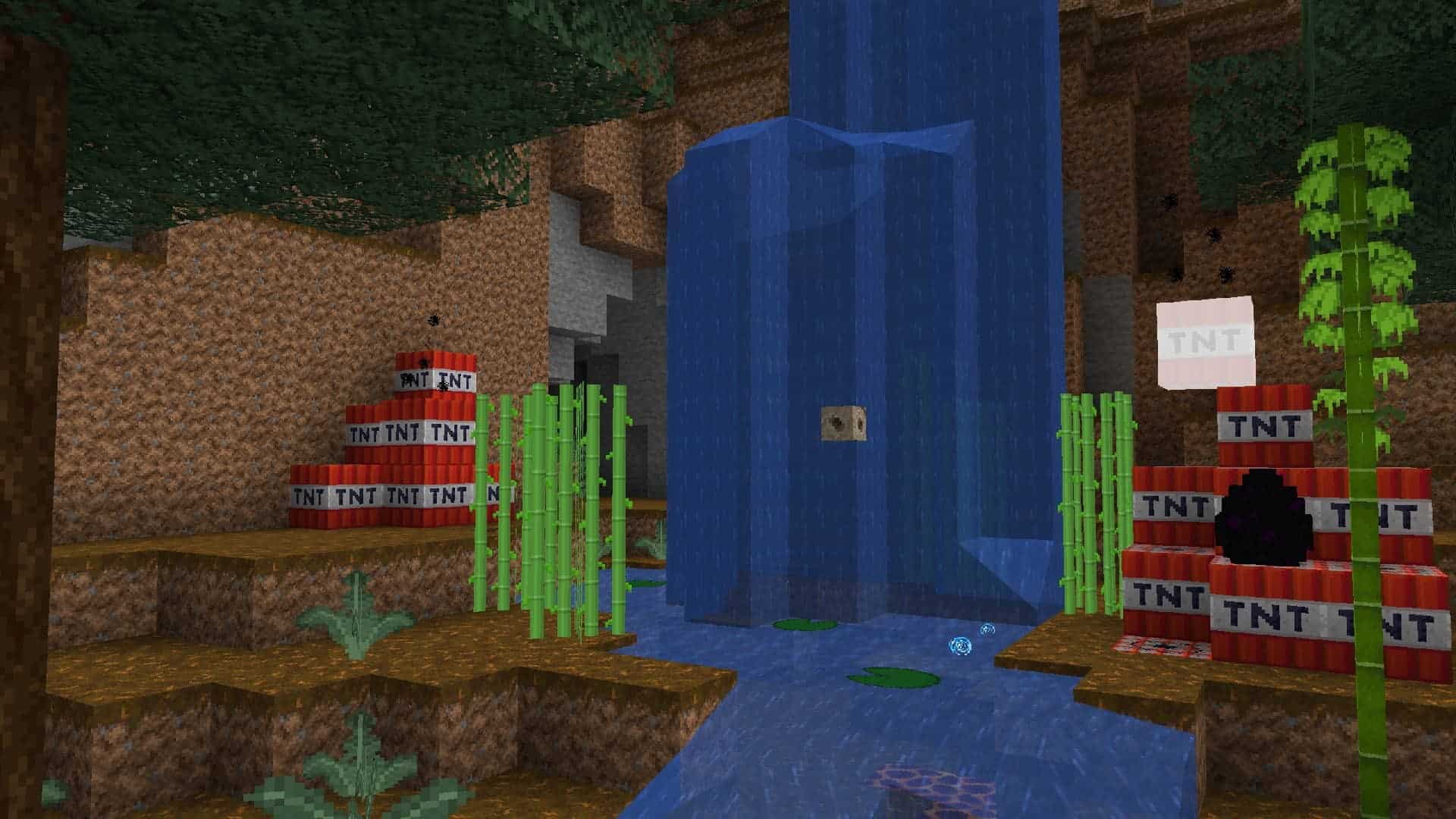
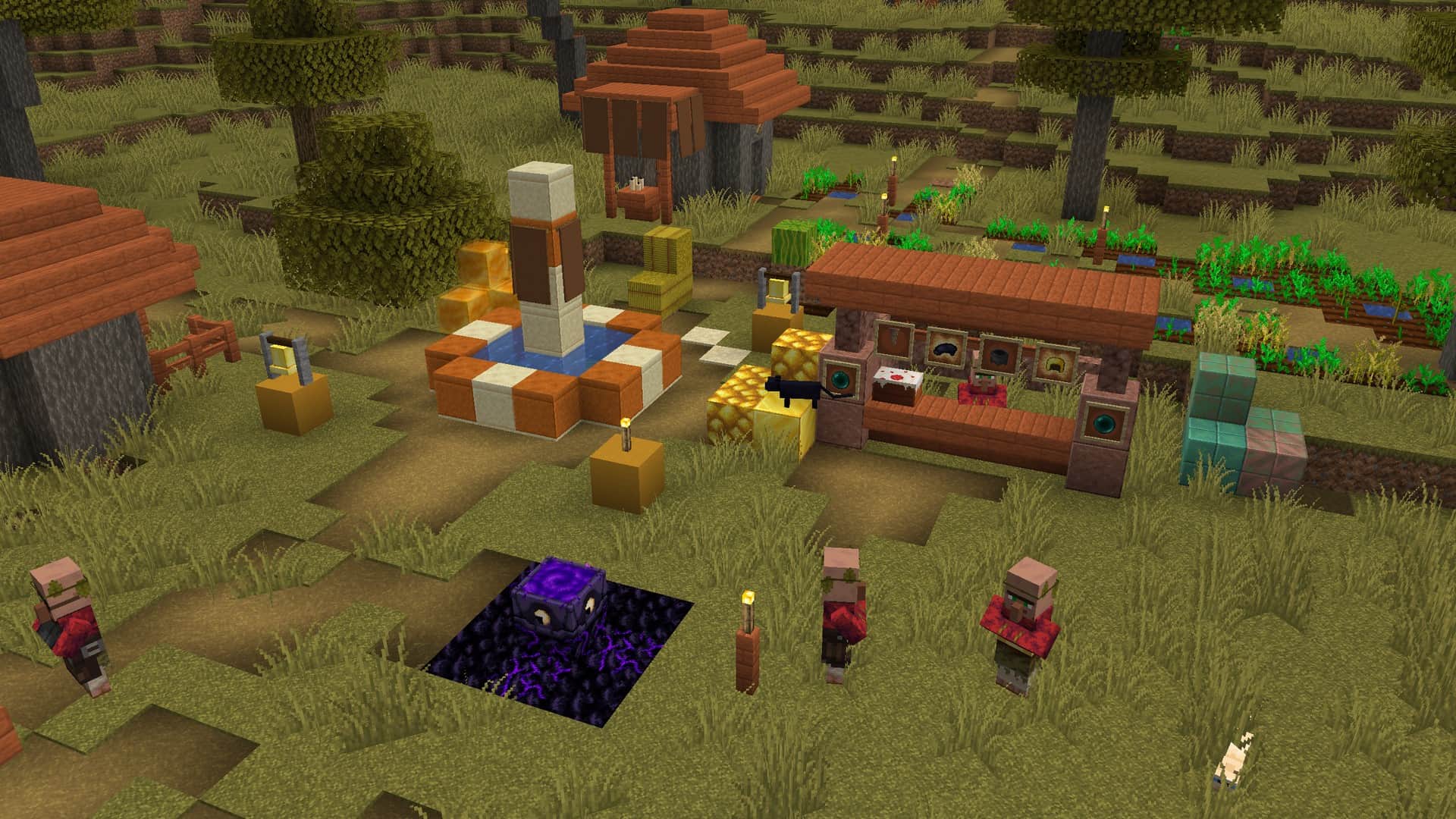
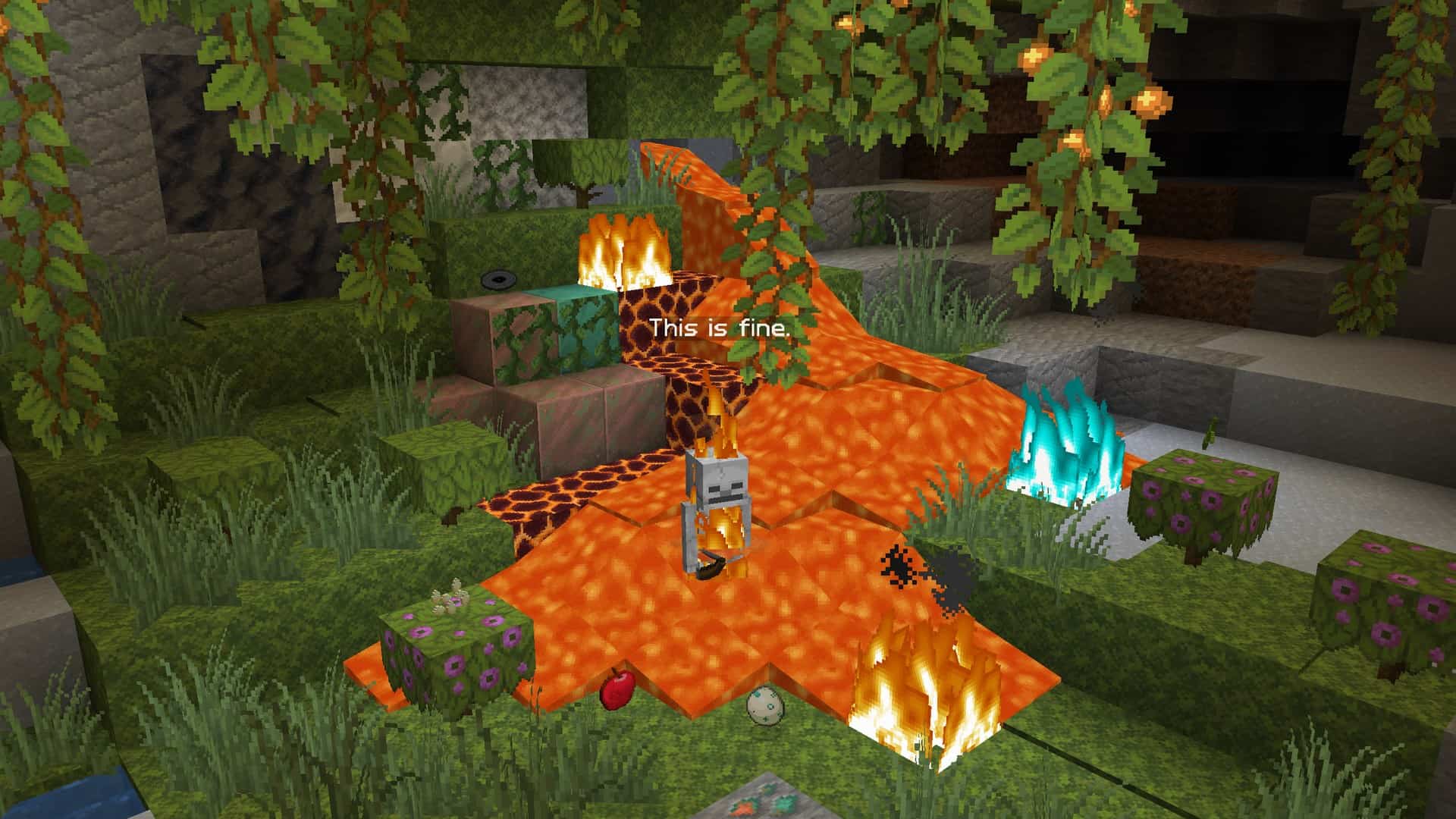
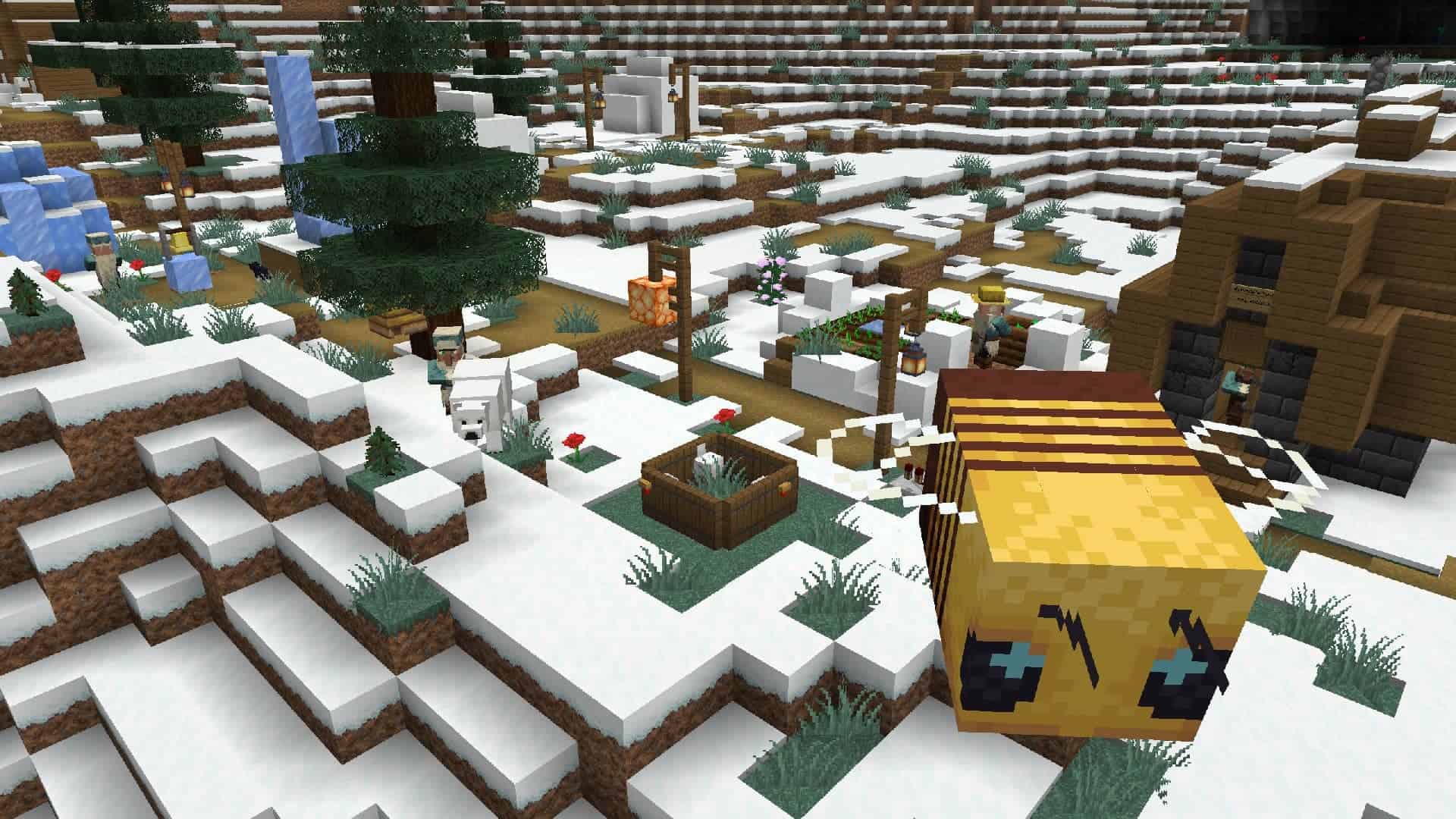
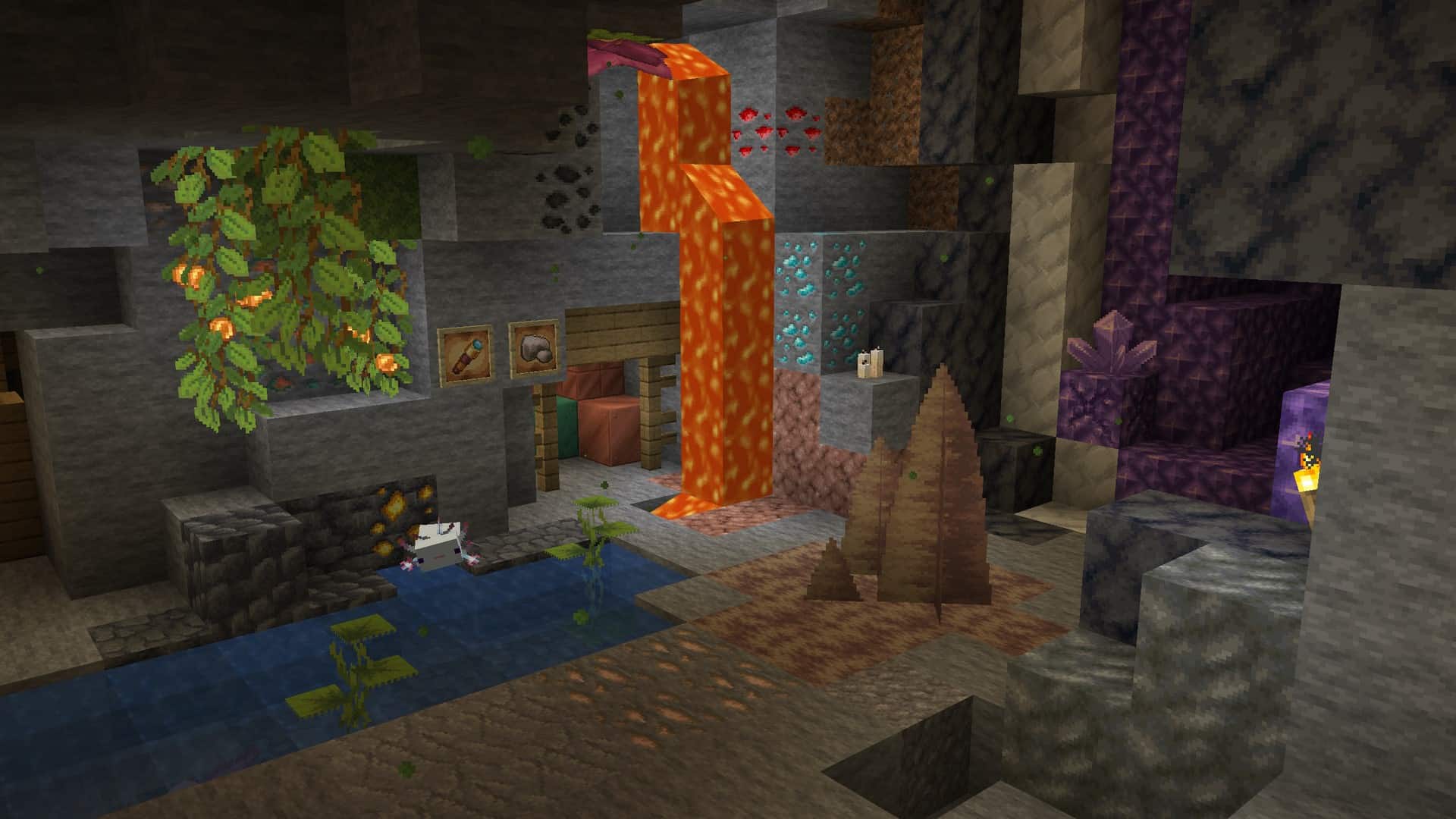
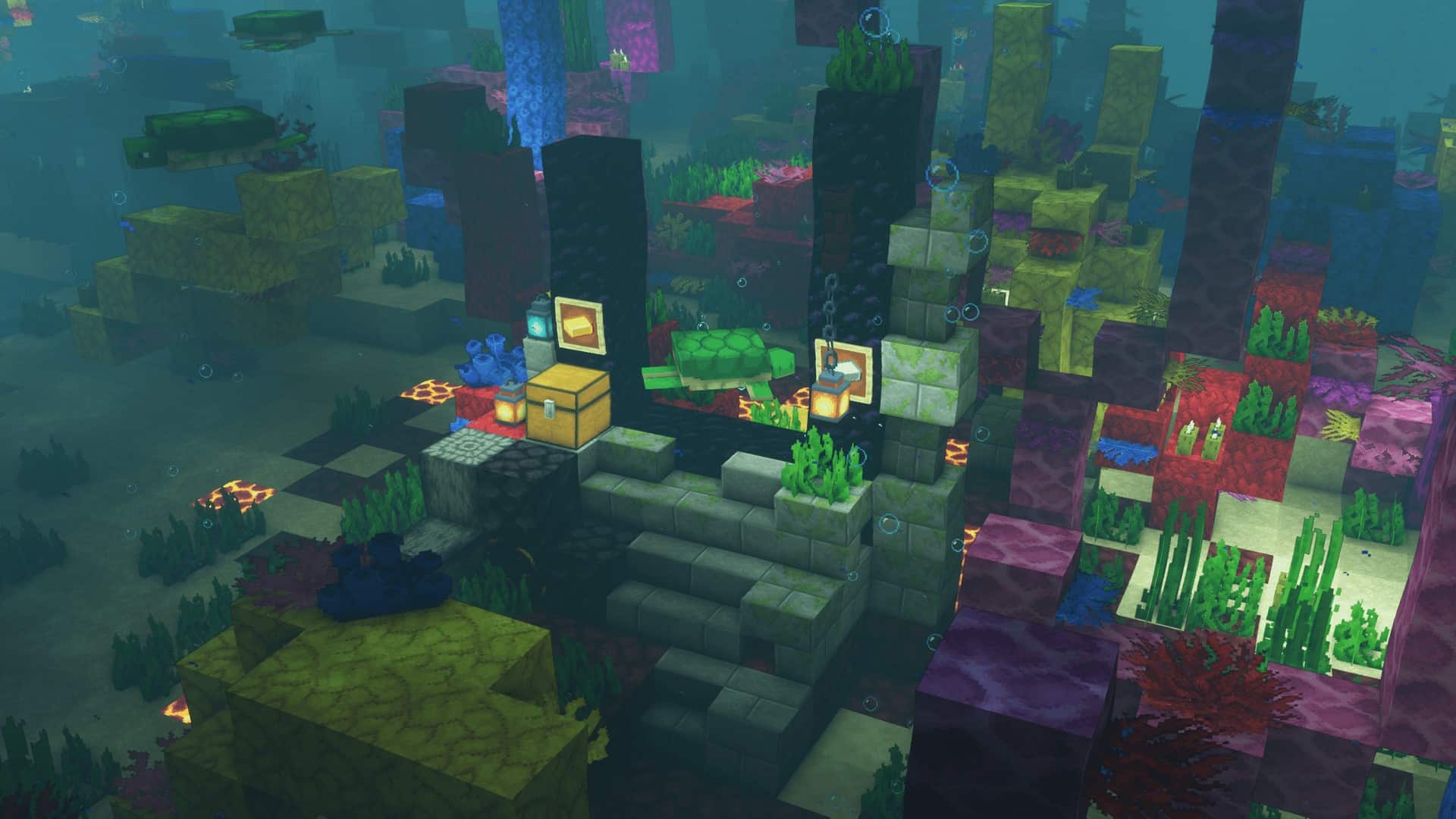
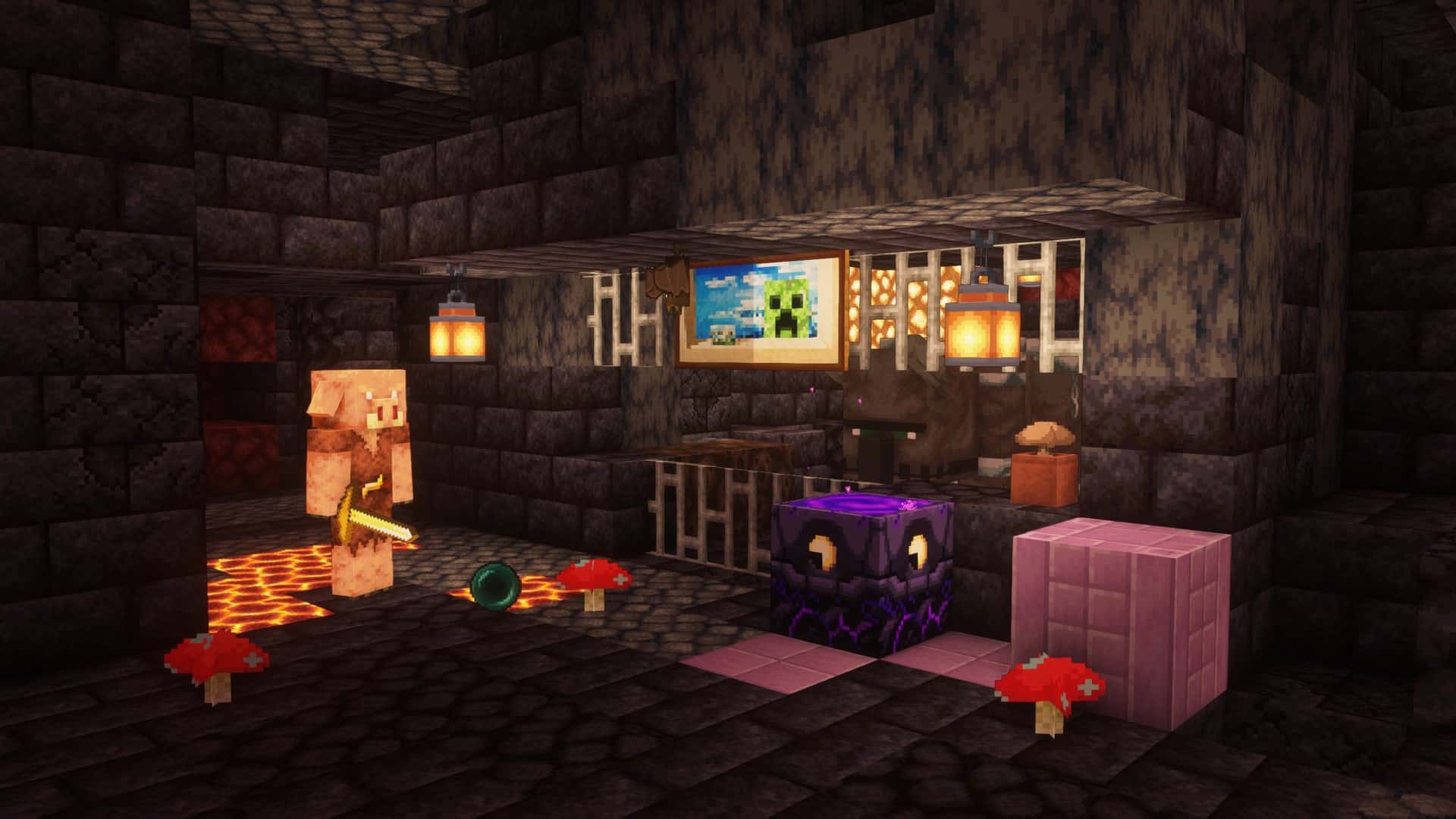
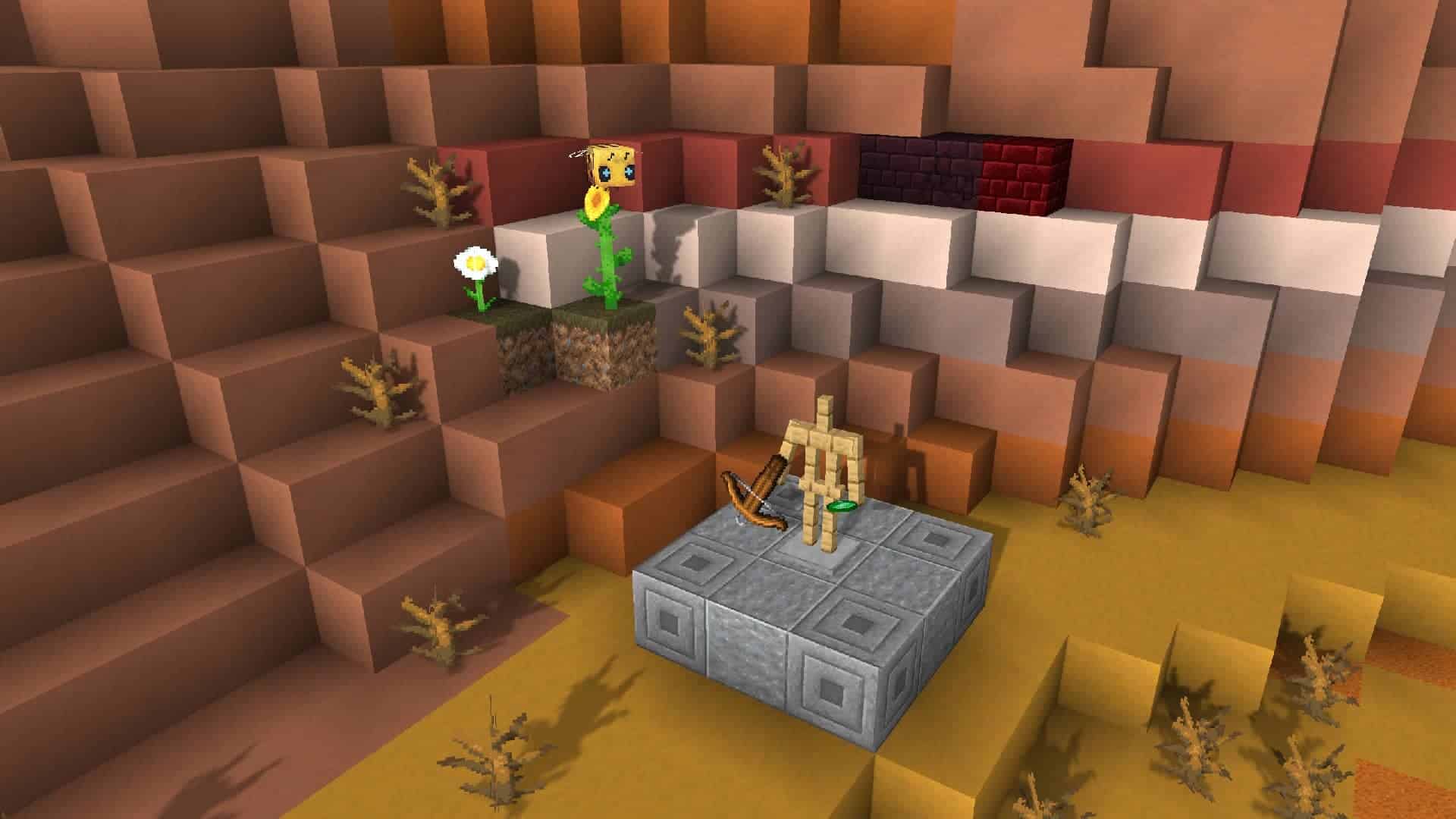
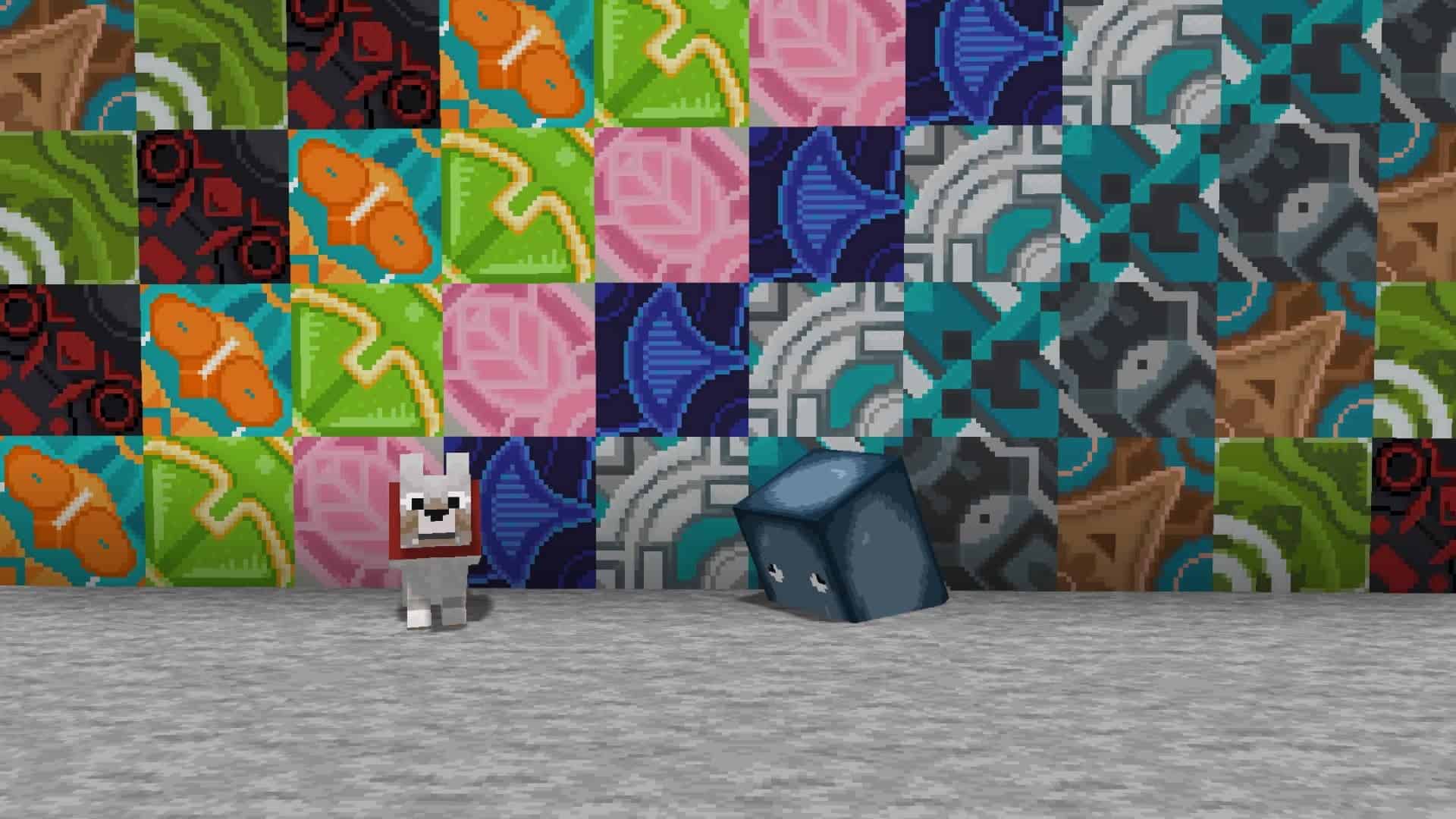
While Minecraft’s graphics component isn’t necessarily the primary selling point of the title with its classic cubic look, it certainly isn’t bad by any means. Most players genuinely enjoy the well-defined art style of the title, which at this point has truly become iconic. All they usually ask for is for the overall visual design of the game to boast just a little more detail. This is precisely where the Faithful resource pack comes into play. The Faithful 32×32 resource pack will noticeably improve the resolution of everything that is in the game, including blocks, enemies, and pieces of equipment. You will notice these fantastic improvements as soon as you install the resource pack, so just start the game up and start looking around. The Faithful 32×32 pack only improves what is already present in the game, lovingly striving to keep the beloved art style and the authentic feeling of the game world completely intact.
The pack is simply an amazing improvement in the quality of the already existing textures and shapes of the elements in the game, so do not expect any massive changes or drastic differences when comparing it with the base game. It focuses intently on bringing higher resolution textures and brighter colors, and although it also subtly changes the lighting and the shadows in the game, there are indeed more specific mods if you want to further enhance the shadows and lighting of the world. Look into shader mods if that is specifically what you are searching for. All the Faithful 32x pack does is genuinely make the game look noticeably nicer. It is not a gameplay mod, and as such, it does not introduce any new elements of gameplay to the base game. All the mods you are currently running should still work completely fine after installing this wonderful set of textures. The author of the pack carefully maintains a list of which mods are fully compatible with the pack and which ones aren’t. We strongly recommend keeping a close eye on that list to ensure the resource pack remains completely compatible with all the mods you currently have installed.
Faithful 32x should be compatible with all of these Minecraft versions: 26.2 – 26.1.2 – 26.1.1 – 26.1 – 1.21.11 – 1.21.10 – 1.21.9 – 1.21.8 – 1.21.7 – 1.21.6 – 1.21.5 – 1.21.4 – 1.21.3 – 1.21.2 – 1.21.1 – 1.21 – 1.20.6 – 1.20.5 – 1.20.4 – 1.20.3 – 1.20.2 – 1.20.1 – 1.20 – 1.19.4 – 1.19.3 – 1.19.2 – 1.19.1 – 1.19 – 1.18.2 – 1.18.1 – 1.18 – 1.17.1 – 1.17 – 1.16.5 – 1.16.4 – 1.16.3 – 1.16.2 – 1.16.1 – 1.16 – 1.15.2 – 1.15.1 – 1.15 – 1.14.4 – 1.14.3 – 1.14.2 – 1.14 – 1.13.2 – 1.13.1 – 1.13 – 1.12.2 – 1.12 – 1.11.2 – 1.11 – 1.10.2 – 1.10 – 1.9.4 – 1.9 – 1.8.9 – 1.8.8 – 1.8.1 – 1.8.6 – 1.8 – 1.7.10 – 1.7.9 – 1.7.4 – 1.7 – 1.6.4 – 1.6.2 – Bedrock Edition – PE
Screenshots

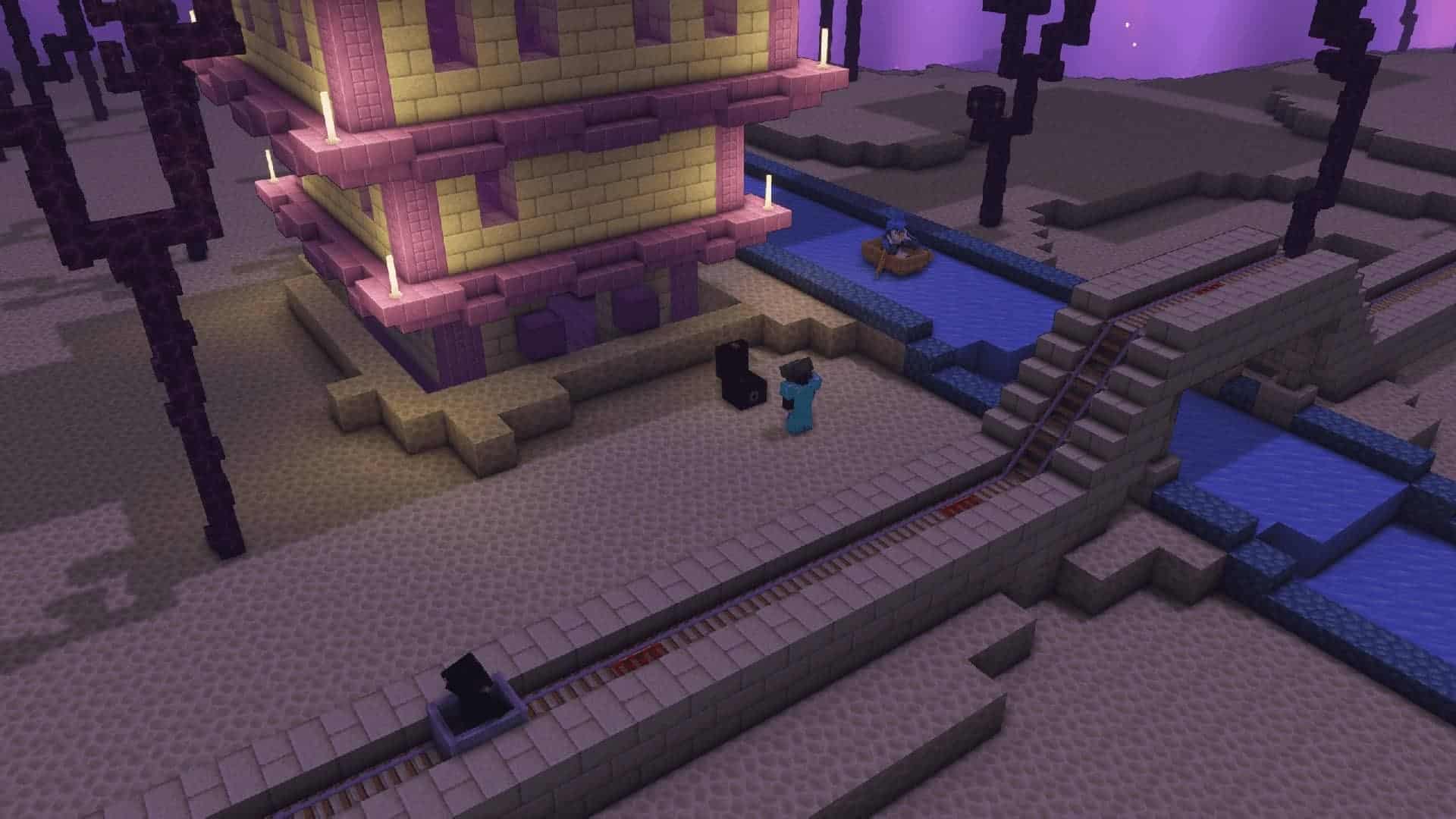
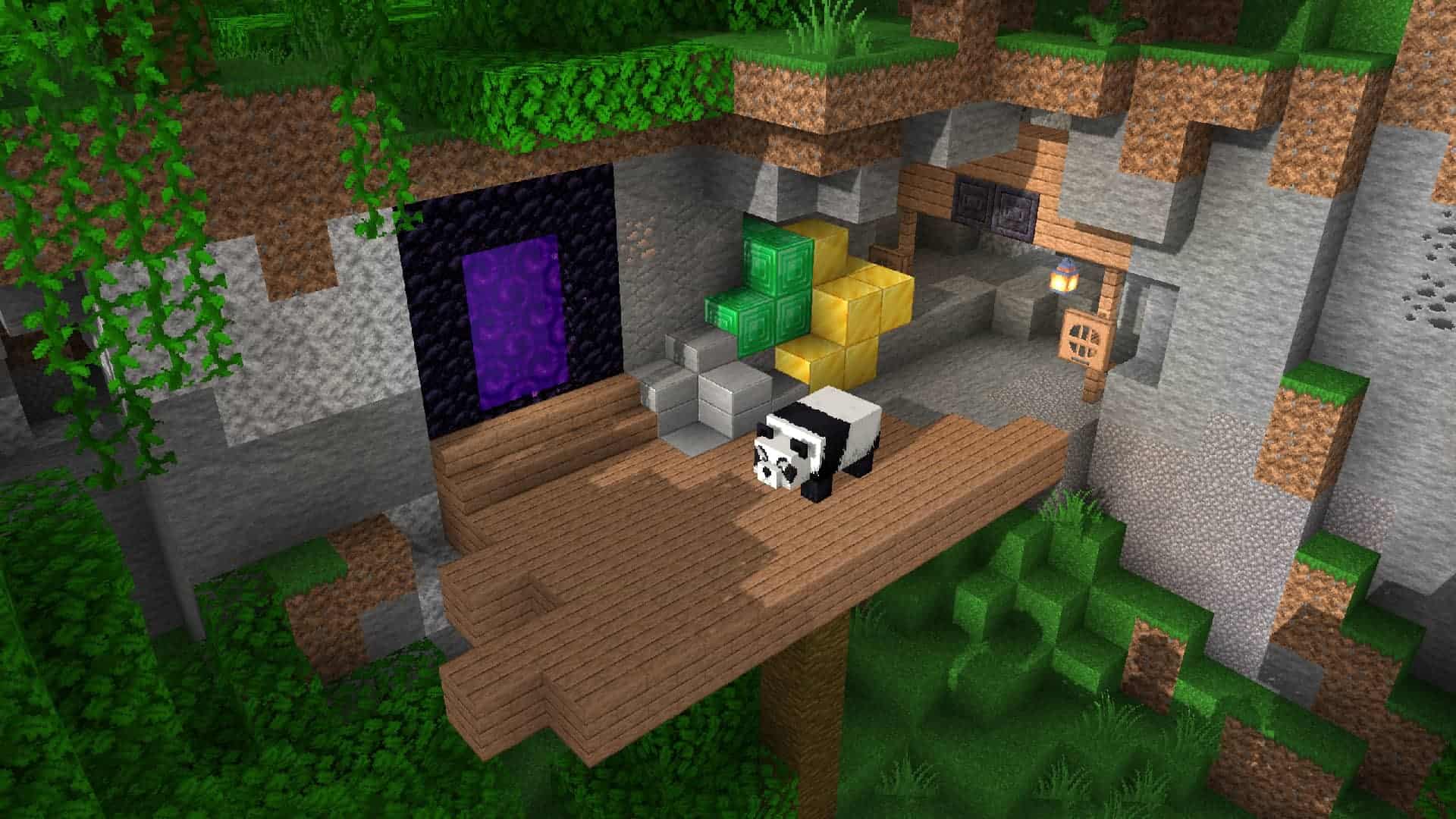
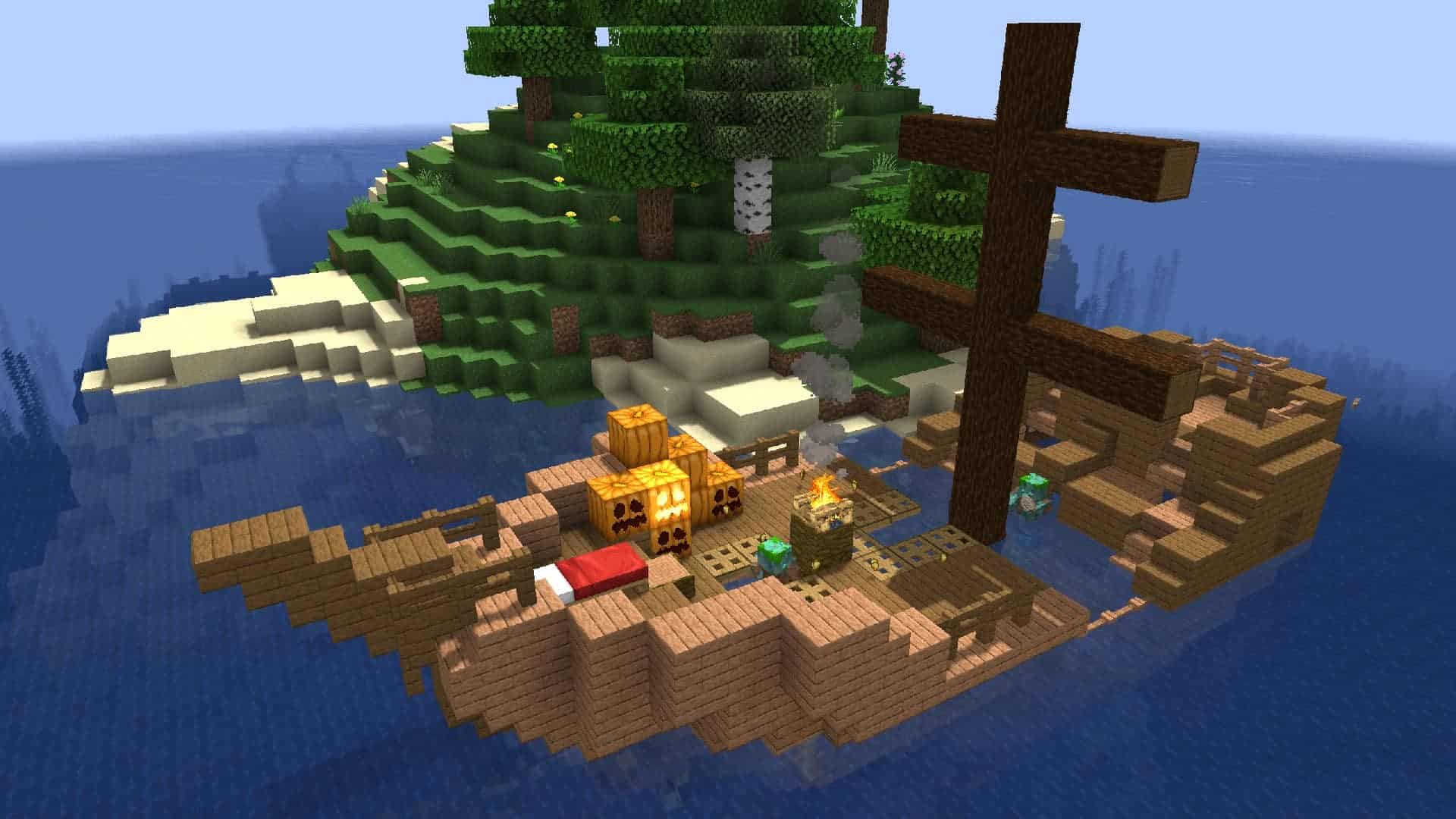
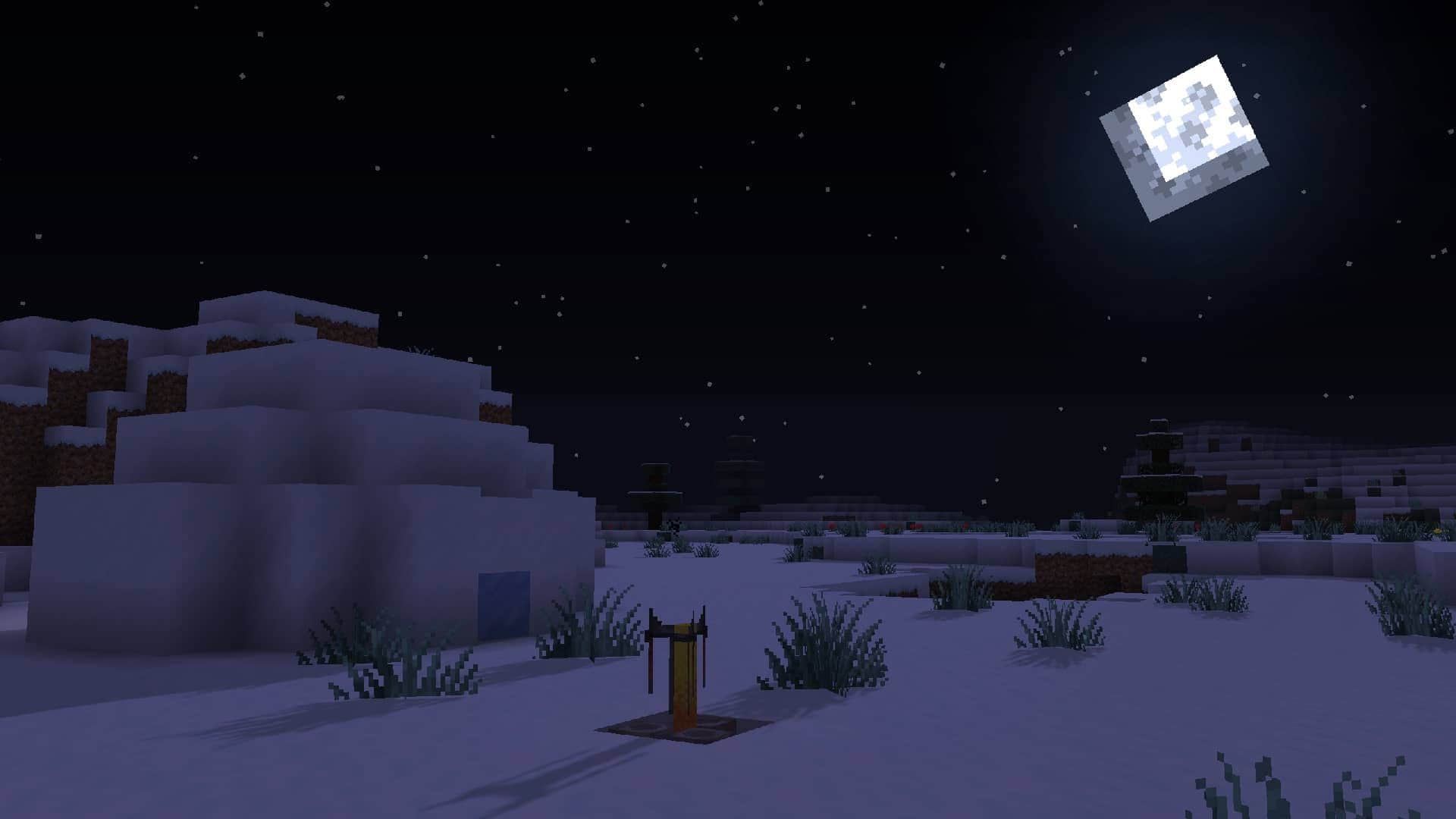
How to Install Texture Pack (Simple 10 Steps)
- Download OptiFine: Most of the texture packs and shaders need OptiFine. That’s why, first download and install OptiFine for the version of Minecraft you want to play.
- Download the Texture Pack: Get the texture pack you want from the download section. Choose the version that works with your Minecraft and your PC’s performance.
- Open Minecraft Launcher: Start Minecraft using the official game launcher — or even TLauncher, if you use that.
- Go to Options: From the main menu, click on the “Options” button.
- Open Resource Packs: Inside Options, click on “Resource Packs…”.
- Open the Resource Pack Folder: Click on “Open Resource Pack Folder” — this will open a folder named “resourcepacks”.
- Move the Pack File: Copy or move the .zip file you downloaded into that “resourcepacks” folder. (Don’t unzip the file — Minecraft uses it as-is!)
- Go Back and Refresh: Close the folder and click “Done”, then go back into “Resource Packs…” again.
- Activate the Pack: You’ll see the pack on the left side. Hover over it and click the arrow to move it to the right (active side).
Tip: If you get a message that the pack is for a different version, just click “Yes” — it usually works fine. - Click Done and Enjoy: Click “Done” again. Now your pack is ready to use in-game. It’s that easy!
Credits
This resource pack was originally created by Vattic and is maintained by the Faithful_Team. We do not claim ownership of this content nor do we host modified files on our servers. We encourage users to support the original creators through their official channels.
Download Links
Java Edition
- [32x] Minecraft 26.2.x
- [32x] Minecraft 26.1.x
- [32x] Minecraft 1.21.x
- [32x] Minecraft 1.20.6 – 1.20.2
- [32x] Minecraft 1.20.1 – 1.20
- [32x] Minecraft 1.19.x
- [32x] Minecraft 1.18.x
- [32x] Minecraft 1.17.x
- [32x] Minecraft 1.16.x
- [32x] Minecraft 1.15.x
- [32x] Minecraft 1.14.x
- [32x] Minecraft 1.13.x
- [32x] Minecraft 1.12.x
- [32x] Minecraft 1.11.x
- [32x] Minecraft 1.10.x
- [32x] Minecraft 1.9.x
- [32x] Minecraft 1.8.x
- [32x] Minecraft 1.7.x
- [32x] Minecraft 1.6.x
- [32x] Minecraft 1.5.x
- [32x] Minecraft 1.4.x
- [32x] Minecraft 1.3.x
Bedrock Edition
Download Instructions
Curseforge: download starts automatically after a few seconds;
Mediafire: click the big blue button with the text “DOWNLOAD”;
Google Drive: in the top right corner you will see a small download icon (down arrow), click it and the download should start;


