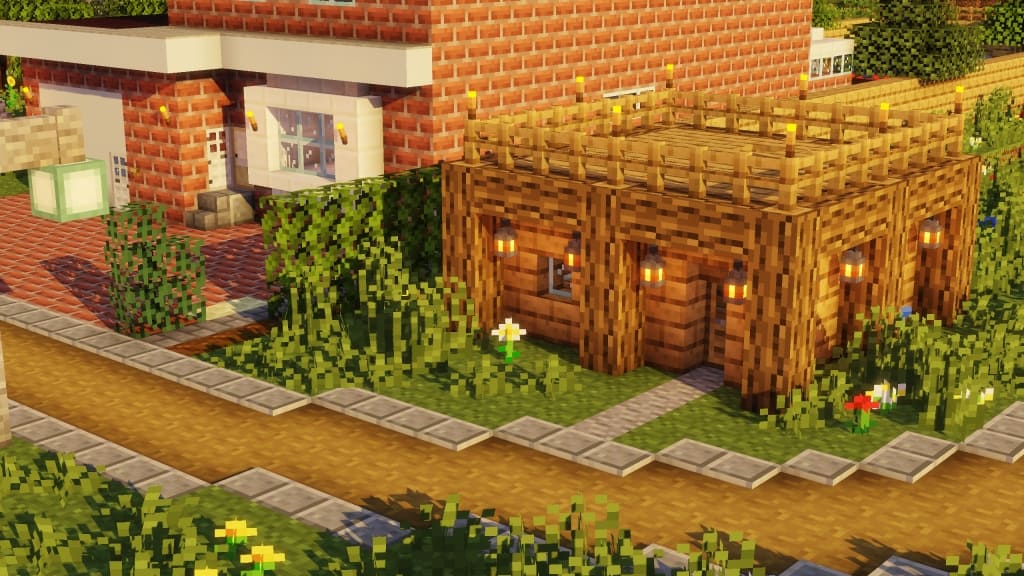
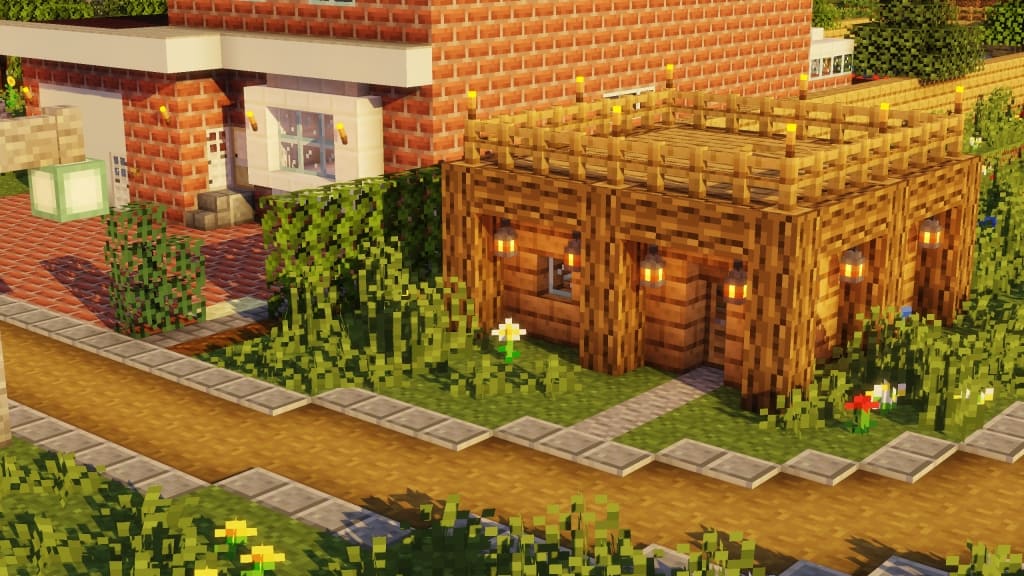
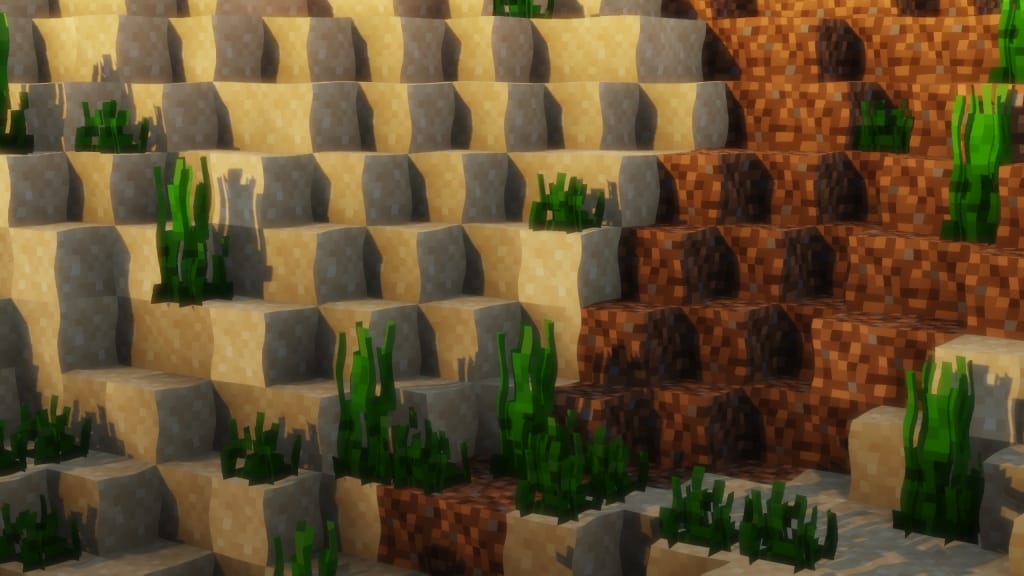
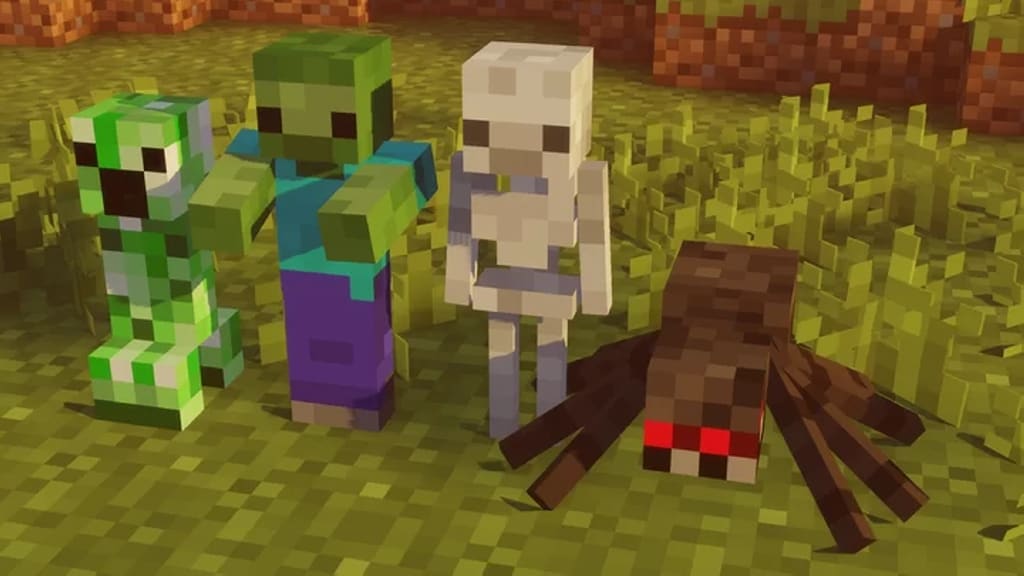
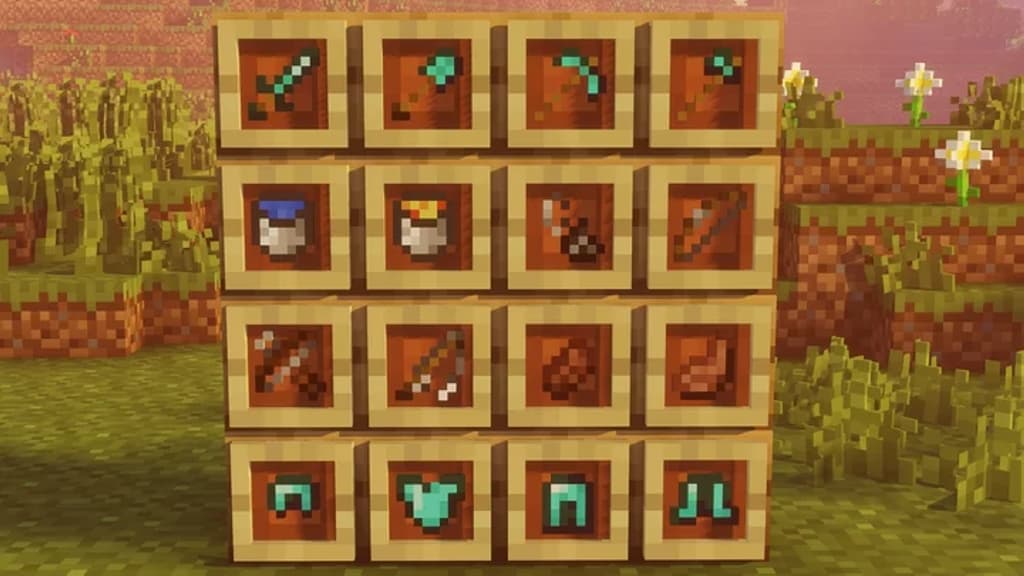
While the vast majority of resource packs increase the standard resolution in Minecraft from 16x to 32x or even more, the F8thful resource pack does things the other way around. Instead of upscaling textures, it downscales them to a resolution of 8×8. Using a resolution that is half the standard in the vanilla version of Minecraft creates a whole new visual experience without altering gameplay. It is the same Minecraft but much blockier, or maybe less? The resource pack manages to introduce a new way to enjoy the game while keeping things simple. The resource pack is another vanilla faithful pack that upscale or downscale the game’s texture resolution. There are currently enough faithful packs available in the market with resolutions ranging from 8x to 512×512. All of them were created to alter the default resolution but it is the F8thful resource pack in the 8×8 resolution that makes the game look like old 8-bit games. It brings a certain level of nostalgia for old gamers but it may appeal to the younger audience as well.
Because F8thful texture pack uses a lower resolution, it also requires less video card processing power and less vRAM to load properly. Players that could enjoy vanilla Minecraft may even experience a considerable boost in FPS. Also, it can reduce lag and improve gameplay. These perks that come with playing the game at a lower resolution make it a much better choice for competitive players that want the best performance when running the game, especially in PVP. So far, the resource pack has already found success with tens of thousands of downloads and positive feedback from the community. Despite being made to offer a lower texture resolution, F8thful resource pack does have improved textures. Many textures were remade in order to remain recognizable when downscaled. These changes make the resource pack lighter but compromise on texture details. As with most resource packs, F8thful resource pack requires Optifine to be installed. The small resource pack archive needs to be unpacked in the resourcepacks folder and activated from the in-game settings menu.
F8thful should be compatible with all of these Minecraft versions: 1.21.11 – 1.21.10 – 1.21.9 – 1.21.8 – 1.21.7 – 1.21.6 – 1.21.5 – 1.21.4 – 1.21.3 – 1.21.2 – 1.21.1 – 1.21 – 1.20.6 – 1.20.5 – 1.20.4 – 1.20.3 – 1.20.2 – 1.20.1 – 1.20 – 1.19.4 – 1.19.3 – 1.19.2 – 1.19.1 – 1.19 – 1.18.2 – 1.18.1 – 1.18 – 1.17.1 – 1.17 – 1.16.5 – 1.16.4 – 1.16.3 – 1.16.2 – 1.16.1 – 1.16 – 1.15.2 – 1.15.1 – 1.15 – 1.8.9 – 1.8.8 – 1.8.1 – 1.8.6 – 1.8 – Bedrock Edition – PE
Screenshots
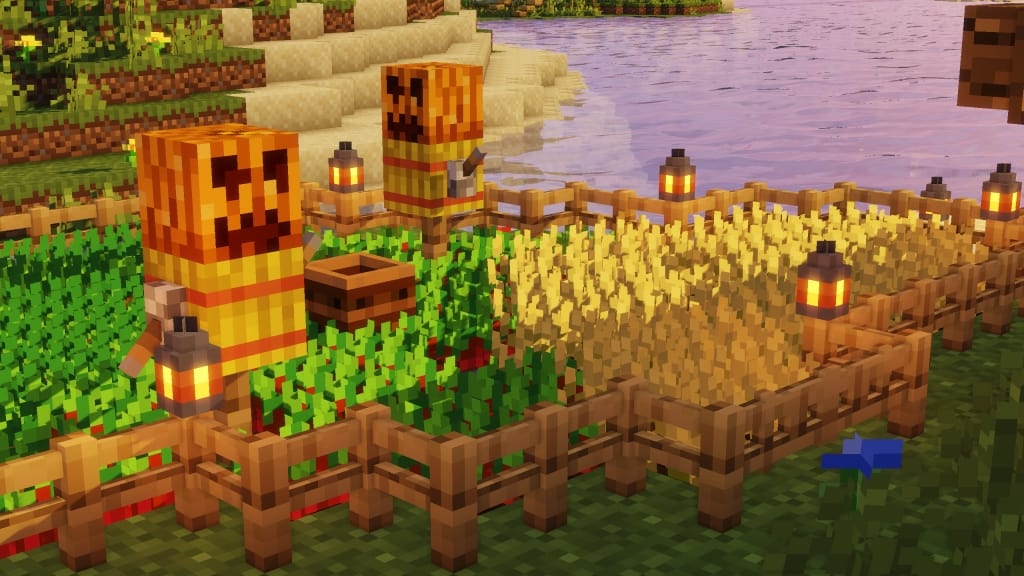
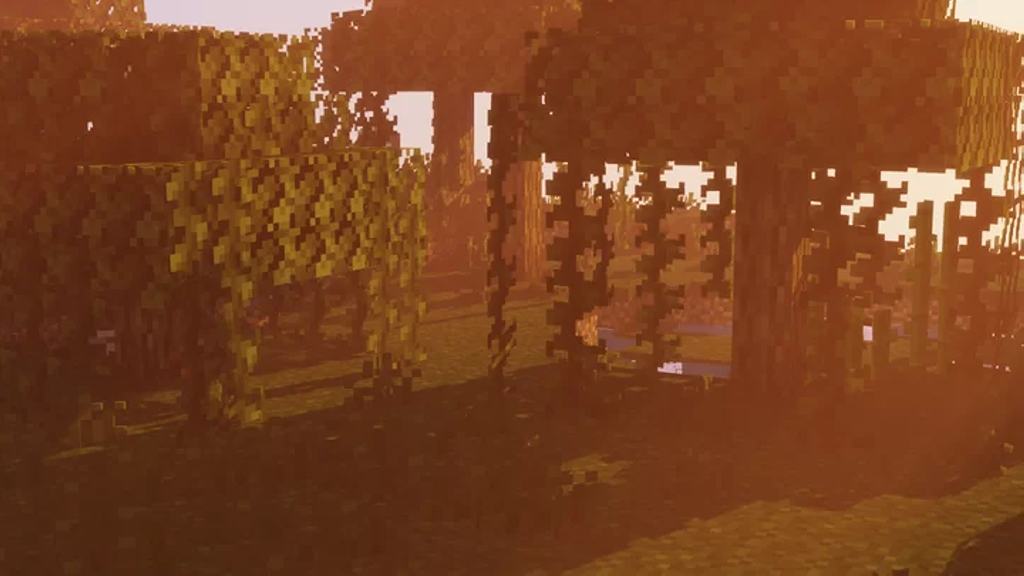
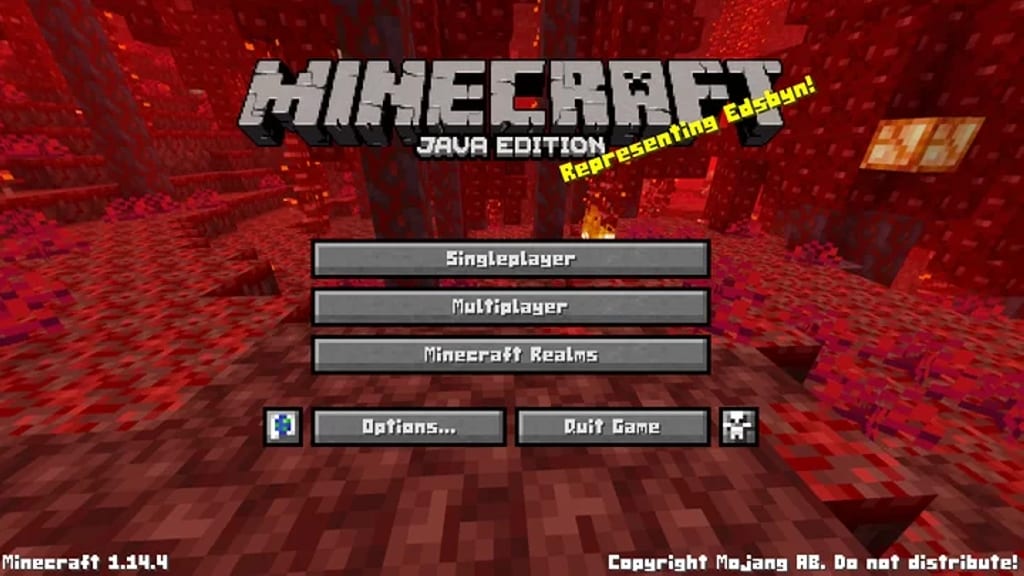
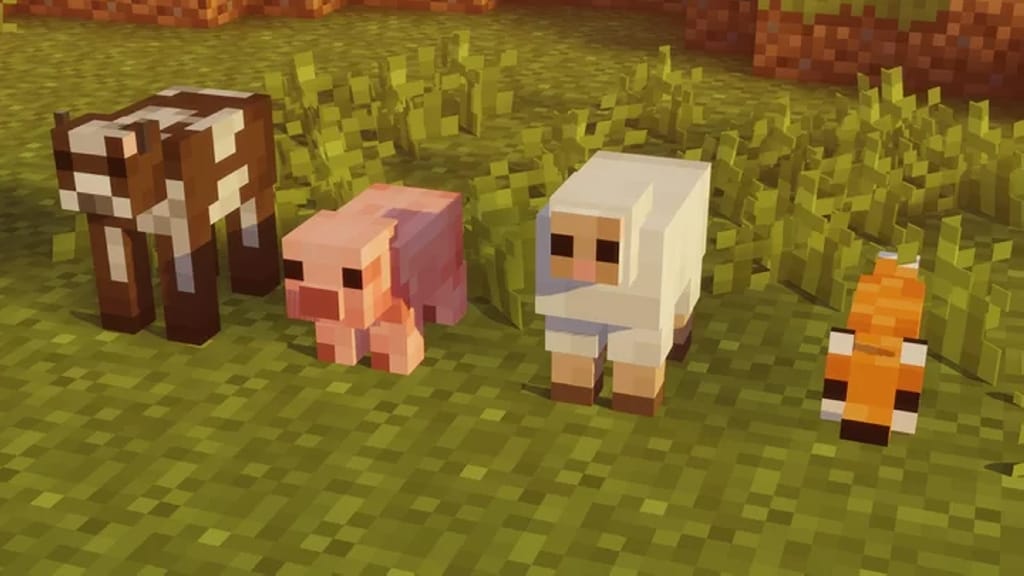

How to Install Texture Pack (Simple 10 Steps)
- Download OptiFine: Most of the texture packs and shaders need OptiFine. That’s why, first download and install OptiFine for the version of Minecraft you want to play.
- Download the Texture Pack: Get the texture pack you want from the download section. Choose the version that works with your Minecraft and your PC’s performance.
- Open Minecraft Launcher: Start Minecraft using the official game launcher — or even TLauncher, if you use that.
- Go to Options: From the main menu, click on the “Options” button.
- Open Resource Packs: Inside Options, click on “Resource Packs…”.
- Open the Resource Pack Folder: Click on “Open Resource Pack Folder” — this will open a folder named “resourcepacks”.
- Move the Pack File: Copy or move the .zip file you downloaded into that “resourcepacks” folder. (Don’t unzip the file — Minecraft uses it as-is!)
- Go Back and Refresh: Close the folder and click “Done”, then go back into “Resource Packs…” again.
- Activate the Pack: You’ll see the pack on the left side. Hover over it and click the arrow to move it to the right (active side).
Tip: If you get a message that the pack is for a different version, just click “Yes” — it usually works fine. - Click Done and Enjoy: Click “Done” again. Now your pack is ready to use in-game. It’s that easy!
Credits
F8thful is created by ewanhowell5195. We do not claim ownership of this resource pack and do not host modified files. All rights belong to the original author. We strongly recommend supporting ewanhowell5195 through their official download pages and community links.
Download Links
Java Edition
Download Instructions
Curseforge: download starts automatically after a few seconds;
Mediafire: click the big blue button with the text “DOWNLOAD”;
Google Drive: in the top right corner you will see a small download icon (down arrow), click it and the download should start;


