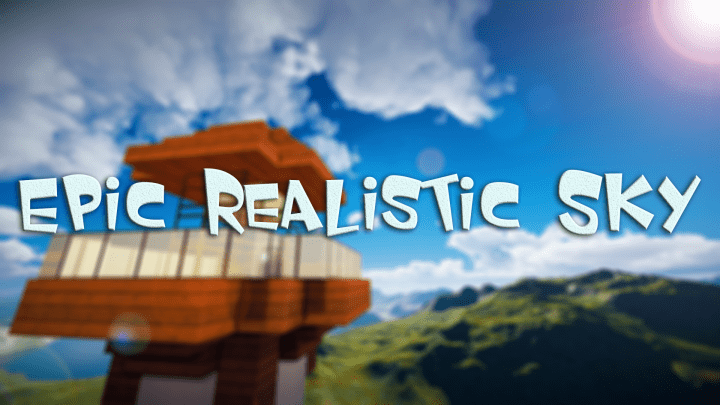
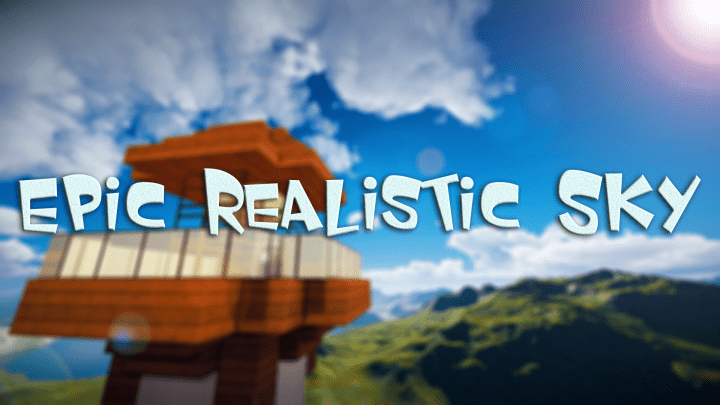
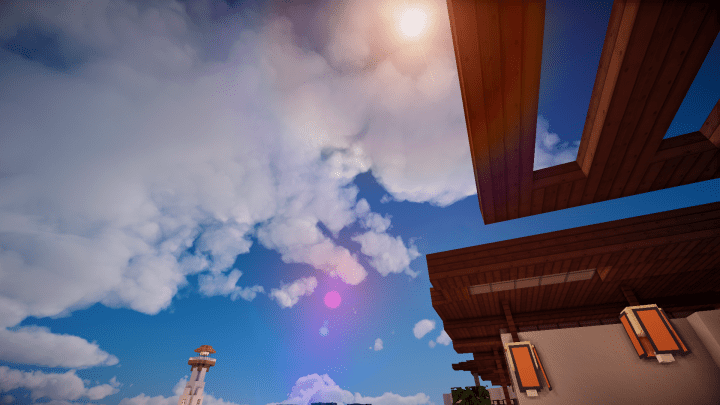
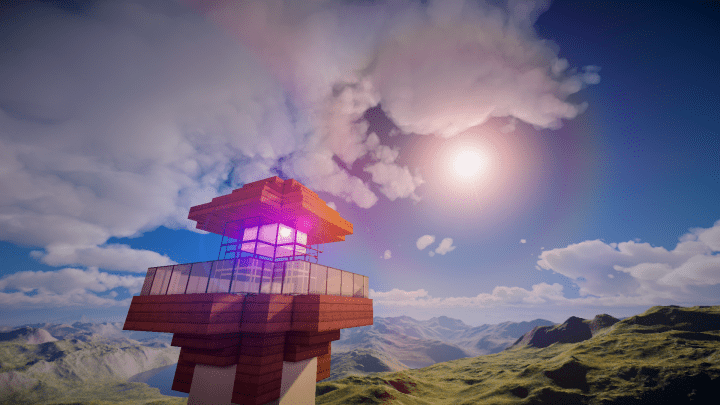
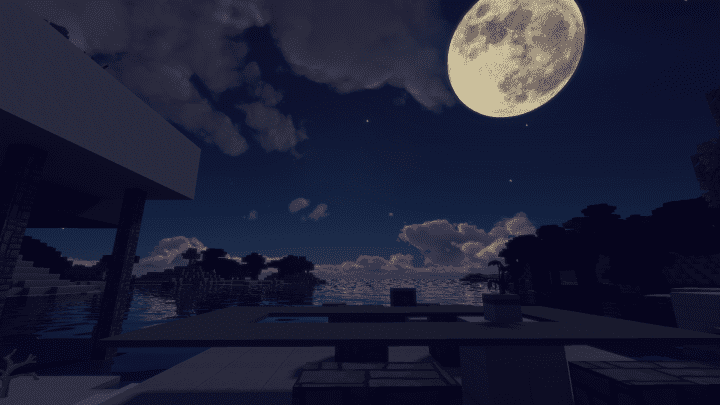
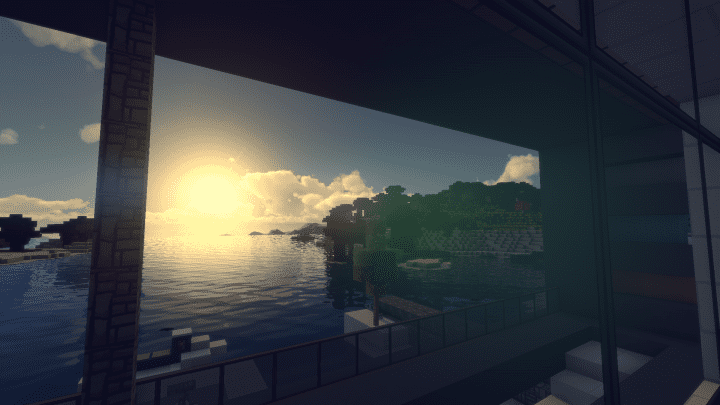
The Epic Realistic Sky is an amazing resource pack that does precisely what its name suggests. When I tested it out, it completely lived up to my expectations and definitely never let me down in any way. It is crafted specifically for the audience of players who aren’t contented with the way the vanilla Minecraft sky looks. Although I have tried many similar mods and packs in the past, Epic Realistic Sky stands shoulders above and ahead of all the rest of these packs. This is because of its incredible execution that is truly incomparable. If you intend to change how the sky of Minecraft feels as well as make it realistic and lively, this is the best pack that you simply cannot pass up. I really love how this resource pack comes with a unique and wide variety of very well-designed textures which completely transform the Minecraft sky.
The Epic Realistic Sky resource pack alters not only the game clouds but also its mountain textures, ensuring that the world looks exceptionally realistic. In addition to the stunning textures, this Epic Realistic Sky pack comes with different fluid animations which look delightful while they take place in the skies of Minecraft. I strongly recommend using the Epic Realistic Sky resource pack accompanied by a compatible shader pack in order to elevate and take your Minecraft experience to new heights. The most amazing thing about this resourceful pack is that it doesn’t have any impact or alteration on performance in any significant manner. It’s worth noting that most Minecraft resource packs cause a lot of FPS drops because they consume tons of system resources, but thankfully this isn’t the case when you use the Epic Realistic Sky resource pack. Therefore, I found that this texture pack is the absolute best choice for all players who are playing on low-end PCs.
Epic Realistic Sky should be compatible with all of these Minecraft versions: 1.12.2 – 1.12 – 1.11.2 – 1.11
Screenshots
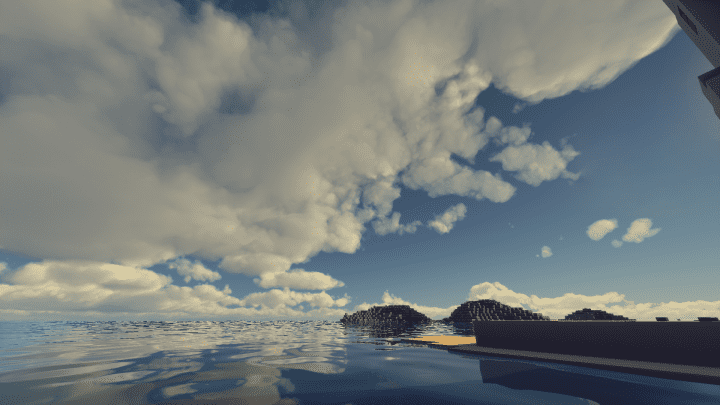
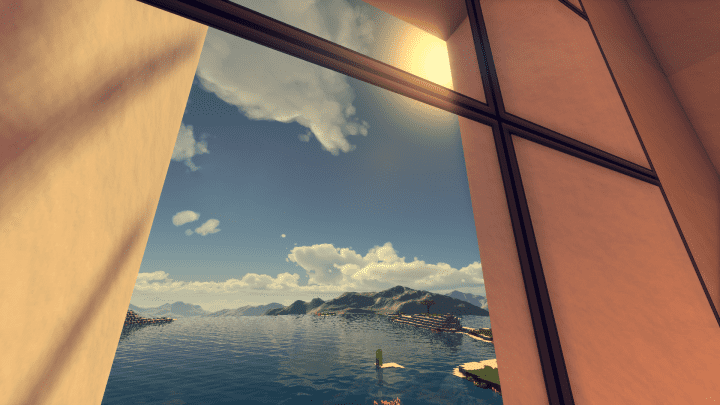

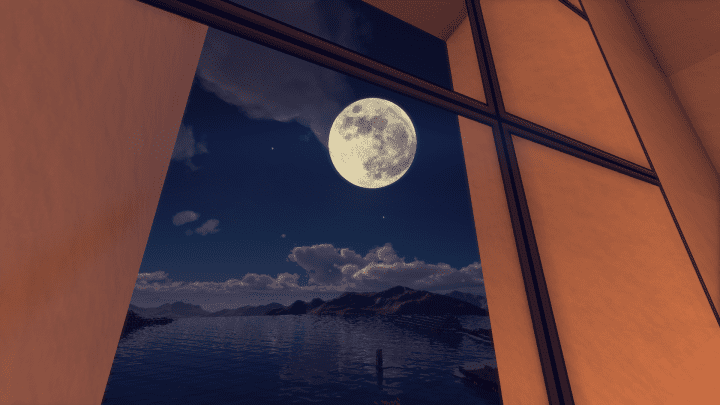
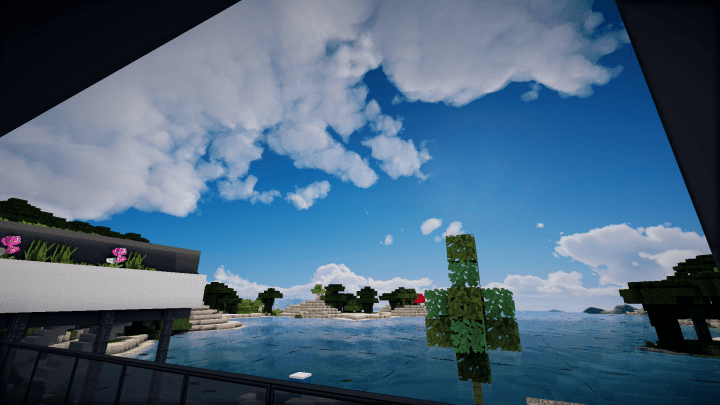
How to Install Texture Pack (Simple 10 Steps)
- Download OptiFine: Most of the texture packs and shaders need OptiFine. That’s why, first download and install OptiFine for the version of Minecraft you want to play.
- Download the Texture Pack: Get the texture pack you want from the download section. Choose the version that works with your Minecraft and your PC’s performance.
- Open Minecraft Launcher: Start Minecraft using the official game launcher — or even TLauncher, if you use that.
- Go to Options: From the main menu, click on the “Options” button.
- Open Resource Packs: Inside Options, click on “Resource Packs…”.
- Open the Resource Pack Folder: Click on “Open Resource Pack Folder” — this will open a folder named “resourcepacks”.
- Move the Pack File: Copy or move the .zip file you downloaded into that “resourcepacks” folder. (Don’t unzip the file — Minecraft uses it as-is!)
- Go Back and Refresh: Close the folder and click “Done”, then go back into “Resource Packs…” again.
- Activate the Pack: You’ll see the pack on the left side. Hover over it and click the arrow to move it to the right (active side).
Tip: If you get a message that the pack is for a different version, just click “Yes” — it usually works fine. - Click Done and Enjoy: Click “Done” again. Now your pack is ready to use in-game. It’s that easy!
Credits
This resource pack was originally created by Fire Eagle FE Gaming. We do not claim ownership of this content, nor have we modified the original files. All rights and intellectual property belong strictly to the original creator. We encourage you to support Fire Eagle FE Gaming by downloading the pack directly from their official sources.
Download Instructions
Curseforge: download starts automatically after a few seconds;
Mediafire: click the big blue button with the text “DOWNLOAD”;
Google Drive: in the top right corner you will see a small download icon (down arrow), click it and the download should start;