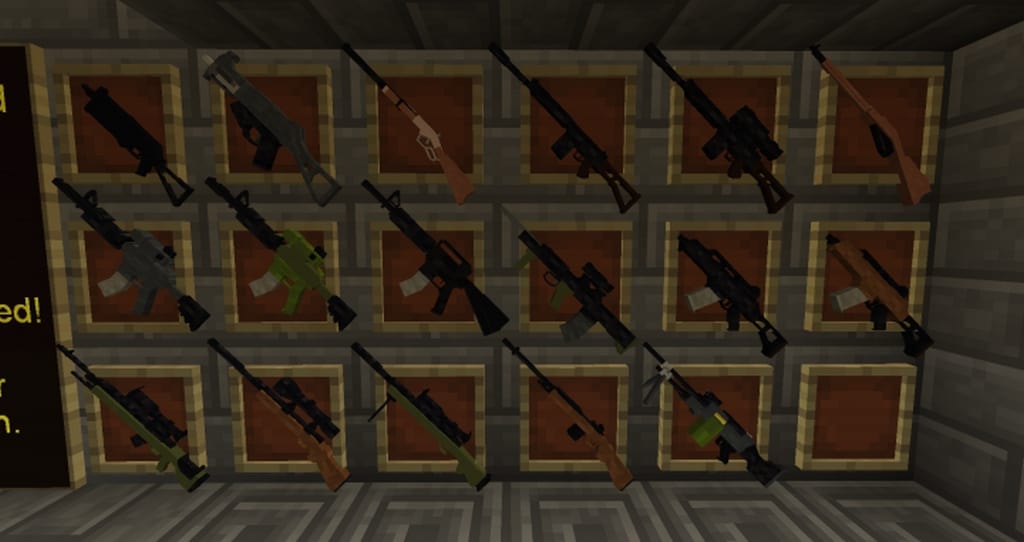
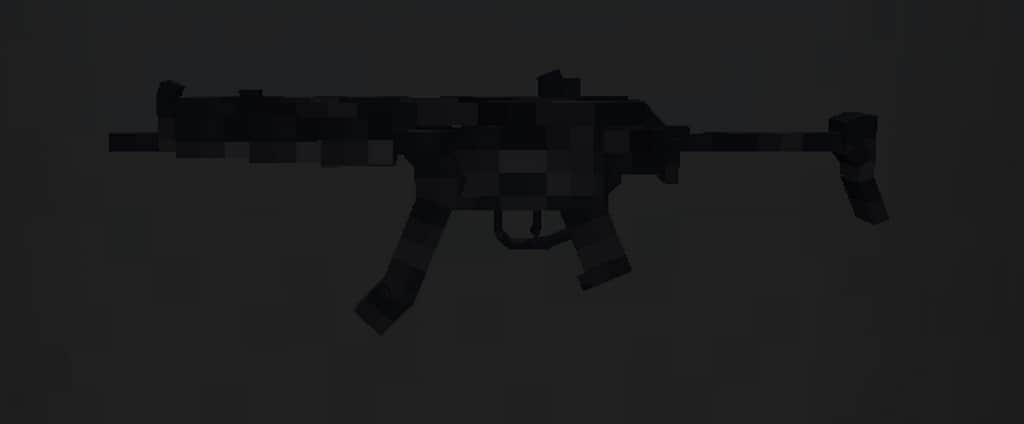
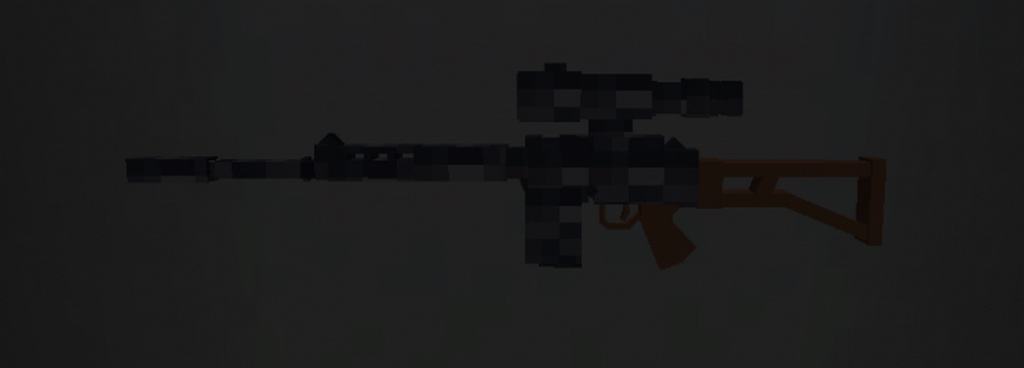
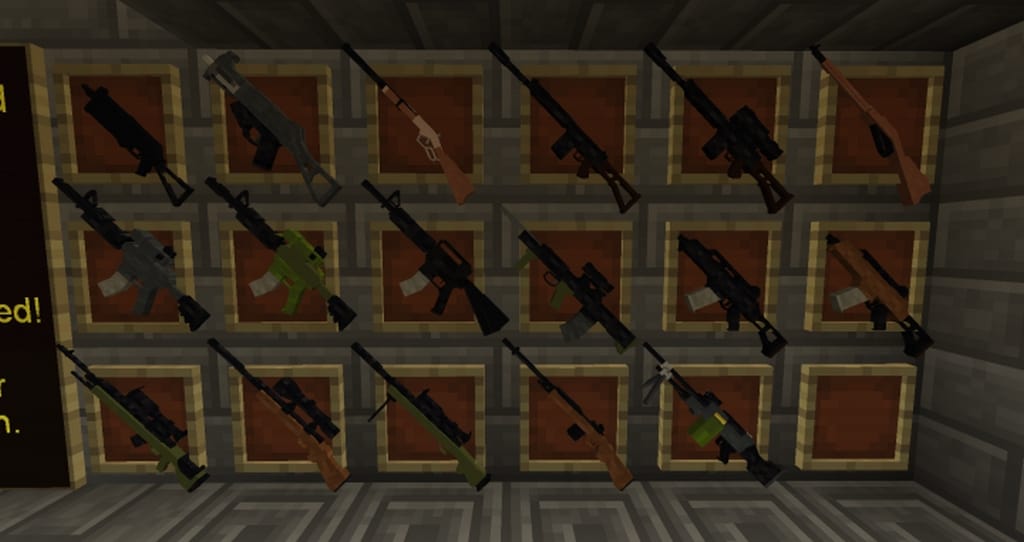
The author has lovingly designed the Custom Guns resource pack for all of us gamers who genuinely enjoy playing with weapons and might feel that the range of firearms classic Minecraft offers is just a bit too limited. As you can easily guess from the resource pack’s name, the author developed this pack specifically to introduce a fantastic new batch of weapons directly into Minecraft. Honestly, all of these firearms look remarkably outstanding once you see them in-game. While other creators have definitely tackled similar resource packs in the past, this particular one feels truly extraordinary and successfully takes the overall quality to a much higher level than before. That is precisely why you should seriously think about checking it out if you have ever wanted to spice up Minecraft’s standard equipment arsenal. Before we dive any deeper into the nitty-gritty details, let me quickly clarify that the Custom Guns texture pack strictly updates the weapon textures and nothing more than that.
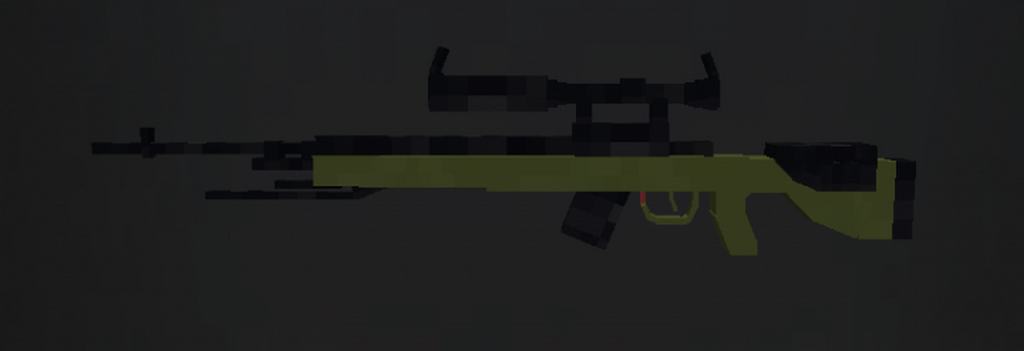
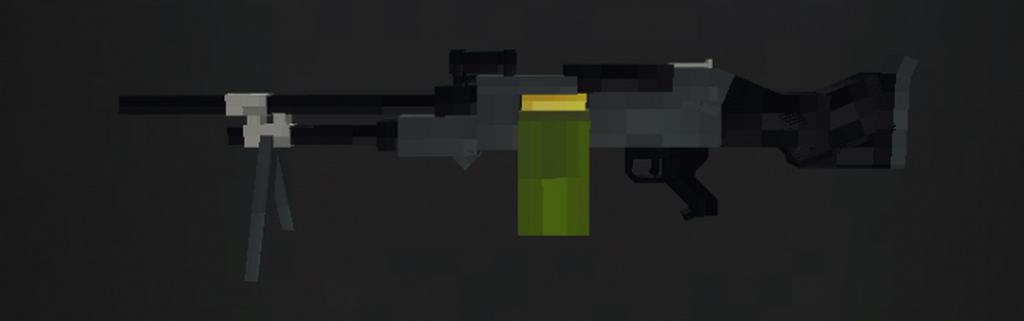
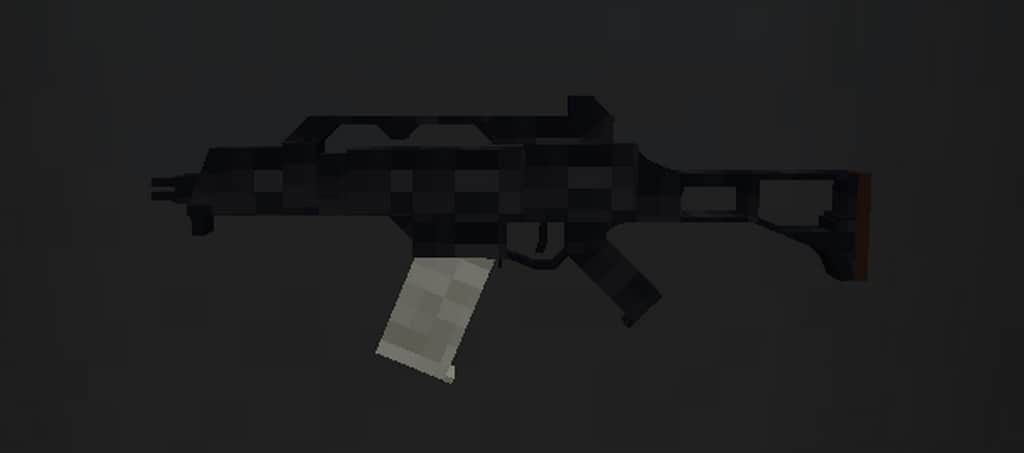
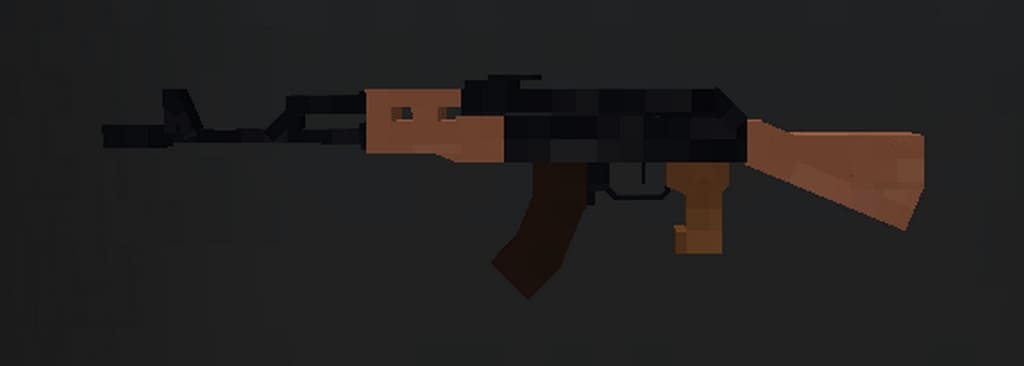
In case you happen to be looking for a comprehensive resource pack that completely overhauls the entire look of Minecraft, this one is probably not for you. However, if you are already quite happy with the game’s existing appearance and simply want to introduce vastly improved guns into your world, this pack will be more than enough to fully meet your expectations. When we look closely at the firearms, the resource pack currently offers an impressive thirty-four different types of weapons. It boasts a reasonably wide variety, including hard-hitting shotguns and versatile rifles, meaning you are virtually guaranteed to find some fun armaments that you will thoroughly enjoy playing with. Best of all, because these textures feature a clean 16×16 display resolution and do not alter any other aspects of Minecraft, you will not experience any negative impact on your game performance whatsoever. Your frame rates will not drop even slightly, which is truly fantastic news for players using lower-spec PCs.
Custom Guns should be compatible with all of these Minecraft versions: 1.12.2 – 1.12 – 1.11.2 – 1.11 – 1.10.2 – 1.10 – 1.9.4 – 1.9
Screenshots




How to Install Texture Pack (Simple 10 Steps)
- Download OptiFine: Most of the texture packs and shaders need OptiFine. That’s why, first download and install OptiFine for the version of Minecraft you want to play.
- Download the Texture Pack: Get the texture pack you want from the download section. Choose the version that works with your Minecraft and your PC’s performance.
- Open Minecraft Launcher: Start Minecraft using the official game launcher — or even TLauncher, if you use that.
- Go to Options: From the main menu, click on the “Options” button.
- Open Resource Packs: Inside Options, click on “Resource Packs…”.
- Open the Resource Pack Folder: Click on “Open Resource Pack Folder” — this will open a folder named “resourcepacks”.
- Move the Pack File: Copy or move the .zip file you downloaded into that “resourcepacks” folder. (Don’t unzip the file — Minecraft uses it as-is!)
- Go Back and Refresh: Close the folder and click “Done”, then go back into “Resource Packs…” again.
- Activate the Pack: You’ll see the pack on the left side. Hover over it and click the arrow to move it to the right (active side).
Tip: If you get a message that the pack is for a different version, just click “Yes” — it usually works fine. - Click Done and Enjoy: Click “Done” again. Now your pack is ready to use in-game. It’s that easy!
Credits
This resource pack was originally created and developed by CriNet. We do not claim ownership of this content, nor have we modified the original files in any way. All rights and creative credits belong strictly to CriNet. We strongly encourage all players to visit the official source and support the original creator for their hard work.
Download Links
Java Edition
Download Instructions
Curseforge: download starts automatically after a few seconds;
Mediafire: click the big blue button with the text “DOWNLOAD”;
Google Drive: in the top right corner you will see a small download icon (down arrow), click it and the download should start;