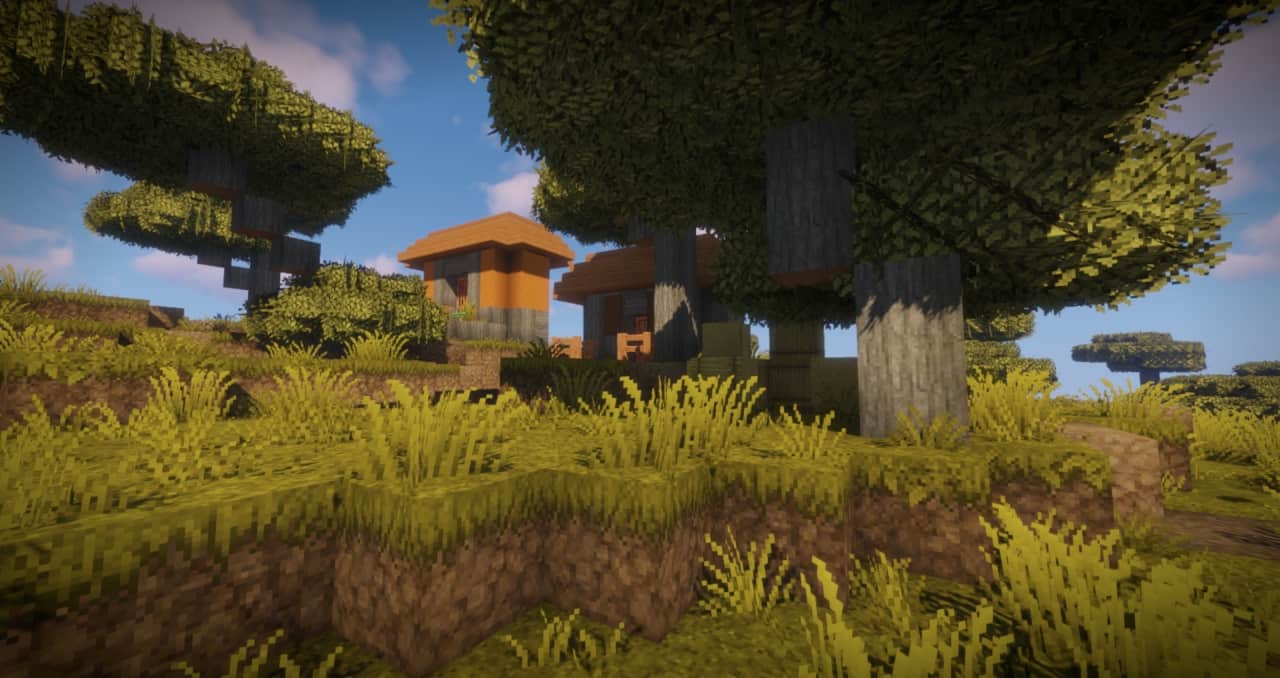
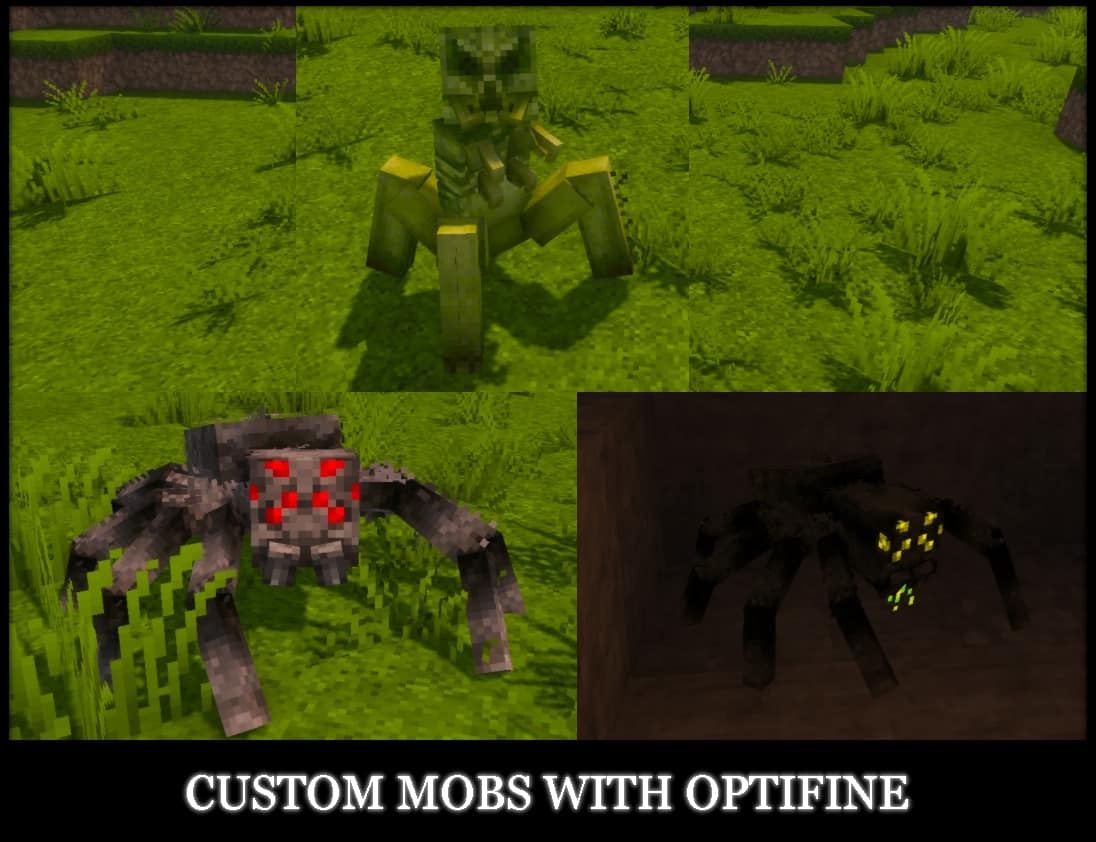
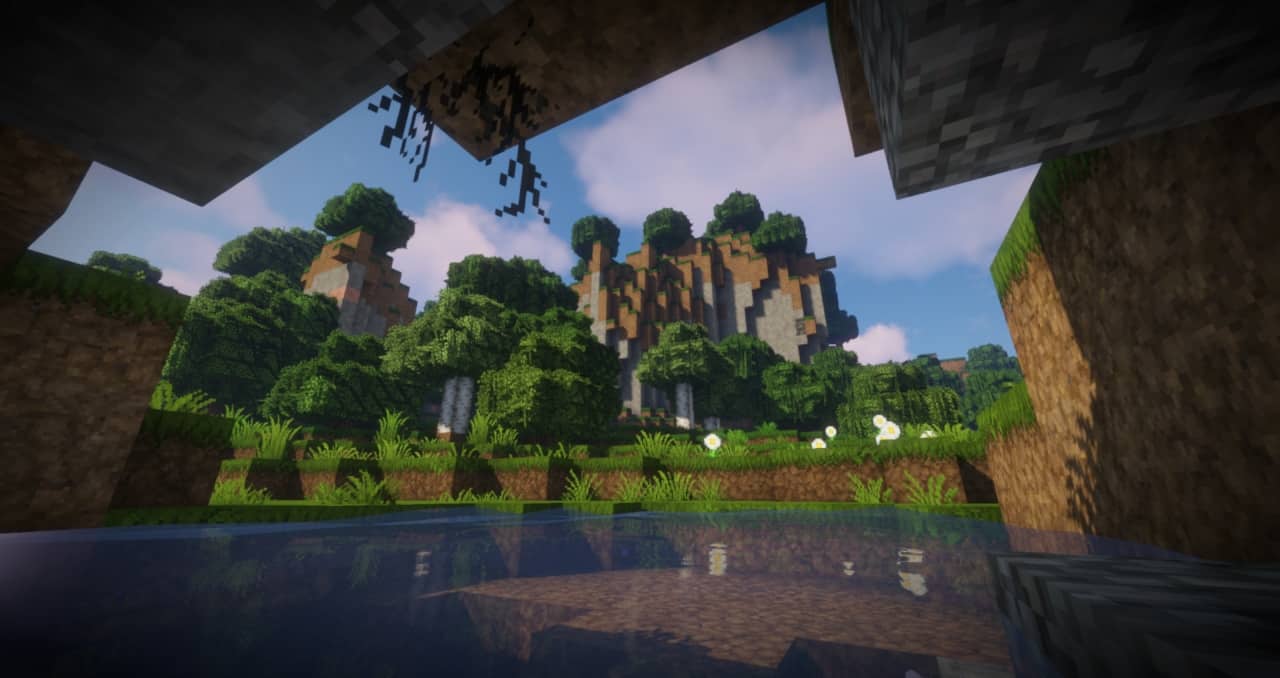
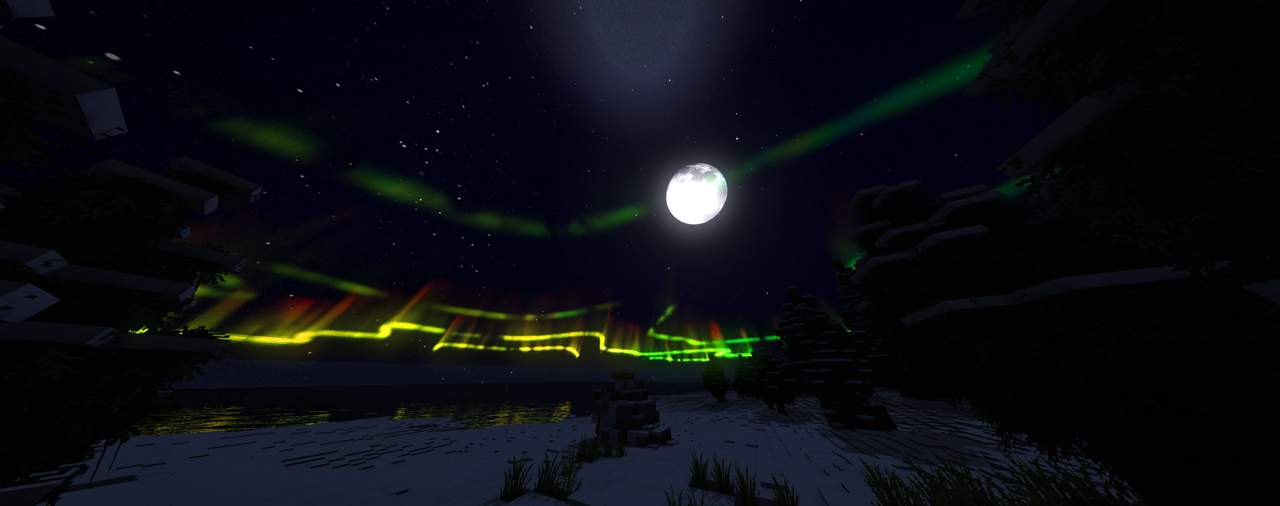
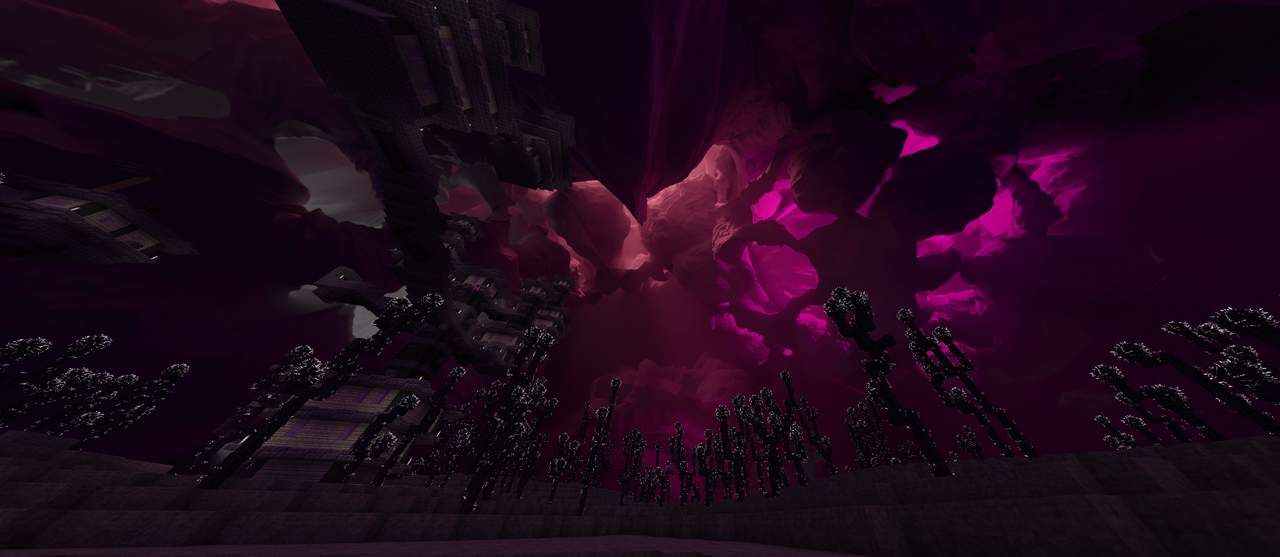
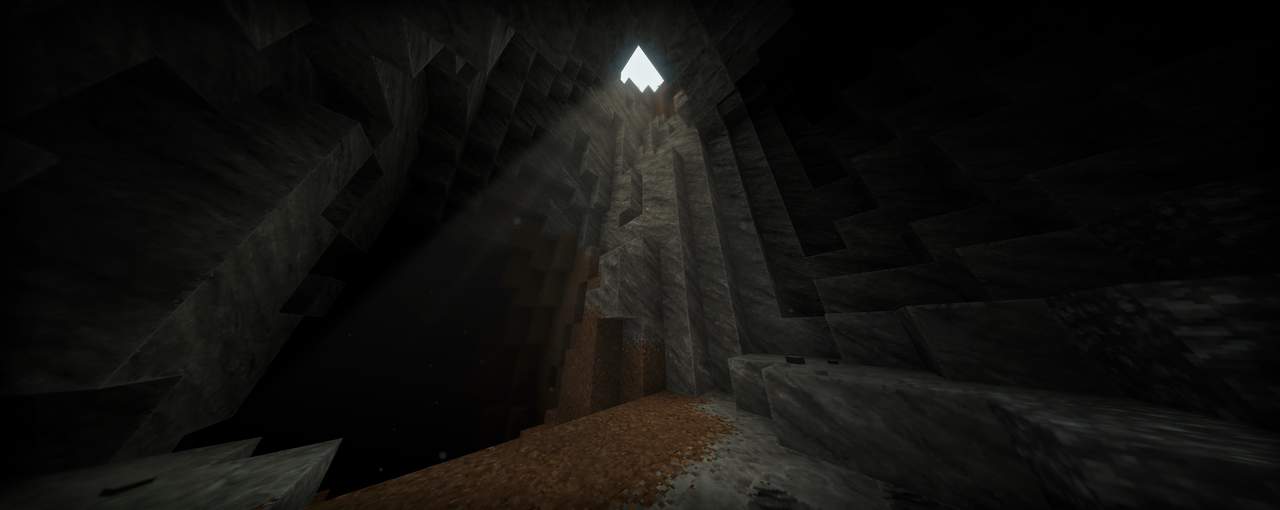
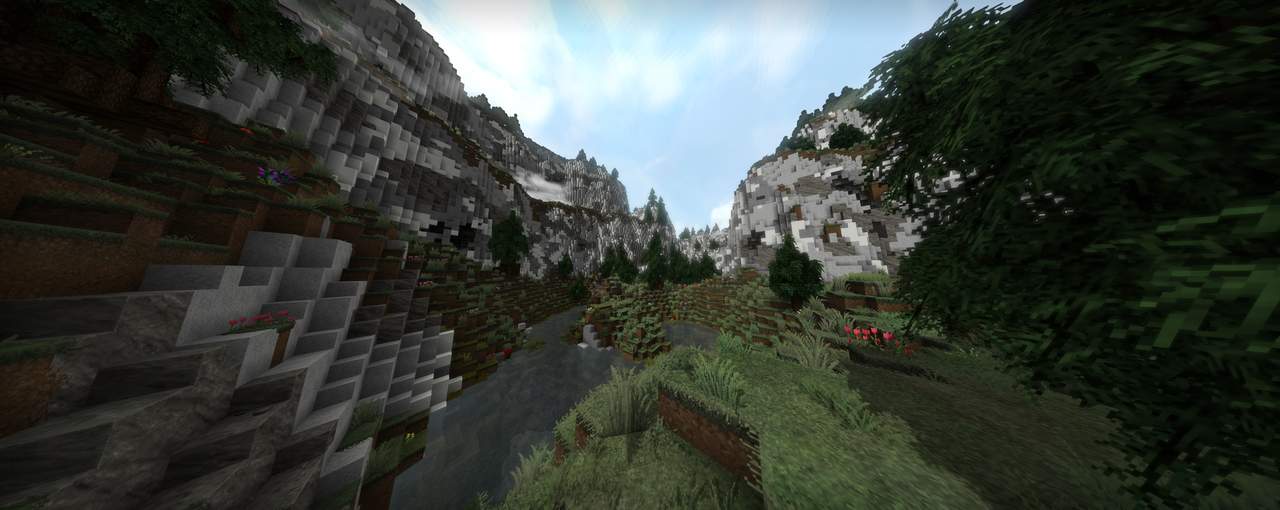
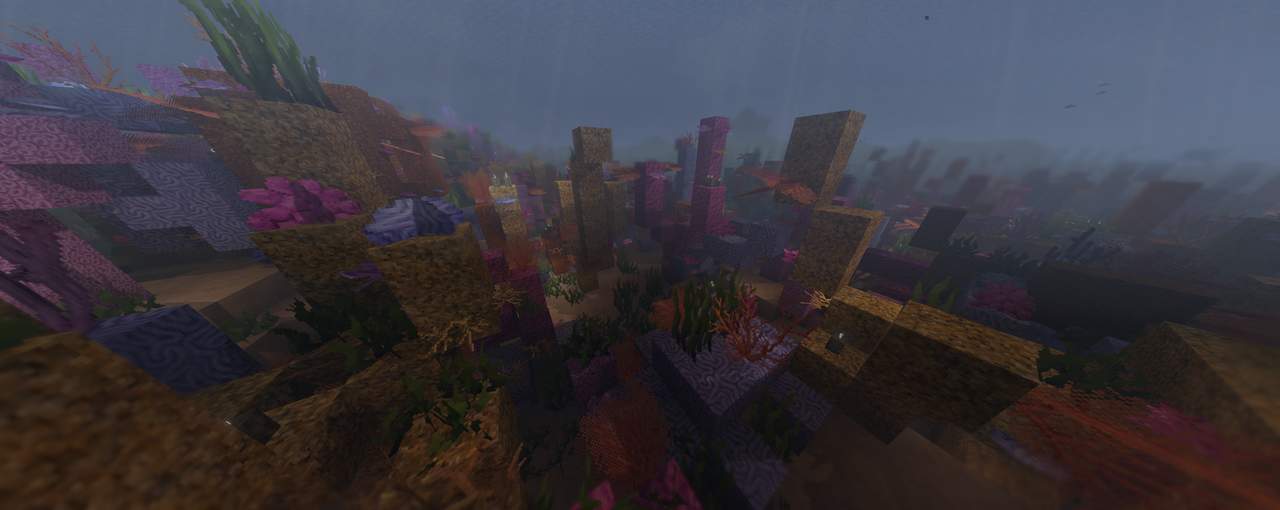
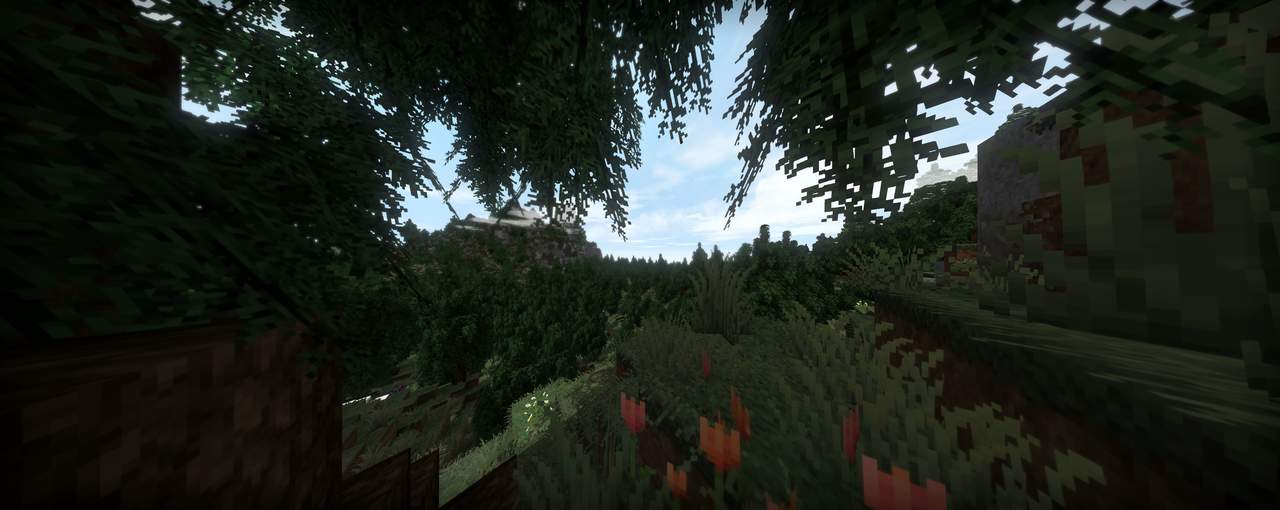
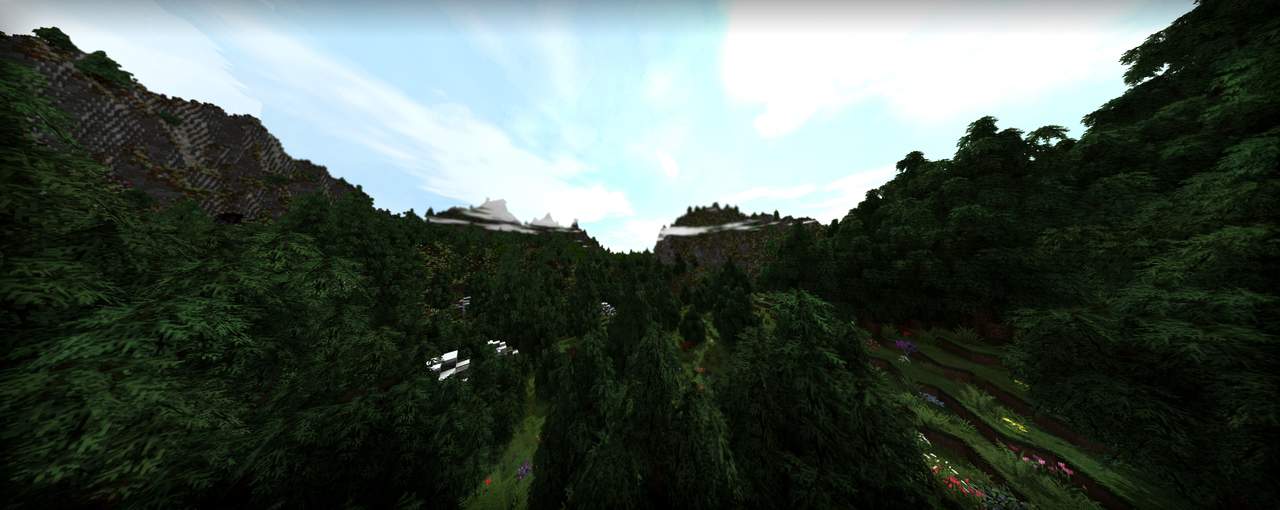
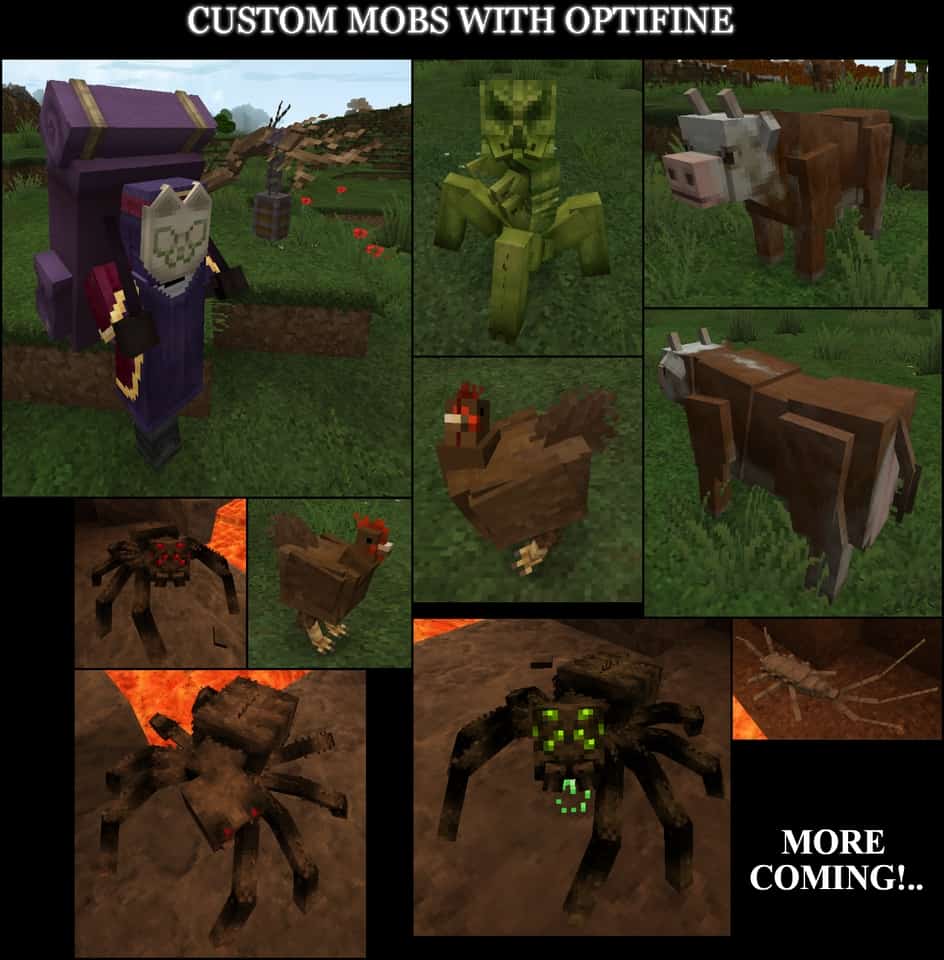
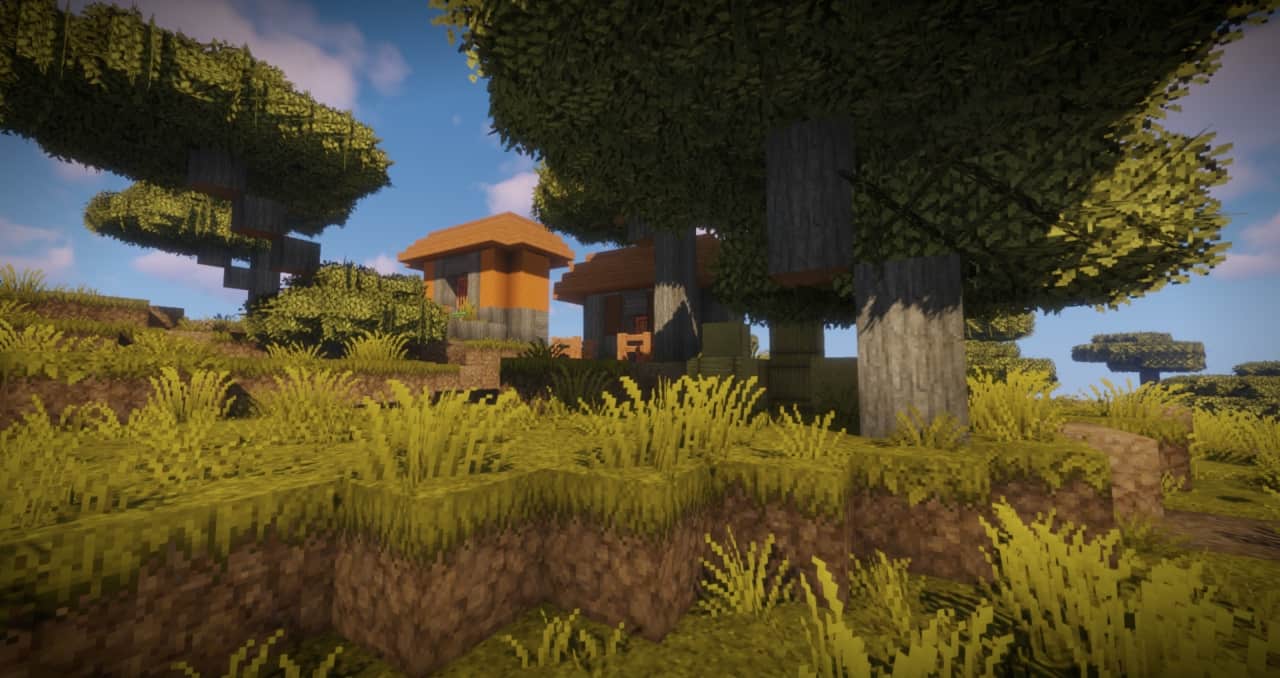
As the sun rises over the Minecraft horizon, you will see Minecraft in an entirely new light. That is because with the Epic Adventures resource pack, everything has double the detail. While the default Minecraft resource pack is 16×16 pixels, the Epic Adventures resource pack gives double the detail in beautiful 32×32 pixels. Take your Minecraft adventures to horizons you never thought possible with this exciting new addition to the game we all know and love. This detailed pack does not take away anything that players love about vanilla Minecraft, it only adds to the already limitless game. See your Minecraft worlds in an entirely new way with double the detail while not sacrificing any of the frame-rate. A cow is still a cow, a pig is still a pig, and a creeper is still a creeper, but you will be seeing them in an amazingly new way.
The typical bright color palette of vanilla Minecraft has been toned down for a more realistic-looking world. Players that have used the Epic Adventures texture pack have found they love the realistic look even more than the vanilla Minecraft look they saw before. Everything is still the same, and the game should run just as fast as default. This resource pack is full to the brim with a few overhauls but a major amount of minor tweaks and fixes to the game. The Epic Adventures resource pack will have you looking at your Minecraft worlds differently than you ever have before, and it will fill you with hope and imagination. Once you have installed the resource pack and loaded into a new, current, or your old Minecraft world, there is only going to be one thing on your mind: Adventure.
Epic Adventures should be compatible with all of these Minecraft versions: 1.21.11 – 1.21.10 – 1.21.8 – 1.21.7 – 1.21.6 – 1.21.5 – 1.21.4 – 1.21.3 – 1.21.2 – 1.21.1 – 1.21 – 1.20.6 – 1.20.5 – 1.20.4 – 1.20.3 – 1.20.2 – 1.20.1 – 1.20 – 1.19.4 – 1.19.3 – 1.19.2 – 1.19.1 – 1.19 – 1.18.2 – 1.18.1 – 1.18 – 1.17.1 – 1.17 – 1.16.5 – 1.16.4 – 1.16.3 – 1.16.2 – 1.16.1 – 1.16 – 1.15.2 – 1.15.1 – 1.15 – 1.14.4 – 1.14.3 – 1.14.2 – 1.14 – 1.13.2 – 1.13.1 – 1.13 – 1.12.2 – 1.12 – 1.8.9 – 1.8.8 – 1.8.1 – 1.8.6 – 1.8 – Bedrock Edition – PE
Screenshots
How to Install Texture Pack (Simple 10 Steps)
- Download OptiFine: Most of the texture packs and shaders need OptiFine. That’s why, first download and install OptiFine for the version of Minecraft you want to play.
- Download the Texture Pack: Get the texture pack you want from the download section. Choose the version that works with your Minecraft and your PC’s performance.
- Open Minecraft Launcher: Start Minecraft using the official game launcher — or even TLauncher, if you use that.
- Go to Options: From the main menu, click on the “Options” button.
- Open Resource Packs: Inside Options, click on “Resource Packs…”.
- Open the Resource Pack Folder: Click on “Open Resource Pack Folder” — this will open a folder named “resourcepacks”.
- Move the Pack File: Copy or move the .zip file you downloaded into that “resourcepacks” folder. (Don’t unzip the file — Minecraft uses it as-is!)
- Go Back and Refresh: Close the folder and click “Done”, then go back into “Resource Packs…” again.
- Activate the Pack: You’ll see the pack on the left side. Hover over it and click the arrow to move it to the right (active side).
Tip: If you get a message that the pack is for a different version, just click “Yes” — it usually works fine. - Click Done and Enjoy: Click “Done” again. Now your pack is ready to use in-game. It’s that easy!
Credits
Credits to toby109tt for creating the Epic Adventures resource pack. We do not claim ownership of this content, nor do we host modified versions of the files. All rights remain with the original author. Please support the creator by downloading from official sources and checking out their other projects.
Download Links
Java Edition
- [32x] Minecraft 1.21.x – 1.20.x
- [32x] Minecraft 1.19.x
- [32x] Minecraft 1.18.x
- [32x] Minecraft 1.17.x – 1.13.x
- [32x] Minecraft 1.12.x
- [32x] Minecraft 1.8.x
Bedrock Edition
Download Instructions
Curseforge: download starts automatically after a few seconds;
Mediafire: click the big blue button with the text “DOWNLOAD”;
Google Drive: in the top right corner you will see a small download icon (down arrow), click it and the download should start;


