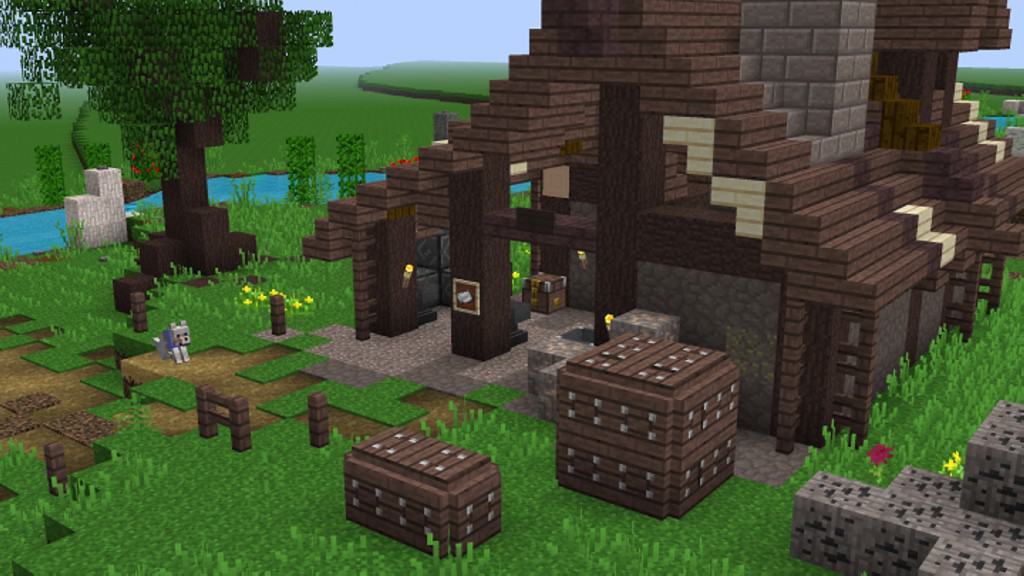
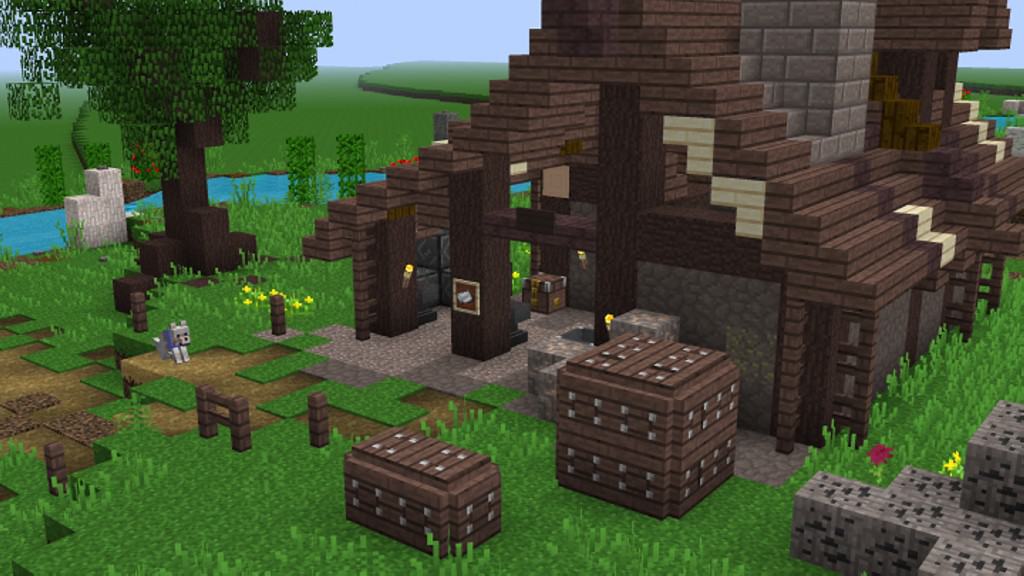
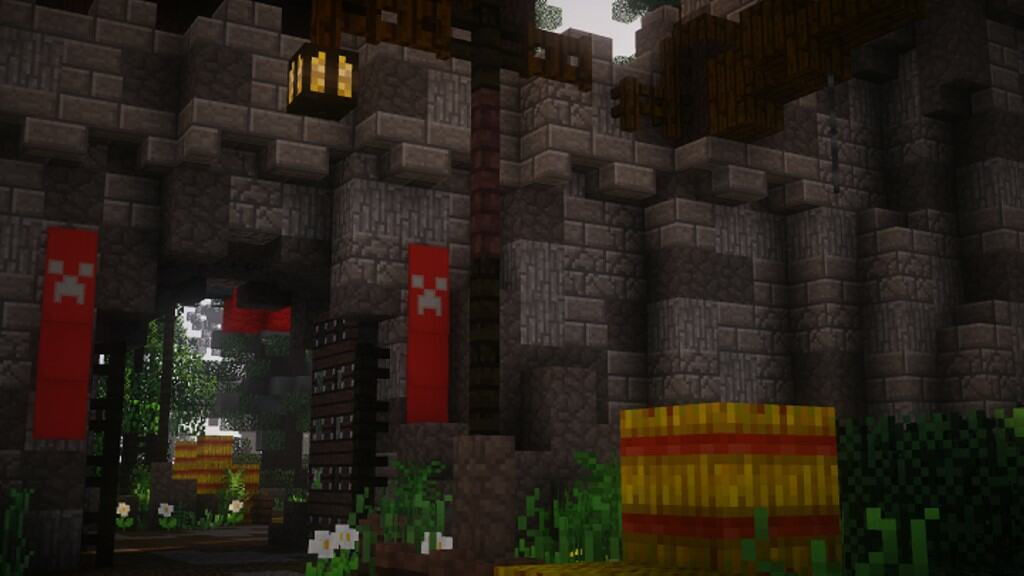
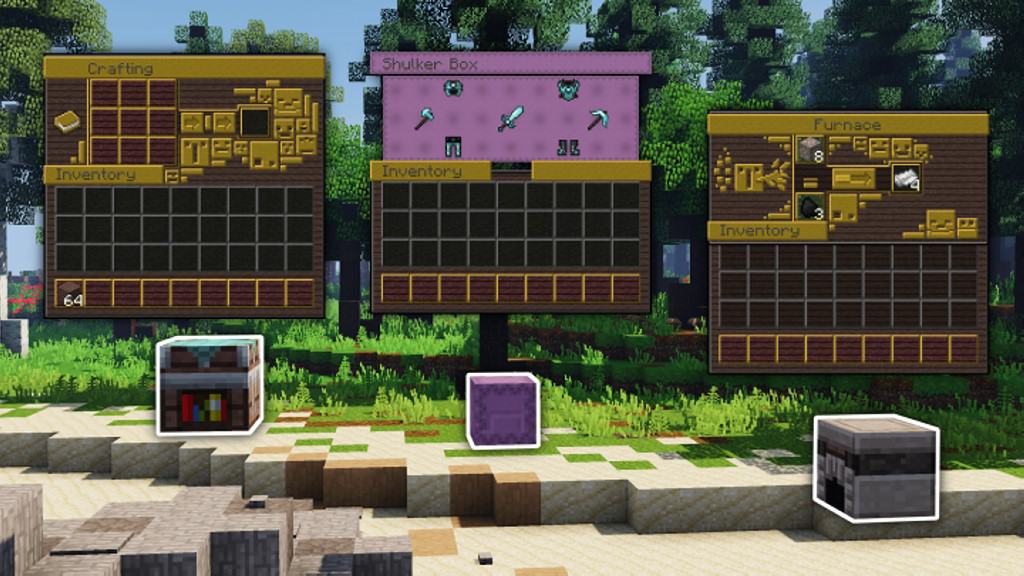
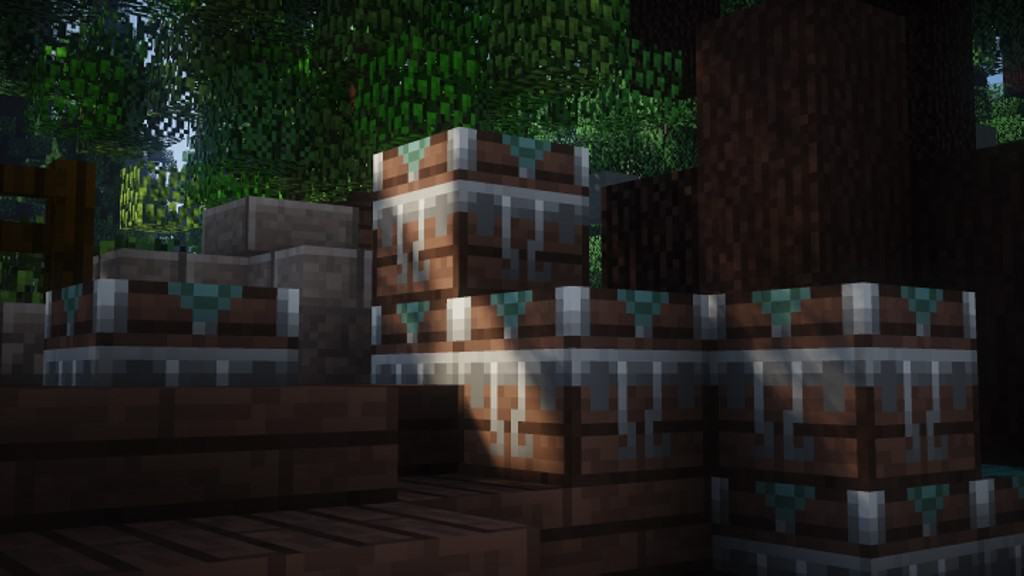
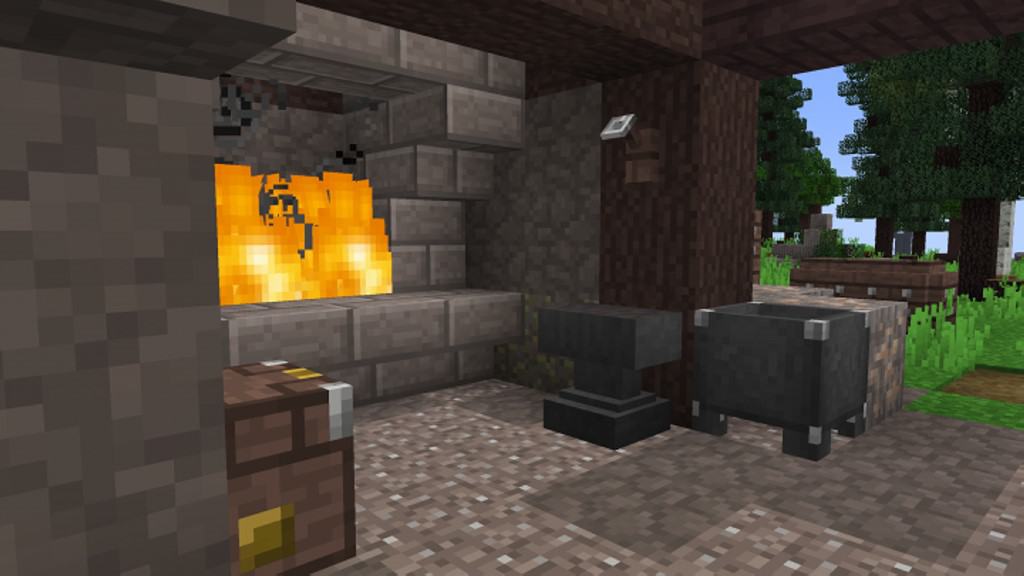
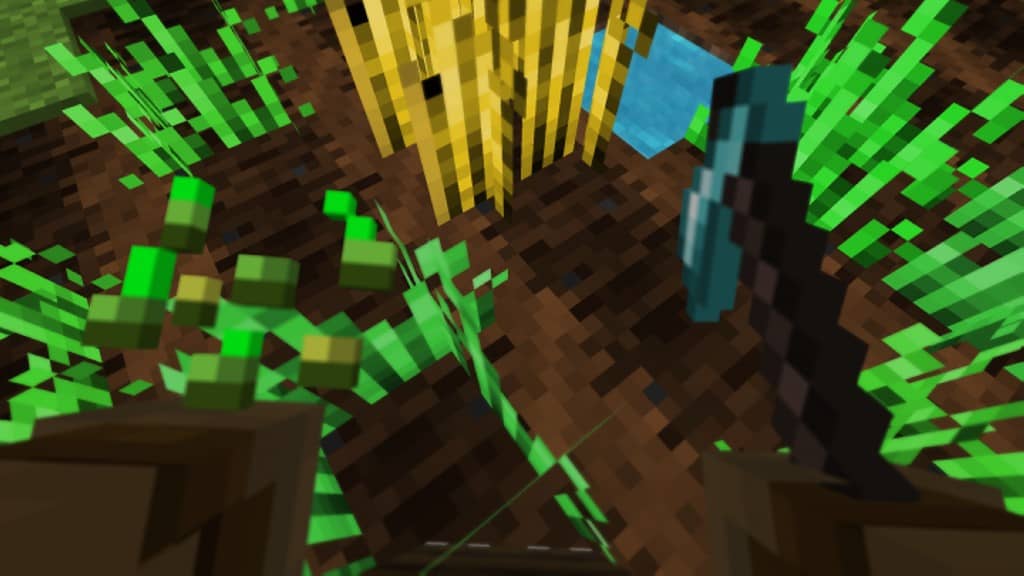
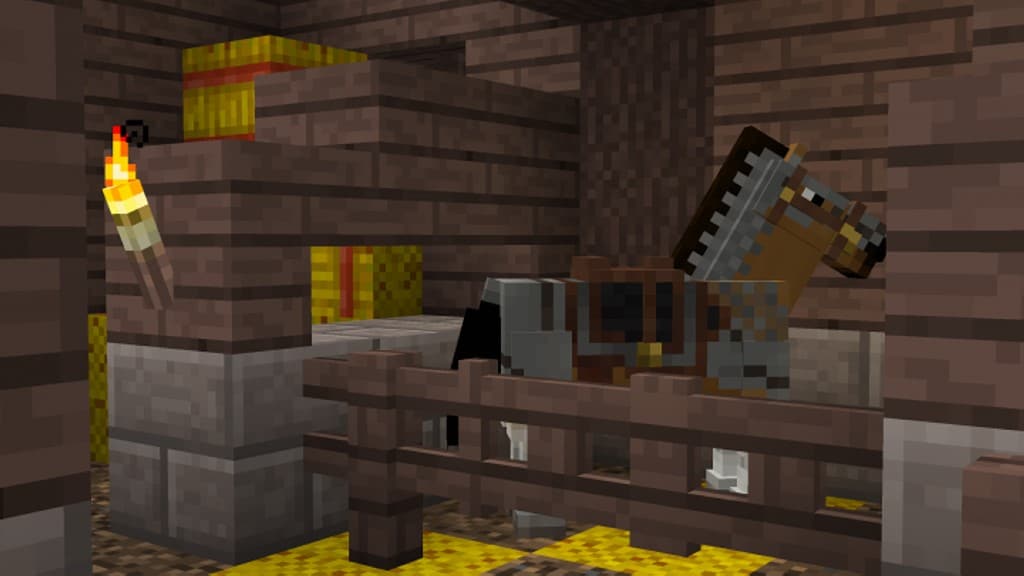
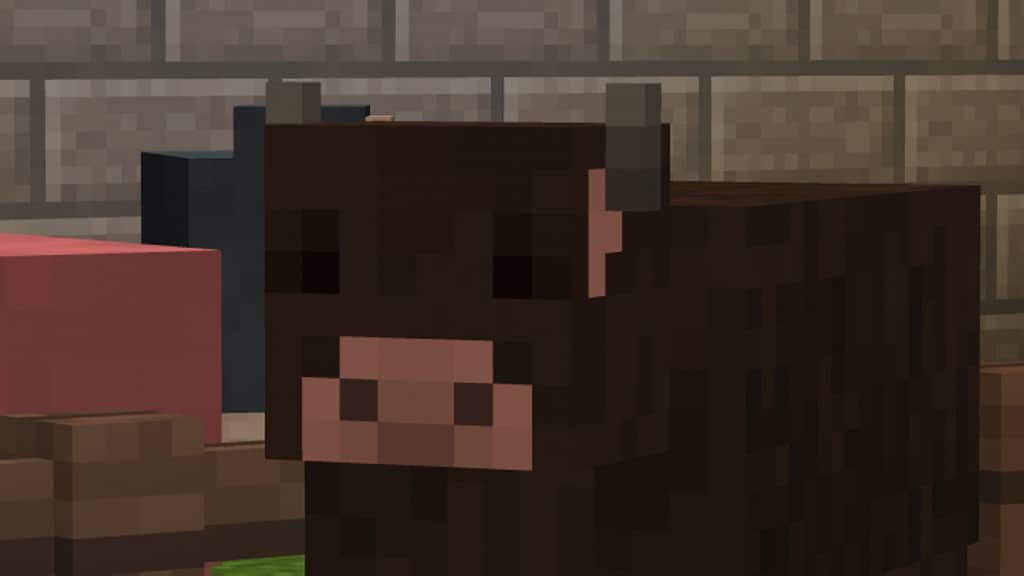
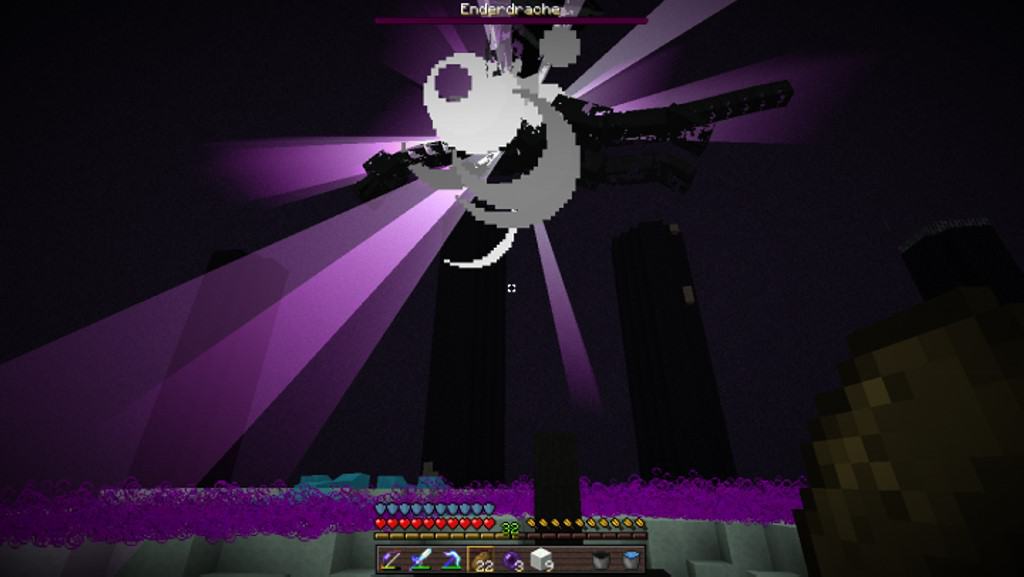
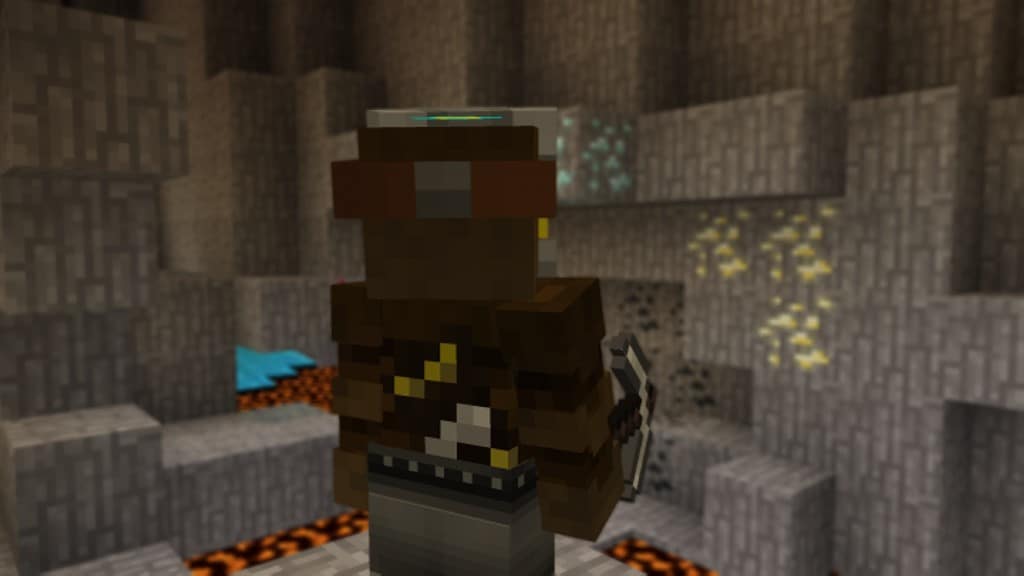
The Echelon resource pack truly takes a refreshing and unique approach compared to other popular texture packs out there. The default textures in vanilla Minecraft feature a 16x resolution, and for the vast majority of players, that is completely enough since those iconic blocky visuals are precisely what make Minecraft so universally recognizable and deeply appreciated. Most resource packs tend to heavily alter the fundamental identity of the game by upscaling everything in sight, from texture resolutions up to fancy lighting effects and animations. Echelon, on the other hand, brilliantly aims to improve the overall visuals in the game without ever altering the true identity of Minecraft. It is specifically this thoughtful design philosophy that has made Echelon an immensely popular resource pack boasting hundreds of thousands of downloads. Echelon is an absolute must-have texture pack crafted lovingly for purists and players who might simply want to try something subtly fresh other than standard vanilla Minecraft. Because it faithfully sticks to the same 16x texture resolution and refuses to introduce heavy, high-resolution textures, this fantastic resource pack does not affect your framerate negatively in the slightest.
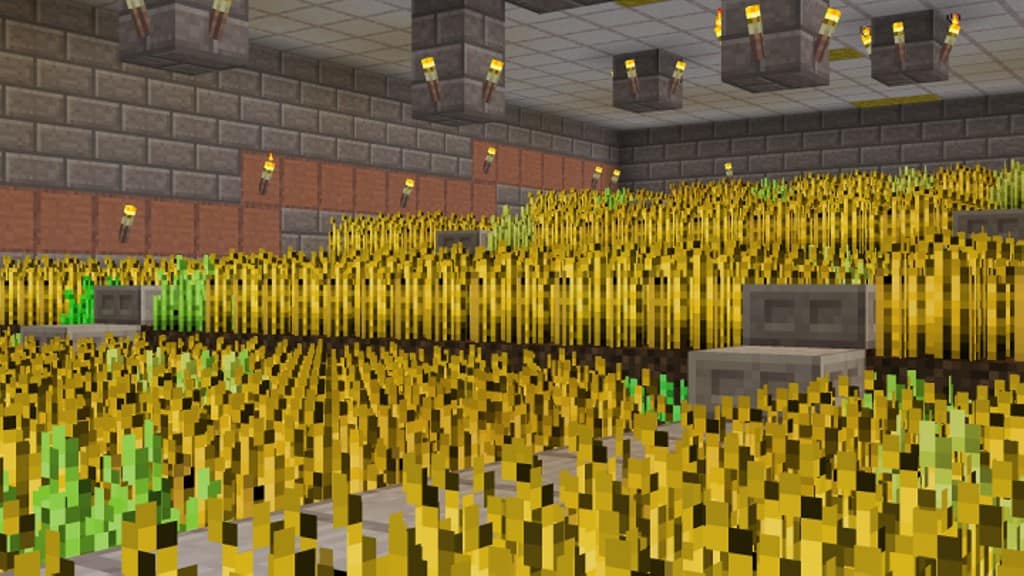
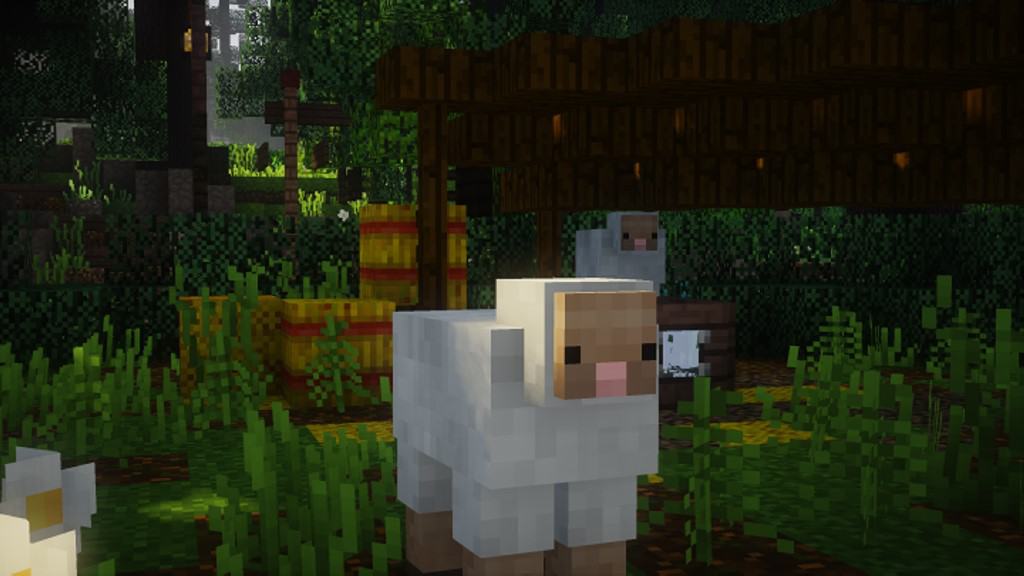
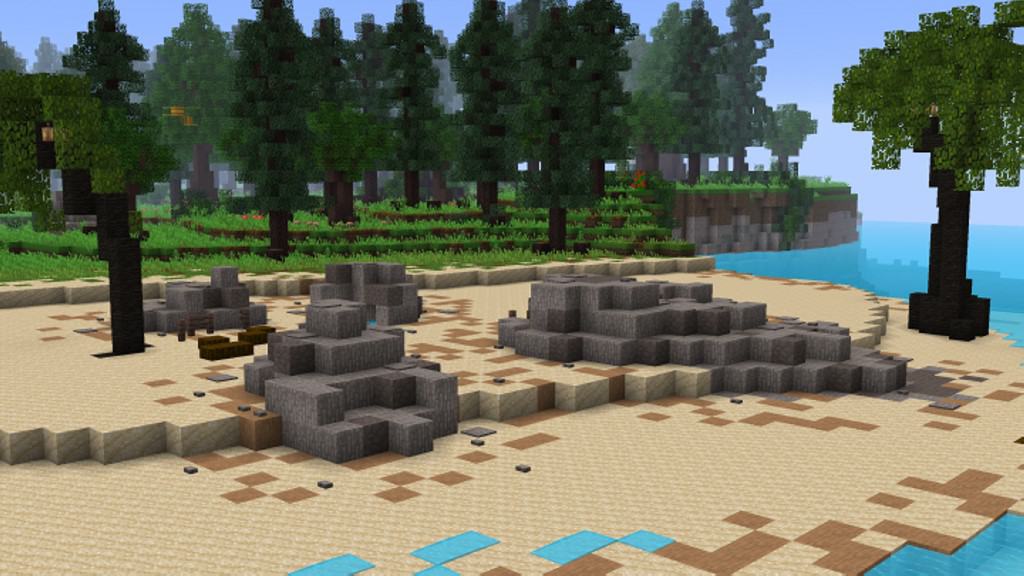
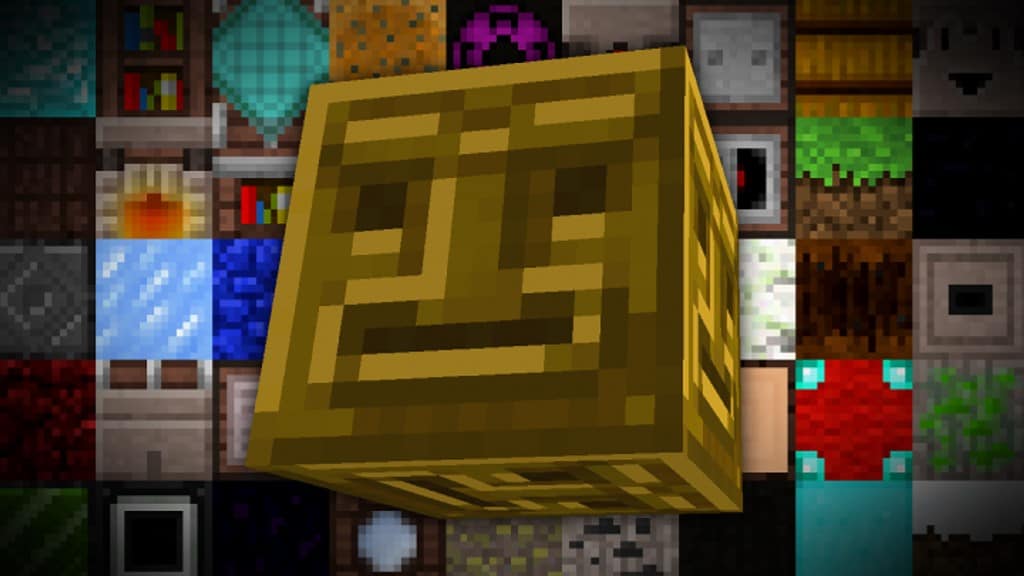
Another extraordinarily important aspect that has been noticeably improved is that there is significantly less visual noise in the textures, something you can easily notice immediately after loading into your world. Players rocking older hardware systems who can comfortably run vanilla Minecraft will also be able to fully enjoy the Echelon resource pack without having to make any performance compromises whatsoever. The resource pack focuses brilliantly on fine-tuning and tweaking the visuals already present in the game. Textures have been thoroughly polished without ever unnecessarily increasing the pixel resolution. The color palette was also wonderfully changed for the better, making the vibrant world of Minecraft look even more lively and colorful than before. Trees, rolling terrain, various blocks, glittering ores, weapons, durable tools, decorative paintings, lovely flowers, and almost every single other texture in the game have been thoughtfully improved. All of these fantastic improvements were the brilliant result of the hard work put in by the original developers RealGoran and adeleine, with adeleine continuing to release helpful updates after RealGoran originally stepped away from the project. The Echelon resource pack can be conveniently installed like any other standard resource pack, and because it runs effortlessly on older systems by utilizing the exact same resolution textures as vanilla Minecraft, it guarantees zero negative impact on your overall game performance.
Echelon should be compatible with all of these Minecraft versions: 1.14.4 – 1.14.3 – 1.14.2 – 1.14 – 1.13.2 – 1.13.1 – 1.13 – 1.12.2 – 1.12 – 1.11.2 – 1.11
Screenshots

How to Install Texture Pack (Simple 10 Steps)
- Download OptiFine: Most of the texture packs and shaders need OptiFine. That’s why, first download and install OptiFine for the version of Minecraft you want to play.
- Download the Texture Pack: Get the texture pack you want from the download section. Choose the version that works with your Minecraft and your PC’s performance.
- Open Minecraft Launcher: Start Minecraft using the official game launcher — or even TLauncher, if you use that.
- Go to Options: From the main menu, click on the “Options” button.
- Open Resource Packs: Inside Options, click on “Resource Packs…”.
- Open the Resource Pack Folder: Click on “Open Resource Pack Folder” — this will open a folder named “resourcepacks”.
- Move the Pack File: Copy or move the .zip file you downloaded into that “resourcepacks” folder. (Don’t unzip the file — Minecraft uses it as-is!)
- Go Back and Refresh: Close the folder and click “Done”, then go back into “Resource Packs…” again.
- Activate the Pack: You’ll see the pack on the left side. Hover over it and click the arrow to move it to the right (active side).
Tip: If you get a message that the pack is for a different version, just click “Yes” — it usually works fine. - Click Done and Enjoy: Click “Done” again. Now your pack is ready to use in-game. It’s that easy!
Credits
The Echelon resource pack was originally created by RealGoran and adeleine. We do not own or claim ownership of this content, nor have we modified the original files. We fully acknowledge the original creators and strongly encourage all players to support them by checking out their official download pages.
Download Instructions
Curseforge: download starts automatically after a few seconds;
Mediafire: click the big blue button with the text “DOWNLOAD”;
Google Drive: in the top right corner you will see a small download icon (down arrow), click it and the download should start;


