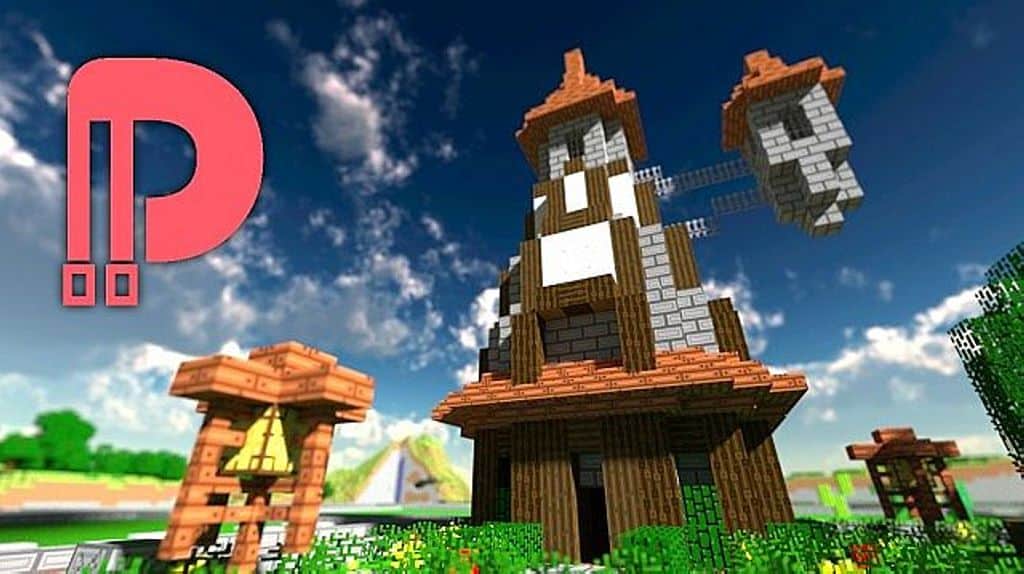
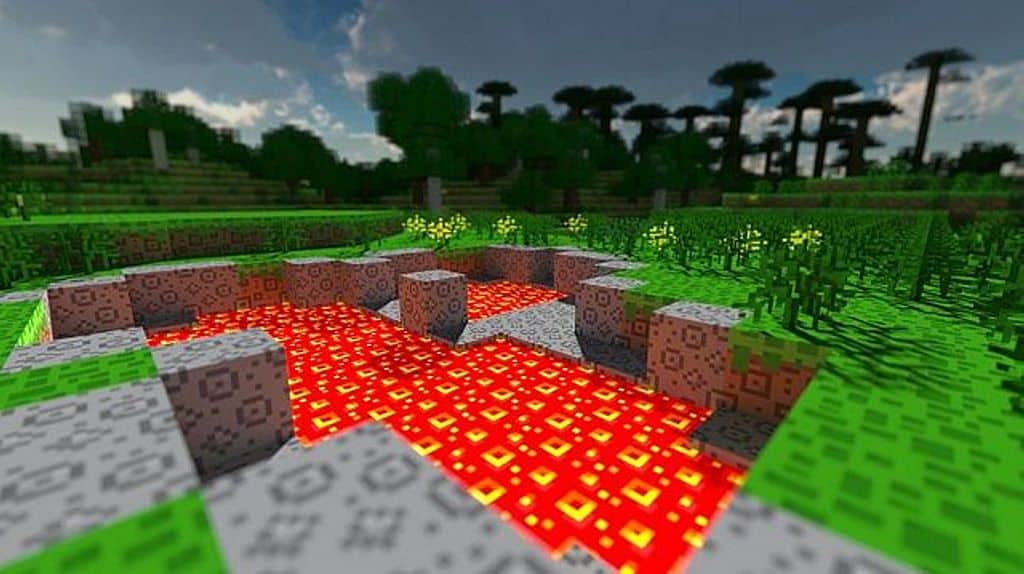
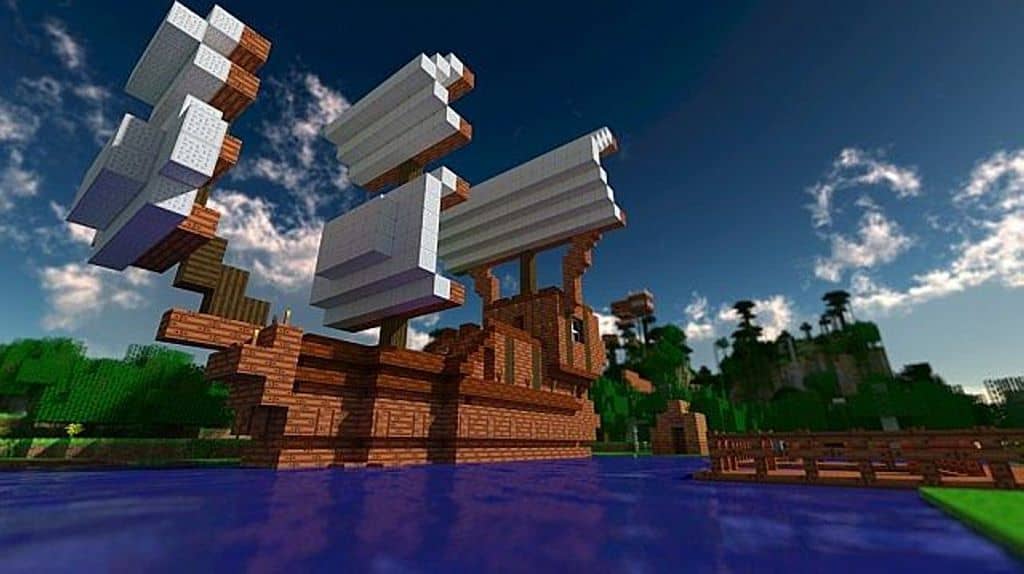
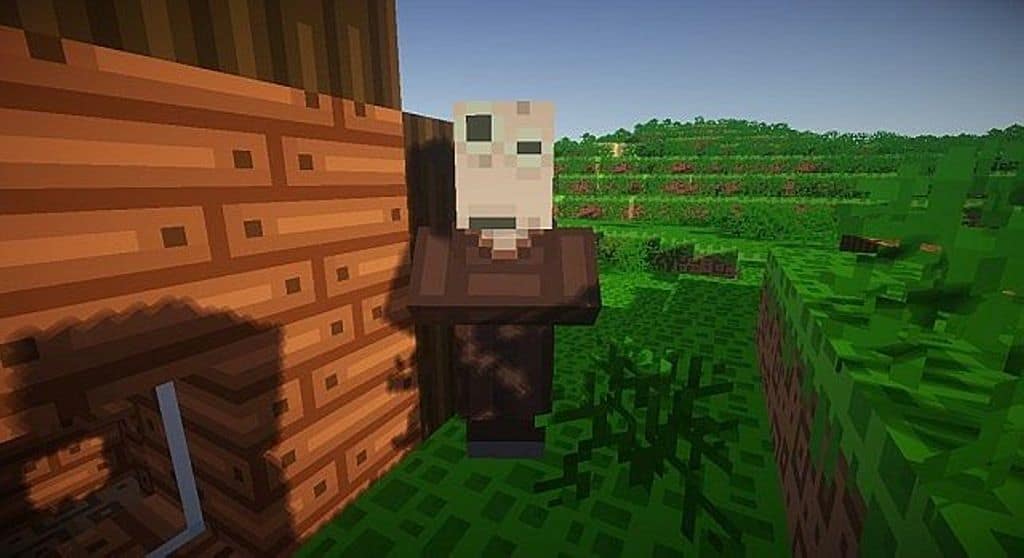
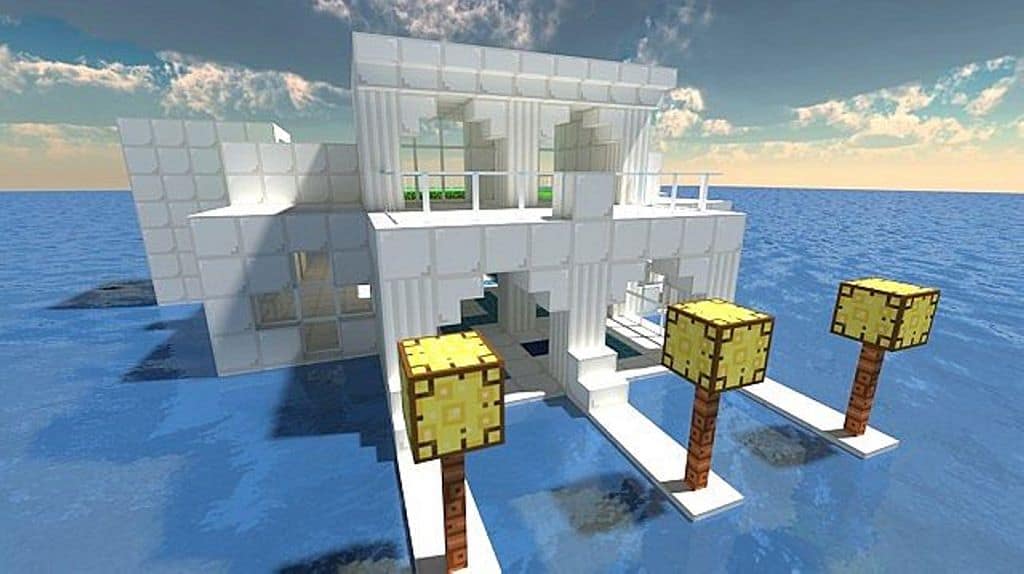
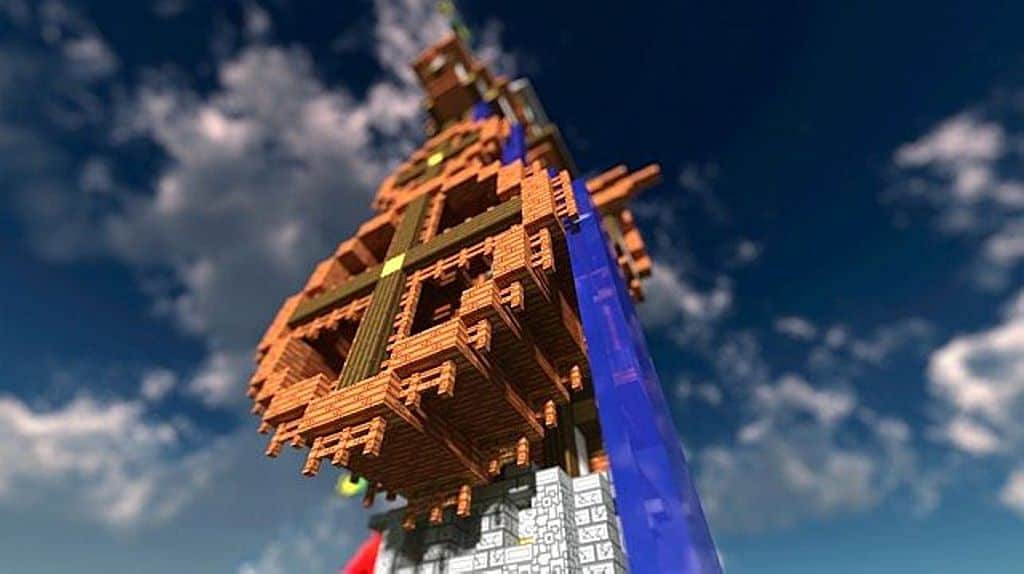
The Dreams of Drean resource pack is a wonderfully interesting twist for vanilla Minecraft players that you simply have to try out. As the original developer describes it, the texture pack truly introduces a delightfully funky experience through its visual changes. I love that this resource pack does not limit itself to visuals alone, as it also introduces brand-new music and sounds, successfully creating a much more colorful and joyful version of Minecraft. The resource pack takes most textures in the game and makes them significantly more colorful and bright. Blocks now boast an even more cartoonish and joyful look that feels fresh and fun. Mobs have also been thoughtfully changed with new textures featuring funky patterns. To maintain the cohesive funky and joyful tone, the pack introduces more types of flowers, and all the food items in the game have been cleverly changed. Even eggs are no longer round and were creatively changed to be small blocks. Even weapons have been redesigned to give them a funky vibe since they are now much more colorful. There is even a pink sword and a wonderfully bent one to discover.
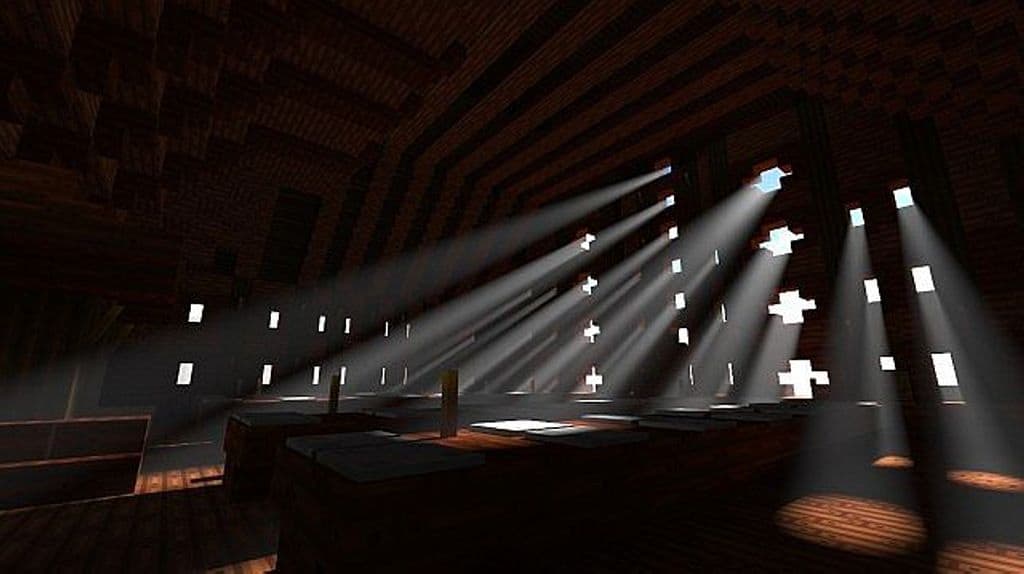
To further enhance the new funky visuals, the resource pack also brilliantly plays with lighting by increasing brightness levels and making textures remarkably crisper. The fantastic music in the resource pack is taken from Lindsey Stirling, and I found it amazing that you can actually craft jukeboxes and listen to her music while exploring the world. You can also make your own music by mixing different beats, treble, and notes using the jukebox. While textures have been thoughtfully changed in the Dreams of Drean resource pack, music clearly serves as the main inspiration for the developer. Best of all, despite improving the lighting, the resource pack does not require any shaders installed to look great. It is a 16x resolution resource pack, which matches the default vanilla Minecraft texture resolution. Because of this lower resolution, it is also wonderfully small in file size, meaning you get minimal to no impact on your game performance while playing with it installed. Plus, I think it is fantastic that the developer also made a mobile version of the resource pack, making it readily available for Bedrock players as well and not just PC gamers.
Dreams of Drean should be compatible with all of these Minecraft versions: 1.8.9 – 1.8.8 – 1.8.1 – 1.8.6 – 1.8 – 1.7.10 – 1.7.9 – 1.7.4 – 1.7 – 1.6.4 – 1.6.2 – Bedrock Edition – PE
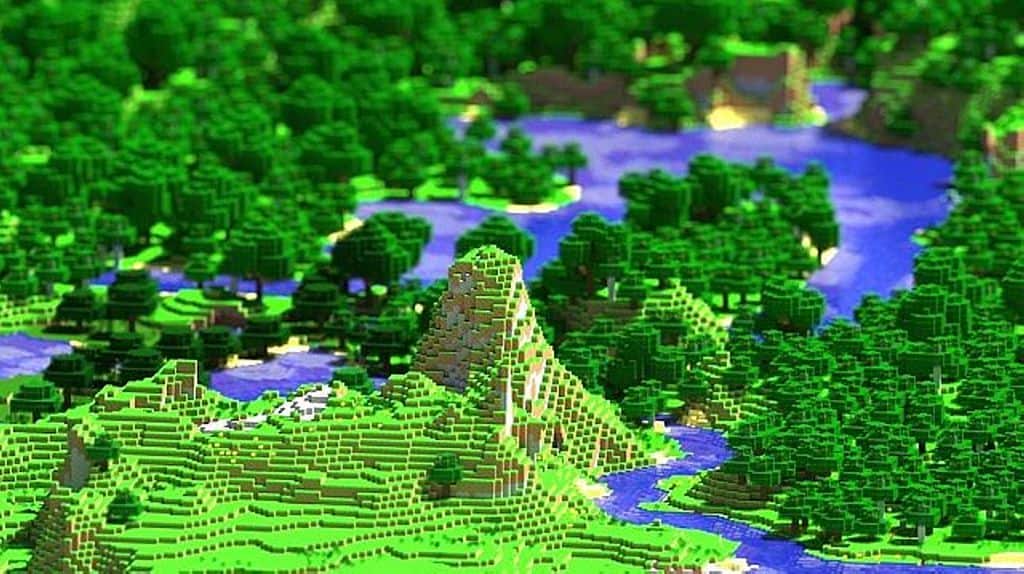
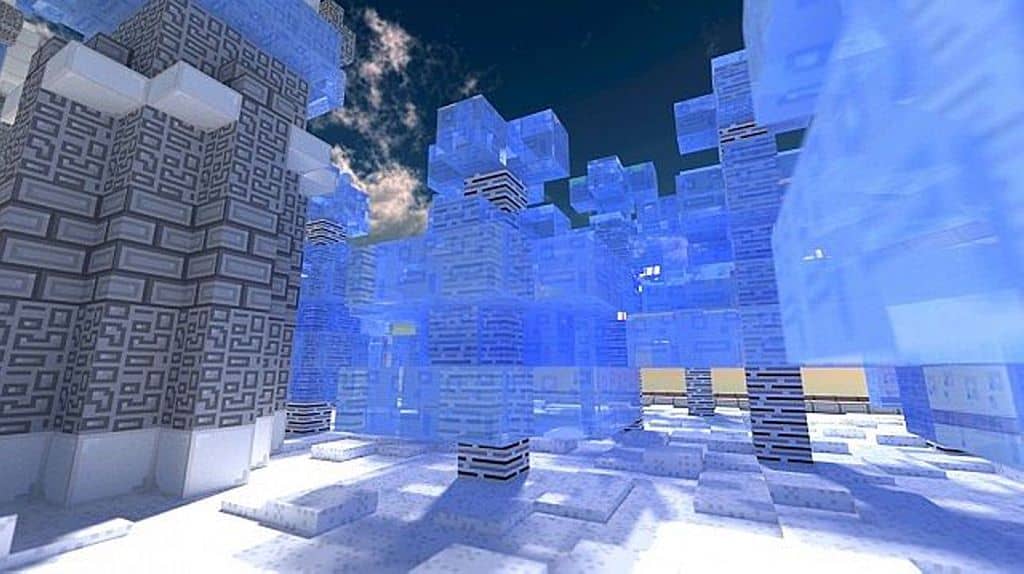
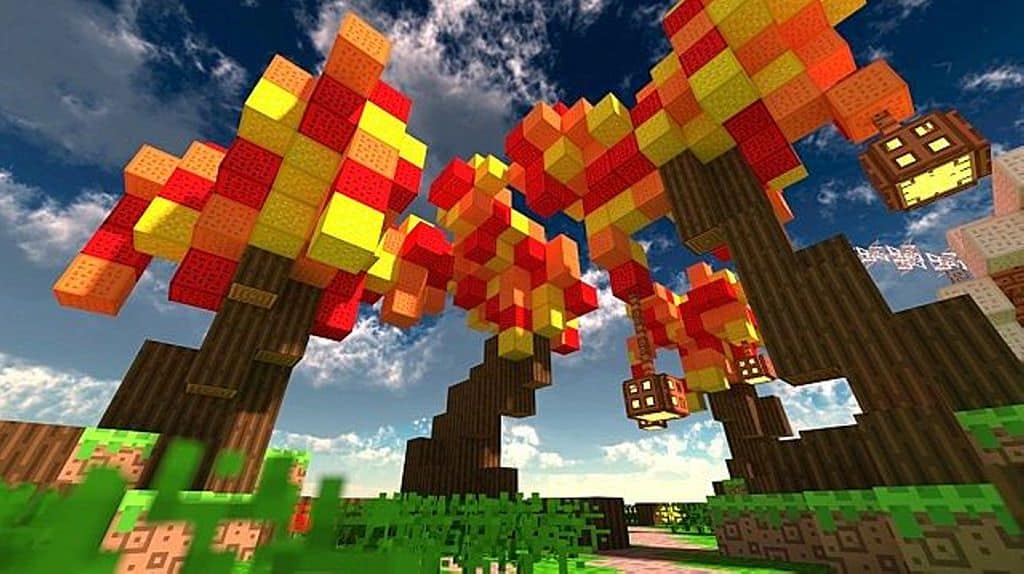
Screenshots
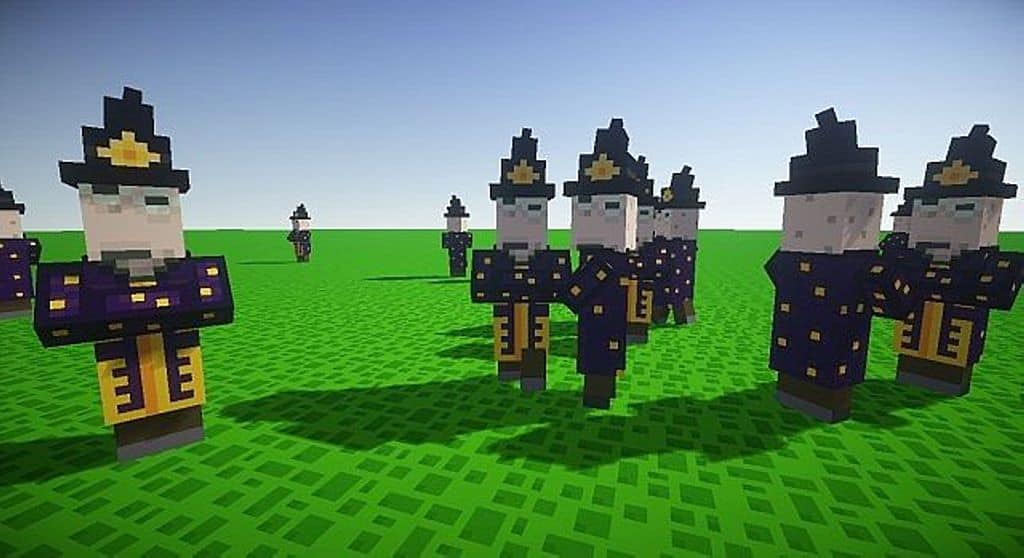
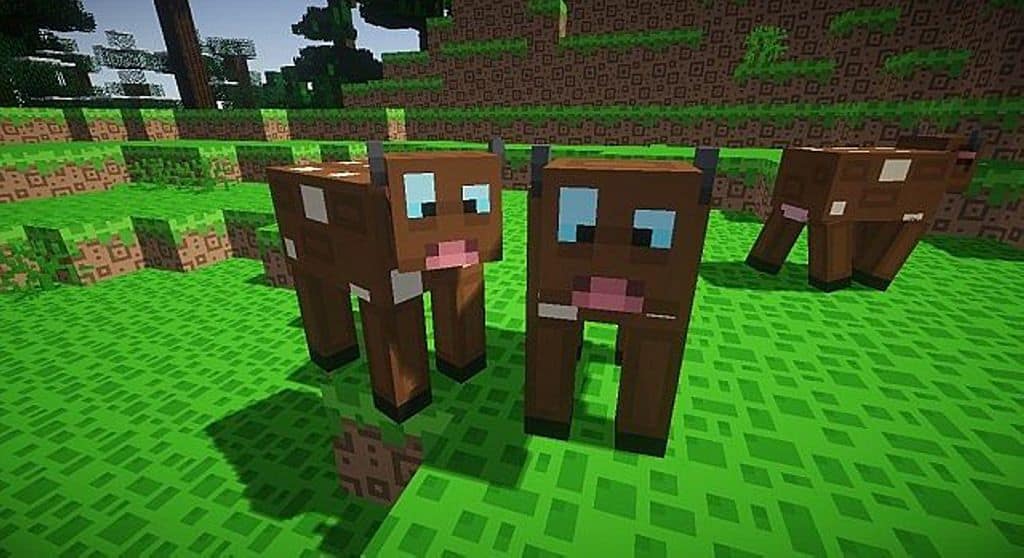
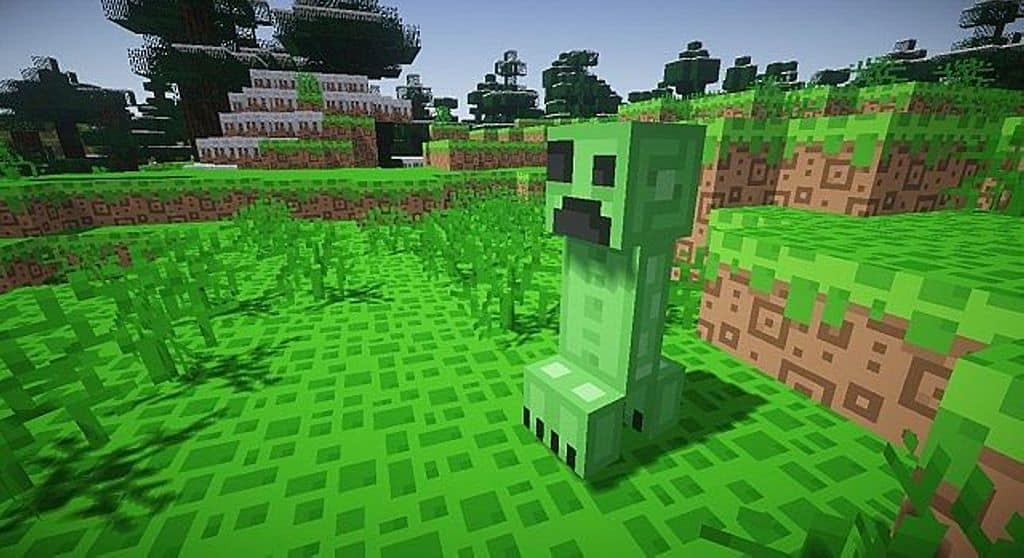
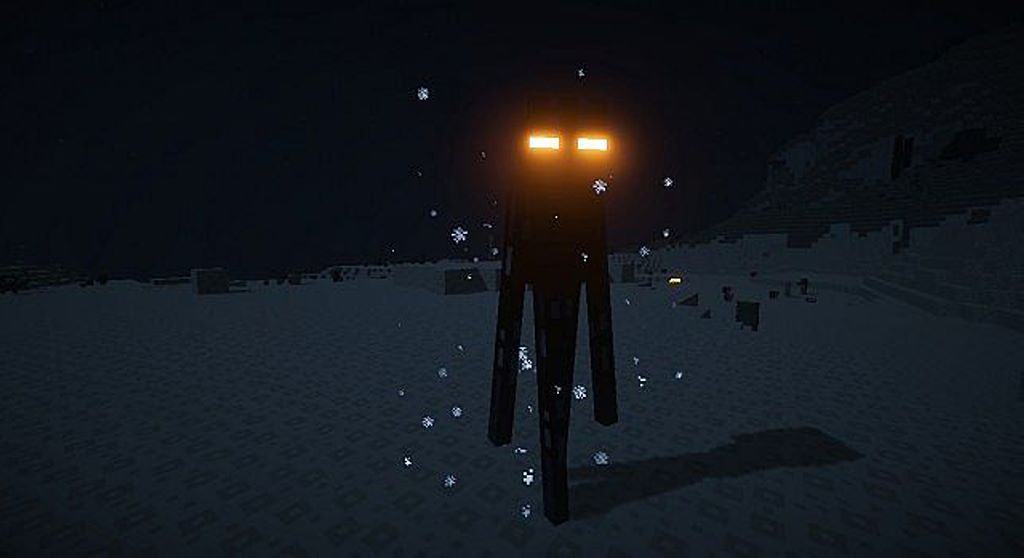
How to Install Texture Pack (Simple 10 Steps)
- Download OptiFine: Most of the texture packs and shaders need OptiFine. That’s why, first download and install OptiFine for the version of Minecraft you want to play.
- Download the Texture Pack: Get the texture pack you want from the download section. Choose the version that works with your Minecraft and your PC’s performance.
- Open Minecraft Launcher: Start Minecraft using the official game launcher — or even TLauncher, if you use that.
- Go to Options: From the main menu, click on the “Options” button.
- Open Resource Packs: Inside Options, click on “Resource Packs…”.
- Open the Resource Pack Folder: Click on “Open Resource Pack Folder” — this will open a folder named “resourcepacks”.
- Move the Pack File: Copy or move the .zip file you downloaded into that “resourcepacks” folder. (Don’t unzip the file — Minecraft uses it as-is!)
- Go Back and Refresh: Close the folder and click “Done”, then go back into “Resource Packs…” again.
- Activate the Pack: You’ll see the pack on the left side. Hover over it and click the arrow to move it to the right (active side).
Tip: If you get a message that the pack is for a different version, just click “Yes” — it usually works fine. - Click Done and Enjoy: Click “Done” again. Now your pack is ready to use in-game. It’s that easy!
Credits
This resource pack was created by Zitzabis. We do not claim ownership of this content, nor do we host modified versions of these files. All rights and intellectual property belong strictly to the original author. We strongly encourage you to support the creator by downloading the pack through their official links.
Download Links
Java Edition
Bedrock Edition
Download Instructions
Curseforge: download starts automatically after a few seconds;
Mediafire: click the big blue button with the text “DOWNLOAD”;
Google Drive: in the top right corner you will see a small download icon (down arrow), click it and the download should start;


