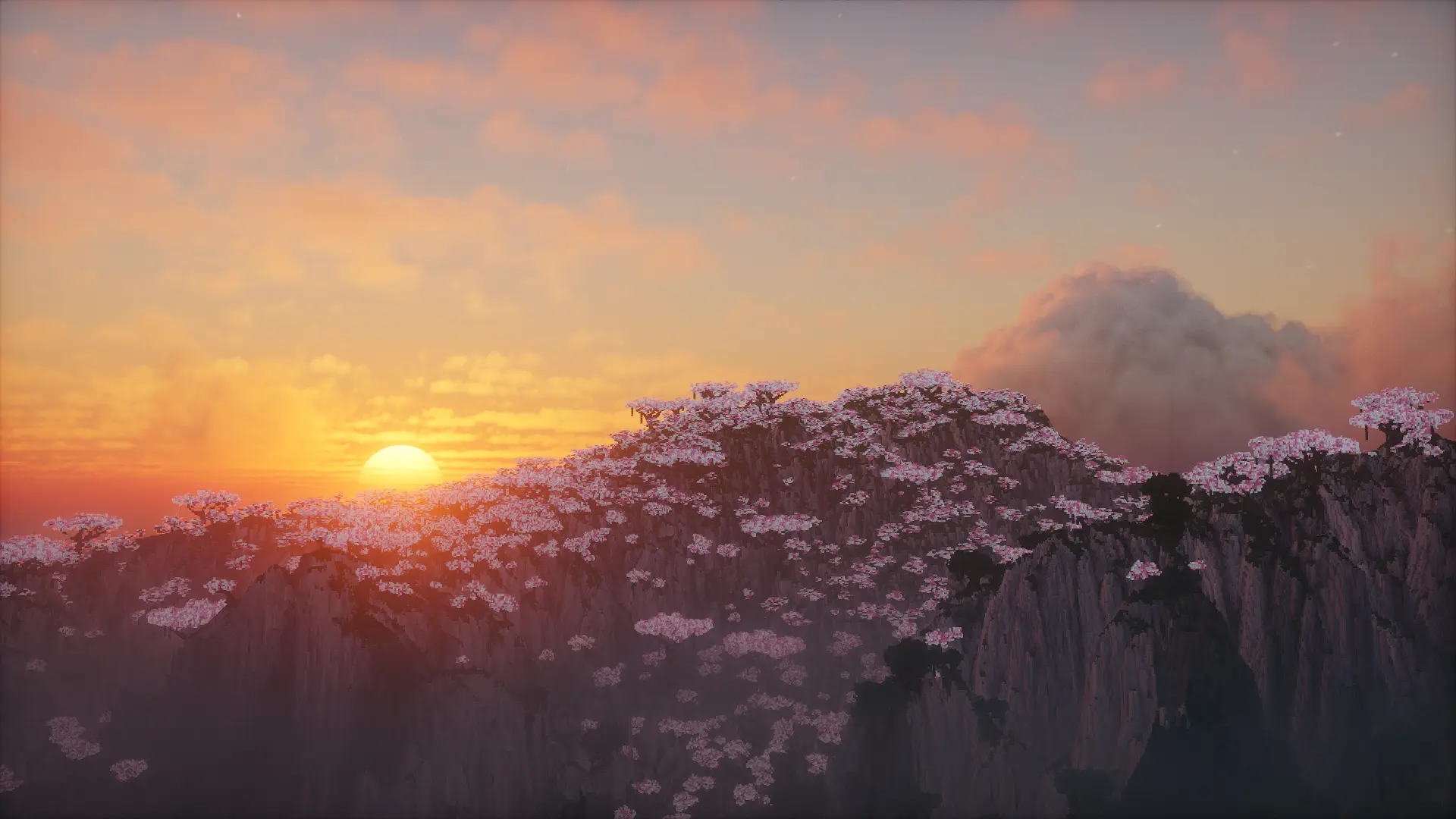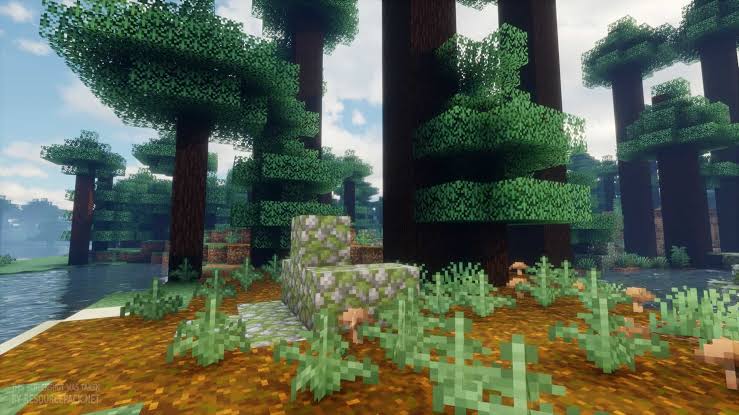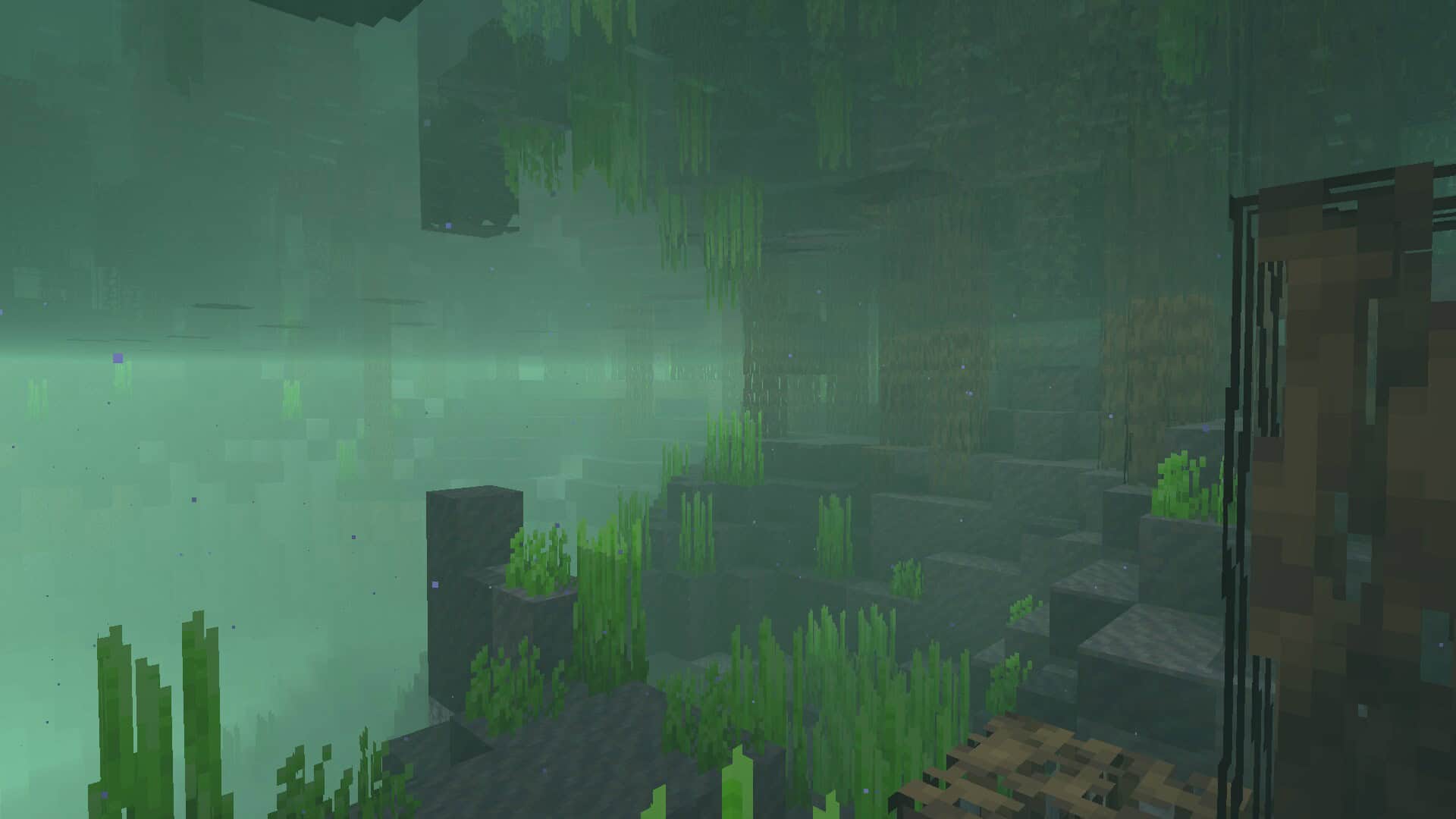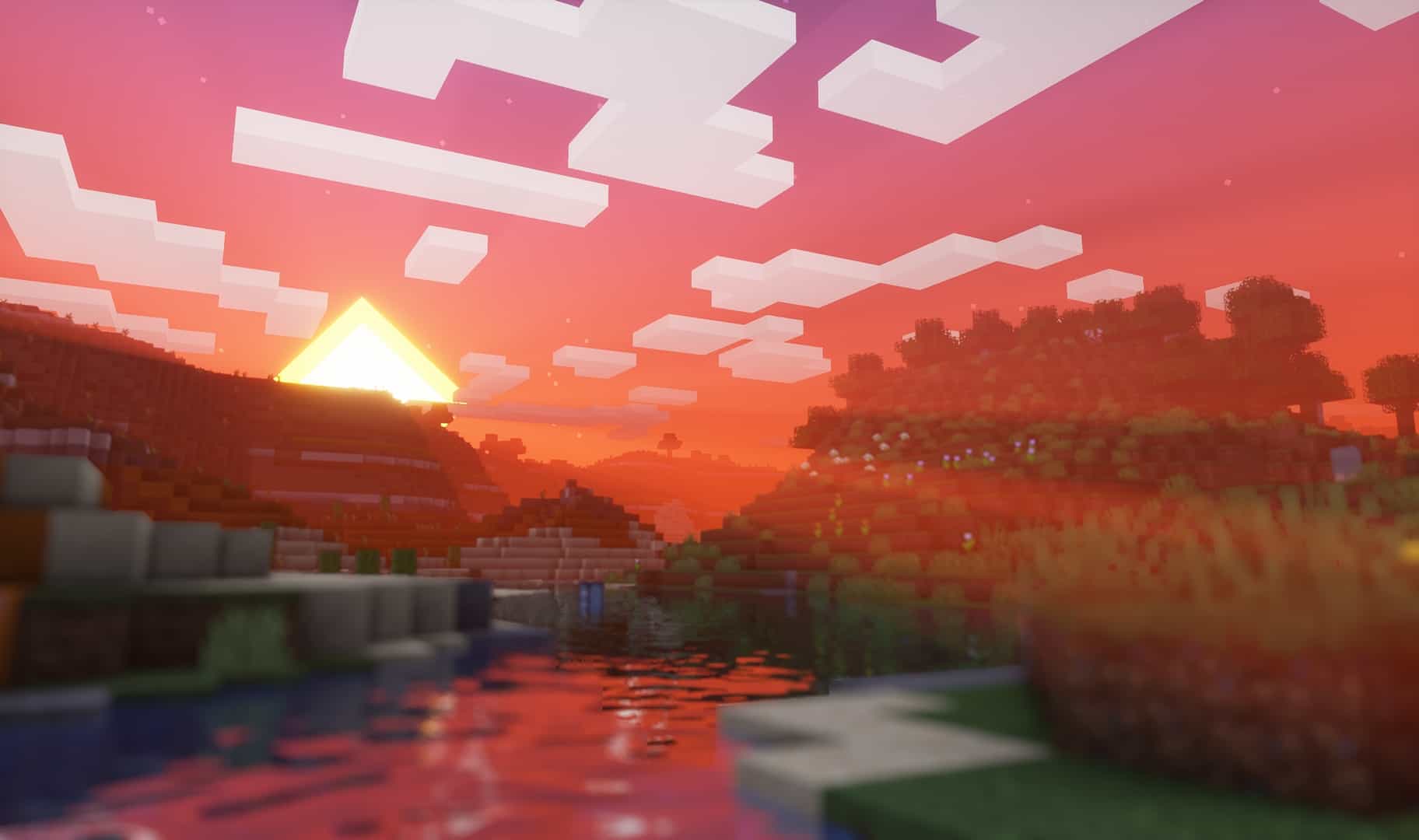
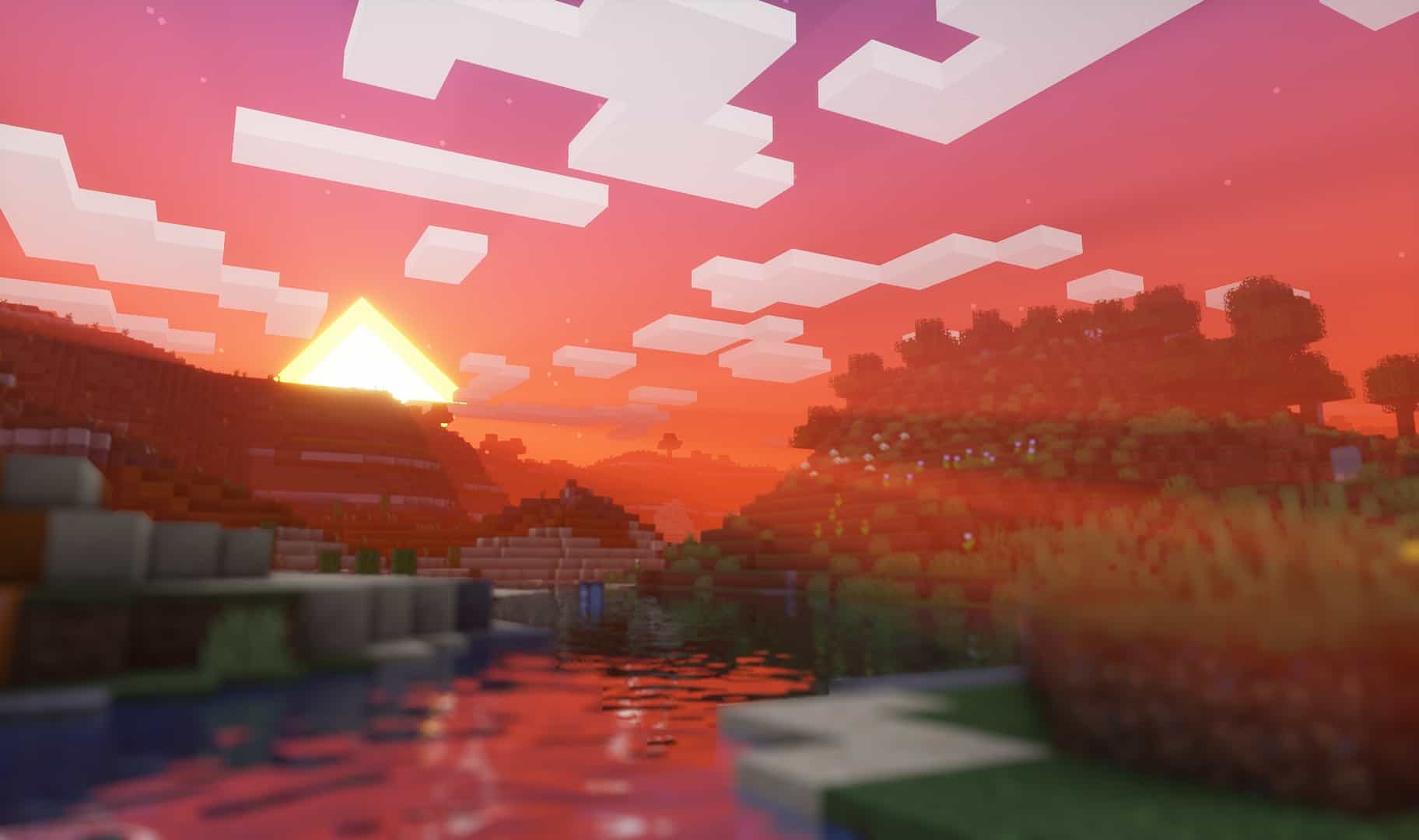
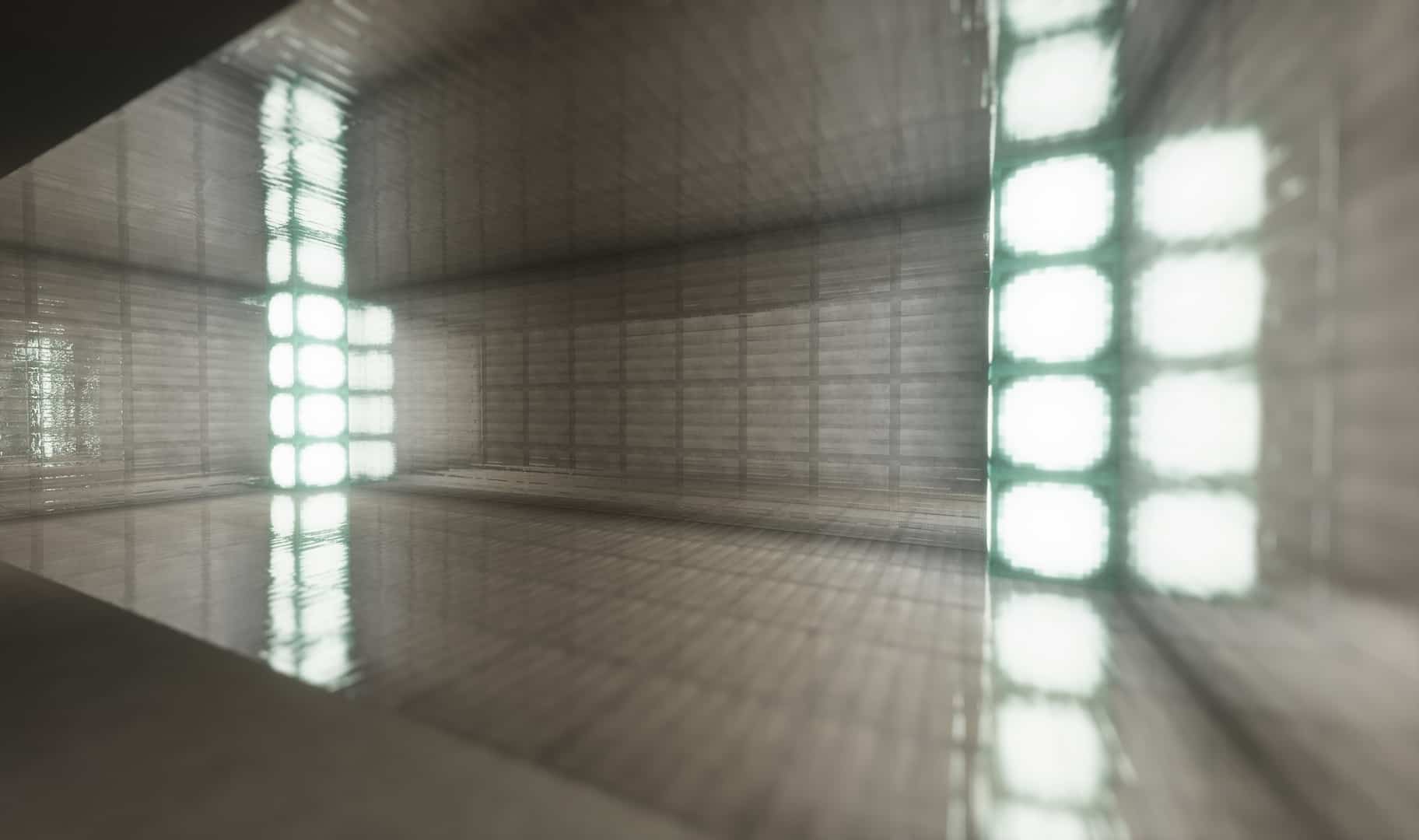
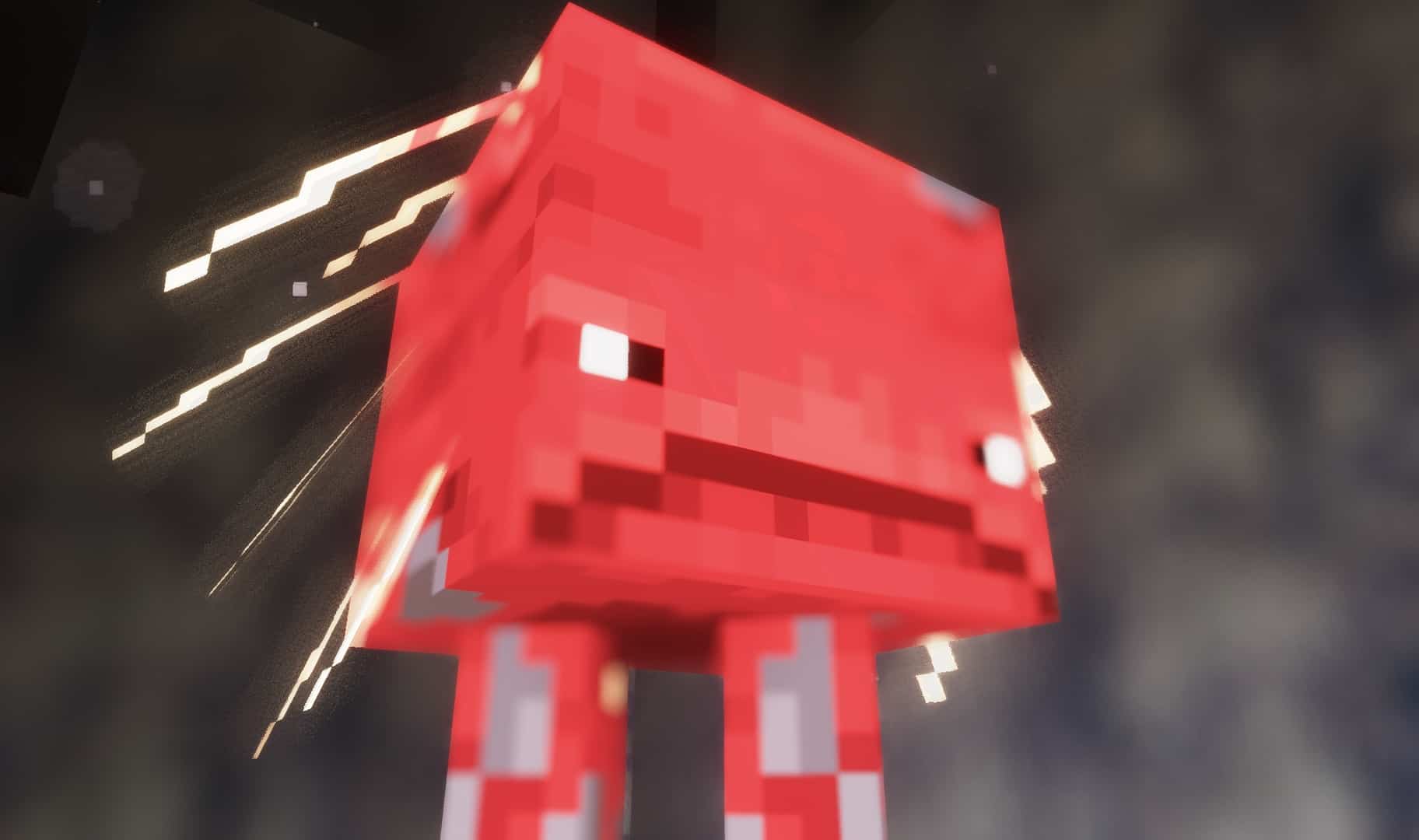
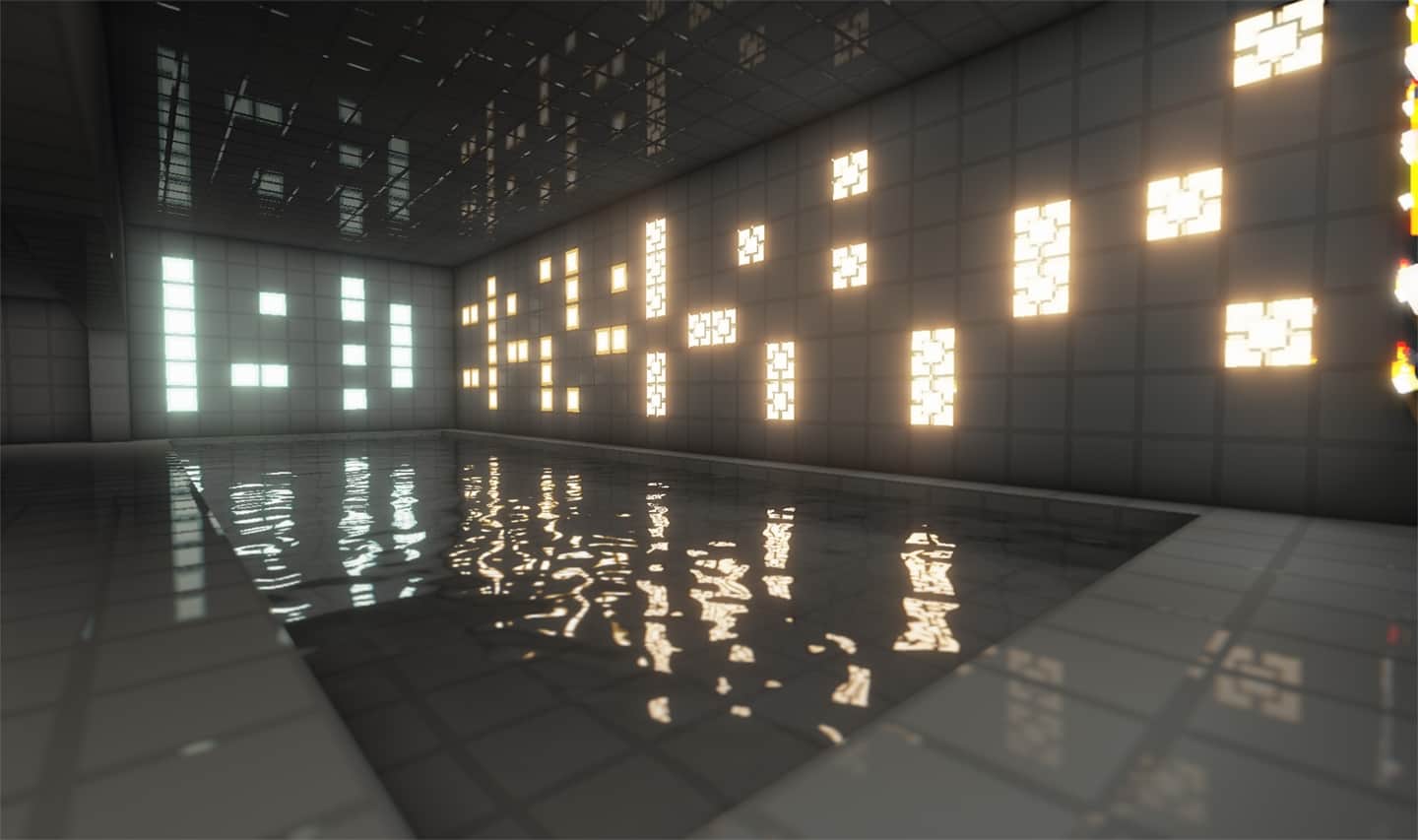
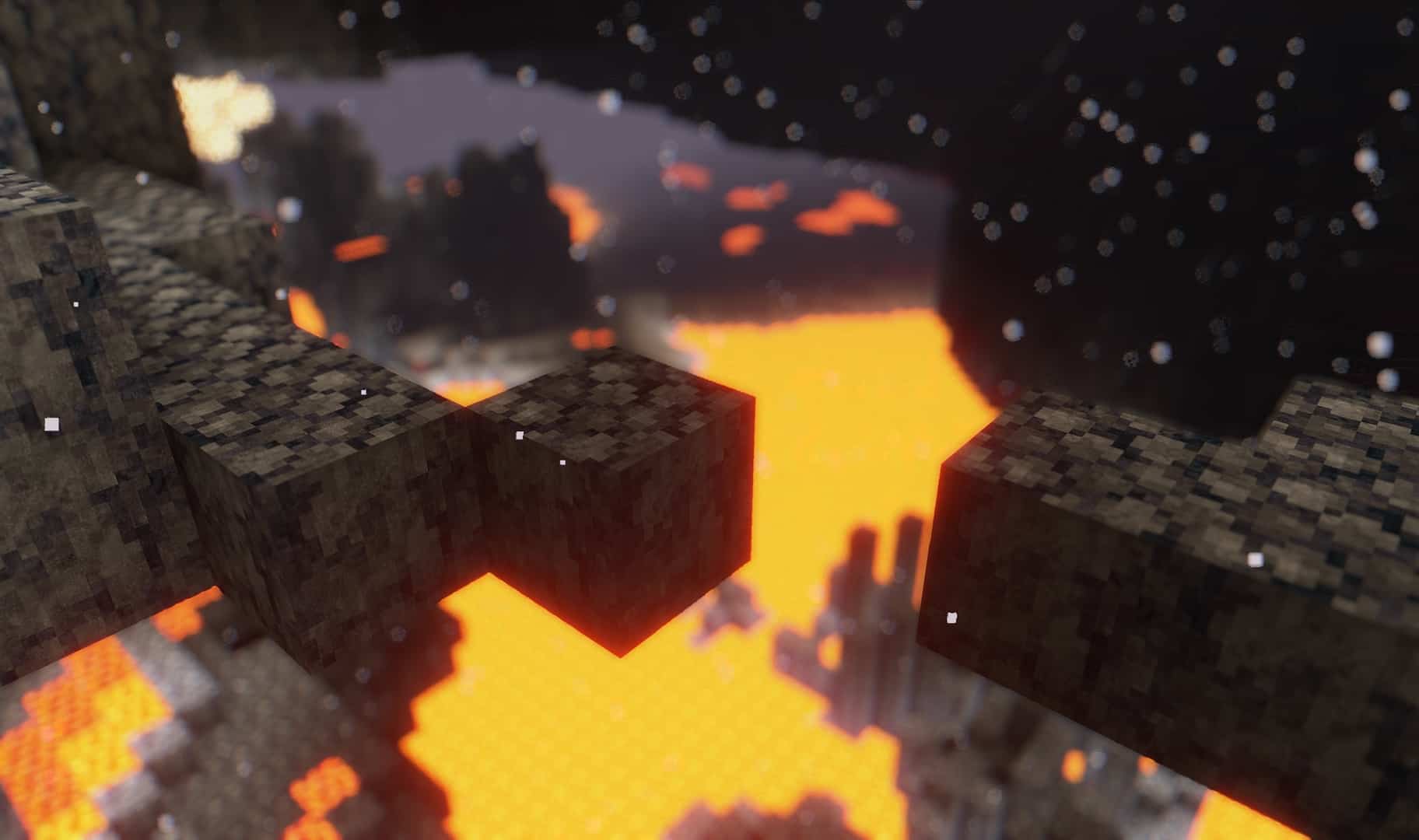
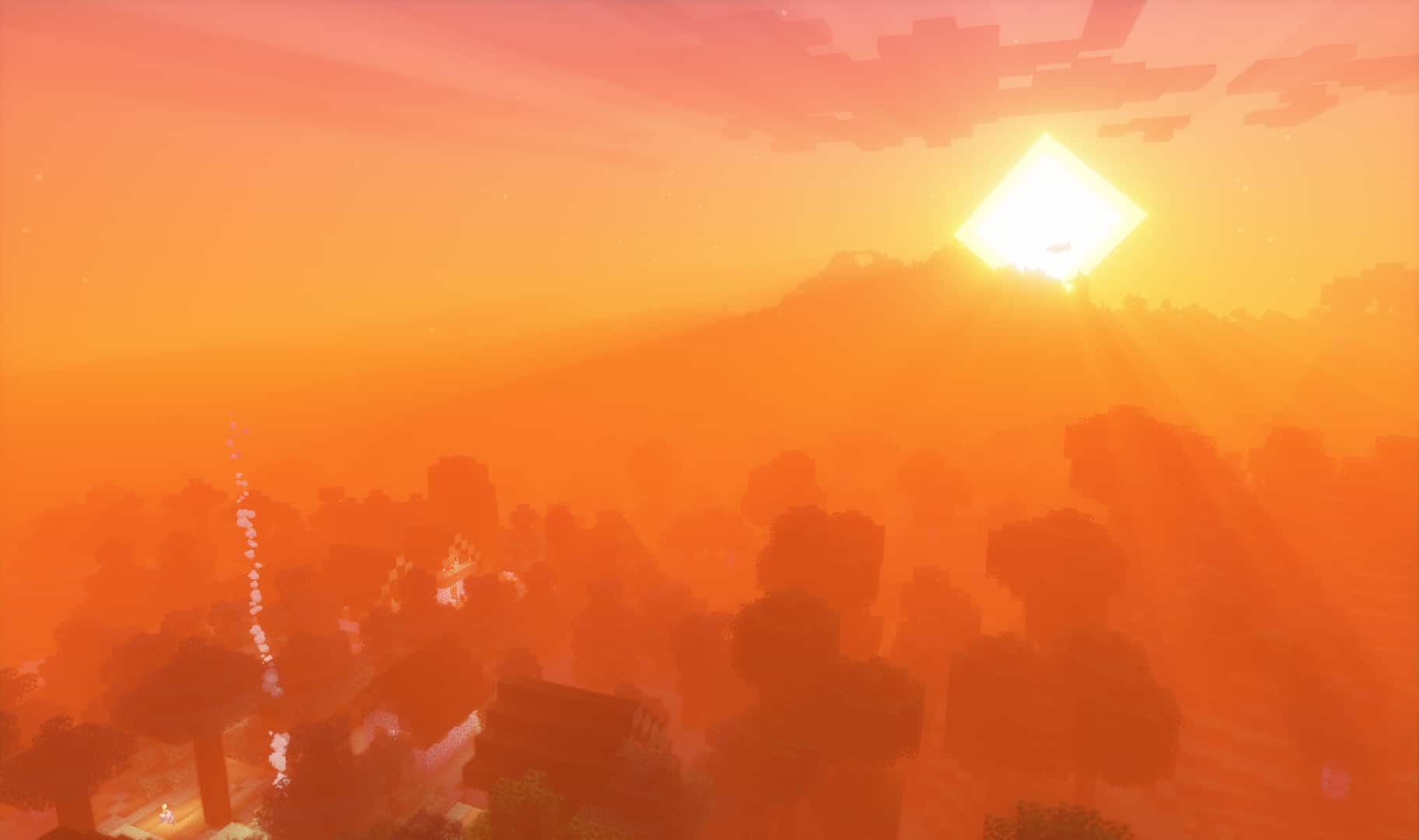
DrDestens Shaders for Minecraft is an incredible shader pack that makes Minecraft appear significantly more realistic while still functioning surprisingly well on the average computer. It is relatively new compared to most other shader packs and was first uploaded on July 26th of 2021. The creator expressed their plans to continue providing updates and new features as time goes on, with the most recent update being posted around July 2022. They even have a dedicated discord server for people to ask questions and give feedback! One of the many things that truly set DrDestens Shaders for Minecraft apart from other shader packs is its brilliant built-in texture pack support. It works wonderfully with any PBR texture packs since it supports both the labPBR and OldPBR/SuesPBR standards, meaning you can easily use it with texture packs such as Vanillaccurate, Brixel, or HardTop. There is an extensive list of features that come packaged with DrDestens Shaders for Minecraft. One of the first highlights is screen space reflections, which use ray marching to create subtle reflections, such as puddles on the floor or a glistening reflection on a polished piece of furniture. Another amazing feature in DrDestens Shaders for Minecraft is screen space ambient occlusion, which drastically improves ambient lighting using an advanced shading and rendering technique. Temporal Anti-Aliasing (TAA) makes the game look remarkably smoother by using information from the current and past frames to remove unwanted visual artifacts. The shader pack also adds an improved depth of field, motion blur, bloom, god rays, improved fog during sunsets, better dynamic lighting, custom block selection outlines, saturation and exposure effects, smooth sky gradients, physically based rendering, realistic focus-dependent chromatic aberration, a ton of water effects, and much more. These options can be enabled manually, creating a fully customized experience you can fine-tune to run perfectly on your device. DrDestens Shaders for Minecraft can provide all of the world-enhancing features that it does because it thoughtfully has no shadows. Including shadows in any shader pack requires a massive amount of resources, which would make the device requirements to use this shader pack even higher. DrDesten, the brilliant creator, decided to exclude shadows and instead put their efforts into improving Minecraft’s realism and beauty in other exciting ways.
Although removing shadows vastly improves Minecraft’s FPS and prevents annoying lag, DrDestens Shaders for Minecraft will still work best when your PC or laptop has a dedicated graphics card. The creator has explicitly stated that they don’t plan to add shadows to their shader pack since “Shadows are performance intensive and will decrease the performance of my shader significantly.” If you still aren’t completely convinced, just think about how having this pack would genuinely enhance your day-to-day Minecraft experience. Builders’ creations will be brought to a whole new level with dynamic lighting and special effects. Imagine leaving a castle you created and walking into the royal gardens. Picture the bushes and trees waving gently to an unseen wind. If you like modern builds, imagine how incredible it would look for the sunlight to stream through the giant glass windows of your modern mansion. The water effects include stunning beams of light beneath the surface and other features that make it feel so much more realistic. Try envisioning what an awesome underwater base would look like with DrDestens Shaders for Minecraft installed. People who thoroughly enjoy Minecraft for adventures will simply revel in exploring their newly improved world. Going mining is an excursion that can take several hours to complete, especially if you’re looking for a particular rare ore. Seeing light rays streaming through the cave as you leave would be utterly breathtaking. For players who prefer calm gameplay like farming or living among villagers, picture how beautiful it would be to watch the fog come and fade during sunset or to see the wheat rustle in the wind as you pick your daily crops. DrDestens Shaders for Minecraft is completely free on CurseForge, and has been downloaded over 376,000 times by eager players. The sheer amount of Minecrafters who downloaded it despite its recent release really speaks volumes about the incredible quality of this shader pack. However, you can’t just download the shaders and expect them to work instantly. DrDestens Shaders for Minecraft require Optifine to function properly. Once Optifine is downloaded and installed, you can simply download the shader pack and put it directly into your shaders folder, then boot up the game. If everything was done correctly, you should now be able to happily enjoy DrDestens Shaders for Minecraft whenever you’re ready to dive in.
DrDestens Shaders should be compatible with all of these Minecraft versions: 1.21.11 – 1.21.10 – 1.21.9 – 1.21.8 – 1.21.7 – 1.21.6 – 1.21.5 – 1.21.3 – 1.21.2 – 1.21.1 – 1.21 – 1.20.6 – 1.20.5 – 1.20.4 – 1.20.3 – 1.20.2 – 1.20.1 – 1.20 – 1.19.4 – 1.19.3 – 1.19.2 – 1.19.1 – 1.19 – 1.18.2 – 1.18.1 – 1.18 – 1.17.1 – 1.17 – 1.16.5 – 1.16.4 – 1.16.3 – 1.16.2 – 1.16.1 – 1.16
Screenshots

How to Install Shader Pack (Simple and Easy 7 Steps)
- Install Minecraft: Make sure to have Minecraft on your PC.
- Set the Game Version: Open the Minecraft Launcher, go to the “Installations” tab, click “New Installation”, choose the version you want to play, and click “Create”.
- Install OptiFine or Iris: Download and install OptiFine or Iris (we recommend Iris for better performance).
- To download Iris, click here.
- To download OptiFine, click here.
- Launch with the Shader Mod: Open the Minecraft Launcher again and select the OptiFine or Iris profile you installed.
- Download the Shader Pack: Download the shader pack (.zip file) from the download section below. (Don’t unzip it!)
- Open the Shaderpacks Folder:
- For OptiFine: Go to Options > Video Settings > Shaders > Shaders Folder
- For Iris: Go to Options > Video Settings > Shader Packs > Open Shader Pack Folder
- Add and Activate the Shader Pack: Move the downloaded .zip file into the shaderpacks folder. Then go back to the game, select the shader pack from the list, and click “Done” to activate it.
Credits
This shader pack was created by DrDesten. We are not the original owners or developers of this content, and we do not host or modify any files on our servers. All rights and intellectual property belong strictly to DrDesten. We highly recommend visiting the official download pages to support the creator and ensure you always receive the latest official updates.
Download Links
Java Edition
Download Instructions
Curseforge: download starts automatically after a few seconds;
Mediafire: click the big blue button with the text “DOWNLOAD”;
Google Drive: in the top right corner you will see a small download icon (down arrow), click it and the download should start;