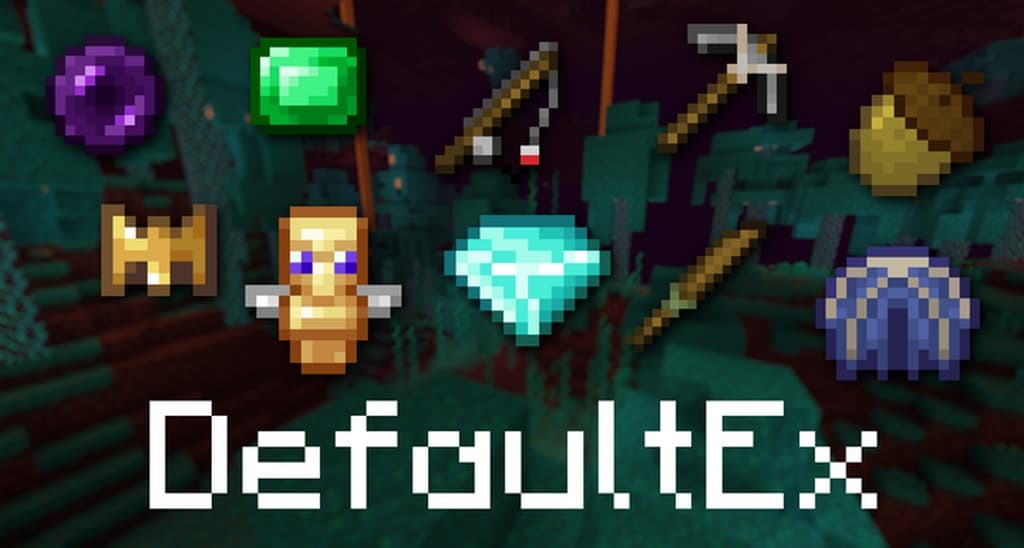
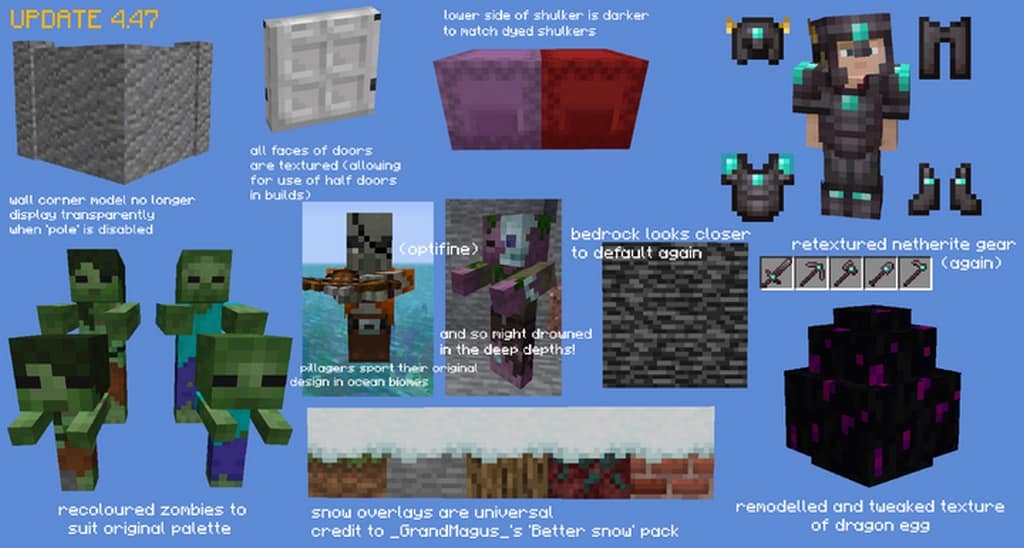
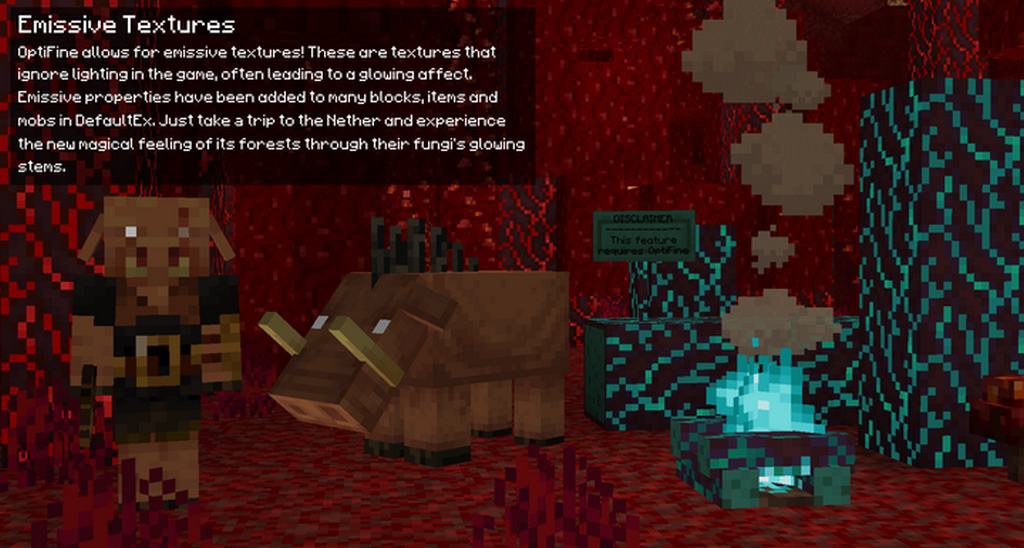
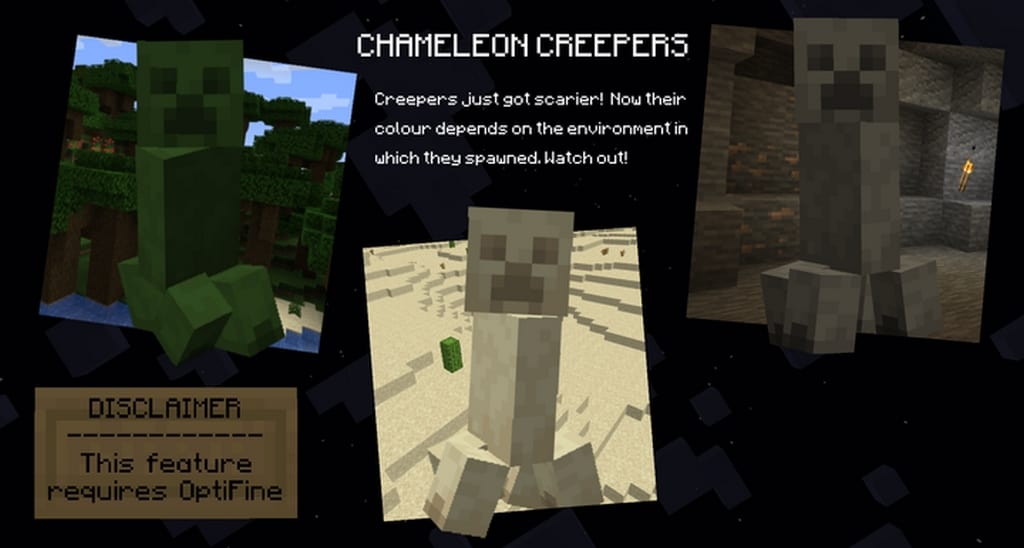
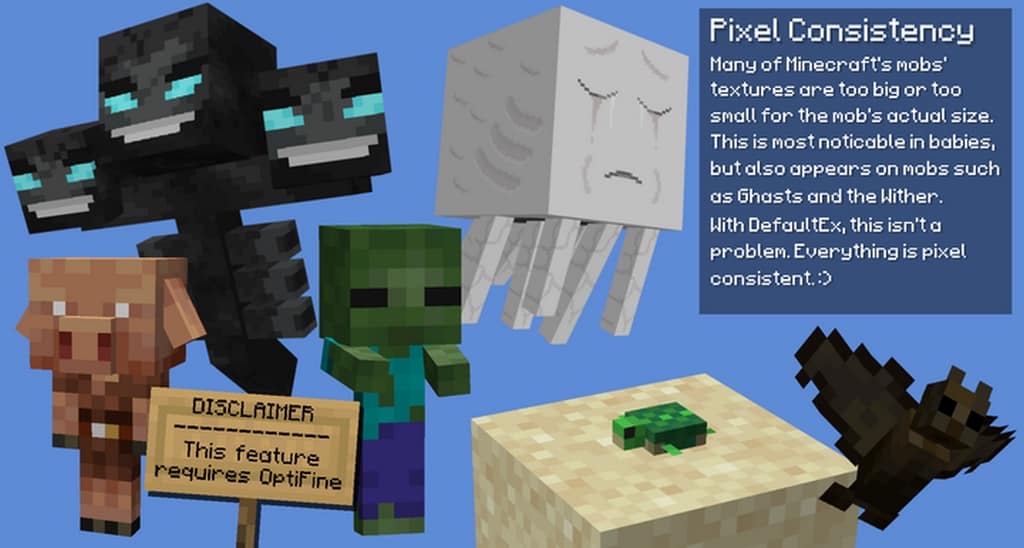
Default+ is seriously one of the freshest and most innovative resource packs I have ever tried in the entire history of Minecraft packs! It improves the game’s visuals in so many amazing ways without ever interfering with the artistic character of the core game. Honestly, it completely feels like the new trend in the Minecraft world right now. Over the years, the popularity of resource packs has grown tremendously because of these epic recourses that truly revolutionize how vanilla visuals can be fine-tuned. Default+ is definitely among those packs that have done an awesome job of enhancing vanilla visuals so that more people can enjoy the Minecraft game. The game’s vanilla visuals usually have some flaws that hinder players from getting a great experience, but this incredible resource pack makes sure that a lot of those flaws are handled properly so as to provide players with an extraordinary experience.
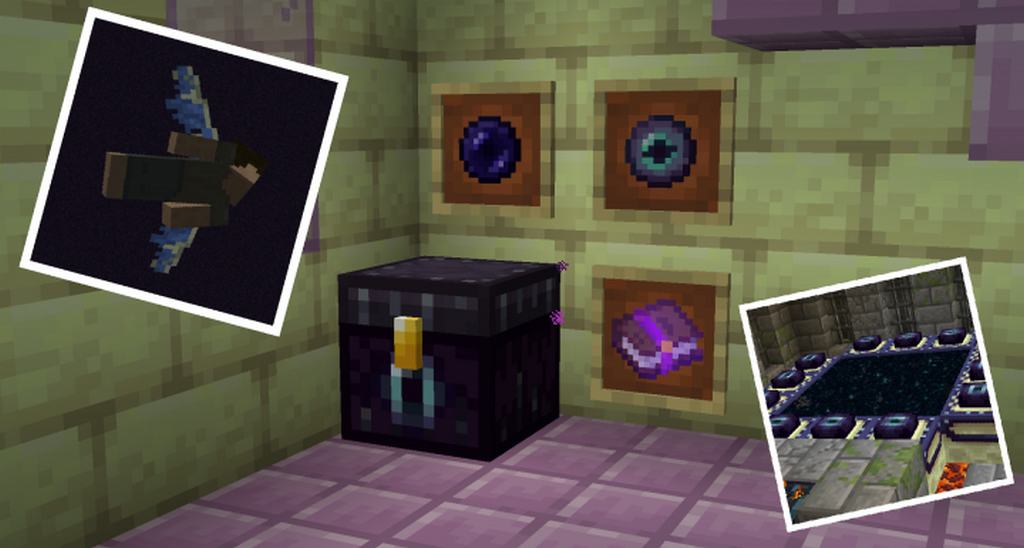
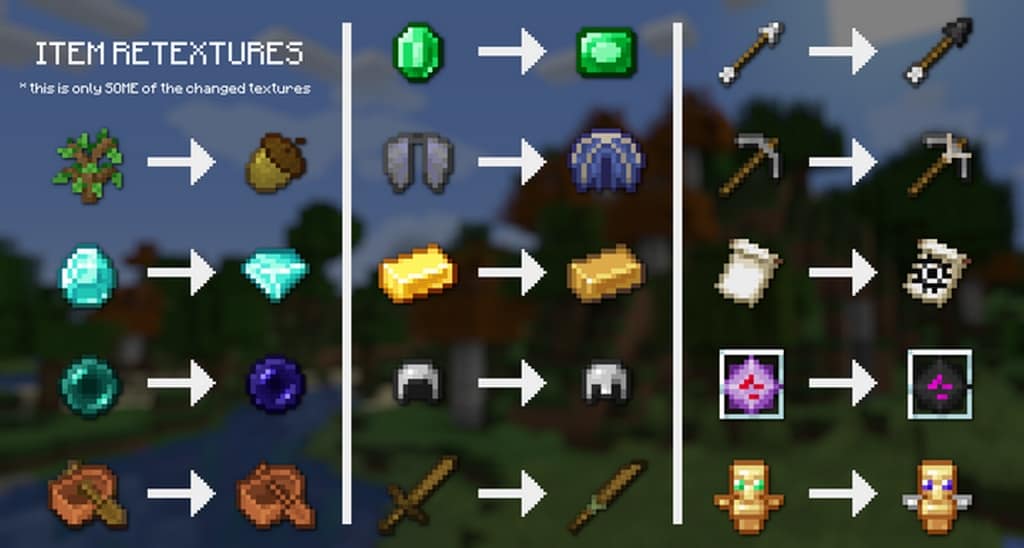
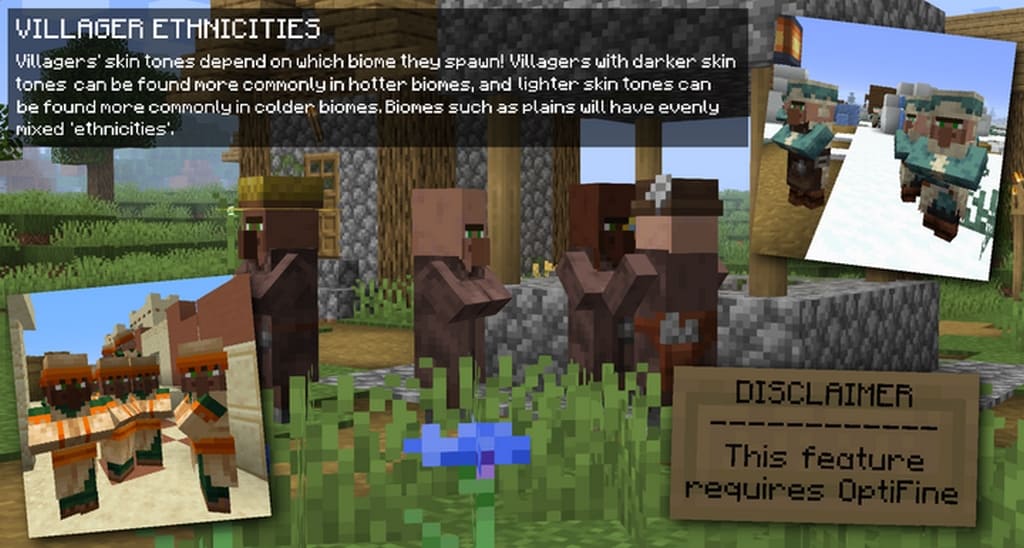
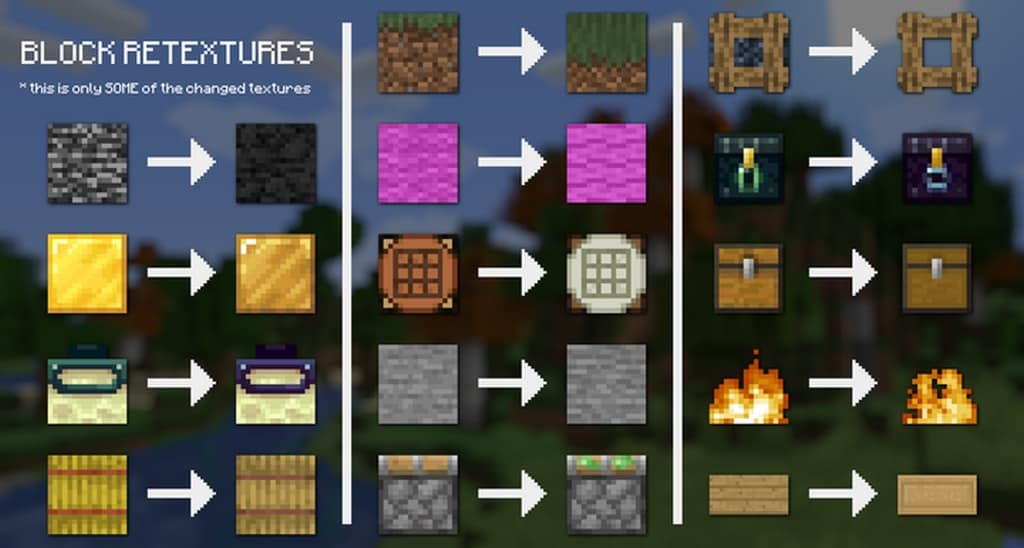
One of the absolute best reasons behind the development of the Default+ Minecraft resource pack is how it gives the vanilla textures a wonderful bit of depth. Usually, item textures and the vanilla game environment can feel pretty unattractive and flat without it, but all of that completely changes when you apply the Default+ pack, giving both item textures and the environment a lovely and realistic look. Plus, I love how it gets rid of almost all the annoying textural noise! On top of all those benefits, the pack lifts the color palette so that it perfectly synergizes with the newly applied textures. Best of all, every single one of these changes is made while keeping the core artistic style completely intact, ensuring all game enthusiasts remain happy. As a huge bonus, the Default+ pack uses a 16x resolution, which is ideal for maintaining completely stable frame-rates as long as your computer or laptop can already handle vanilla Minecraft at a steady FPS. It is truly an absolute game changer that I cannot recommend enough!
DefaultEx (formerly Default+) should be compatible with all of these Minecraft versions: 1.19.2 – 1.19.1 – 1.19 – 1.18.2 – 1.18.1 – 1.18 – 1.17.1 – 1.17 – 1.16.5 – 1.16.4 – 1.16.3 – 1.16.2 – 1.16.1 – 1.16 – 1.15.2 – 1.15.1 – 1.15 – 1.14.4 – 1.14.3 – 1.14.2 – 1.14 – 1.13.2 – 1.13.1 – 1.13 – 1.12.2 – 1.12 – 1.11.2 – 1.11 – Bedrock Edition – PE
Screenshots
How to Install Texture Pack (Simple 10 Steps)
- Download OptiFine: Most of the texture packs and shaders need OptiFine. That’s why, first download and install OptiFine for the version of Minecraft you want to play.
- Download the Texture Pack: Get the texture pack you want from the download section. Choose the version that works with your Minecraft and your PC’s performance.
- Open Minecraft Launcher: Start Minecraft using the official game launcher — or even TLauncher, if you use that.
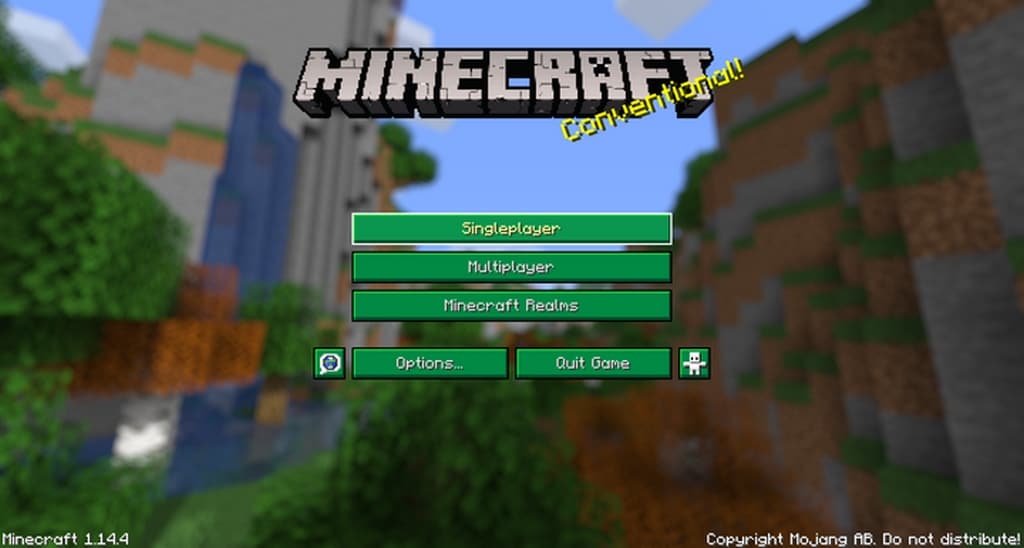
- Go to Options: From the main menu, click on the “Options” button.
- Open Resource Packs: Inside Options, click on “Resource Packs…”.
- Open the Resource Pack Folder: Click on “Open Resource Pack Folder” — this will open a folder named “resourcepacks”.
- Move the Pack File: Copy or move the .zip file you downloaded into that “resourcepacks” folder. (Don’t unzip the file — Minecraft uses it as-is!)
- Go Back and Refresh: Close the folder and click “Done”, then go back into “Resource Packs…” again.
- Activate the Pack: You’ll see the pack on the left side. Hover over it and click the arrow to move it to the right (active side).
Tip: If you get a message that the pack is for a different version, just click “Yes” — it usually works fine. - Click Done and Enjoy: Click “Done” again. Now your pack is ready to use in-game. It’s that easy!
Credits
This resource pack was originally created and developed by Stridey. We do not claim ownership of this content, nor do we modify or host the original files on our servers. All rights remain with the original creator. We strongly encourage you to support Stridey by downloading the pack from their official links and checking out their other work.
Download Links
Java Edition
- [16x] Minecraft 1.19.x
- [16x] Minecraft 1.18.x
- [16x] Minecraft 1.17.x
- [16x] Minecraft 1.16.x – 1.15.x
- [16x] Minecraft 1.14.x
- [16x] Minecraft 1.13.x
- [16x] Minecraft 1.12.x – 1.11.x
- Dark Mode Add-on
- Jeb Apple Add-on
- DefaultEx Lite Add-on
- Christmas Add-on
Bedrock Edition
Download Instructions
Curseforge: download starts automatically after a few seconds;
Mediafire: click the big blue button with the text “DOWNLOAD”;
Google Drive: in the top right corner you will see a small download icon (down arrow), click it and the download should start;


