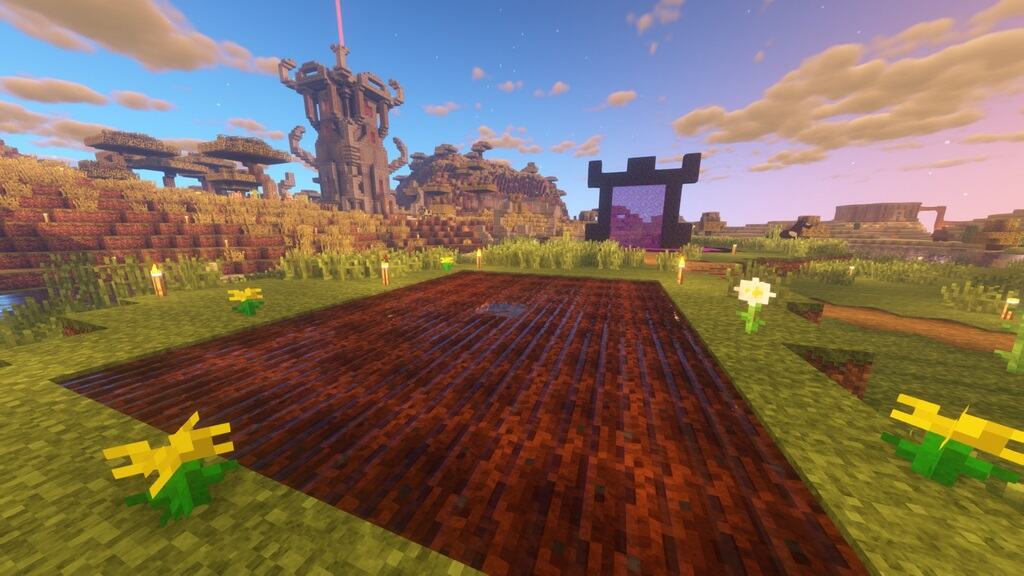
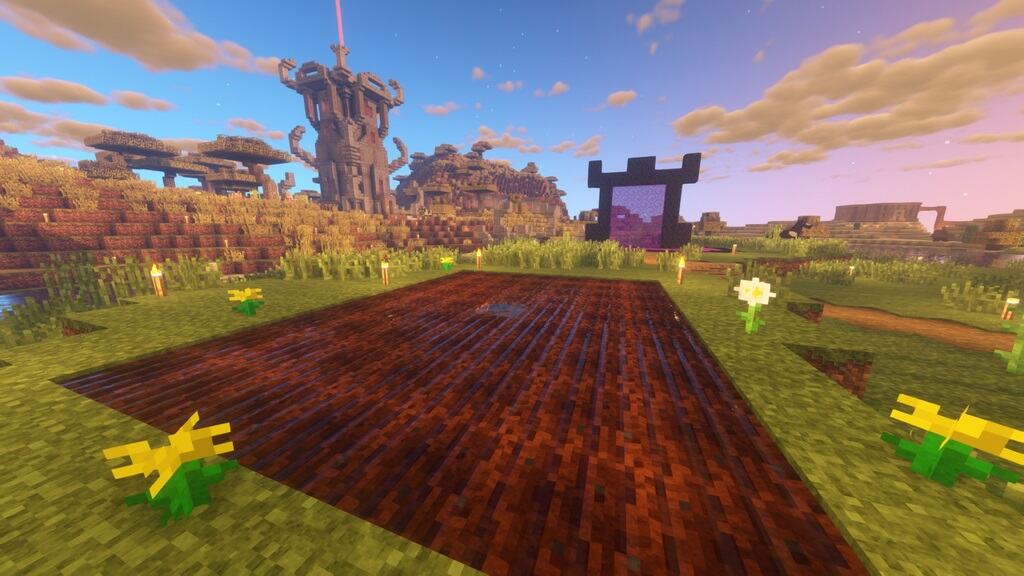
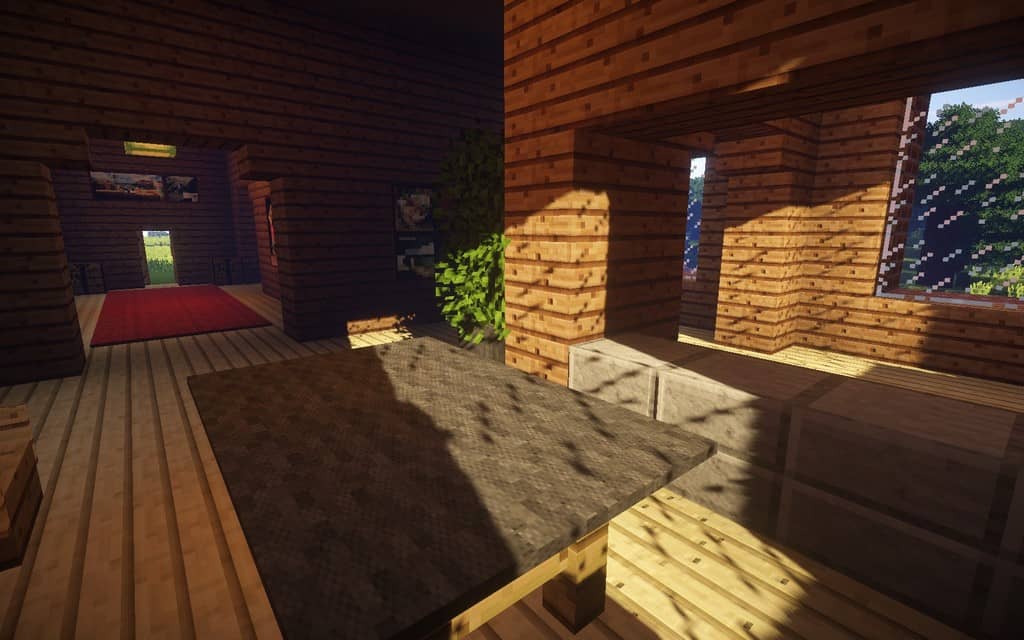
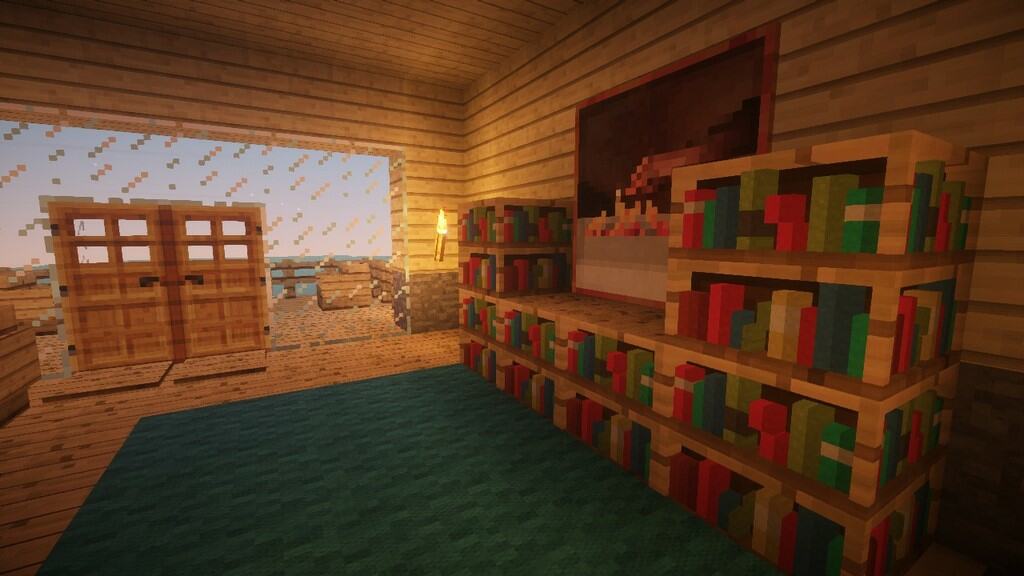
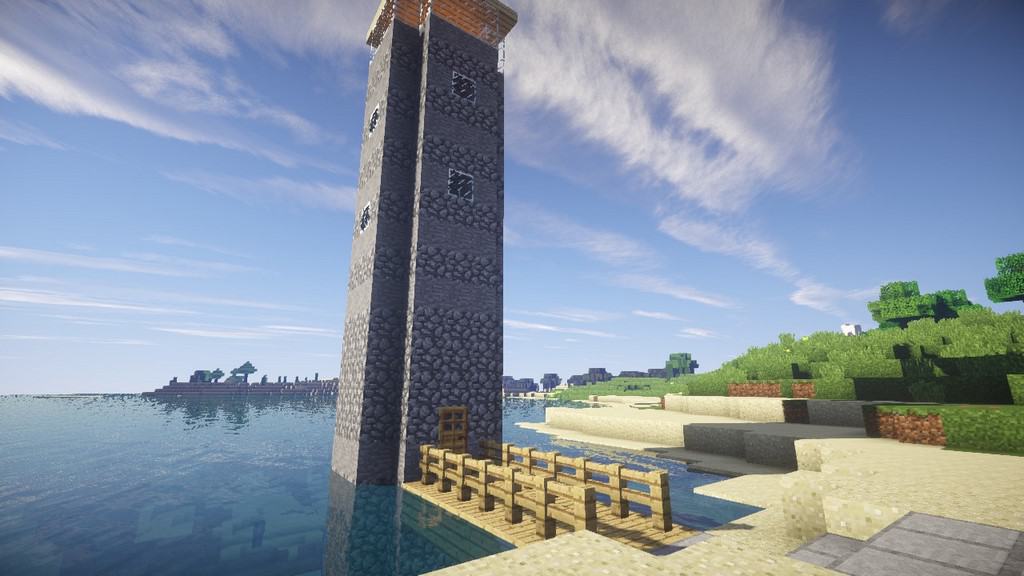
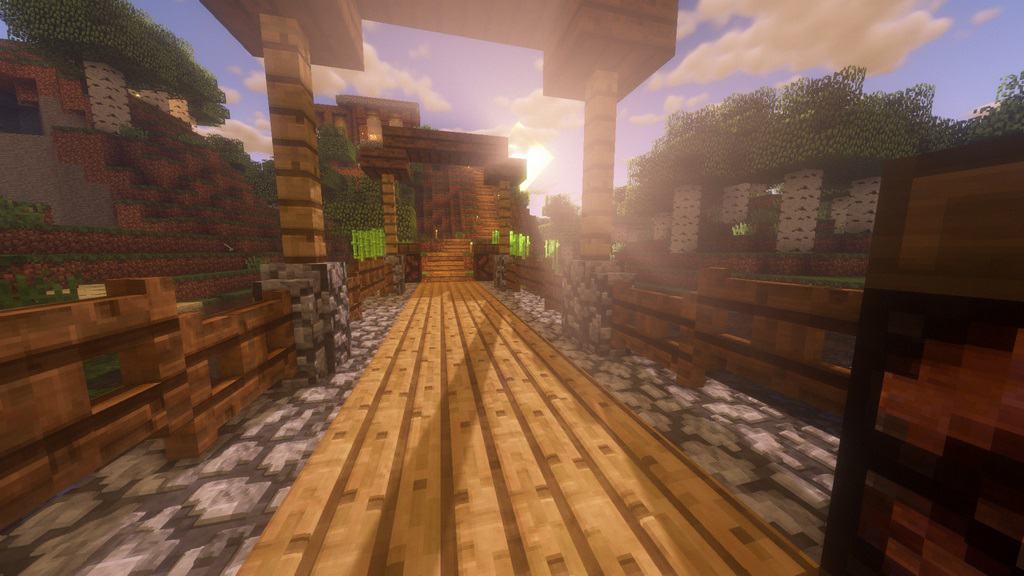
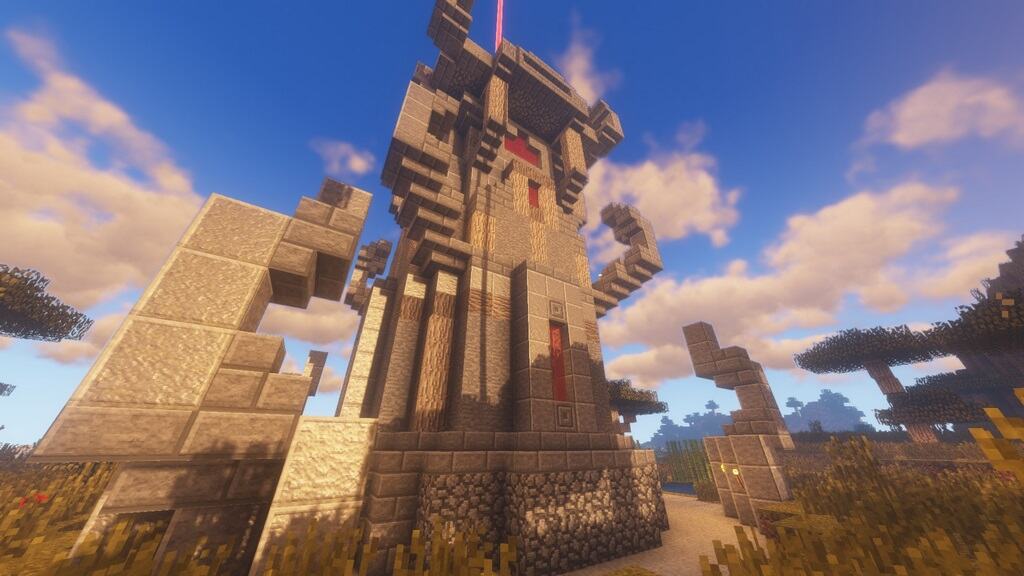
Just as the title implies, the Default Improved resource pack completely fulfills its mandate. The developer originally set out to create the pack for personal reasons because he was a massive admirer of vanilla textures and wanted something that would improve the visual display without ever altering the classic charm and vintage look of the game. One key issue it brilliantly takes care of involves minimizing the visual noise in the compositions that are so commonplace in default Minecraft. By carefully enhancing those textures, you will experience a much less gritty feel with the default aesthetics, all made possible by this clever noise minimization. Best of all, this newly refurbished resource pack runs seamlessly alongside your favorite shader mods. The creator truly wanted a pack that displays more intricate details while staying completely spot-on to the authentic vanilla appearance, especially since many other traditional packs tend to deliver overly stylized or obsolete features. Because of that, he sat down and decided to engineer a pack that finally provides what so many players have actively required.
Once you install the pack, you will immediately be greeted by softer yet sharper compositions that brand the entire Minecraft world as extra pleasing visually. What makes this even cooler is that the changes are so subtly integrated that they might not be easily recognizable until you enlarge your field of view and examine things up close. The resolution of the pack is great, running on a crisp 64×64 format. When you compare that directly with the primary vanilla resolution of 16×16, you will instantly realize that this pack is a massive step up. In short, this implies that you can fully expect to witness superior compositions backed by enhanced resolution. However, because there are no overly jarring HD or overly pragmatic features, you can still happily relish traditional Minecraft without having to deal with too many diverse changes. The whole core idea is about making the game better by polishing a few key things while never actually ruining the classic vanilla quality. This new pack might just be the absolute best fit for you in case you are searching for something that improves textures while faithfully retaining the original vanilla vibe.
Default Improved should be compatible with all of these Minecraft versions: POM / PBR – 1.13.2 – 1.13.1 – 1.13 – 1.12.2 – 1.12 – 1.11.2 – 1.11 – 1.10.2 – 1.10 – 1.9.4 – 1.9 – 1.8.9 – 1.8.8 – 1.8.1 – 1.8.6 – 1.8
Screenshots



How to Install Texture Pack (Simple 10 Steps)
- Download OptiFine: Most of the texture packs and shaders need OptiFine. That’s why, first download and install OptiFine for the version of Minecraft you want to play.
- Download the Texture Pack: Get the texture pack you want from the download section. Choose the version that works with your Minecraft and your PC’s performance.
- Open Minecraft Launcher: Start Minecraft using the official game launcher — or even TLauncher, if you use that.
- Go to Options: From the main menu, click on the “Options” button.
- Open Resource Packs: Inside Options, click on “Resource Packs…”.
- Open the Resource Pack Folder: Click on “Open Resource Pack Folder” — this will open a folder named “resourcepacks”.
- Move the Pack File: Copy or move the .zip file you downloaded into that “resourcepacks” folder. (Don’t unzip the file — Minecraft uses it as-is!)
- Go Back and Refresh: Close the folder and click “Done”, then go back into “Resource Packs…” again.
- Activate the Pack: You’ll see the pack on the left side. Hover over it and click the arrow to move it to the right (active side).
Tip: If you get a message that the pack is for a different version, just click “Yes” — it usually works fine. - Click Done and Enjoy: Click “Done” again. Now your pack is ready to use in-game. It’s that easy!
Credits
This resource pack was created by h0ppip and MrVirtualis. We do not own or modify the files hosted here. All rights and ownership belong strictly to the original creators. We strongly encourage you to support them by downloading directly from their official channels.
Download Links
Java Edition
Download Instructions
Curseforge: download starts automatically after a few seconds;
Mediafire: click the big blue button with the text “DOWNLOAD”;
Google Drive: in the top right corner you will see a small download icon (down arrow), click it and the download should start;


