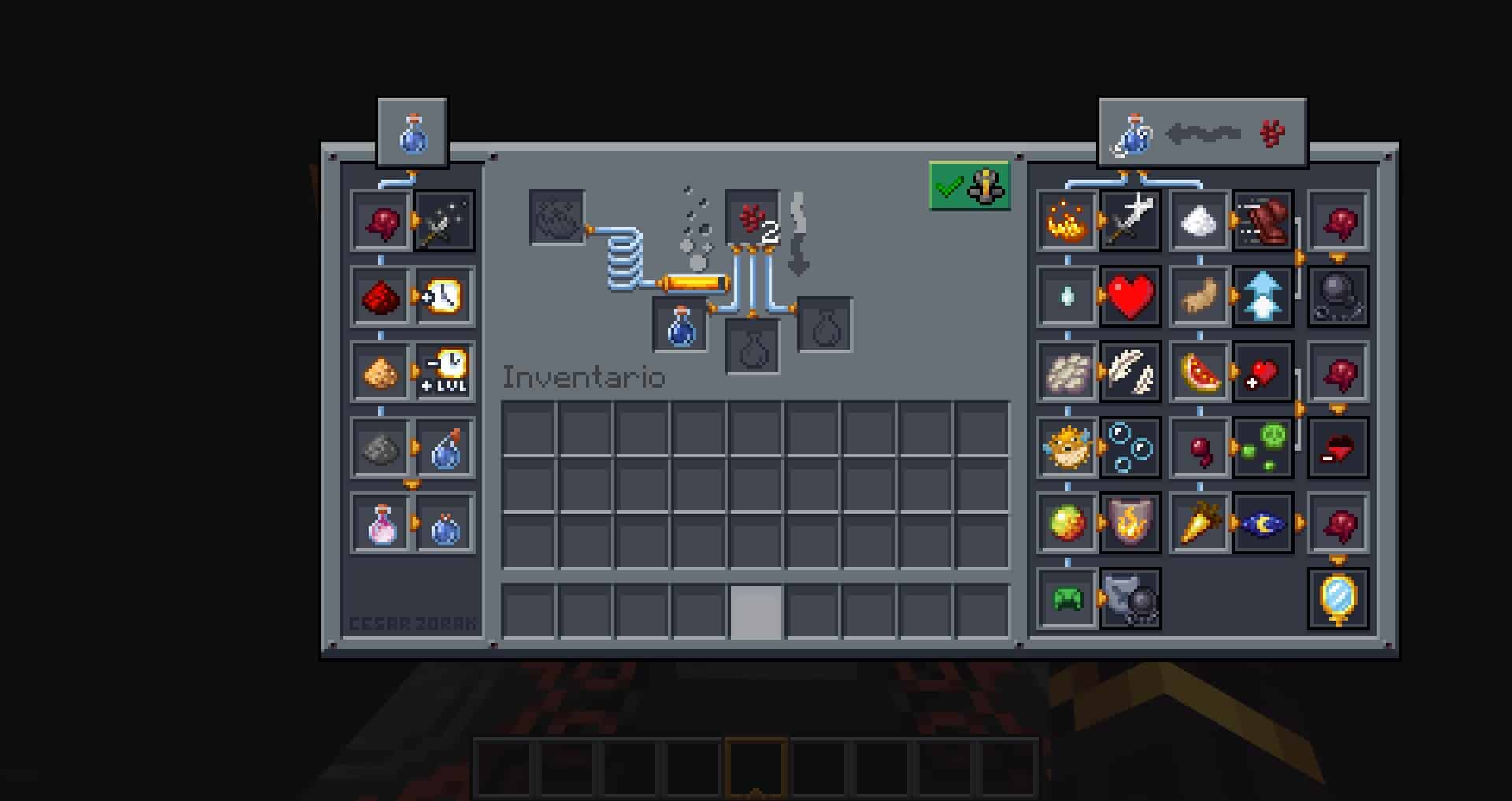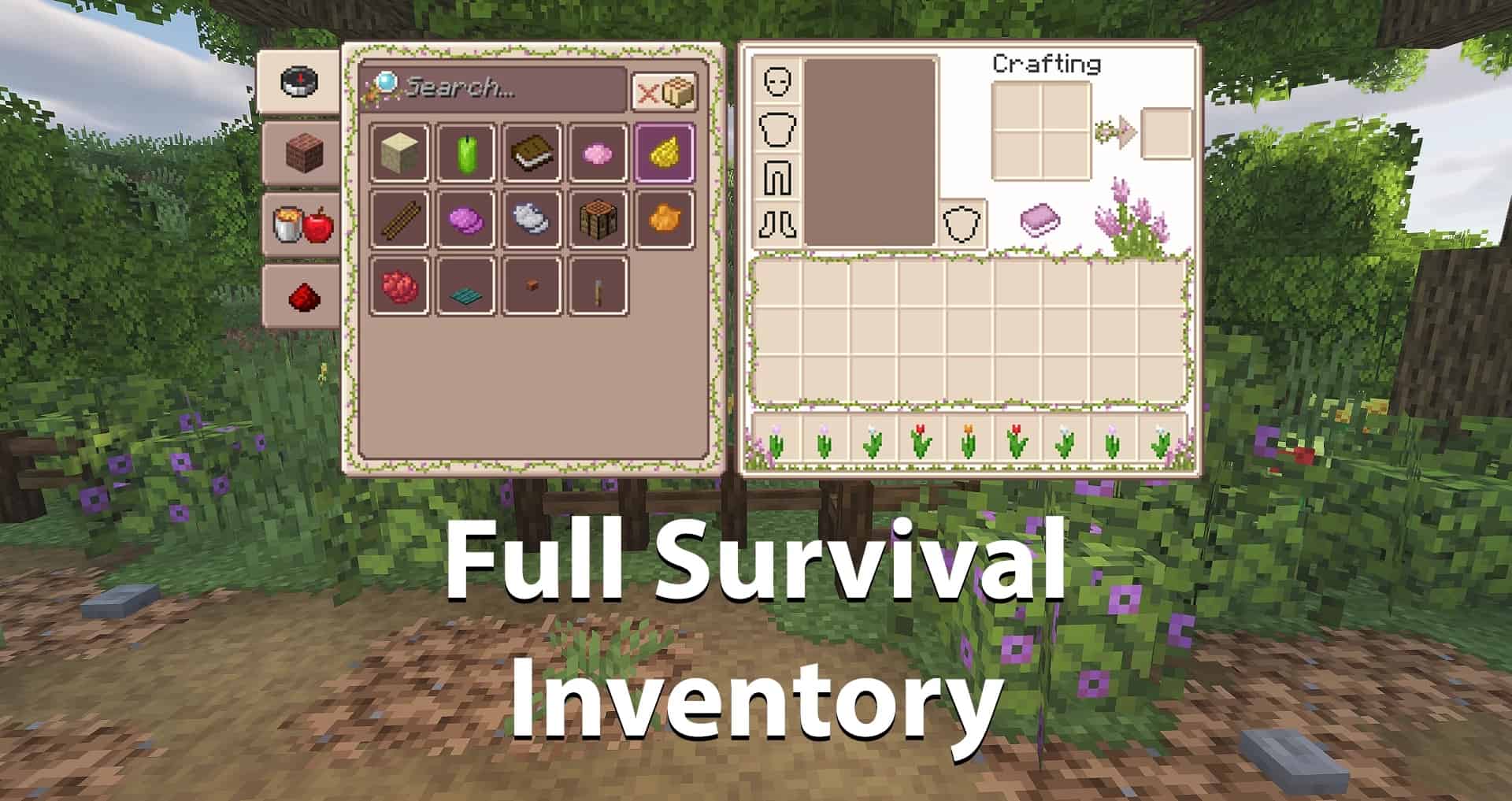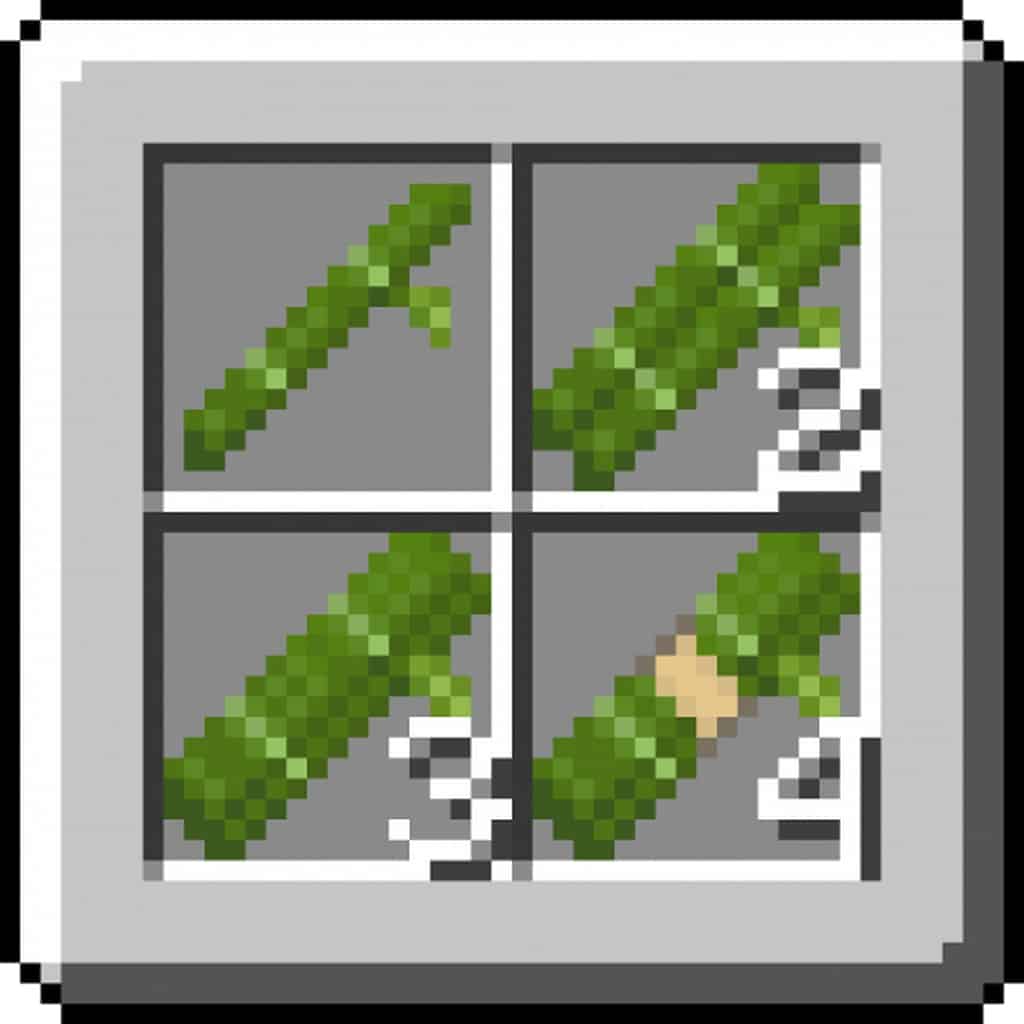
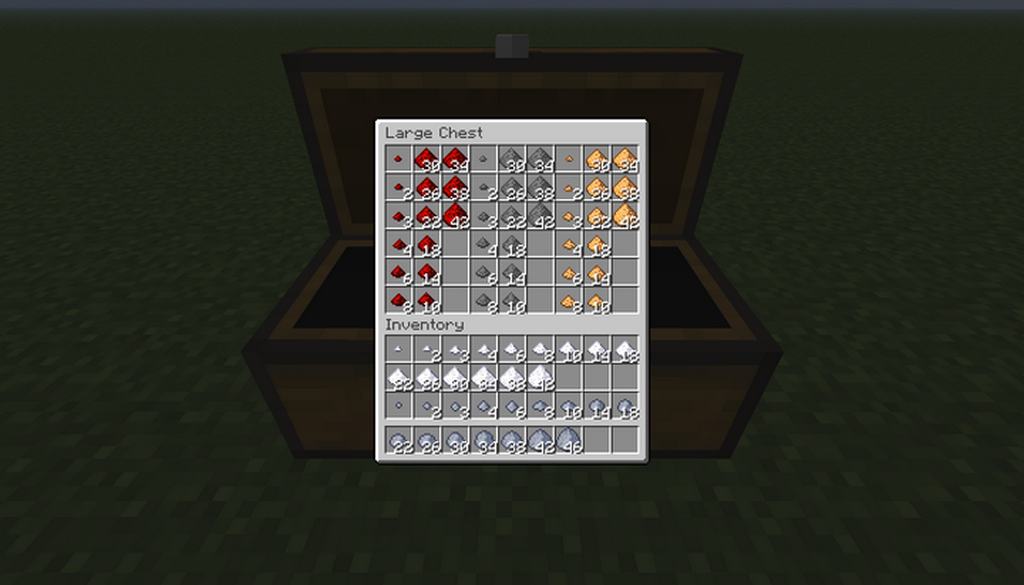
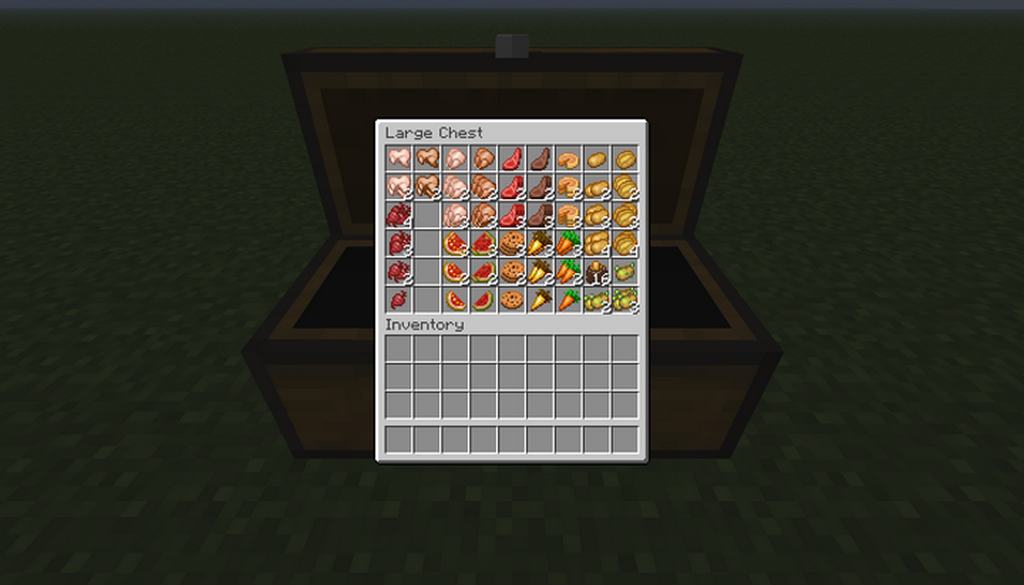
Dasher’s Stacked Items is an amazing new resource pack released by dasher865 that I genuinely love testing out. It is based on another similar pack, Vader’s Stacked Items. They are both pretty similar when it comes to their features, but unfortunately, Vader’s Stacked Items pack had been discontinued. So dasher865 took on the project and developed it into a new, separate pack, and I am so glad they did. Arguably, Dasher’s Stacked Items is among the best, most creative and innovative resource packs of all time. Most of the time, resource packs aim at a complete redesign of Minecraft, fully changing the game’s appearance and atmosphere. Only some packs modify an individual aspect of the game, such as the visuals. So, Dasher’s Stacked Items is just one of such packs. Its sole focus lies on changing the appearance of in-game items. Needless to say, it does a pretty good job doing that in my experience. Stack items now look way more realistic and genuine. Of course, the pack is not going to completely remaster the visuals from the inside out, but it does bring more life to them, for sure.
Minecraft actually has a visible flaw that always bothered me: stacked items don’t look quite stacked. As you stack them, you only see one item as a whole, and a number next to it that shows the amount of items. The Vader’s Stacked Items pack became revolutionary in a sense that you could finally see the actual items forming a stack. So it was a rather nice addition, something that players could really appreciate. It has one particularly great, practical benefit in gameplay: it gives you the ability to immediately estimate how many identical items there are in a stack. Otherwise, it can be a nuisance sometimes. You have to close in and look for the number within the item. So you waste your time on unnecessary actions. The new change solves the problem perfectly. The pack modifies the appearance of a number of items, such as arrows, apples, bricks, bones, beetroots, all kinds of food items and more. Similarly to Vader’s Stacked Items, the new pack also has a 16x increase in resolution and does not modify the original textures. So there is no reason to worry that the pack might slow down your game or cause it to lag. Please note that in order to use the Dasher’s Stacked Items pack, it’s necessary to have OptiFine. You have to download and install it separately. Without OptiFine, the pack is not going to work.
Dasher’s Stacked Items should be compatible with all of these Minecraft versions: 1.21.5 – 1.21.4 – 1.21.3 – 1.21.2 – 1.21.1 – 1.21 – 1.16.5 – 1.16.4 – 1.16.3 – 1.16.2 – 1.16.1 – 1.16 – 1.15.2 – 1.15.1 – 1.15 – 1.14.4 – 1.14.3 – 1.14.2
Screenshots

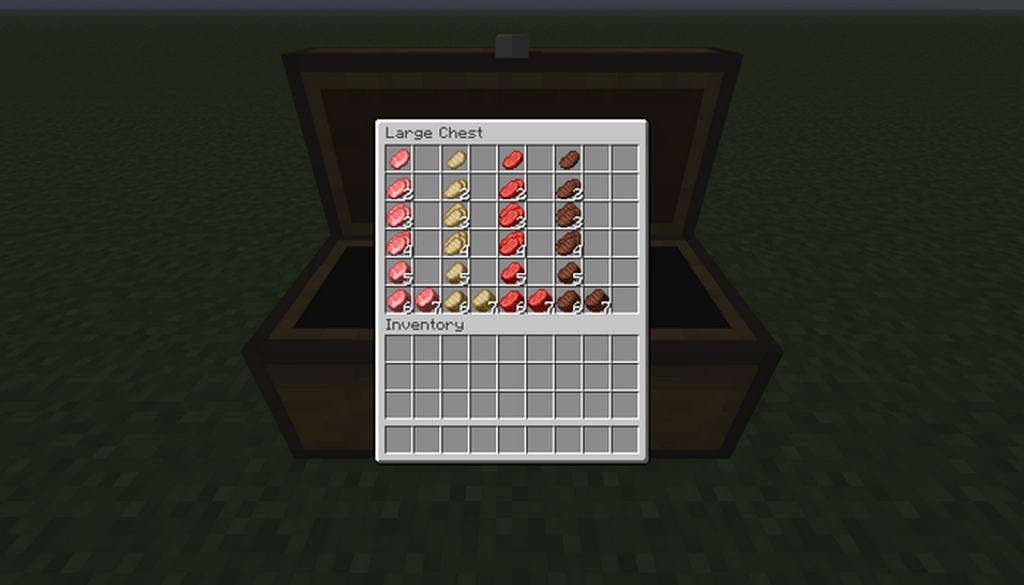
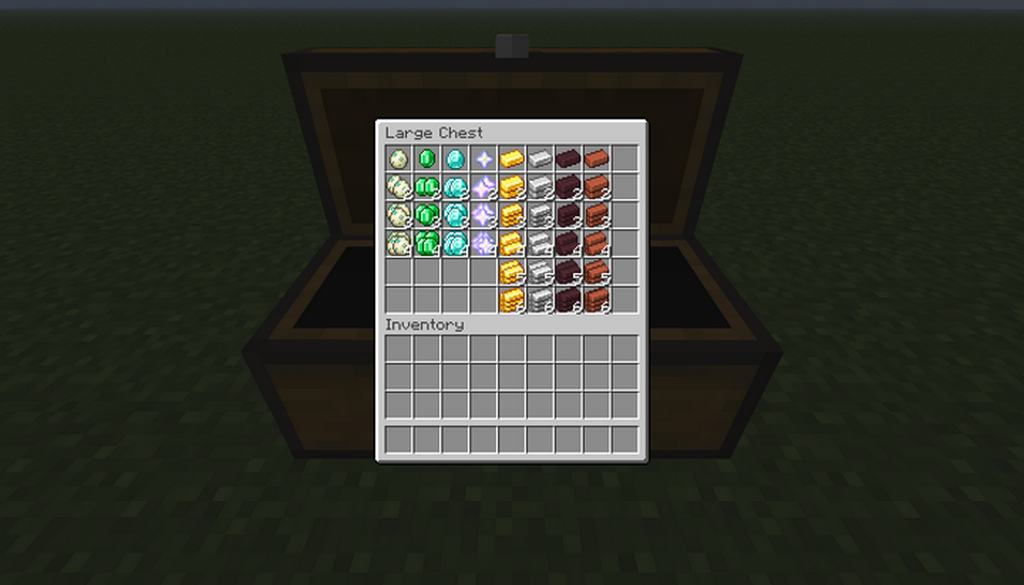
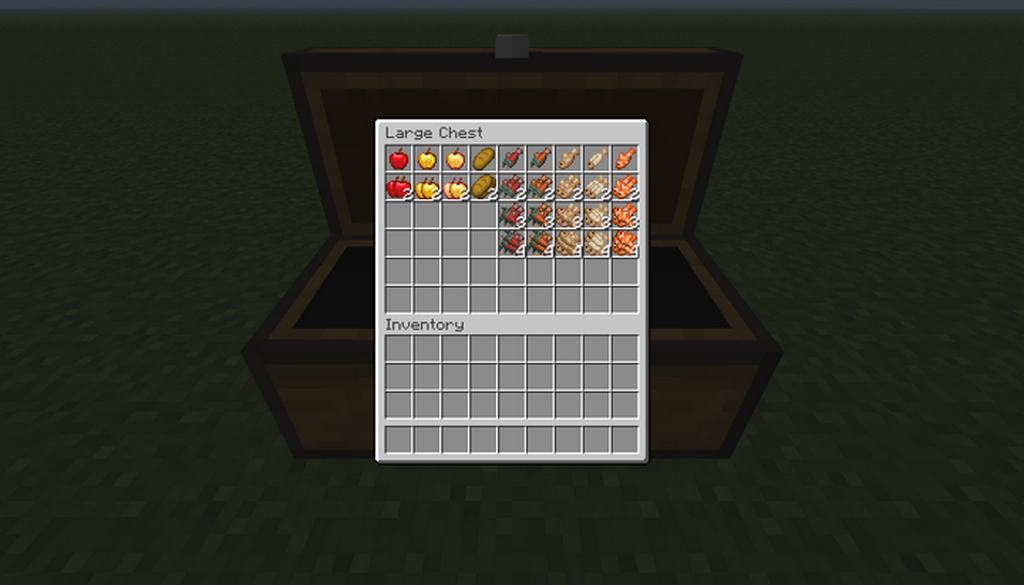
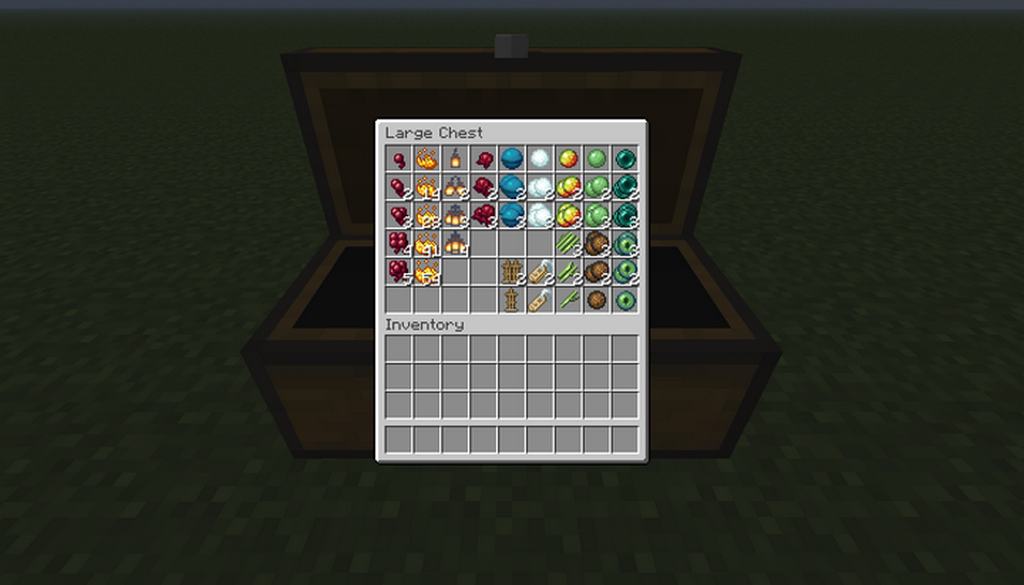
How to Install Texture Pack (Simple 10 Steps)
- Download OptiFine: Most of the texture packs and shaders need OptiFine. That’s why, first download and install OptiFine for the version of Minecraft you want to play.
- Download the Texture Pack: Get the texture pack you want from the download section. Choose the version that works with your Minecraft and your PC’s performance.
- Open Minecraft Launcher: Start Minecraft using the official game launcher — or even TLauncher, if you use that.
- Go to Options: From the main menu, click on the “Options” button.
- Open Resource Packs: Inside Options, click on “Resource Packs…”.
- Open the Resource Pack Folder: Click on “Open Resource Pack Folder” — this will open a folder named “resourcepacks”.
- Move the Pack File: Copy or move the .zip file you downloaded into that “resourcepacks” folder. (Don’t unzip the file — Minecraft uses it as-is!)
- Go Back and Refresh: Close the folder and click “Done”, then go back into “Resource Packs…” again.
- Activate the Pack: You’ll see the pack on the left side. Hover over it and click the arrow to move it to the right (active side).
Tip: If you get a message that the pack is for a different version, just click “Yes” — it usually works fine. - Click Done and Enjoy: Click “Done” again. Now your pack is ready to use in-game. It’s that easy!
Credits
This resource pack was created by dasher865, building upon the original concept by Vader. We do not own or claim ownership of this texture pack, nor have we modified its files. All rights and credits belong entirely to the original creator. We strongly encourage you to support dasher865 by downloading the pack from their official links and appreciating their hard work.
Download Links
Java Edition
Download Instructions
Curseforge: download starts automatically after a few seconds;
Mediafire: click the big blue button with the text “DOWNLOAD”;
Google Drive: in the top right corner you will see a small download icon (down arrow), click it and the download should start;