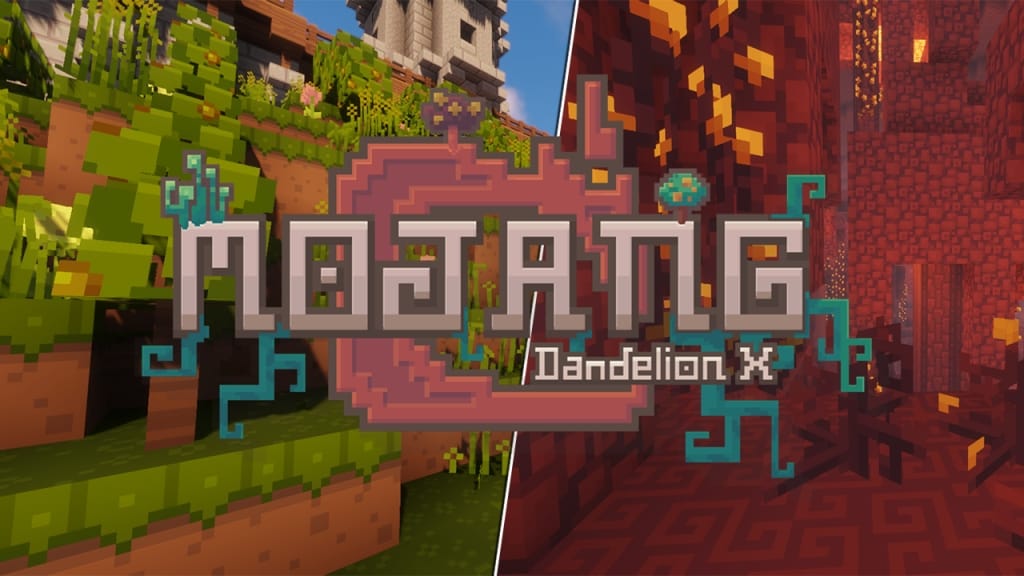
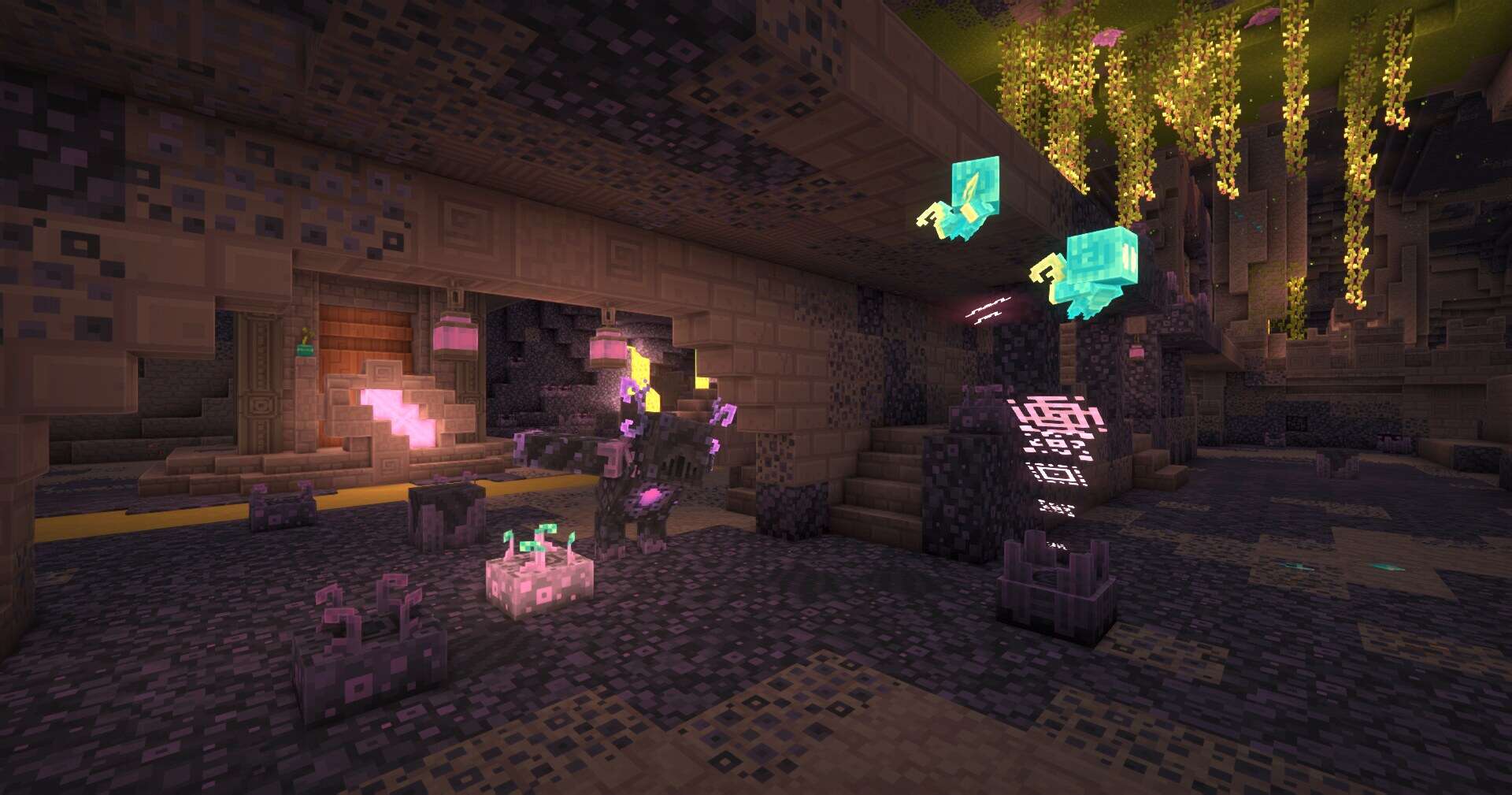
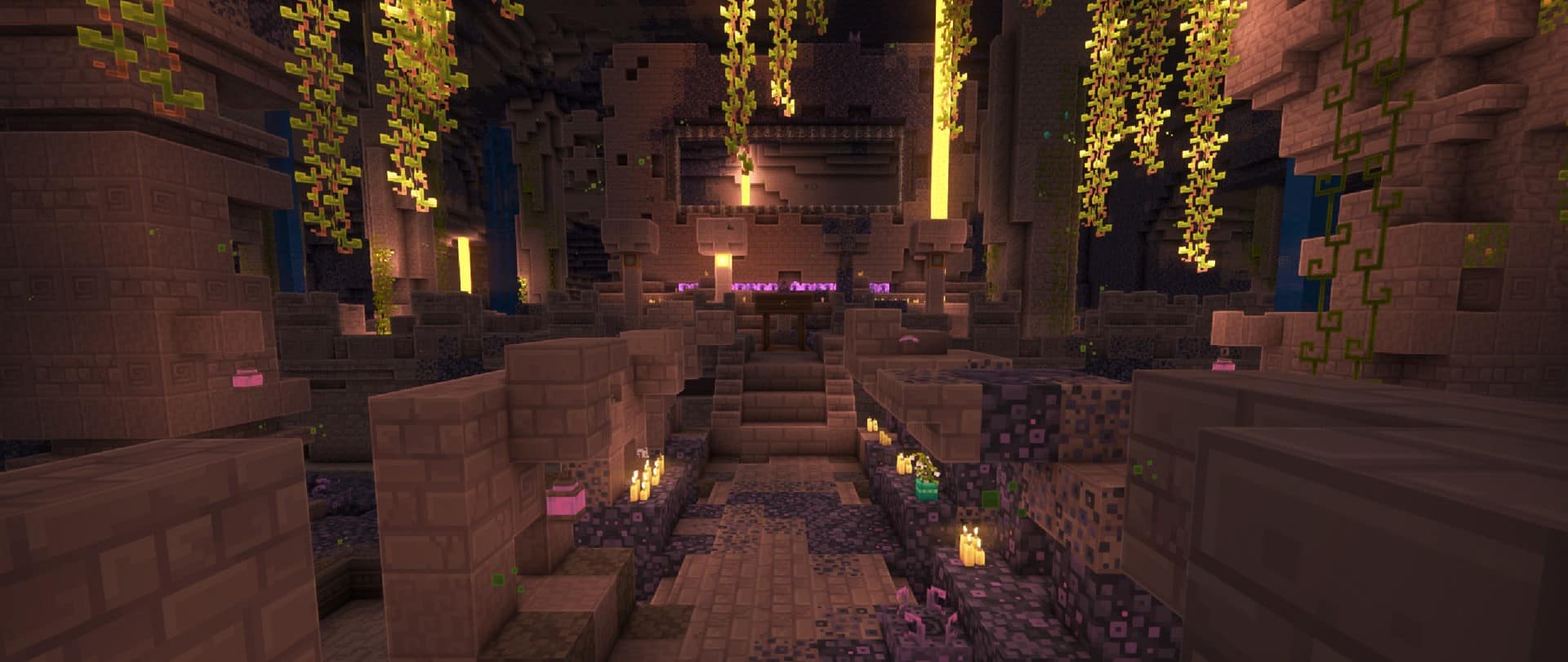
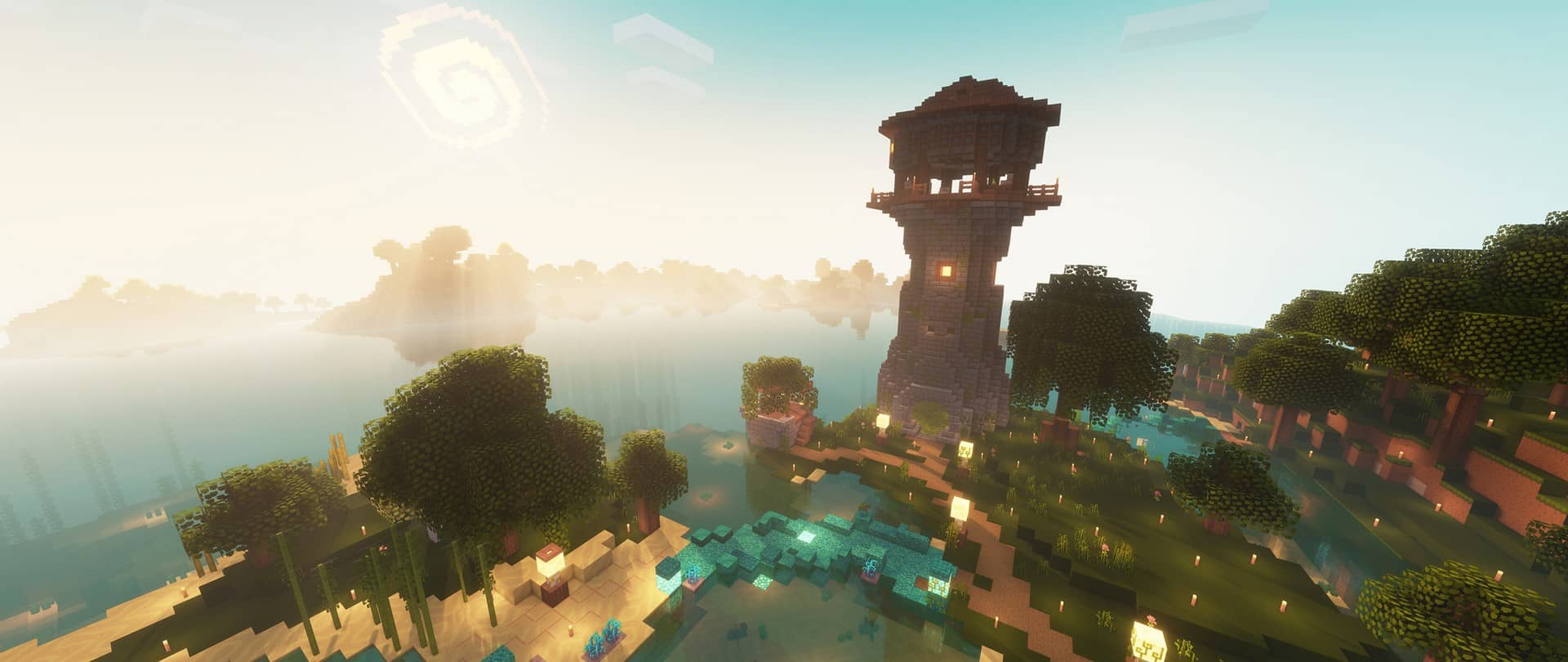
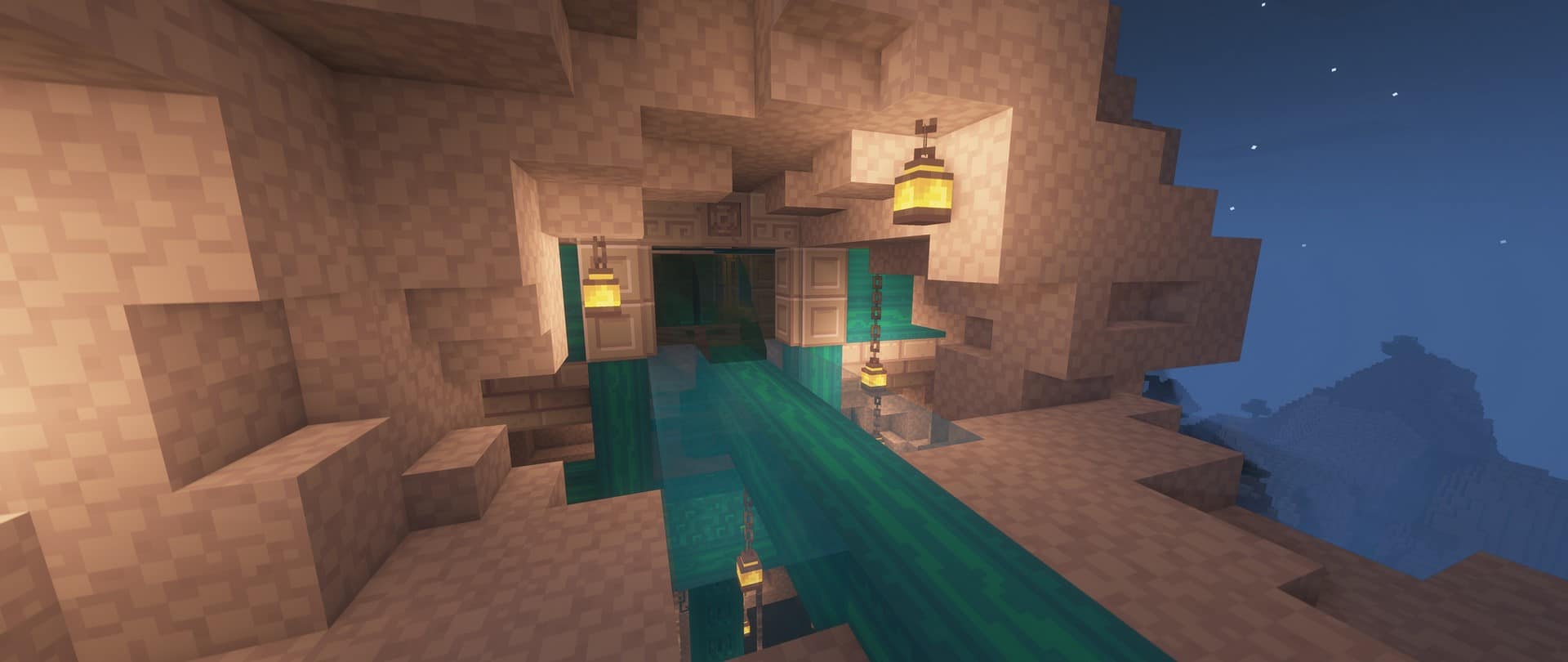
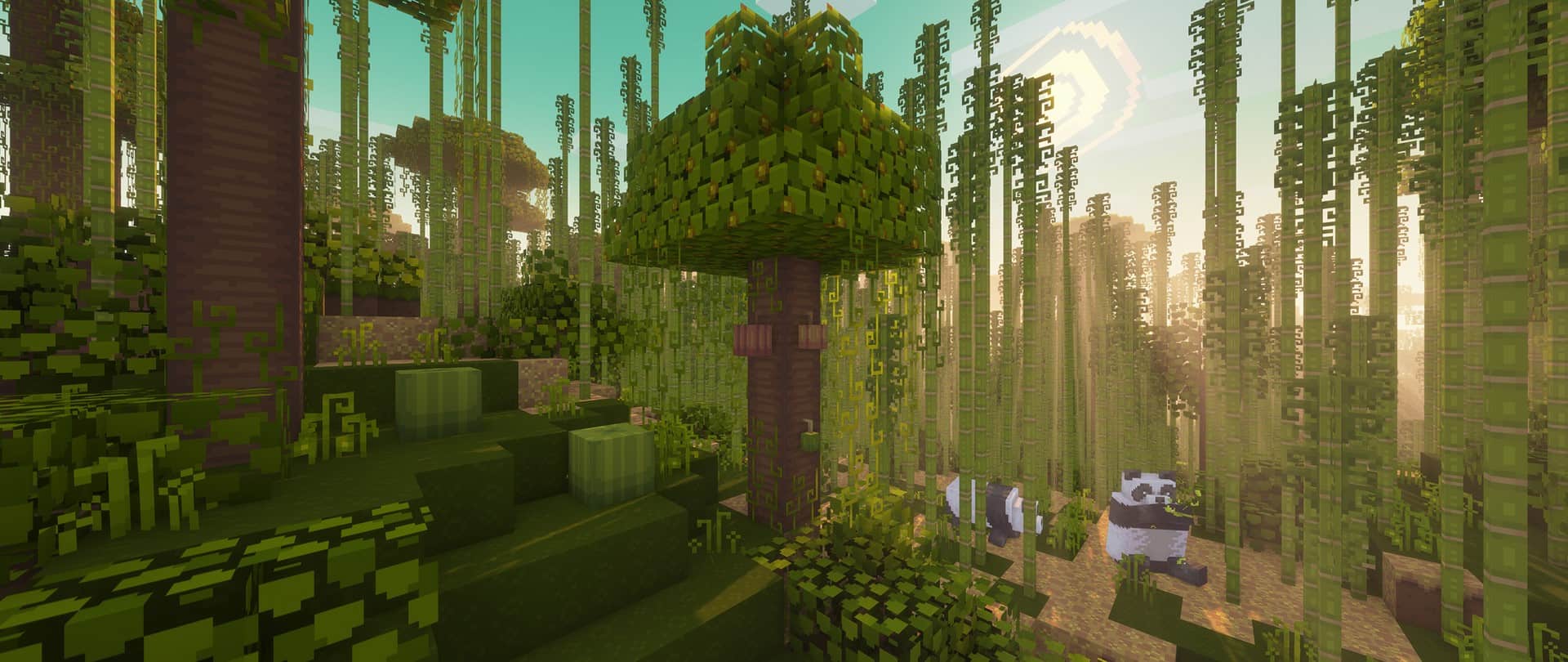
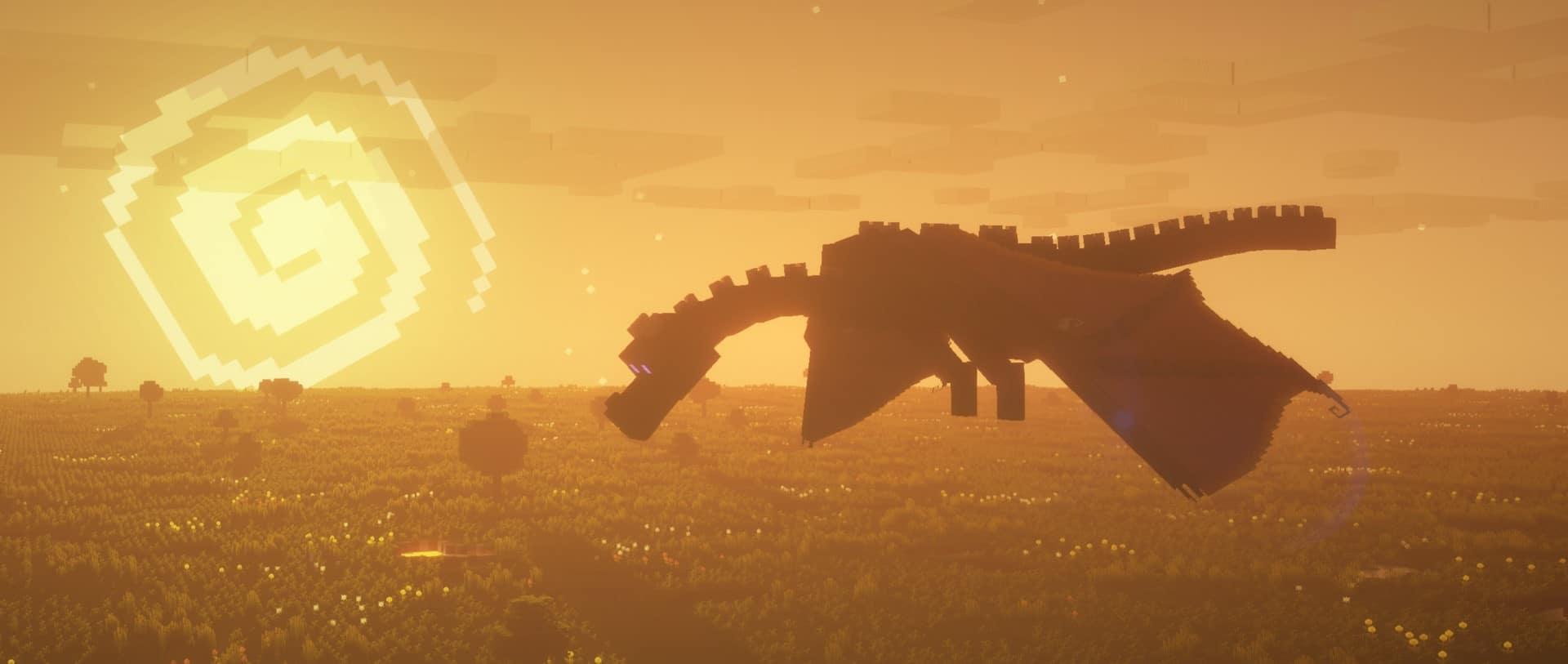
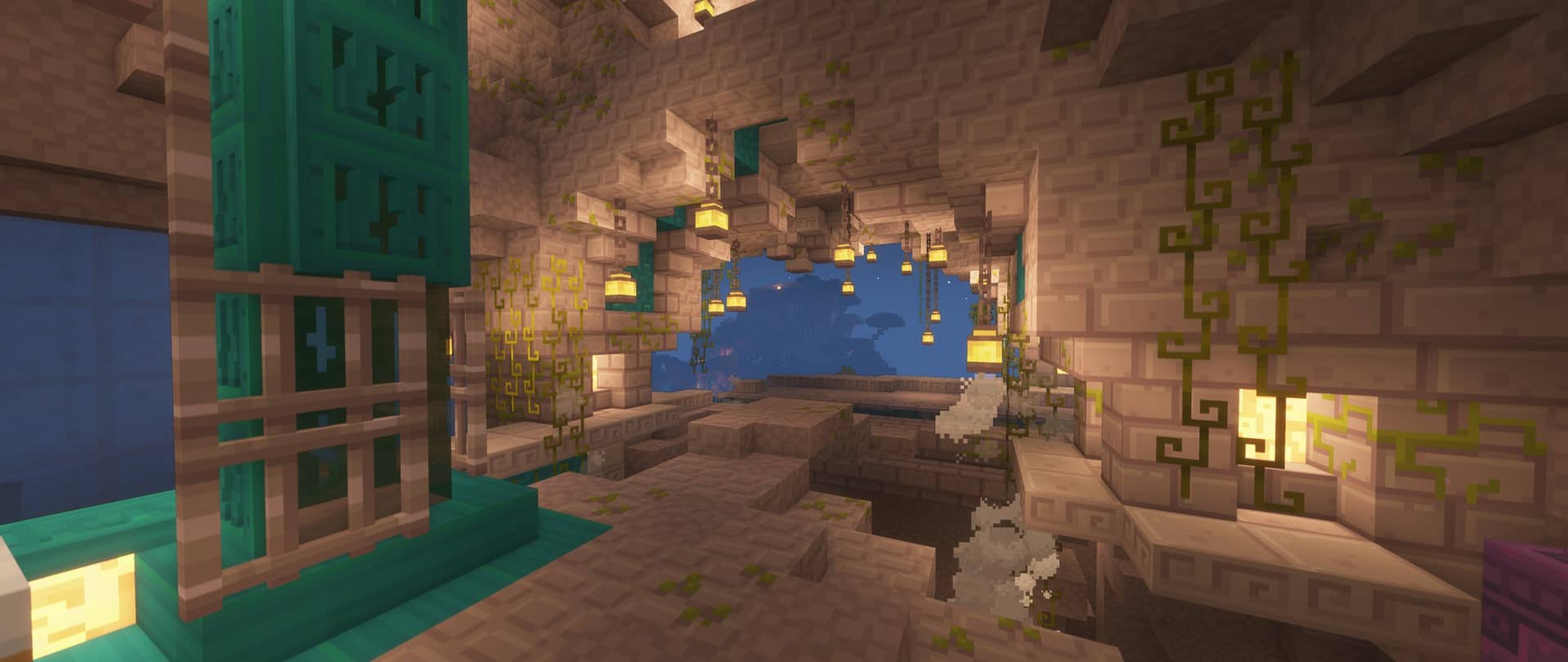
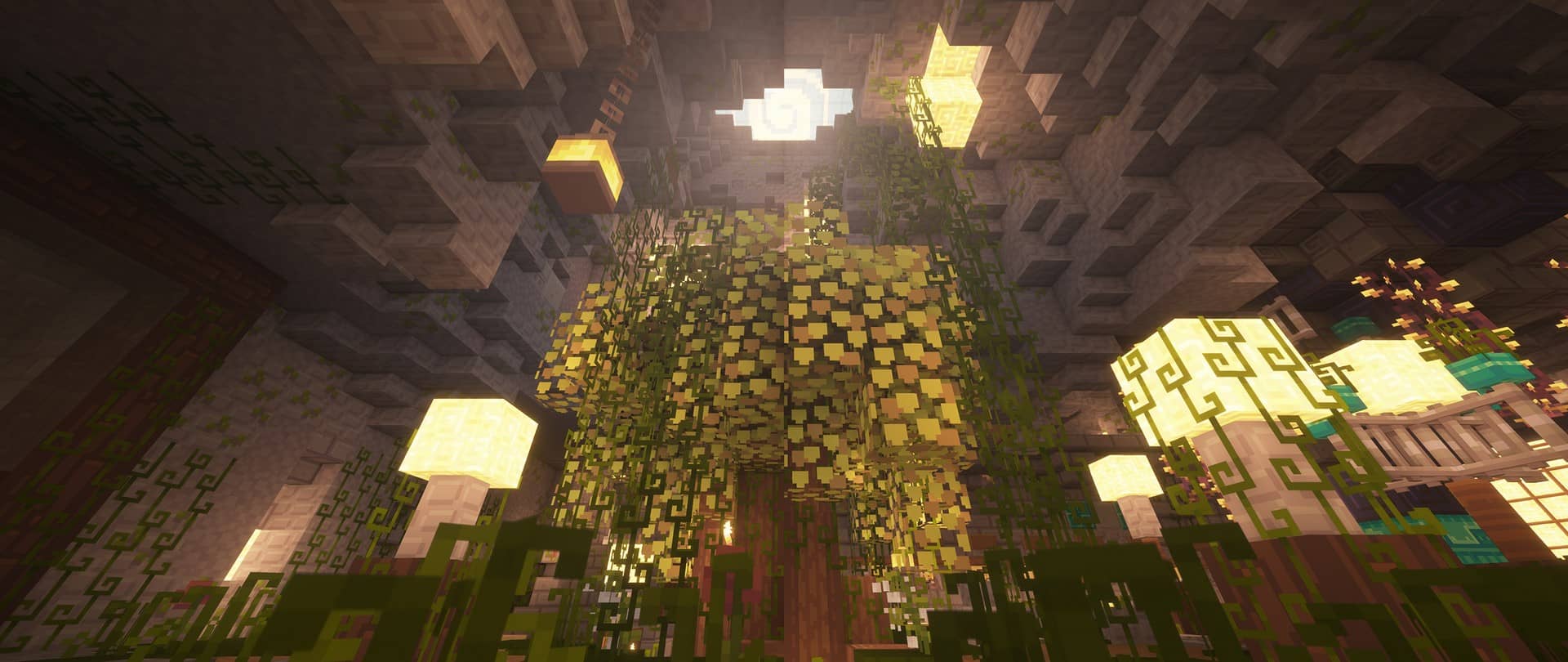
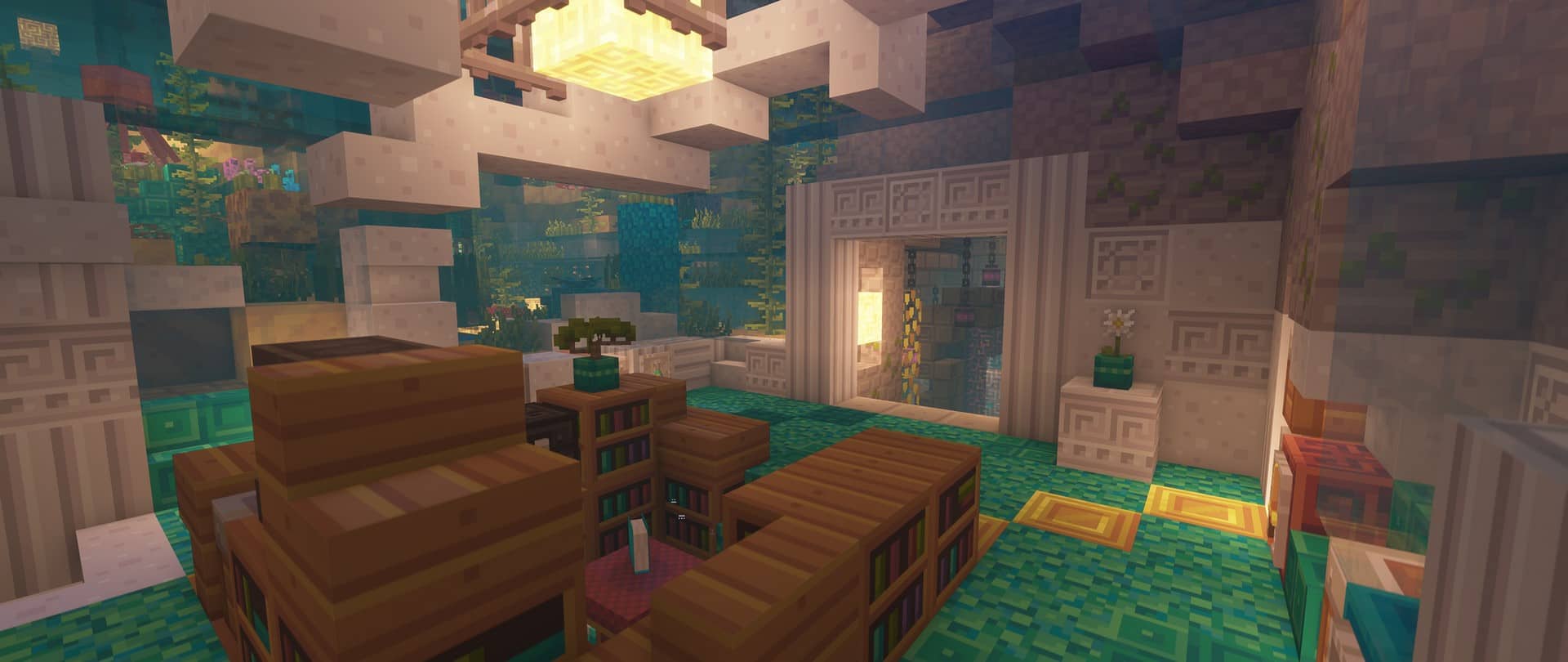
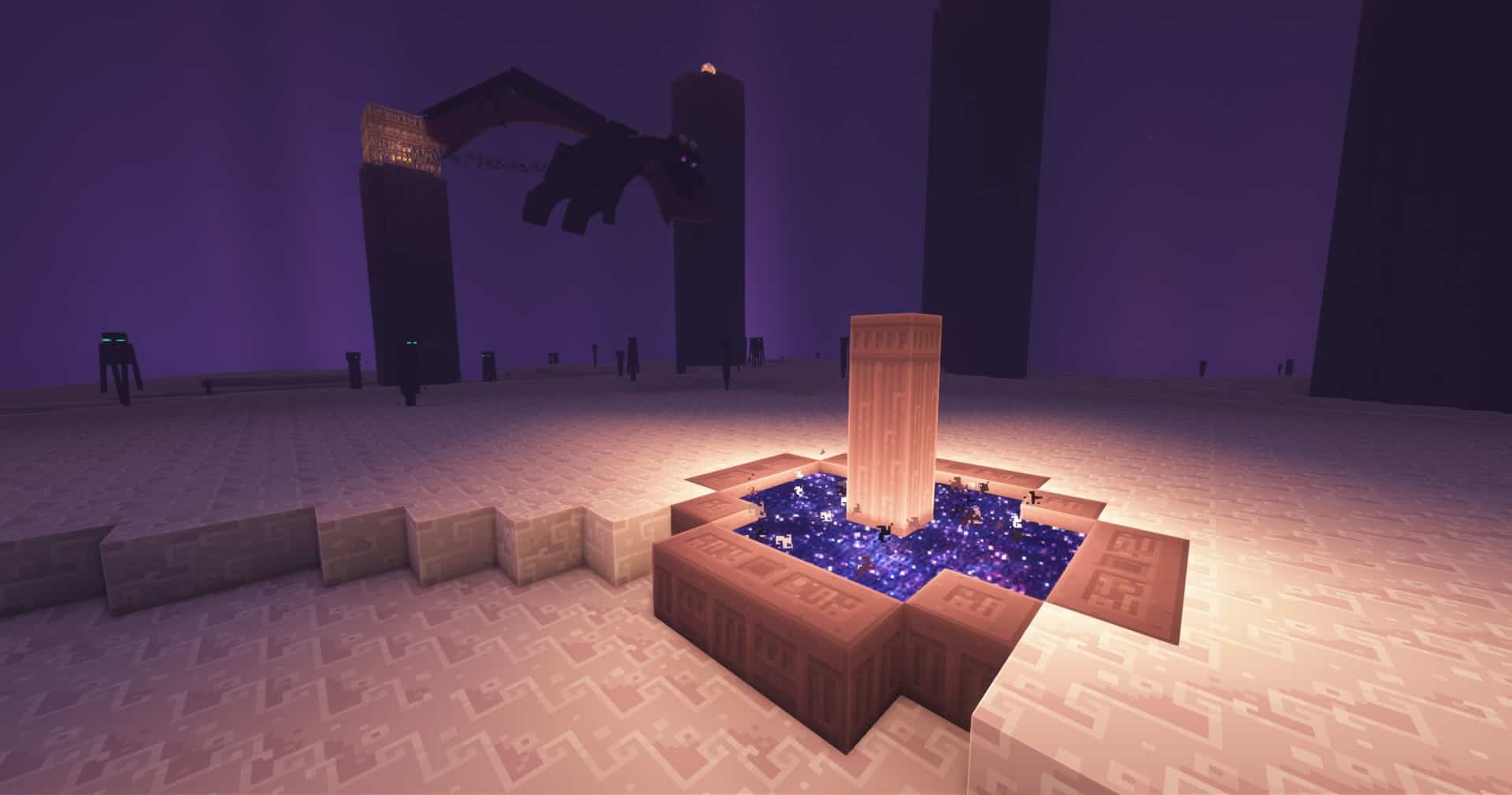
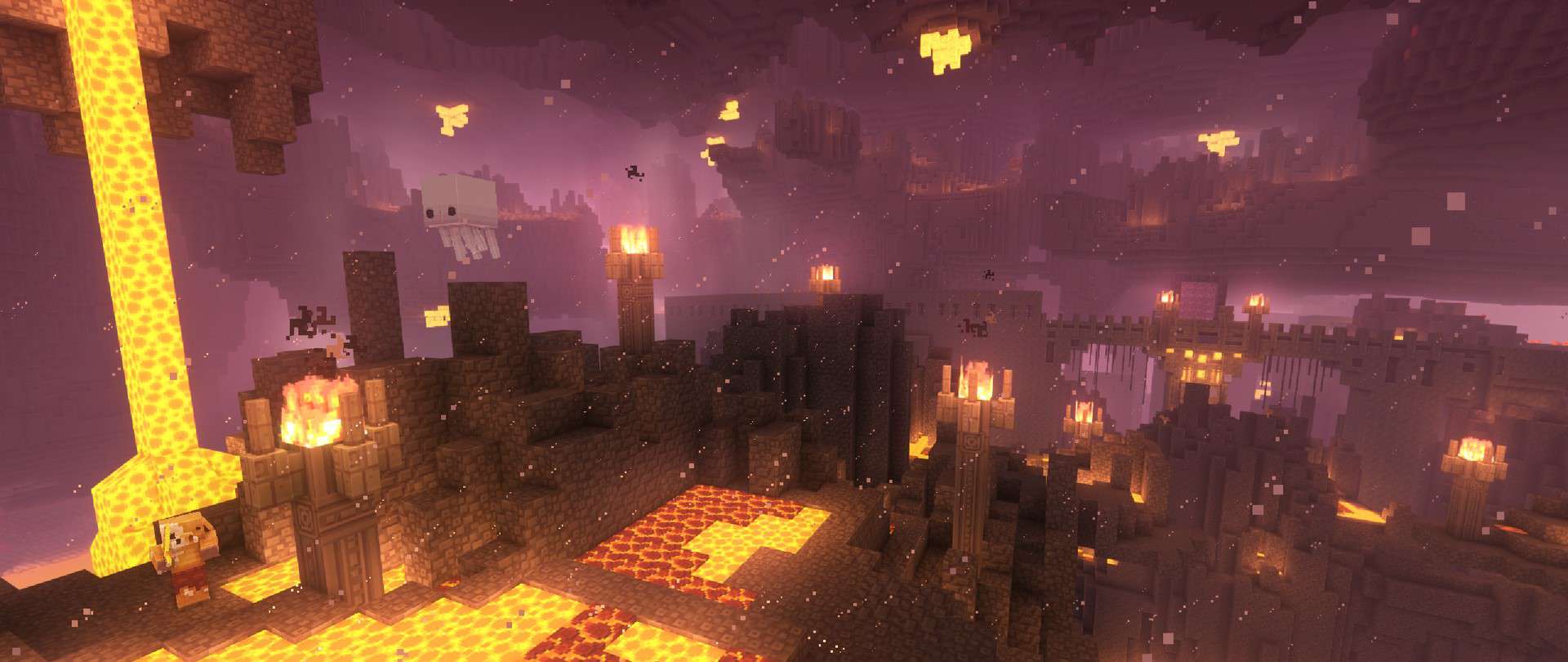
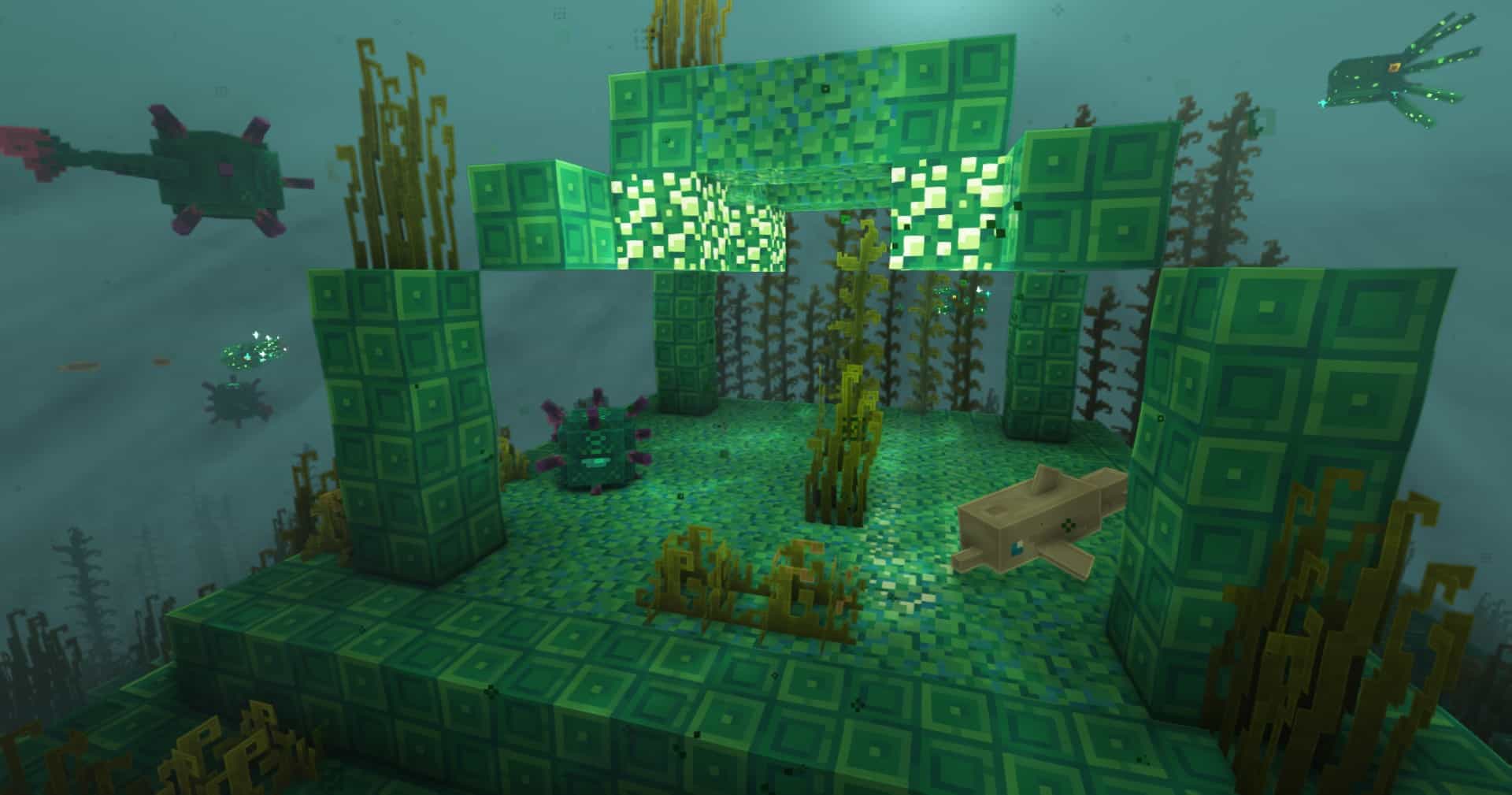
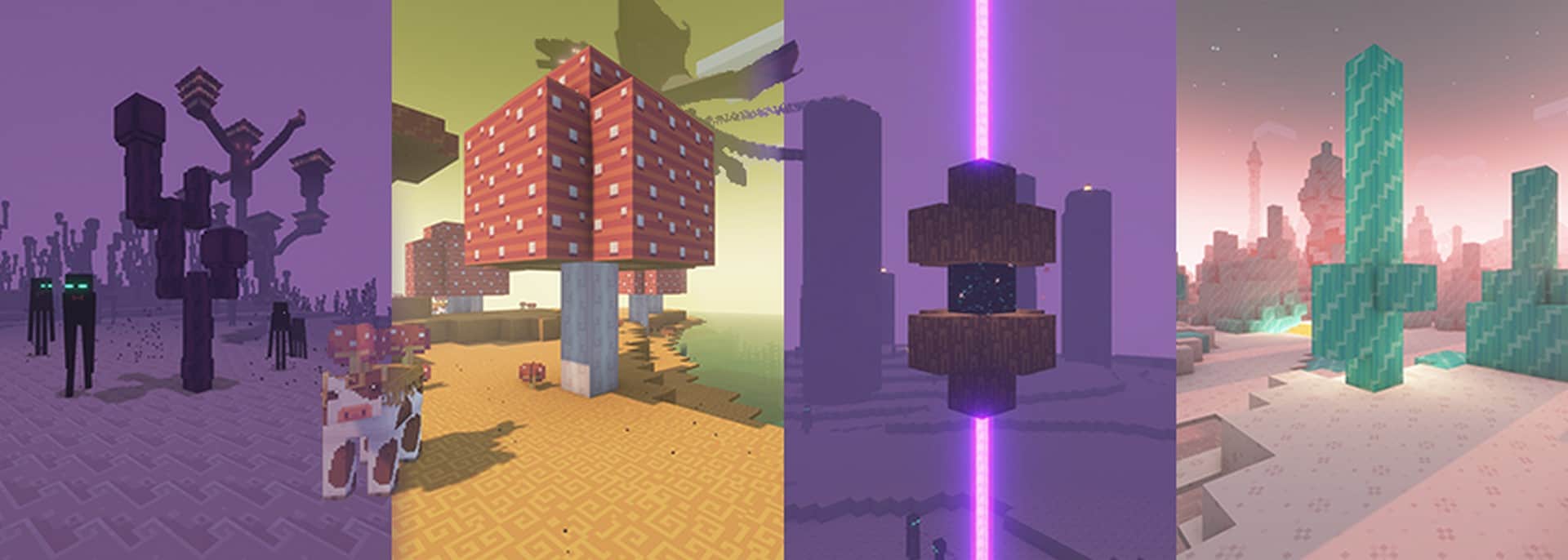
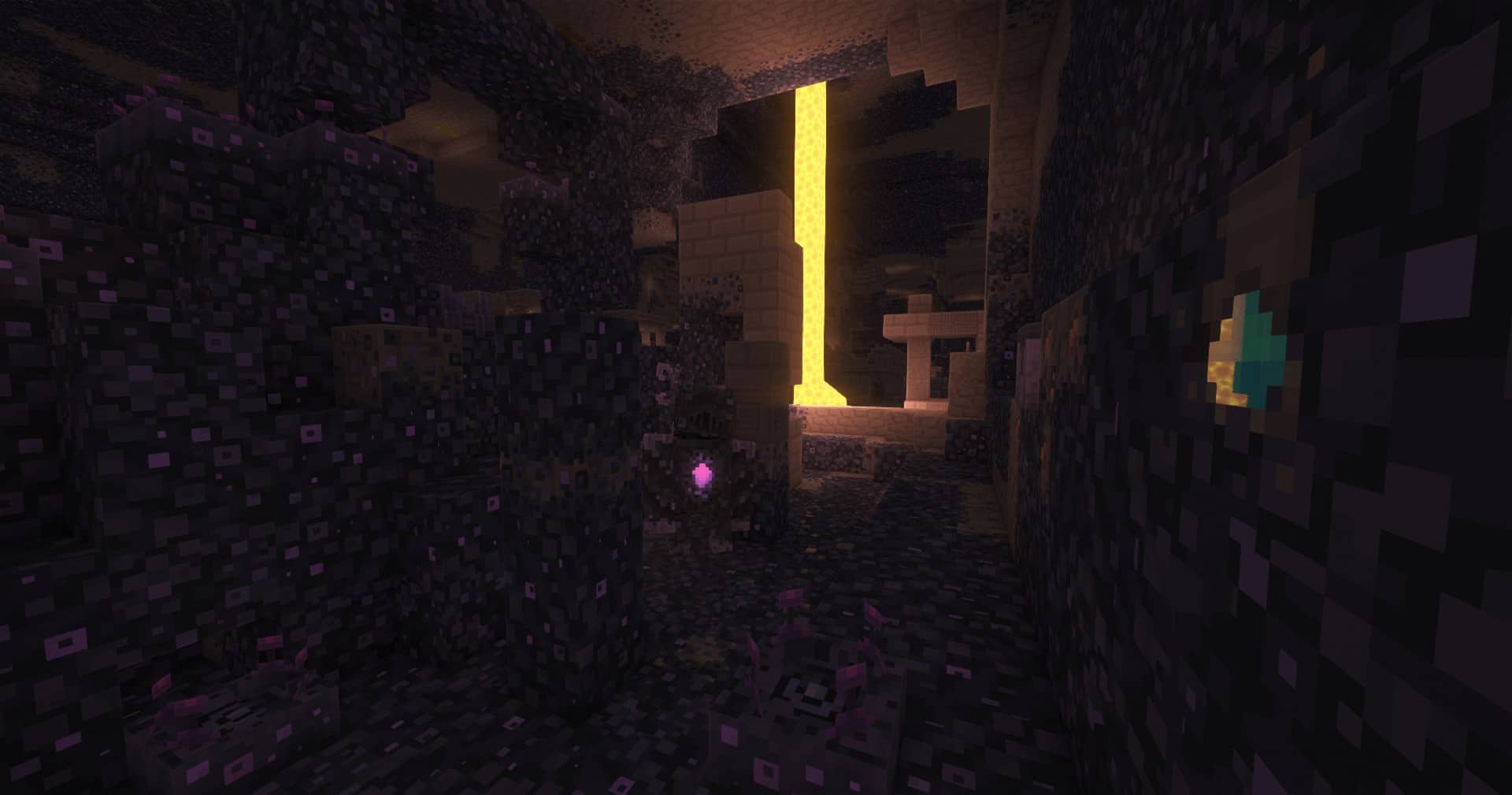
Dandelion is an absolute joy to use, going far beyond just tweaking a few flower textures to completely revitalize your Minecraft world! When I tested it out, I immediately noticed how it breathes new life into familiar items, giving gorgeous, fresh designs to brewing stands, beds, libraries, and so much more. It gives you a fantastic opportunity to enjoy a new, original, yet wonderfully natural look across countless textures already present in the game without feeling overly cluttered. While it does not focus on adding brand new items, it dramatically improves what is already there. Honestly, the only minor downside I found is that the trees can feel a bit off once you load it up, but you will quickly look past that because everything else looks so much better than the default graphics. Plus, the Dandelion With Mods resource pack allows running a great variety of compatible mods, making your overall experience so much more immersive and exciting!
Some textures have been completely redesigned to better represent what they were always meant to be, looking wonderfully enhanced and upgraded, while most others are simply lovingly revised for the better. Originally developed for a simple resource pack competition by Steelfeathers and later carried on by xerotrinity, it is a timeless x16 gem that I sincerely recommend enjoying now that you have the chance. Dandelion remains one of the absolute best resource packs for showcasing a beautiful, vibrant world wrapped in smooth, light colors in Minecraft!
Dandelion should be compatible with all of these Minecraft versions: Fresh Animations – 26.2 – 26.1.2 – 26.1.1 – 26.1 – 1.21.11 – 1.21.10 – 1.21.9 – 1.21.8 – 1.21.7 – 1.21.6 – 1.21.5 – 1.21.4 – 1.21.3 – 1.21.2 – 1.21.1 – 1.21 – 1.20.6 – 1.20.5 – 1.20.4 – 1.20.3 – 1.20.2 – 1.20.1 – 1.20 – 1.19.4 – 1.19.3 – 1.19.2 – 1.19.1 – 1.19 – 1.18.2 – 1.18.1 – 1.18 – 1.17.1 – 1.17 – 1.16.5 – 1.16.4 – 1.16.3 – 1.16.2 – 1.16.1 – 1.16 – 1.15.2 – 1.15.1 – 1.15 – 1.14.4 – 1.14.3 – 1.14.2 – 1.14 – 1.13.2 – 1.13.1 – 1.13 – 1.12.2 – 1.12 – 1.11.2 – 1.11 – 1.10.2 – 1.10 – 1.9.4 – 1.9 – 1.8.9 – 1.8.8 – 1.8.1 – 1.8.6 – 1.8
Screenshots



How to Install Texture Pack (Simple 10 Steps)
- Download OptiFine: Most of the texture packs and shaders need OptiFine. That’s why, first download and install OptiFine for the version of Minecraft you want to play.
- Download the Texture Pack: Get the texture pack you want from the download section. Choose the version that works with your Minecraft and your PC’s performance.
- Open Minecraft Launcher: Start Minecraft using the official game launcher — or even TLauncher, if you use that.
- Go to Options: From the main menu, click on the “Options” button.
- Open Resource Packs: Inside Options, click on “Resource Packs…”.
- Open the Resource Pack Folder: Click on “Open Resource Pack Folder” — this will open a folder named “resourcepacks”.
- Move the Pack File: Copy or move the .zip file you downloaded into that “resourcepacks” folder. (Don’t unzip the file — Minecraft uses it as-is!)
- Go Back and Refresh: Close the folder and click “Done”, then go back into “Resource Packs…” again.
- Activate the Pack: You’ll see the pack on the left side. Hover over it and click the arrow to move it to the right (active side).
Tip: If you get a message that the pack is for a different version, just click “Yes” — it usually works fine. - Click Done and Enjoy: Click “Done” again. Now your pack is ready to use in-game. It’s that easy!
Credits
The Dandelion resource pack was originally created by Steelfeathers and further developed by xerotrinity. We do not claim ownership of this content, nor do we host modified versions of the files. All rights remain with the original creators, and we strongly encourage supporting them through their official download channels and community pages.
Download Links
Java Edition
- [16x] Minecraft 26.2.x – 26.1.x
- [16x] Minecraft 1.21.x
- [16x] Minecraft 1.20.6 – 1.20.2
- [16x] Minecraft 1.20.1 – 1.20
- [16x] Minecraft 1.19.x
- [16x] Minecraft 1.18.x
- [16x] Minecraft 1.17.x
- [16x] Minecraft 1.16.x – 1.15.x
- [16x] Minecraft 1.14.x
- [16x] Minecraft 1.13.x
- [16x] Minecraft 1.12.x
- [16x] Minecraft 1.11.x – 1.8.x
- Dandelion X & Fresh Animations Addon
- Emissive Ores Addon
- Core Shaders Addon
- Bushy Leaves Addon
- Pink Cherry Wood Addon
- Baby Pink Cherry Wood Addon
Download Instructions
Curseforge: download starts automatically after a few seconds;
Mediafire: click the big blue button with the text “DOWNLOAD”;
Google Drive: in the top right corner you will see a small download icon (down arrow), click it and the download should start;


