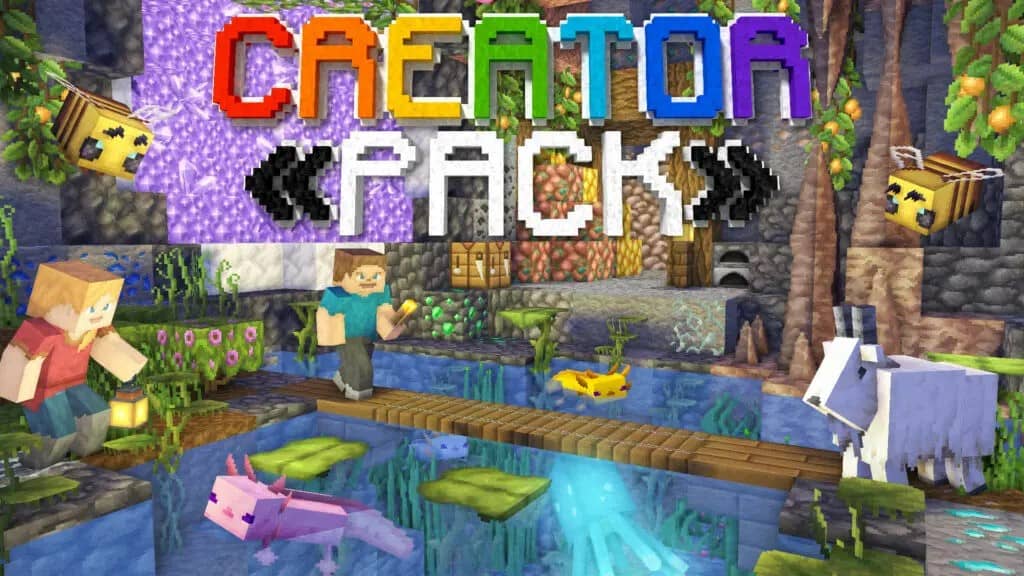
CreatorPack is an incredible resource pack for Minecraft that has already captured a massive amount of well-deserved attention and enthusiastic praise from the community ever since its release. It was thoughtfully designed by the talented creatorLabs team, who continue to work hard on developing fantastic packs like this while keeping their previous releases regularly updated. There are certainly a few great reasons why the CreatorPack resource pack skyrocketed in popularity so quickly. First off, it comes from the exact same brilliant team behind the phenomenal 3D CreatorCraft and 3D Seasons packs. This time around, creatorLabs decided to craft their very own default-themed pack, and honestly, they executed it brilliantly. CreatorPack is a stunning resource pack that we are genuinely thrilled to see released.
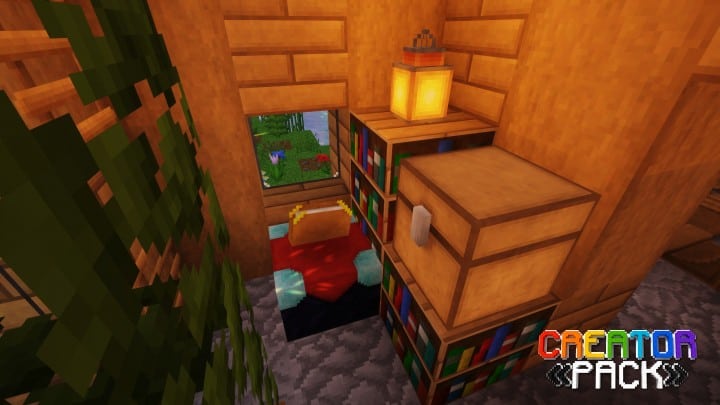
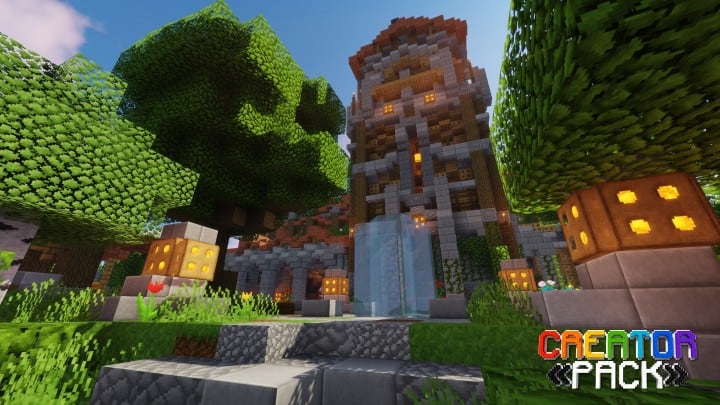
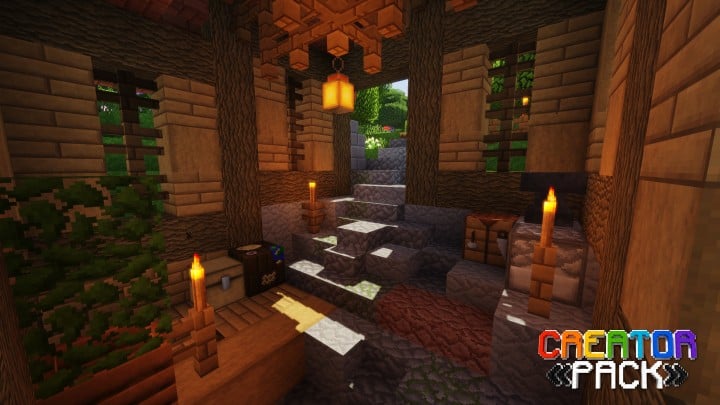
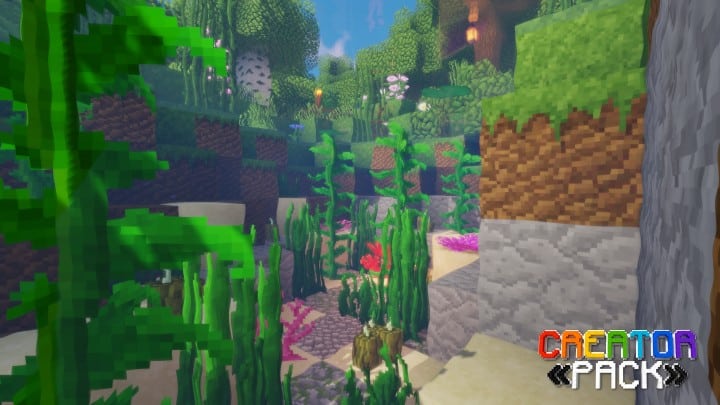
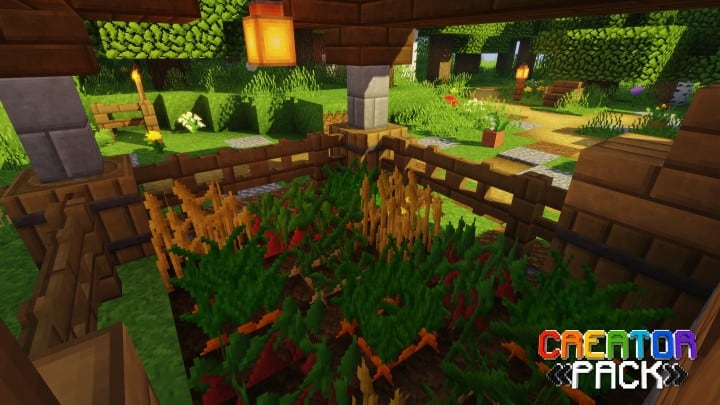
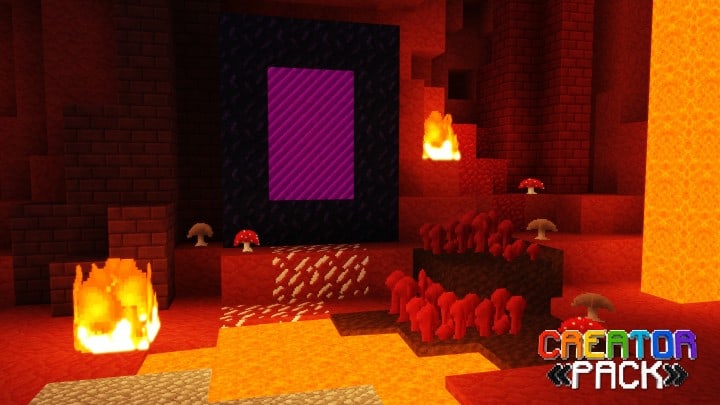
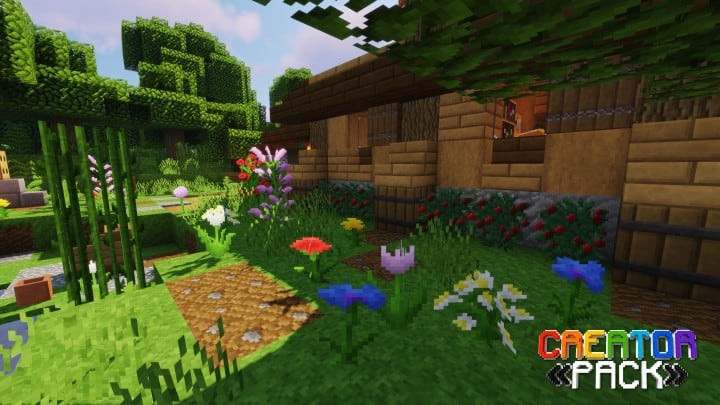
When we look at the core idea itself, the concept may not be entirely new since there are quite a few default-themed packs out there that generally do their job well. However, in our honest opinion, this texture pack genuinely belongs near the absolute top of the highest quality works in this category. The pack completely enhances and transforms the visual look of the game. Unlike standard vanilla textures, it delivers incredibly smooth and clean textures packed with a rich amount of detail. No matter what architectural style your builds follow, they are going to look simply amazing with this pack installed. creatorLabs’s CreatorPack features a 32×32 resolution, which is double the standard 16×16 resolution that default Minecraft ships with. This higher resolution is a primary driver behind the pack’s impressive level of detail. Just remember that you will want to have an average or better PC in order to run this pack smoothly without running into any frame-rate drops.
CreatorPack should be compatible with all of these Minecraft versions: 1.21.11 – 1.21.10 – 1.21.9 – 1.21.8 – 1.21.7 – 1.21.6 – 1.21.5 – 1.21.4 – 1.21.3 – 1.21.2 – 1.21.1 – 1.21 – 1.20.6 – 1.20.5 – 1.20.4 – 1.20.3 – 1.20.2 – 1.20.1 – 1.20 – 1.19.4 – 1.19.3 – 1.19.2 – 1.19.1 – 1.19 – 1.18.2 – 1.18.1 – 1.18 – 1.17.1 – 1.17 – 1.16.5 – 1.16.4 – 1.16.3 – 1.16.2 – 1.16.1 – 1.16 – 1.15.2 – 1.15.1 – 1.15 – 1.14.4 – 1.14.3 – 1.14.2 – 1.14 – Bedrock Edition – PE
Screenshots
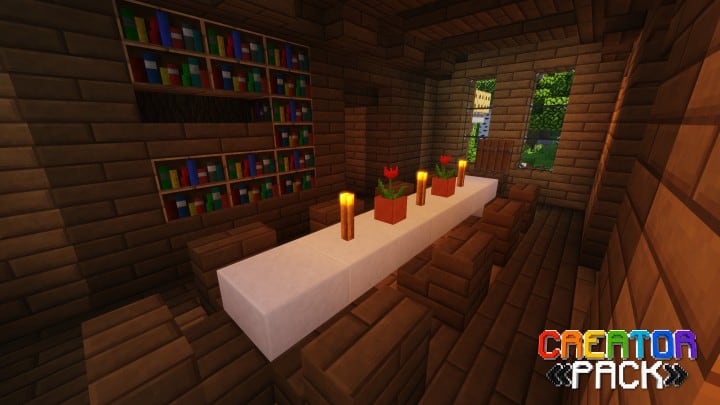
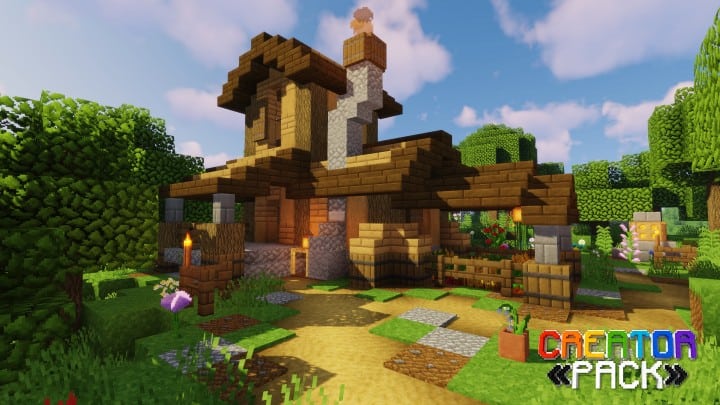
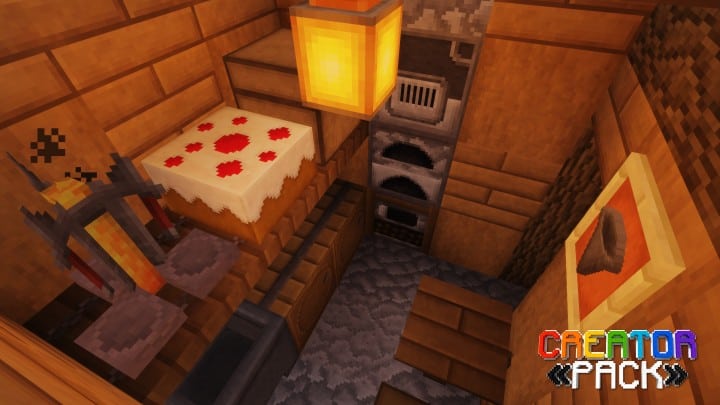
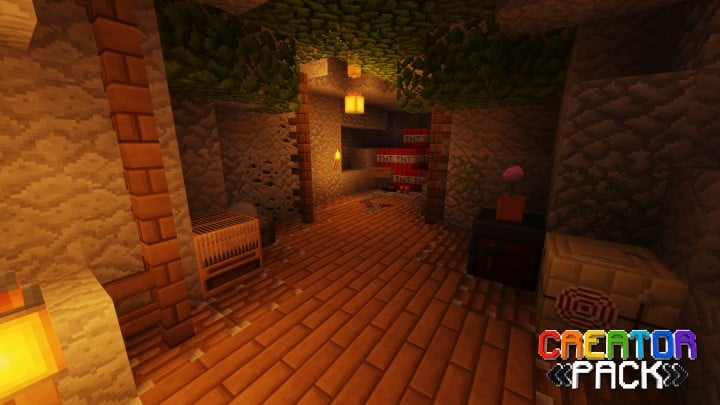
How to Install Texture Pack (Simple 10 Steps)
- Download OptiFine: Most of the texture packs and shaders need OptiFine. That’s why, first download and install OptiFine for the version of Minecraft you want to play.
- Download the Texture Pack: Get the texture pack you want from the download section. Choose the version that works with your Minecraft and your PC’s performance.
- Open Minecraft Launcher: Start Minecraft using the official game launcher — or even TLauncher, if you use that.
- Go to Options: From the main menu, click on the “Options” button.
- Open Resource Packs: Inside Options, click on “Resource Packs…”.
- Open the Resource Pack Folder: Click on “Open Resource Pack Folder” — this will open a folder named “resourcepacks”.
- Move the Pack File: Copy or move the .zip file you downloaded into that “resourcepacks” folder. (Don’t unzip the file — Minecraft uses it as-is!)
- Go Back and Refresh: Close the folder and click “Done”, then go back into “Resource Packs…” again.
- Activate the Pack: You’ll see the pack on the left side. Hover over it and click the arrow to move it to the right (active side).
Tip: If you get a message that the pack is for a different version, just click “Yes” — it usually works fine. - Click Done and Enjoy: Click “Done” again. Now your pack is ready to use in-game. It’s that easy!
Credits
This Resource Pack was developed by creatorLabs. We do not claim ownership of this content and do not host modified files. All rights and credits belong entirely to the original creator. We strongly encourage you to support creatorLabs by downloading the pack from their official links and checking out their other projects.
Download Links
Java Edition
- [32x] Minecraft 1.21.x
- [32x] Minecraft 1.20.6 – 1.20.2
- [32x] Minecraft 1.20.1 – 1.20
- [32x] Minecraft 1.19.x
- [32x] Minecraft 1.18.x
- [32x] Minecraft 1.17.x
- [32x] Minecraft 1.16.x
- [32x] Minecraft 1.15.x
- [32x] Minecraft 1.14.x
- Better Leaves Addon
- Gray-GUI Addon
Bedrock Edition
Download Instructions
Curseforge: download starts automatically after a few seconds;
Mediafire: click the big blue button with the text “DOWNLOAD”;
Google Drive: in the top right corner you will see a small download icon (down arrow), click it and the download should start;


