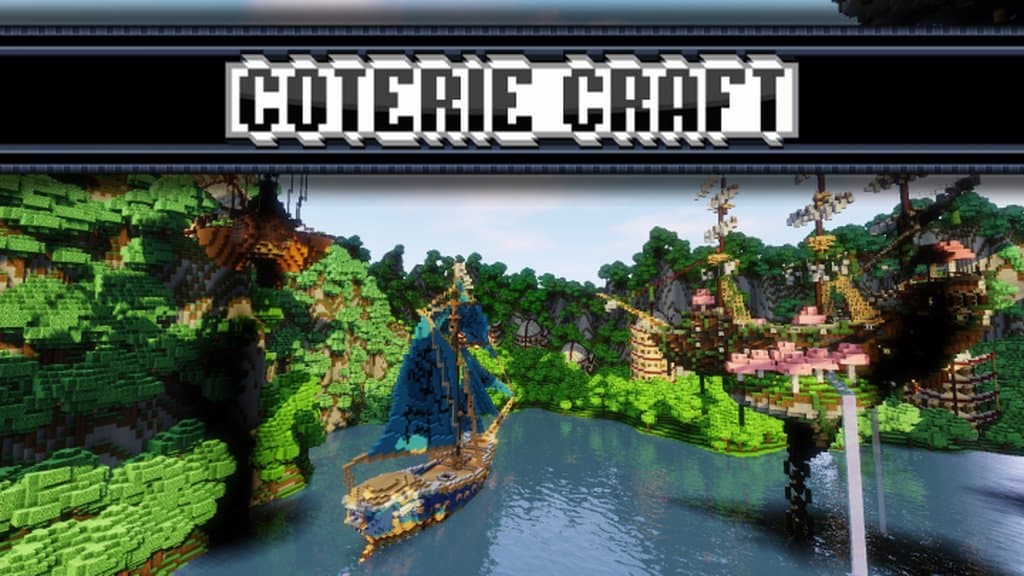
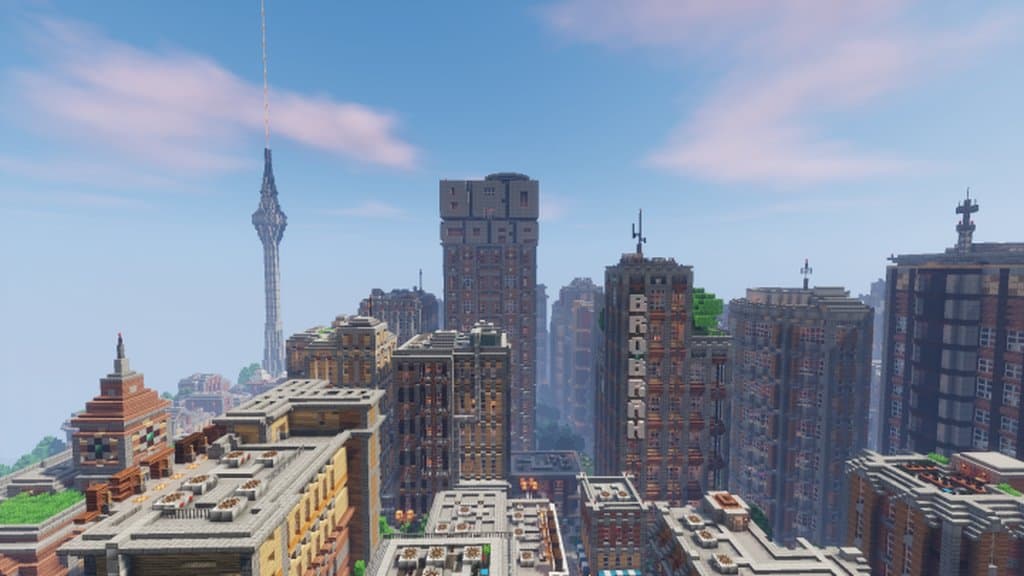
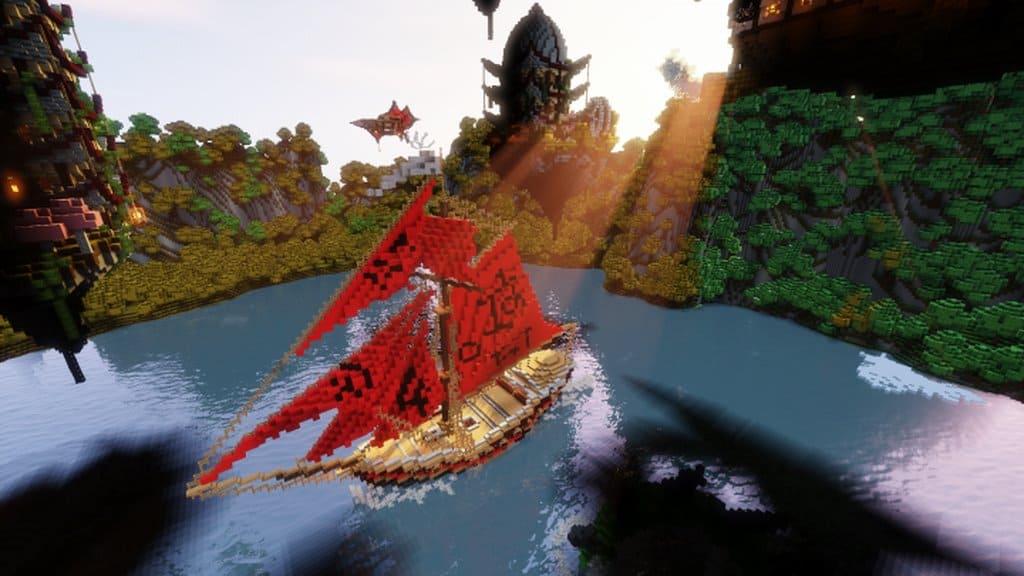
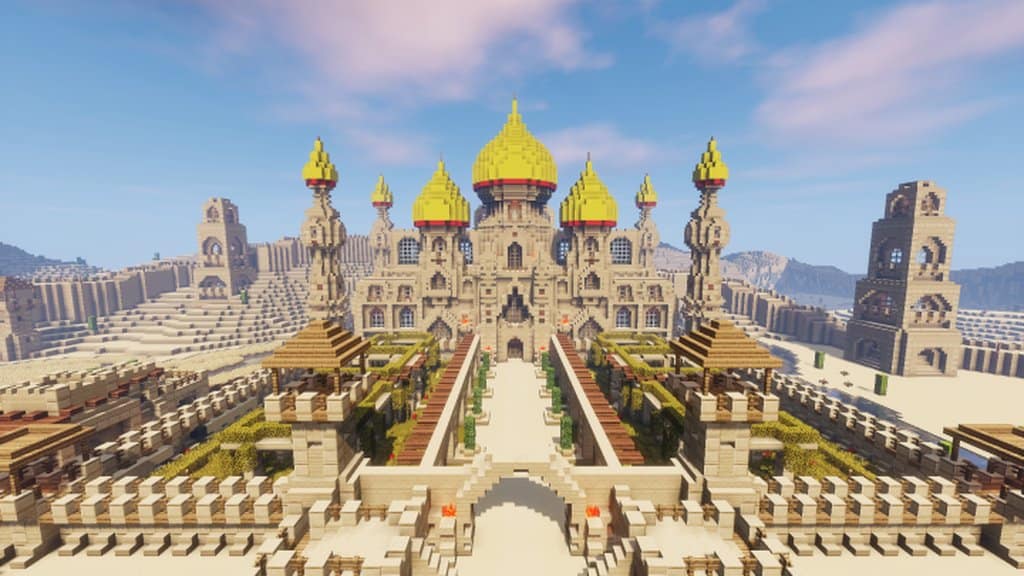
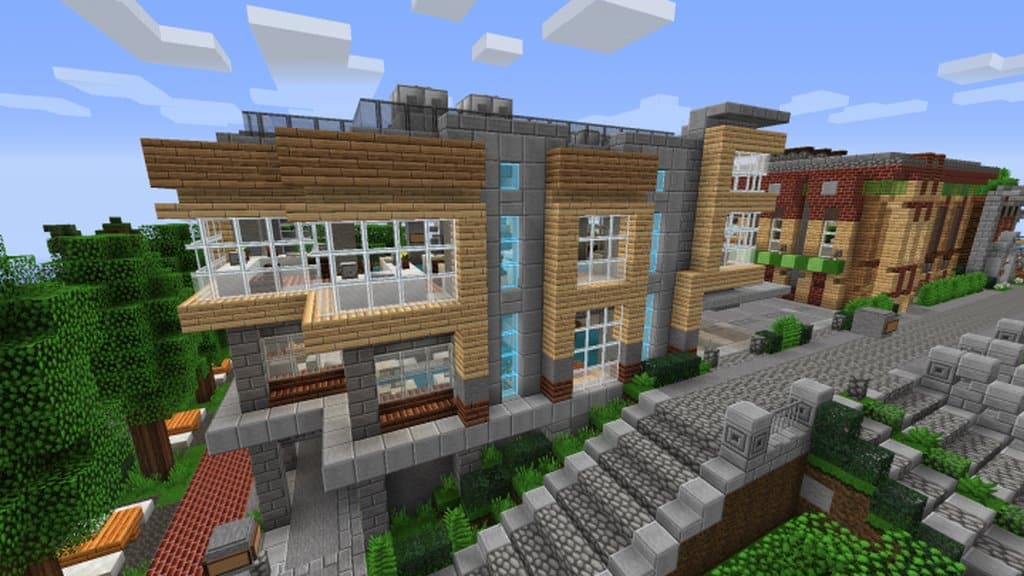
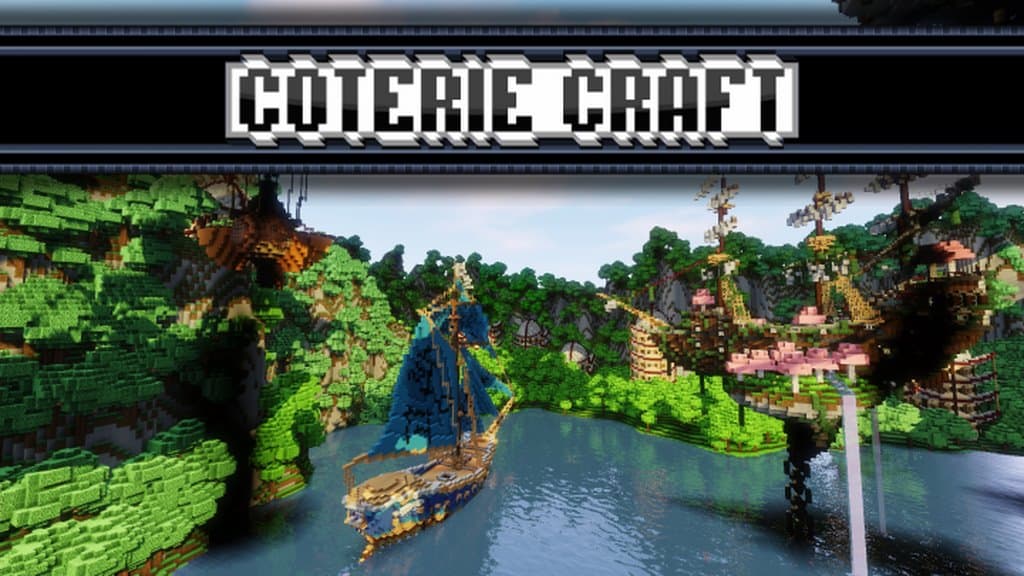
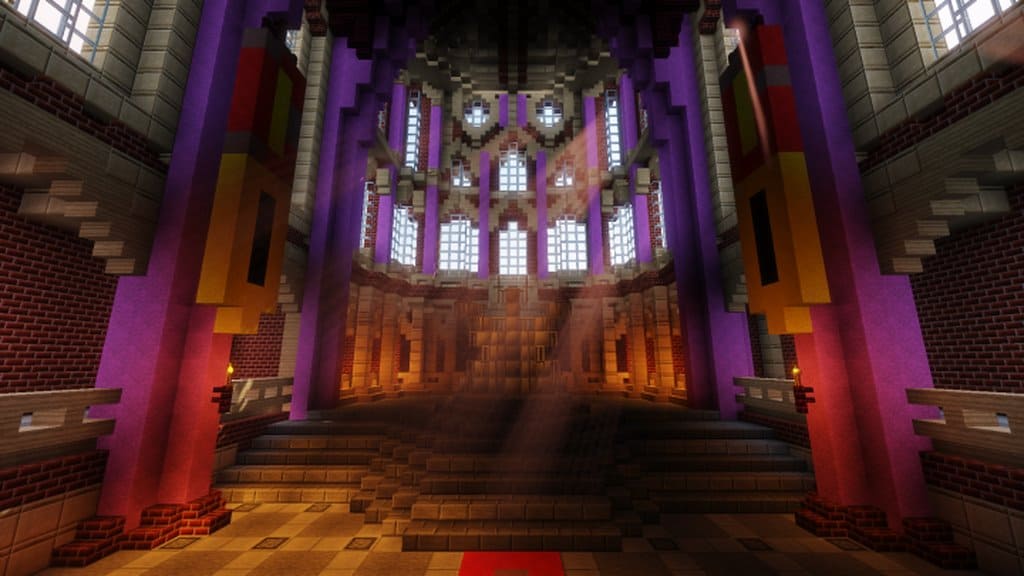
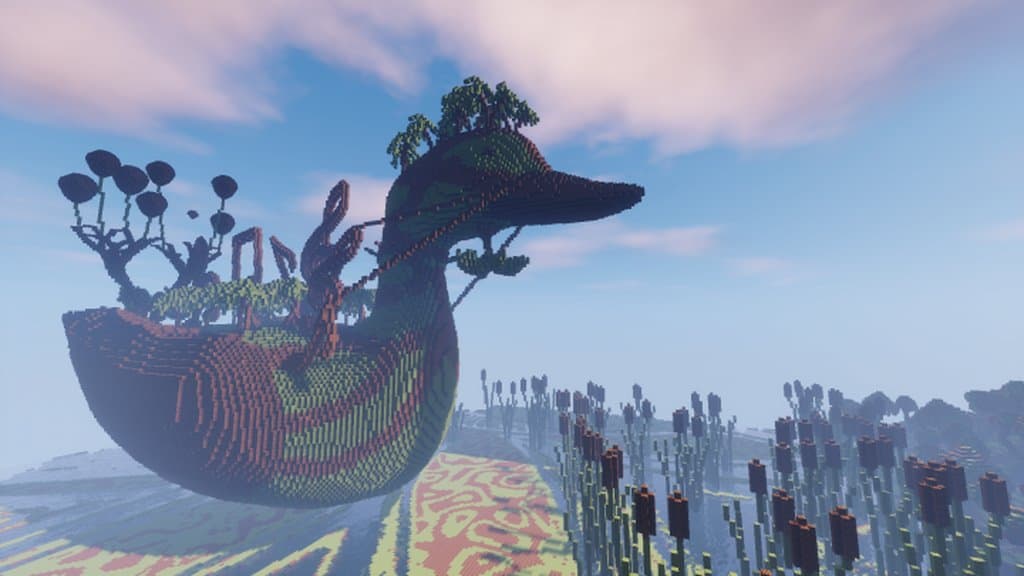
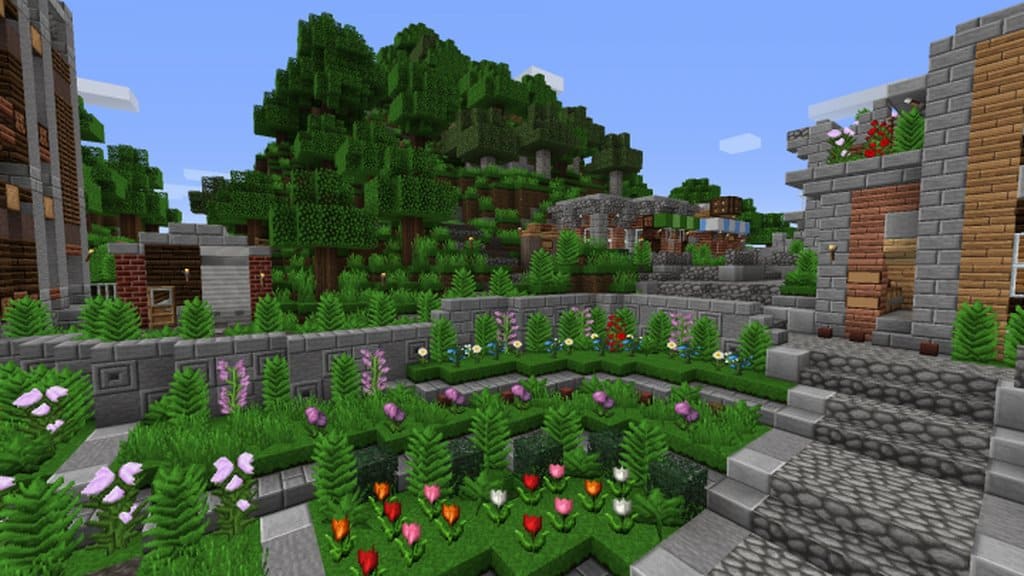
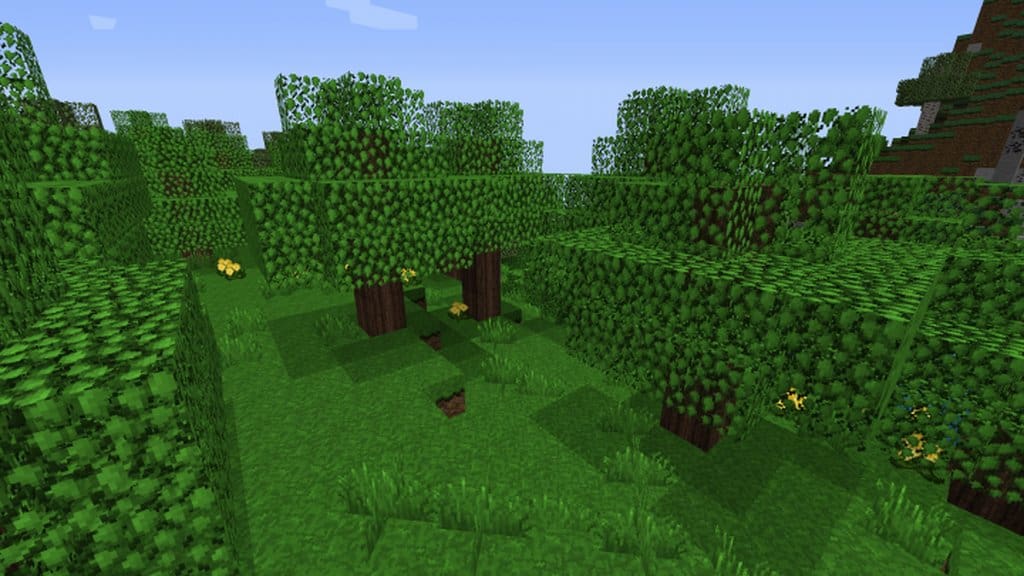
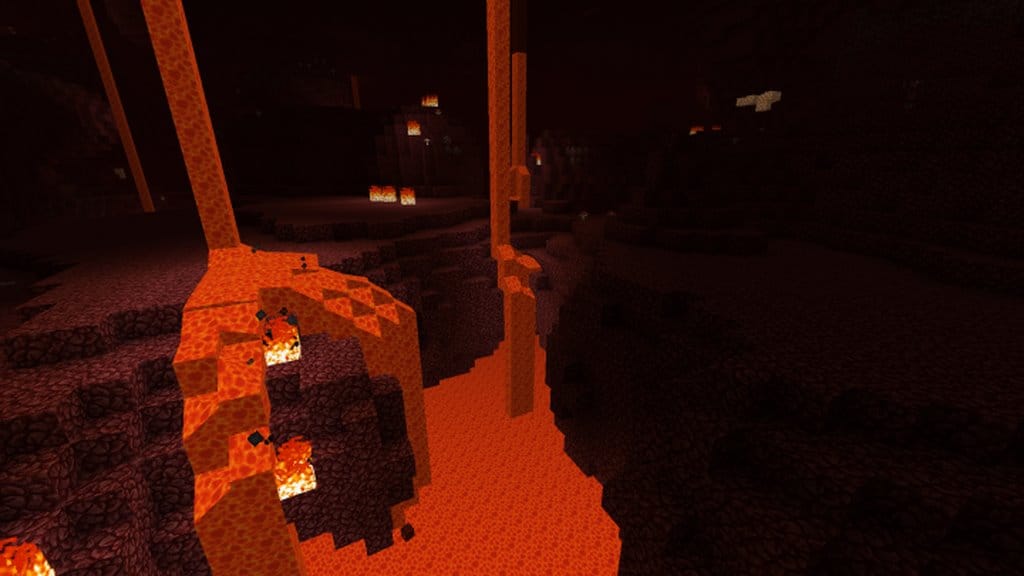
The Coterie Craft resource pack is unique to its core, while still remaining delightfully familiar, offering a distinctly different feel from the more traditional packs with similar artistic styling. Often, you will find that most faithful packs are far too similar to each other, with very little variance to make them interesting, not to mention doing very little to elevate the visuals of Minecraft in any significant way. Where Coterie Craft truly shines is in its smooth textures and excellent visual elements that genuinely enhance your Minecraft experience. Coterie Craft is surely in a league of its own when it comes to texture and art enhancement among resource packs, and once you apply the Coterie Craft texture pack, your Minecraft world will change drastically for the better. As soon as you set foot into the Coterie Craft textures, you will instantly notice the remarkable improvement.
Featuring soft, smooth textures that are never overly bogged down with clumsy detail, along with softer color palettes that provide a much more pleasant viewing experience, you will overall find a much more welcoming visual atmosphere. The Coterie Craft Minecraft experience will leave you feeling refreshed and so happy you chose this unique resource pack. Having been released on the market eight years ago, the Coterie Craft pack has had plenty of time to be thoroughly perfected, and the team behind this excellent set of textures has taken great care to always strive for improvement at any opportunity possible, keeping it on the cutting edge of Minecraft resource pack standards. Best of all, this pack remains faithful to the original resolution of 16×16, ensuring that you get a truly authentic experience while enjoying the pleasures of an enhanced viewing experience. It also guarantees that you can continue to experience your world on almost any level of PC quality completely free of any lag.
Coterie Craft should be compatible with all of these Minecraft versions: 1.21.5 – 1.21.4 – 1.21.3 – 1.21.2 – 1.21.1 – 1.21 – 1.20.6 – 1.20.5 – 1.20.4 – 1.20.3 – 1.20.2 – 1.20.1 – 1.20 – 1.18.2 – 1.18.1 – 1.18 – 1.17.1 – 1.17 – 1.16.5 – 1.16.4 – 1.16.3 – 1.16.2 – 1.16.1 – 1.16 – 1.15.2 – 1.15.1 – 1.15 – 1.14.4 – 1.14.3 – 1.14.2 – 1.14 – 1.13.2 – 1.13.1 – 1.13 – 1.12.2 – 1.12 – 1.11.2 – 1.11 – 1.9.4 – 1.9 – 1.8.1 – 1.8.6 – 1.8 – 1.7.10 – 1.7.9 – 1.7.4 – 1.7 – Bedrock Edition – PE
Screenshots
How to Install Texture Pack (Simple 10 Steps)
- Download OptiFine: Most of the texture packs and shaders need OptiFine. That’s why, first download and install OptiFine for the version of Minecraft you want to play.
- Download the Texture Pack: Get the texture pack you want from the download section. Choose the version that works with your Minecraft and your PC’s performance.
- Open Minecraft Launcher: Start Minecraft using the official game launcher — or even TLauncher, if you use that.
- Go to Options: From the main menu, click on the “Options” button.
- Open Resource Packs: Inside Options, click on “Resource Packs…”.
- Open the Resource Pack Folder: Click on “Open Resource Pack Folder” — this will open a folder named “resourcepacks”.
- Move the Pack File: Copy or move the .zip file you downloaded into that “resourcepacks” folder. (Don’t unzip the file — Minecraft uses it as-is!)
- Go Back and Refresh: Close the folder and click “Done”, then go back into “Resource Packs…” again.
- Activate the Pack: You’ll see the pack on the left side. Hover over it and click the arrow to move it to the right (active side).
Tip: If you get a message that the pack is for a different version, just click “Yes” — it usually works fine. - Click Done and Enjoy: Click “Done” again. Now your pack is ready to use in-game. It’s that easy!
Credits
Coterie Craft was created by Cpt. Corn. We do not claim ownership of this resource pack and do not host modified files. All rights belong to the original author. We strongly recommend supporting Cpt. Corn by downloading the pack directly from the official links provided.
Download Links
Java Edition
- [16x] Minecraft 1.21.x / 1.20.x
- [16x] Minecraft 1.18.x
- [16x] Minecraft 1.17.x
- [16x] Minecraft 1.16.x
- [16x] Minecraft 1.15.x
- [16x] Minecraft 1.14.x
- [16x] Minecraft 1.13.x
- [16x] Minecraft 1.12.x
- [16x] Minecraft 1.11.x
- [32x] Minecraft 1.14.x
- [32x] Minecraft 1.13.x
- [32x] Minecraft 1.12.x
- [32x] Minecraft 1.11.x
Bedrock Edition
Download Instructions
Curseforge: download starts automatically after a few seconds;
Mediafire: click the big blue button with the text “DOWNLOAD”;
Google Drive: in the top right corner you will see a small download icon (down arrow), click it and the download should start;


