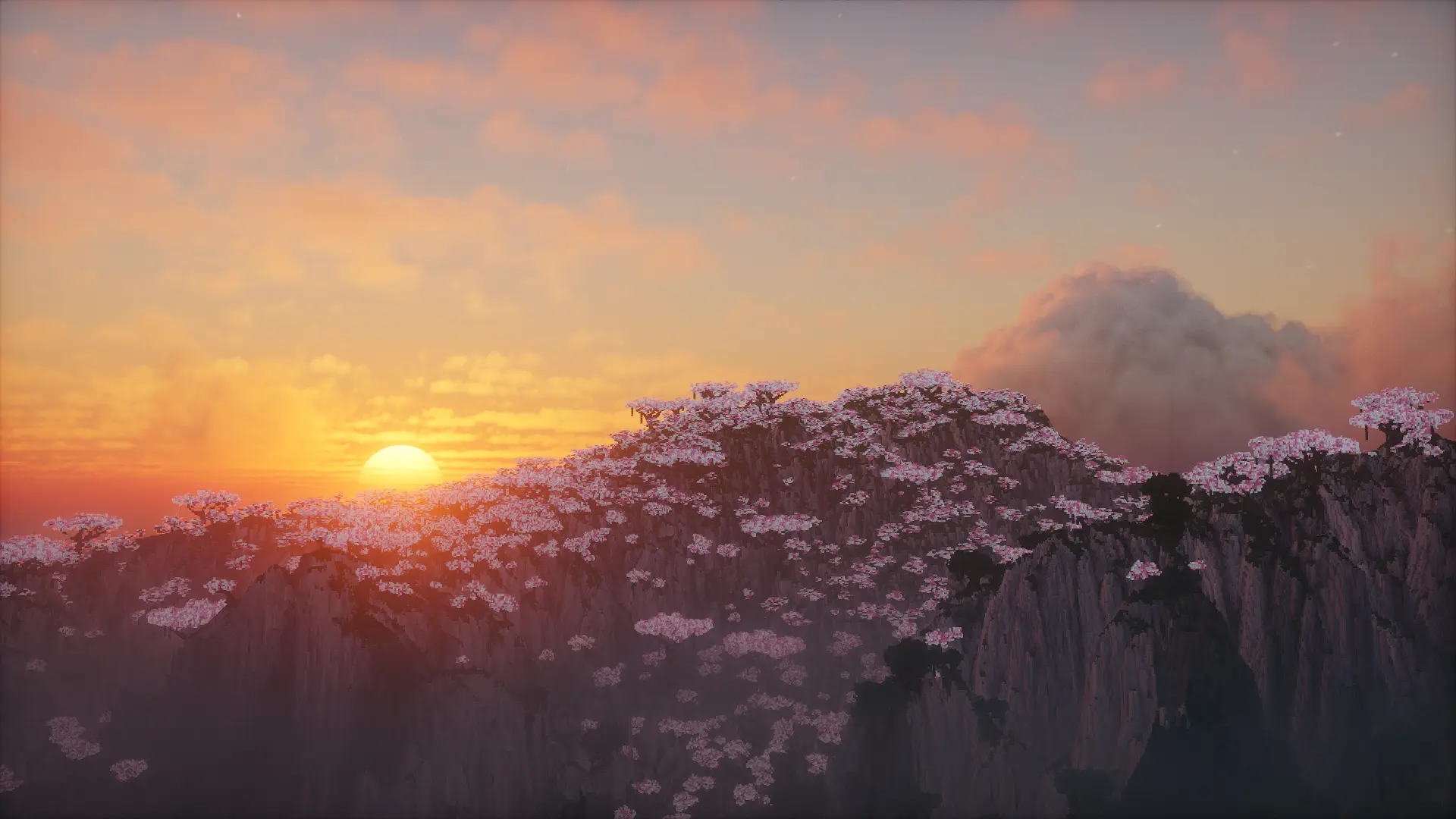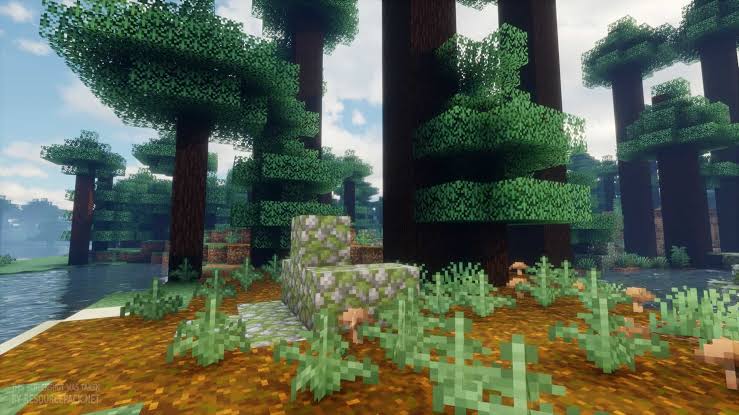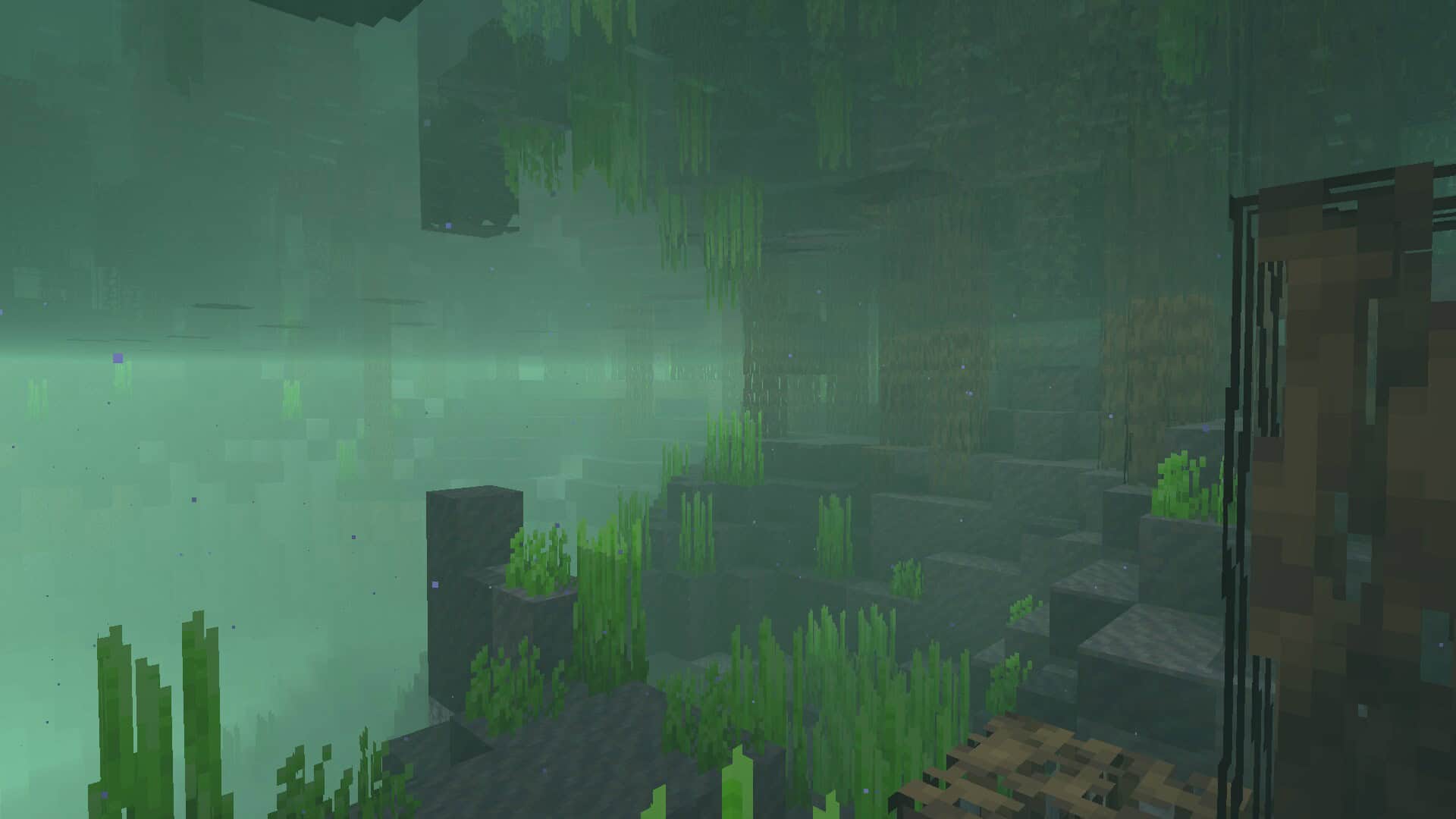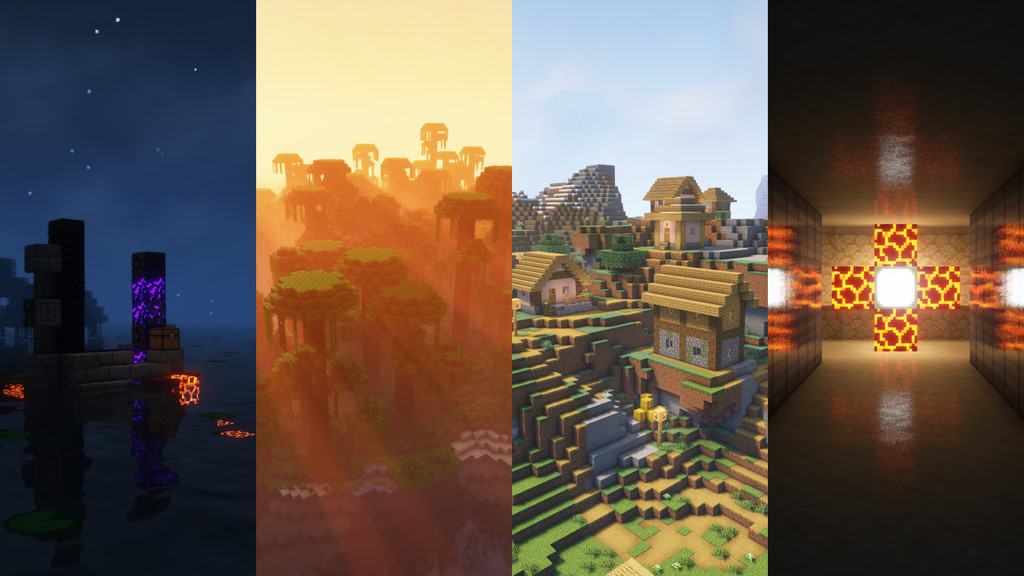
Complementary Shaders is honestly the ultimate shader pack you can find if you want to seriously boost Minecraft’s graphics while keeping your frame rates happy. If you have spent any time playing Minecraft, you already know the gameplay is amazing, but the vanilla visuals can feel a bit plain. Thankfully, this shader pack steps in to completely transform your visual experience. That is not to say it forces a jarring, ultra-realistic 3D overhaul that strips away the charm. Minecraft is special because of its classic look, and Complementary Shaders respects that core identity entirely. Instead, this pack enhances nearly every visual element while staying true to the game’s original essence. As a fantastic off-shoot of the legendary BSL Shader, it takes everything wonderful about that project and refines the rest to absolute perfection. You will definitely want to install this if you are craving superior lighting, better overall gameplay aesthetics, and top-tier mod compatibility.
It truly elevates an already incredible game without turning your computer into a heater. Even though it upgrades a little bit of everything, it is exceptionally optimized so it will not destroy your performance. This shader pack is specifically engineered to keep your world running buttery smooth. Simply put, it just works out of the box. On top of that, it successfully resolves annoying compatibility bugs that usually plague other shader packs. Complementary Shaders is clearly built with the player experience at its heart, ensuring your game runs remarkably fast and outperforms most alternatives. No matter what kind of GPU or graphics drivers you are running, this pack helps your game perform smoother than almost any competitor. Just remember that it has specialized features and settings to explore, so take a quick moment to review the guide before diving in. Double-check everything, and then get ready to enjoy all the stunning visuals Complementary Shaders has in store for you!
Complementary Unbound should be compatible with all of these Minecraft versions: 26.2 – 26.1.2 – 26.1.1 – 26.1 – 1.21.11 – 1.21.10 – 1.21.9 – 1.21.8 – 1.21.7 – 1.21.6 – 1.21.5 – 1.21.4 – 1.21.3 – 1.21.2 – 1.21.1 – 1.21 – 1.20.6 – 1.20.5 – 1.20.4 – 1.20.3 – 1.20.2 – 1.20.1 – 1.20 – 1.19.4 – 1.19.3 – 1.19.2 – 1.19.1 – 1.19 – 1.18.2 – 1.18.1 – 1.18 – 1.17.1 – 1.17 – 1.16.5 – 1.16.4 – 1.16.3 – 1.16.2 – 1.16.1 – 1.16 – 1.15.2 – 1.15.1 – 1.15 – 1.14.4 – 1.14.3 – 1.14.2 – 1.14 – 1.13.2 – 1.13.1 – 1.13 – 1.12.2 – 1.12 – 1.11.2 – 1.11 – 1.10.2 – 1.10 – 1.9.4 – 1.9 – 1.8.9 – 1.8.8 – 1.8.6 – 1.8.1 – 1.8
Screenshots
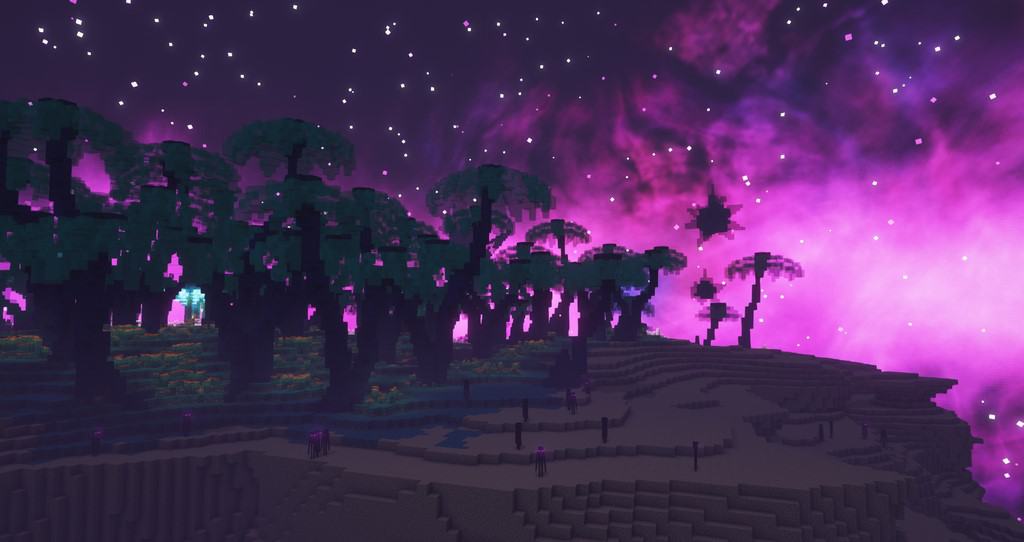
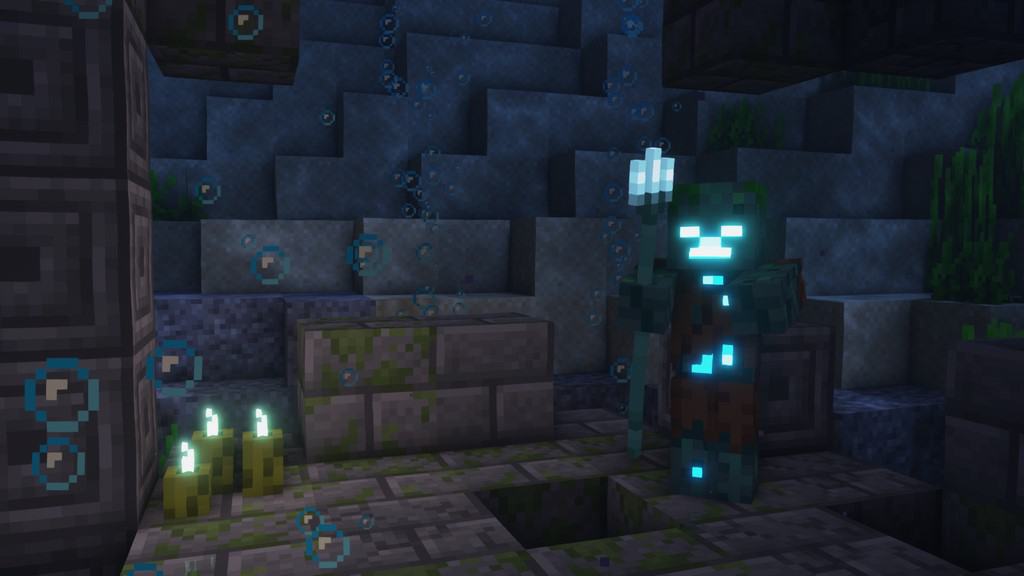

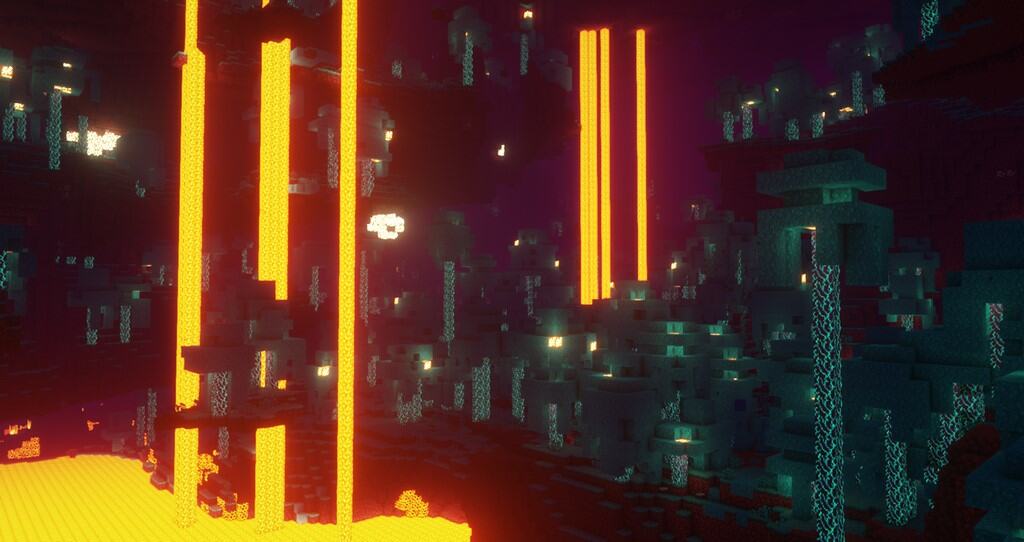
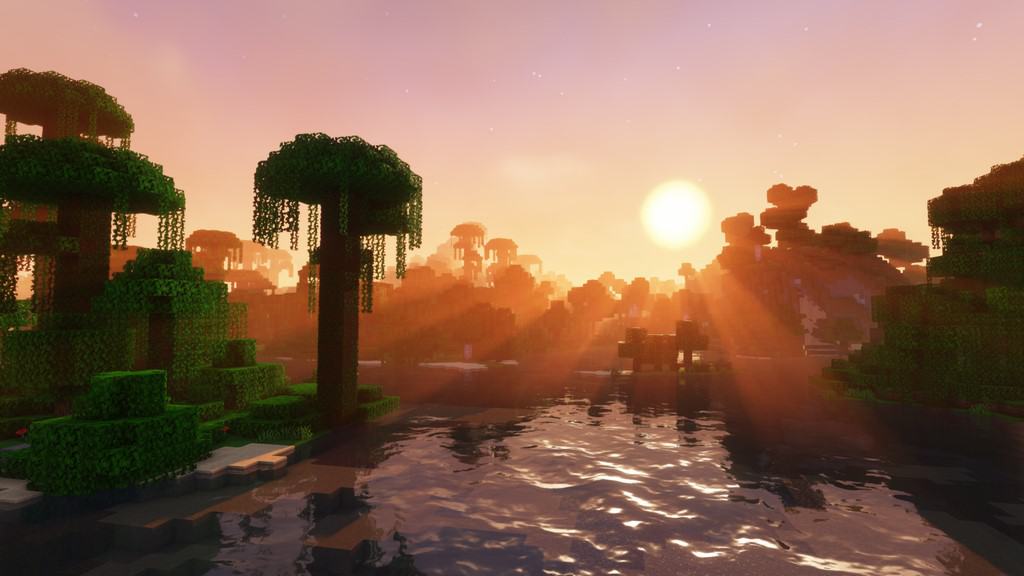
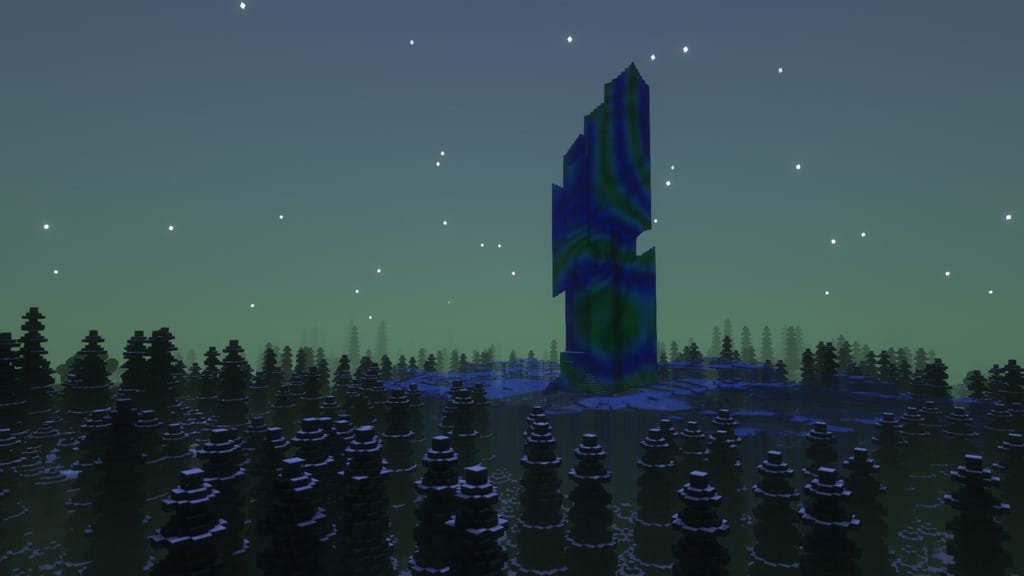
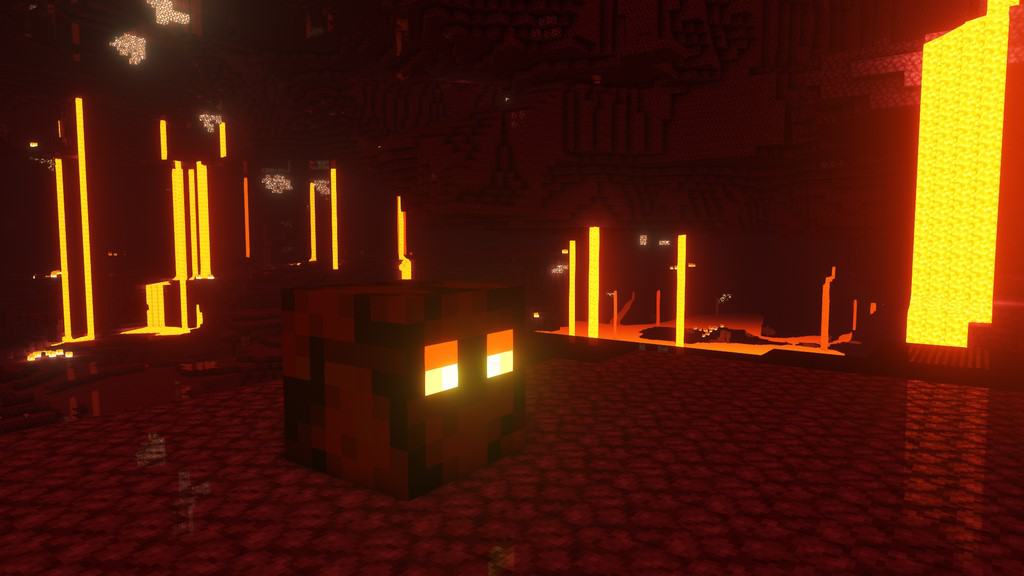
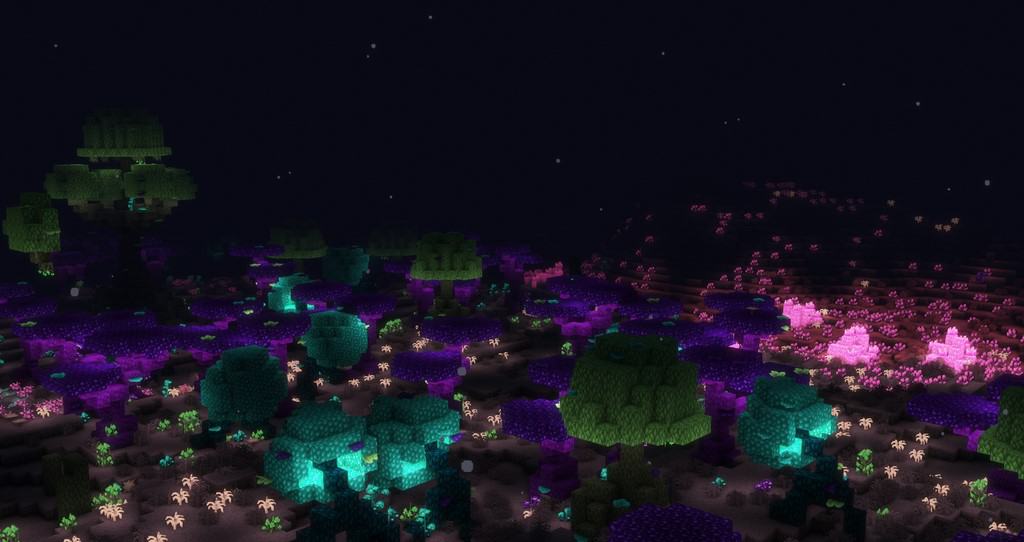
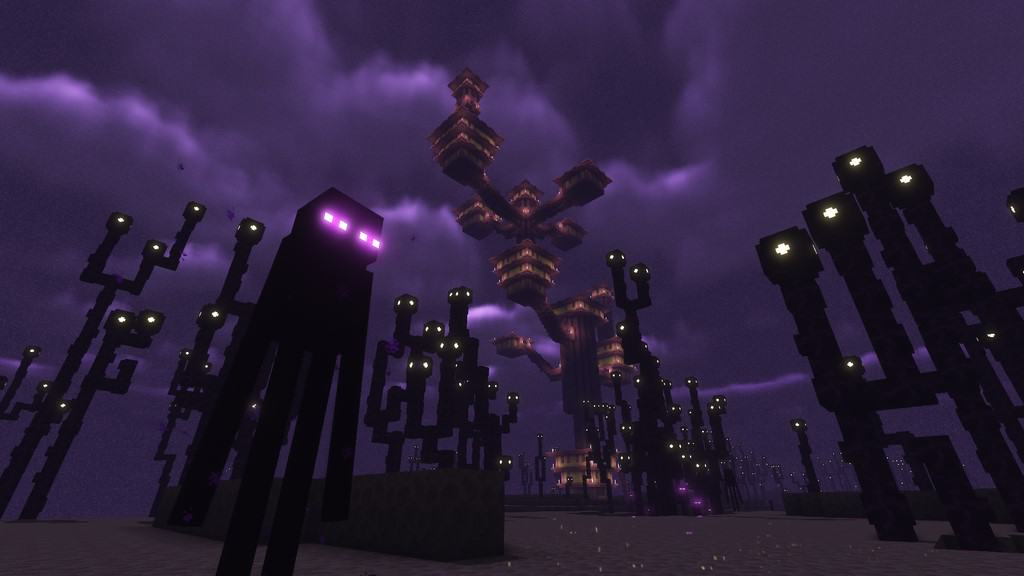

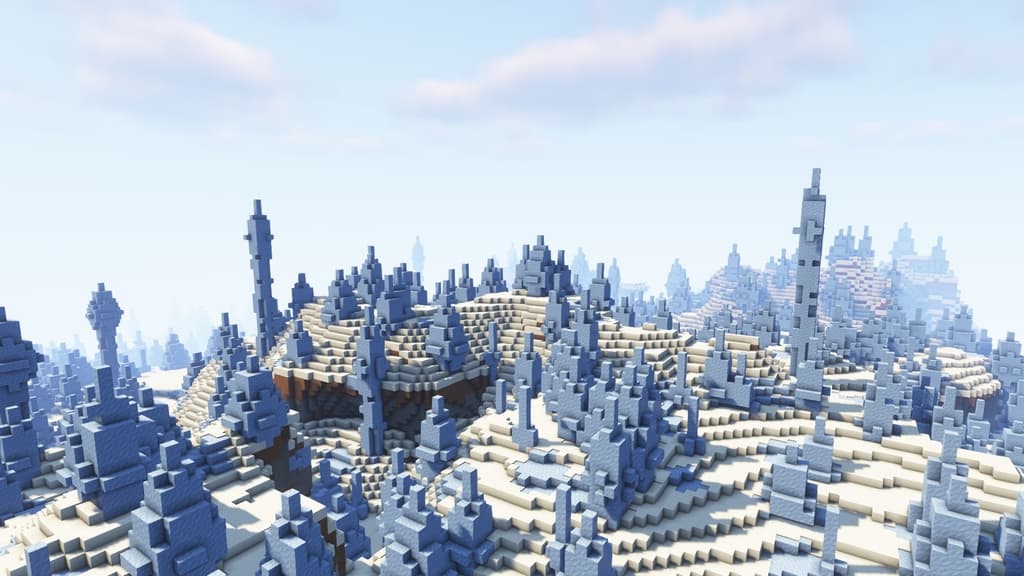
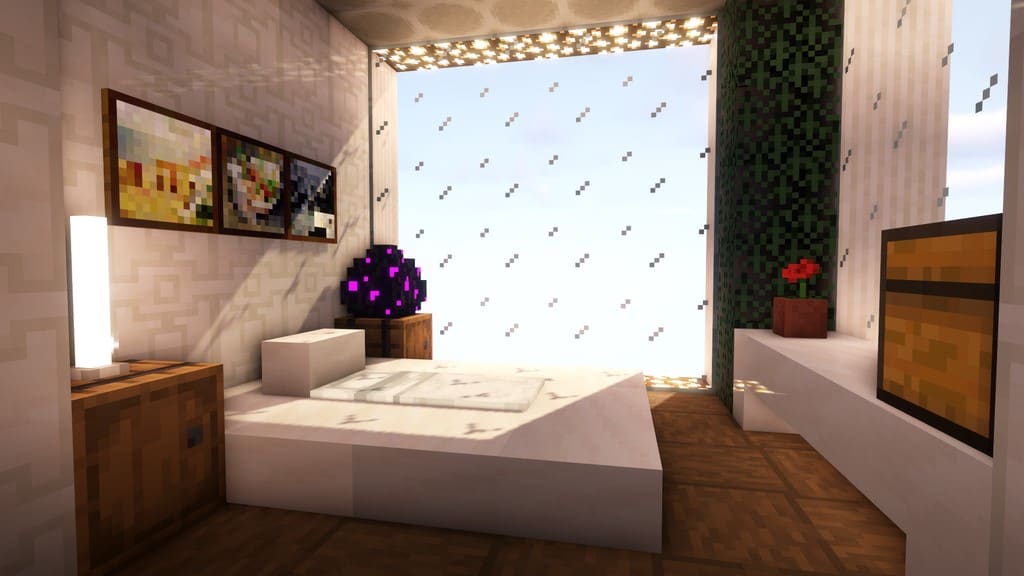
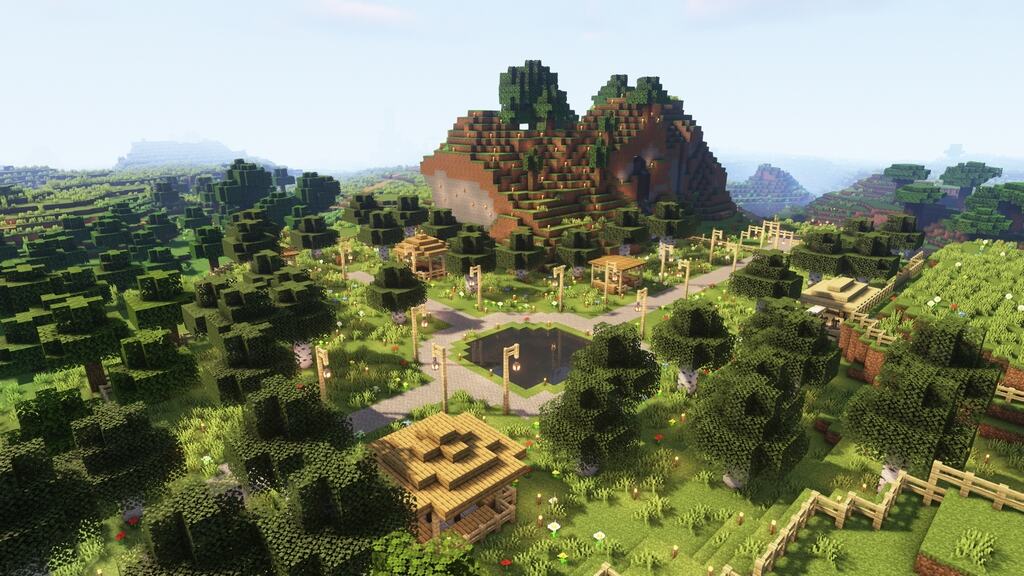
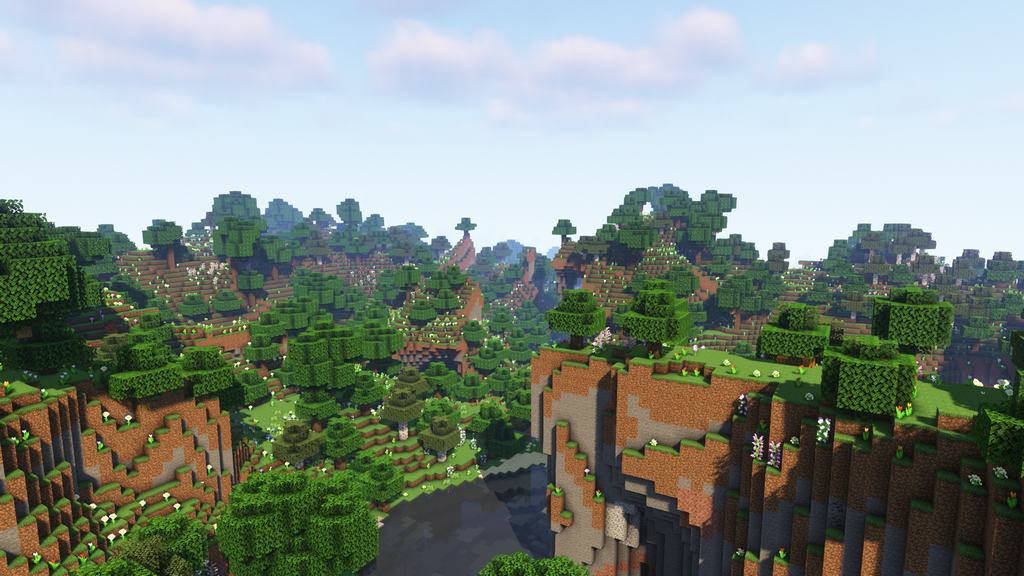
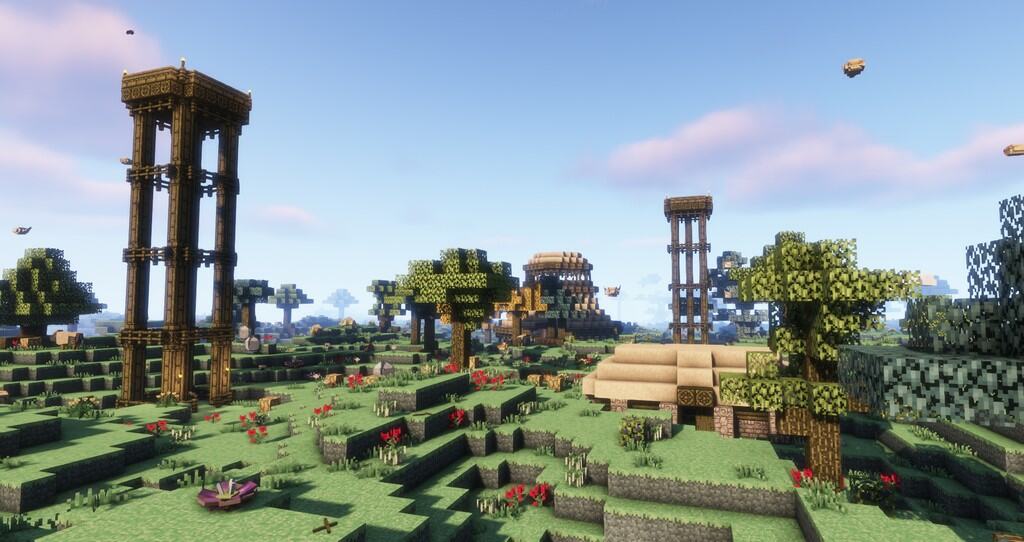
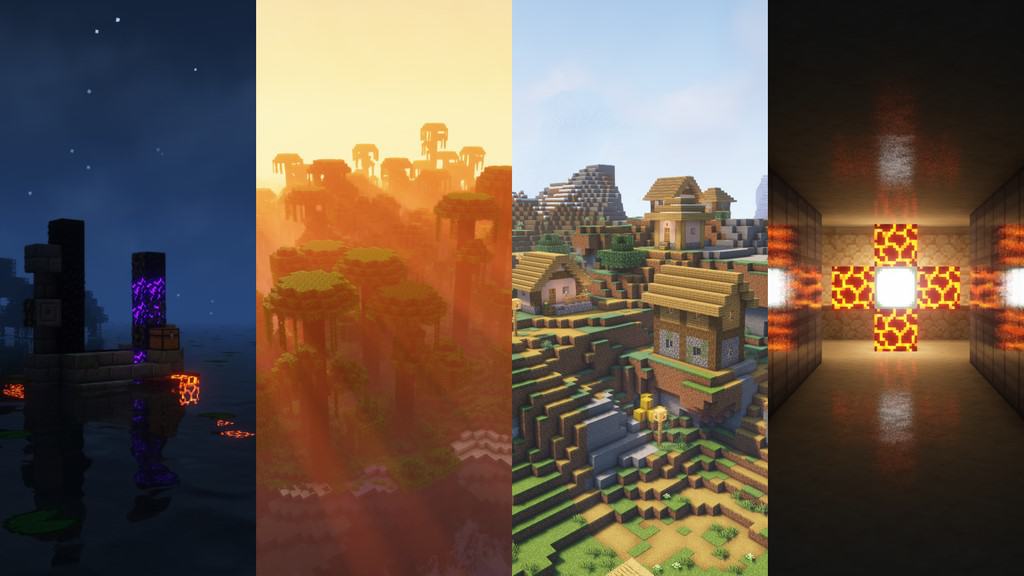
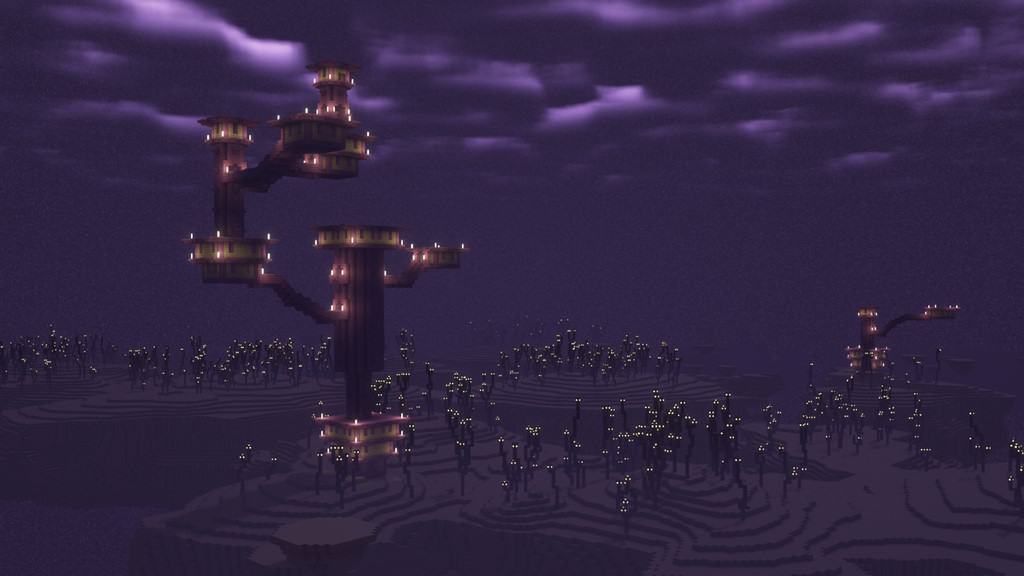
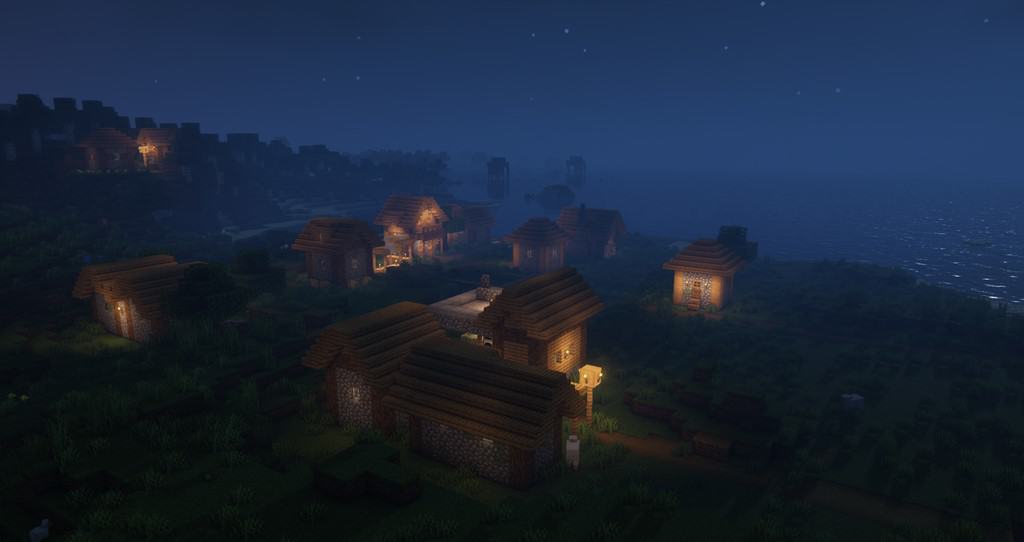
How to Install Shader Pack (Simple and Easy 7 Steps)
- Install Minecraft: Make sure to have Minecraft on your PC.
- Set the Game Version: Open the Minecraft Launcher, go to the “Installations” tab, click “New Installation”, choose the version you want to play, and click “Create”.
- Install OptiFine or Iris: Download and install OptiFine or Iris (we recommend Iris for better performance).
- To download Iris, click here.
- To download OptiFine, click here.
- Launch with the Shader Mod: Open the Minecraft Launcher again and select the OptiFine or Iris profile you installed.
- Download the Shader Pack: Download the shader pack (.zip file) from the download section below. (Don’t unzip it!)
- Open the Shaderpacks Folder:
- For OptiFine: Go to Options > Video Settings > Shaders > Shaders Folder
- For Iris: Go to Options > Video Settings > Shader Packs > Open Shader Pack Folder
- Add and Activate the Shader Pack: Move the downloaded .zip file into the shaderpacks folder. Then go back to the game, select the shader pack from the list, and click “Done” to activate it.
Credits
Complementary Unbound Shaders is created by EminGTR. The author holds all original ownership rights to this modification. We do not own, host, or modify the official shader files on this website. We strongly encourage you to support the creator by visiting their official distribution channels and endorsement pages.
Download Instructions
Curseforge: download starts automatically after a few seconds;
Mediafire: click the big blue button with the text “DOWNLOAD”;
Google Drive: in the top right corner you will see a small download icon (down arrow), click it and the download should start;