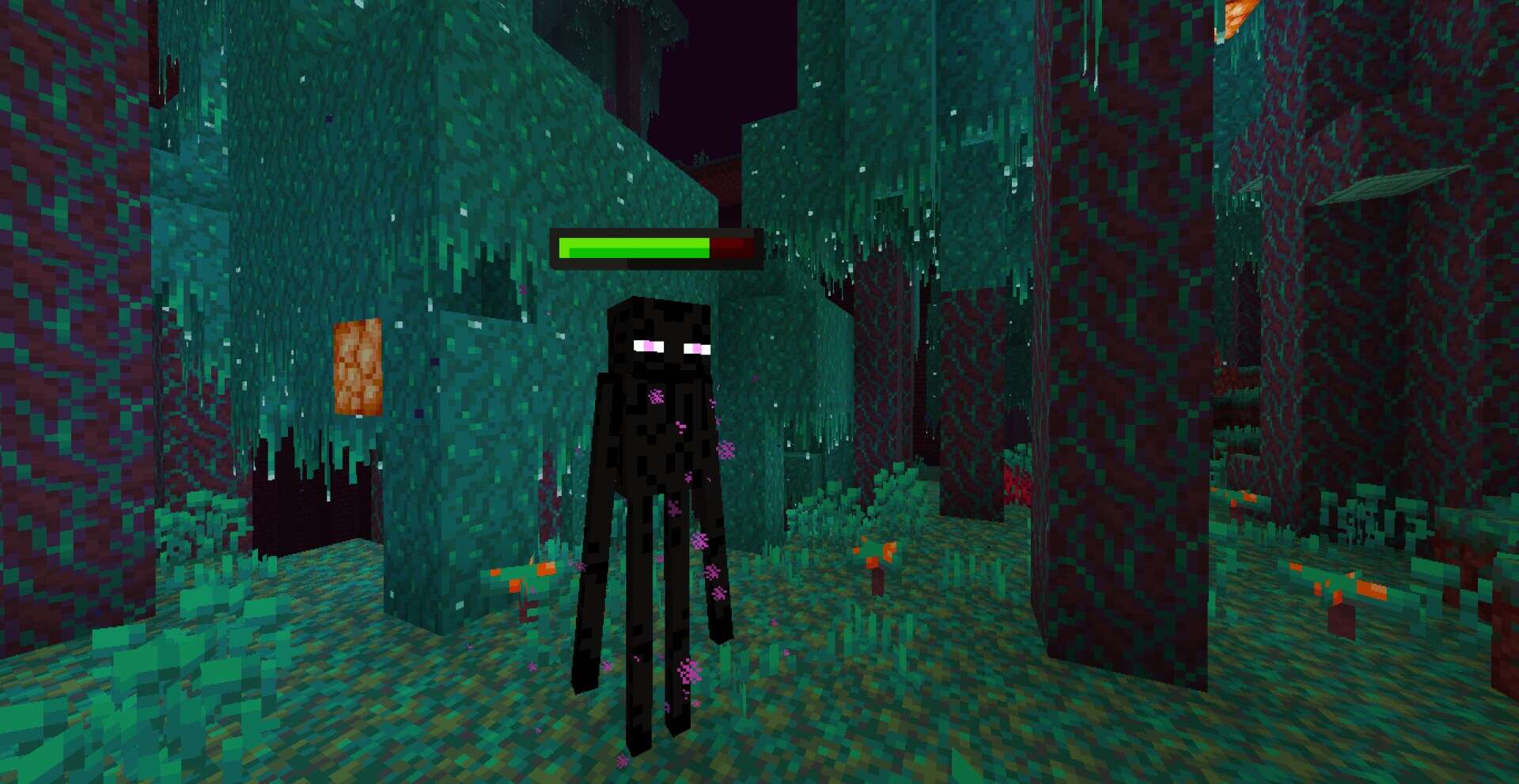
CombatPlus GUI is built for players who want a faster, cleaner PvP experience in Minecraft without altering the world itself. It doesn’t replace blocks or redesign items, but instead reshapes the interface so important information is easier to scan during fights. In the 1.8.9 combat era where timing matters, this pack removes visual clutter like fire effects and particles, keeping the overlay tight and controlled so your attention stays on your opponent.
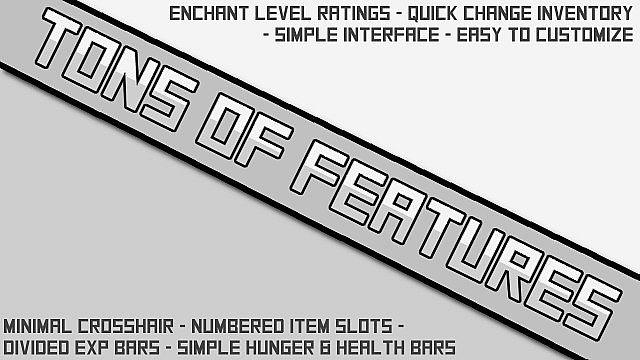
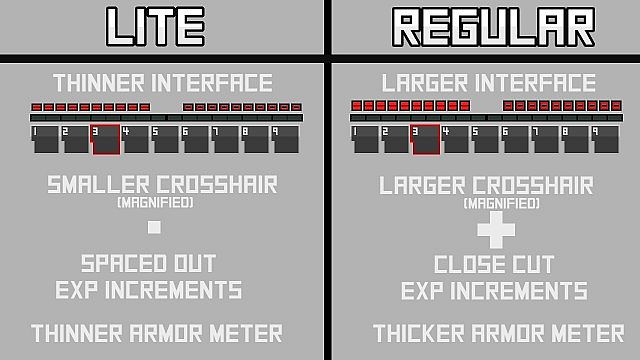
The pack adds visible numbering to the hotbar slots to reinforce muscle memory, and health and hunger icons are streamlined for a competitive look. The experience bar is split into segments for a more structured indicator, and enchantment level ratings are included to speed up gear comparisons. Overall, it is a practical usability upgrade that creates a calmer screen and improves your combat performance.
CombatPlus GUI should be compatible with all of these Minecraft versions: 1.8.9 – 1.8.8 – 1.8.1 – 1.8.6 – 1.8 – 1.7.10 – 1.7.9 – 1.7.4 – 1.7 – 1.6.4 – 1.6.2
Screenshots
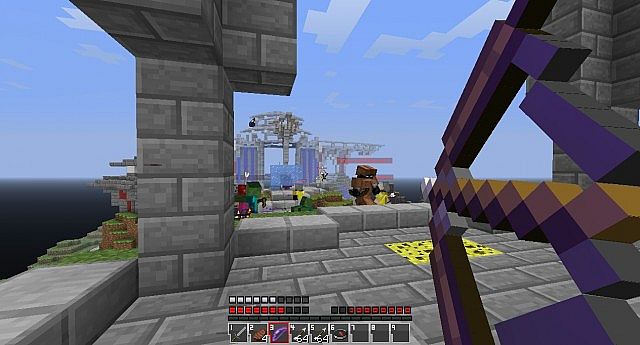
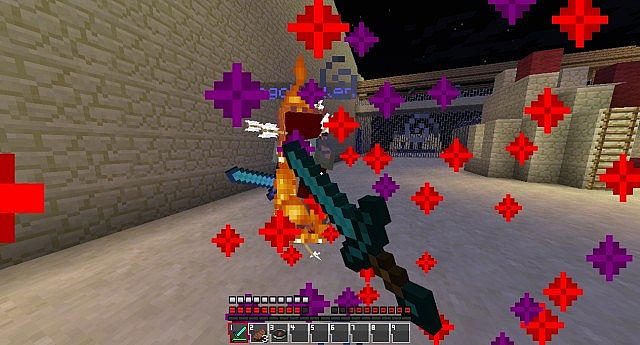

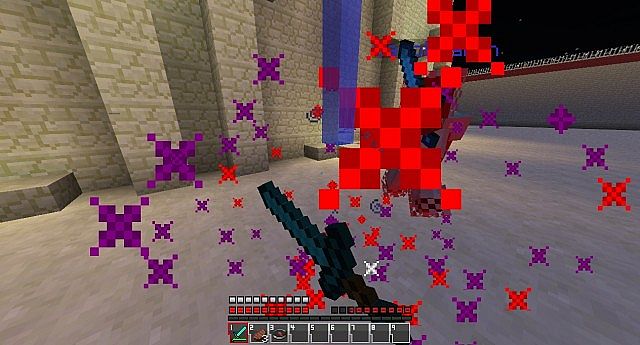
How to Install Texture Pack (Simple 10 Steps)
- Download OptiFine: Most of the texture packs and shaders need OptiFine. That’s why, first download and install OptiFine for the version of Minecraft you want to play.
- Download the Texture Pack: Get the texture pack you want from the download section. Choose the version that works with your Minecraft and your PC’s performance.
- Open Minecraft Launcher: Start Minecraft using the official game launcher — or even TLauncher, if you use that.
- Go to Options: From the main menu, click on the “Options” button.
- Open Resource Packs: Inside Options, click on “Resource Packs…”.
- Open the Resource Pack Folder: Click on “Open Resource Pack Folder” — this will open a folder named “resourcepacks”.
- Move the Pack File: Copy or move the .zip file you downloaded into that “resourcepacks” folder. (Don’t unzip the file — Minecraft uses it as-is!)
- Go Back and Refresh: Close the folder and click “Done”, then go back into “Resource Packs…” again.
- Activate the Pack: You’ll see the pack on the left side. Hover over it and click the arrow to move it to the right (active side).
Tip: If you get a message that the pack is for a different version, just click “Yes” — it usually works fine. - Click Done and Enjoy: Click “Done” again. Now your pack is ready to use in-game. It’s that easy!
Credits
Credits to Hawkstormer for creating CombatPlus GUI. We do not own or claim ownership of this resource pack, and we do not host modified versions of the files. All rights belong to the original creator. We recommend visiting the official download sources to support Hawkstormer.
Download Instructions
Curseforge: download starts automatically after a few seconds;
Mediafire: click the big blue button with the text “DOWNLOAD”;
Google Drive: in the top right corner you will see a small download icon (down arrow), click it and the download should start;