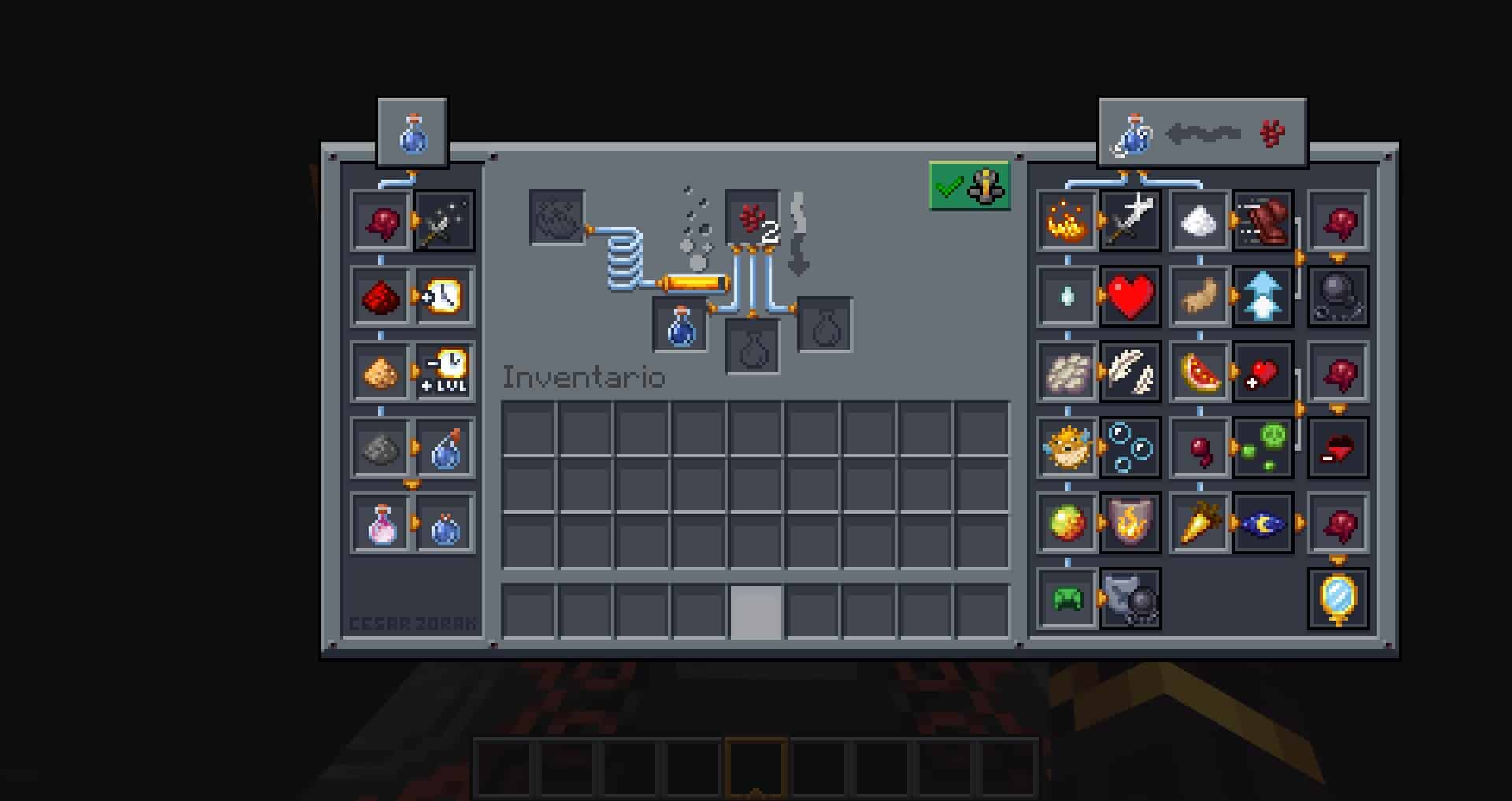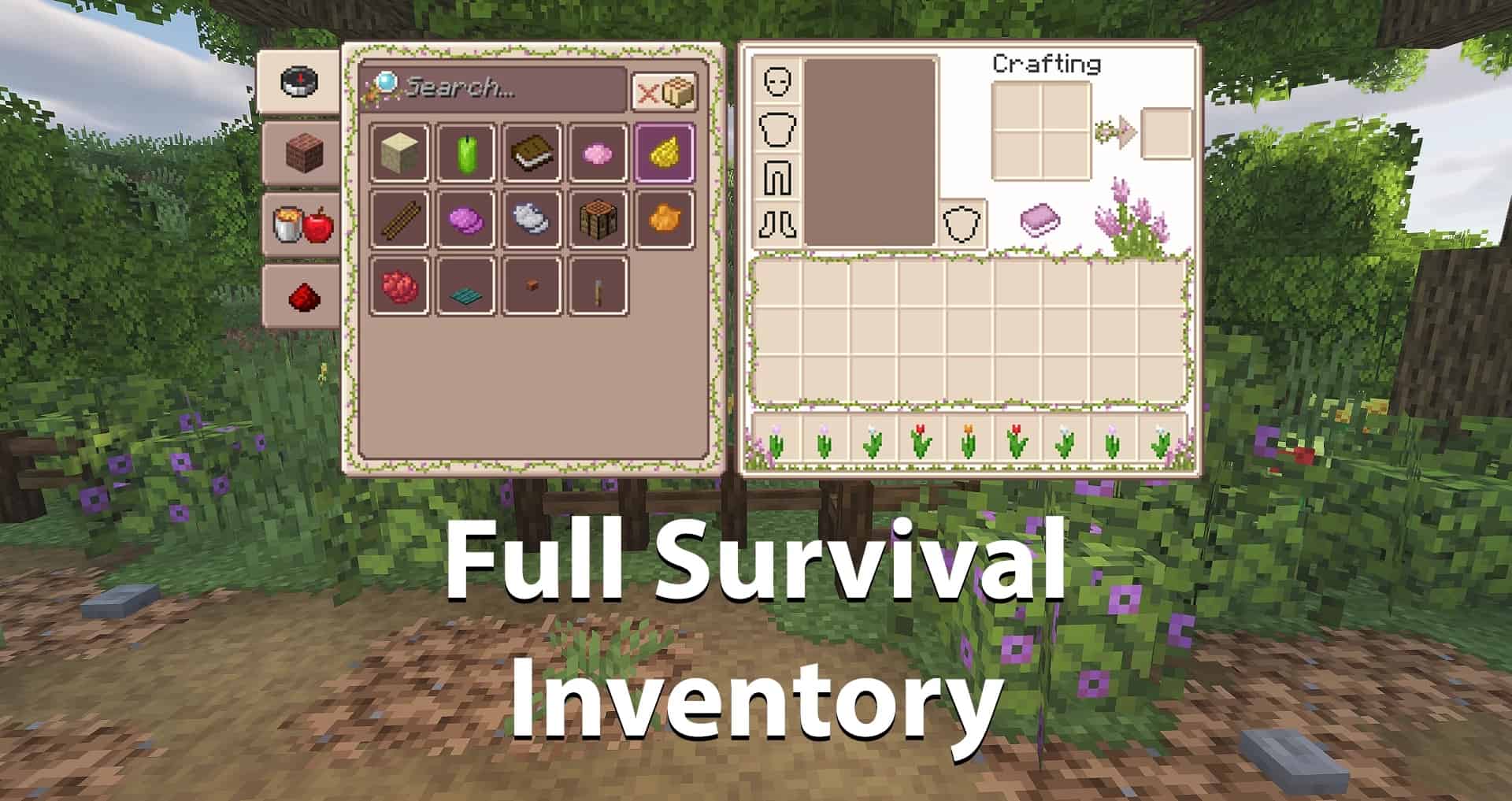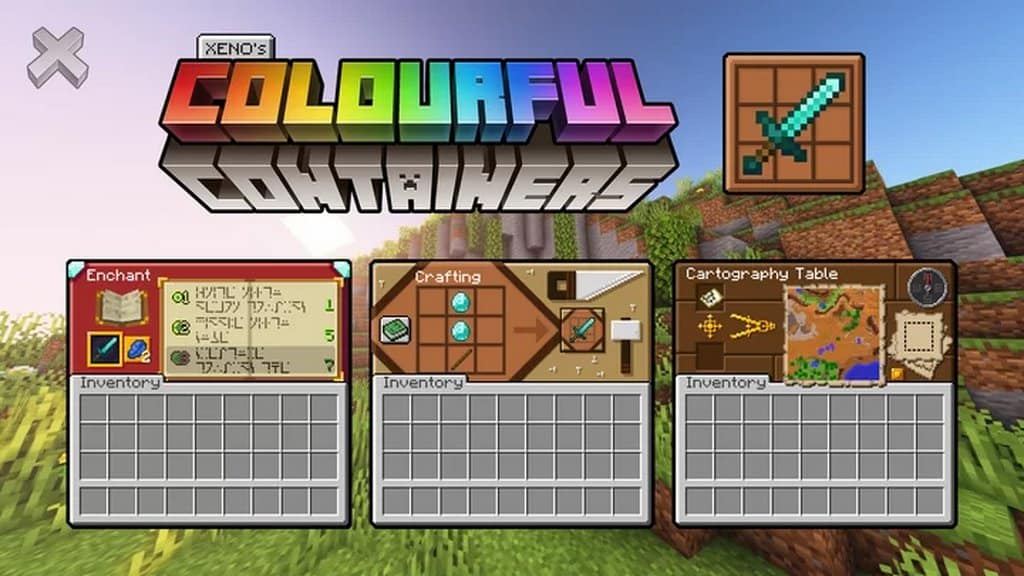
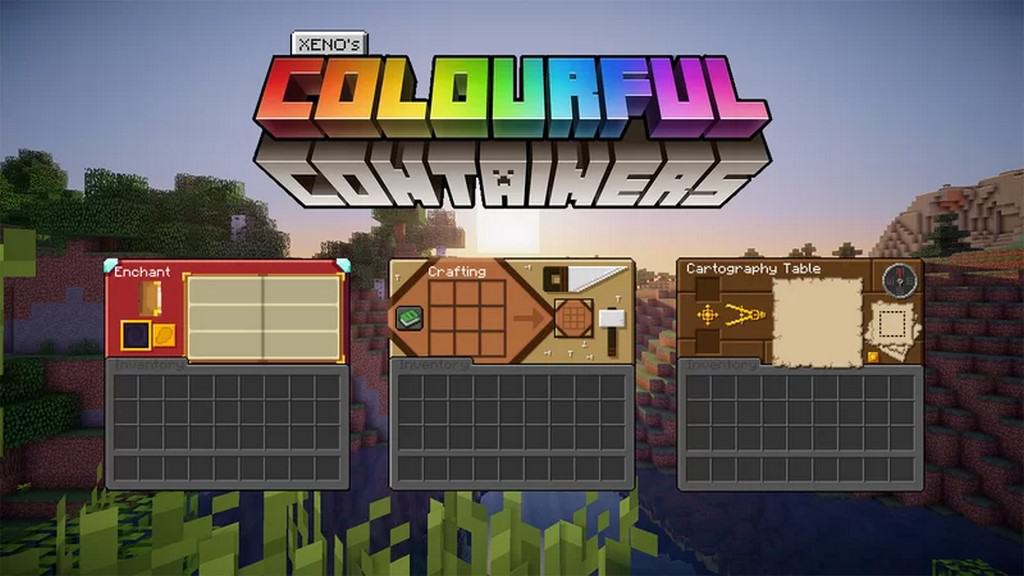
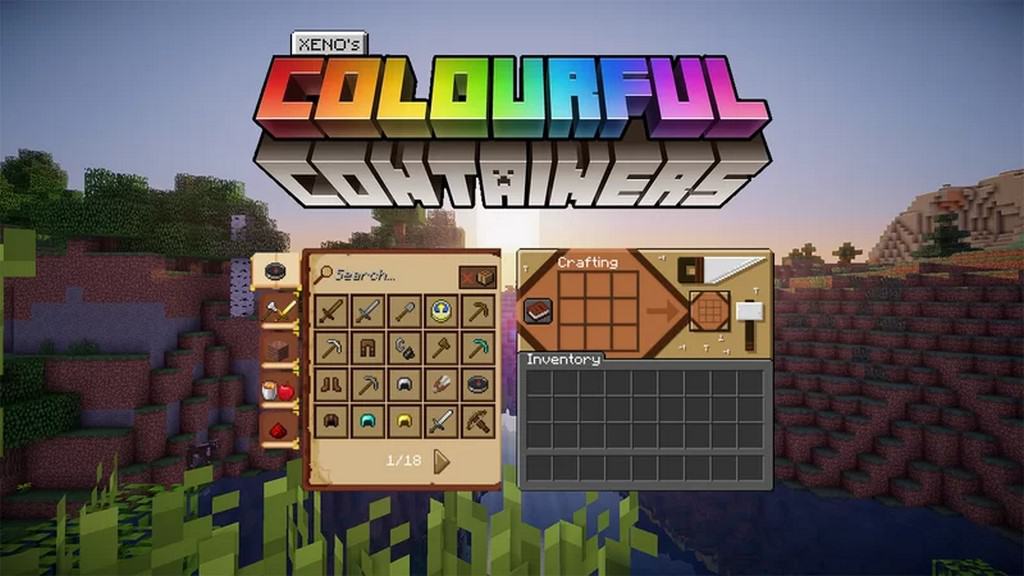
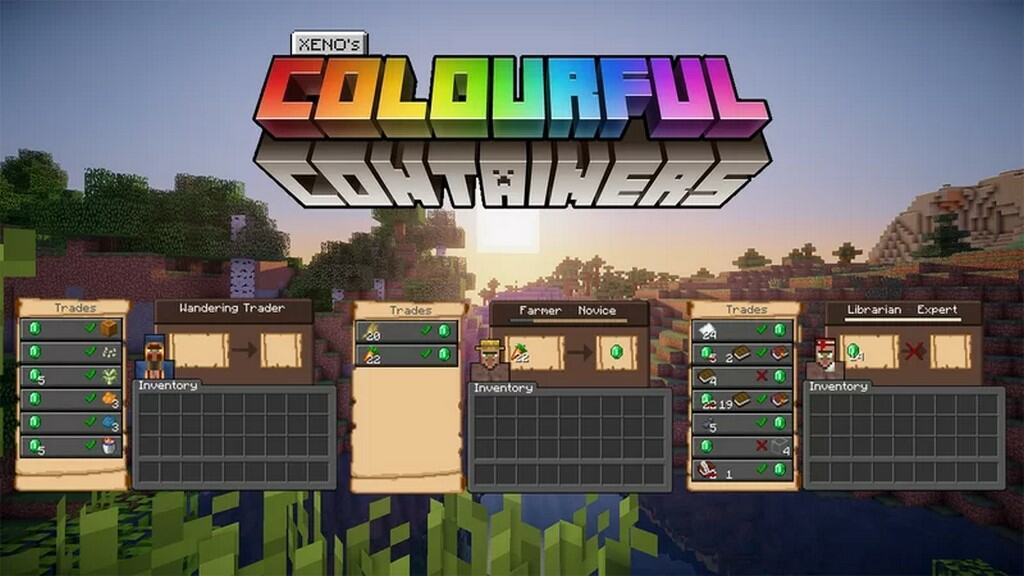
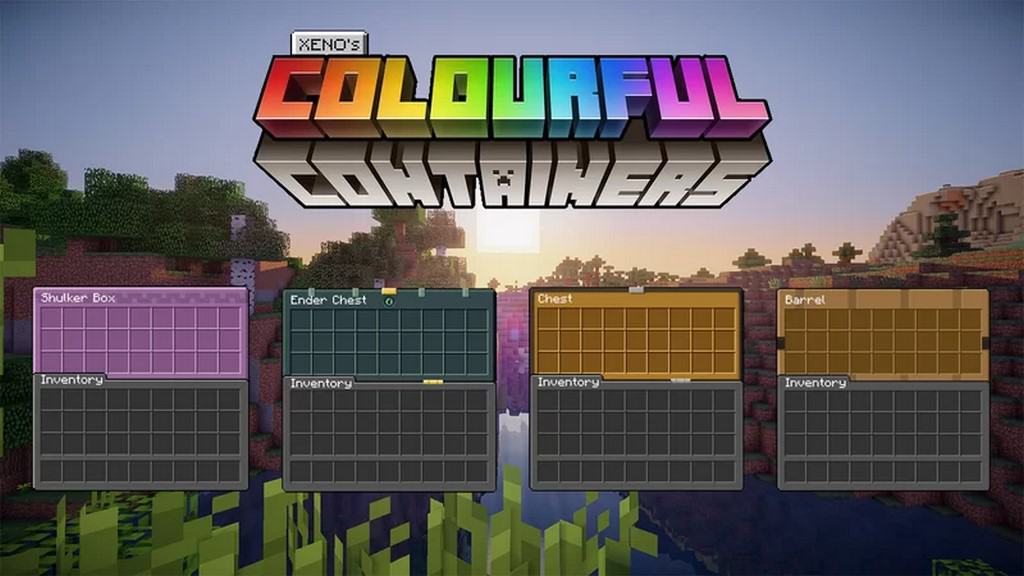
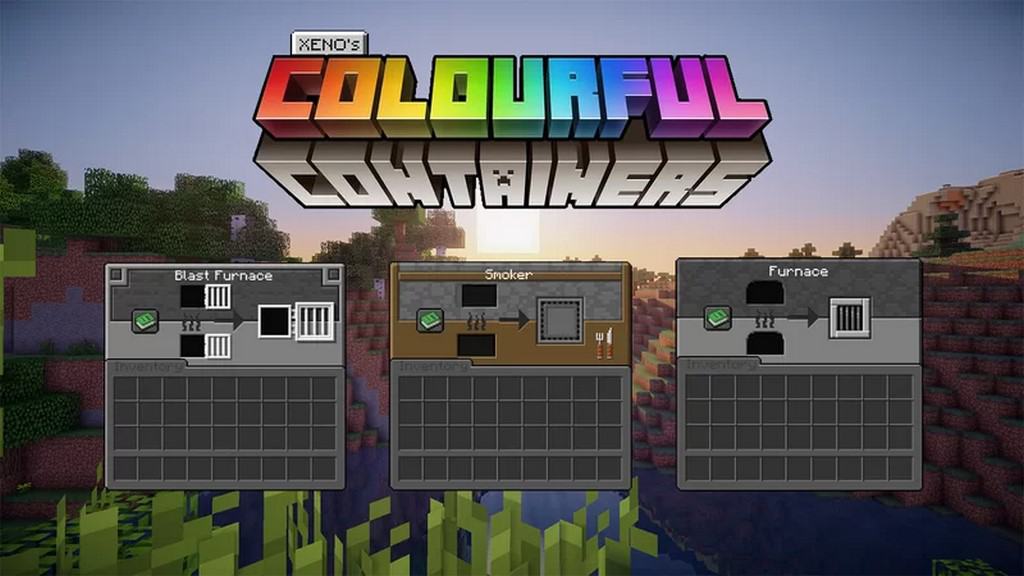
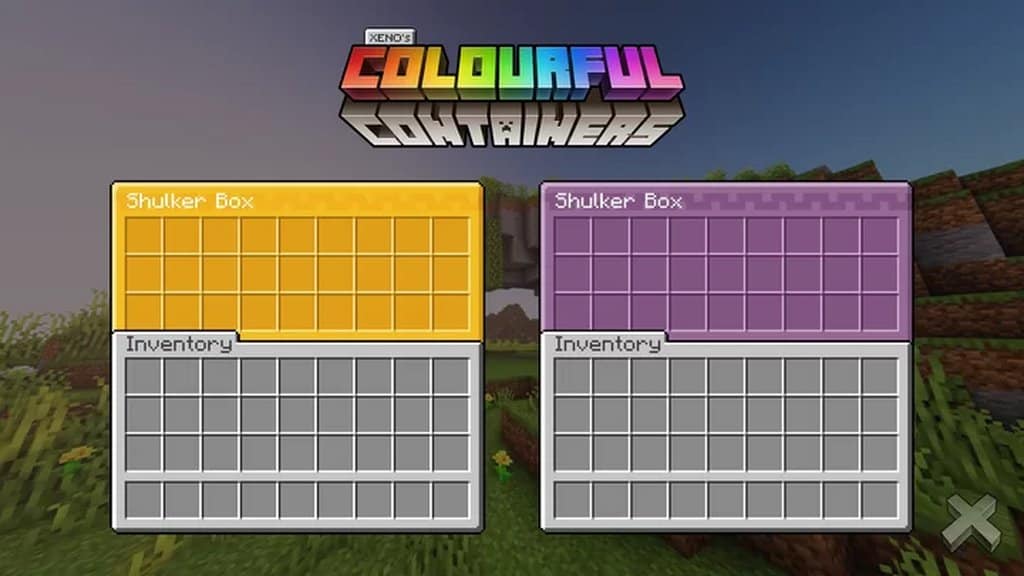
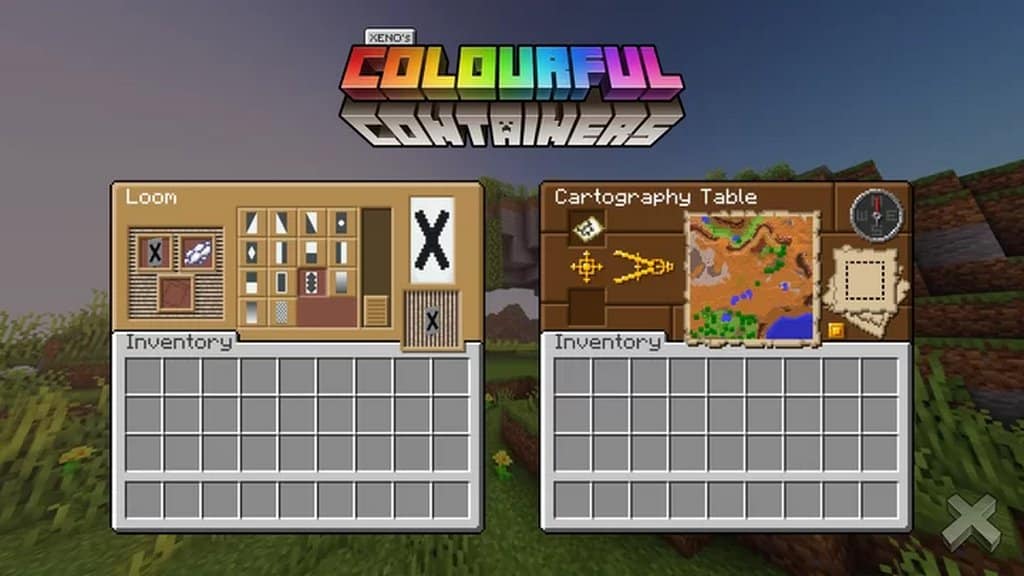
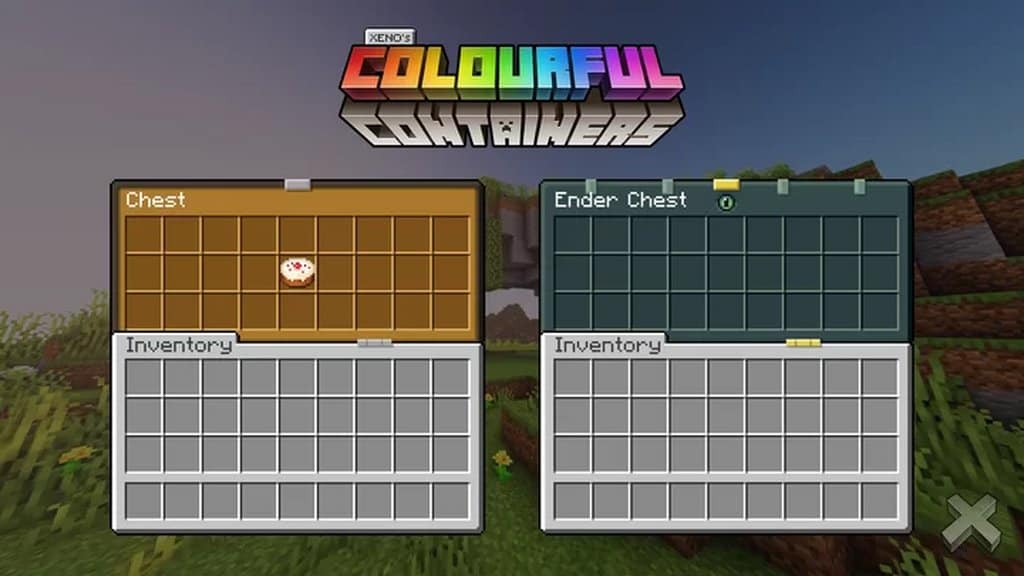
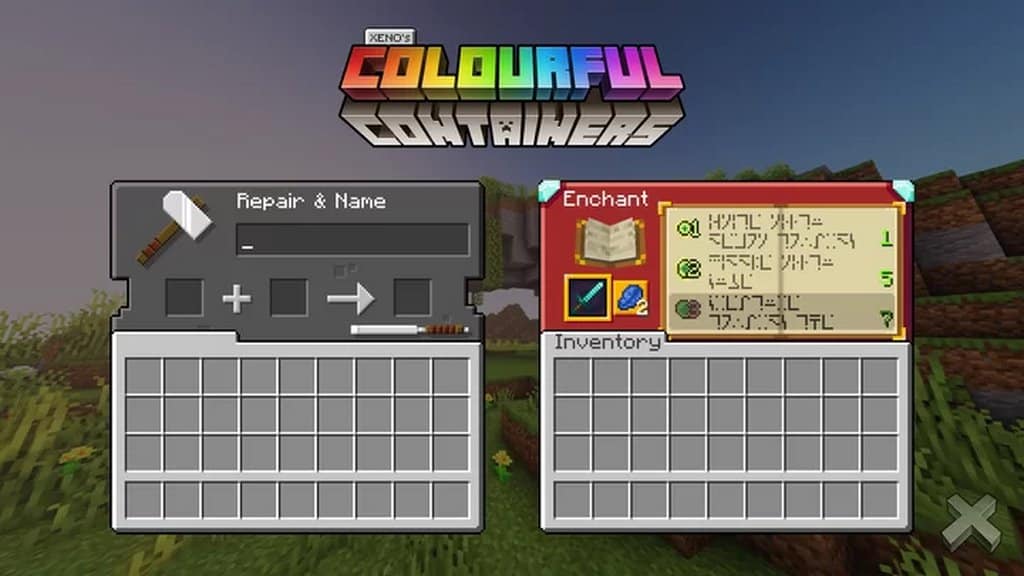
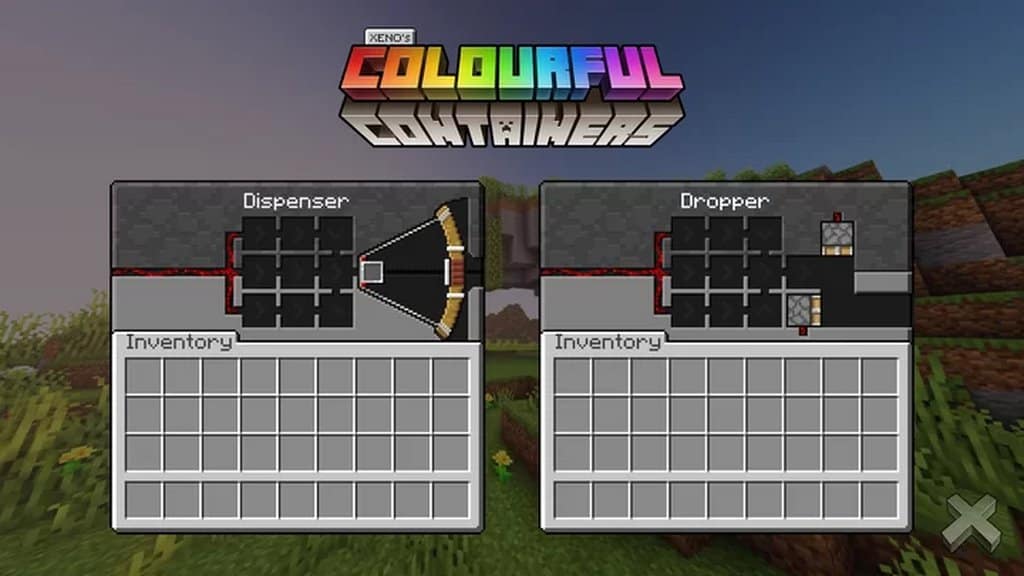
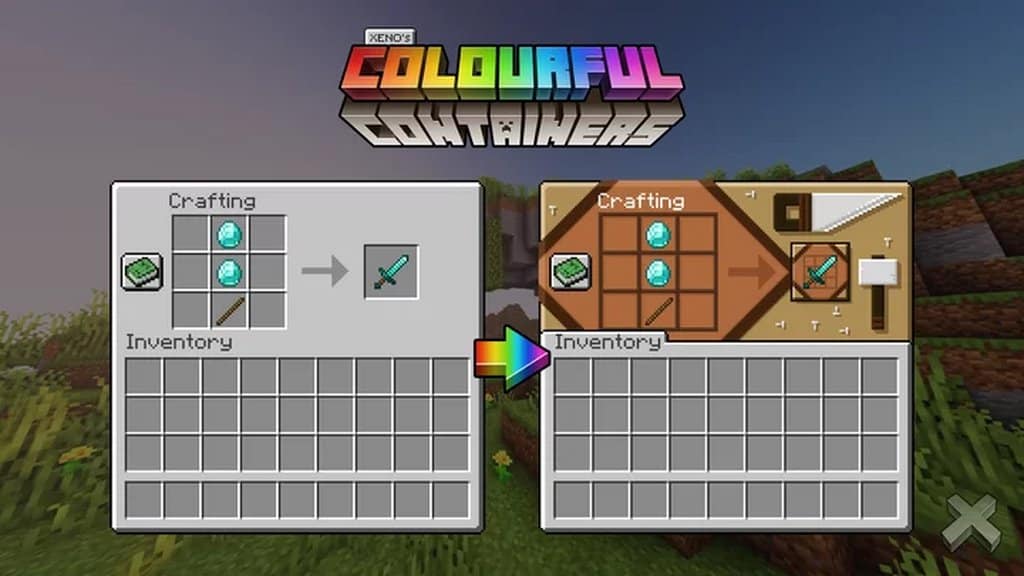
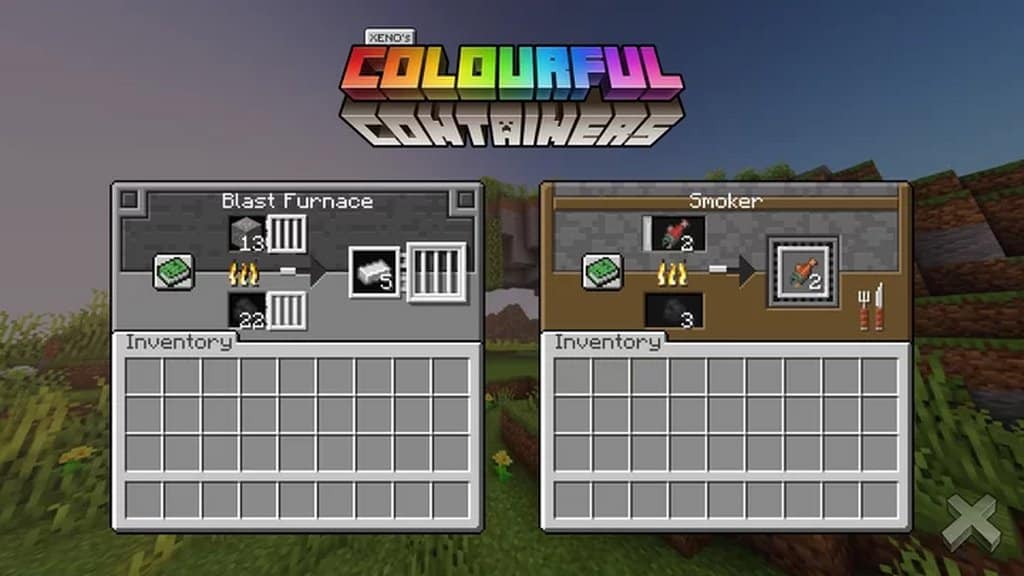
We have all explored countless resource packs designed to tweak graphics and textures, as the internet is absolutely filled with them. But have you ever considered upgrading an element that occupies a huge portion of your screen time yet frequently gets neglected? That is precisely what the Colourful Containers GUI resource pack aims to achieve, successfully updating your Minecraft user interface to make the entire experience much more visually appealing at all the right moments. The vanilla Minecraft GUI often feels rather dull and uninspired, desperately crying out for a much-needed refresh. More importantly, the default design frequently feels jarring, failing to blend smoothly into the game’s aesthetic. Thankfully, those exact flaws and awkward design choices are completely smoothed over the moment you decide to install Colourful Containers GUI. This brilliant resource pack comprehensively updates every single container interface you use, including chests, enchanting tables, furnaces, and everything in between.
This stands out as the ultimate go-to resource pack for both seasoned veterans and fresh players who crave a subtle change in Minecraft without plunging into a total graphic overhaul. Colourful Containers GUI tweaks just the right aspects of the game, resulting in a massive improvement for the better. The pack maintains a clear, focused objective: fashioning the ultimate in-game interface so your game looks stunning even while you are organizing items across various storage containers. While it might seem like a focused adjustment, it genuinely transforms Minecraft into an even more vibrant and delightful journey. Sticking to the standard 16×16 resolution, this pack targets a minor component of the game, meaning you will experience zero technical hiccups as long as your system handles vanilla Minecraft comfortably. You can completely forget about worrying over framerate drops caused by overly demanding textures, leaving you free to simply appreciate your gorgeous new interfaces!
Colourful Containers GUI should be compatible with all of these Minecraft versions: 26.2 – 26.1.2 – 26.1.1 – 26.1 – 1.21.11 – 1.21.10 – 1.21.9 – 1.21.8 – 1.21.7 – 1.21.6 – 1.21.5 – 1.21.4 – 1.21.3 – 1.21.2 – 1.21.1 – 1.21 – 1.20.6 – 1.20.5 – 1.20.4 – 1.20.3 – 1.20.2 – 1.20.1 – 1.20 – 1.19.4 – 1.19.3 – 1.19.2 – 1.19.1 – 1.19 – 1.18.2 – 1.18.1 – 1.18 – 1.17.1 – 1.17 – 1.16.5 – 1.16.4 – 1.16.3 – 1.16.2 – 1.16.1 – 1.16 – 1.15.2 – 1.15.1 – 1.15 – 1.14.4 – 1.14.3 – 1.14.2 – 1.14 – Bedrock Edition – PE
Screenshots

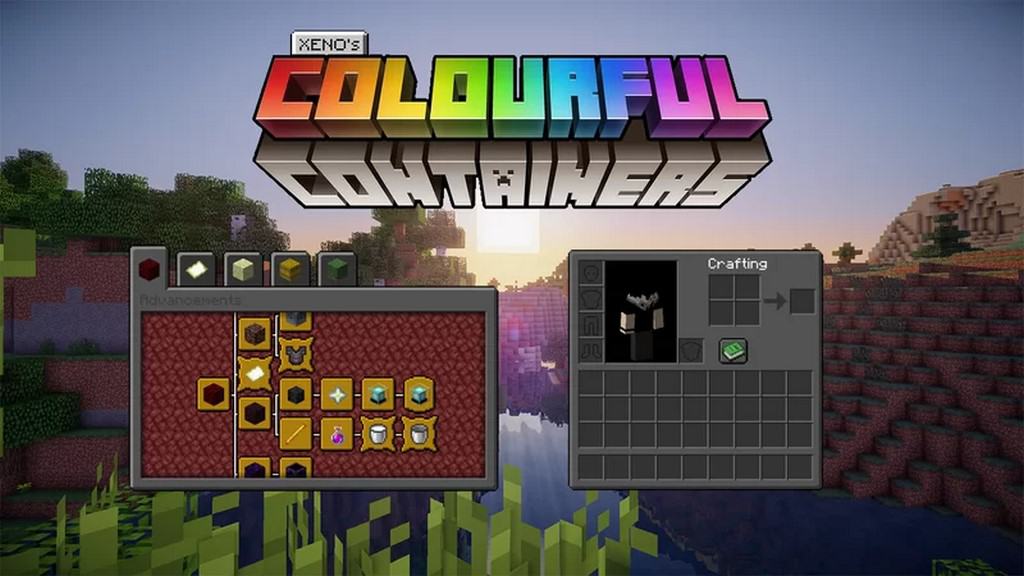
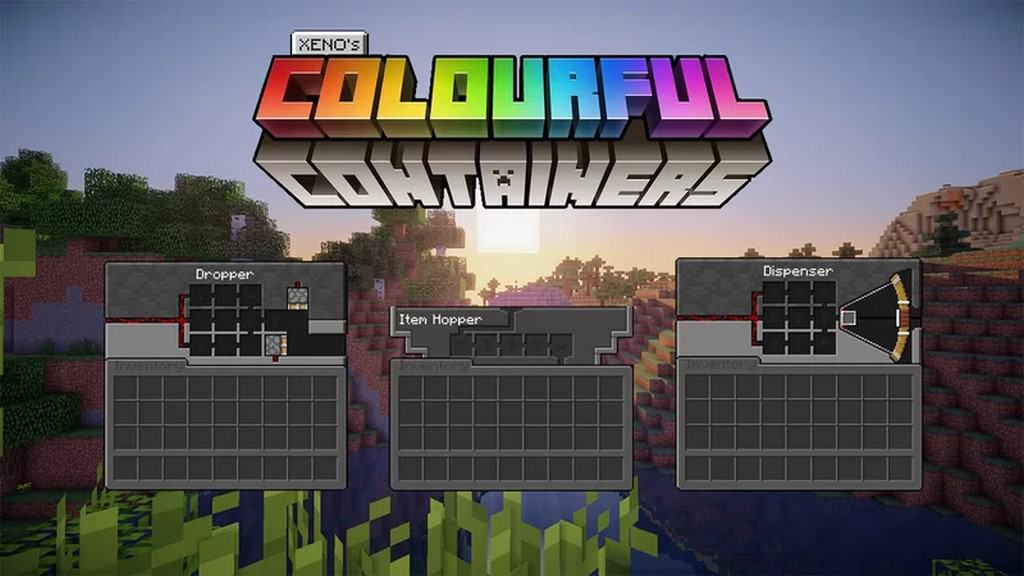
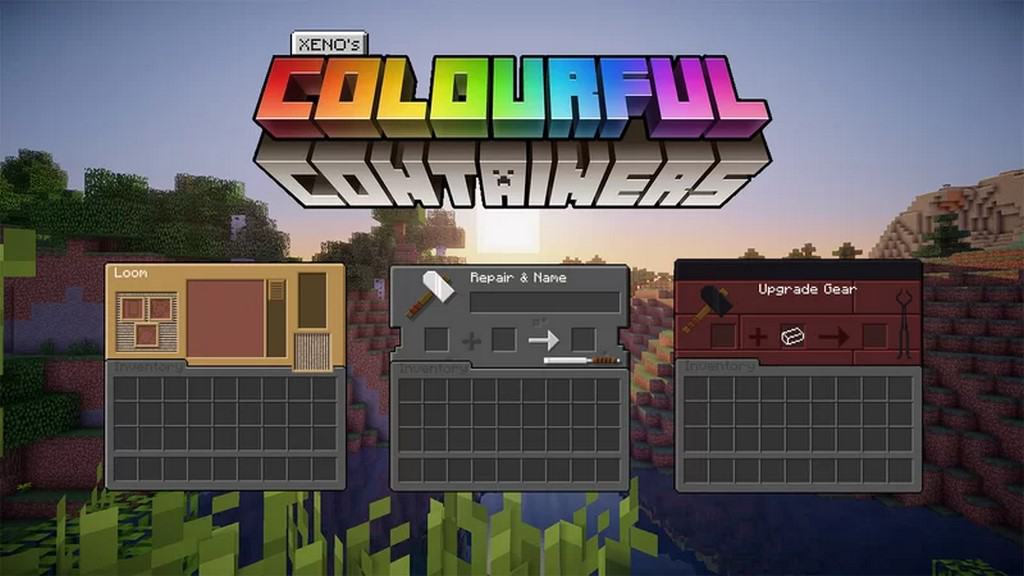
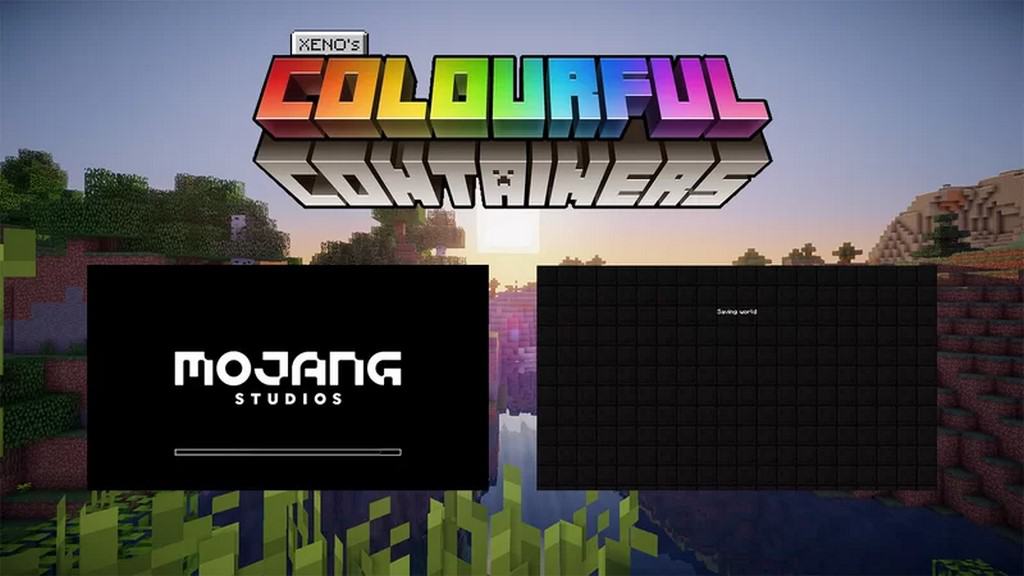

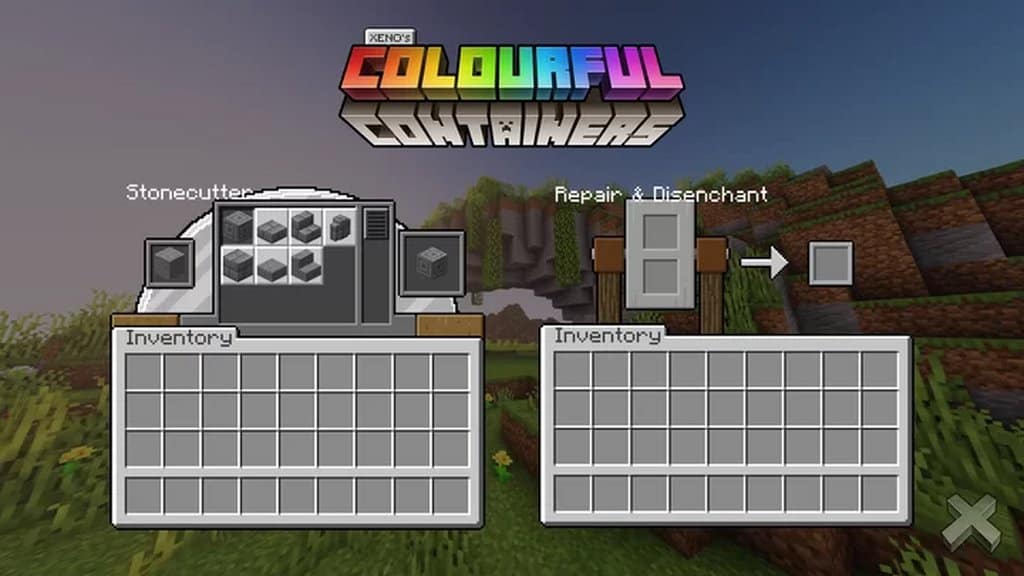
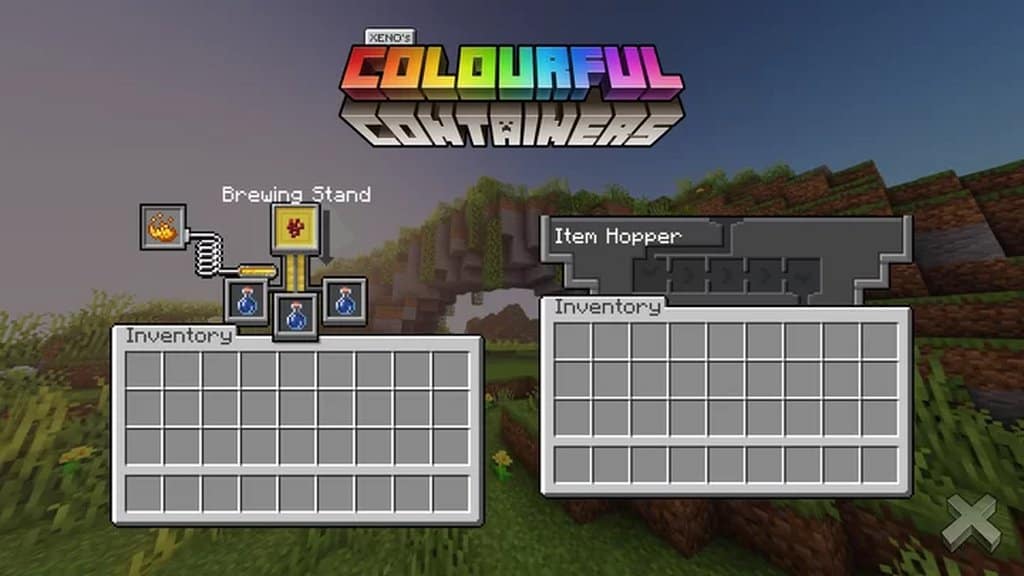
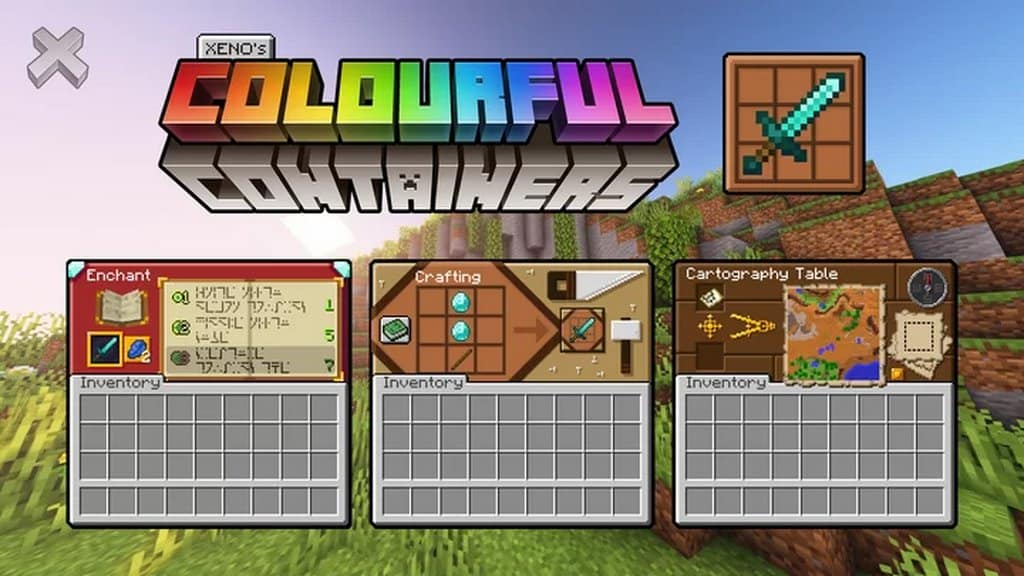
How to Install Texture Pack (Simple 10 Steps)
- Download OptiFine: Most of the texture packs and shaders need OptiFine. That’s why, first download and install OptiFine for the version of Minecraft you want to play.
- Download the Texture Pack: Get the texture pack you want from the download section. Choose the version that works with your Minecraft and your PC’s performance.
- Open Minecraft Launcher: Start Minecraft using the official game launcher — or even TLauncher, if you use that.
- Go to Options: From the main menu, click on the “Options” button.
- Open Resource Packs: Inside Options, click on “Resource Packs…”.
- Open the Resource Pack Folder: Click on “Open Resource Pack Folder” — this will open a folder named “resourcepacks”.
- Move the Pack File: Copy or move the .zip file you downloaded into that “resourcepacks” folder. (Don’t unzip the file — Minecraft uses it as-is!)
- Go Back and Refresh: Close the folder and click “Done”, then go back into “Resource Packs…” again.
- Activate the Pack: You’ll see the pack on the left side. Hover over it and click the arrow to move it to the right (active side).
Tip: If you get a message that the pack is for a different version, just click “Yes” — it usually works fine. - Click Done and Enjoy: Click “Done” again. Now your pack is ready to use in-game. It’s that easy!
Credits
This resource pack was originally created and developed by Chris_XENO, BurntToast_, and Kingybu. We do not claim ownership of this content, nor do we host modified files on our servers. All rights and intellectual property belong strictly to the original authors. We strongly encourage you to support the creators by downloading the pack through their official distribution channels.
Download Links
Java Edition
- [16x] Minecraft 26.2.x – 26.1.x
- [16x] Minecraft 1.21.x – 1.20.x
- [16x] Minecraft 1.19.x (Legacy)
- [16x] Minecraft 1.16.x
- [16x] Minecraft 1.15.x
- [16x] Minecraft 1.14.x
- [16x] Dark Mode – Minecraft 26.2.x – 26.1.x
- [16x] Dark Mode – Minecraft 1.21.x – 1.20.2
- [16x] Dark Mode – Minecraft 1.19.x (Legacy)
- [16x] Dark Mode – Minecraft 1.20.2 – 1.20
- [16x] Dark Mode – Minecraft 1.18.x – 1.17.x
- [16x] Dark Mode – Minecraft 1.16.x – 1.15.x
Bedrock Edition
Download Instructions
Curseforge: download starts automatically after a few seconds;
Mediafire: click the big blue button with the text “DOWNLOAD”;
Google Drive: in the top right corner you will see a small download icon (down arrow), click it and the download should start;