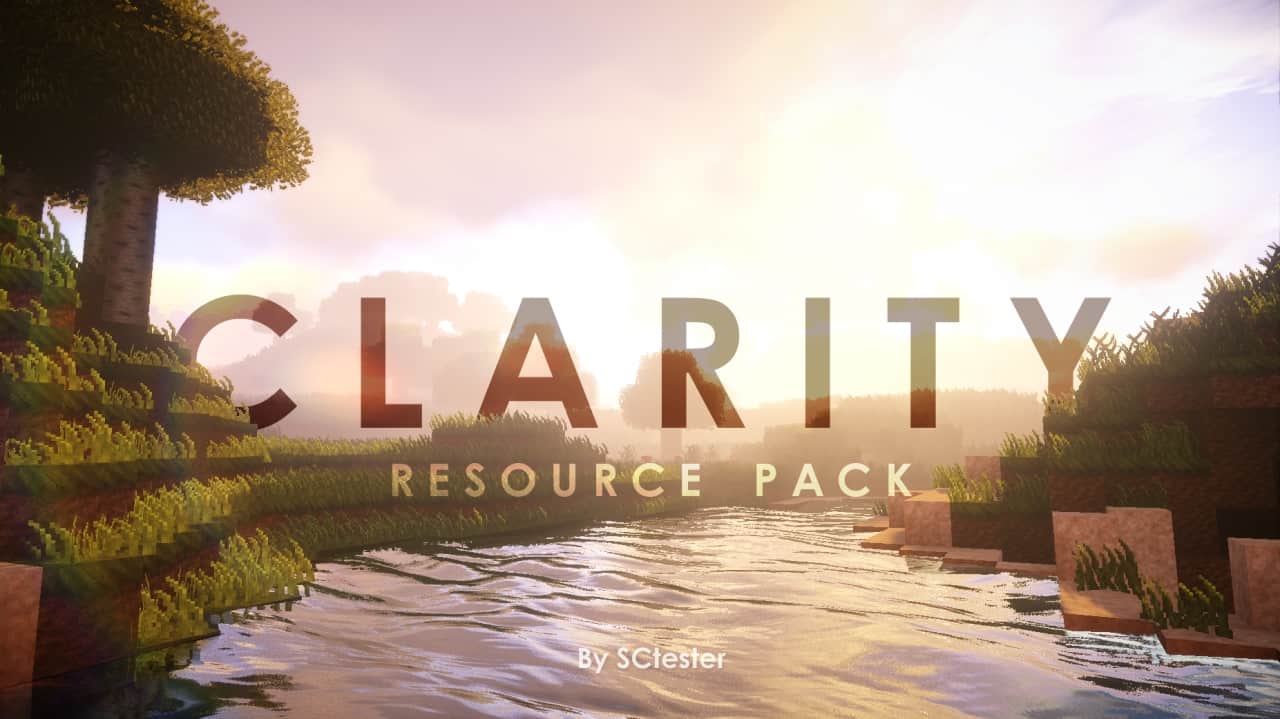
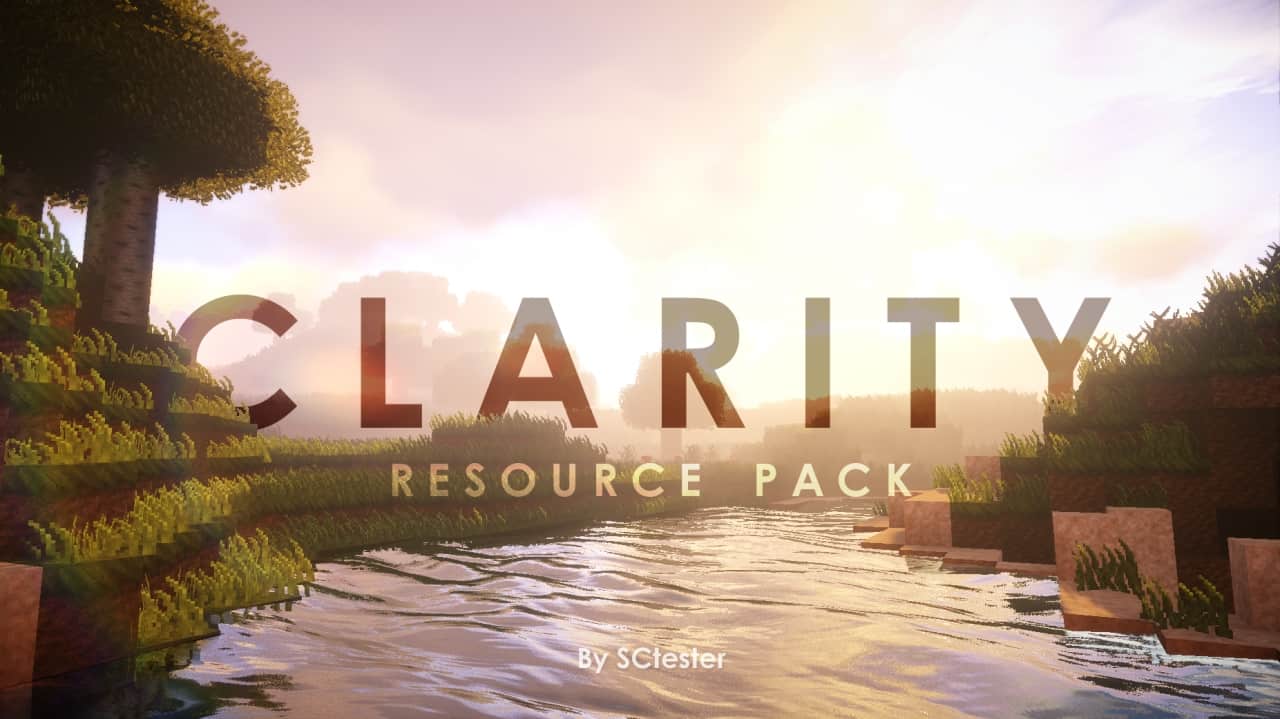
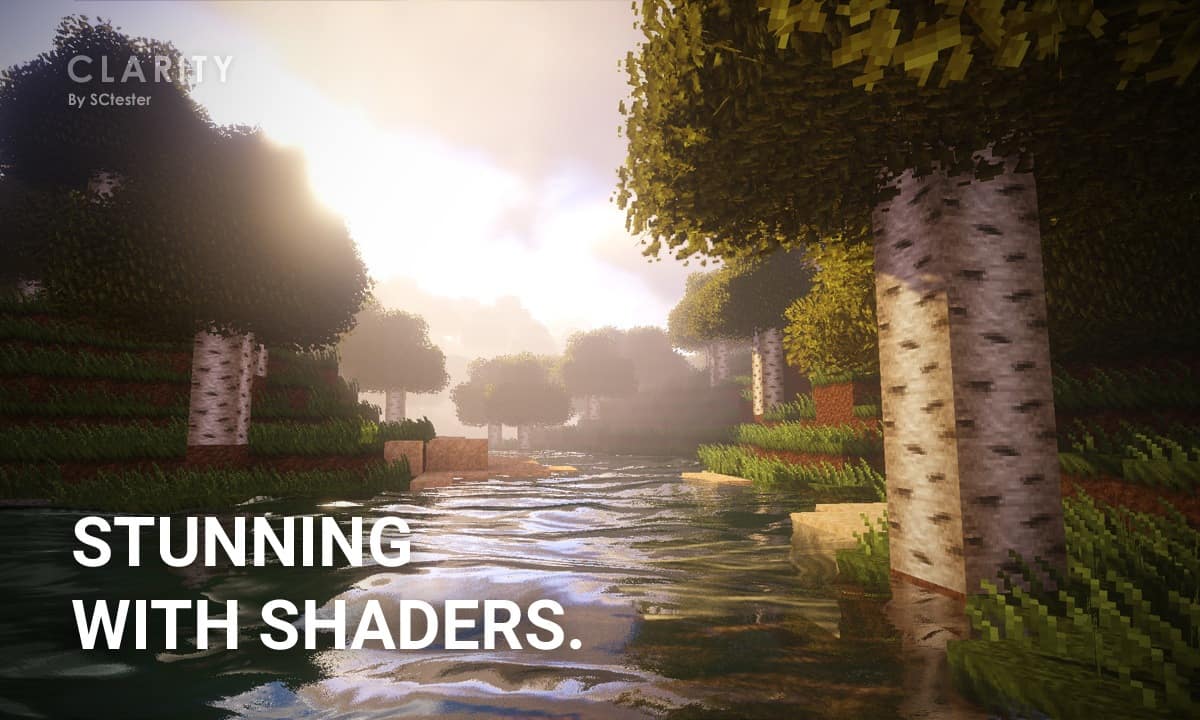
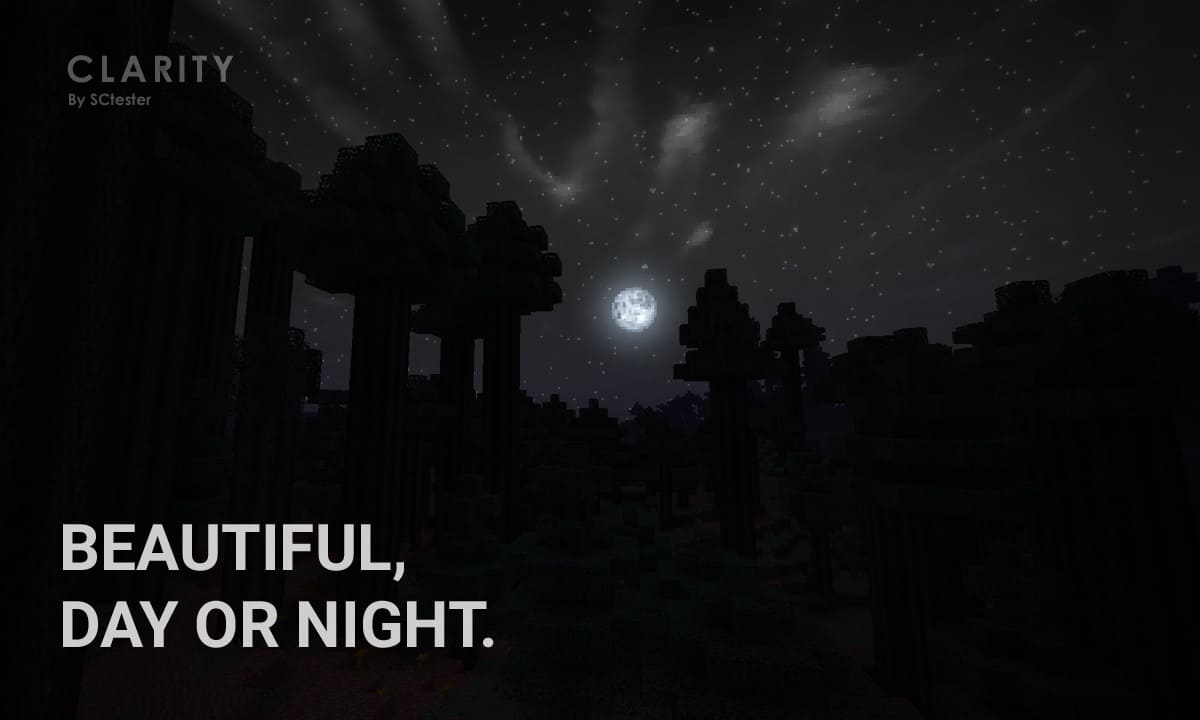
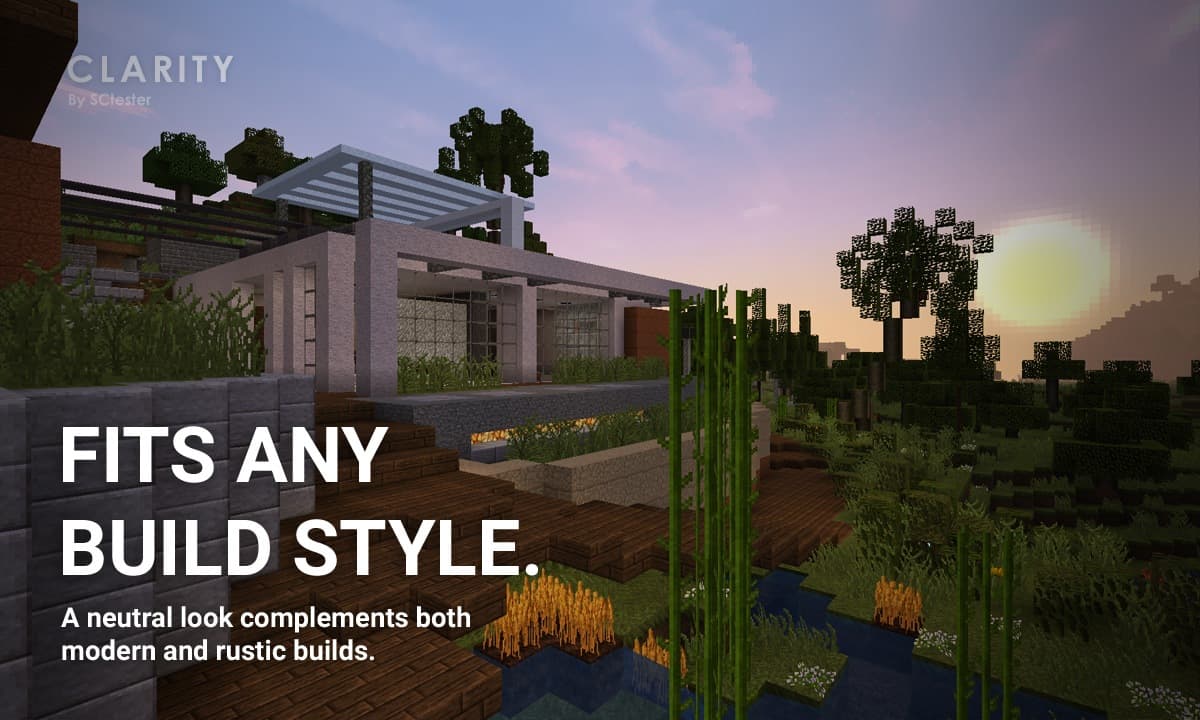
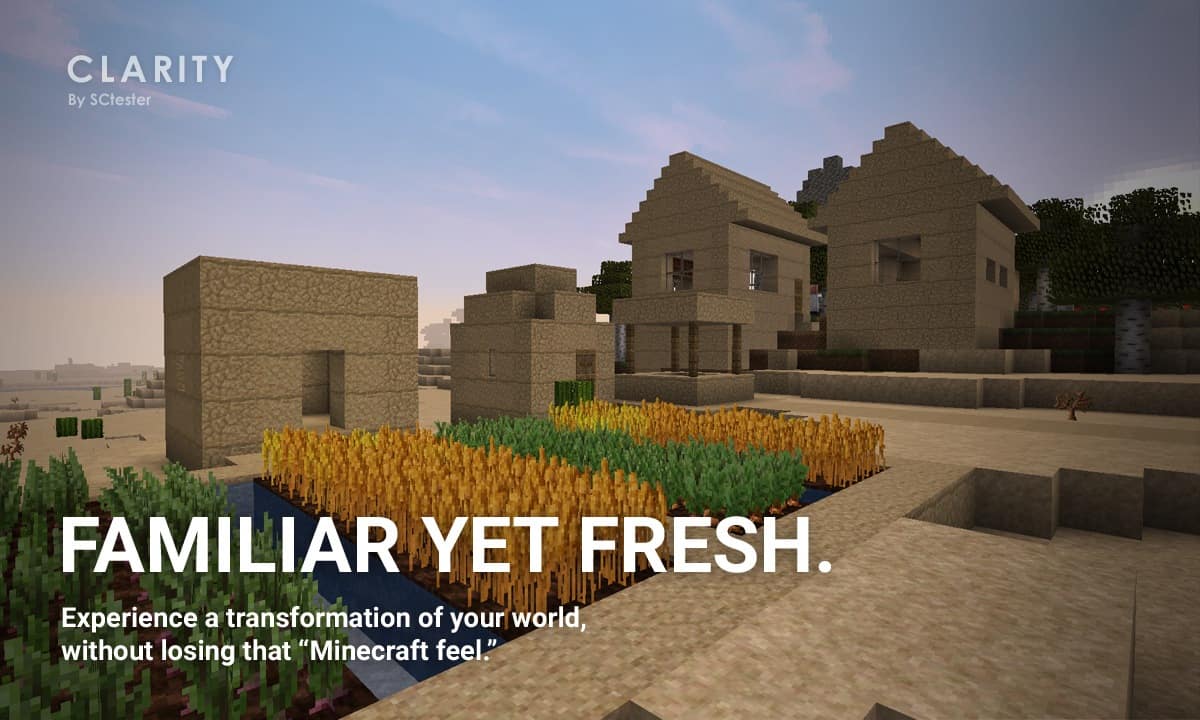
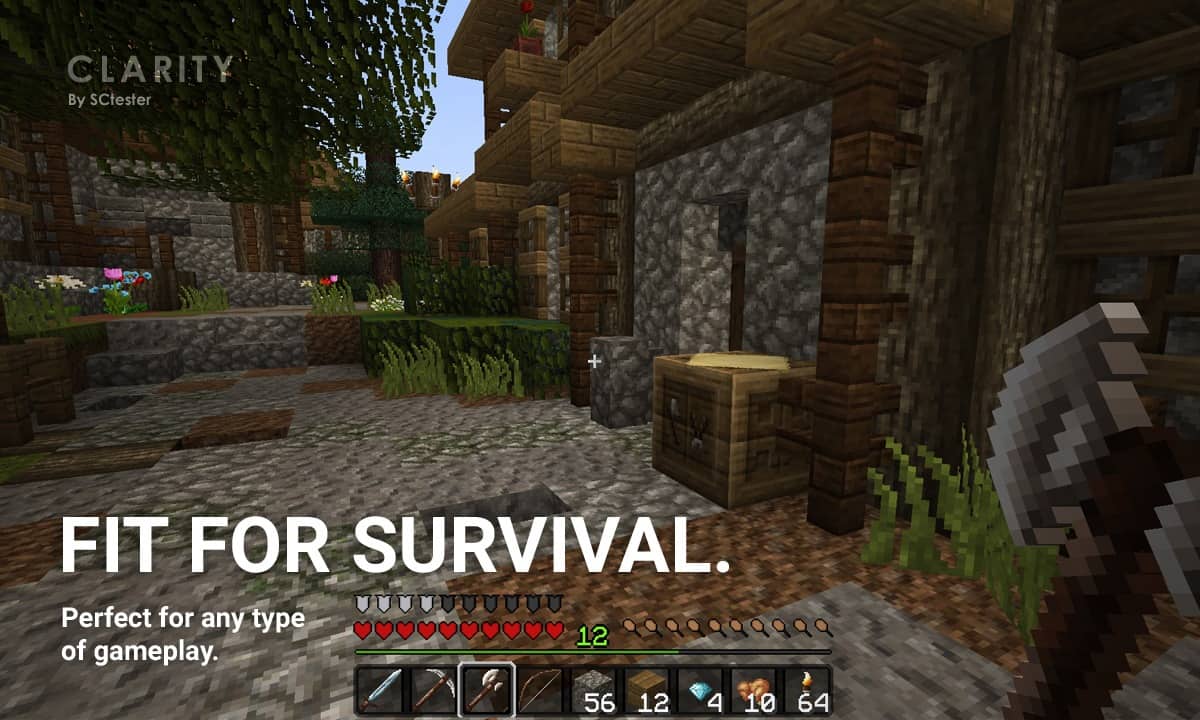
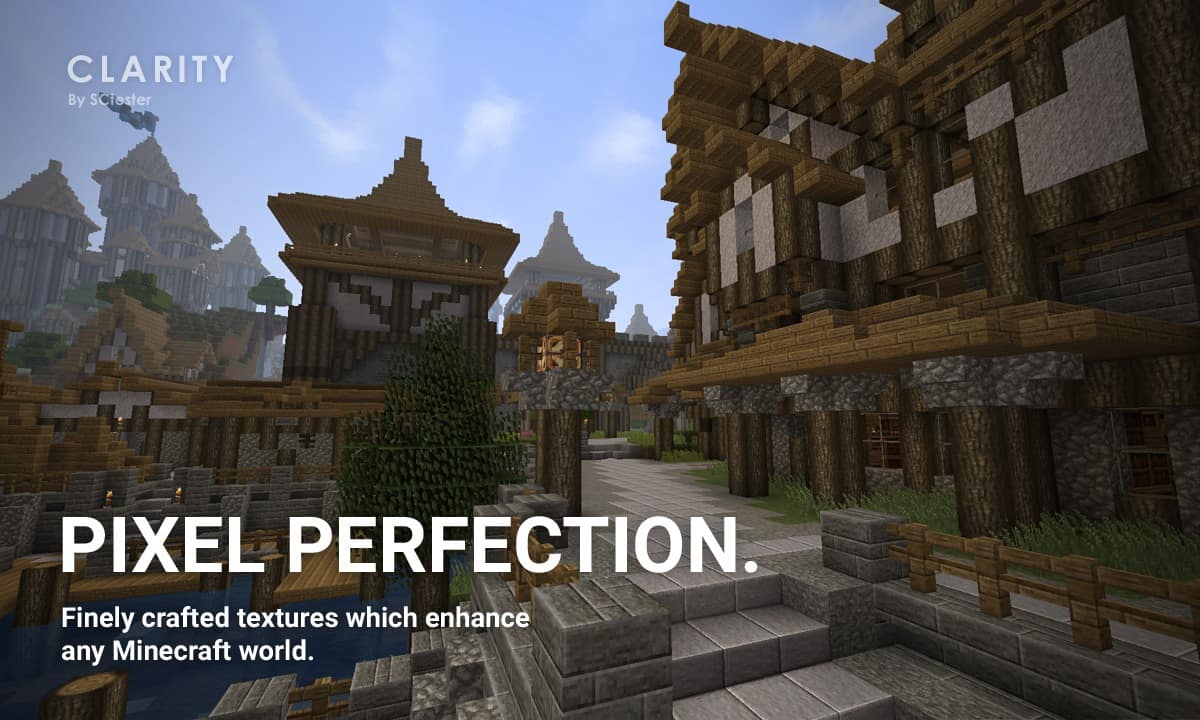
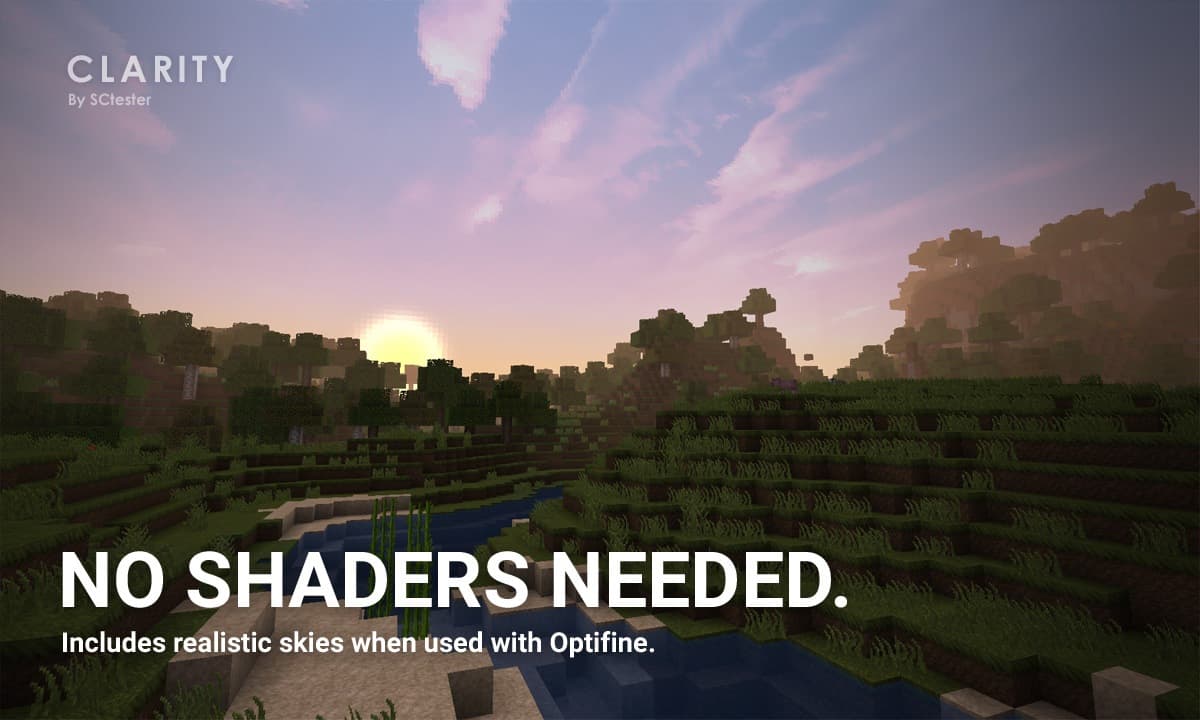
The Clarity resource pack is, without a shadow of a doubt, one of the absolute best texture packs to grace the Minecraft community in recent times. With so many packs being dropped every single day, it is genuinely amazing just how much the Clarity pack manages to stand out from the crowd. The brilliance behind its conceptualization and flawless execution is completely unmatched. You will quickly notice that there is not a single block or item that has not been thoroughly thought out and designed. The final result is a breathtakingly perfect blend of realism and the classic, traditional Minecraft art style we all know and love. The Clarity resource pack raises your visual standards so high that almost any other new pack you try will hardly impress you anymore. This is precisely why it comes as a massive shocker when you find out that the Clarity resource pack features a surprisingly modest resolution of just 32×32. The sheer amount of detail poured into every single pixel is simply mind-blowing to experience firsthand. It honestly feels like the pixels were painstakingly hand-crafted one by one all the way down to the very last detail.
The resulting textures are remarkably clean, which is quite surprising because normally, when lower-resolution textures are packed with this high level of detail, the end result usually looks overly noisy and cluttered. Instead, the Clarity pack delivers a wonderfully calm and clear visual experience that enables you to adventure and build completely without distraction. You are also going to fall completely in love with the carefully curated color palette that comes with the Clarity resource pack. It strikes the absolute perfect harmony between dark and bright tones without ever feeling overwhelmingly vibrant like you might notice with many other standard packs. Best of all, these design choices are completely intentional, perfectly complementing the unique artistic atmosphere that the Clarity pack strives to bring to your worlds. Now, in case you are even slightly worried that the Clarity resource pack might cause performance issues, you can rest easy knowing there is no need to stress. If your gaming setup can handle vanilla Minecraft effortlessly, you will have absolutely no trouble running the Clarity pack at wonderfully seamless frame rates.
Clarity | Pixel Perfection should be compatible with all of these Minecraft versions: 1.21.3 – 1.21.2 – 1.21.1 – 1.21 – 1.20.6 – 1.20.5 – 1.20.4 – 1.20.3 – 1.20.2 – 1.20.1 – 1.20 – 1.19.4 – 1.19.3 – 1.19.2 – 1.19.1 – 1.19 – 1.18.2 – 1.18.1 – 1.18 – 1.17.1 – 1.17 – 1.16.5 – 1.16.4 – 1.16.3 – 1.16.2 – 1.16.1 – 1.16 – 1.15.2 – 1.15.1 – 1.15 – 1.14.4 – 1.14.3 – 1.14.2 – 1.14 – 1.13.2 – 1.13.1 – 1.13 – 1.12.2 – 1.12 – 1.11.2 – 1.11 – Bedrock Edition – PE
Screenshots
How to Install Texture Pack (Simple 10 Steps)
- Download OptiFine: Most of the texture packs and shaders need OptiFine. That’s why, first download and install OptiFine for the version of Minecraft you want to play.
- Download the Texture Pack: Get the texture pack you want from the download section. Choose the version that works with your Minecraft and your PC’s performance.
- Open Minecraft Launcher: Start Minecraft using the official game launcher — or even TLauncher, if you use that.
- Go to Options: From the main menu, click on the “Options” button.
- Open Resource Packs: Inside Options, click on “Resource Packs…”.
- Open the Resource Pack Folder: Click on “Open Resource Pack Folder” — this will open a folder named “resourcepacks”.
- Move the Pack File: Copy or move the .zip file you downloaded into that “resourcepacks” folder. (Don’t unzip the file — Minecraft uses it as-is!)
- Go Back and Refresh: Close the folder and click “Done”, then go back into “Resource Packs…” again.
- Activate the Pack: You’ll see the pack on the left side. Hover over it and click the arrow to move it to the right (active side).
Tip: If you get a message that the pack is for a different version, just click “Yes” — it usually works fine. - Click Done and Enjoy: Click “Done” again. Now your pack is ready to use in-game. It’s that easy!
Credits
This resource pack was created by SCtester. We do not claim ownership of this content, and we distribute it as provided by the original author with no modifications. All rights remain with SCtester, and we strongly encourage you to support the creator through their official download links.
Download Links
Java Edition
- [32x] Minecraft 1.21.x – 1.20.2
- [32x] Minecraft 1.20.1 – 1.20
- [32x] Minecraft 1.19.x
- [32x] Minecraft 1.18.x
- [32x] Minecraft 1.17.x
- [32x] Minecraft 1.16.x
- [32x] Minecraft 1.15.x – 1.13.x
- [32x] Minecraft 1.12.x – 1.11.x
Bedrock Edition
Download Instructions
Curseforge: download starts automatically after a few seconds;
Mediafire: click the big blue button with the text “DOWNLOAD”;
Google Drive: in the top right corner you will see a small download icon (down arrow), click it and the download should start;


