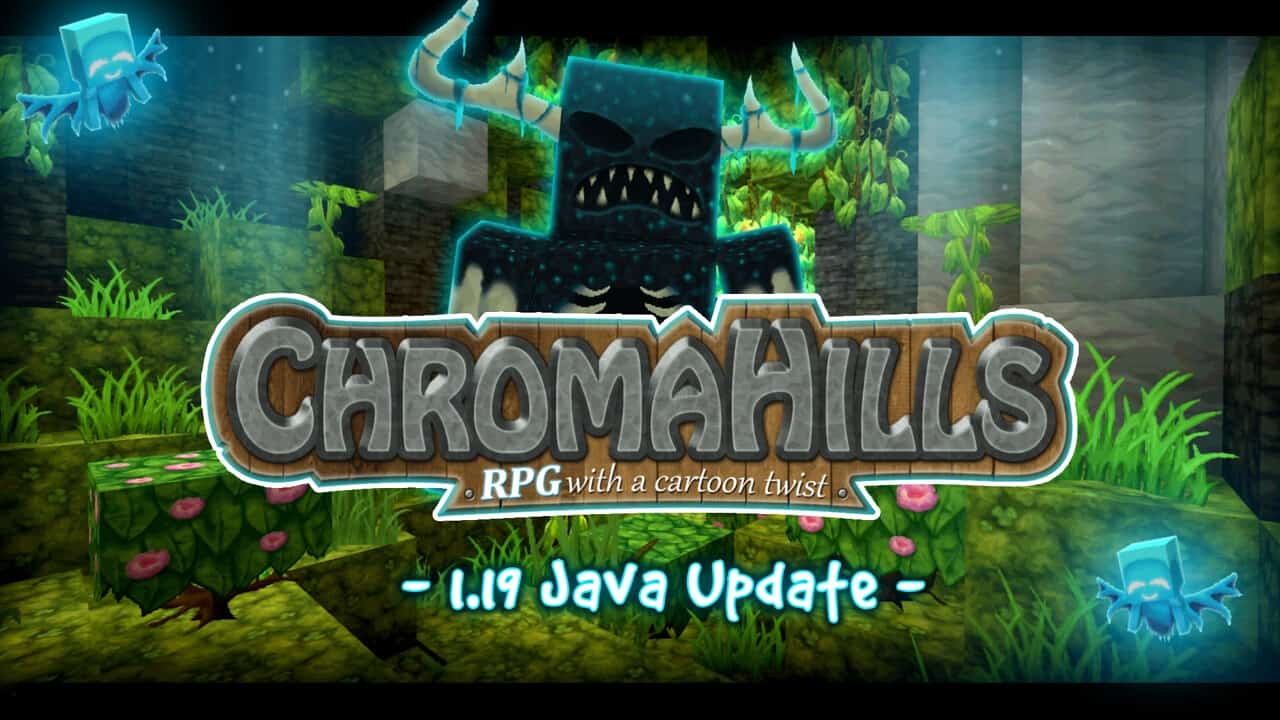
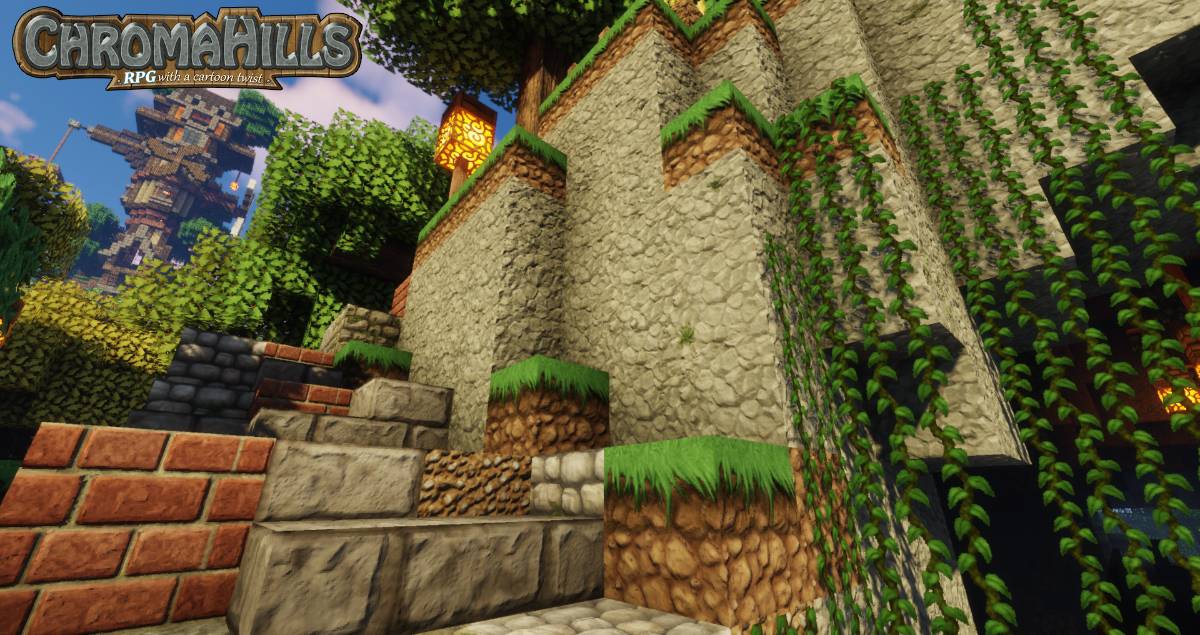
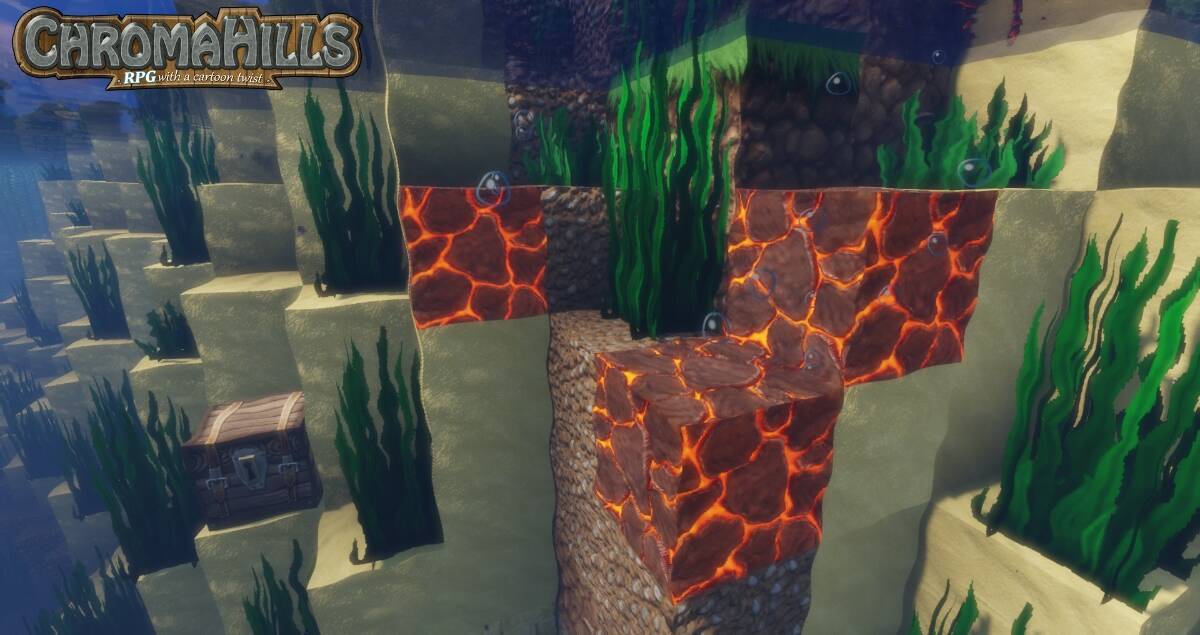
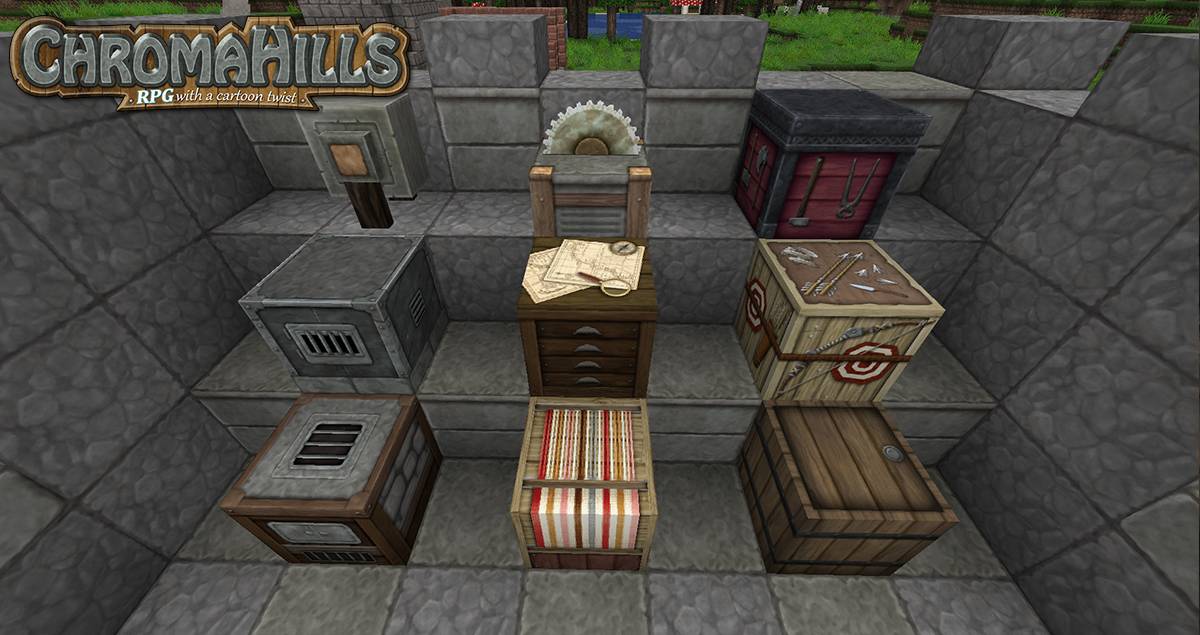
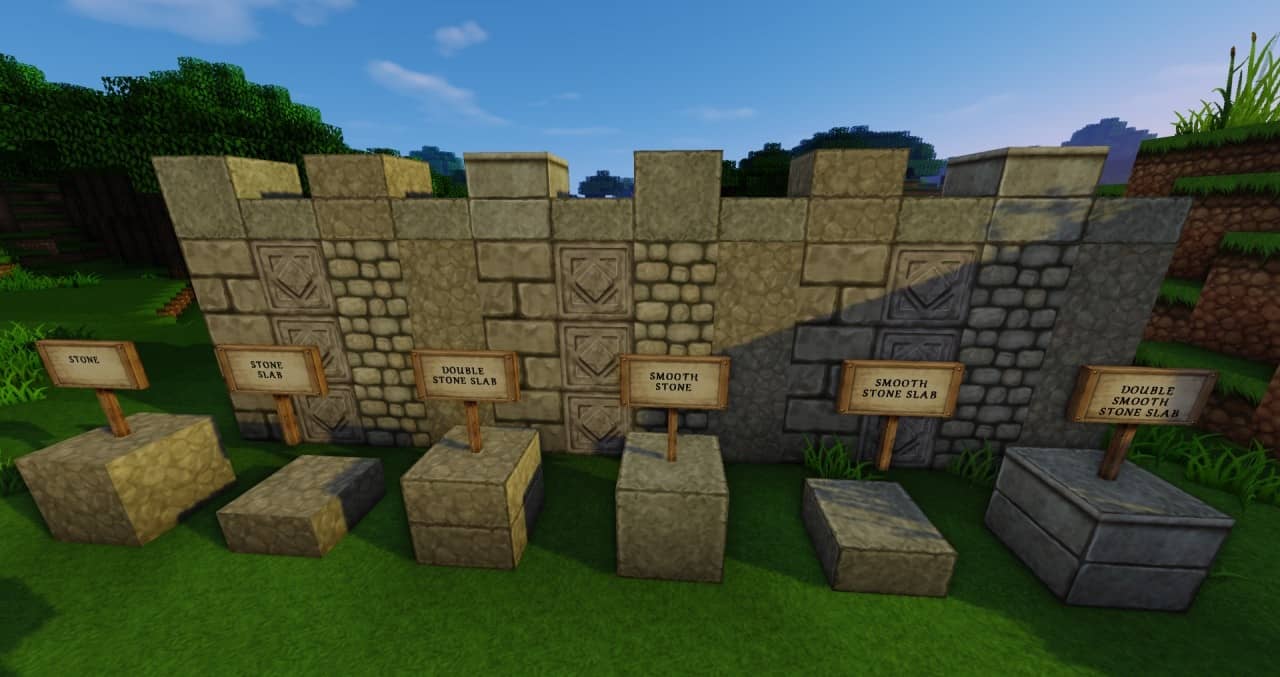
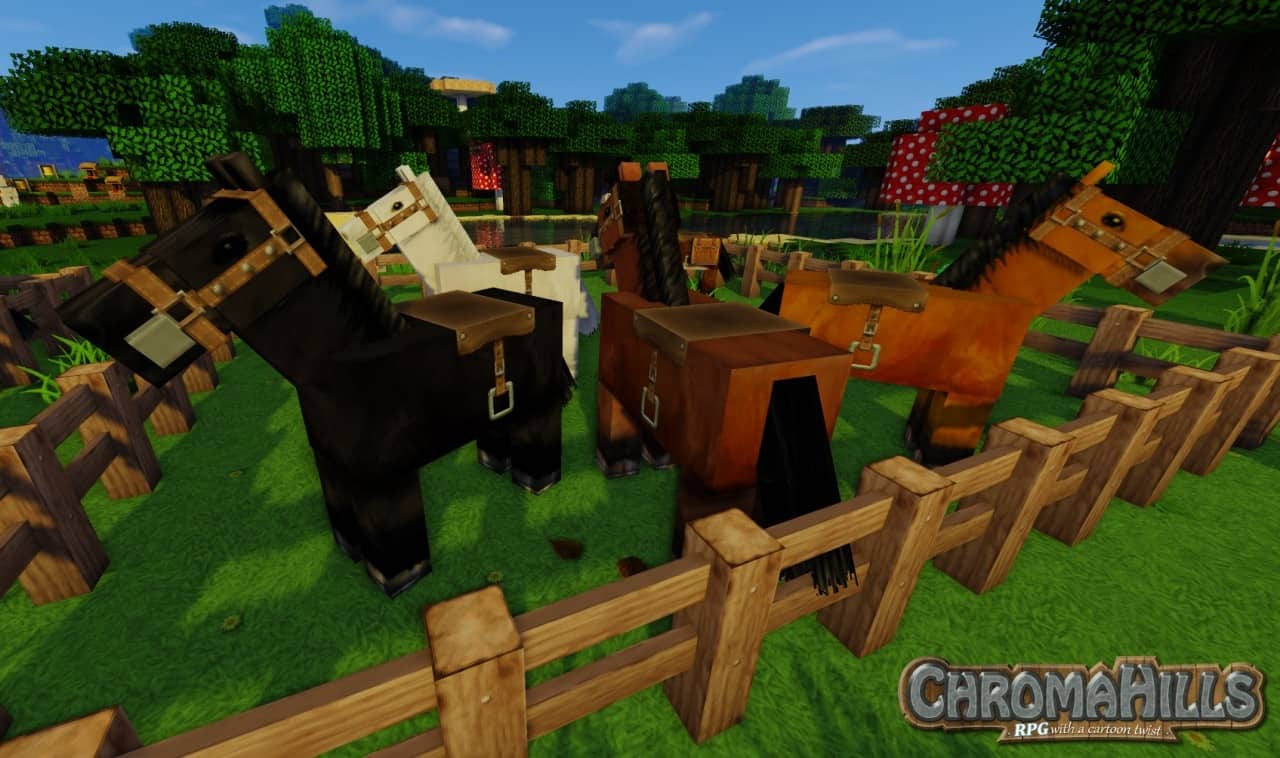
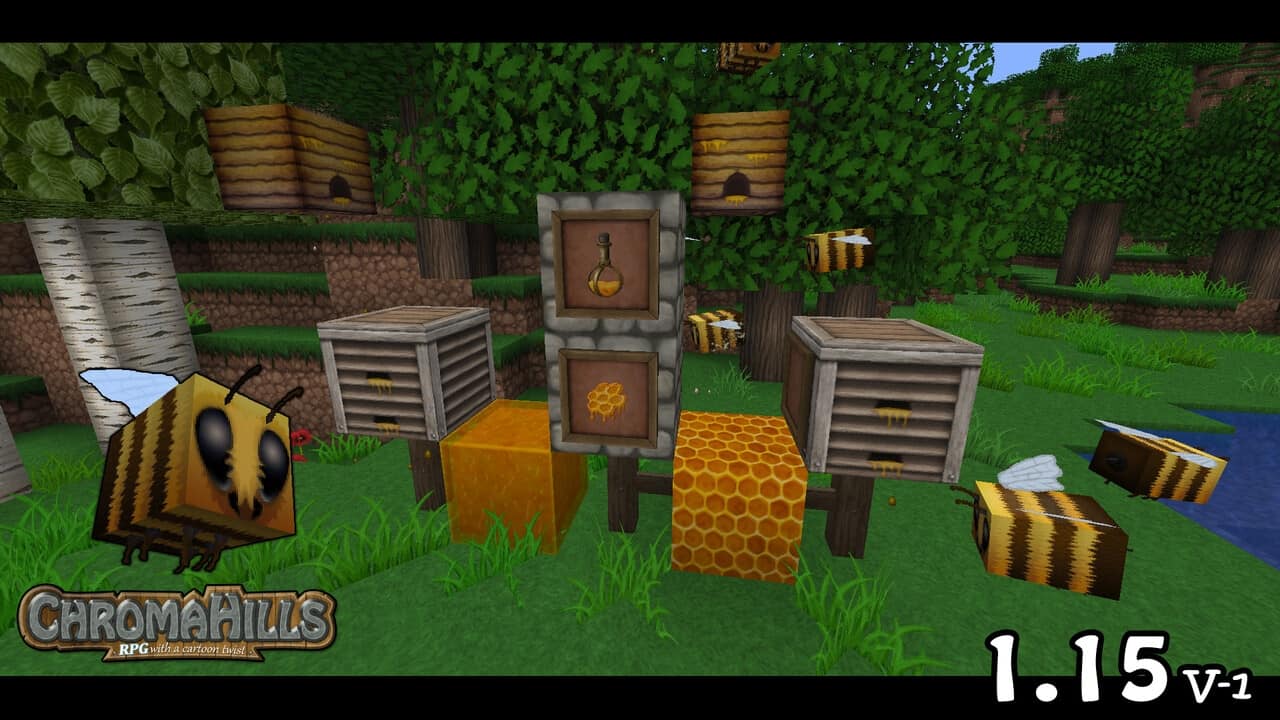
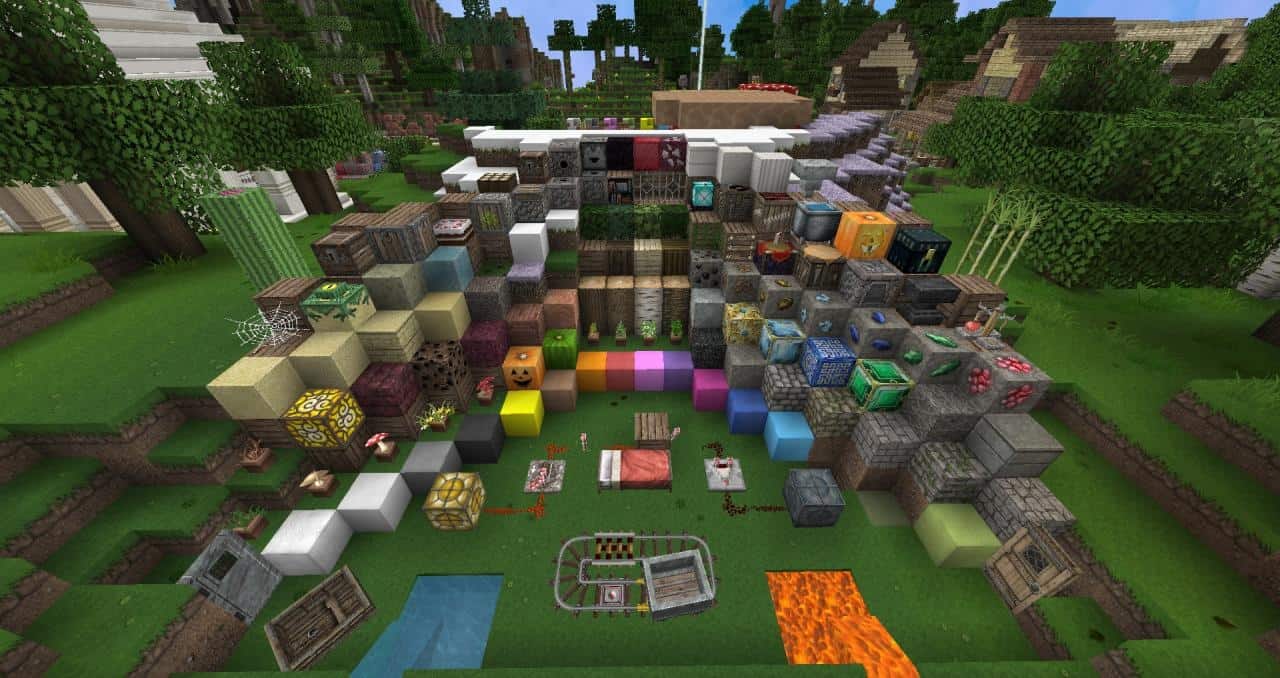
Many resource packs rely on real images as textures to inject a certain degree of realism into the game. While these types of resource packs certainly have their dedicated audience, many players truly enjoy texture packs that lean into a cartoonish style with flashier, vibrant textures. The Chroma Hills resource pack is an absolute standout example of a successful reimagining of vanilla Minecraft. By blending cartoonish textures with rich RPG elements, this resource pack delivers an immersive medieval theme that immediately catches your eye and stands out when compared to similar projects. Combined with these fantastic RPG elements, the resource pack has managed to become one of the most popular packs ever released and certainly one of the longest-standing ones, continuously receiving updates for many years. First released back in 2012, the Chroma Hills texture pack is now over a decade old. Unlike many similar projects that were unfortunately abandoned over time, Chroma Hills is still actively updated and continues to pull in large numbers of downloads daily. Much of this incredible success can be directly attributed to the professional experience of the developer known as SycloneSJS, also affectionately called Simon. Simon brought valuable prior experience working in the gaming industry to the table. Utilizing that expertise, he successfully crafted Chroma Hills, bringing his own unique and captivating vision of how Minecraft visuals should look to life. The cohesive medieval theme is wonderfully easy to notice everywhere you look. Countless textures have been thoughtfully changed and tweaked to a high degree. Over 1000 textures received special, hands-on treatment from the developer. However, it is not just the individual textures themselves that make the Chroma Hills resource pack so visually stunning. The developer also significantly increased the texture resolution. Compared to standard vanilla Minecraft 16x resolution, even the lower-end version utilizing 64x textures offers breathtaking details that drastically reduce pixilation, delivering a much more refined and polished look. Compared to vanilla Minecraft, Chroma Hills revamps a massive variety of textures to ensure they fit seamlessly into a classic medieval setting. We can easily admire brand-new textures for stone blocks, detailed pavements, varied ores, vibrant flowers, growing crops, rich wood types, intricate doors, sturdy brick walls, rustic fences, natural sand, textured dirt, glowing lava, lush trees, and so much more. Some of these blocks even received a deeper, darker tone which makes them exceptionally suitable if you are planning to construct an epic castle, a towering fortress, or a spooky dungeon.
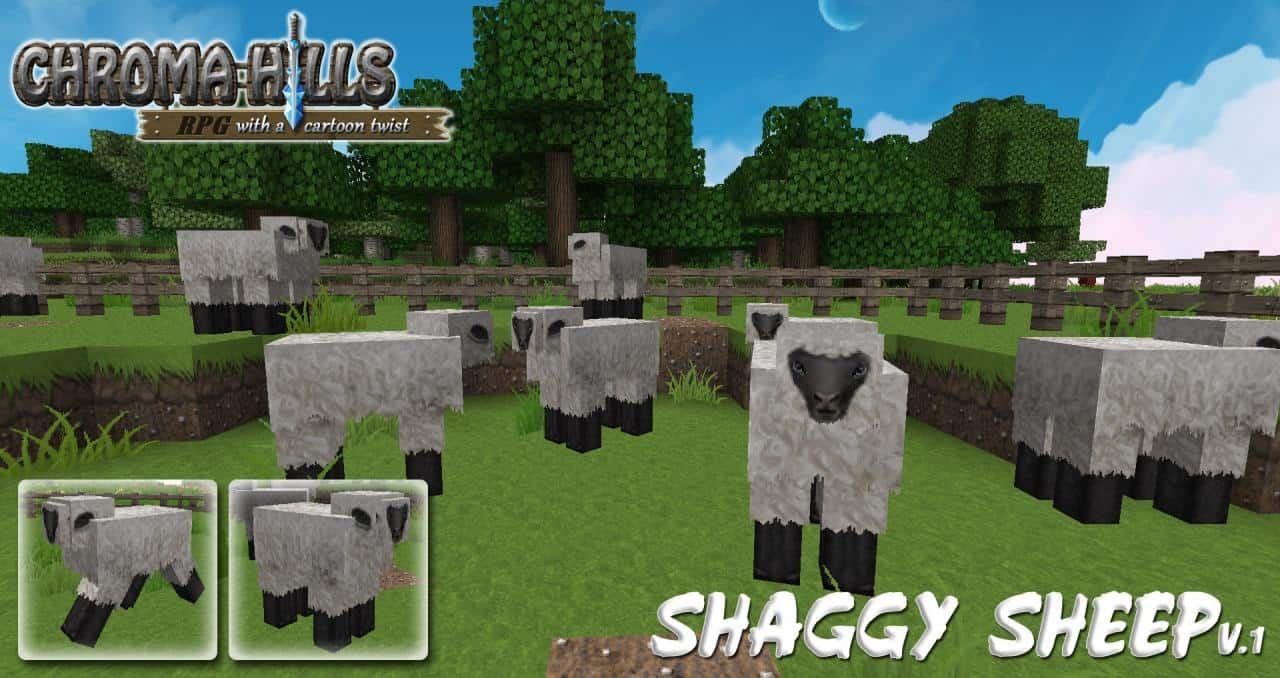
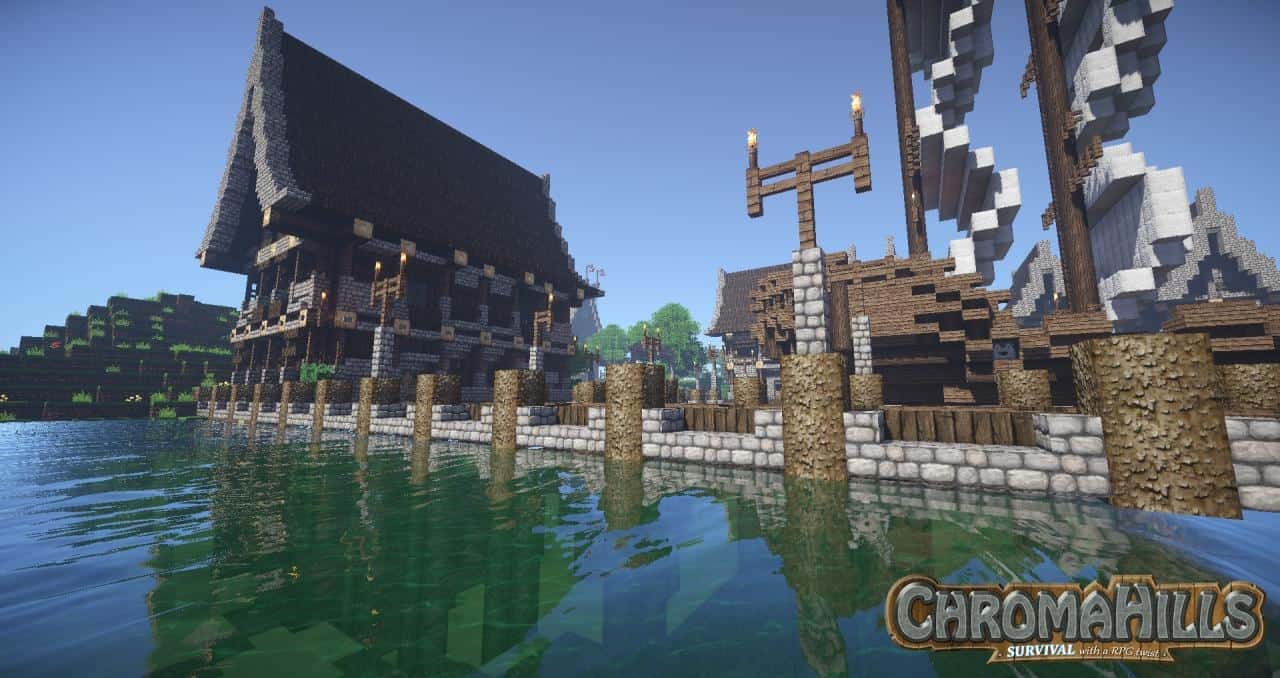
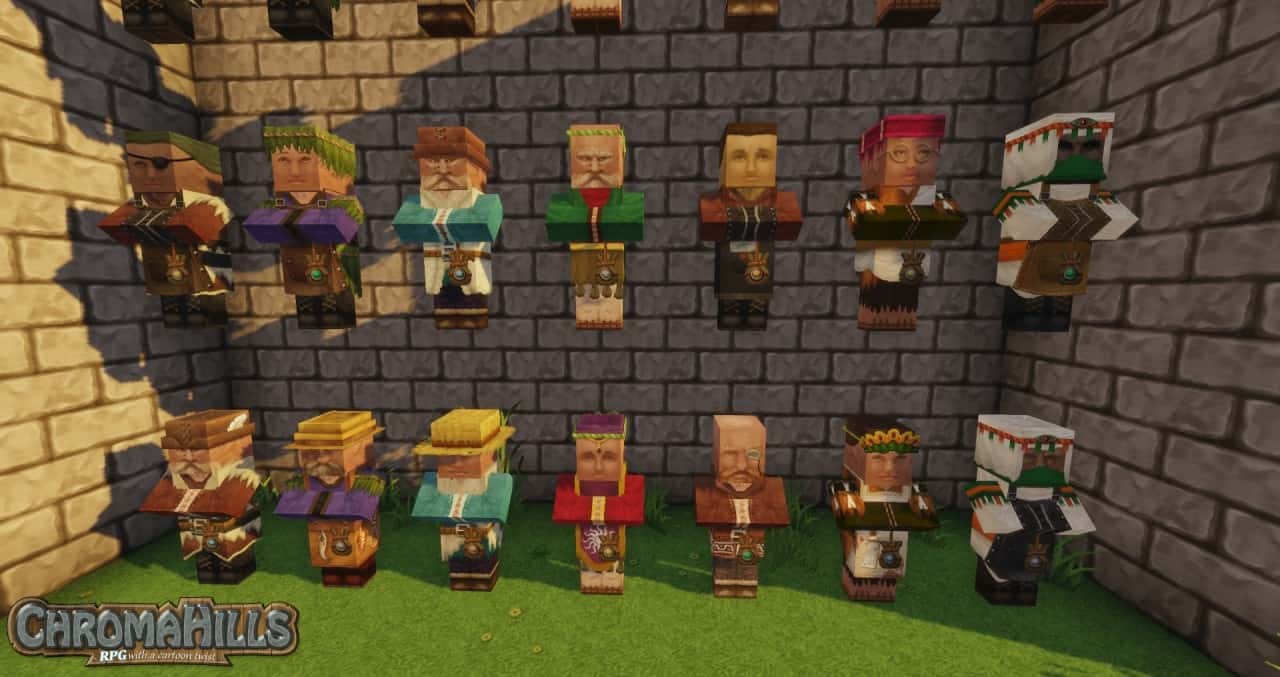
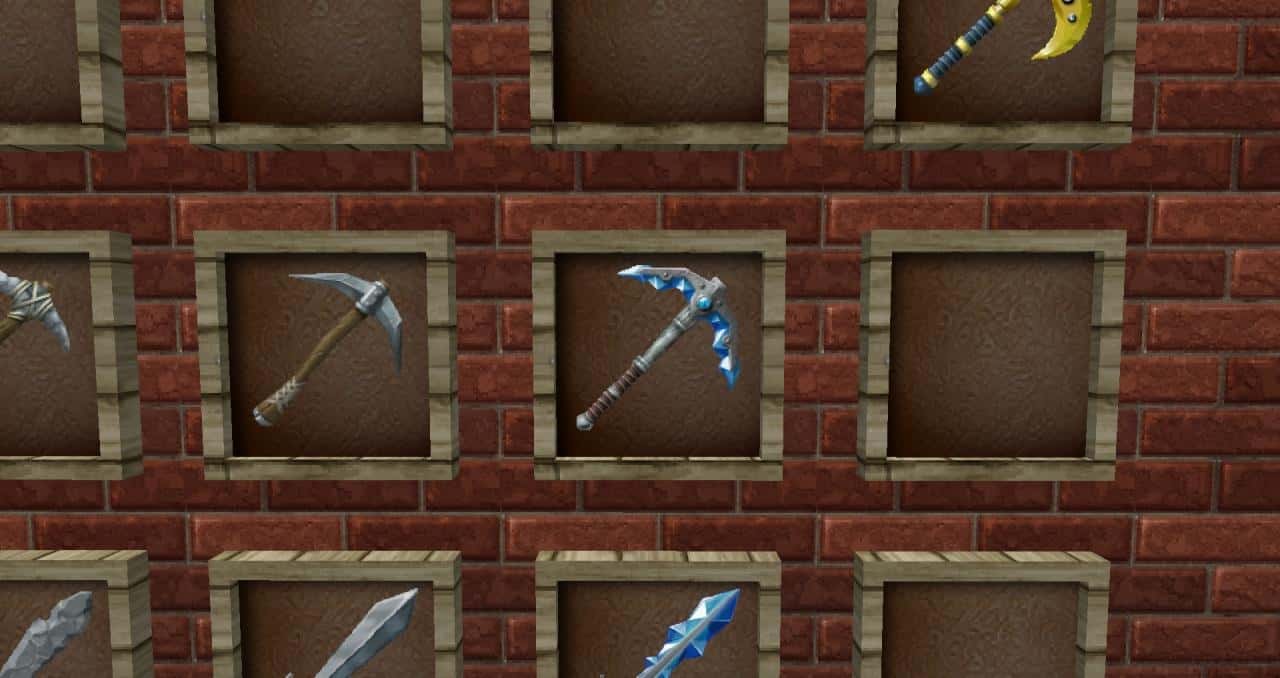
There are also fantastic new player textures heavily inspired by traditional clothing typical of the medieval age. Furthermore, several mobs and creeps received a wonderful visual revamp to make them fit much better into the immersive theme. To perfectly complement these graphical improvements, the developer went the extra mile and replaced both weapon and armor textures, carefully matching them with appropriate inventory and menu icons. To top it all off, the player inventory and overall HUD have been completely updated. The higher-resolution textures are brilliantly reflected in how every item looks inside the inventory screen. The new warm brown inventory background and subtle nuances like neat wood boards placed right under inventory items truly showcase the incredible attention to detail put in by the resource pack author. Additionally, the crafting menu was greatly improved with gorgeous new textures. All of these thoughtful changes also serve a practical, functional purpose because navigating and organizing your inventory feels so much easier and smoother. It is wonderful to note that this amazing resource pack is readily available for free to all players across both supported versions. That said, the developer does maintain a Patreon page to accept donations that actively help fund the ongoing development and future updates for the Chroma Hills resource pack. It is precisely on his Patreon where he posts exciting news and updates, ensuring his loyal subscribers are always the very first to know when he is hard at work on something fresh for his beloved project. The Chroma Hills resource pack intentionally leaves sky and water textures untouched. Naturally, vanilla skies and water might not look quite as breathtaking when paired with these gorgeous new textures. Fortunately, this minor detail can be easily solved by simply installing a compatible shader pack alongside it. While there is no single shader pack officially recommended by the developer, you will be glad to know that Chroma Hills plays nicely with most popular shaders without triggering game-breaking visual bugs or annoying graphical artifacts. In terms of overall performance, Chroma Hills runs surprisingly well even if you happen to be playing Minecraft on slightly older or lower-end hardware. Because the Chroma Hills resource pack meticulously changes and adds a massive amount of intricate new textures, it heavily relies on specific Optifine features; therefore, if you want to fully experience these stunning new visuals, make sure you have Optifine installed properly!
Chroma Hills should be compatible with all of these Minecraft versions: 1.19.4 – 1.19.3 – 1.19.2 – 1.19.1 – 1.19 – 1.18.2 – 1.18.1 – 1.18 – 1.17.1 – 1.17 – 1.16.5 – 1.16.4 – 1.16.3 – 1.16.2 – 1.16.1 – 1.16 – 1.15.2 – 1.15.1 – 1.15 – 1.14.4 – 1.14.3 – 1.14.2 – 1.14 – 1.13.2 – 1.13.1 – 1.13 – 1.12.2 – 1.12 – 1.11.2 – 1.11 – 1.10.2 – 1.10 – 1.9.4 – 1.9 – 1.8.9 – 1.8.8 – 1.8.1 – 1.8.6 – 1.8 – 1.7.10 – 1.7.9 – 1.7.4 – 1.7 – 1.6.4 – 1.6.2 – Bedrock Edition – PE
Screenshots
How to Install Texture Pack (Simple 10 Steps)
- Download OptiFine: Most of the texture packs and shaders need OptiFine. That’s why, first download and install OptiFine for the version of Minecraft you want to play.
- Download the Texture Pack: Get the texture pack you want from the download section. Choose the version that works with your Minecraft and your PC’s performance.
- Open Minecraft Launcher: Start Minecraft using the official game launcher — or even TLauncher, if you use that.
- Go to Options: From the main menu, click on the “Options” button.
- Open Resource Packs: Inside Options, click on “Resource Packs…”.
- Open the Resource Pack Folder: Click on “Open Resource Pack Folder” — this will open a folder named “resourcepacks”.
- Move the Pack File: Copy or move the .zip file you downloaded into that “resourcepacks” folder. (Don’t unzip the file — Minecraft uses it as-is!)
- Go Back and Refresh: Close the folder and click “Done”, then go back into “Resource Packs…” again.
- Activate the Pack: You’ll see the pack on the left side. Hover over it and click the arrow to move it to the right (active side).
Tip: If you get a message that the pack is for a different version, just click “Yes” — it usually works fine. - Click Done and Enjoy: Click “Done” again. Now your pack is ready to use in-game. It’s that easy!
Credits
The Chroma Hills resource pack was originally created by SycloneSJS. We do not claim ownership of this content, nor do we host or modify the original download files. All rights remain with the original author. We strongly recommend supporting the creator directly through their official channels and Patreon.
Download Links
Java Edition
- [128x] Minecraft 1.19.x
- [128x] Minecraft 1.18.x – 1.17.x
- [128x] Minecraft 1.16.x
- [128x] Minecraft 1.15.x
- [128x] Minecraft 1.14.x
- [128x] Minecraft 1.13.x
- [128x] Minecraft 1.12.x
- [128x] Minecraft 1.11.x – 1.6.x
Bedrock Edition
Download Instructions
Curseforge: download starts automatically after a few seconds;
Mediafire: click the big blue button with the text “DOWNLOAD”;
Google Drive: in the top right corner you will see a small download icon (down arrow), click it and the download should start;


