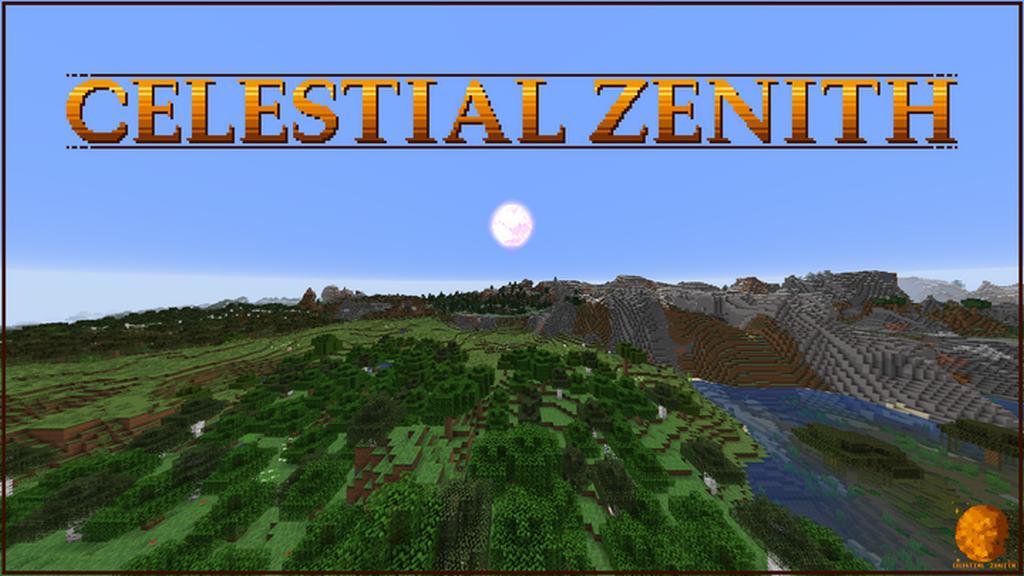
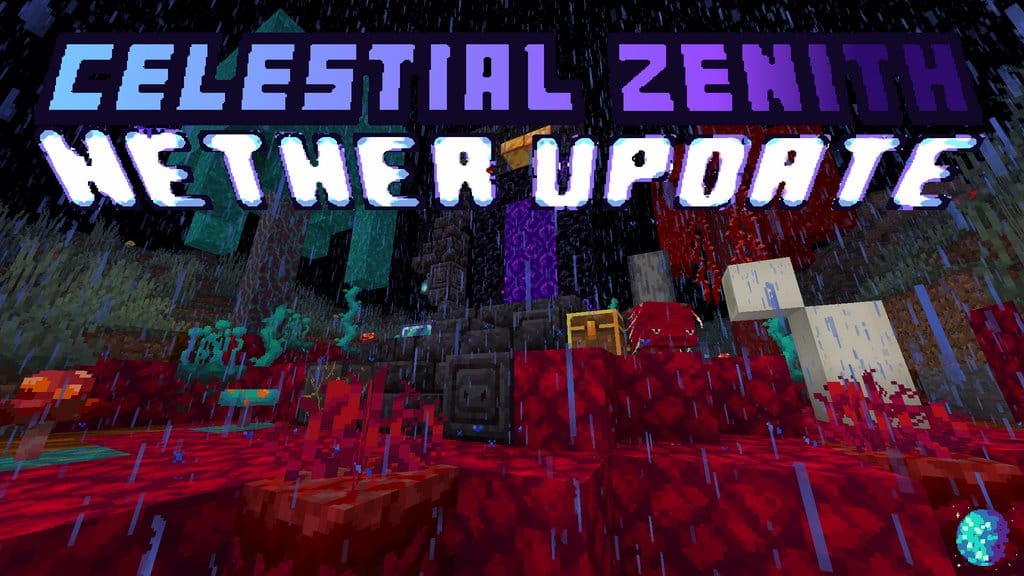
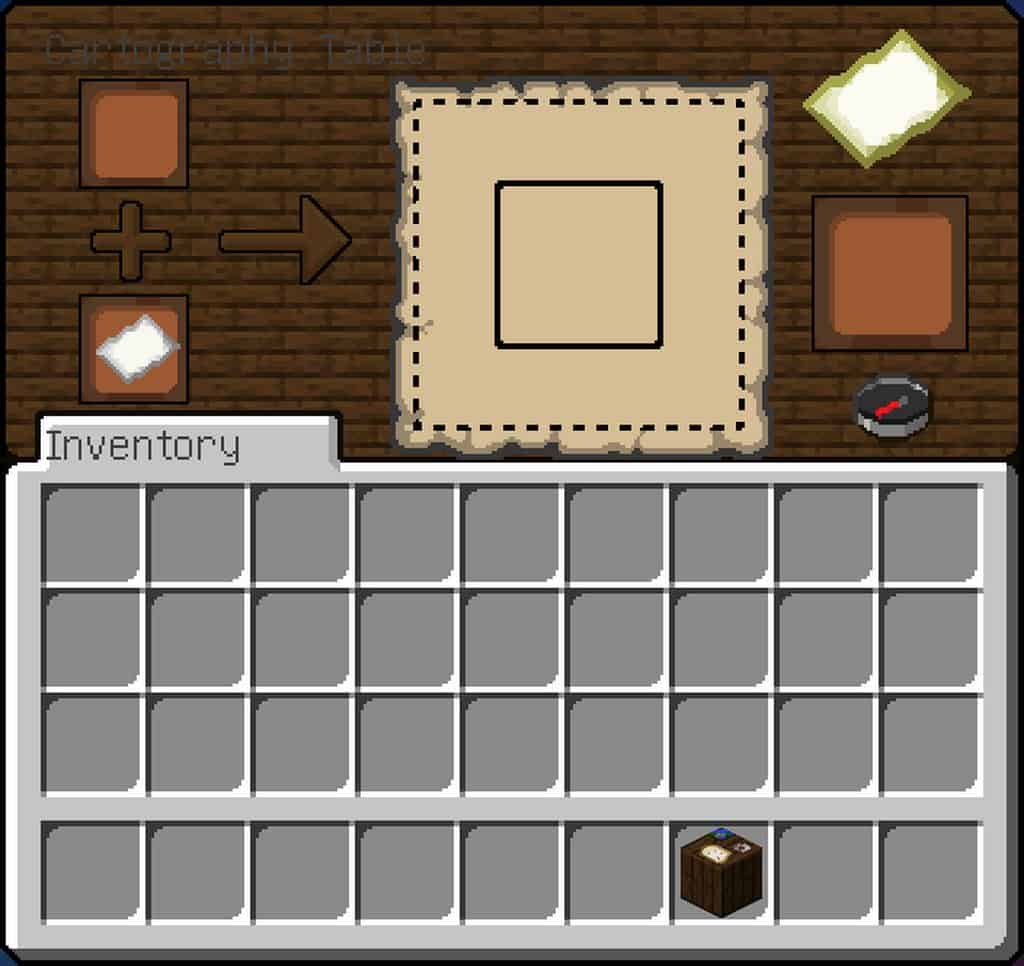
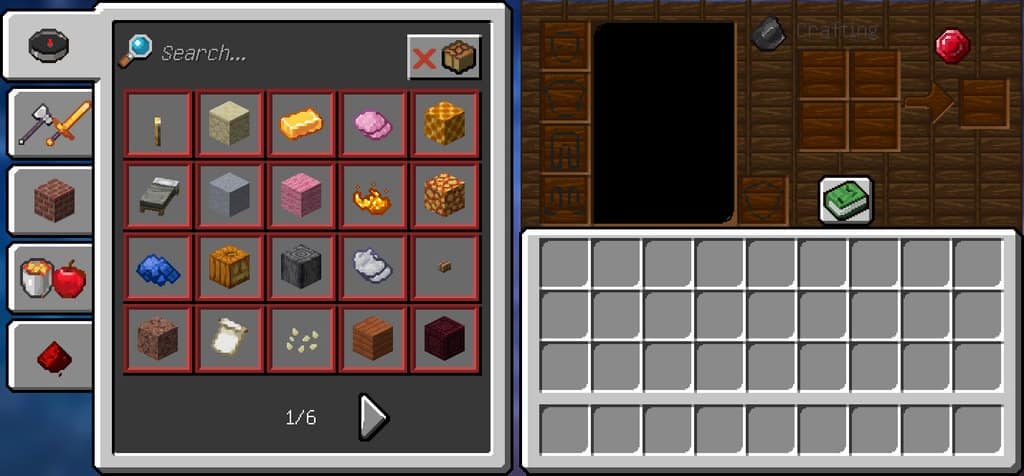
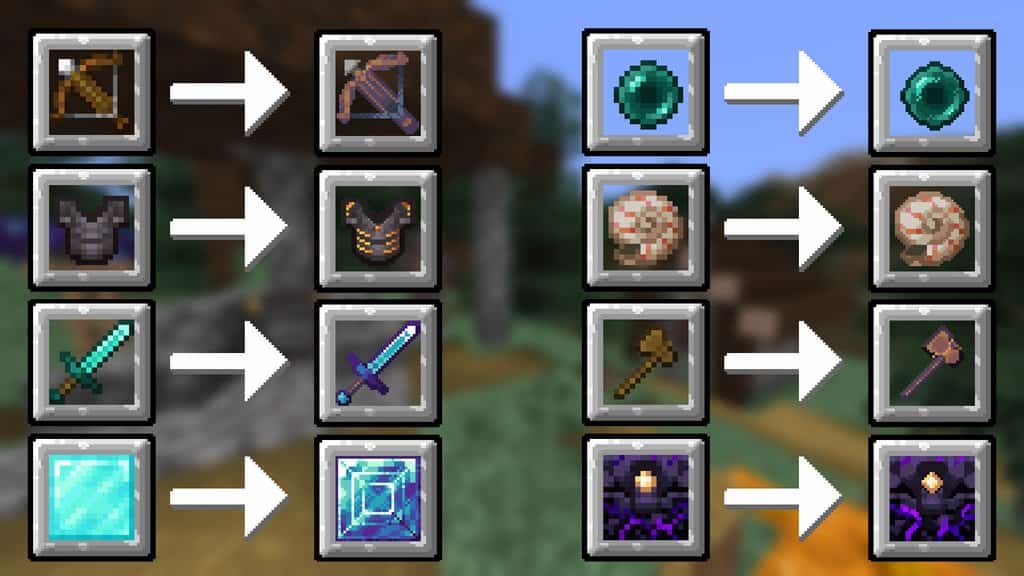
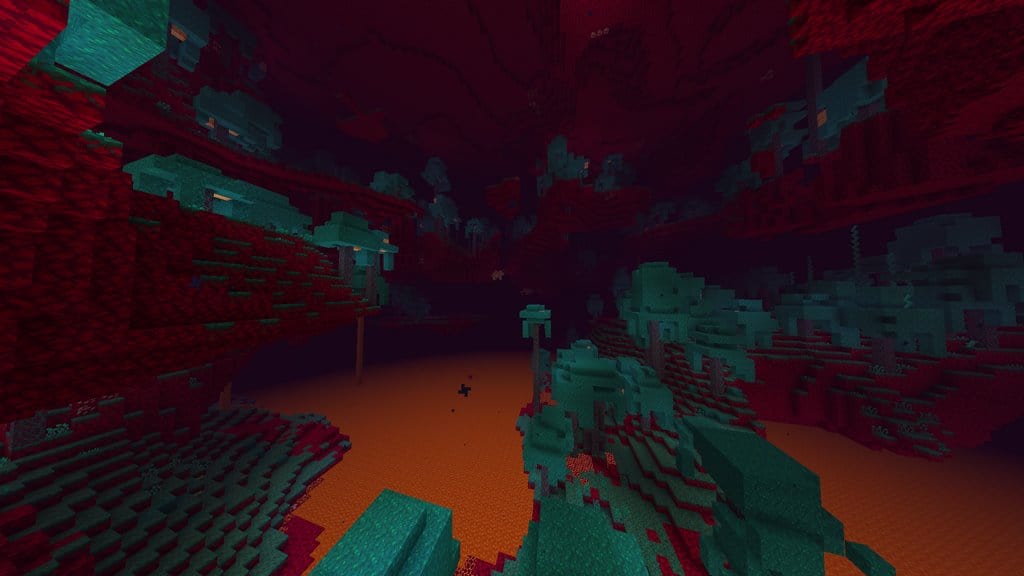
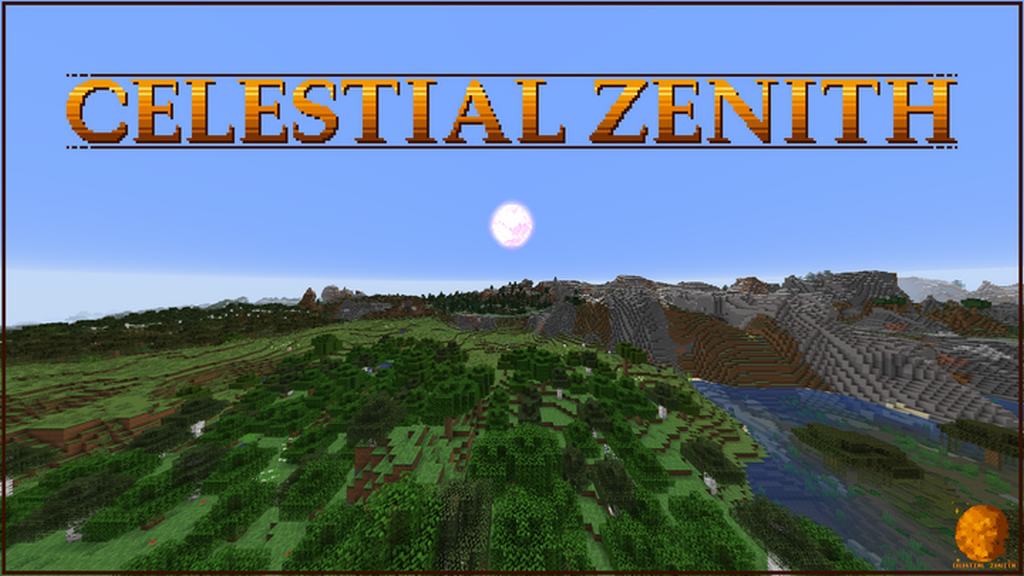
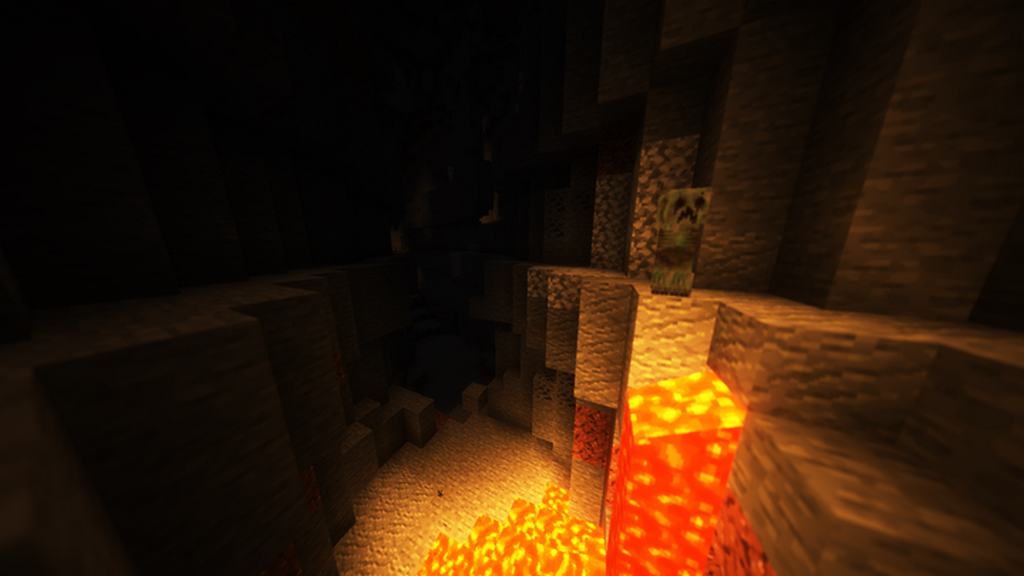
Are you looking to seriously upgrade your Minecraft visual experience while keeping that classic, nostalgic vibe alive? You really need to give the Celestial Zenith resource pack a try. This pack is masterfully designed to freshen up the game’s graphics while ensuring Minecraft’s iconic style remains completely untouched. While it might not reinvent the wheel, what it lacks in pure novelty it completely makes up for in flawless execution. It takes the original visual presentation of Minecraft and elevates it to an entirely new tier. It is not trying to be a massive, unrecognizable graphic overhaul; instead, it is a fantastic change of pace that keeps your gameplay feeling fresh and exciting. When you load up your world with the Celestial Zenith resource pack active, you will immediately notice plenty of comforting similarities to the vanilla textures, which is precisely what you want. What you ultimately get out of this pack is a refined improvement over the originals, something veteran players who have spent years in the game will truly appreciate and fall in love with.
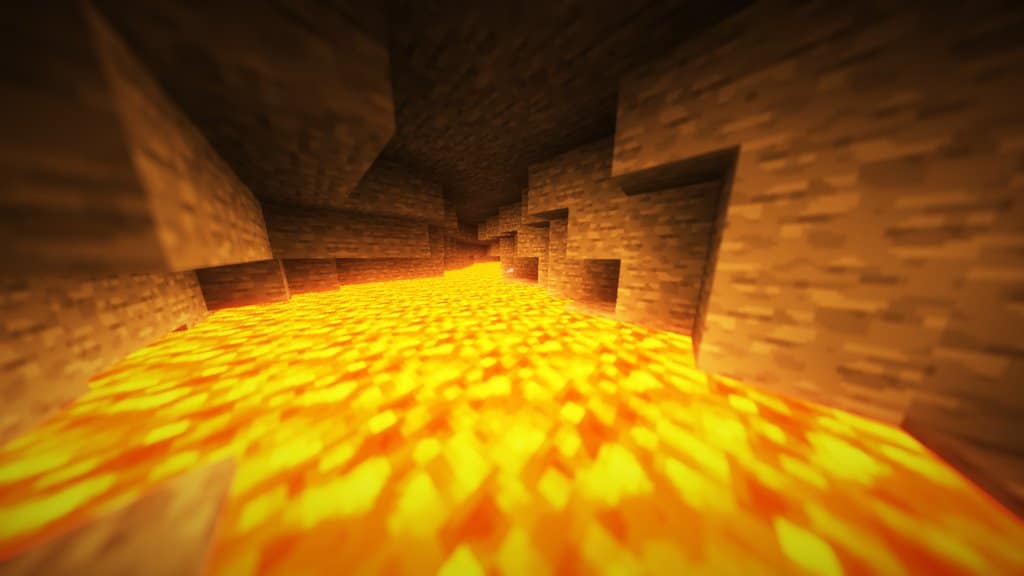
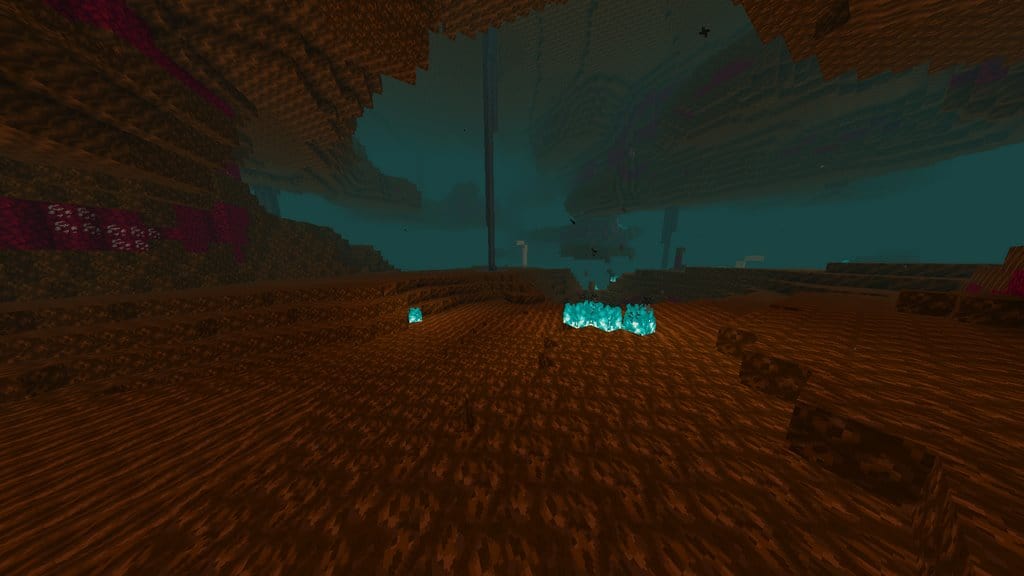
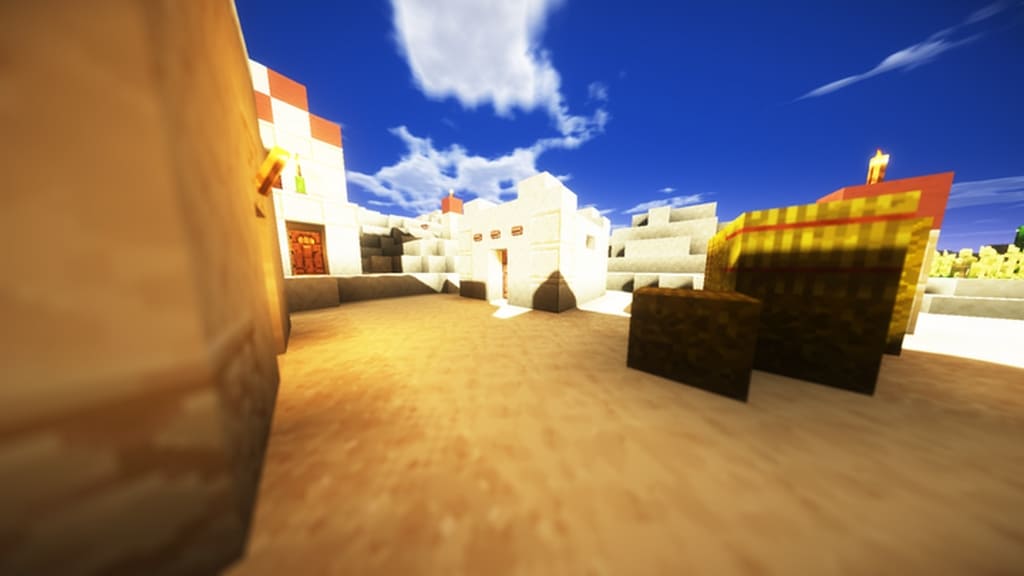
The single biggest improvement across the entire pack has got to be the incredible texture smoothness. Standard vanilla textures can often feel a bit noisy and lack well-defined details. This is where the Celestial Zenith resource pack truly shines by fixing and polishing all the little things. This small yet remarkably noticeable change becomes instantly obvious the moment you see how clean the grass textures look. It is wonderfully noticeable on almost all ground-based blocks as well. Even though some individual textures stand out more than others, the whole package is a massive visual step up from default Minecraft. Overall, it is an absolute step in the right direction. Instead of sticking with the standard 16x resolution, the Celestial Zenith resource pack bumps things up to a gorgeous 32×32 resolution, which easily explains why everything looks so much more crisp and detailed. Because of this higher resolution, you will definitely want to make sure your computer can handle running it smoothly. If your rig struggles with above-average Minecraft graphics, you might run into some framerate dips that could momentarily hinder your mining and building adventures.
Celestial Zenith should be compatible with all of these Minecraft versions: 1.17.1 – 1.17 – 1.16.5 – 1.16.4 – 1.16.3 – 1.16.2 – 1.16.1 – 1.16 – 1.15.2 – 1.15.1 – 1.15
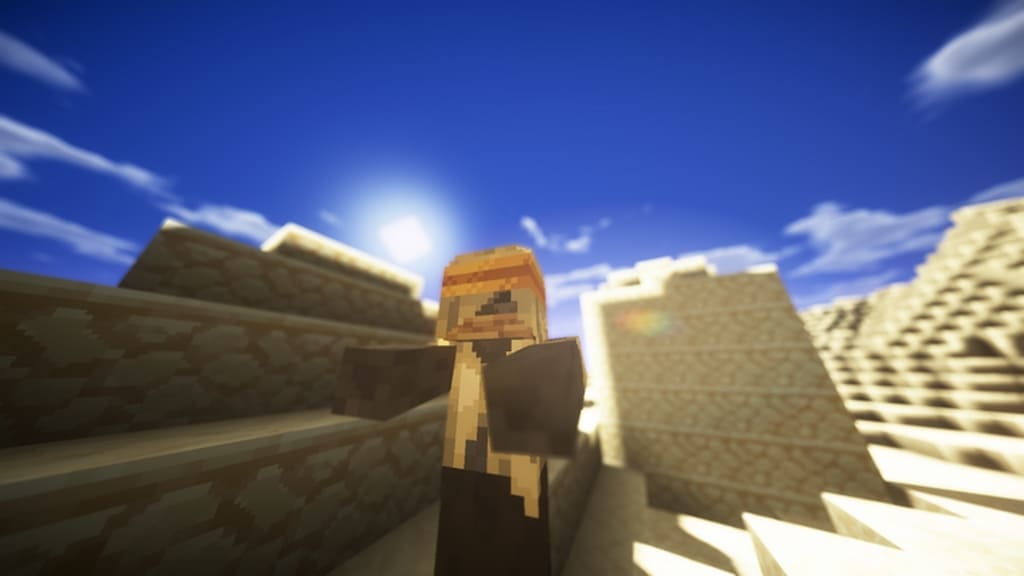
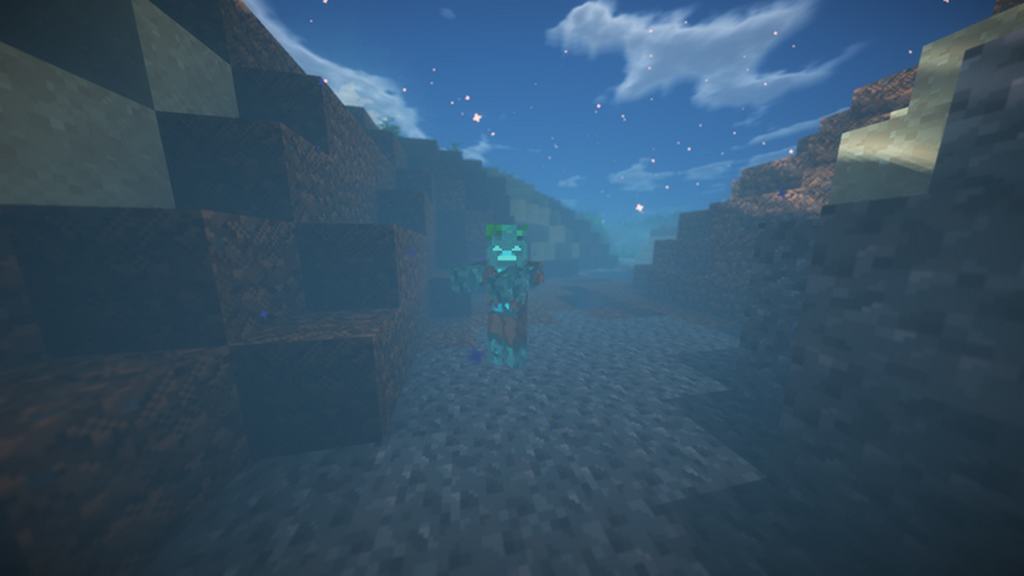
Screenshots
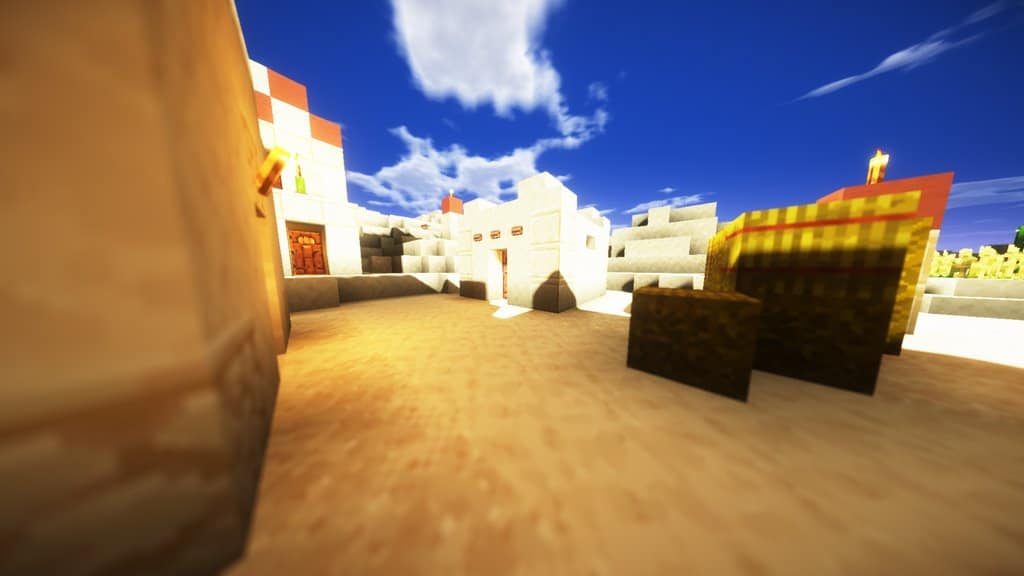
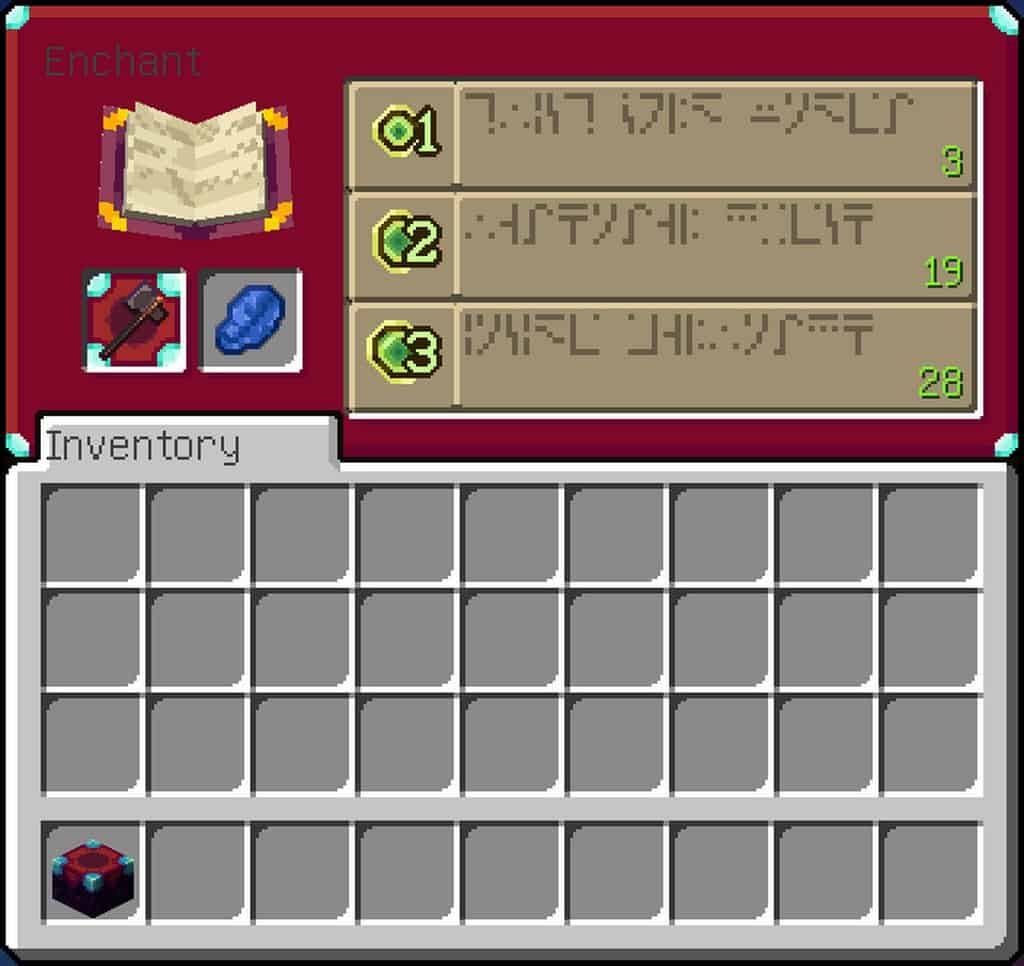
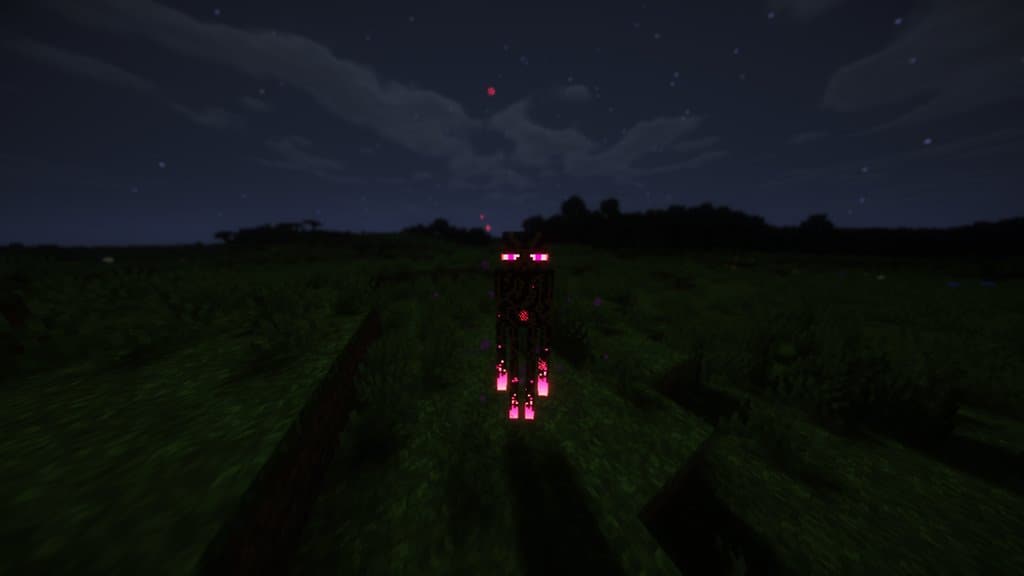
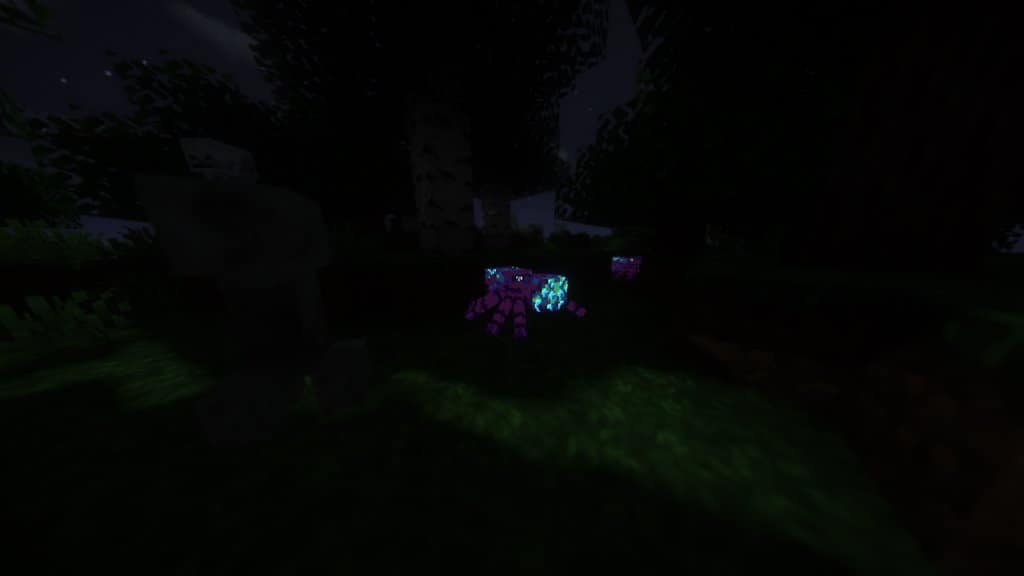
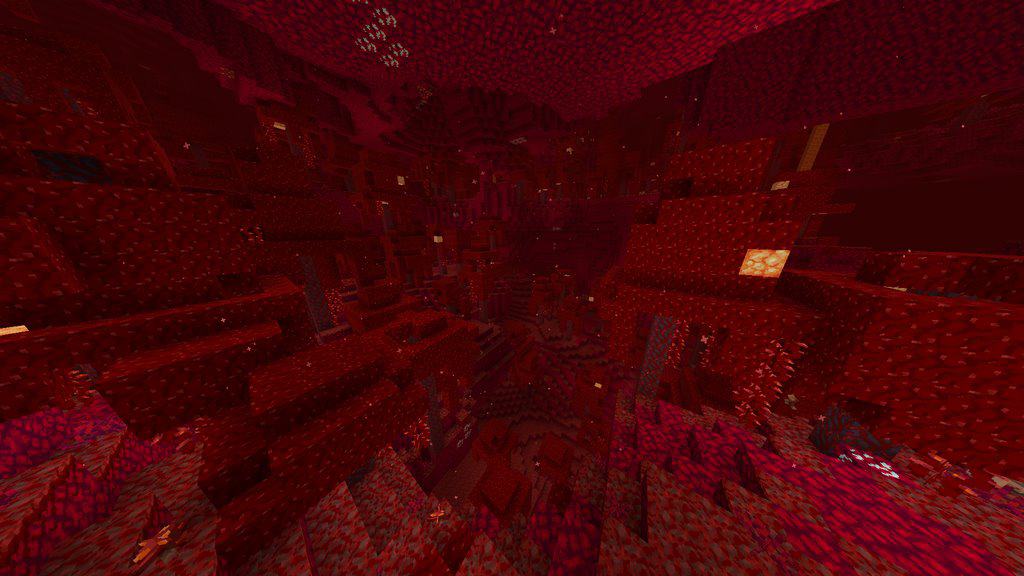
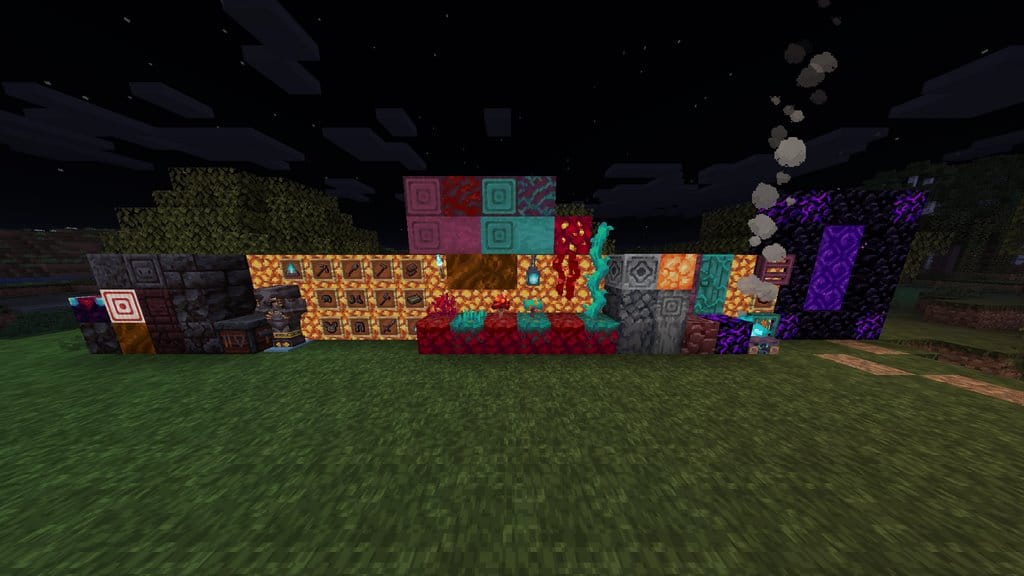
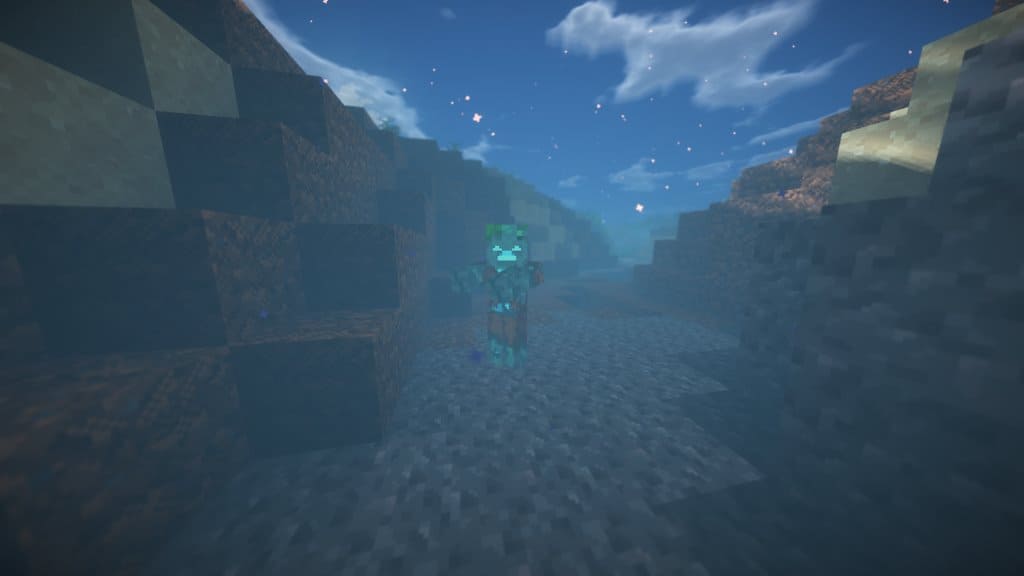
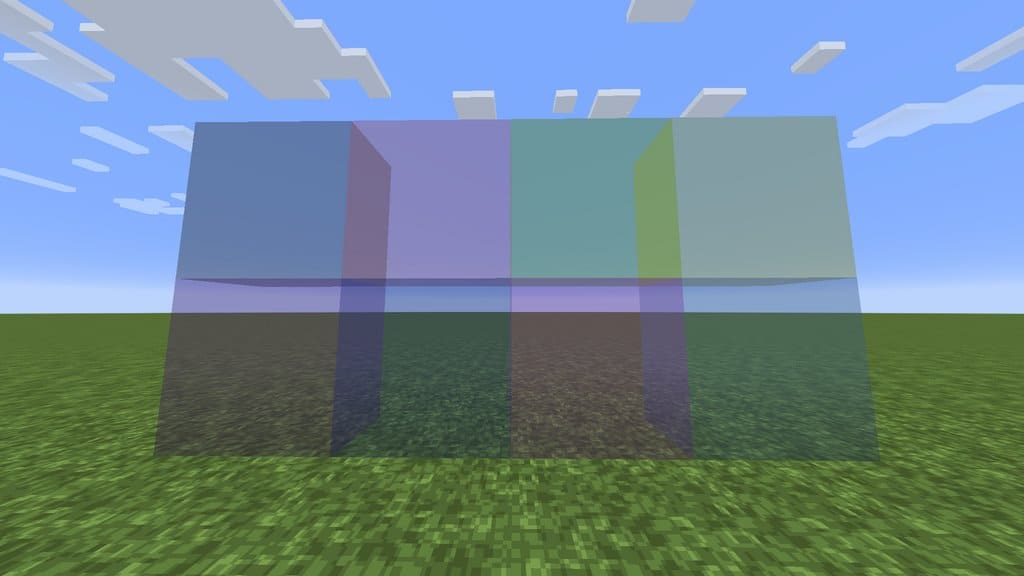
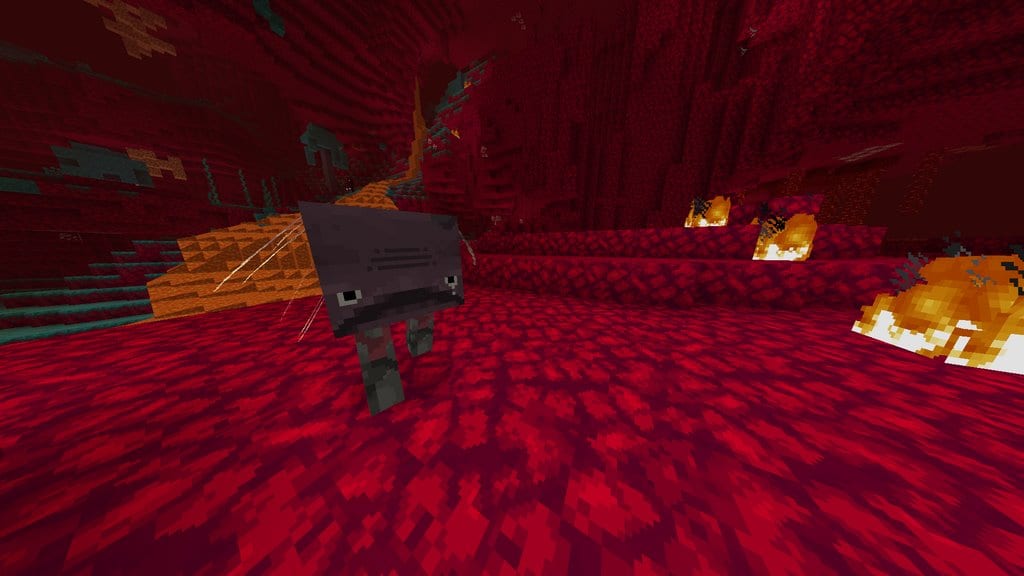
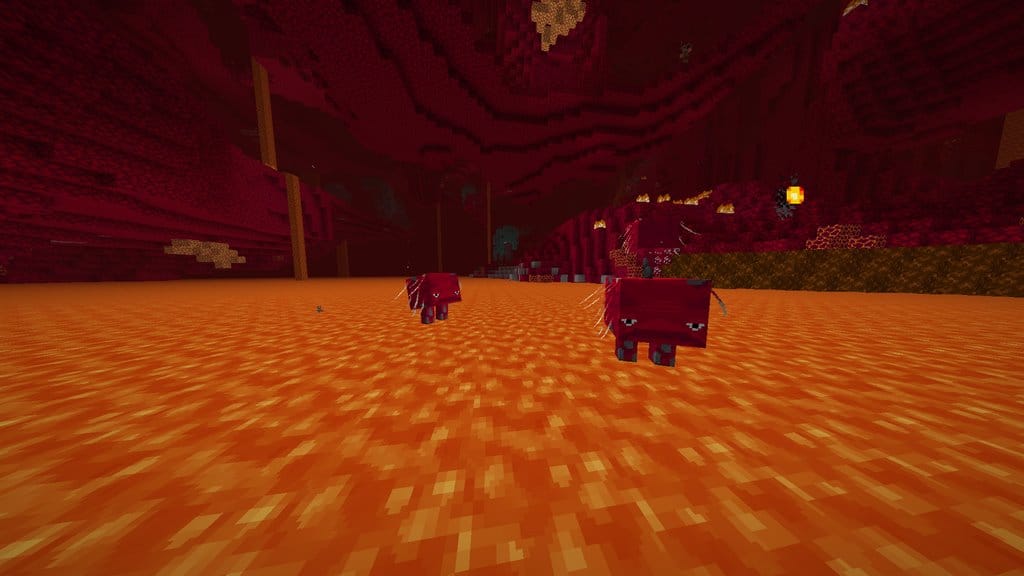
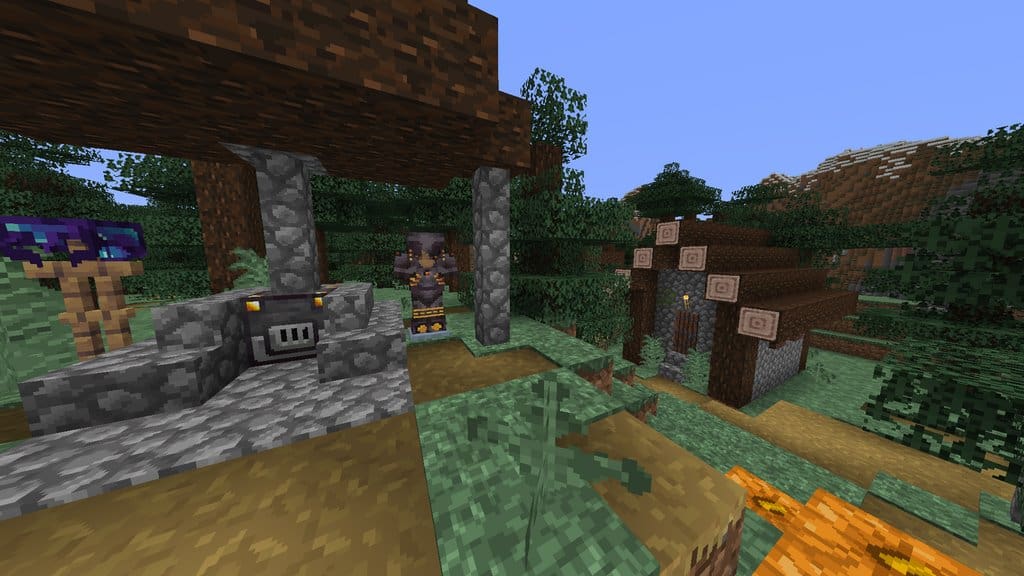
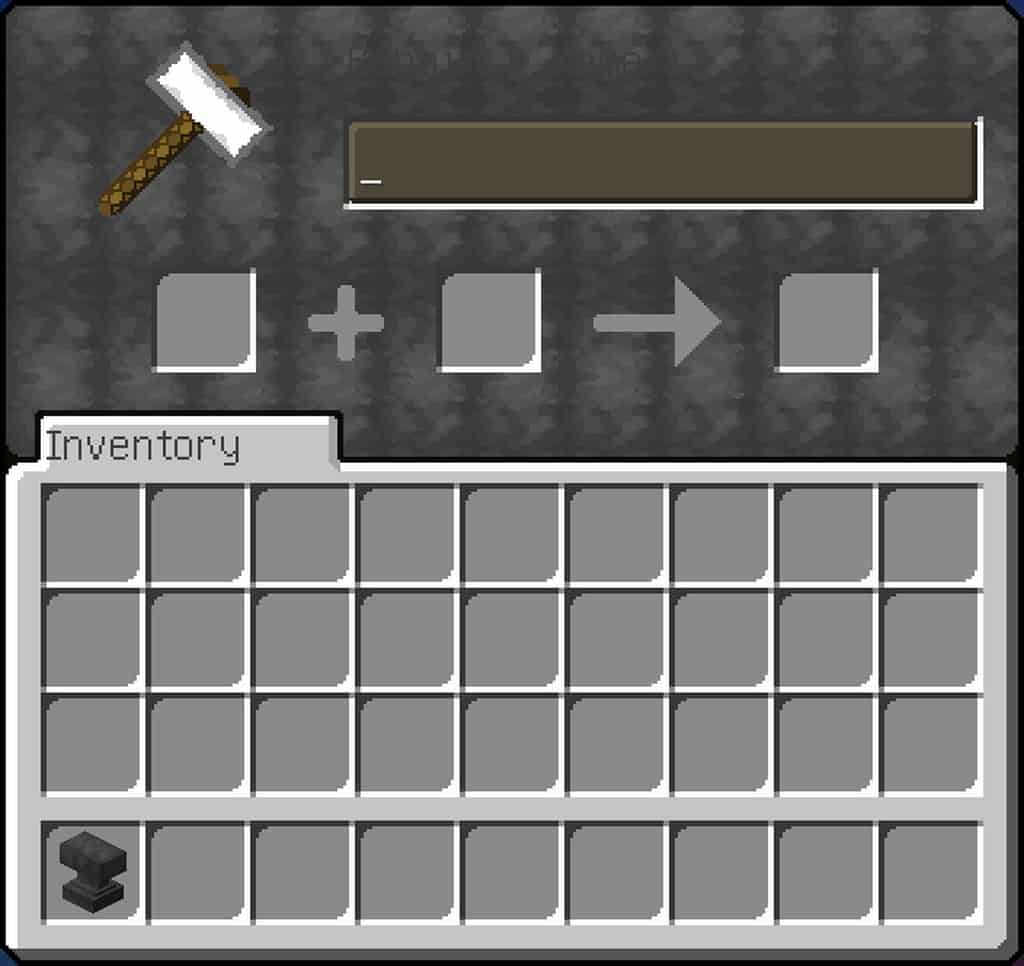

How to Install Texture Pack (Simple 10 Steps)
- Download OptiFine: Most of the texture packs and shaders need OptiFine. That’s why, first download and install OptiFine for the version of Minecraft you want to play.
- Download the Texture Pack: Get the texture pack you want from the download section. Choose the version that works with your Minecraft and your PC’s performance.
- Open Minecraft Launcher: Start Minecraft using the official game launcher — or even TLauncher, if you use that.
- Go to Options: From the main menu, click on the “Options” button.
- Open Resource Packs: Inside Options, click on “Resource Packs…”.
- Open the Resource Pack Folder: Click on “Open Resource Pack Folder” — this will open a folder named “resourcepacks”.
- Move the Pack File: Copy or move the .zip file you downloaded into that “resourcepacks” folder. (Don’t unzip the file — Minecraft uses it as-is!)
- Go Back and Refresh: Close the folder and click “Done”, then go back into “Resource Packs…” again.
- Activate the Pack: You’ll see the pack on the left side. Hover over it and click the arrow to move it to the right (active side).
Tip: If you get a message that the pack is for a different version, just click “Yes” — it usually works fine. - Click Done and Enjoy: Click “Done” again. Now your pack is ready to use in-game. It’s that easy!
Credits
Credits: The Celestial Zenith resource pack was originally created by Nitgo. We do not claim ownership of this content, nor do we host or modify the original download files. All rights and intellectual property remain with the original author. We strongly encourage you to visit the official creator platforms and support Nitgo for their amazing work.
Download Links
Java Edition
Download Instructions
Curseforge: download starts automatically after a few seconds;
Mediafire: click the big blue button with the text “DOWNLOAD”;
Google Drive: in the top right corner you will see a small download icon (down arrow), click it and the download should start;


