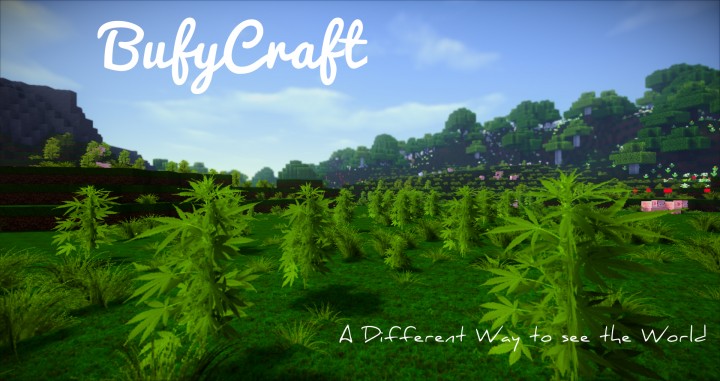
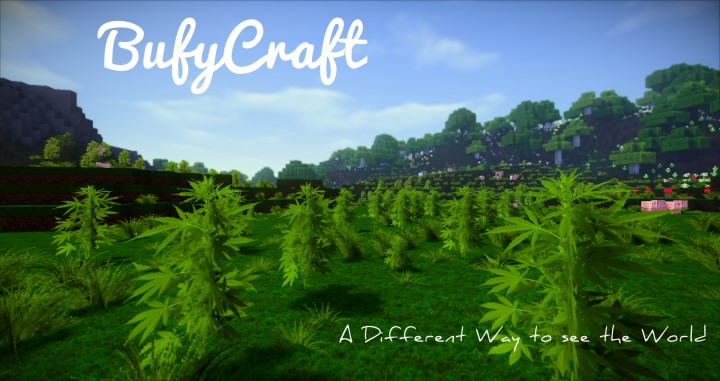
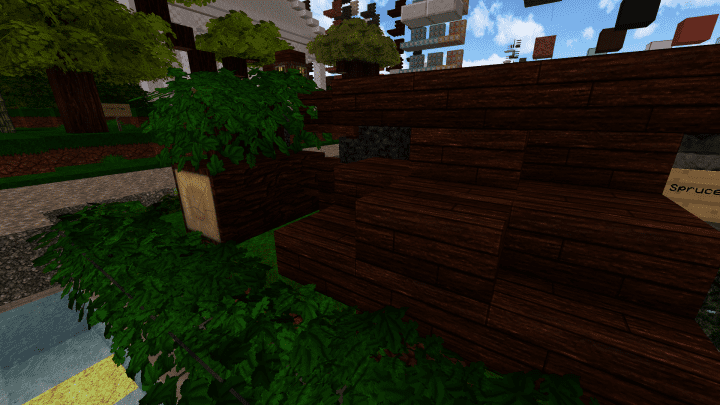
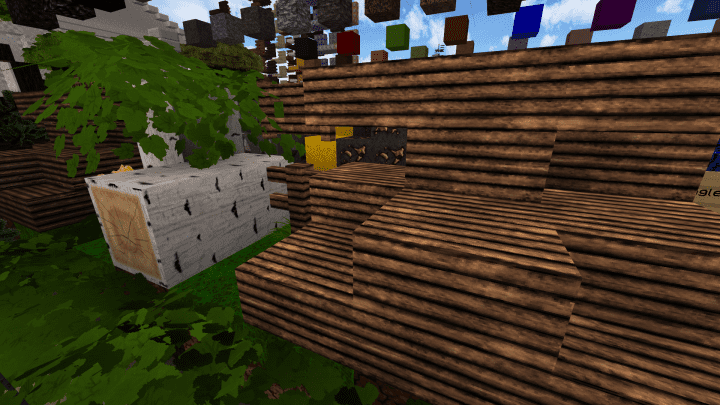
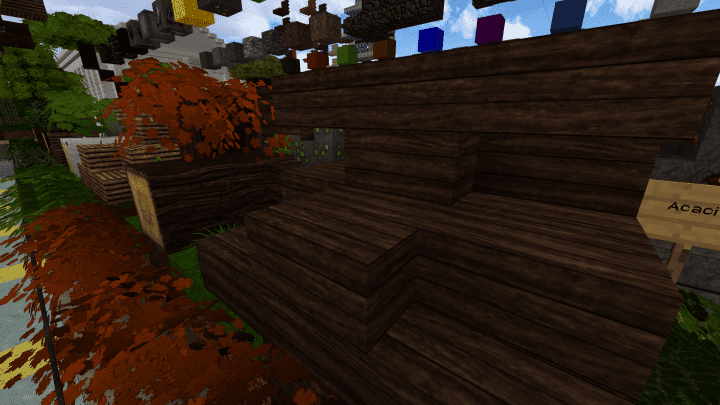
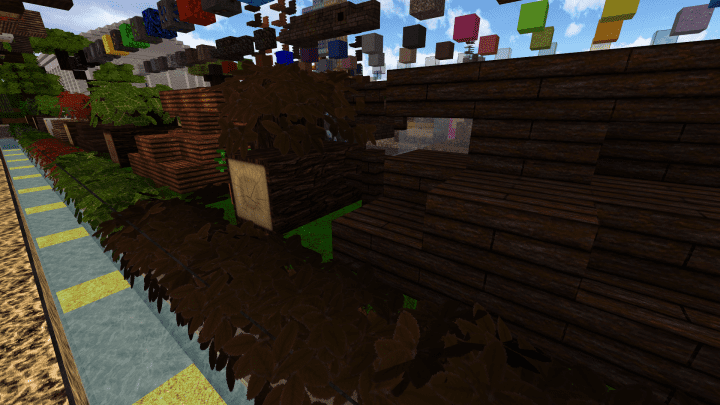
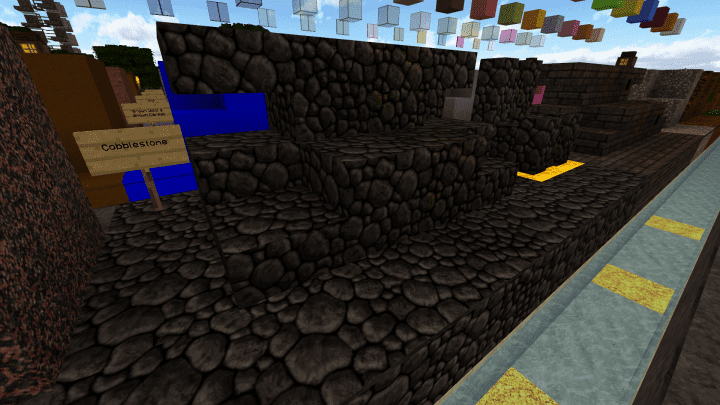
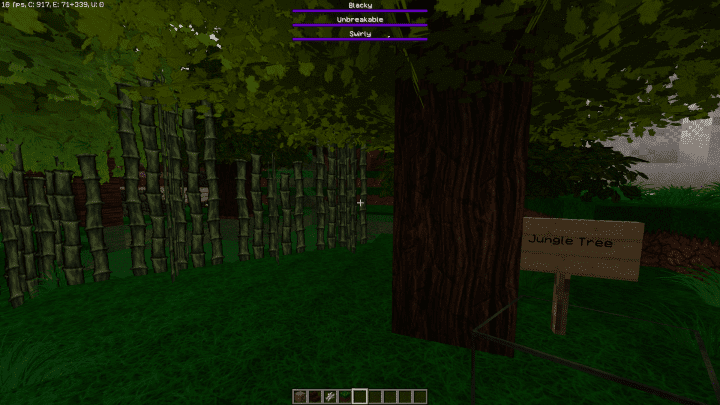
I have been testing out the BufyCraft HD Resource Pack, and it has honestly been around for quite some time now. Even though it was released a few years ago, it still manages to comfortably compete with many modern-day packs out there. In fact, I found that BufyCraft truly stands out as one of the highest quality packs available in its category today. The primary emphasis of the pack is to maintain a strong sense of realism in the game while still bringing wonderfully unique adjustments to the classic formula. Its main purpose is to showcase how classic Minecraft should look and feel. For instance, it comes packed with delightful cartoonish elements embedded right into the textures. These distinct elements offer fantastic contrast, making the game world look far more visually appealing than what many standard packs can achieve. Every single block offers a unique, cool, and highly detailed texture. Living up to the HD in its name, BufyCraft HD comes with a stunning 128×128 resolution, delivering incredibly sharp textures that make everything look much more beautiful and inviting.
The textures are meticulously detailed with amazing visual effects and vibrant, eye-catching colors that really pop. There are so many aspects about this resource pack that blend together seamlessly to give gamers one of the absolute best Minecraft experiences you can find today. Its impressive 3D textures are specially executed and use a parallax occlusion effect to truly work their magic. I should mention, however, that the high resolution of this resource pack can be quite demanding and might be too much for older graphic cards and CPUs. Therefore, gamers who want to run this pack smoothly without running into crashes or annoying lag should definitely consider using a high-quality graphics card and a fast CPU. If you are genuinely interested in an awesome resource pack, you will find BufyCraft to be immensely useful and fun to play with. However, it is worth noting that the BufyCraft resource pack is not a complete overhaul since it mainly emphasizes the standard environmental textures of the Minecraft game. So, if you are specifically searching for a complete resource pack to fully transform every single asset in your Minecraft client, this particular pack might not be ideal for that, and you may want to look further.
BufyCraft should be compatible with all of these Minecraft versions: 1.12.2 – 1.12 – 1.11.2 – 1.11 – 1.10.2 – 1.10
Screenshots

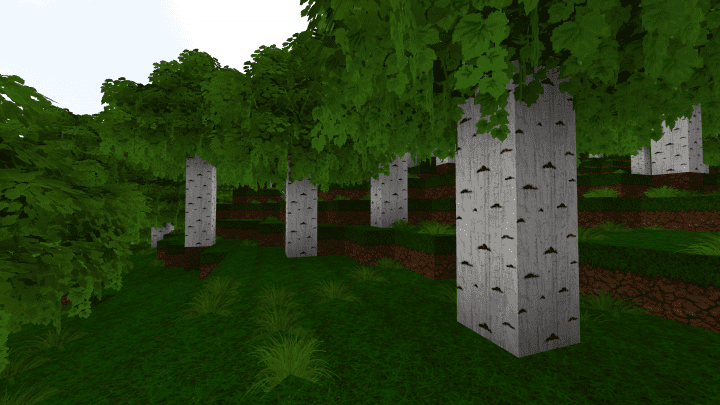
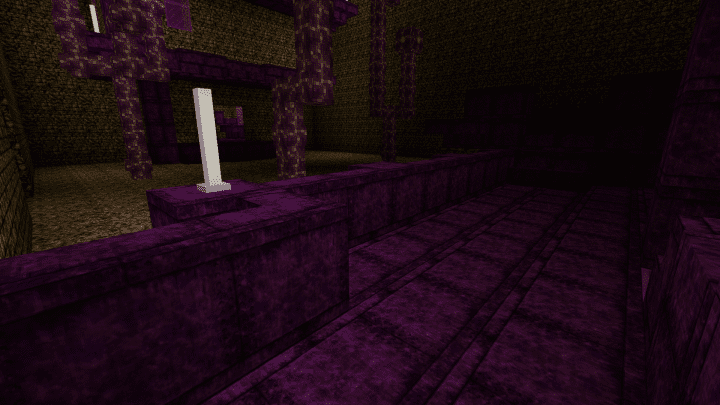
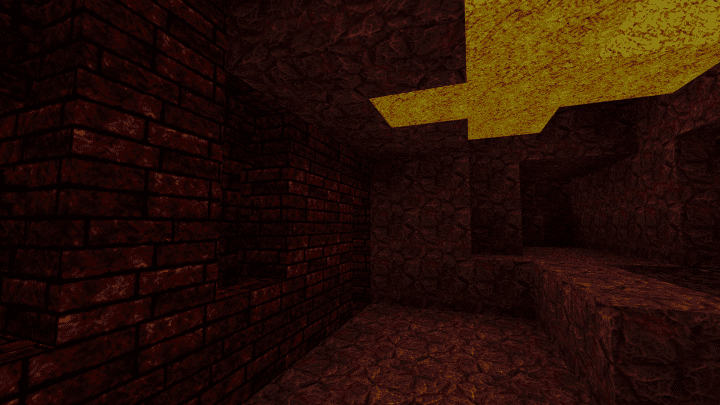
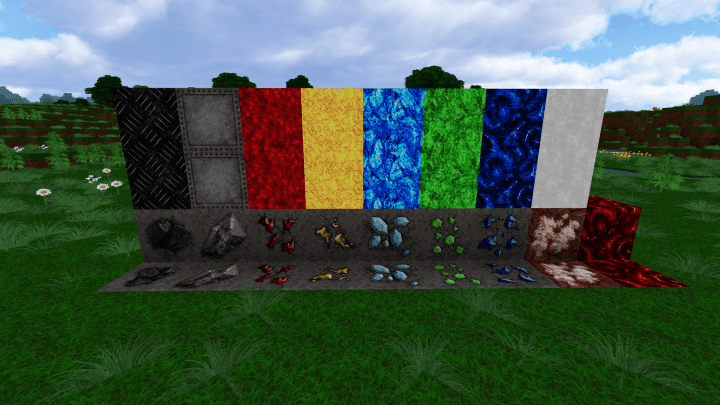
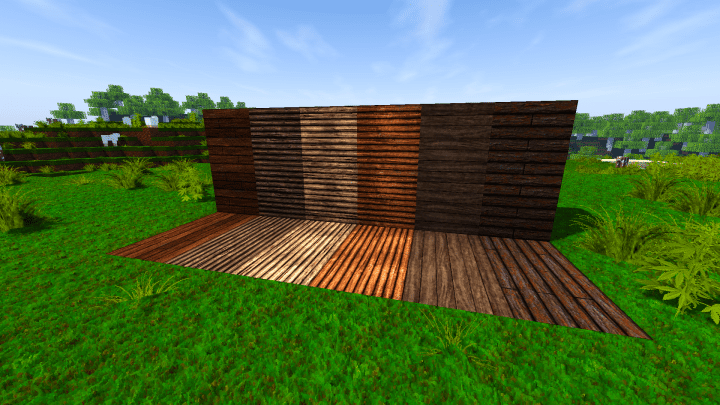
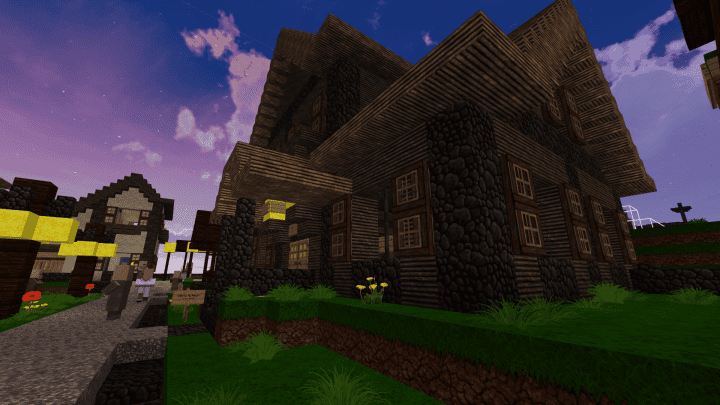
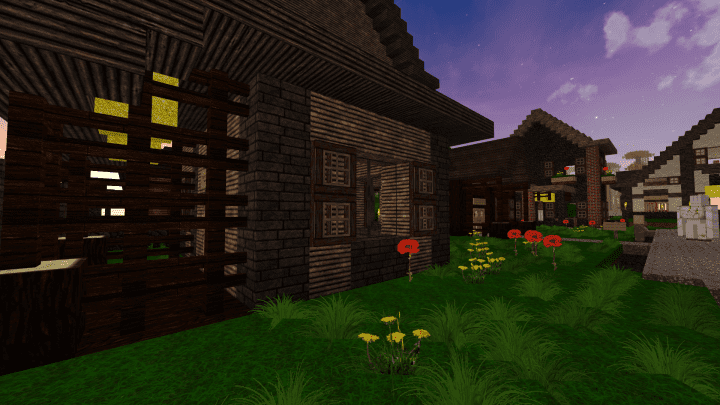
How to Install Texture Pack (Simple 10 Steps)
- Download OptiFine: Most of the texture packs and shaders need OptiFine. That’s why, first download and install OptiFine for the version of Minecraft you want to play.
- Download the Texture Pack: Get the texture pack you want from the download section. Choose the version that works with your Minecraft and your PC’s performance.
- Open Minecraft Launcher: Start Minecraft using the official game launcher — or even TLauncher, if you use that.
- Go to Options: From the main menu, click on the “Options” button.
- Open Resource Packs: Inside Options, click on “Resource Packs…”.
- Open the Resource Pack Folder: Click on “Open Resource Pack Folder” — this will open a folder named “resourcepacks”.
- Move the Pack File: Copy or move the .zip file you downloaded into that “resourcepacks” folder. (Don’t unzip the file — Minecraft uses it as-is!)
- Go Back and Refresh: Close the folder and click “Done”, then go back into “Resource Packs…” again.
- Activate the Pack: You’ll see the pack on the left side. Hover over it and click the arrow to move it to the right (active side).
Tip: If you get a message that the pack is for a different version, just click “Yes” — it usually works fine. - Click Done and Enjoy: Click “Done” again. Now your pack is ready to use in-game. It’s that easy!
Credits
This project was originally created and developed by bufy. We do not claim ownership of this content, nor have we modified the original files. All rights and credits belong entirely to the original creator. We strongly encourage you to support bufy by downloading the pack through their official links and checking out their other work.
Download Instructions
Curseforge: download starts automatically after a few seconds;
Mediafire: click the big blue button with the text “DOWNLOAD”;
Google Drive: in the top right corner you will see a small download icon (down arrow), click it and the download should start;


