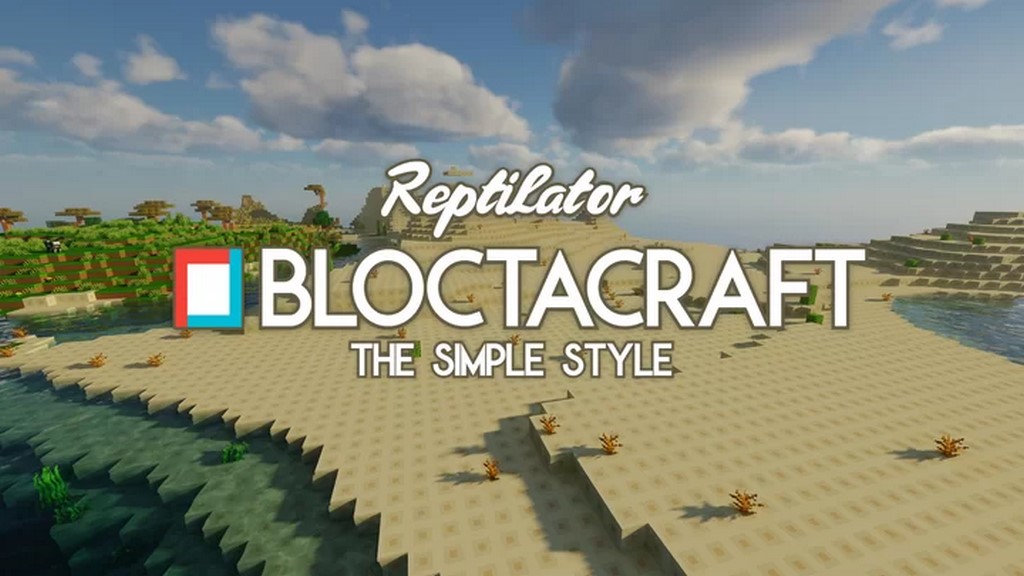
We tested out the novel Bloctacraft pack developed by Reptilator, and we were genuinely impressed by how many users praise the Bloctacraft resource pack every single day for its beautiful design and simple textures. The absolute best part of this texture pack is that it has not compromised the Minecraft game’s fundamental art style at all. While you might have come across several resource packs similar to this one, it is probably the best among the lot because it is quite promising and hits the market with a fresh take on simplicity. One major reason for its widespread admiration is that it completely lacks the apparent flaws that generally hold other resource packs back from becoming genuinely extraordinary. Let us be very honest about this resource pack: while it may not provide any completely innovative additions since it follows a style several other packs already use, it is definitely a resource pack that you must try once because it delivers surprisingly good results. It has successfully provided cleaner and smoother visuals that are much easier on your eyes, completely stripping away unwanted details usually seen in standard Minecraft textures and turning the game into something wonderfully immersive through its smoother-than-ever visual elements.
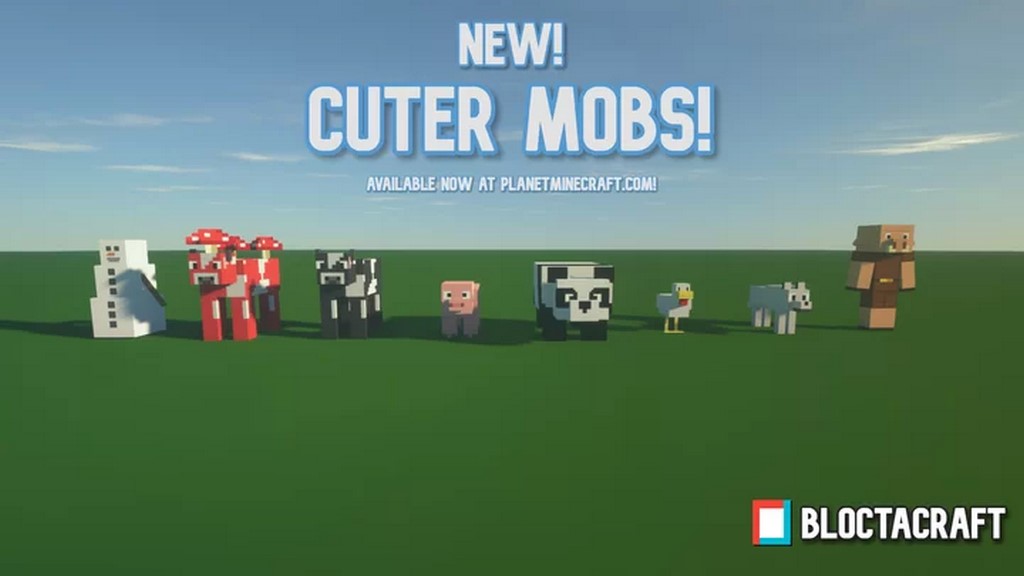
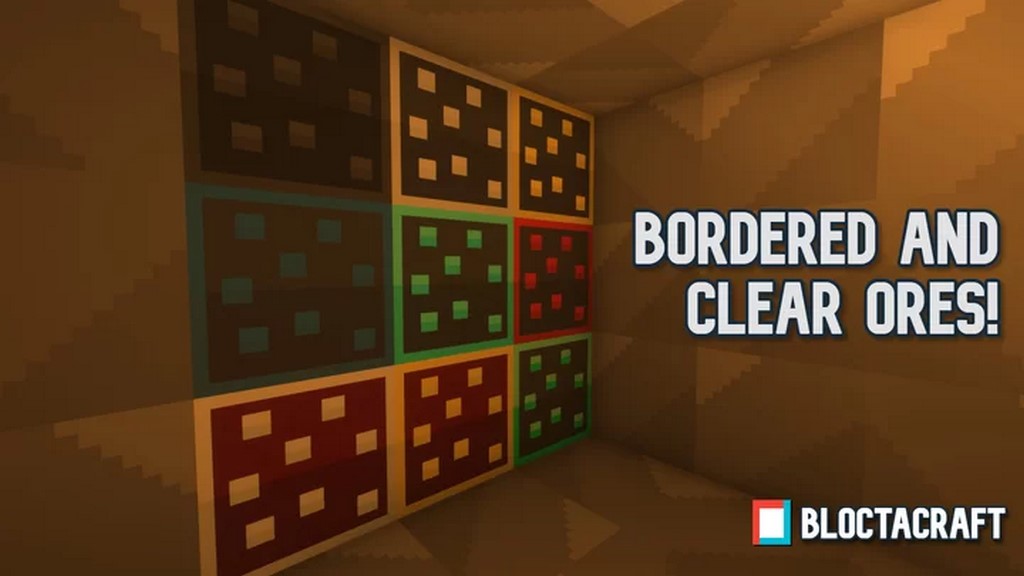
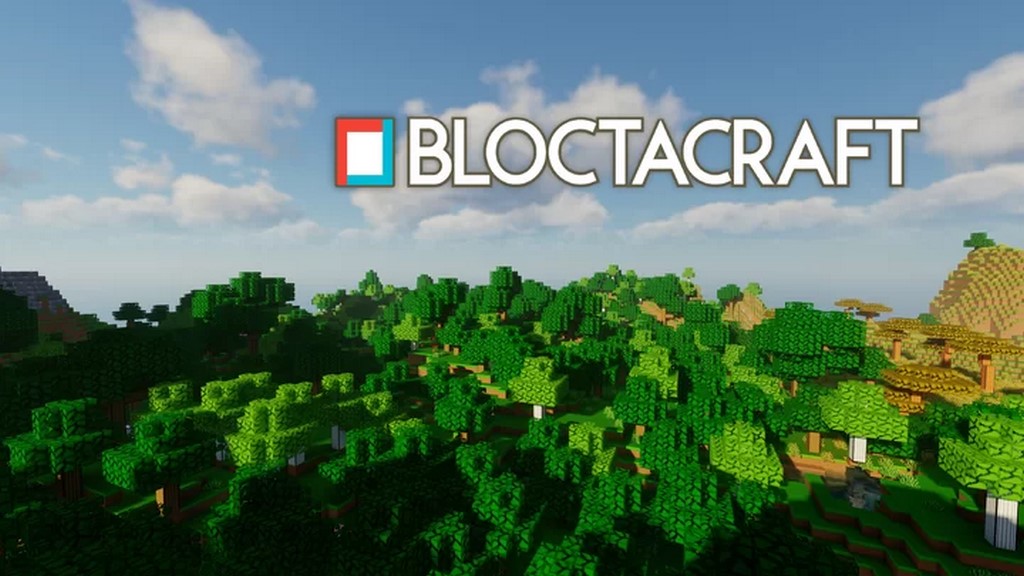
You should note one very vital thing about this resource pack: it endeavors to keep the standard art style and color combination of the Minecraft game completely intact. It has simplified all the textures significantly, and simultaneously, it still has not compromised on the original art style which Minecraft has been using for so many years. If you find the authentic Minecraft style appealing, you are sure to enjoy this pack. When talking about texture detailing, there is hardly anything overly complex, featuring usual clean textures without anything uniquely groundbreaking. However, considering everything it offers, it still manages to introduce exciting visuals supported by vibrant color combinations. You might wonder what makes it so special, and we believe its defining aspect is removing almost every unwanted detail successfully. If you are looking for ultra-high detailing, extreme immersion, or hyper-realism, this might not be your primary choice, but among simplified packs, the Bloctacraft resource pack is undoubtedly a sensible selection. Moreover, as expected, it comes in a default 16x resolution, meaning you will not experience any issues running it at stable FPS; if your computer handles vanilla Minecraft without frame rate problems, you can run this pack smoothly without any drops.
Bloctacraft should be compatible with all of these Minecraft versions: 1.18.2 – 1.18.1 – 1.18 – 1.17.1 – 1.17 – 1.16.5 – 1.16.4 – 1.16.3 – 1.16.2 – 1.16.1 – 1.16
Screenshots

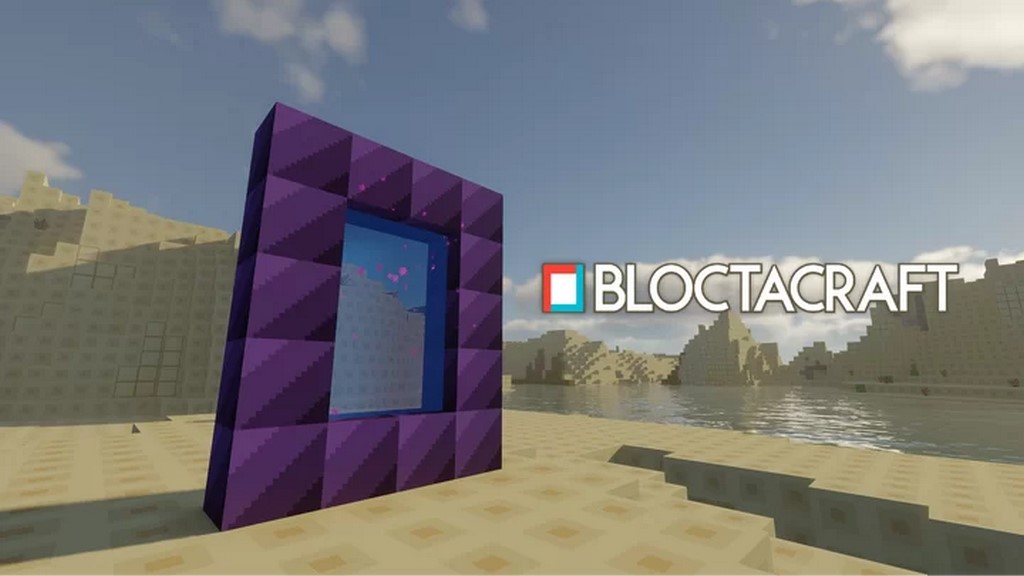
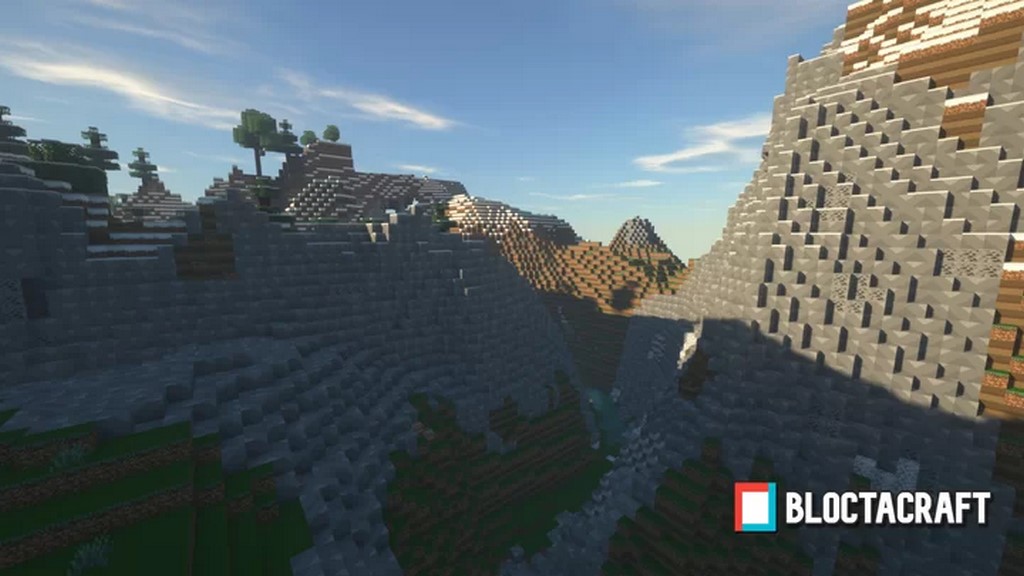
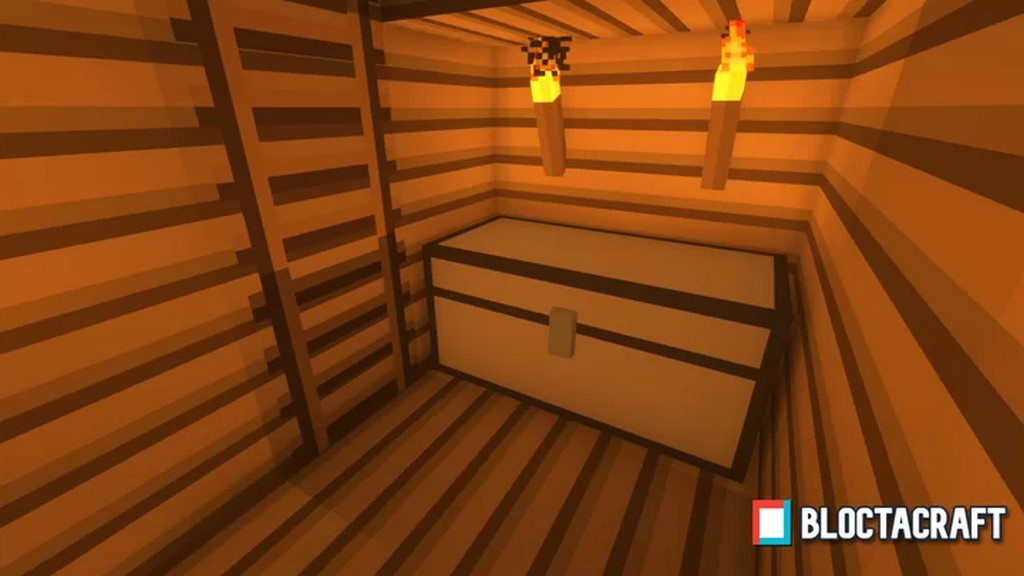
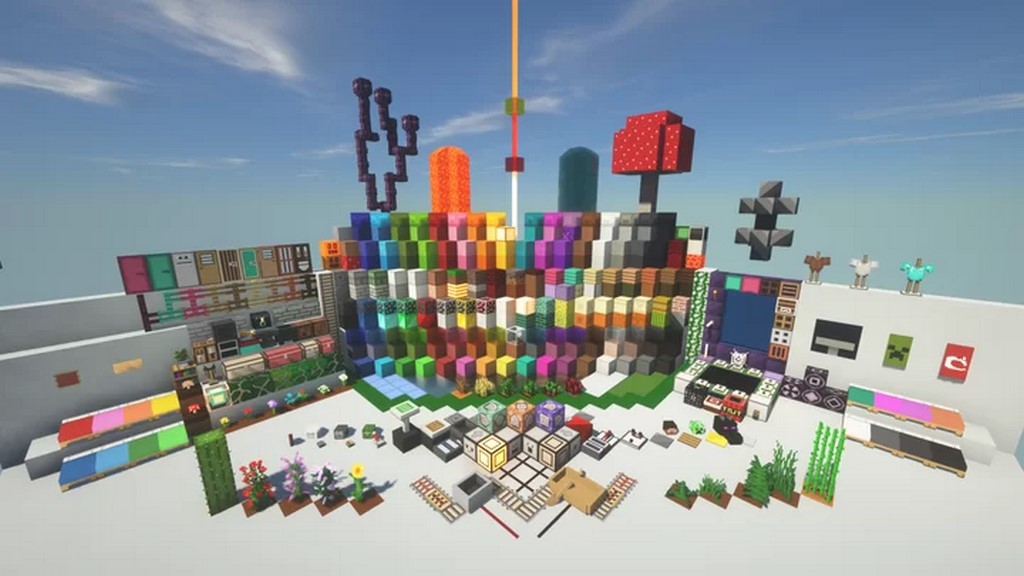
How to Install Texture Pack (Simple 10 Steps)
- Download OptiFine: Most of the texture packs and shaders need OptiFine. That’s why, first download and install OptiFine for the version of Minecraft you want to play.
- Download the Texture Pack: Get the texture pack you want from the download section. Choose the version that works with your Minecraft and your PC’s performance.
- Open Minecraft Launcher: Start Minecraft using the official game launcher — or even TLauncher, if you use that.
- Go to Options: From the main menu, click on the “Options” button.
- Open Resource Packs: Inside Options, click on “Resource Packs…”.
- Open the Resource Pack Folder: Click on “Open Resource Pack Folder” — this will open a folder named “resourcepacks”.
- Move the Pack File: Copy or move the .zip file you downloaded into that “resourcepacks” folder. (Don’t unzip the file — Minecraft uses it as-is!)
- Go Back and Refresh: Close the folder and click “Done”, then go back into “Resource Packs…” again.
- Activate the Pack: You’ll see the pack on the left side. Hover over it and click the arrow to move it to the right (active side).
Tip: If you get a message that the pack is for a different version, just click “Yes” — it usually works fine. - Click Done and Enjoy: Click “Done” again. Now your pack is ready to use in-game. It’s that easy!
Credits
Credits to Reptilator for creating the Bloctacraft resource pack. We acknowledge that the original ownership belongs to the creator, and we do not claim ownership or modify the files. We strongly encourage players to support the creator and their original download links.
Download Instructions
Curseforge: download starts automatically after a few seconds;
Mediafire: click the big blue button with the text “DOWNLOAD”;
Google Drive: in the top right corner you will see a small download icon (down arrow), click it and the download should start;


